
The 2026 Guide to GMS Certified Mobile POS: Why Global Integrators Choose SUNTEK SM1
For software integrators and payment solution providers, hardware flexibility matters as much as software capability. In mobile POS deployment, battery design, operating system environment, screen interaction, and customization support can all affect rollout efficiency across different markets.
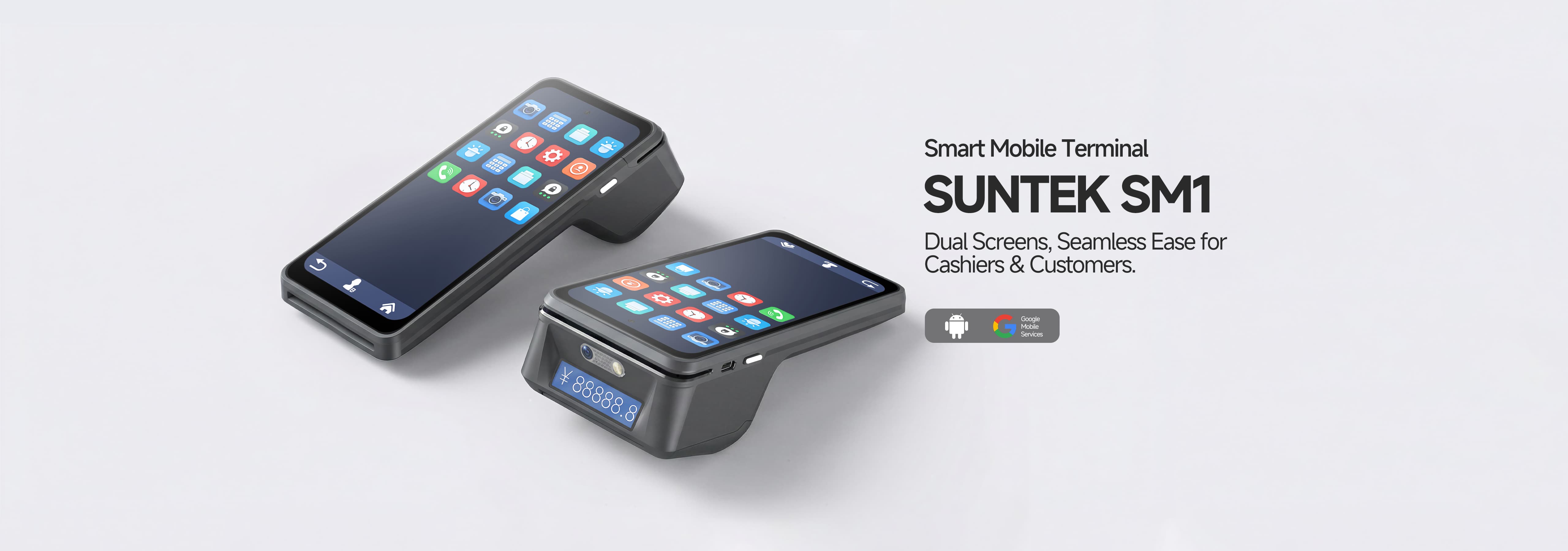
A GMS-certified mobile POS such as the SUNTEK SM1 is designed to provide a more standardized Android environment for deployment, while also addressing practical hardware needs such as removable battery support, dual-screen interaction, and ODM customization. For projects expanding into Europe, Latin America, and the Middle East, these factors can make integration and long-term device management more predictable.
1. Removable Battery Design for Continuous Operation
Battery design remains an important issue in handheld commercial devices. In many delivery, warehouse, and field-service scenarios, device availability directly affects daily operations.
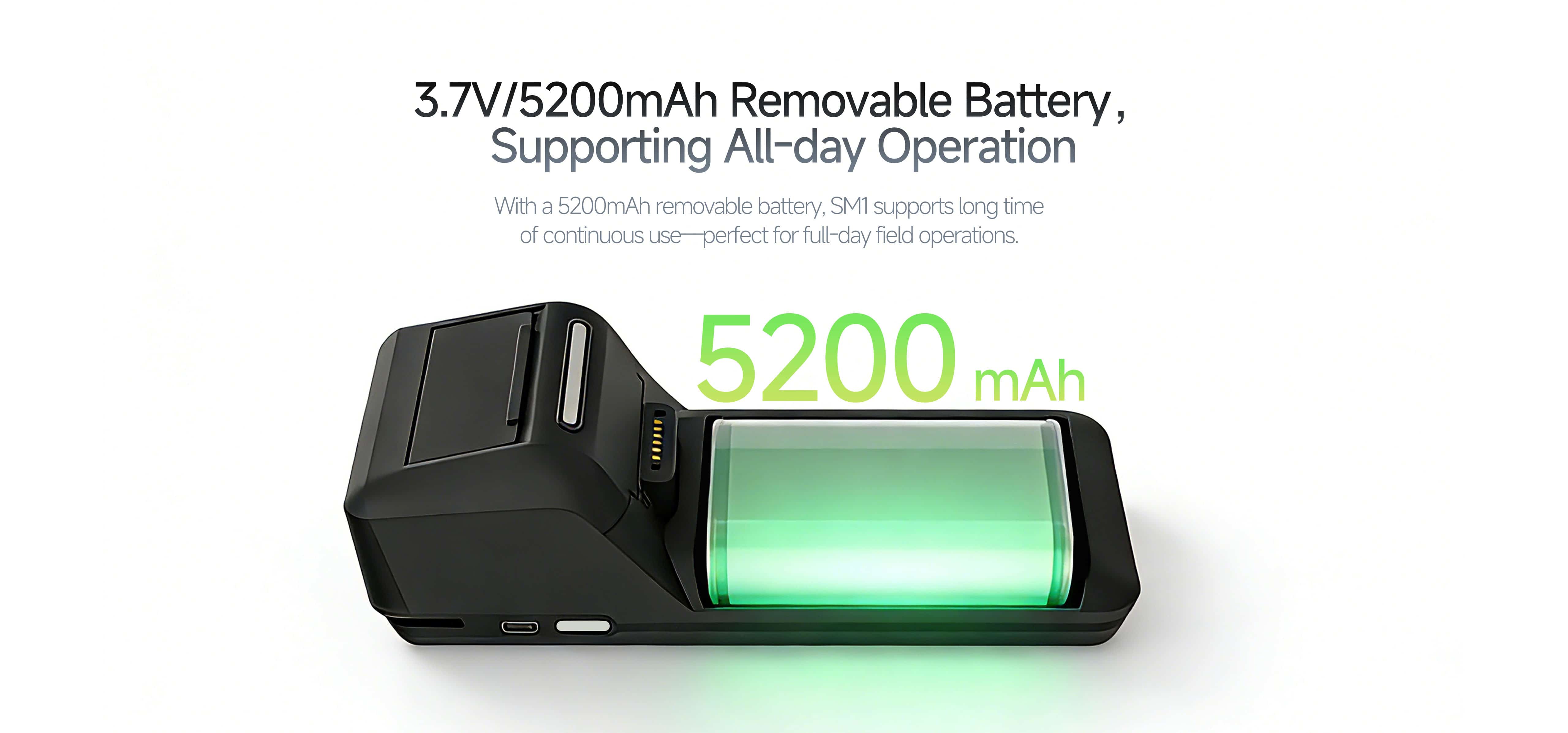
The SM1 uses a 3.7V / 5200mAh removable lithium polymer battery, making it more suitable for working environments where shift-based battery replacement is preferred over fixed charging downtime. This helps reduce interruption risk during longer or higher-intensity operating periods.
“In high-frequency sectors such as logistics and food delivery, battery interruption can affect operating continuity. This is why removable battery design remains important for many enterprise handheld deployments.”
— Product perspective from SUNTEK
2. Dual-Screen Design for Better Transaction Visibility
Many handheld POS terminals use a single-screen structure. While this is sufficient for basic operation, it can limit customer visibility during the payment process.
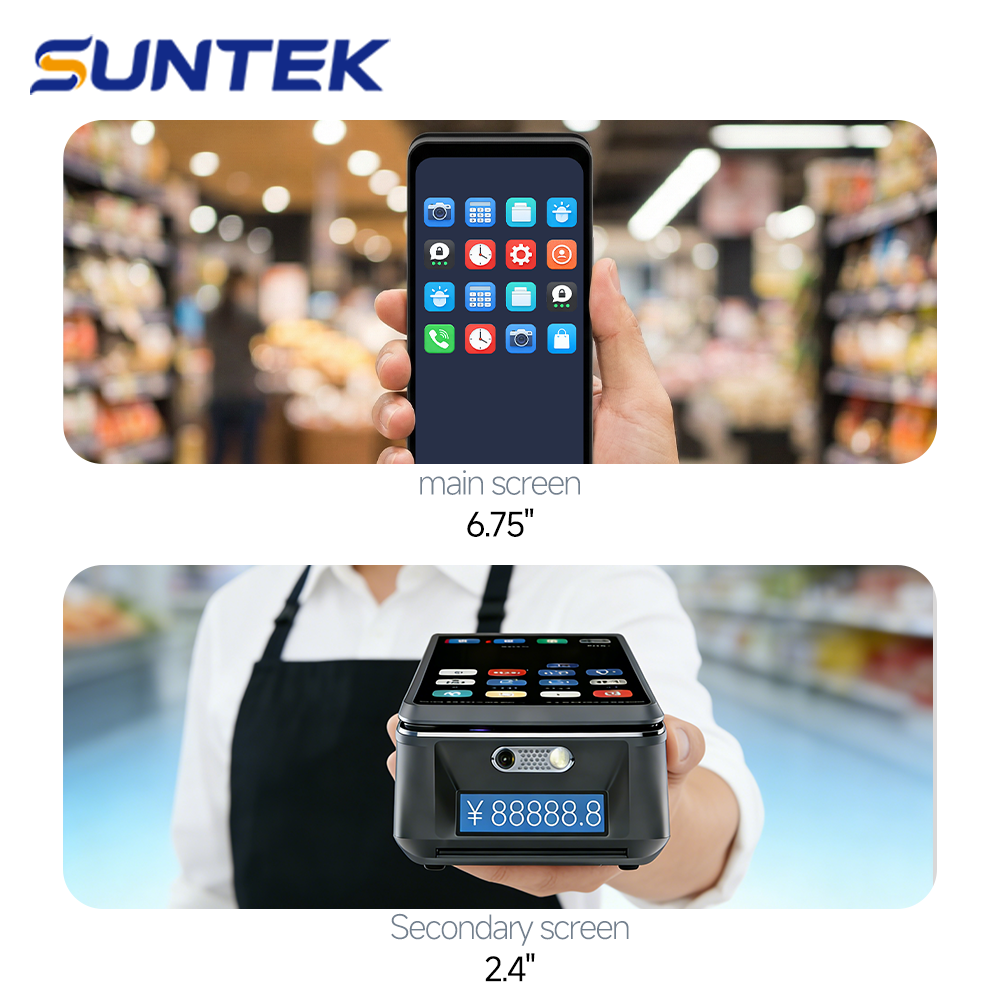
The SM1 is designed with a 6.75-inch HD IPS main touchscreen and a 2.4-inch color secondary display. This dual-screen layout can be used to display transaction amounts, QR codes, or customer-facing information during checkout. Combined with a built-in 58mm thermal printer with 70mm/s printing speed, it supports a more complete handheld payment workflow.
3. SM1 Compared with Typical Mobile POS Designs
| Feature | Typical Mobile POS Design | SUNTEK SM1 |
| Battery | Often built-in and non-removable | 5200mAh removable battery |
| Screen setup | Usually single-screen | Dual-screen design (6.75-inch main + 2.4-inch secondary display) |
| Operating system | May vary by vendor and software environment | Android 15 |
| Google services support | May differ depending on platform and market | GMS certified |
| Printing speed | Varies by model | 70mm/s thermal printing |
| Customization flexibility | May depend on supplier model and volume | Supports ODM customization with more flexible cooperation options |
4. Android 15 and GMS Certification for International Deployment
For software deployment across international markets, operating system consistency is a practical concern. Devices with a more standardized Android environment can reduce adaptation complexity for application installation, push services, device management, and long-term maintenance.
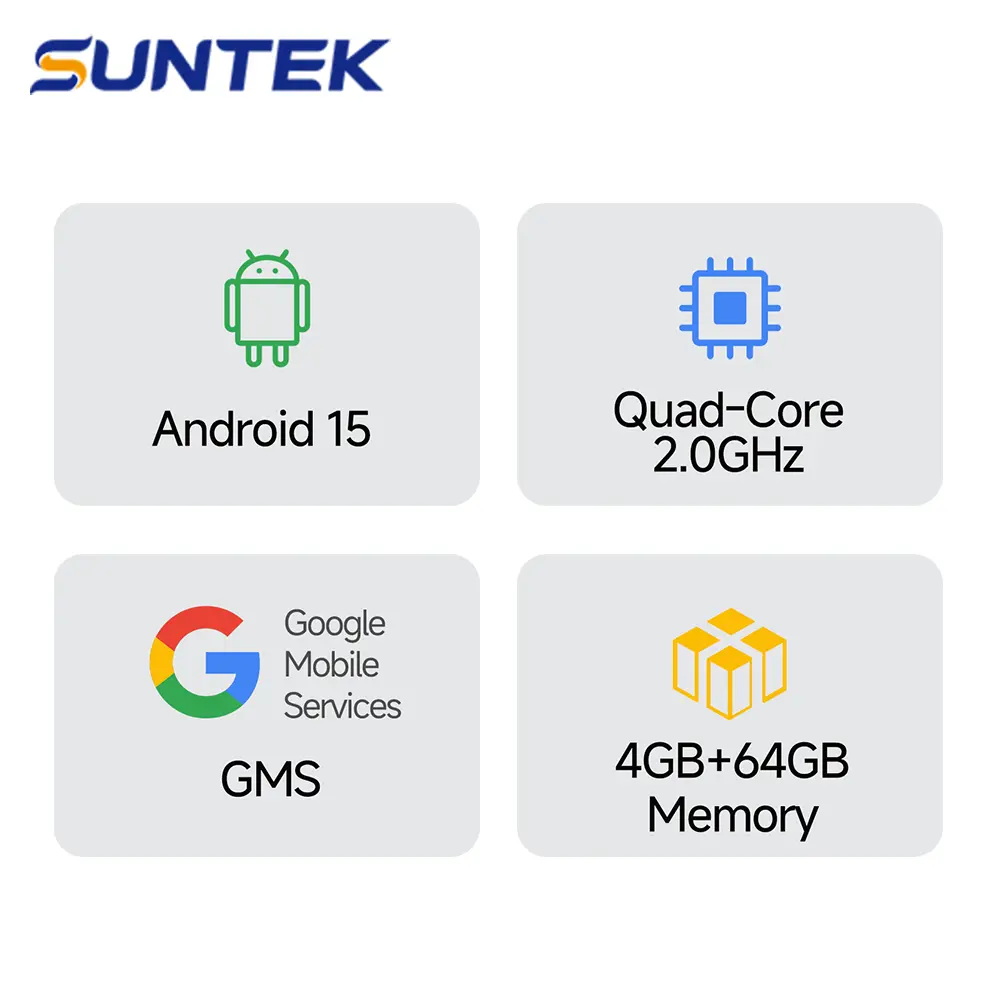
The SUNTEK SM1 runs on Android 15 and is designed as a GMS-certified mobile POS terminal. For partners targeting Europe, Latin America, and the Middle East, this can support a more predictable deployment path when Google-related service compatibility is required.
“For software integrators, a predictable Android environment matters. GMS certification and a current Android version can reduce deployment friction in multi-market projects.”
— Market perspective from SUNTEK
Powered by an MTK8786 octa-core 2.0GHz processor with 4GB RAM + 32GB ROM, the SM1 is built to support payment applications, MDM-based device management, and broader commercial software use.
5. ODM Customization with More Flexible Project Support
For many software vendors and channel partners, hardware selection is not only about standard specifications. Branding, enclosure design, firmware control, application lockdown, and regional certification requirements can all influence project suitability.
SUNTEK supports ODM customization for the SM1, including options such as custom boot logo, housing customization, firmware-level control, and support for regional compliance needs including CE, FCC, RoHS, and REACH-related requirements. This makes the device more suitable for projects that need a commercial handheld terminal with room for adaptation.
6. Quick Specs Summary: SUNTEK SM1
- OS: Android 15 (GMS Certified)
- Processor: MTK8786, Octa-Core, 2.0GHz
- Memory: 4GB RAM + 32GB ROM, expandable via Micro SD
- Display: 6.75-inch IPS HD touchscreen + 2.4-inch color customer display
- Battery: 3.7V / 5200mAh removable lithium polymer battery
- Printer: Built-in 58mm thermal printer, 70mm/s
- Connectivity: 4G LTE, WCDMA, GPRS, dual-band Wi-Fi, Bluetooth
- Payment and scanning: NFC (ISO14443 Type A/B), 5MP autofocus camera for 2D and 1D barcode scanning
7. Looking for a More Flexible Mobile POS Platform?
If your project requires a handheld payment terminal with removable battery design, dual-screen interaction, GMS-certified Android support, and ODM customization capability, the SUNTEK SM1 offers a more deployment-oriented option for software and hardware integration.
Explore the SUNTEK SM1 product page
Contact SUNTEK to discuss ODM and deployment requirements
About the Author
Taya | Marketing Director
Taya works on international marketing and product communication for SUNTEK, with a focus on commercial terminal hardware, retail technology, and global deployment-oriented content.
About SUNTEK

Since 2010, SUNTEK has focused on smart commercial terminal hardware. The company serves customers in more than 80 countries with product lines covering desktop POS, self-service kiosks, mobile POS, handheld POS, face recognition terminals, and edge AI-related devices.
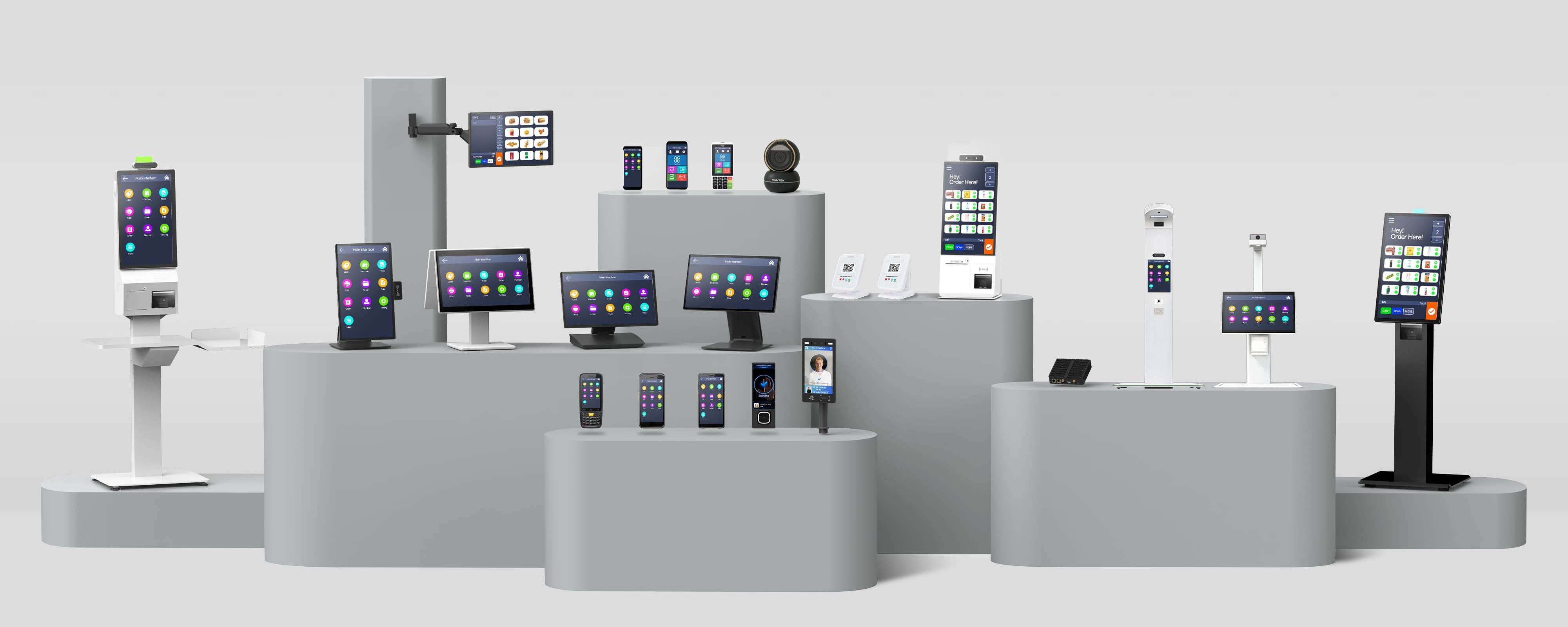
For projects that need commercial hardware with customization support, SUNTEK provides both standard models and ODM-oriented cooperation options.
相关新闻
-
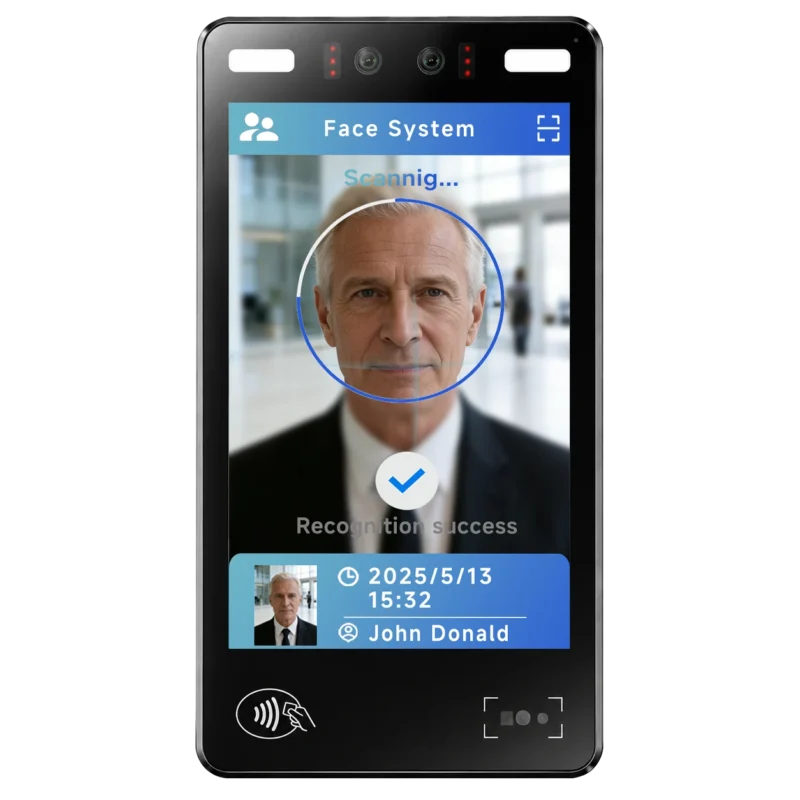
FA10 10.1-Inch AI Facial Recognition Terminal for Smart Access
SUNTEK FA10 10.1-inch AI facial recognition terminal is designed for smart access control, visitor management, attendance, and self-service applicatio…
-
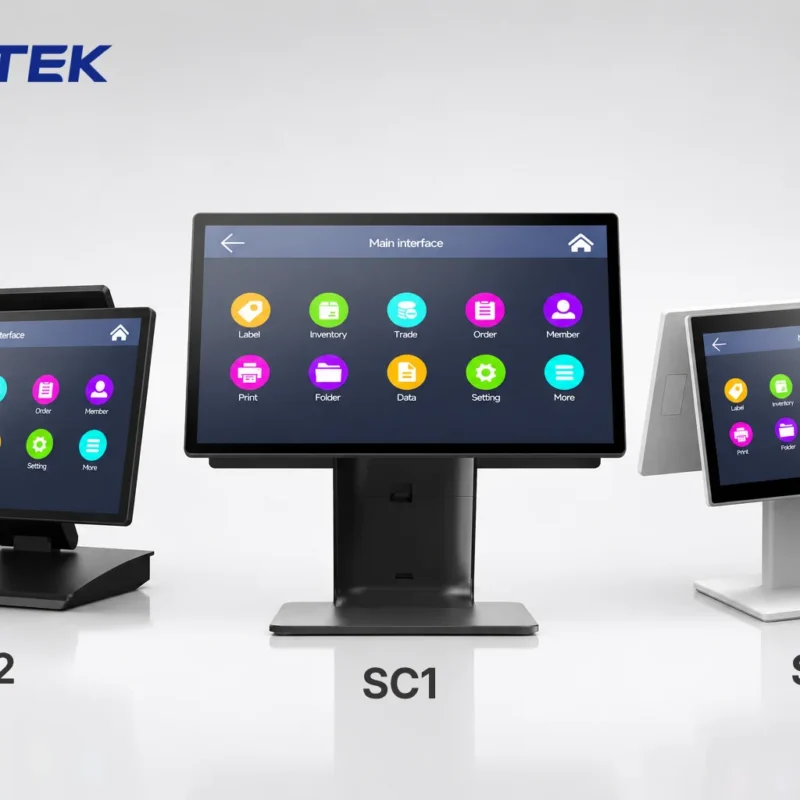
How to Choose the Right POS Terminal: SC1 vs SC2 vs SC6
Selecting the right POS terminal depends on your software requirements, hardware expectations and deployment environment. This guide compares SUNTEK S…
-
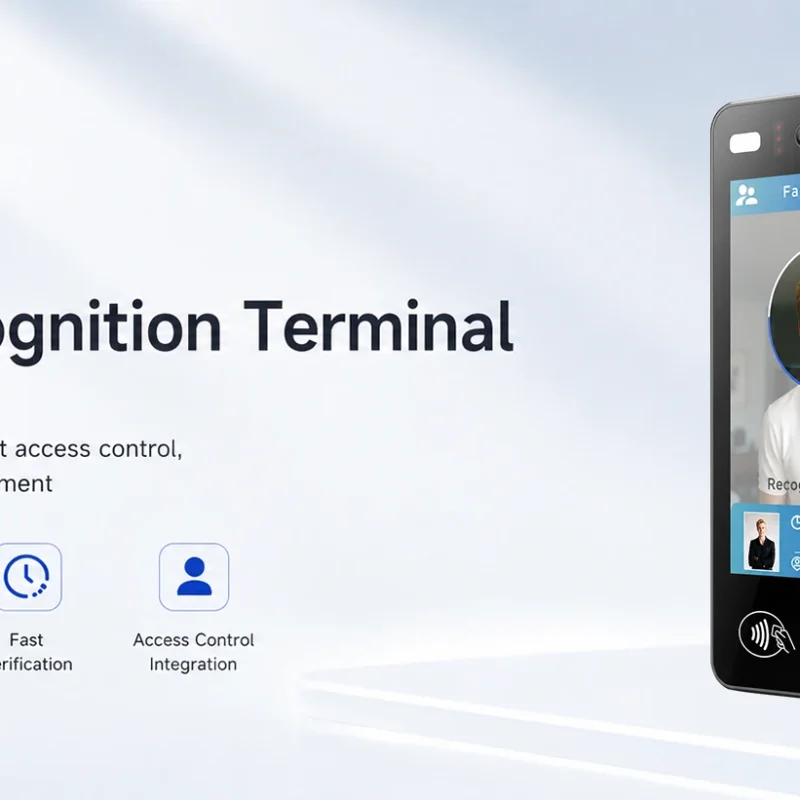
Updated FA8 Facial Recognition Terminal
SUNTEK has updated the FA8 8-inch Android facial recognition terminal with a more refined exterior design, a revised interface configuration, and stro…
-
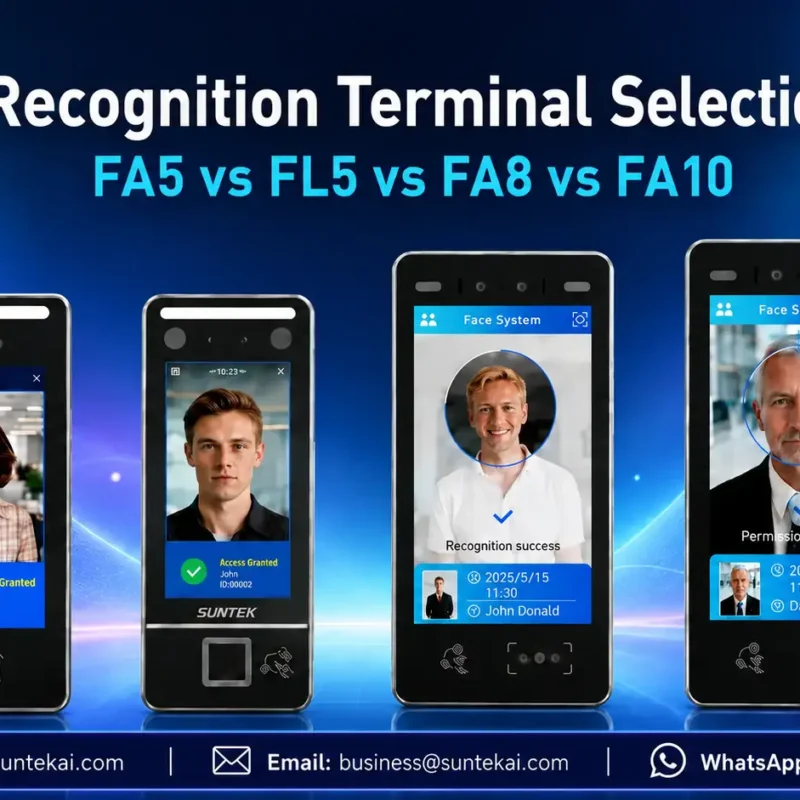
Facial Recognition Terminal Selection Guide: FA5 vs FL5 vs FA8 vs FA10
This guide compares SUNTEK FA5, FL5, FA8, and FA10 to help you choose the right facial recognition terminal for your project. Which SUNTEK Facial Reco…
-
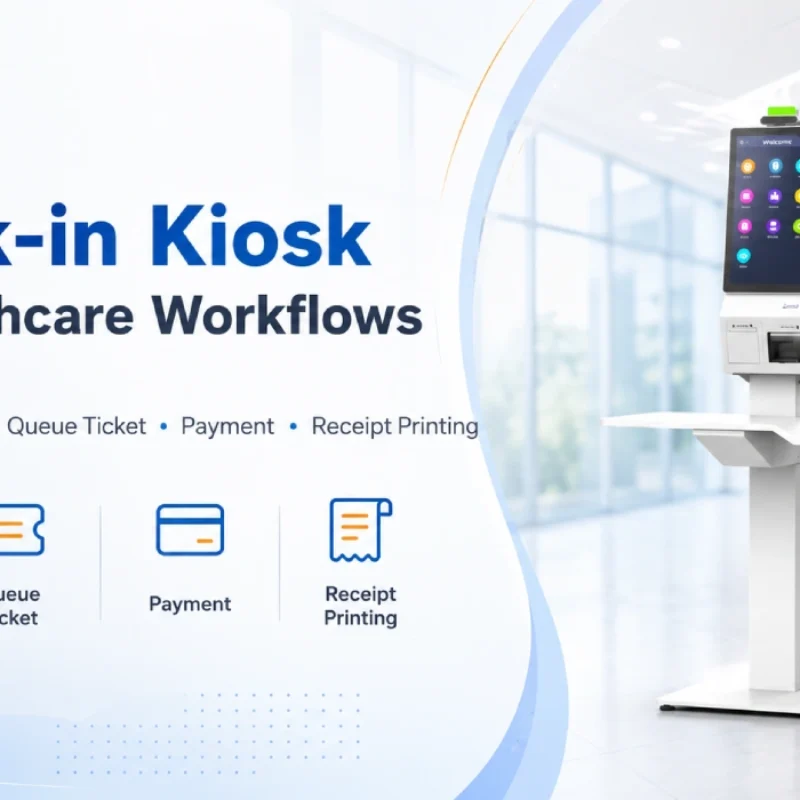
Check-In Kiosk Hardware for Healthcare Self-Service
A check-in kiosk helps healthcare facilities move repetitive front-desk tasks into a guided self-service registration workflow. This article explains how check-in kiosks support appointment confirmation, information entry, queue ticket printing, payment, receipt printing, and optional verification, while also outlining key hardware modules and deployment considerations for hospitals, clinics, and outpatient care centers.
-
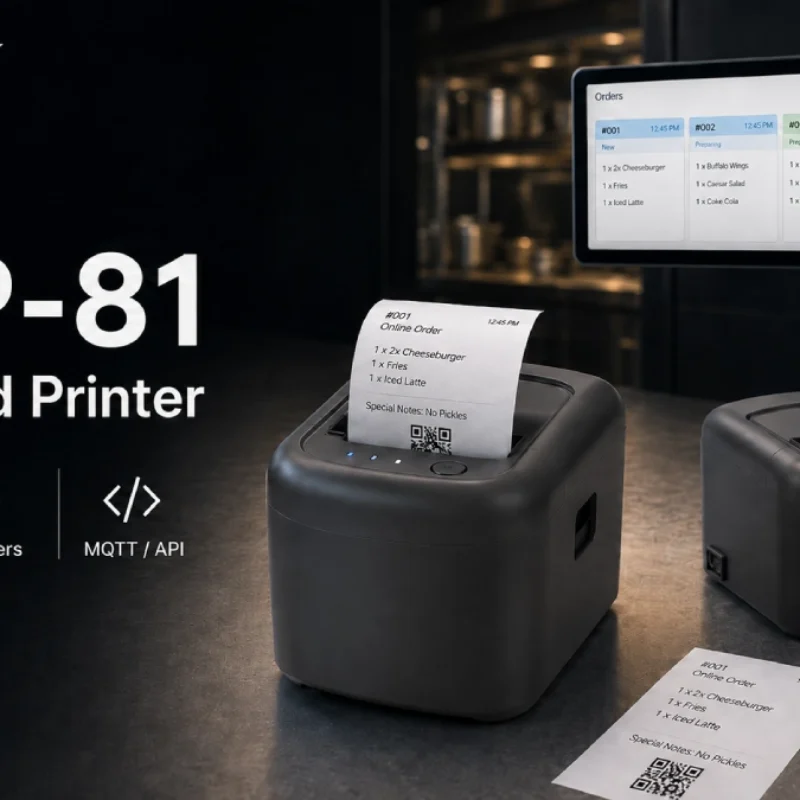
Cloud Printer for Online Food Orders: How Restaurants Keep Delivery Orders Moving
Online food orders are changing how restaurants manage kitchen, packing, and delivery workflows. This article explains how cloud printers and KDS hardware help restaurants print order tickets, improve kitchen visibility, reduce missed orders, and build a more reliable online food order workflow.
-
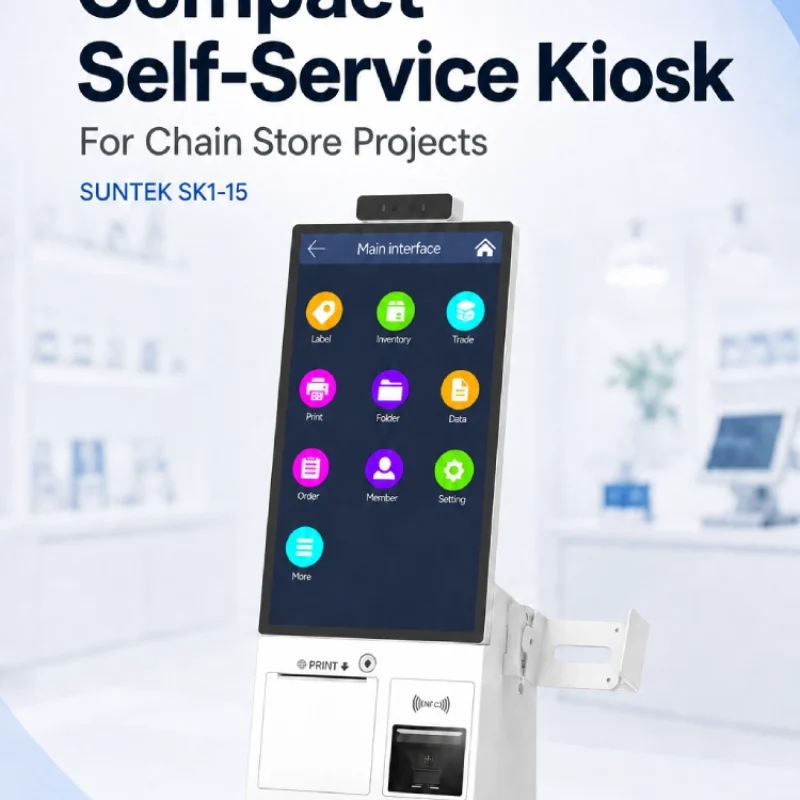
Compact Self-Service Kiosk for Chain Store Projects
SUNTEK SK1-15 is a compact self-service kiosk designed for chain store projects, solution providers, and system integrators. This article explains how SK1-15 supports POS holder installation, SoftPOS-ready NFC configurations, QR code scanning, magnetic stripe card reader options, face camera support, and external fingerprint module integration for front-counter service, payment, identification, and multi-store rollout workflows.
-
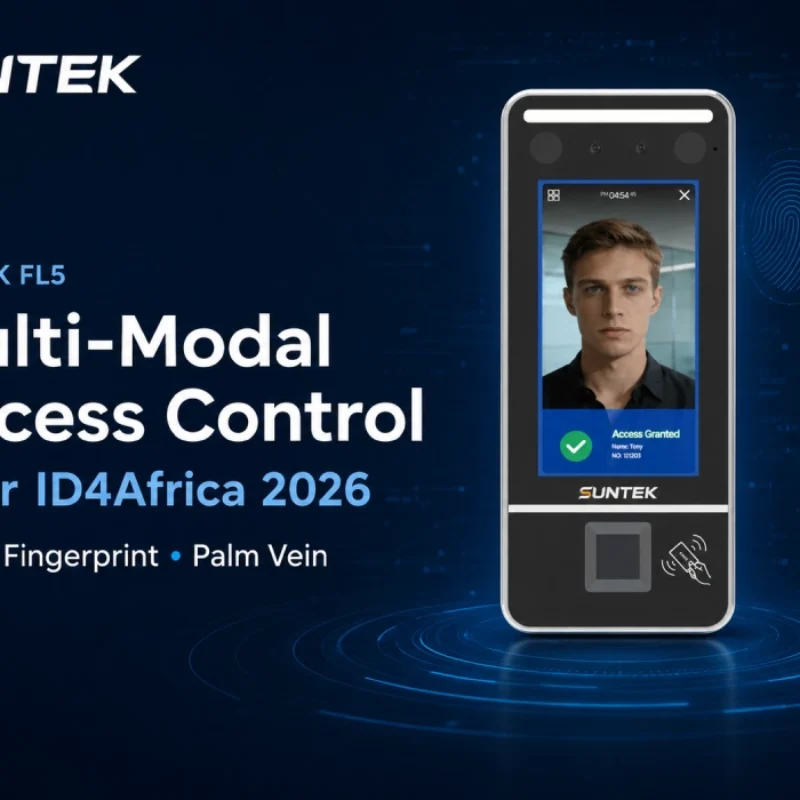
Multimodal Biometrics in Access Control After ID4Africa 2026
This article explores how ID4Africa 2026 reflects the growing importance of multimodal biometrics in access control. It explains why face recognition, fingerprint verification, and palm vein recognition are becoming more relevant for offices, hospitals, schools, government buildings, and secure indoor areas, with SUNTEK FL5 as a hardware example.
-

What NRA Show 2026 Reveals About Restaurant Technology Trends
As NRA Show 2026 opens in Chicago, restaurant operators are paying closer attention to practical technology that improves ordering, payment, kitchen workflows and device management. From SUNTEK’s hardware manufacturer perspective, the key trend is clear: restaurant digitalization is moving from isolated software tools to connected hardware systems, including POS terminals, self-service kiosks, cloud printers, SoftPOS-ready devices and remote management platforms.
-
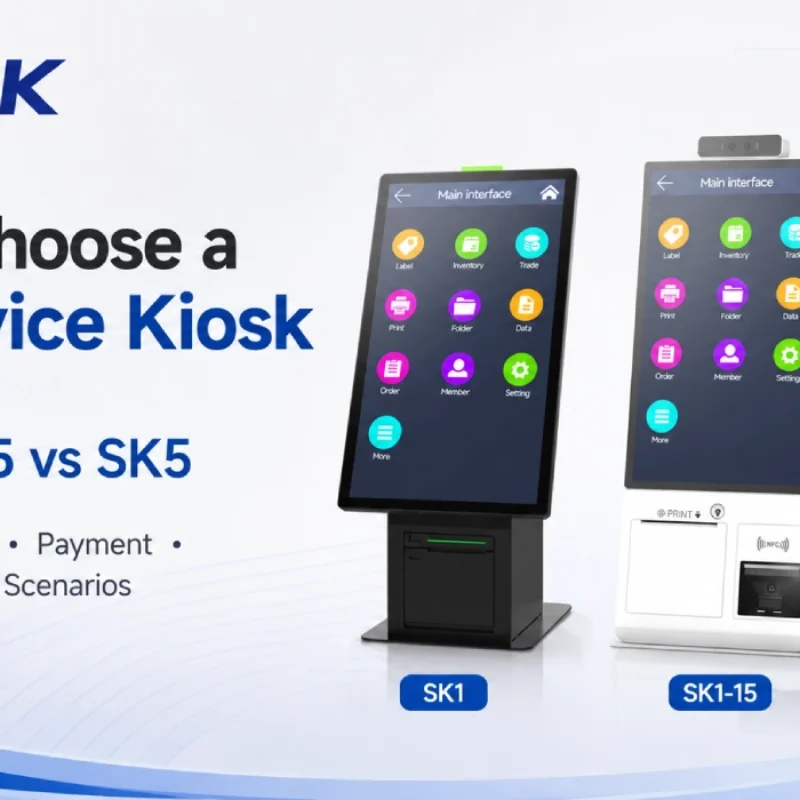
How to Choose a Self-Service Kiosk: SK1 vs SK1-15 vs SK5
Compare SUNTEK SK1, SK1-15, and SK5 self-service kiosks by installation type, SoftPOS support, information kiosk use, payment, printing, scanning, and project scenarios.