
Check-In Kiosk Hardware for Healthcare Self-Service
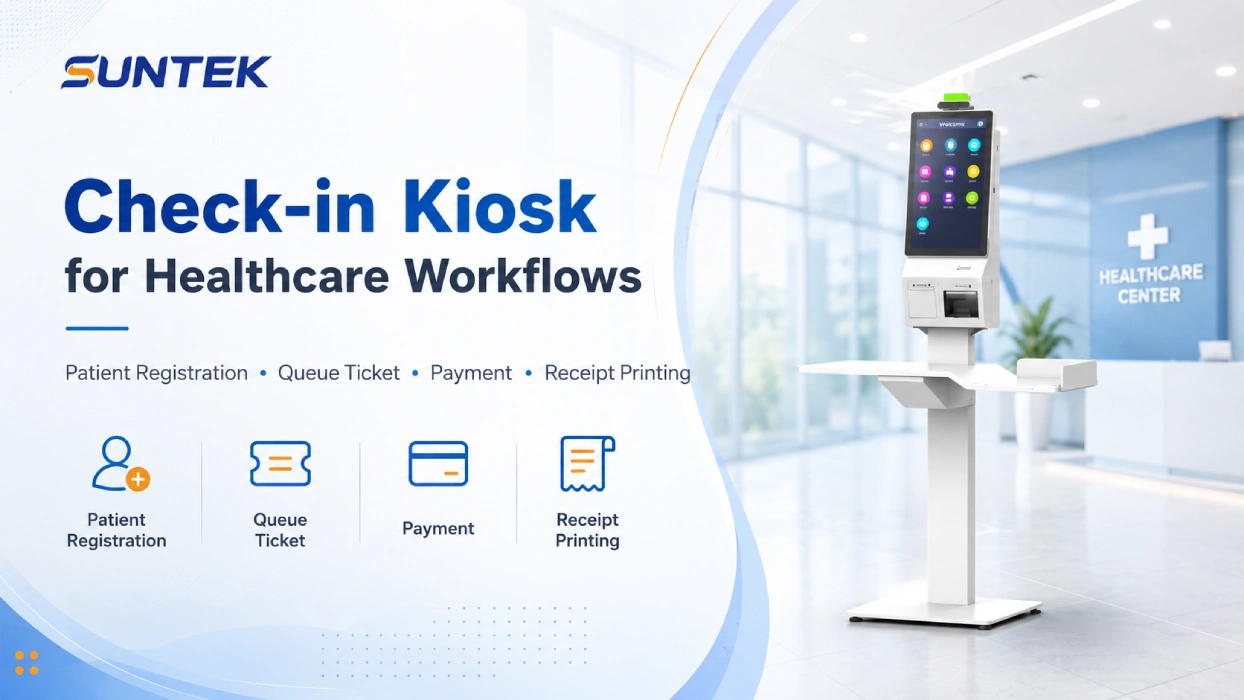
A check-in kiosk in healthcare is a self-service terminal used in hospitals, clinics, outpatient centers, pharmacies, and healthcare service points to support patient registration, appointment check-in, queue ticket printing, payment, receipt printing, and identity verification before patients reach the front desk.
For hospitals, clinics, and outpatient care centers, the value of a patient check-in kiosk is not only faster registration. It is also about creating a more organized healthcare self-service process, reducing repetitive front-desk workload, and improving how patients move from arrival to service.
For healthcare hardware selection, SUNTEK project teams can compare SK1 self-service kiosk hardware for standard hospital registration areas, SK1-15 desktop self-service kiosk for compact clinic or pharmacy counters, and SK5 self-service kiosk machine for higher-traffic healthcare check-in, payment, and identity verification workflows.
Key Takeaways
-
- A check-in kiosk helps healthcare facilities manage patient arrival, registration, queueing, payment, and basic service confirmation.
- In healthcare environments, the value is not only speed, but also workflow consistency.
- Common hardware modules include a touchscreen, QR or barcode scanner, thermal printer, card reader, payment module, camera, and optional biometric verification.
- Hospitals may need larger floor-standing kiosk machines, while clinics and outpatient centers may prefer compact self-service kiosks.
- Hardware selection should be based on workflow scope, software integration, patient volume, installation space, and long-term maintenance. For SUNTEK projects, SK1, SK1-15, and SK5 can be evaluated according to deployment size and module requirements.
Need Healthcare Check-in Kiosk Hardware for Your Project?
SUNTEK provides configurable self-service kiosk hardware for healthcare software providers, system integrators, and hospital IT projects. Our kiosk hardware can support patient check-in, queue ticket printing, payment, receipt printing, QR or barcode scanning, card reading, NFC, camera, and optional biometric verification.
For early hardware selection, compare these SUNTEK kiosk options based on deployment space, patient flow, and peripheral module requirements:
- SUNTEK SK1 Self-Service Kiosk — suitable for standard hospital registration halls, outpatient service areas, and wall-mounted or floor-standing healthcare self-service projects.
- SUNTEK SK1-15 Desktop Self-Service Kiosk — suitable for compact clinics, reception counters, pharmacy counters, and limited-space check-in workflows.
- SUNTEK SK5 Self-Service Kiosk Machine — suitable for higher-traffic healthcare check-in, payment, pharmacy service points, and identity verification workflows.
Contact SUNTEK for kiosk model selection, OEM/ODM customization, and integration support. The sales experts will contact you within 24 hours.Email: [email protected]
WhatsApp: +86 182 0518 5655
Market Context: Healthcare Self-Service Is Expanding
Healthcare providers are under pressure to improve service efficiency while maintaining a better patient experience. In many hospitals and outpatient centers, front-desk teams still handle a high volume of repetitive tasks every day, including appointment confirmation, patient information updates, queue ticket printing, payment guidance, and receipt handling.
This is one reason healthcare kiosks and healthcare self-service terminals are receiving more attention. According to QYResearch data reported by openPR, the global healthcare check-in kiosks market was valued at US$1.401 billion in 2025 and is projected to reach US$2.827 billion by 2032, with a CAGR of 10.7% during 2026–2032.
This market direction also fits the broader digital health trend. The World Health Organization states that digital health can help make health systems more efficient and sustainable while supporting access to quality care.
For healthcare operators, a check-in kiosk should not be viewed as a screen placed in a lobby. It is a patient-facing entry point that connects hardware, software, service flow, and on-site operations.
Check-in Kiosk in Patient Registration Workflows
The first step of a healthcare visit often begins before the patient meets a doctor or nurse.
A patient may need to confirm an appointment, update personal information, scan a code, receive a queue number, complete payment, or print a receipt. If all of these steps depend on manual reception counters, the result is often longer waiting time and higher pressure on front-desk staff.
A check-in kiosk helps move these repetitive steps into a guided self-service process.
This does not mean replacing healthcare staff. In real deployments, the better value is helping staff focus on exceptions, elderly patients, special assistance, insurance-related issues, and complex service requests.
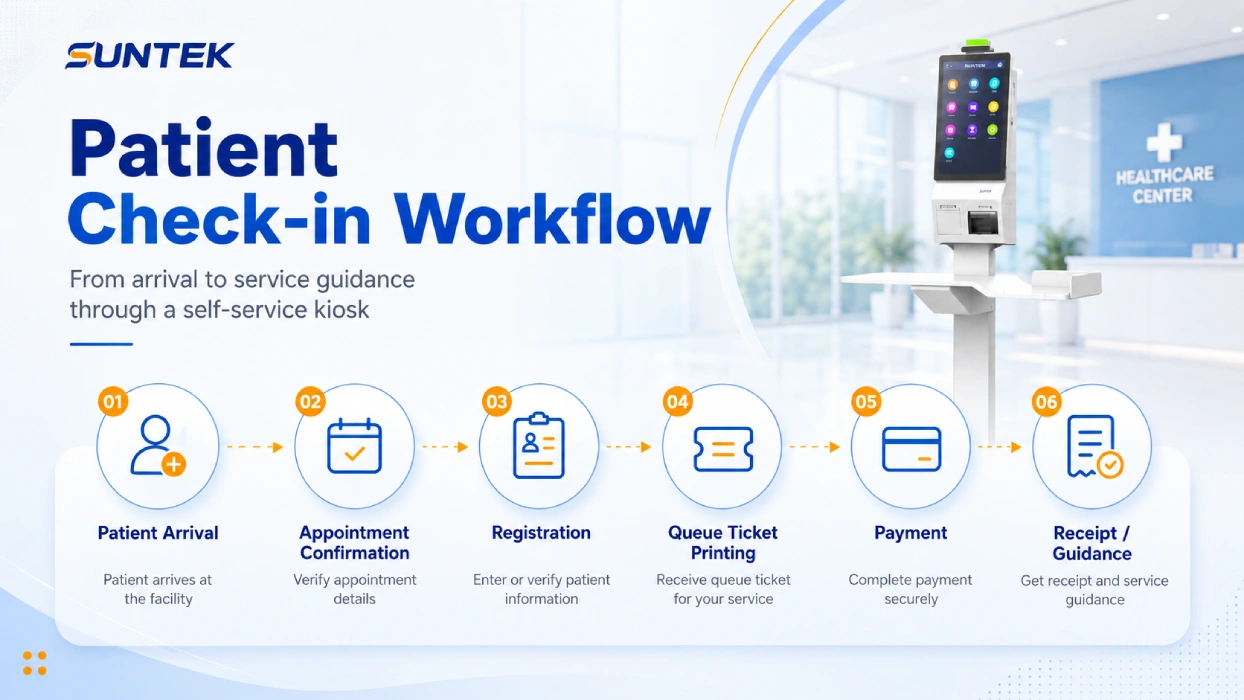
A practical patient registration kiosk workflow may include:
- Appointment confirmation
- Patient registration
- Service selection
- Queue ticket printing
- Payment or prepayment
- Receipt printing
- QR code, barcode, card, or ID-based verification
- Guidance to the correct department, room, or service counter
This makes the check-in kiosk part of the healthcare facility’s operational workflow, not only a standalone self-service terminal or lobby screen.
Core Workflows Supported by a Check-in Kiosk
Patient Registration
A check-in kiosk can help patients enter, confirm, or update basic information before reaching the reception counter. This may include name, phone number, appointment number, patient ID, or other project-specific fields.
For returning patients, the kiosk can retrieve existing records through a QR code, barcode, card, or system-connected patient ID. The exact method depends on the hospital information system and the software platform used in the project.
Appointment Confirmation
In hospitals and outpatient care centers, many patients arrive for scheduled services. A check-in kiosk can confirm the appointment and guide the patient to the correct department, room, doctor, or service window.
This is especially useful in facilities with multiple departments or high patient traffic, where a clear arrival process can reduce confusion and unnecessary front-desk questions.
Queue Ticket Printing
After check-in, the kiosk can print a queue ticket, registration slip, or service confirmation.
This gives patients a clear next step and helps the healthcare facility manage patient flow more consistently. For hospitals, queue ticket printing is often one of the most practical values of a check-in kiosk because it turns a crowded reception area into a more structured waiting process.
Payment and Receipt Printing
Some check-in kiosk deployments include payment or prepayment functions. Patients may pay registration fees, service fees, or other related charges through an integrated payment module.
A built-in printer can then issue receipts, payment slips, or confirmation vouchers. This reduces simple payment-related questions at the reception counter and gives patients a more complete self-service experience.
Optional Information or Identity Verification
Some healthcare projects require stronger information matching. In these cases, the check-in kiosk can be configured with optional verification modules, such as QR code scanning, barcode scanning, card reading, camera-based verification, or fingerprint recognition.
This part should be designed according to local healthcare rules, software system requirements, and data protection standards. Research on digital check-in and triage kiosks also shows that these tools need careful design and validation when used in clinical environments, especially when they are connected to patient flow or triage decisions.
Hardware Features That Matter in a Check-in Kiosk
A check-in kiosk should not be evaluated only by screen size. In healthcare projects, the more important question is whether the healthcare kiosk hardware can support the full patient workflow reliably.
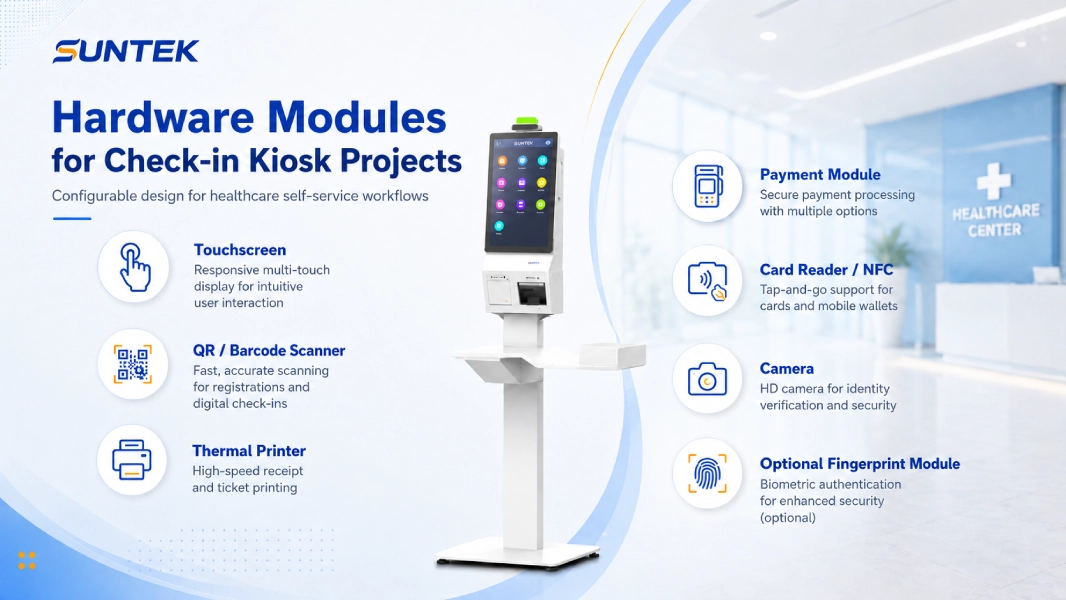
| Hardware Function | Typical Healthcare Use |
|---|---|
| Touchscreen | Patient registration, appointment check-in, service selection, and guided healthcare self-service interaction |
| Scanner and card reader | Appointment code scanning, prescription code lookup, patient card reading, membership confirmation, and ID-related workflows |
| Thermal printer | Queue ticket printing, registration slip output, payment receipt printing, and pickup voucher printing |
| Payment and verification modules | Registration fee payment, pharmacy service payment, ID verification, camera-based verification, or optional fingerprint recognition |
Touchscreen
The touchscreen is the main interaction point. It should support clear visual guidance, simple steps, and stable operation in public environments.
For healthcare use, the interface should be easy to understand for first-time users, elderly patients, and visitors who may not be familiar with digital registration.
QR and Barcode Scanner
A scanner can be used for appointment codes, registration codes, prescription codes, membership codes, or service confirmation codes.
This is one of the most common modules in check-in kiosk projects because it reduces manual typing and helps patients retrieve information faster.
Thermal Printer
Printing remains important in many healthcare workflows. A check-in kiosk may need to print queue tickets, registration slips, receipts, payment confirmations, or pickup vouchers.
For hardware selection, printer maintenance should not be ignored. Paper replacement, access design, cutter reliability, and daily service convenience all affect long-term use.
Payment Module
Where payment is part of the workflow, the kiosk may need to support card payment, QR payment, NFC payment, or other local payment methods.
Payment configuration should be confirmed according to the target market, healthcare facility process, and software integration requirements.
Card Reader and NFC
Some healthcare projects may use cards for patient identification, insurance-related workflows, membership confirmation, or internal service access.
A check-in kiosk with card reading or NFC capability can support these card-based workflows, depending on the system design.
Camera or Optional Biometric Module
Camera or biometric modules may be used when a project requires stronger verification. For example, fingerprint recognition can be considered in identity-sensitive workflows.
However, biometric verification should not be treated as a default function for every healthcare check-in kiosk. It should be selected only when the workflow, compliance requirements, and system integration clearly require it.
Floor-standing or Compact Installation
A hospital lobby may require a floor-standing kiosk machine with strong visibility and more space for peripheral modules. A clinic or outpatient reception area may prefer a compact kiosk that saves space.
The best form factor depends on patient volume, installation location, and the number of integrated modules.
Deployment Scenarios for Healthcare Check-in Kiosks
Hospitals
Hospitals usually have higher patient traffic and more complex service routes. A check-in kiosk can be placed in registration halls, outpatient areas, payment zones, report pickup areas, or department entrances.
In this scenario, the kiosk should be visible, durable, and easy to maintain. Floor-standing kiosk machines are often suitable because they can integrate more modules and provide better public-area visibility.
Outpatient Care Centers
Outpatient care centers often need a balance between efficiency and space control. A check-in kiosk can support appointment confirmation, queue ticket printing, basic registration, and payment-related workflows.
For these facilities, compact design and smooth software integration are especially important.
Clinics
Clinics may not need a large kiosk installation, but they still face repetitive check-in tasks. A smaller check-in kiosk can help reduce reception pressure and standardize patient arrival management.
Desktop, wall-mounted, or compact self-service kiosk options may be more practical in clinics with limited reception space.
Pharmacies and Healthcare Service Points
Pharmacies and healthcare service points may use kiosks for service registration, prescription pickup confirmation, payment, membership identification, age-sensitive service confirmation, or identity-related workflows.
This is a more specific use case than hospital check-in. If the project focuses on fingerprint identity verification in pharmacy or regional healthcare environments, it should be treated as a separate scenario rather than the main direction of this article. In this type of project, the kiosk hardware should be evaluated together with the pharmacy system, prescription workflow, local identity verification rules, and data protection requirements.
Real-World Challenges in Check-in Kiosk Projects
A check-in kiosk project is not successful simply because the hardware is installed. The real challenge is whether the kiosk matches the healthcare workflow.
Patients Need Different Levels of Assistance
Not every patient is comfortable with self-service. Some users may need staff guidance, especially elderly patients, first-time visitors, or people who need special assistance.
A good deployment should combine kiosk self-service with human support, instead of forcing every patient into the same digital process.
Software Integration Is Often the Key Difficulty
The kiosk may need to connect with appointment systems, hospital information systems, payment platforms, queue management software, or third-party healthcare software.
This means hardware suppliers, software teams, and healthcare operators need to confirm integration requirements early. SUNTEK mainly provides kiosk hardware, SDK, documentation, and integration support; healthcare software, HIS, EMR, EHR, pharmacy system, or queue management software is usually provided or integrated by the customer or system integrator.
Printing and Maintenance Affect Daily Operation
In many healthcare facilities, printed queue tickets and receipts are still part of daily workflows. If the printer is difficult to maintain, the kiosk can quickly become a service bottleneck.
Daily operation details such as paper replacement, printer access, module maintenance, cable management, and device cleaning should be considered during hardware selection.
Privacy and Data Protection Cannot Be Ignored
A check-in kiosk may handle patient names, appointment details, ID numbers, payment information, or verification data.
The project should follow local healthcare data and privacy requirements. This is especially important when identity verification or biometric modules are involved.
SUNTEK Hardware Perspective for Check-in Kiosk Projects
From a hardware manufacturer perspective, a healthcare check-in kiosk should be designed as a configurable platform, not a fixed single-function terminal.
Healthcare projects may require different combinations of display, scanner, printer, payment module, camera, card reader, fingerprint module, and installation structure. The value of the hardware is its ability to support the actual workflow with stable operation and flexible configuration.
SUNTEK provides self-service kiosk hardware for commercial and healthcare-related workflows. For check-in kiosk projects, models such as SUNTEK SK1, SUNTEK SK5, and SUNTEK SK1-15 can be evaluated according to installation space, patient flow, peripheral module requirements, and software integration needs.
Recommended SUNTEK Kiosk Models for Healthcare Check-in Projects
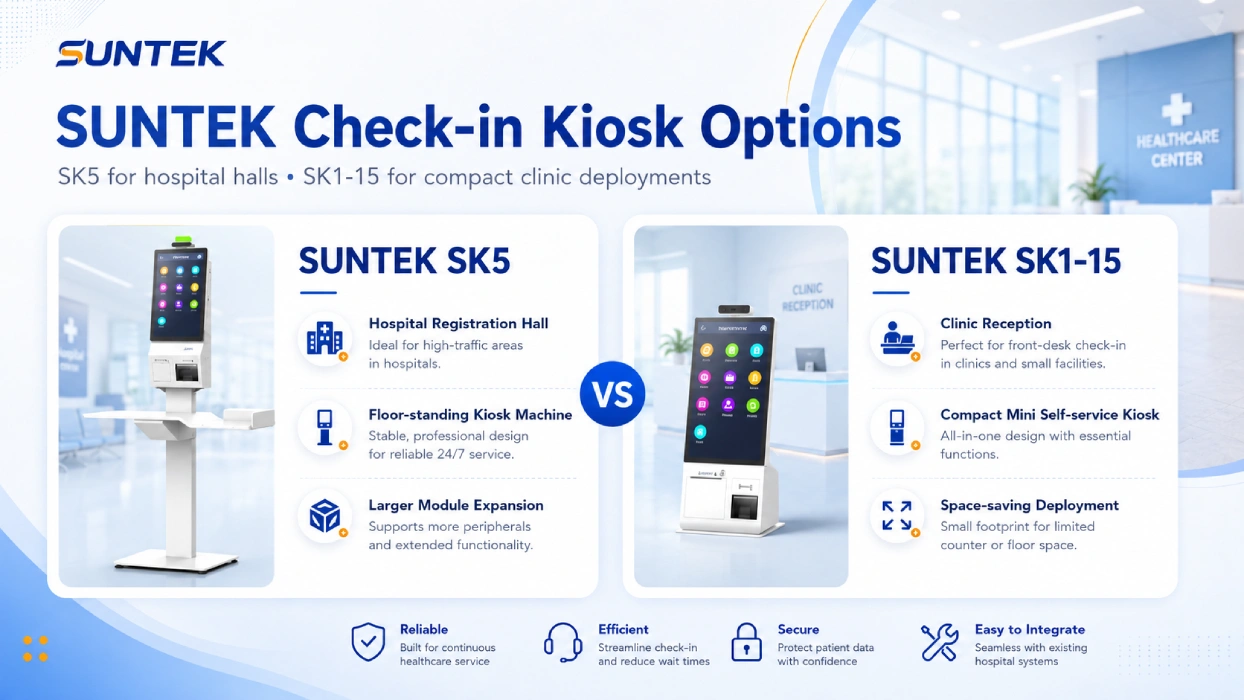
Different healthcare environments may require different kiosk structures. A hospital lobby usually needs a larger floor-standing kiosk with stronger module expansion, while a clinic or outpatient reception area may prefer a compact desktop or wall-mounted option.
| Model | Best For | Typical Healthcare Use |
|---|---|---|
| SUNTEK SK1 | Standard healthcare self-service kiosk projects | Patient check-in, queue ticket printing, registration, payment, receipt printing, and hospital lobby self-service workflows |
| SUNTEK SK1-15 | Compact clinics and reception counters | Lightweight patient check-in, appointment confirmation, front-desk assistance, and limited-space healthcare service points |
| SUNTEK SK5 | Higher-traffic hospital and outpatient environments | Hospital registration halls, outpatient service areas, payment zones, pharmacy service points, and high-volume check-in workflows |
SUNTEK SK5 for Higher-Capacity Healthcare Scenarios
The SUNTEK SK5 kiosk machine is suitable for projects that require a larger display area, stronger module expansion, and floor-standing installation.
It can be considered for hospital registration halls, outpatient centers, payment areas, pharmacy service points, and identity verification workflows.
SUNTEK SK1-15 for Compact Check-in Deployments
The SUNTEK SK1-15 mini self-service kiosk is more suitable for limited-space environments such as clinics, reception counters, small outpatient service points, and lightweight registration workflows.
Its compact structure makes it practical for projects that require self-service interaction without a large floor-standing kiosk.
Related Healthcare Kiosk Hardware
- SUNTEK SK1 Self-Service Kiosk for standard hospital registration, outpatient service areas, wall-mounted deployment, and floor-standing healthcare self-service projects.
- SUNTEK SK5 Floor Standing Kiosk for hospital registration halls, payment areas, pharmacy service points, and high-volume healthcare environments.
- SUNTEK SK1-15 Mini Kiosk for clinics, outpatient centers, reception counters, and compact patient check-in workflows.
Evaluation Guide for Choosing a Check-in Kiosk
Before selecting a check-in kiosk, healthcare providers, software integrators, and project teams should confirm several practical factors.
Workflow Scope
The first step is to define what the kiosk needs to do.
Some projects only require check-in and queue ticket printing. Others may include registration, payment, receipt printing, card reading, or identity verification. The clearer the workflow, the easier it is to select the right hardware configuration.
Software Integration
A check-in kiosk often needs to work with existing software. This may include hospital information systems, appointment platforms, payment systems, queue management software, or third-party healthcare applications.
Hardware selection should be confirmed together with software integration requirements. For projects that require SDK, API, documentation, remote assistance, or engineering support, buyers can also review the SUNTEK Technical Support page.
Peripheral Modules
The required modules should follow the actual workflow.
Common options include:
- QR scanners
- Barcode scanners
- Thermal printers
- Card readers
- Payment modules
- Cameras
- Fingerprint modules
- NFC modules
Not every project needs every module. A practical configuration is usually better than an overloaded one.
Installation Environment
A hospital lobby, clinic front desk, pharmacy counter, and outpatient corridor may require different kiosk structures.
Floor-standing, desktop, wall-mounted, and customized installation options should be evaluated according to available space and patient movement.
Maintenance Access
Daily operation matters. Printer paper replacement, module maintenance, cable access, device cleaning, and service inspection should be convenient for on-site staff.
A check-in kiosk that is difficult to maintain will affect the entire self-service process.
Data and Privacy Requirements
If the kiosk processes patient information, payment data, or identity verification data, the project should follow local data protection and healthcare privacy requirements.
This should be considered from the beginning, not after deployment.
Healthcare Check-in Kiosk Project Consultation
Healthcare check-in projects often require different combinations of registration, queue management, payment, receipt printing, identity verification, and software integration.
SUNTEK provides configurable Android and Windows self-service kiosk hardware for hospitals, clinics, outpatient centers, pharmacies, and healthcare software providers.
- Patient Registration
- Appointment Check-in
- Queue Ticket Printing
- Receipt Printing
- QR & Barcode Scanning
- Face Recognition & Fingerprint Verification
Request a Healthcare Kiosk Recommendation →
Explore SUNTEK Self-Service Kiosk Hardware
Conclusion
A check-in kiosk is becoming an important part of healthcare self-service infrastructure. For hospitals, clinics, outpatient care centers, pharmacies, and healthcare service points, its value is not only faster registration, but also a more organized patient arrival workflow.
A well-planned check-in kiosk can connect appointment confirmation, patient registration, queue ticket printing, payment, receipt printing, and optional information verification into one guided process.
For healthcare providers and software integrators, the right kiosk should be selected based on actual workflow requirements, peripheral integration, installation environment, software integration, and long-term maintenance. Configurable hardware such as SUNTEK SK1 self-service kiosk, SUNTEK SK5 kiosk machine, and SUNTEK SK1-15 mini self-service kiosk can support different check-in kiosk projects, from hospital registration halls to compact clinic reception areas.
To compare more self-service kiosk hardware options, explore the SUNTEK kiosk product portfolio and evaluate different configurations based on workflow requirements, software integration needs, and deployment environments.
相关新闻
-
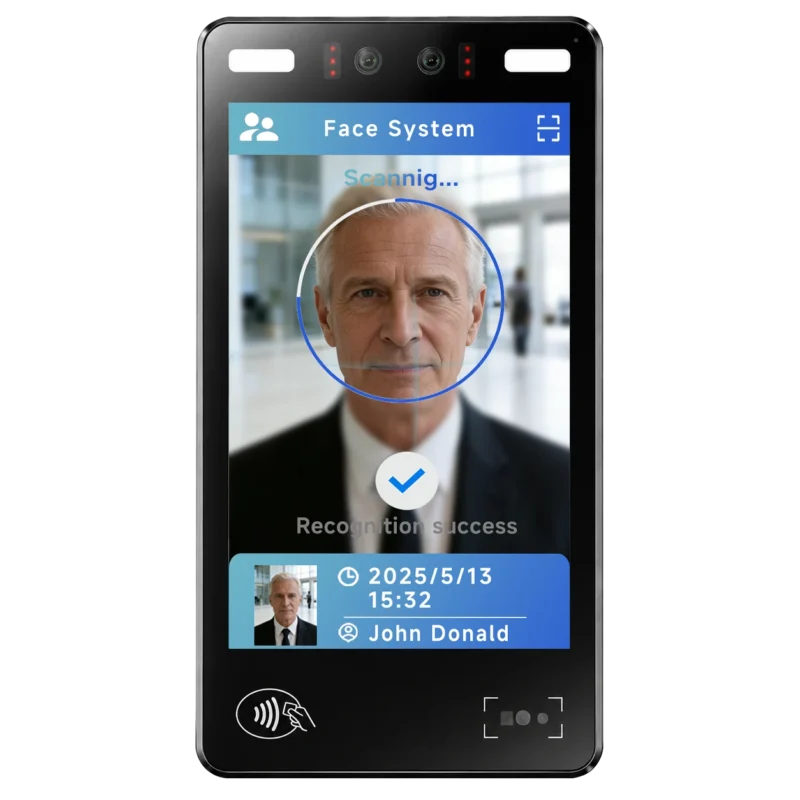
FA10 10.1-Inch AI Facial Recognition Terminal for Smart Access
SUNTEK FA10 10.1-inch AI facial recognition terminal is designed for smart access control, visitor management, attendance, and self-service applicatio…
-
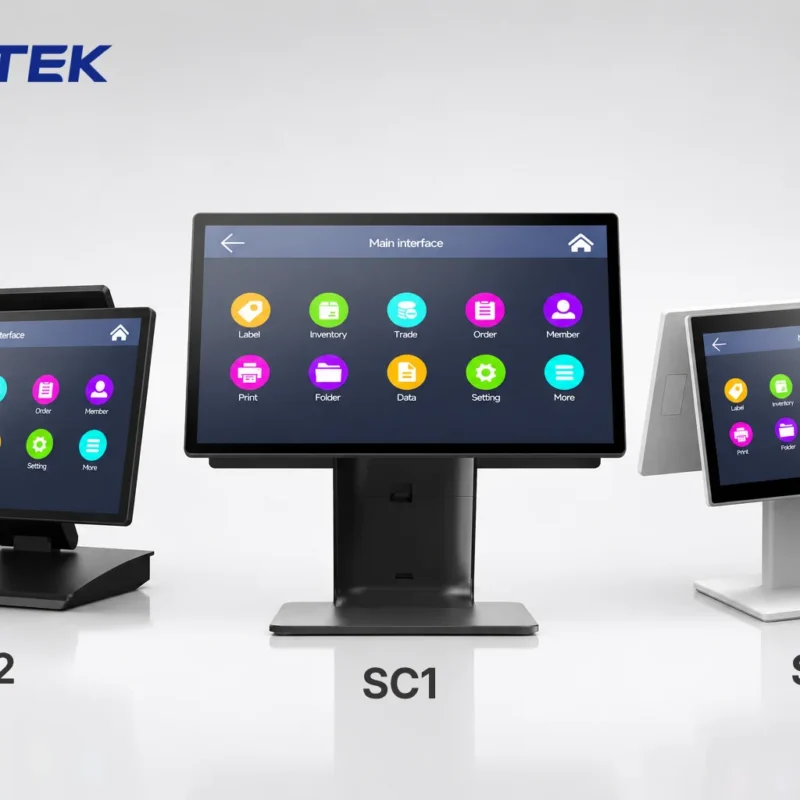
How to Choose the Right POS Terminal: SC1 vs SC2 vs SC6
Selecting the right POS terminal depends on your software requirements, hardware expectations and deployment environment. This guide compares SUNTEK S…
-
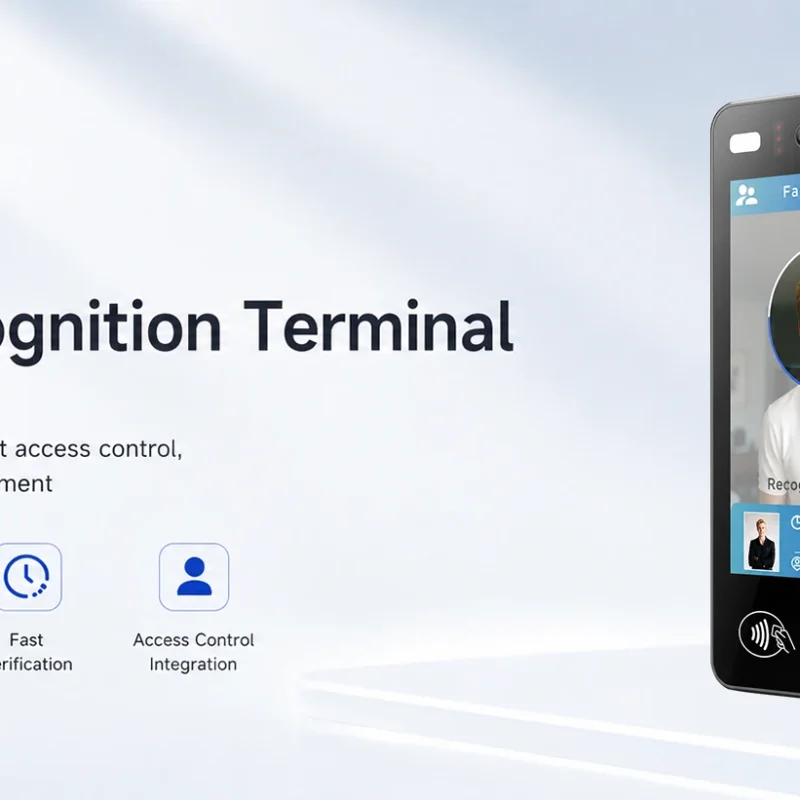
Updated FA8 Facial Recognition Terminal
SUNTEK has updated the FA8 8-inch Android facial recognition terminal with a more refined exterior design, a revised interface configuration, and stro…
-
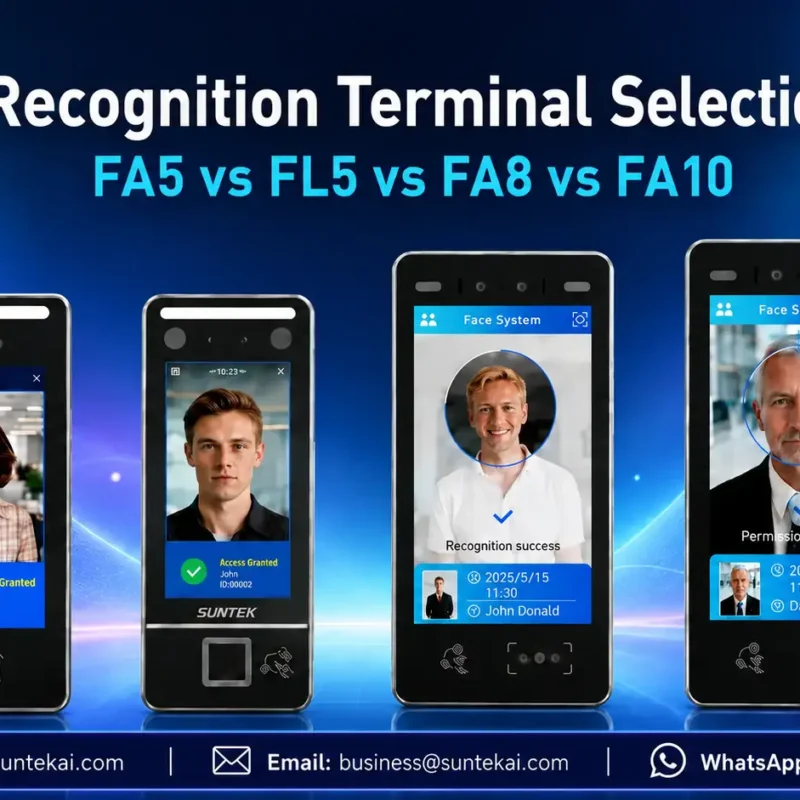
Facial Recognition Terminal Selection Guide: FA5 vs FL5 vs FA8 vs FA10
This guide compares SUNTEK FA5, FL5, FA8, and FA10 to help you choose the right facial recognition terminal for your project. Which SUNTEK Facial Reco…
-
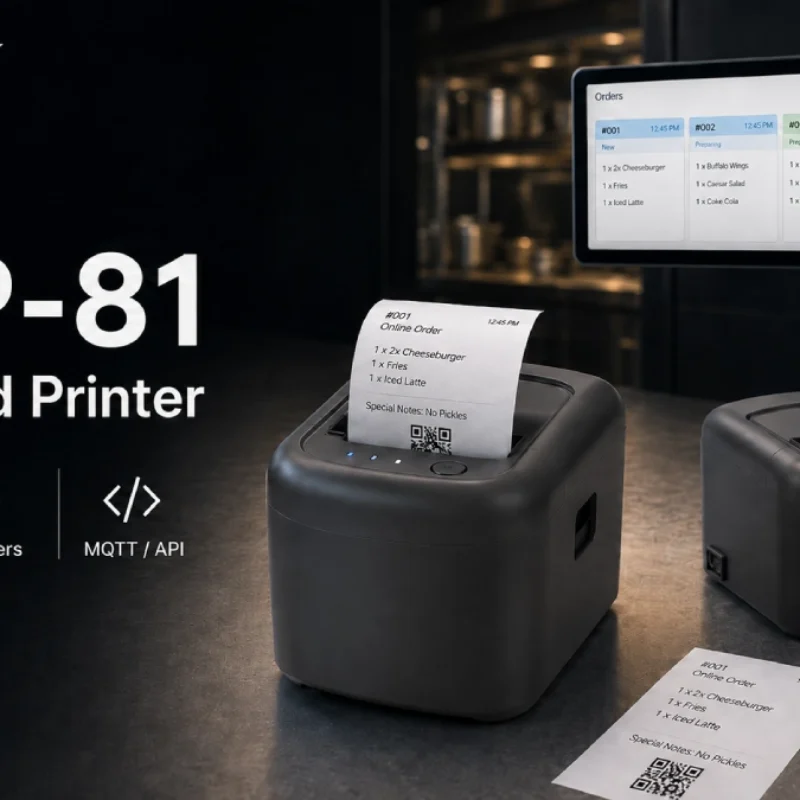
Cloud Printer for Online Food Orders: How Restaurants Keep Delivery Orders Moving
Online food orders are changing how restaurants manage kitchen, packing, and delivery workflows. This article explains how cloud printers and KDS hardware help restaurants print order tickets, improve kitchen visibility, reduce missed orders, and build a more reliable online food order workflow.
-
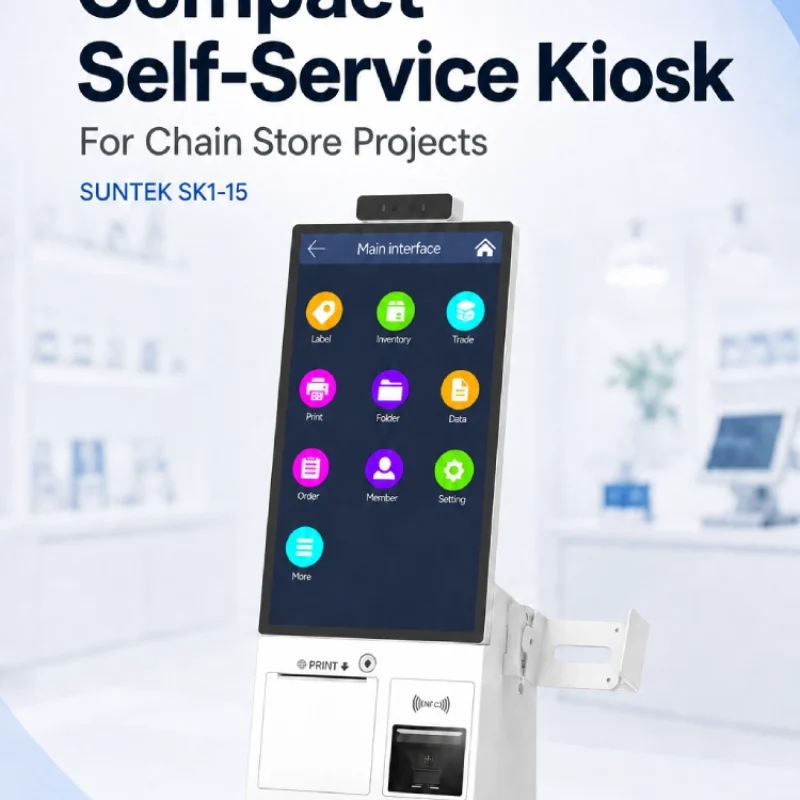
Compact Self-Service Kiosk for Chain Store Projects
SUNTEK SK1-15 is a compact self-service kiosk designed for chain store projects, solution providers, and system integrators. This article explains how SK1-15 supports POS holder installation, SoftPOS-ready NFC configurations, QR code scanning, magnetic stripe card reader options, face camera support, and external fingerprint module integration for front-counter service, payment, identification, and multi-store rollout workflows.
-
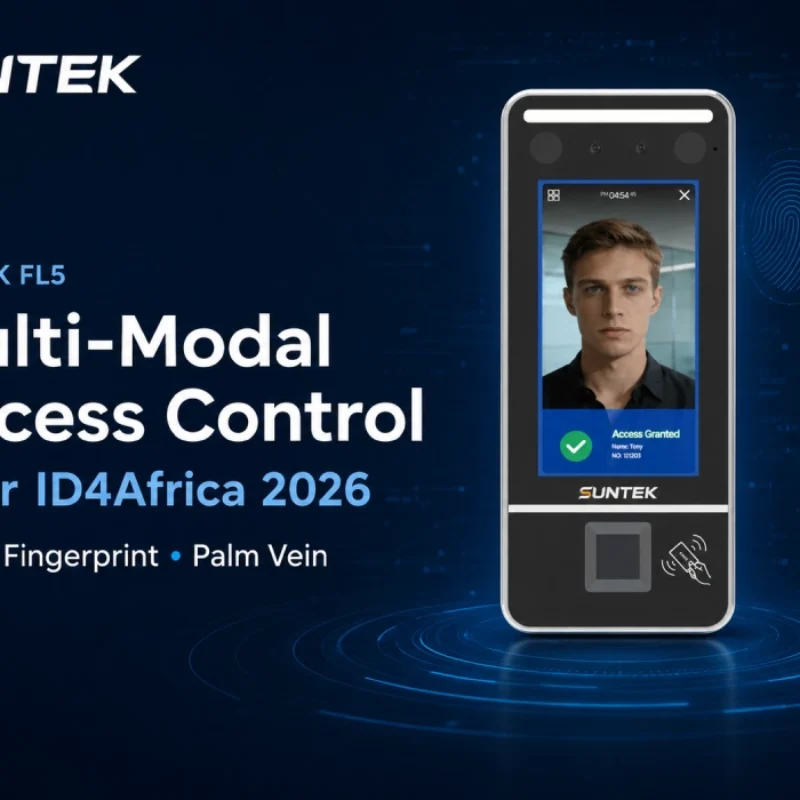
Multimodal Biometrics in Access Control After ID4Africa 2026
This article explores how ID4Africa 2026 reflects the growing importance of multimodal biometrics in access control. It explains why face recognition, fingerprint verification, and palm vein recognition are becoming more relevant for offices, hospitals, schools, government buildings, and secure indoor areas, with SUNTEK FL5 as a hardware example.
-

What NRA Show 2026 Reveals About Restaurant Technology Trends
As NRA Show 2026 opens in Chicago, restaurant operators are paying closer attention to practical technology that improves ordering, payment, kitchen workflows and device management. From SUNTEK’s hardware manufacturer perspective, the key trend is clear: restaurant digitalization is moving from isolated software tools to connected hardware systems, including POS terminals, self-service kiosks, cloud printers, SoftPOS-ready devices and remote management platforms.
-
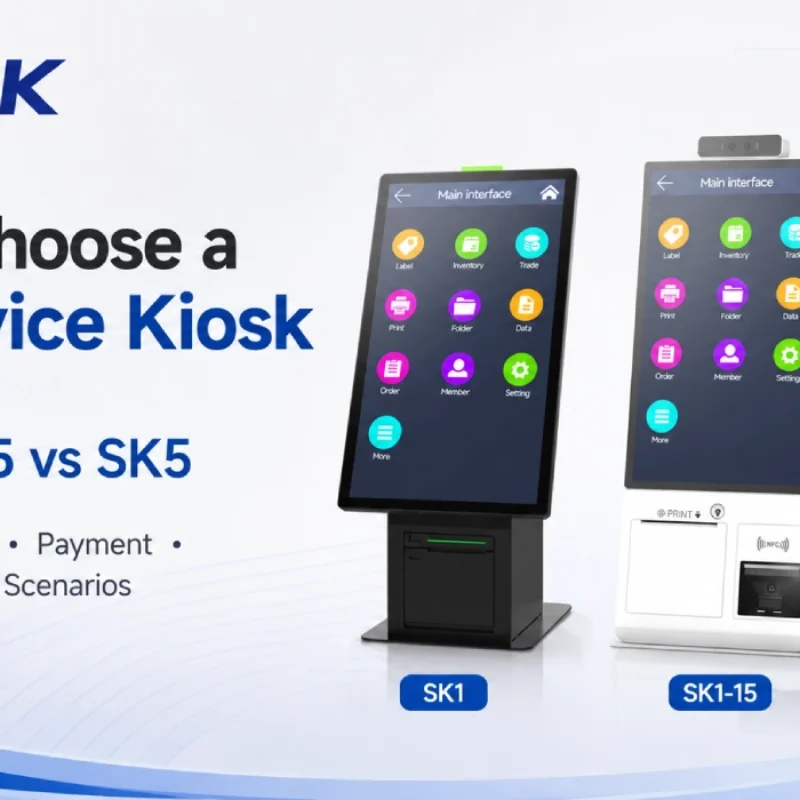
How to Choose a Self-Service Kiosk: SK1 vs SK1-15 vs SK5
Compare SUNTEK SK1, SK1-15, and SK5 self-service kiosks by installation type, SoftPOS support, information kiosk use, payment, printing, scanning, and project scenarios.
-
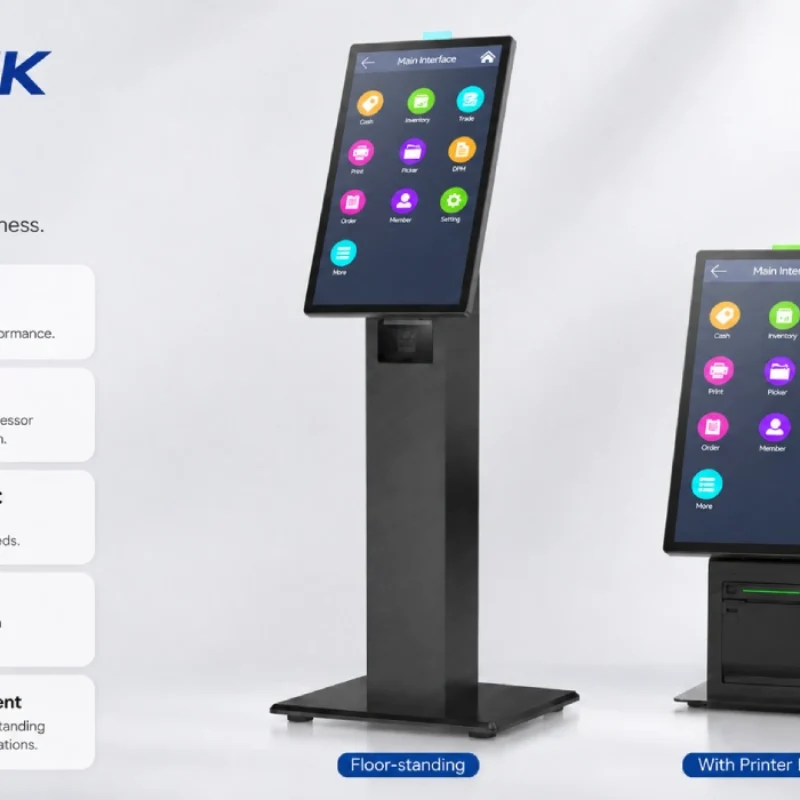
How Can the SUNTEK SK1 Information Kiosk Machine Improve Government Self-Service?
The SUNTEK SK1 Information Kiosk Machine supports government self-service scenarios such as tax payment, bill payment, parking ticket payment, public service inquiry, NFC interaction, QR code payment, SoftPOS, mobile pay, receipt printing, and paperless confirmation. With Android 14, RK3576 hardware, under-screen NFC, optional printer configuration, and flexible deployment options, SK1 provides a modular kiosk hardware platform for public service centers and system integrators.