
What NRA Show 2026 Reveals About Restaurant Technology Trends
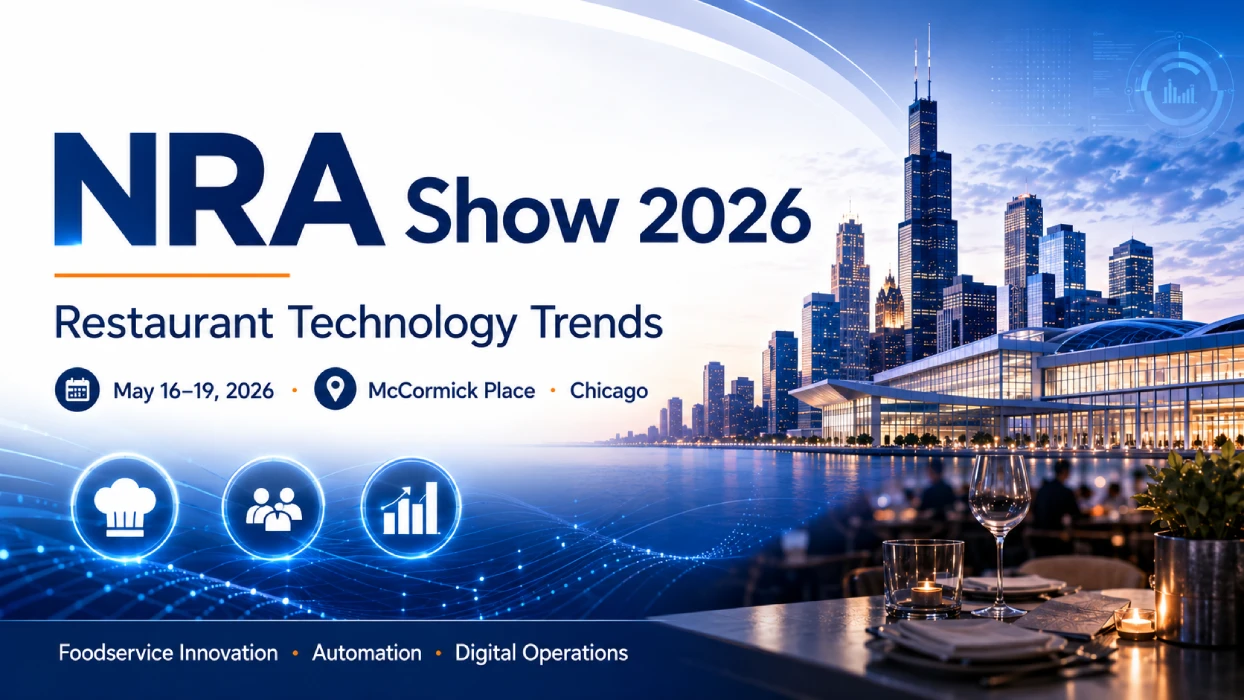
NRA Show 2026, officially known as the National Restaurant Association Show, is held from
May 16 to May 19, 2026, at McCormick Place in Chicago, Illinois.
As one of the major foodservice industry events, the show reflects how restaurant operators are paying closer attention to
cost efficiency, automation, off-premises dining, POS hardware, self-service kiosks, cloud printers, SoftPOS and restaurant device management.
SUNTEK is not directly exhibiting at NRA Show 2026. However, as a commercial hardware manufacturer, we see the show as an important signal of where restaurant technology is moving.
From a hardware perspective, the key conclusion is clear: restaurant digitalization is becoming more practical, connected and workflow-driven.
NRA Show 2026 Quick Facts
- Event: NRA Show 2026 / National Restaurant Association Show
- Date: May 16–19, 2026
- Location: McCormick Place, Chicago, Illinois
- Industry: Restaurant, foodservice and hospitality
- Article Angle: Restaurant technology trends from a hardware manufacturer perspective
Direct Answer
NRA Show 2026 shows that restaurant technology is moving from isolated software tools toward connected hardware workflows.
For many restaurants, automation begins with practical devices such as POS terminals, self-service kiosks, cloud printers, kitchen display systems and remote device management platforms.
The strongest restaurant technology trends in 2026 are not only about AI or robots. They are also about the hardware that helps operators process orders, accept payments, route kitchen tickets, support online orders and manage devices across multiple stores.
Key Takeaways
- Restaurant automation is becoming practical. It often starts with ordering, payment, printing and kitchen workflow devices.
- Self-service kiosks are gaining relevance. They help restaurants reduce queue pressure and separate repetitive ordering tasks from staff-assisted service.
- Restaurant POS hardware still matters. POS terminals connect checkout, payment, customer display, receipt printing and peripheral devices.
- Cloud printers support online food orders. They help platform orders reach the kitchen quickly, clearly and reliably.
- SoftPOS-ready hardware is becoming more important. Restaurants need flexible payment options without adding too many separate devices.
- Device management is becoming a chain-store requirement. POS terminals, kiosks, printers and displays need remote monitoring, configuration and upgrade support.
Why NRA Show 2026 Matters for Restaurant Technology Trends
NRA Show 2026 is not only a food and beverage event. It also reflects how foodservice operators are rethinking operations, labor efficiency, customer experience and technology investment.
The official show information highlights a wide range of areas, including restaurant technology, education sessions, product showcases, pavilions, kitchen innovation and exhibitor solutions. For hardware manufacturers, this makes the show a useful reference point for understanding what restaurants may need next.
Restaurant technology is now closely connected with daily operations:
- how customers place orders
- how staff process payments
- how online orders reach the kitchen
- how kitchen tickets are printed or displayed
- how stores reduce device downtime
- how restaurant chains manage hardware across locations
In short, NRA Show 2026 suggests that restaurant technology is moving toward practical, connected and workflow-ready hardware.
Restaurant Automation Hardware Is Not Only About Robots
Restaurant automation hardware refers to the devices that help restaurants reduce repetitive manual work in ordering, payment, printing, kitchen routing and device management.
When people talk about restaurant automation, they often think of robots or fully unmanned restaurants. In real operations, however, automation usually starts with smaller and more practical steps.
A restaurant may first automate:
- order entry
- payment confirmation
- receipt printing
- kitchen ticket routing
- online order printing
- customer pickup workflows
- device monitoring and updates
For many restaurants, the goal is not to replace staff completely. The goal is to reduce repetitive tasks, improve service consistency and keep operations stable during peak hours.
Why Self-Service Kiosks for Restaurants Are Becoming Practical
Self-service kiosks for restaurants are ordering and payment terminals that help customers browse menus, place orders and complete checkout with less front-counter staff involvement.
Self-service kiosks are becoming more relevant because restaurants continue to face pressure from labor cost, queue management and service consistency. During peak hours, kiosks can help separate repetitive ordering tasks from staff-assisted service.
In restaurant scenarios, a self-service kiosk can support:
- menu browsing
- self-ordering
- QR code scanning
- NFC or payment module integration
- receipt printing
- order number generation
- queue reduction during peak hours
This is especially useful for quick-service restaurants, cafés, bakeries, food courts, campus canteens, hotel breakfast areas, takeaway counters and transportation hubs.
From a hardware manufacturer perspective, restaurants should not choose kiosk hardware only by screen size. They should also evaluate installation format, printer integration, scanner support, NFC options, operating system, maintainability and remote management capability.
Restaurant POS Hardware Is Still the Center of Digitalization
Restaurant POS hardware is the checkout device that connects ordering, payment, customer display, receipt printing and peripheral integration.
Even as self-service ordering and online food ordering grow, POS hardware remains central to restaurant operations. A POS terminal is often the point where orders, payments, staff operation and connected devices meet.
A restaurant POS terminal may connect with:
- order entry software
- cash drawer
- customer display
- receipt printer
- barcode scanner
- NFC module
- SoftPOS payment software
- kitchen printer or KDS
In 2026, restaurant operators are not only asking whether a POS terminal can run software. They are also asking whether the hardware supports future payment methods, multiple screen options, stable peripheral connection and long-term deployment.
Why Cloud Printers for Restaurants Matter for Online Food Orders
Cloud printers for restaurants help online, takeaway and delivery orders move from digital platforms into kitchen preparation workflows.
Online food orders may come from delivery platforms, restaurant apps, QR ordering systems, online ordering pages, POS systems or third-party aggregators.If these orders do not reach the kitchen clearly and quickly, restaurants may face missed orders, delayed preparation, wrong order routing and customer complaints.
Cloud printers are becoming important for restaurants because online orders must reach the kitchen quickly, clearly and reliably. Useful cloud printer features may include:
- 4G network support
- WiFi or Ethernet options
- cloud order receiving
- API integration
- MQTT support
- voice prompt
- auto cutter
- remote deployment support
In restaurant technology, a printer is not just an accessory. It is often the final step that turns digital orders into kitchen action.
SoftPOS for Restaurants Needs Payment-Ready Hardware
SoftPOS for restaurants allows suitable devices to support contactless payment through software-based payment acceptance, depending on the payment software, certification path and local compliance requirements.
As restaurants support more payment methods, hardware design becomes more important. A restaurant may need to support card payment, contactless payment, QR payment, mobile wallet, NFC interaction, counter payment or tableside payment.
SoftPOS can reduce the need for some separate traditional payment terminals in selected use cases. However, SoftPOS is not only a software topic. It also depends on suitable hardware.
A SoftPOS-ready device may need:
- NFC hardware support
- a secure Android environment
- stable network connection
- suitable screen interaction
- software integration support
- the required certification path from payment partners
For hardware manufacturers, the accurate position is to provide commercial POS and mobile POS hardware that can support SoftPOS-related deployment when integrated with suitable payment software and certification partners.
Back-of-House Restaurant Technology Is Becoming More Important
Back-of-house restaurant technology supports the flow of order information from front counter, kiosk or online platform to the kitchen preparation area.
Restaurant technology is often discussed from the front-counter perspective. But kitchen workflow is just as important. The kitchen needs to know what was ordered, where the order came from, whether it is dine-in or takeaway, and when it should be prepared.
A practical restaurant hardware workflow may look like this:
- Customer places an order through POS, kiosk or online platform.
- The order is confirmed through the system.
- A kitchen printer or KDS receives the order.
- Staff prepare the order based on the printed ticket or screen display.
- The customer receives a pickup number or receipt.
- The store manager monitors device and order status.
This type of workflow is not visually dramatic, but it is critical for restaurant efficiency.
Why MDM and Device Management Matter for Restaurant Chains
MDM and device management help restaurant chains monitor, configure and update POS terminals, kiosks, printers and other devices across multiple store locations.
A single restaurant may use POS terminals, self-service kiosks, kitchen printers, cloud printers, customer displays, handheld terminals and payment devices. A restaurant chain may need to manage these devices across many stores.
Without remote device management, operators may face inconsistent device settings, delayed software updates, difficult troubleshooting, manual configuration work, higher maintenance cost and more downtime.
For restaurant chains, device management is becoming a core requirement as POS terminals, kiosks, printers and displays are deployed across multiple stores.
Restaurant device management may support:
- status monitoring
- device configuration
- remote assistance
- personalization
- deployment and upgrade
- cloud or private deployment options
What This Means for Restaurant Operators
For restaurant operators, the key lesson from NRA Show 2026 is not to chase every new technology trend. A better approach is to identify the operational bottleneck first.
Restaurants should ask:
- Is the bottleneck at ordering, payment, kitchen printing or pickup?
- Do we need self-service ordering or better POS hardware first?
- Are online orders reaching the kitchen reliably?
- Can our current devices support future payment methods?
- How difficult is it to manage devices across stores?
- Can our hardware integrate with existing restaurant software?
Technology should not add complexity. It should make daily restaurant operations easier to manage.
What This Means for Hardware Manufacturers
For hardware manufacturers, NRA Show 2026 reflects a clear direction: restaurant customers need integrated, reliable and workflow-ready hardware.
A single device is no longer enough. Restaurants increasingly need devices that work together:
- POS terminals that connect with printers and payment modules
- kiosks that support ordering and receipt output
- printers that support online orders and kitchen workflows
- SoftPOS-ready terminals that support flexible payment integration
- MDM platforms that support deployment and maintenance
SUNTEK does not need to claim to provide a full restaurant software solution. A stronger and more accurate position is to provide commercial hardware platforms that help restaurant technology providers, integrators and operators build more efficient front-of-house and back-of-house workflows.
SUNTEK Product Perspective
Based on the restaurant technology trends reflected by NRA Show 2026, SUNTEK can connect several hardware product lines to restaurant and foodservice scenarios.
| Restaurant Need | SUNTEK Hardware Direction |
|---|---|
| Front-counter checkout | Desktop POS terminals such as SC1, SC2 and SC6 |
| Self-service ordering | Self-service kiosk hardware such as SK1, SK1-15 and SK5 |
| Online order printing | 4G cloud printer and POS printer hardware such as SCP-81 and SCP-82 |
| Flexible payment hardware | SoftPOS-ready POS and mobile POS hardware |
| Kitchen order visibility | Kitchen Display System hardware for restaurant order management |
| Multi-store device management | SUNTEK Platform Service / MDM |
| Takeaway and pickup workflow | Kiosk, POS and printer combination |
| Chain deployment | Hardware, MDM and project-based integration support |
Evaluation Guide: How Restaurants Should Choose Technology Hardware
When evaluating restaurant technology hardware in 2026, operators should focus on workflow fit, software compatibility and long-term maintainability.
1. Workflow Fit
The device should match the restaurant’s real workflow, not only its appearance. A compact café may need different hardware from a food court, hotel restaurant or high-traffic takeaway counter.
2. Software Compatibility
Restaurants should confirm whether the hardware supports their existing POS, ordering or payment software. This is especially important when choosing between Android and Windows systems.
3. Peripheral Support
POS and kiosk hardware may need to connect with printers, scanners, NFC modules, cash drawers, customer displays, payment holders and kitchen devices.
4. Network Flexibility
For cloud printers and online order workflows, network reliability is critical. 4G, WiFi and Ethernet options can make deployment more flexible.
5. Payment Readiness
Restaurants should check whether the device can support future payment requirements, including NFC and SoftPOS-related integration.
6. Remote Management
For multi-store deployment, remote configuration, monitoring and upgrade capability can reduce maintenance pressure.
7. Long-Term Supply
Restaurant hardware is not a short-term purchase. Operators and integrators need stable supply, consistent product quality and support for future projects.
FAQ
What is NRA Show 2026?
NRA Show 2026 is the National Restaurant Association Show, a major restaurant, foodservice and hospitality event held from May 16 to May 19, 2026, at McCormick Place in Chicago.
What restaurant technology trends does NRA Show 2026 highlight?
NRA Show 2026 reflects growing interest in restaurant automation, POS hardware, self-service kiosks, cloud printing, SoftPOS, off-premises dining workflows and device management.
Why are self-service kiosks important for restaurants?
Self-service kiosks help restaurants support faster ordering, reduce front-counter pressure and create more consistent ordering workflows during peak hours.
How do cloud printers support restaurant online orders?
Cloud printers help online and platform orders reach the kitchen through connected printing workflows, supporting takeaway, delivery and multi-store order management.
Why does restaurant POS hardware still matter?
Restaurant POS hardware connects ordering, checkout, payment, receipt printing, customer display and peripheral devices, making it a core part of restaurant digitalization.
Why do restaurant chains need device management?
Restaurant chains need device management to monitor, configure and update POS terminals, kiosks, printers and other devices across multiple store locations.
Conclusion
NRA Show 2026 shows that restaurant technology is becoming more practical, connected and operations-focused. For restaurants, the most valuable technology investments may not always be the most futuristic ones. Often, the biggest improvements come from better ordering hardware, more flexible POS systems, reliable kitchen printing, payment-ready devices and easier device management.
For SUNTEK, the opportunity is clear. As a commercial hardware manufacturer, SUNTEK can support restaurant technology providers, integrators and operators with hardware platforms for POS checkout, self-service ordering, online order printing, SoftPOS-related payment deployment, kitchen workflow support and multi-store device management.
The future of restaurant technology is not only about software. It is about building reliable hardware foundations that help foodservice operators run more efficient, flexible and connected daily operations.
Contact SUNTEK to discuss commercial hardware for restaurant POS, self-service kiosk, printing, payment and device management projects.
相关新闻
-
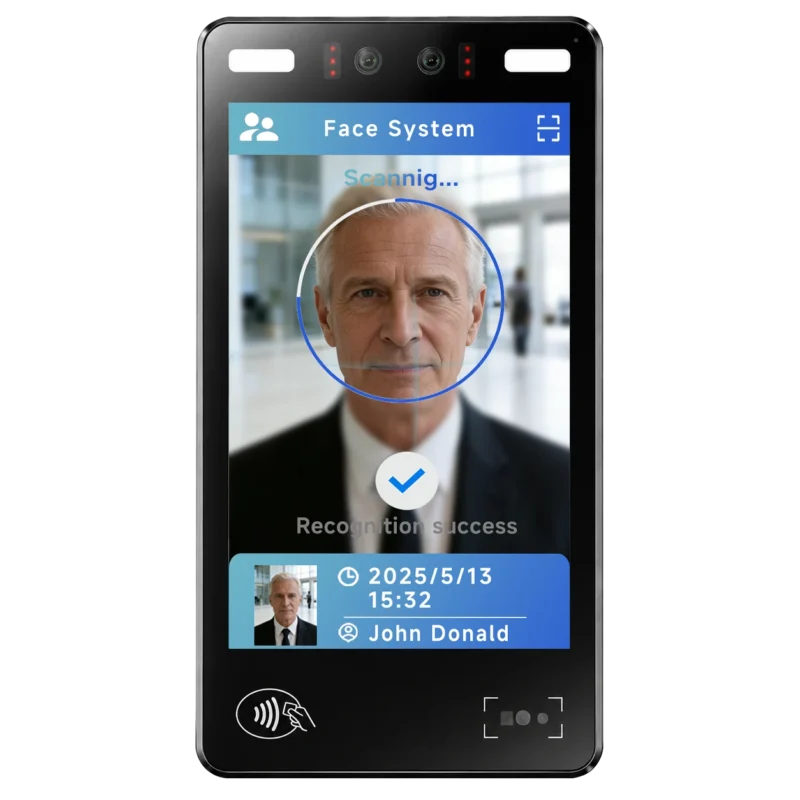
FA10 10.1-Inch AI Facial Recognition Terminal for Smart Access
SUNTEK FA10 10.1-inch AI facial recognition terminal is designed for smart access control, visitor management, attendance, and self-service applicatio…
-
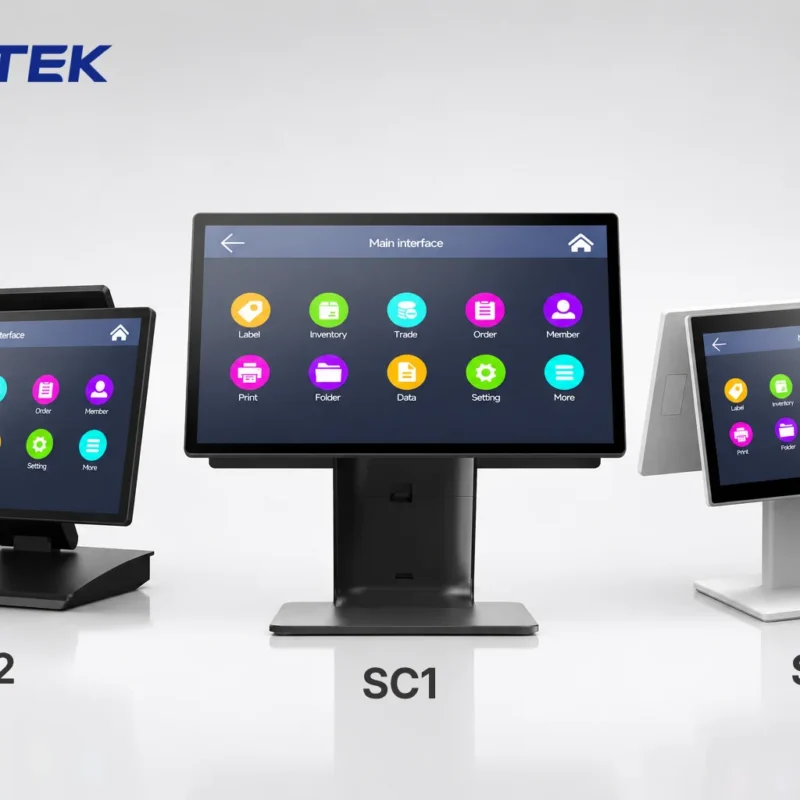
How to Choose the Right POS Terminal: SC1 vs SC2 vs SC6
Selecting the right POS terminal depends on your software requirements, hardware expectations and deployment environment. This guide compares SUNTEK S…
-
Updated FA8 Facial Recognition Terminal
SUNTEK has updated the FA8 8-inch Android facial recognition terminal with a more refined exterior design, a revised interface configuration, and stro…
-
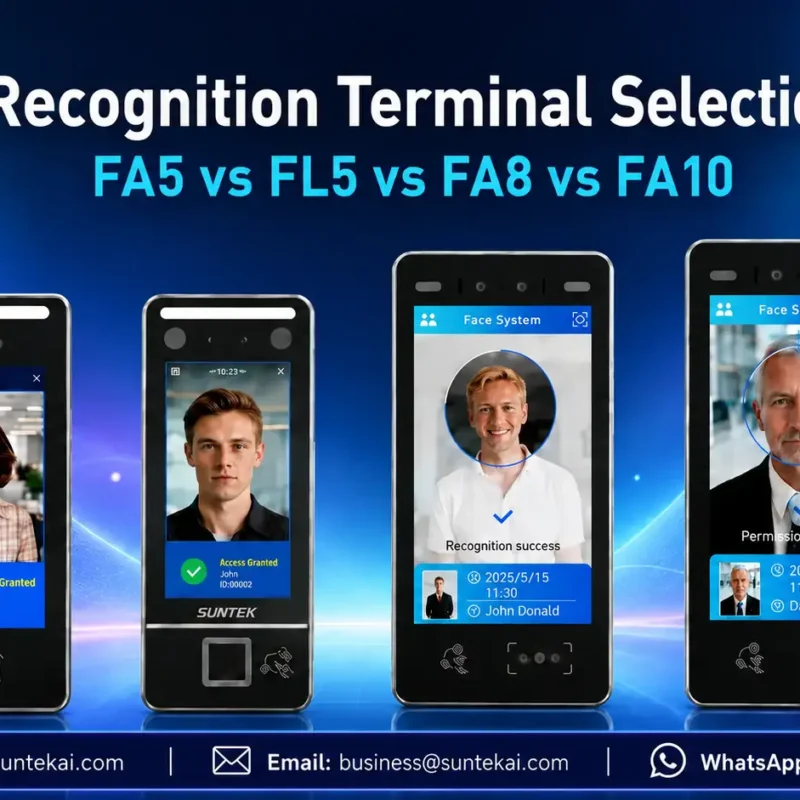
Facial Recognition Terminal Selection Guide: FA5 vs FL5 vs FA8 vs FA10
This guide compares SUNTEK FA5, FL5, FA8, and FA10 to help you choose the right facial recognition terminal for your project. Which SUNTEK Facial Reco…
-
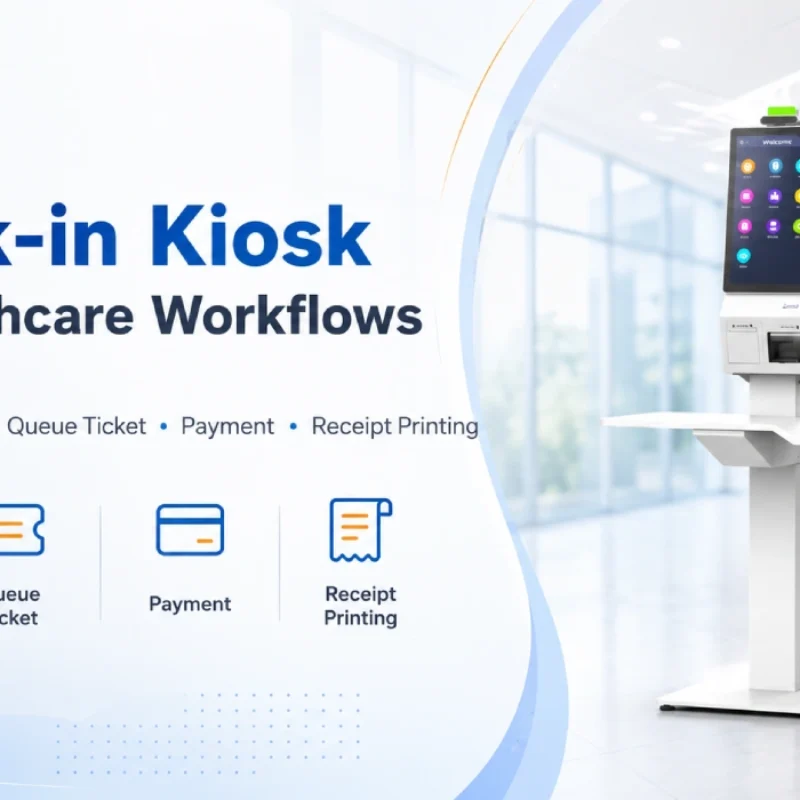
Check-In Kiosk Hardware for Healthcare Self-Service
A check-in kiosk helps healthcare facilities move repetitive front-desk tasks into a guided self-service registration workflow. This article explains how check-in kiosks support appointment confirmation, information entry, queue ticket printing, payment, receipt printing, and optional verification, while also outlining key hardware modules and deployment considerations for hospitals, clinics, and outpatient care centers.
-
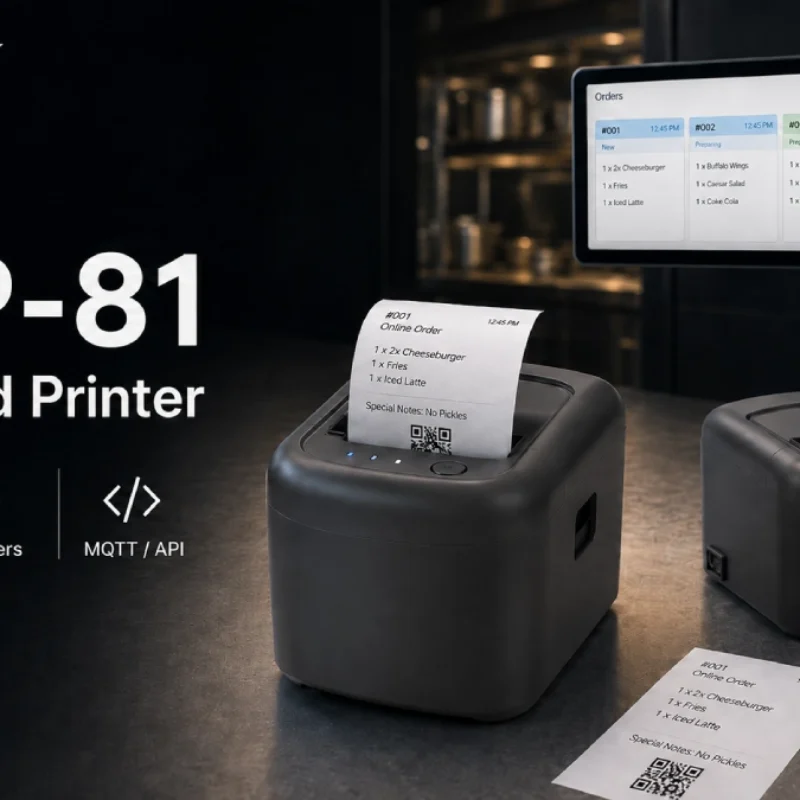
Cloud Printer for Online Food Orders: How Restaurants Keep Delivery Orders Moving
Online food orders are changing how restaurants manage kitchen, packing, and delivery workflows. This article explains how cloud printers and KDS hardware help restaurants print order tickets, improve kitchen visibility, reduce missed orders, and build a more reliable online food order workflow.
-
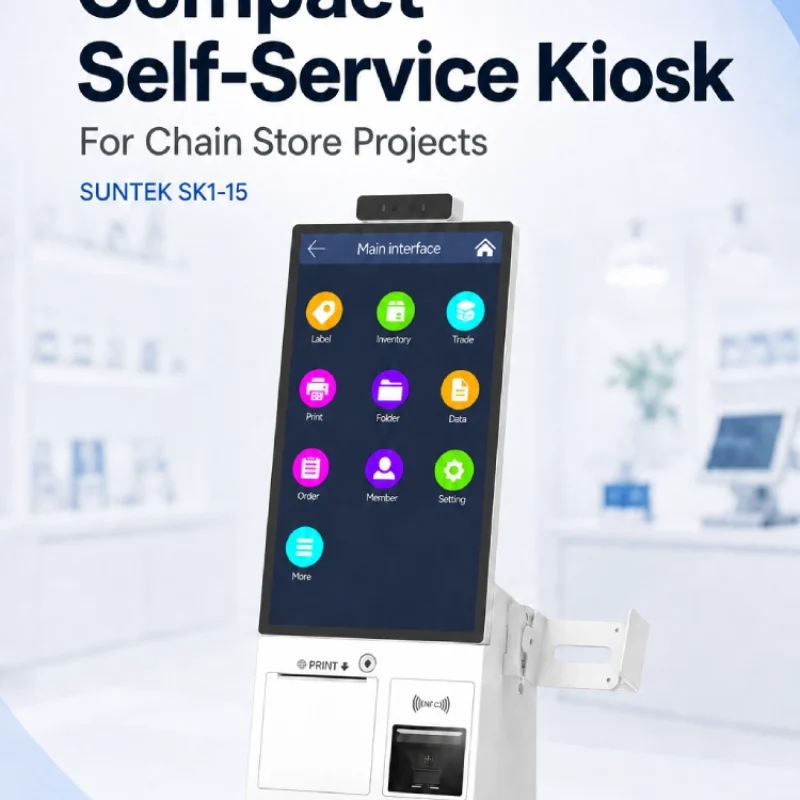
Compact Self-Service Kiosk for Chain Store Projects
SUNTEK SK1-15 is a compact self-service kiosk designed for chain store projects, solution providers, and system integrators. This article explains how SK1-15 supports POS holder installation, SoftPOS-ready NFC configurations, QR code scanning, magnetic stripe card reader options, face camera support, and external fingerprint module integration for front-counter service, payment, identification, and multi-store rollout workflows.
-

Multimodal Biometrics in Access Control After ID4Africa 2026
This article explores how ID4Africa 2026 reflects the growing importance of multimodal biometrics in access control. It explains why face recognition, fingerprint verification, and palm vein recognition are becoming more relevant for offices, hospitals, schools, government buildings, and secure indoor areas, with SUNTEK FL5 as a hardware example.
-
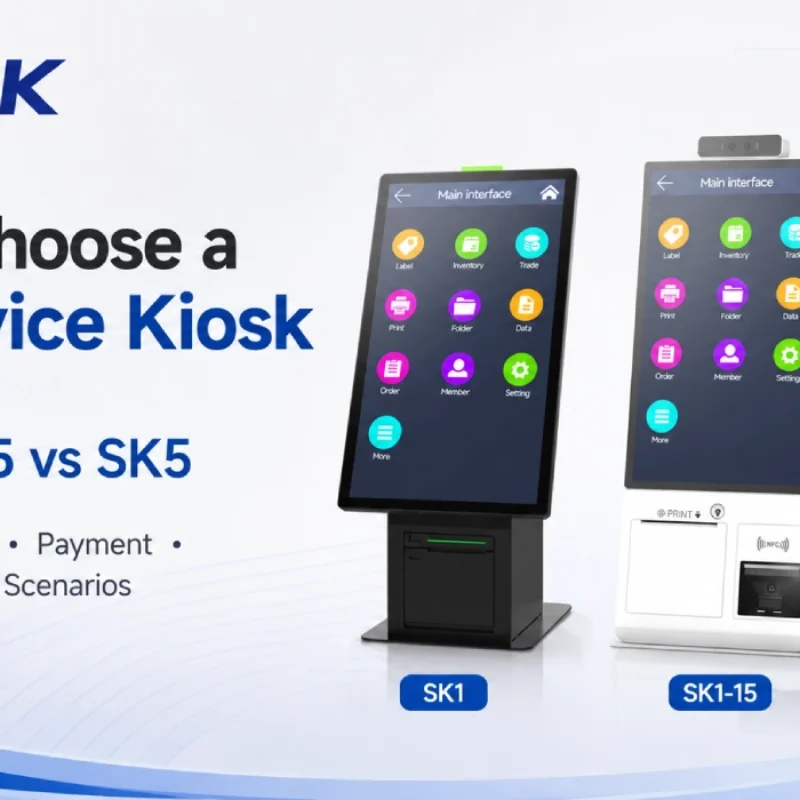
How to Choose a Self-Service Kiosk: SK1 vs SK1-15 vs SK5
Compare SUNTEK SK1, SK1-15, and SK5 self-service kiosks by installation type, SoftPOS support, information kiosk use, payment, printing, scanning, and project scenarios.
-
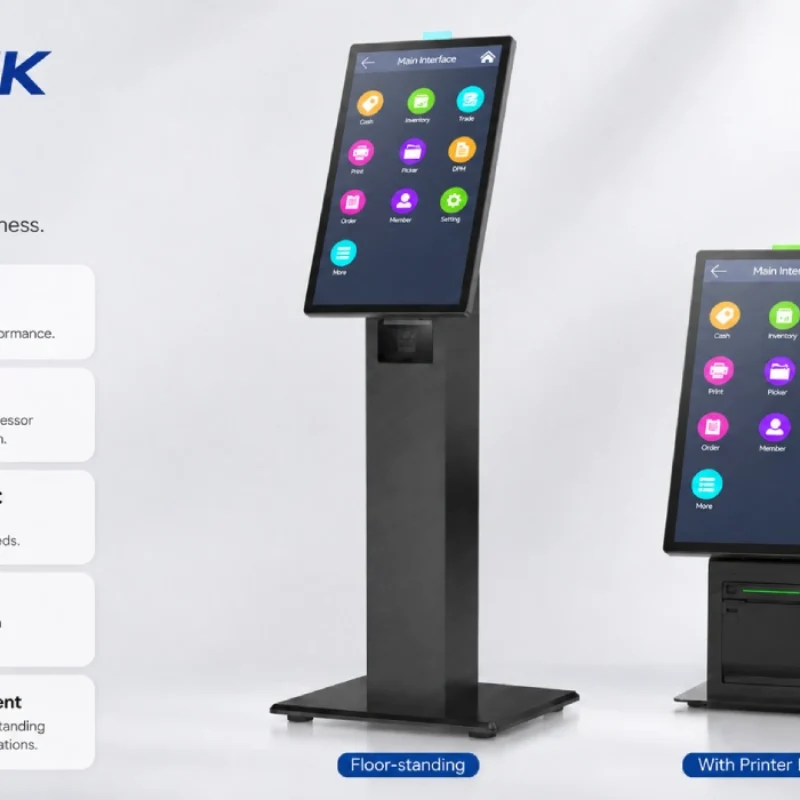
How Can the SUNTEK SK1 Information Kiosk Machine Improve Government Self-Service?
The SUNTEK SK1 Information Kiosk Machine supports government self-service scenarios such as tax payment, bill payment, parking ticket payment, public service inquiry, NFC interaction, QR code payment, SoftPOS, mobile pay, receipt printing, and paperless confirmation. With Android 14, RK3576 hardware, under-screen NFC, optional printer configuration, and flexible deployment options, SK1 provides a modular kiosk hardware platform for public service centers and system integrators.