
Compact Self-Service Kiosk for Chain Store Projects
Key Takeaways
- Chain stores need compact terminals that can fit front counters, service desks, reception areas, and small-format store layouts.
- Solution providers need kiosk hardware that can carry their software and adapt to different customer workflows.
- System integrators care about peripheral flexibility, installation structure, and repeatable deployment.
- SK1-15 supports POS holder installation, allowing a POS terminal to be added for payment scenarios.
- SoftPOS-ready NFC options, magnetic stripe card reader options, QR code scanning, face camera support, and external fingerprint module integration make SK1-15 more suitable for project-based deployments.
- Fingerprint identity verification can be useful for chain stores that need customer confirmation, service authorization, social benefit validation, account-based access, or controlled service workflows.
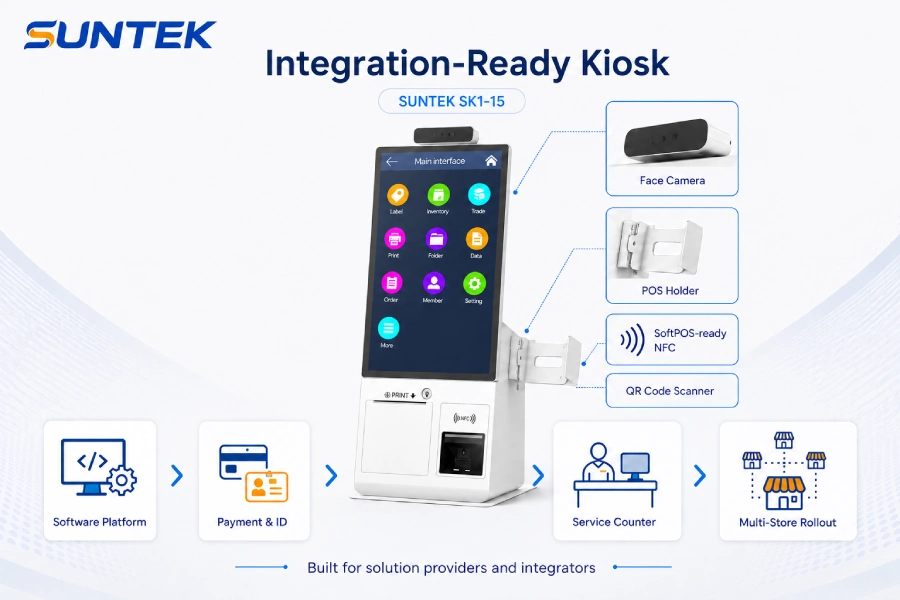
SUNTEK SK1-15 supports project-based peripheral configuration for payment, identification, scanning, and front-counter service workflows.
Why Chain Stores Need Compact Self-Service Hardware
Chain stores are under pressure to make front-counter service faster, more consistent, and easier to manage across multiple locations. This applies not only to restaurants, but also to retail stores, pharmacies, hotels, service counters, beauty stores, brand experience shops, healthcare reception areas, telecom stores, and other customer-facing environments.
At the same time, physical stores are changing. Stores are no longer only checkout locations. They are becoming service points, experience spaces, fulfillment touchpoints, and customer data interaction points. McKinsey has also discussed how the role of physical stores is being redefined as AI changes how shoppers discover and buy products.
Read the McKinsey retail perspective.
However, not every store has enough space for a large floor-standing kiosk. Many chain stores operate in compact layouts, shopping malls, service counters, reception desks, or cashier-adjacent areas. In these environments, a large kiosk may be difficult to install or unnecessary for the service workflow.
This is where compact self-service kiosk hardware becomes valuable. It gives chain brands a digital front-end touchpoint that can support different store services while keeping deployment simple, space-efficient, and easier to repeat across multiple locations.
What Solution Providers and Integrators Actually Need
For solution providers and system integrators, kiosk hardware is rarely a standalone product. It is usually part of a larger project.
A software provider may need a terminal to display its service interface. A payment partner may need a kiosk structure that can support POS terminal mounting. A membership or CRM provider may need a device that supports customer identification. A healthcare or pharmacy solution provider may need identity verification hardware for controlled service workflows.
Their real questions are usually practical:
- Can the kiosk fit the store counter?
- Can it carry our software interface?
- Can it support the required peripherals?
- Can a POS terminal be added when payment is needed?
- Can NFC, QR code scanner, card reader, camera, or fingerprint module options be configured?
- Can the same model be deployed across many stores?
- Can the hardware supplier support project-based configuration?
This is why compact kiosk hardware should not be evaluated only by screen size. It should be evaluated by how well it fits the actual deployment workflow.
How SK1-15 Fits Front-Counter Service Workflows
SK1-15 is suitable for front-counter service scenarios where customers need to complete simple interactions before or during staff-assisted service.
A typical workflow may include:
- The customer starts an operation on the SK1-15 screen.
- The software interface guides the customer through the service process.
- The customer may use a card, NFC reader, QR code scanner, face camera, or fingerprint module depending on the project configuration.
- If payment is required, a POS terminal can be added through the POS holder.
- The service data can be handled by the customer’s software, POS system, membership platform, pharmacy system, healthcare platform, or backend system.
- Store staff can focus on guidance, exception handling, and higher-value service.
This workflow is especially useful for projects where the customer already has software, but still needs a compact and reliable hardware terminal for offline store deployment.
For solution providers and system integrators, SK1-15 can serve as the front-end hardware layer between the customer’s software system and the physical service counter.
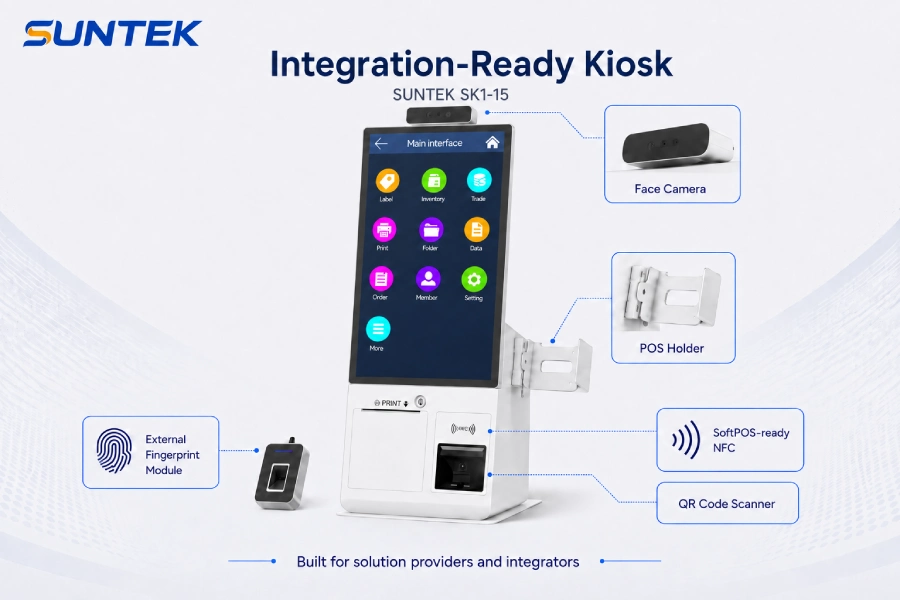
SK1-15 can work as a front-end hardware touchpoint between software platforms, payment and identity workflows, service counters, and multi-store rollout projects.
Key Hardware Capabilities for Project Deployment
1. Compact 15.6-Inch Form Factor
A 15.6-inch kiosk is easier to place on counters, reception desks, cashier-adjacent areas, and compact service spaces. It is suitable for stores that want to add self-service functions without using a large floor-standing machine.
For chain brands, this matters because different stores may have different layouts. A compact self-service kiosk gives brands more flexibility when planning store-level deployment.
2. POS Holder Support
SK1-15 supports POS holder installation, allowing a POS terminal to be added for payment scenarios according to project requirements.
This is important for chain store projects because many brands already use specific POS terminals, payment service providers, or checkout workflows. SK1-15 provides the hardware mounting option, while the actual payment function depends on the selected POS device, payment application, and local project requirements.
This keeps the hardware role clear. SK1-15 is not positioned as a complete payment solution by itself. It provides a compact kiosk structure that can support POS terminal installation when the project requires payment capability.
3. NFC Card Reader and SoftPOS-Ready Configuration
SK1-15 can support NFC card reader options and SoftPOS-ready project configurations according to customer requirements.
For chain store and service counter projects, NFC can support contactless card interaction, membership card reading, access-related workflows, or SoftPOS-related payment scenarios when combined with compatible payment software and required project integration.
SoftPOS should be understood as a project configuration, not a standalone promise from the kiosk hardware alone. The actual SoftPOS workflow depends on the selected NFC-related hardware, payment application, payment certification requirements, local regulations, and software integration.
Mastercard describes Tap on Phone as a model that allows businesses to accept contactless cards or mobile wallets on NFC-enabled devices.
See Mastercard Tap on Phone information.
4. Magnetic Stripe Card Reader Option
In some markets and industries, magnetic stripe cards are still used for membership cards, service cards, hotel cards, legacy card-based systems, or account-linked customer workflows.
Supporting a magnetic stripe card reader option allows SK1-15 to fit projects where card compatibility remains important. This is especially useful for integrators working with customers that cannot immediately replace existing card systems.
5. QR Code Scanner
QR code scanning is useful for customer check-in, membership lookup, order retrieval, coupon redemption, appointment confirmation, queue registration, and payment-related workflows.
For solution providers and integrators, the QR code scanner helps SK1-15 connect online service flows with offline store counters. A customer may start a workflow from a mobile app, website, or message link, then continue the interaction at the store counter through the kiosk.
6. Face Camera Support
Face camera support can be used for software-defined workflows such as customer identification, member recognition, visitor check-in, or service authorization.
It should not be described only as face payment. Whether face-based payment or verification is available depends on the software platform, payment provider, and local compliance requirements.
7. External Fingerprint Module for Identity Verification
When required by the project, SK1-15 can also support an external fingerprint module for fingerprint-based identity verification workflows.
This capability is especially relevant for chain store environments where the service process requires customer confirmation, account access, service authorization, social benefit validation, or identity-related checks.
Pharmacy chains are a practical example. In some markets, pharmacies may need to verify a customer’s identity before processing medicine pickup, social security usage, insurance reimbursement, government benefit-related transactions, or account-linked pharmacy services. Fingerprint verification can help reduce the risk of identity misuse, unauthorized use, benefit abuse, or incorrect reimbursement handling.
Latin America is one region where pharmacy and public-service-related identity verification demand can be seen in real projects. However, the use case is not limited to Latin America, and it is not limited to pharmacies. Similar identity verification needs may also appear in healthcare service counters, telecom stores, financial service counters, membership service points, public service counters, employee service counters, and other regulated or account-based chain store environments.
The actual fingerprint verification workflow depends on the selected fingerprint module, software system, data policy, customer authorization process, and local compliance requirements.
8. Flexible Peripheral Configuration
Different projects do not always need the same hardware combination. One customer may need POS terminal mounting. Another may need NFC and SoftPOS-ready capability. Another may need a magnetic stripe card reader, QR code scanner, face camera support, or an external fingerprint module for identity verification.
A flexible hardware platform helps solution providers and integrators adapt one compact kiosk model to multiple customer scenarios. This is especially important for customers who serve different industries or operate across different regional markets.
Use Cases Across Chain Store Environments
Retail Chain Service Counters
In retail chain stores, SK1-15 can support product inquiry, customer registration, membership interaction, coupon redemption, service requests, and payment-related workflows when paired with the appropriate software and peripherals.
Its compact size makes it suitable for front counters, cashier-adjacent areas, and service desks where a large kiosk may not fit.
Pharmacy and Healthcare Reception Areas
For pharmacies, clinics, or healthcare reception areas, SK1-15 can support queue registration, service check-in, card reading, QR code scanning, identity-related workflows, and service process interaction depending on the project setup.
In pharmacy chain projects, identity verification may be especially important when the service process involves social security usage, insurance reimbursement, medicine pickup confirmation, controlled service access, or account-linked customer operations.
This article does not position SK1-15 as a medical device. Instead, it focuses on its role as a front-counter self-service terminal for administrative, service, and identity-related workflows.
Telecom Stores and Account-Based Services
Telecom stores often need to confirm customer identity before SIM-related services, account changes, contract updates, device pickup, or service authorization.
In these environments, SK1-15 can work as a compact service terminal that supports customer input, card reading, NFC interaction, QR code scanning, face camera, or external fingerprint verification depending on project requirements.
Hotel and Hospitality Front Desks
In hotel and hospitality environments, compact kiosks can be used for guest information input, member identification, card interaction, payment support, QR code check-in, or front-desk service assistance.
For integrators, SK1-15 can serve as a hardware base for hotel front-desk workflows where software, card systems, identity checks, and payment devices may need to work together.
Membership and Customer Service Points
Membership service points may need to confirm customer identity before points redemption, benefits use, stored-value operations, account updates, or service authorization.
Depending on the project, SK1-15 can support multiple identification methods, including QR code, card, NFC, face camera, and external fingerprint module options.
Brand Experience Stores
For brand showrooms and experience stores, compact kiosks can work as digital service points for product information, customer registration, campaign participation, guided interaction, and account-based engagement.
Service Centers and Chain Counters
For service centers, repair counters, financial service points, public service counters, telecom branches, or customer support locations, SK1-15 can help standardize front-counter interaction and reduce repetitive staff input.
What Buyers Should Evaluate Before Deployment
Before choosing compact kiosk hardware for a chain store or integration project, buyers should evaluate more than the appearance.
| Evaluation Point | Why It Matters |
|---|---|
| Counter or service desk space | The kiosk must fit real store layouts without requiring major redesign. |
| Operating system and software support | Solution providers need hardware that can carry their software interface and workflow. |
| POS holder compatibility | The POS holder should match the selected POS terminal and payment workflow. |
| NFC and SoftPOS-ready configuration | Payment-related workflows may require compatible NFC hardware, payment software, and certification support. |
| QR code scanner | QR code workflows can support check-in, order retrieval, payment, coupon redemption, and service confirmation. |
| Card reader, face camera, or fingerprint module | Different projects may require different identification methods. |
| Multi-store rollout | Large chain brands need consistent hardware design, stable supply, and practical maintenance. |
| Compliance and data handling | Identity-sensitive workflows should be reviewed with the solution provider, system integrator, and local compliance requirements. |
For chain store projects, the most important question is not only what the kiosk can do in a demo. The more important question is whether the same hardware can be deployed, maintained, and scaled across real store environments.
SUNTEK SK1-15 Hardware Perspective
SUNTEK SK1-15 is positioned as a compact self-service kiosk for solution providers, system integrators, and chain store projects.
It is especially suitable for customers who already have software or service workflows and need a compact hardware terminal for offline store deployment.
SK1-15 can support:
- 15.6-inch compact kiosk form factor
- POS holder installation for adding a POS terminal
- NFC card reader option
- SoftPOS-ready project configuration
- Magnetic stripe card reader option
- QR code scanner
- Face camera support
- External fingerprint module integration for identity verification
- Front-counter and service desk deployment
- Project-based peripheral configuration
For solution providers, SK1-15 can act as a hardware carrier for software platforms. For system integrators, it provides a flexible terminal base for different project configurations. For chain store brands, it helps create a repeatable front-counter service touchpoint across multiple locations.
For projects that require larger display areas, stronger hardware expansion, or more modular identity verification design, buyers can compare SK1-15 with the SUNTEK SK5 kiosk machine, read the self-service kiosk selection guide, or directly explore the SUNTEK kiosk product lineup to compare different kiosk hardware options.
Conclusion
Chain store digitalization is not only about adding more screens. For many real projects, the key is finding compact hardware that can fit store spaces, support existing workflows, and adapt to different peripheral and identity verification requirements.
SUNTEK SK1-15 is designed for this type of deployment. With POS holder support, SoftPOS-ready NFC options, magnetic stripe card reader options, QR code scanning, face camera support, and external fingerprint module integration, it gives solution providers, system integrators, and chain store brands a flexible hardware base for front-counter service projects.
For customers who already have software, POS systems, payment partners, pharmacy platforms, public service workflows, membership systems, or identity-related service processes, SK1-15 can serve as the offline hardware touchpoint that connects digital service with physical store operations.
The value of a compact self-service kiosk is not only what it can do on the screen. Its real value is whether it can fit the project environment, support the required peripherals, and help the customer build a service workflow that can be repeated across many locations.
Planning a Compact Self-Service Kiosk Project?
SUNTEK provides kiosk hardware for solution providers, system integrators, and brand store projects. Contact our team to discuss SK1-15 configuration options, including POS holder installation, SoftPOS-ready NFC options, magnetic stripe card reader options, QR code scanning, face camera support, and external fingerprint module integration.
相关新闻
-
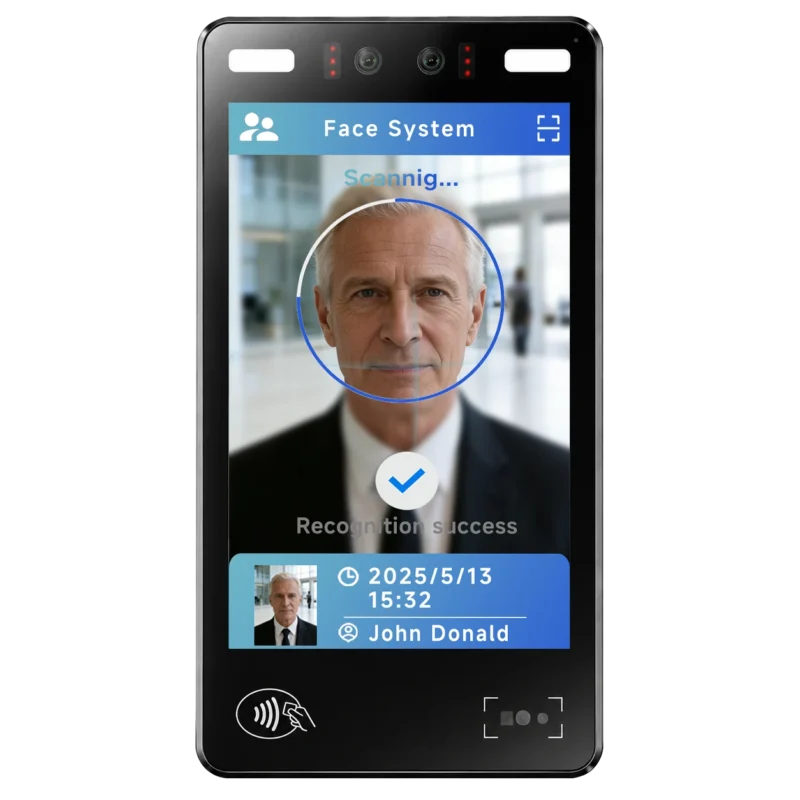
FA10 10.1-Inch AI Facial Recognition Terminal for Smart Access
SUNTEK FA10 10.1-inch AI facial recognition terminal is designed for smart access control, visitor management, attendance, and self-service applicatio…
-
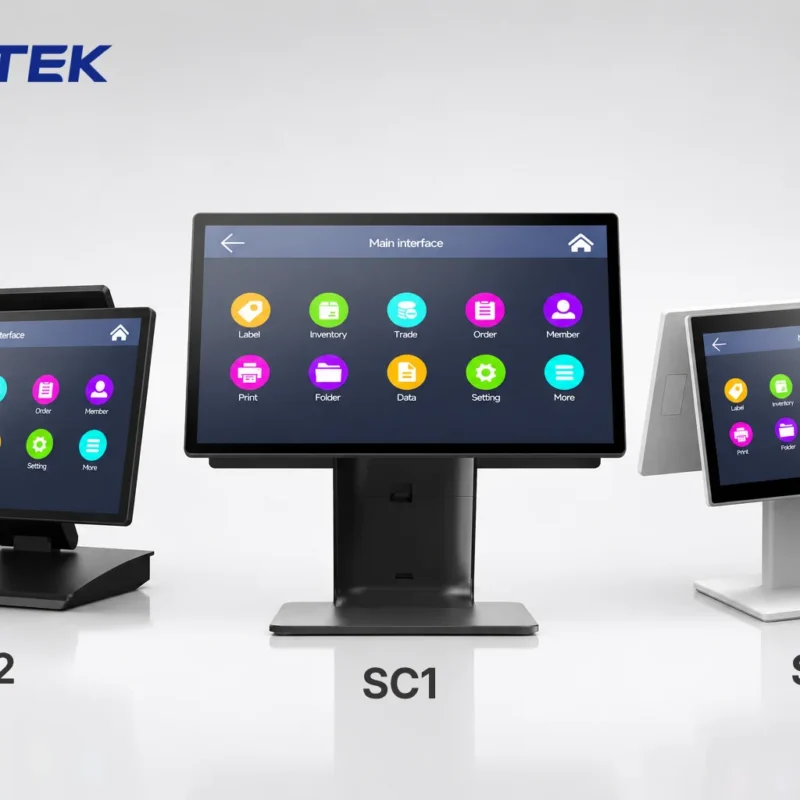
How to Choose the Right POS Terminal: SC1 vs SC2 vs SC6
Selecting the right POS terminal depends on your software requirements, hardware expectations and deployment environment. This guide compares SUNTEK S…
-
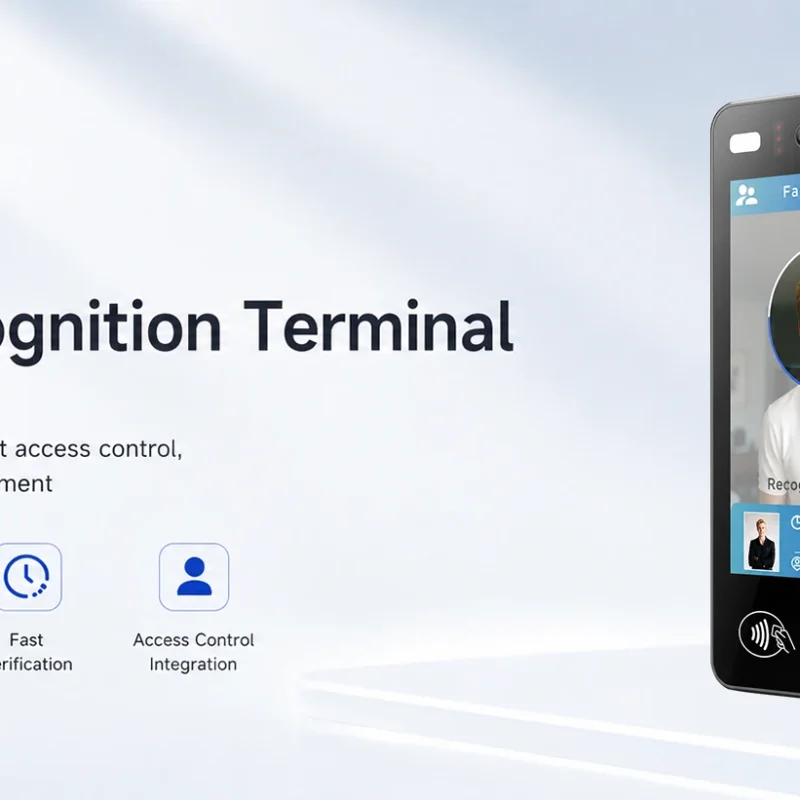
Updated FA8 Facial Recognition Terminal
SUNTEK has updated the FA8 8-inch Android facial recognition terminal with a more refined exterior design, a revised interface configuration, and stro…
-
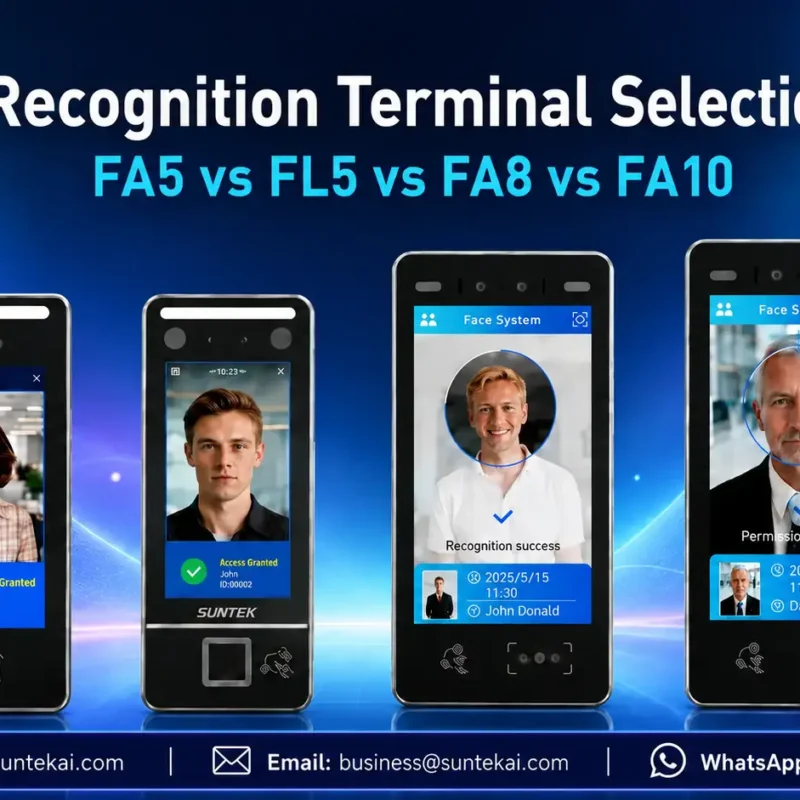
Facial Recognition Terminal Selection Guide: FA5 vs FL5 vs FA8 vs FA10
This guide compares SUNTEK FA5, FL5, FA8, and FA10 to help you choose the right facial recognition terminal for your project. Which SUNTEK Facial Reco…
-
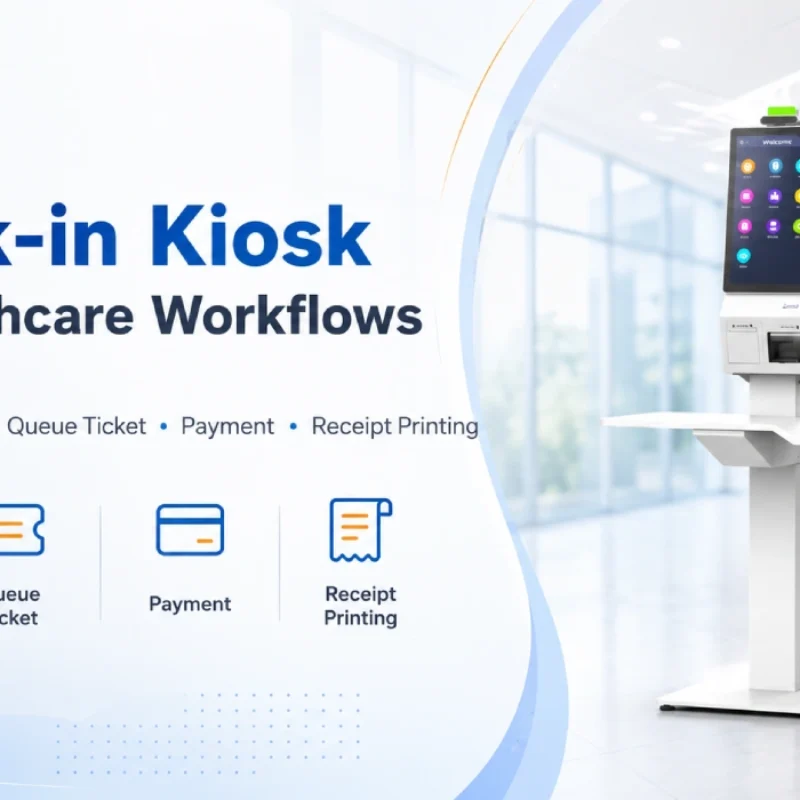
Check-In Kiosk Hardware for Healthcare Self-Service
A check-in kiosk helps healthcare facilities move repetitive front-desk tasks into a guided self-service registration workflow. This article explains how check-in kiosks support appointment confirmation, information entry, queue ticket printing, payment, receipt printing, and optional verification, while also outlining key hardware modules and deployment considerations for hospitals, clinics, and outpatient care centers.
-
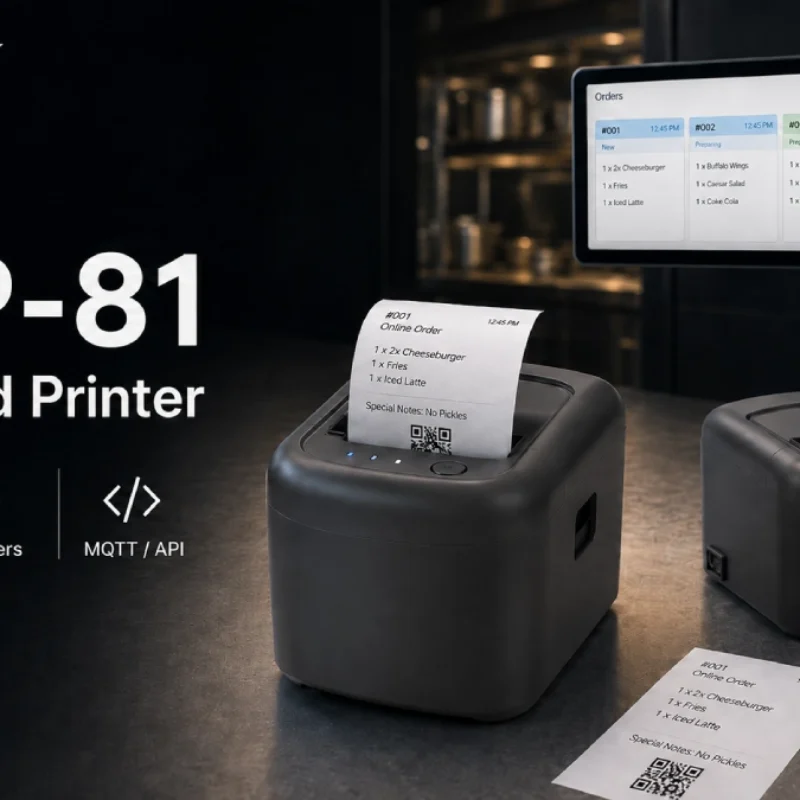
Cloud Printer for Online Food Orders: How Restaurants Keep Delivery Orders Moving
Online food orders are changing how restaurants manage kitchen, packing, and delivery workflows. This article explains how cloud printers and KDS hardware help restaurants print order tickets, improve kitchen visibility, reduce missed orders, and build a more reliable online food order workflow.
-
Multimodal Biometrics in Access Control After ID4Africa 2026
This article explores how ID4Africa 2026 reflects the growing importance of multimodal biometrics in access control. It explains why face recognition, fingerprint verification, and palm vein recognition are becoming more relevant for offices, hospitals, schools, government buildings, and secure indoor areas, with SUNTEK FL5 as a hardware example.
-

What NRA Show 2026 Reveals About Restaurant Technology Trends
As NRA Show 2026 opens in Chicago, restaurant operators are paying closer attention to practical technology that improves ordering, payment, kitchen workflows and device management. From SUNTEK’s hardware manufacturer perspective, the key trend is clear: restaurant digitalization is moving from isolated software tools to connected hardware systems, including POS terminals, self-service kiosks, cloud printers, SoftPOS-ready devices and remote management platforms.
-
How to Choose a Self-Service Kiosk: SK1 vs SK1-15 vs SK5
Compare SUNTEK SK1, SK1-15, and SK5 self-service kiosks by installation type, SoftPOS support, information kiosk use, payment, printing, scanning, and project scenarios.
-
How Can the SUNTEK SK1 Information Kiosk Machine Improve Government Self-Service?
The SUNTEK SK1 Information Kiosk Machine supports government self-service scenarios such as tax payment, bill payment, parking ticket payment, public service inquiry, NFC interaction, QR code payment, SoftPOS, mobile pay, receipt printing, and paperless confirmation. With Android 14, RK3576 hardware, under-screen NFC, optional printer configuration, and flexible deployment options, SK1 provides a modular kiosk hardware platform for public service centers and system integrators.