
How Can the SUNTEK SK1 Information Kiosk Machine Improve Government Self-Service?
Key Takeaways
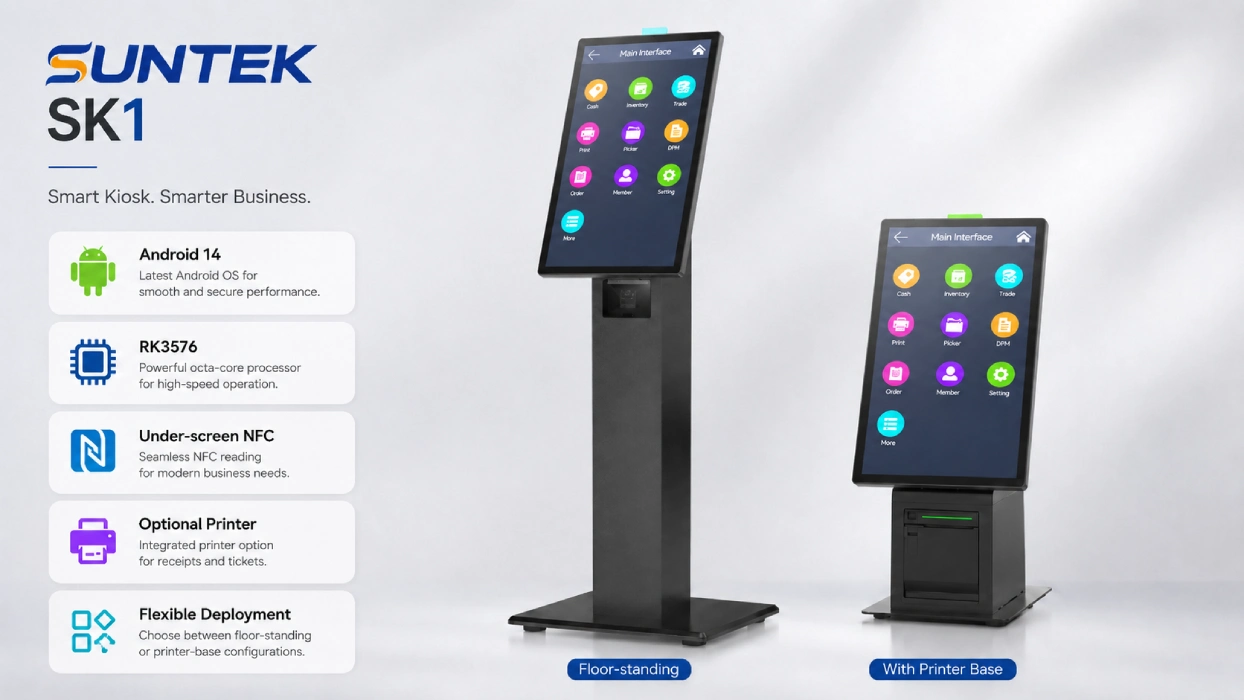
- Information kiosk machine for public services: SK1 can support citizen inquiries, service guidance, NFC interaction, and selected self-service workflows.
- Self-service kiosk for government offices: It helps move routine inquiries, check-in steps, payment-related workflows, and receipt output away from manual counters.
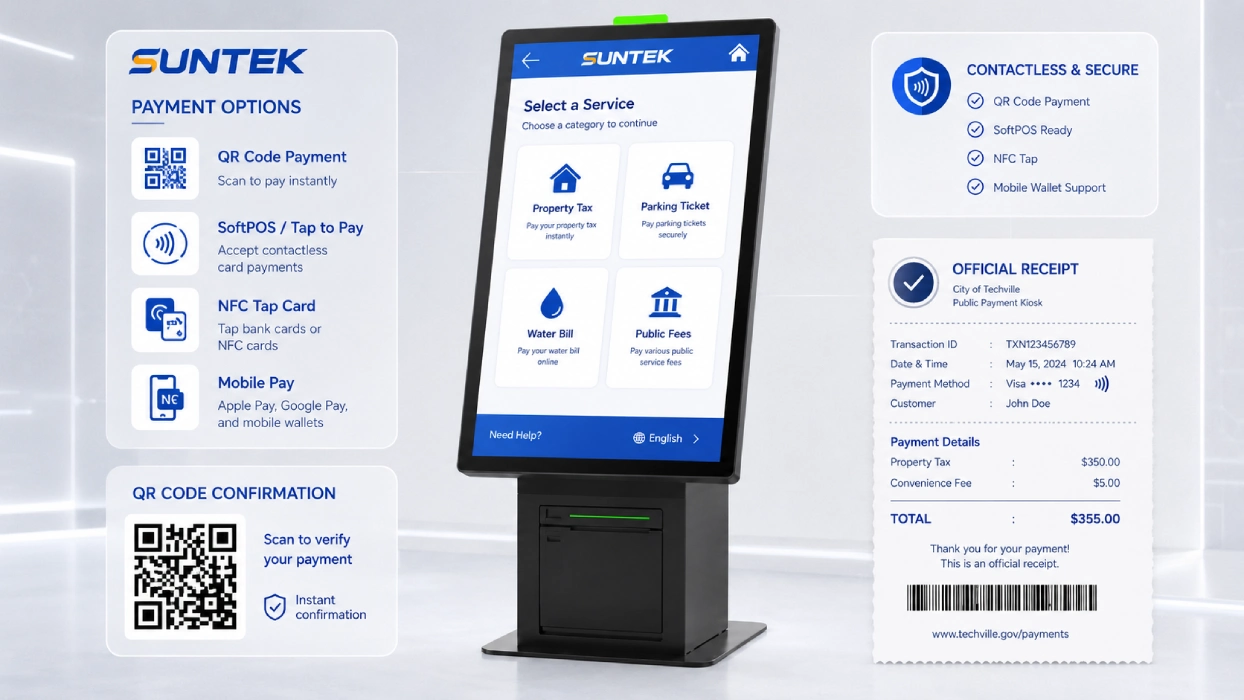
- Payment kiosk application potential: SK1 can be configured for tax payment, bill payment, parking ticket payment, utility payment, or QR-code-based payment workflows depending on project software.
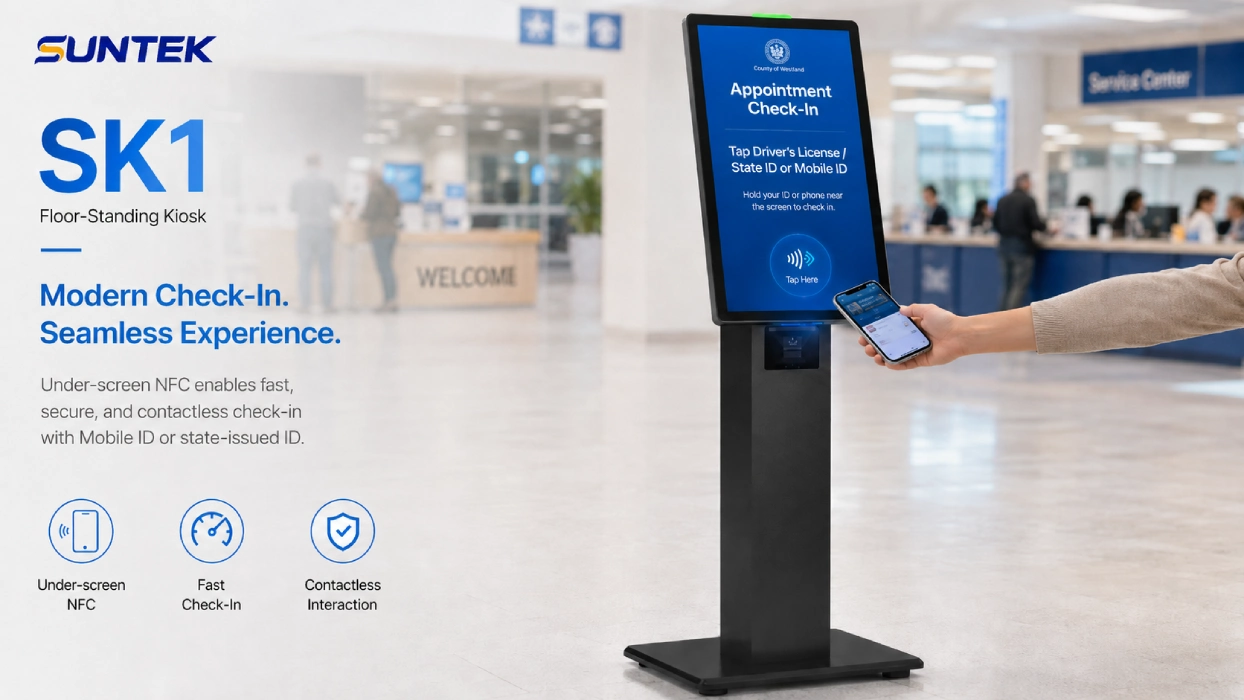
- NFC interaction: Under-screen NFC can support card-based interaction, identity-related workflows, or payment-related use cases depending on project software and local requirements.
- Flexible kiosk machine deployment: SK1 supports floor-standing, wall-mounted, and desktop installation for different public service spaces.
- Android information kiosk platform: Android 14 and RK3576 hardware provide a modern base for project-based kiosk integration.
What Is an Information Kiosk Machine in Government Services?
An information kiosk machine in government services is a self-service terminal that helps citizens access public information, follow service guidance, verify basic information, and complete selected routine workflows without relying only on manual counters.
In many public service halls, citizens still need to visit physical locations for policy inquiries, document guidance, appointment check-in, queue management, public fee payment, tax payment, parking ticket payment, water bill payment, or public utility services. When every simple question depends on staff support, waiting time increases and service efficiency becomes harder to maintain.
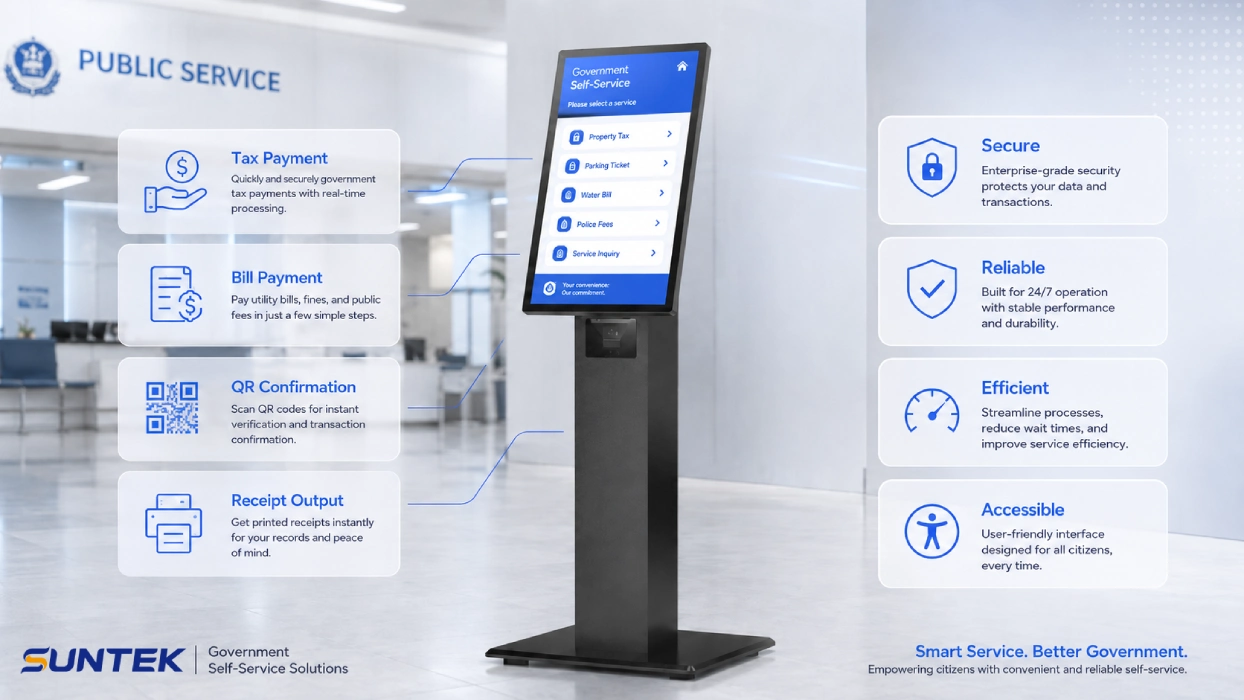
A government self-service kiosk can help distribute these repetitive tasks. Citizens can use the kiosk machine to read service instructions, check basic information, scan or tap cards, generate payment confirmations, print receipts, or complete selected digital interactions through a standardized interface.
This type of public service kiosk does not replace human service. Instead, it helps staff focus on complex consultation, special approvals, and exception handling, while routine workflows are handled through digital self-service touchpoints.
Why Are Public Offices Using Self-Service Kiosks for Payments and Citizen Services?
Public offices are using self-service kiosks because they need faster citizen guidance, more consistent service access, and better counter workload distribution in high-traffic service environments.
The demand for digital government is increasing globally. The United Nations E-Government Survey 2024 highlights the continued development of digital government services and public-sector digital transformation worldwide. For physical service halls, this means digital systems still need reliable hardware touchpoints that citizens can access in person.
A self-service kiosk machine can support this transition by connecting online government systems with offline service spaces. It gives citizens a visible, guided, and interactive terminal for common service steps, including service inquiry, payment-related workflows, receipt output, and QR-code-based confirmation.
In real public service environments, the most practical kiosk machine scenarios are often linked to payment, tax, bill inquiry, document guidance, and citizen-facing self-service workflows.
| Public Service Scenario | Typical Kiosk Workflow | Relevant Search Intent |
|---|---|---|
| Property tax payment | Citizens use a self-service tax payment kiosk to search tax records, confirm payment information, pay property taxes, and print or receive a payment confirmation. | property tax kiosk, tax payment kiosk, self-service tax payment kiosk |
| Parking ticket payment | Residents enter a ticket number, scan a notice, check the payable amount, complete payment, and receive a printed or digital receipt. | parking ticket payment kiosk, payment kiosk, self-service payment kiosk |
| Water bill and utility payment | Users check account information, confirm water bills or utility fees, make payment, and generate a receipt or digital confirmation. | water bill payment kiosk, utility bill payment kiosk, bill payment kiosk |
| QR code tax payment | Taxpayers scan a QR code or payment slip, confirm tax payment information, and complete the payment through an approved channel. | QR code payment kiosk, tax payment terminal, kiosk terminal |
| Administrative service inquiry | Citizens check required documents, service procedures, appointment information, queue status, or application progress before visiting a manual counter. | information kiosk, government self-service kiosk, public service kiosk |
| Certificate and receipt output | The kiosk prints queue tickets, payment receipts, service records, or digital confirmation codes depending on the project software. | information kiosk with printer, receipt printing kiosk, kiosk machine with printer |
These payment-related scenarios are already visible in public-sector kiosk deployments. For example, property tax self-service kiosks have been used by local governments in the United States, while QR-code-based tax payment workflows are also used in Japan’s tax payment process. In city-level public payment kiosk cases, residents may use kiosks for parking tickets, property taxes, water bills, or other public service payments. These examples show why a modern information kiosk machine should support not only service inquiry, but also payment-related interaction, receipt output, and flexible integration with public-sector systems.
How Does SK1 Work as a Government Self-Service Kiosk?
The SUNTEK SK1 works as a government self-service kiosk by combining interactive display, Android computing, under-screen NFC, optional printing, and flexible installation in one modular kiosk machine.
Unlike a simple touch screen or single-purpose payment terminal, SK1 is designed as a hardware platform for project-based integration. Government offices, software providers, and system integrators can adapt the final workflow according to the agency’s service system, identity process, payment requirements, and local data protection rules.
SK1 can be used in:
- Municipal service centers
- Administrative approval halls
- Tax payment and public fee payment areas
- Transport service counters
- Parking ticket payment service points
- Water bill and utility payment counters
- Community service stations
- Government lobby information points
- Appointment check-in and queue guidance areas
For agencies that need a practical information kiosk machine rather than a fully customized cabinet, SK1 provides a flexible hardware base that can support different service workflows with the same product platform.
How Can NFC Improve Identity and Payment Workflows?
NFC can improve identity and payment workflows by allowing citizens to interact with cards, ID-related media, contactless bank cards, or mobile wallets through a simple tap-based process.
In government service environments, NFC can reduce the need for exposed external card modules and help make the user journey more intuitive. With under-screen NFC, the card interaction area can be integrated into the kiosk display area, keeping the device appearance clean and suitable for public-facing spaces.
Depending on project software and local regulations, SK1 can support NFC-related workflows such as:
- Tapping a citizen card or ID-related card to start a service process
- Reading card-based information for service verification
- Supporting selected contactless payment workflows for public service fees
- Enabling mobile wallet or contactless card interaction when integrated with certified payment software
- Supporting NFC-based payment kiosk workflows for tax payment, bill payment, or public service payment projects
For payment-related projects, SK1 should be deployed with certified SoftPOS, Tap-to-Pay, or local payment application software. The PCI Security Standards Council provides standards for contactless payment acceptance on commercial off-the-shelf devices, including CPoC and the newer MPoC direction. Agencies and integrators should confirm the required certification path with their payment provider, acquirer, and local regulatory framework.
Hardware manufacturer note: As a hardware manufacturer, SUNTEK provides the kiosk hardware platform for project-based integration. Final identity verification, payment certification, and data compliance depend on the customer’s software, local regulations, certified payment providers, and system integration.
What Makes SK1 a Flexible Kiosk Machine for Public Service Spaces?
SK1 is a flexible kiosk machine for public service spaces because it supports multiple display sizes, multiple installation modes, optional printing, and modular configuration for different government office layouts.
Government service spaces are not all the same. A compact service counter, a bright public lobby, a narrow corridor, and a large administrative hall may all require different kiosk layouts. SK1 helps agencies maintain a consistent hardware platform while adapting the physical form to each location.
Display Options
| Display Size | Brightness | Suitable Use |
|---|---|---|
| 15.6 inch | 250 cd/m² | Compact counters, desktop use, assisted service desks |
| 21.5 inch | 350 cd/m² | Lobby guidance, self-service inquiry, public information display |
| 27 inch | 350 cd/m² | Large service halls, high-visibility navigation, immersive self-service interaction |
Installation Modes
| Installation Mode | Application Scenario |
|---|---|
| Floor-standing | Government lobbies, public service halls, tax payment areas, and entrance service points |
| Wall-mounted | Corridors, queue areas, narrow spaces, guidance points, and compact payment areas |
| Desktop | Service counters, assisted terminals, compact office environments, and staff-supported payment desks |
How Does SK1 Support Receipt Printing and Paperless Service?
SK1 supports receipt printing and paperless service by offering an optional 80mm thermal printer while allowing agencies to design digital confirmation workflows when printing is not required.
Some government departments still require printed receipts, payment confirmations, queue tickets, tax payment slips, utility payment receipts, or service records. For these scenarios, SK1 can be configured with an 80mm thermal printer to support fast physical output.
For public agencies moving toward paper-light service counters, the printer module can be optional. The kiosk can instead support digital receipt workflows through QR code, email, SMS, or system-based confirmation, depending on the customer’s software platform.
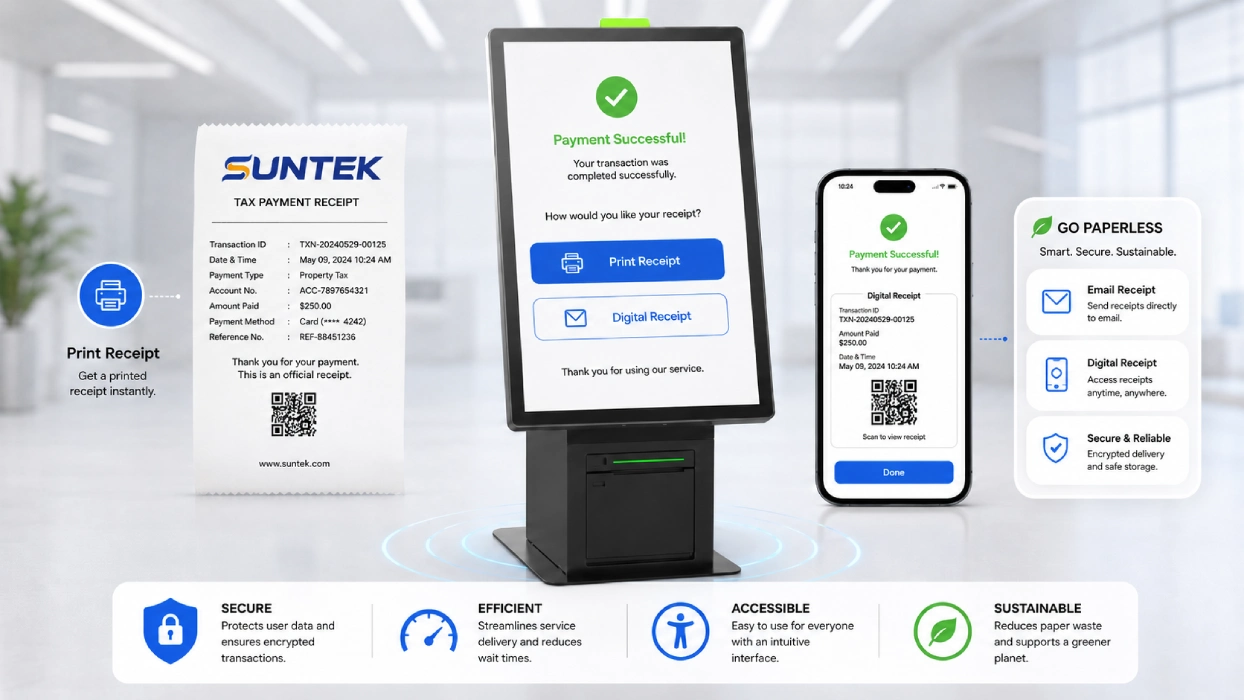
| Output Type | Suitable Scenario |
|---|---|
| Printed receipt | Payment confirmation, tax payment slip, service record, queue ticket, or utility bill receipt |
| QR code confirmation | Mobile follow-up, online status tracking, QR-code-based payment slip, or digital confirmation |
| Email receipt | Administrative records, tax records, public payment records, or digital archive |
| No-printer configuration | Paper-light service counters, compact wall-mounted deployment, or digital-only public service workflows |
What Hardware Configuration Does SK1 Provide?
SK1 provides an Android information kiosk hardware configuration suitable for self-service inquiry, NFC interaction, payment-related workflows, receipt output, and project-based public service integration.
| Hardware Item | SK1 Configuration |
|---|---|
| Operating System | Android 14 |
| Processor | RK3576 Octa-core 2.2GHz |
| Display Options | 15.6 inch, 21.5 inch, 27 inch |
| NFC | Under-screen NFC |
| Printer | Optional 80mm thermal printer |
| Installation | Floor-standing, wall-mounted, desktop |
| Status Indicator | RGB LED three-color status light |
This hardware configuration makes SK1 suitable for agencies and integrators that need a kiosk machine with a clean appearance, modular structure, and flexible deployment options.
Why Does Hardware Reliability Matter in Public Service Kiosks?
Hardware reliability matters in public service kiosks because these devices need to support frequent daily use, stable operation, and long service cycles in citizen-facing environments.
Government service halls, tax payment centers, transport service counters, and utility payment offices often experience repeated operation, long working hours, and high user turnover. A kiosk machine used in this environment needs more than a visual interface. It must provide stable hardware performance, reliable touch operation, suitable installation design, and maintainable modular components.
The SUNTEK SK1 runs on Android 14 and is powered by the RK3576 Octa-core 2.2GHz processor. This hardware configuration provides a modern platform for kiosk software, public service apps, NFC interaction, payment-related interfaces, and responsive user experiences.
For system integrators, Android-based kiosk hardware can also simplify application deployment, interface customization, device management, and project-based software integration.
What Should Agencies Evaluate Before Choosing a Kiosk Machine?
Before choosing a kiosk machine for government self-service, agencies should evaluate service workflow, software compatibility, NFC requirements, payment certification, installation environment, receipt output, maintenance access, and data protection.
A successful public service kiosk project depends not only on hardware, but also on how the device fits into the agency’s existing digital service system. Before deployment, public sector buyers and system integrators should review the following factors:
| Evaluation Item | Why It Matters |
|---|---|
| Service workflow | Defines whether the kiosk is used for inquiry, payment, check-in, printing, bill payment, tax payment, or guided navigation |
| Software compatibility | Ensures the government application can run smoothly on the Android kiosk platform |
| NFC requirements | Confirms whether the project needs ID card reading, citizen card interaction, payment, or other NFC workflows |
| Payment compliance | Determines whether certified SoftPOS, Tap-to-Pay, QR code payment, or external payment modules are required |
| Installation environment | Helps choose floor-standing, wall-mounted, or desktop deployment |
| Receipt requirement | Defines whether the kiosk needs an integrated printer, QR-code-based confirmation, email receipt, or paperless output |
| Maintenance access | Affects printer replacement, module servicing, device cleaning, and long-term operation |
| Data protection | Ensures the final system follows local rules for citizen data and public sector information systems |
For projects involving citizen data, agencies should also review applicable data protection rules. For example, the European Commission provides guidance on EU data protection and GDPR principles for personal data processing.
Conclusion: SK1 as an Android Information Kiosk for Public Services
The SUNTEK SK1 is more than a touch display. It is an Android information kiosk machine that connects digital government systems with physical public service spaces.
With Android 14, RK3576 processing capability, under-screen NFC, optional printing, multiple display sizes, and flexible installation modes, SK1 can support a wide range of public service kiosk applications. It can help agencies build more accessible, efficient, and consistent citizen-facing service points.
For government service centers, tax payment offices, transport agencies, municipal offices, and public utility departments, SK1 provides a practical hardware foundation for self-service inquiry, guided interaction, payment-related workflows, receipt output, and digital service transformation.
Explore the SUNTEK SK1 Information Kiosk, view SUNTEK’s self-service kiosk product range, or contact SUNTEK for kiosk projects.
References
相关新闻
-
FA10 10.1-Inch AI Facial Recognition Terminal for Smart Access
SUNTEK FA10 10.1-inch AI facial recognition terminal is designed for smart access control, visitor management, attendance, and self-service applicatio…
-
How to Choose the Right POS Terminal: SC1 vs SC2 vs SC6
Selecting the right POS terminal depends on your software requirements, hardware expectations and deployment environment. This guide compares SUNTEK S…
-
Updated FA8 Facial Recognition Terminal
SUNTEK has updated the FA8 8-inch Android facial recognition terminal with a more refined exterior design, a revised interface configuration, and stro…
-
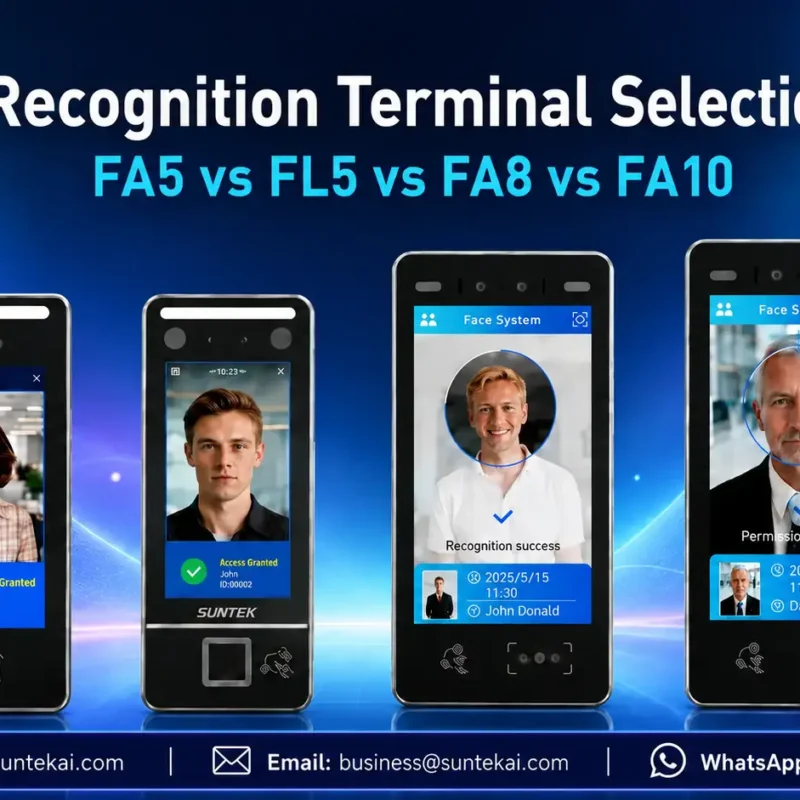
Facial Recognition Terminal Selection Guide: FA5 vs FL5 vs FA8 vs FA10
This guide compares SUNTEK FA5, FL5, FA8, and FA10 to help you choose the right facial recognition terminal for your project. Which SUNTEK Facial Reco…
-
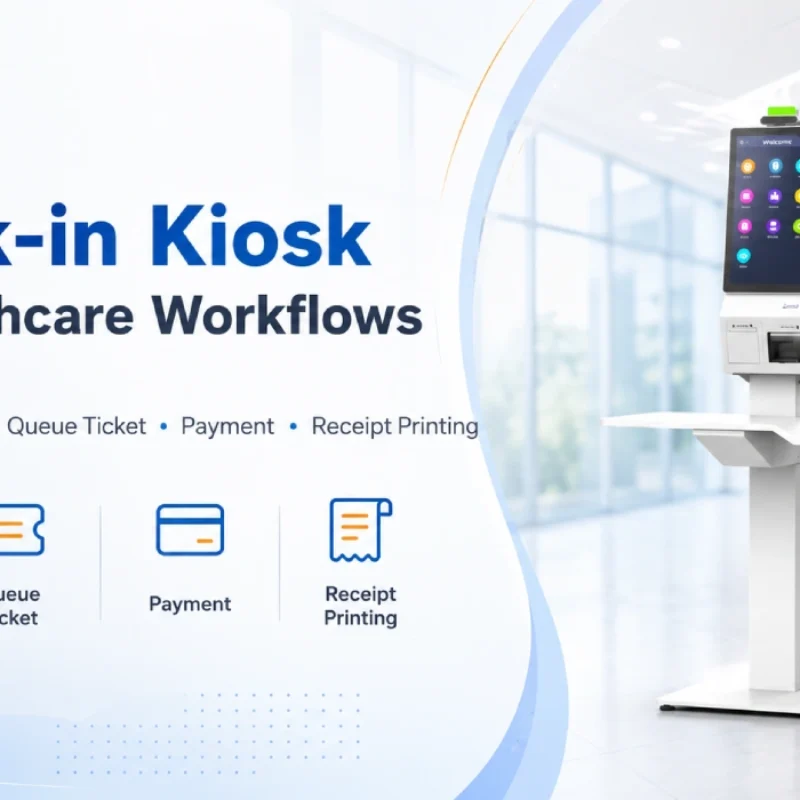
Check-In Kiosk Hardware for Healthcare Self-Service
A check-in kiosk helps healthcare facilities move repetitive front-desk tasks into a guided self-service registration workflow. This article explains how check-in kiosks support appointment confirmation, information entry, queue ticket printing, payment, receipt printing, and optional verification, while also outlining key hardware modules and deployment considerations for hospitals, clinics, and outpatient care centers.
-
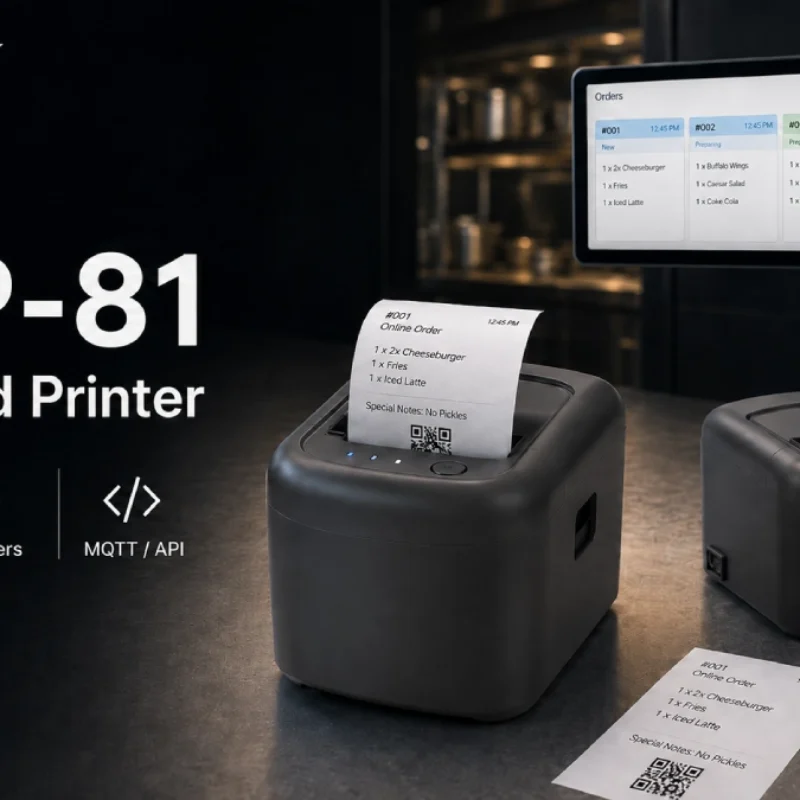
Cloud Printer for Online Food Orders: How Restaurants Keep Delivery Orders Moving
Online food orders are changing how restaurants manage kitchen, packing, and delivery workflows. This article explains how cloud printers and KDS hardware help restaurants print order tickets, improve kitchen visibility, reduce missed orders, and build a more reliable online food order workflow.
-
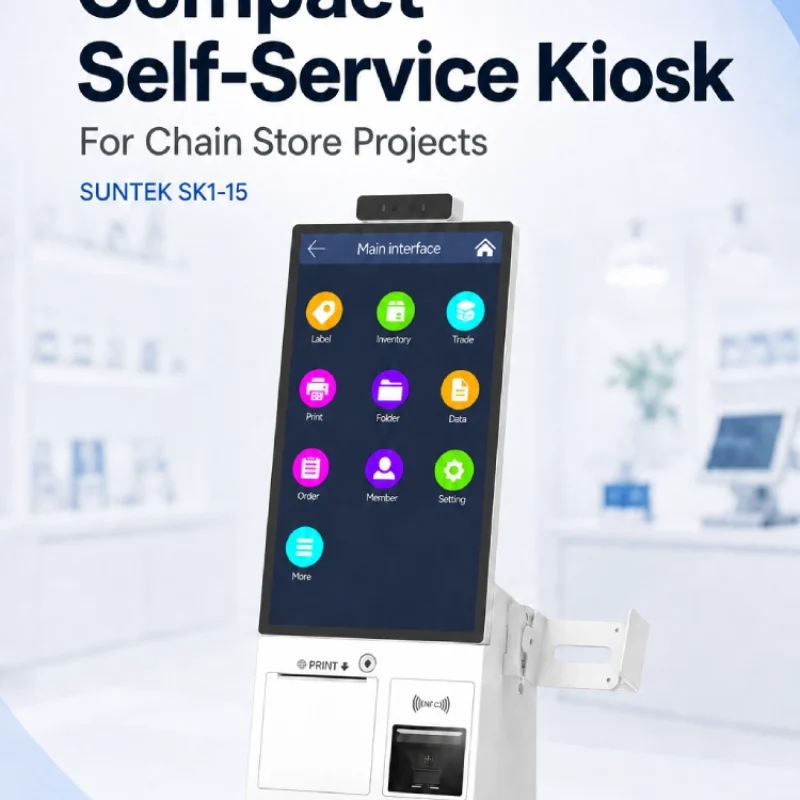
Compact Self-Service Kiosk for Chain Store Projects
SUNTEK SK1-15 is a compact self-service kiosk designed for chain store projects, solution providers, and system integrators. This article explains how SK1-15 supports POS holder installation, SoftPOS-ready NFC configurations, QR code scanning, magnetic stripe card reader options, face camera support, and external fingerprint module integration for front-counter service, payment, identification, and multi-store rollout workflows.
-
Multimodal Biometrics in Access Control After ID4Africa 2026
This article explores how ID4Africa 2026 reflects the growing importance of multimodal biometrics in access control. It explains why face recognition, fingerprint verification, and palm vein recognition are becoming more relevant for offices, hospitals, schools, government buildings, and secure indoor areas, with SUNTEK FL5 as a hardware example.
-
What NRA Show 2026 Reveals About Restaurant Technology Trends
As NRA Show 2026 opens in Chicago, restaurant operators are paying closer attention to practical technology that improves ordering, payment, kitchen workflows and device management. From SUNTEK’s hardware manufacturer perspective, the key trend is clear: restaurant digitalization is moving from isolated software tools to connected hardware systems, including POS terminals, self-service kiosks, cloud printers, SoftPOS-ready devices and remote management platforms.
-
How to Choose a Self-Service Kiosk: SK1 vs SK1-15 vs SK5
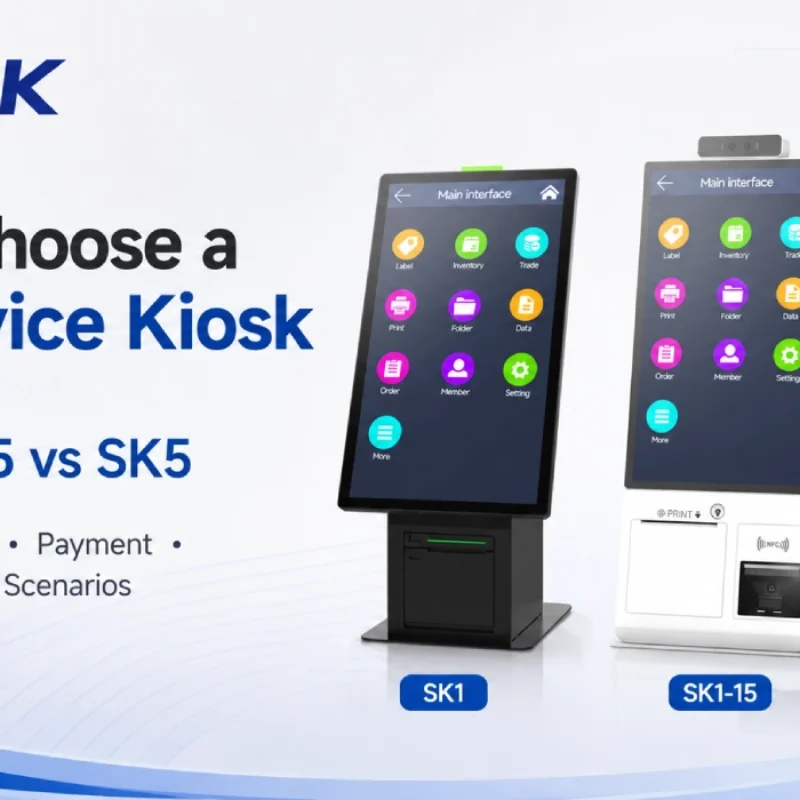
Compare SUNTEK SK1, SK1-15, and SK5 self-service kiosks by installation type, SoftPOS support, information kiosk use, payment, printing, scanning, and project scenarios.