
How to Choose the Right Thermal Printer
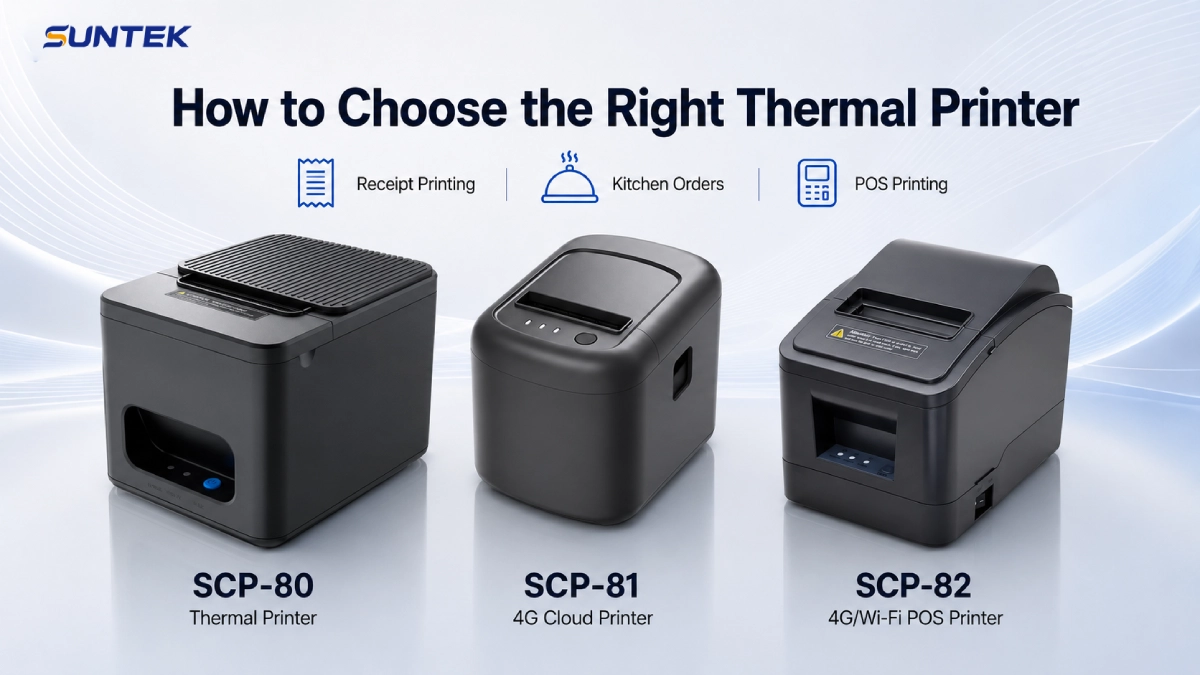
SCP-80 vs SCP-81 vs SCP-82 for Receipt Printing, Kitchen Orders, and POS Deployment
Direct Answer
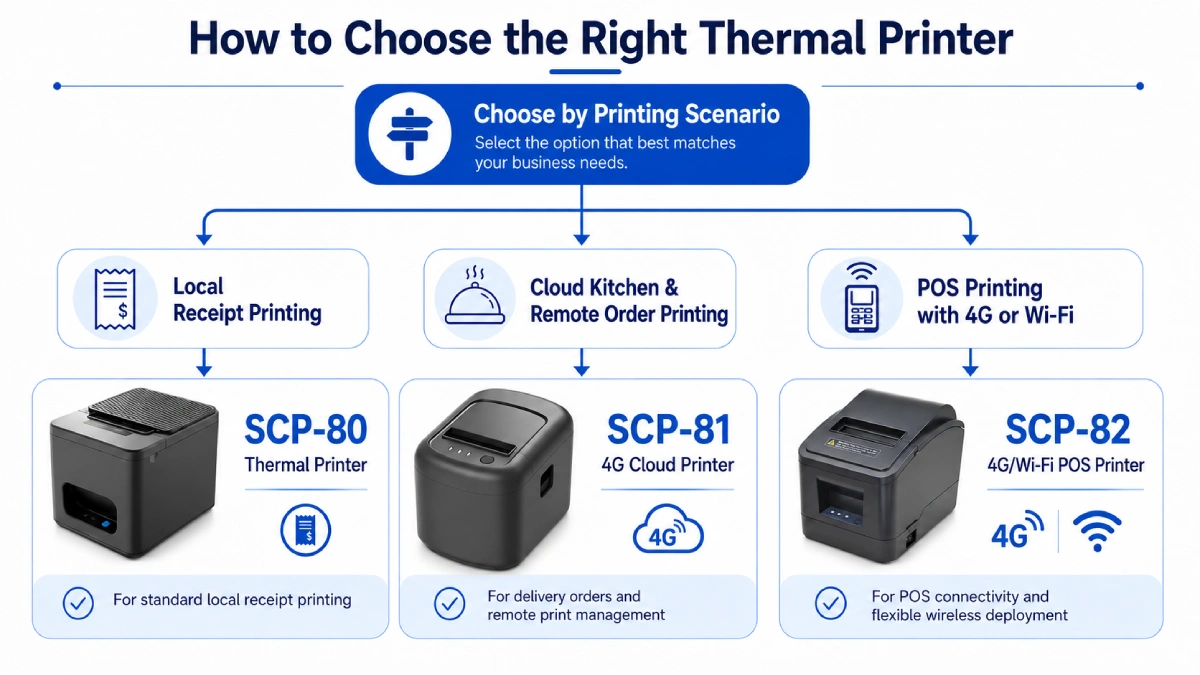
The right thermal printer depends on how your business receives and prints orders.
Choose SCP-80 if you need a reliable receipt printer for standard retail checkout.
Choose SCP-81 if you need a 4G cloud printer for remote orders, food delivery, and kitchen printer workflows.
Choose SCP-82 if you need a 4G/WiFi POS printer for connected POS systems, store networks, and flexible commercial printing.
For most buyers, the decision is not only about paper width. It is mainly about connectivity, workflow, installation environment, and the way the printer fits into daily business operations.
Key Takeaways
SCP-80 is suitable for local receipt printing in standard retail environments.
SCP-81 is suitable for cloud order printing and kitchen order workflows.
SCP-82 is suitable for POS printing with flexible 4G and WiFi connectivity.
All three models support 80mm paper and are built for commercial thermal printing.
Buyers should choose based on workflow, connectivity, and deployment scenario.
What Is a Thermal Printer?
A thermal printer is a printer that uses heat to produce printed output on thermal paper.
This printing method is commonly known as thermal printing technology. It is widely used in commercial environments because it does not require ink or toner for daily receipt and order printing.
In commercial environments, thermal printers are widely used for receipt printing, kitchen order printing, POS system printing, queue ticket printing, order slip printing, and counter transaction printing.
Compared with traditional printing methods, a thermal printer is usually faster, cleaner, and easier to maintain. This is why thermal printing is widely used in retail, restaurant, and service environments.
For business buyers, the real question is not simply whether a printer can print.
The real question is whether the printer matches the business workflow.
Why Choosing the Right Thermal Printer Matters
Different businesses use thermal printers in different ways.
A supermarket usually needs a stable receipt printer at the checkout counter.
A restaurant may need a kitchen printer for order tickets.
A food delivery operation may need a cloud printer that receives orders from a remote server.
A chain store may need a printer that works smoothly with a POS system and store network.
This is why comparing thermal printers by workflow is more useful than comparing them by product name alone.
SUNTEK SCP-80 Thermal Printer: For Standard Receipt Printing
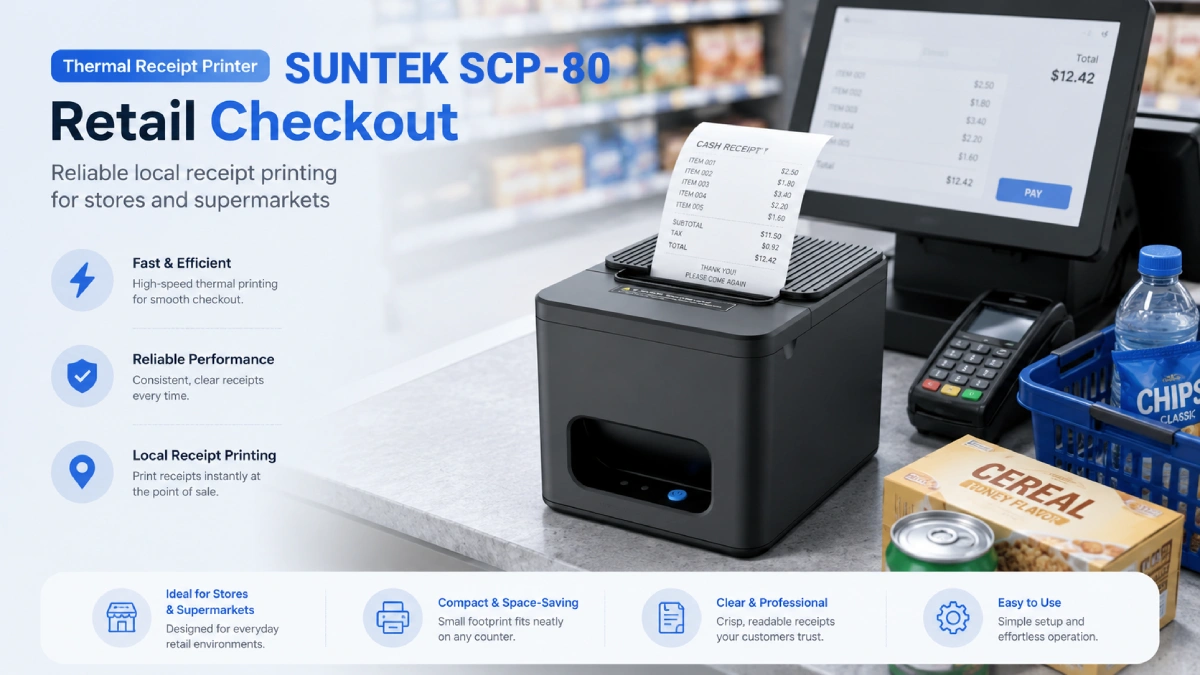
The SUNTEK SCP-80 Thermal Printer is a standard thermal printer designed for daily receipt printing in retail and checkout environments.
It is suitable for businesses that need a stable, practical, and cost-effective receipt printer for standard commercial transactions.
Best For
Retail stores, supermarkets, convenience stores, pharmacies, small restaurants, and local checkout counters.
Product Positioning
SCP-80 is a strong fit when the printer is mainly connected to a local POS terminal, cash register, or checkout system.
It is designed for businesses that need a dependable thermal receipt printer without complex cloud printing requirements.
Key Advantages
SCP-80 supports standard 80mm thermal printing and is suitable for daily receipt printing in local checkout operations.
It offers cost-effective deployment for business environments and supports wall-mounted installation for better space efficiency.
When to Choose SCP-80
Choose SCP-80 if your business mainly needs a receipt printer for standard transactions.
It is the right option when receipts are generated locally from a POS system and printed directly at the counter.
SUNTEK SCP-81 4G Cloud Printer: For Cloud Orders and Kitchen Printing
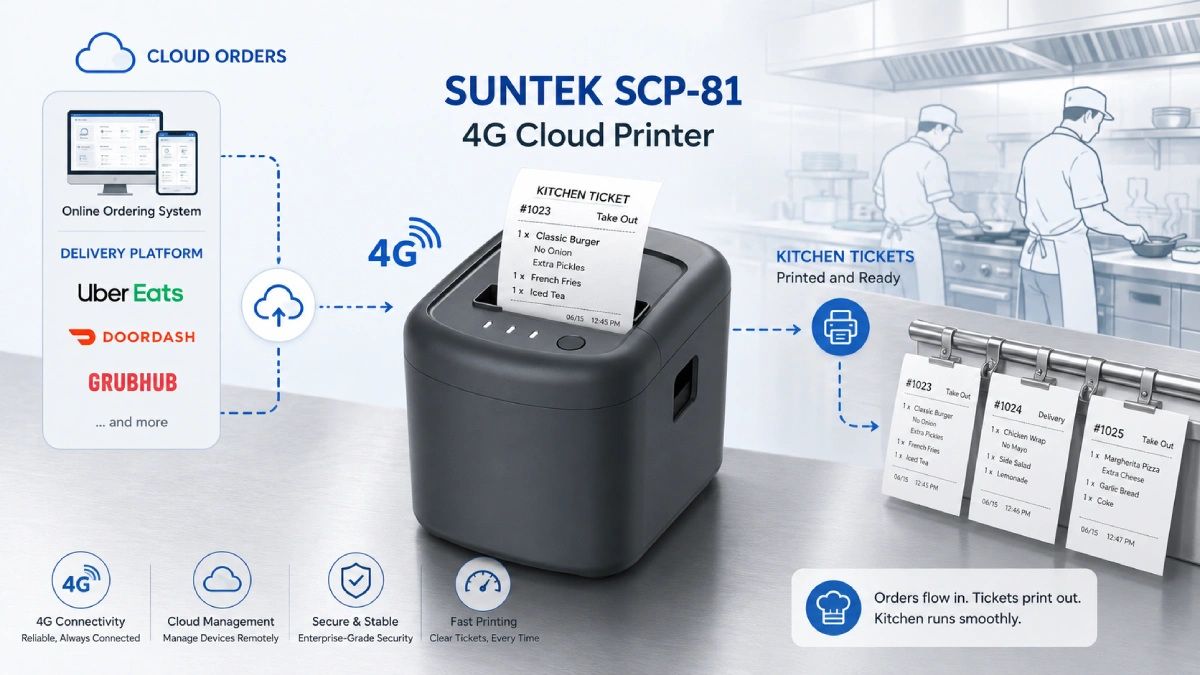
The SUNTEK SCP-81 4G Cloud Printer is designed for remote order printing, platform integration, and food service workflows.
It is especially suitable for restaurants, takeaway counters, cloud kitchens, and food delivery businesses that need to receive and print orders from a remote server.
Best For
Food delivery orders, cloud kitchens, restaurant kitchen printing, takeaway counters, multi-location food service chains, and remote order printing.
Product Positioning
SCP-81 is not only a receipt machine.
It is designed as a cloud-connected thermal printer for automated order printing.
For food service businesses, this makes it a practical kitchen printer because it can receive remote print tasks without relying on a local host device.
Key Advantages
SCP-81 supports 4G cloud printing, WiFi, 4G, Ethernet connectivity, remote order printing, API integration, MQTT communication, and platform integration.
It also supports voice prompt, auto cutter, and multiple installation options, including horizontal, vertical, and wall-mounted installation.
When to Choose SCP-81
Choose SCP-81 if your business receives orders from online ordering systems, food delivery platforms, or remote cloud servers.
It is the best option when you need a kitchen printer or cloud order printer that can help reduce missed orders during busy periods.
SUNTEK SCP-82 4G/WiFi POS Printer: For Connected POS Printing
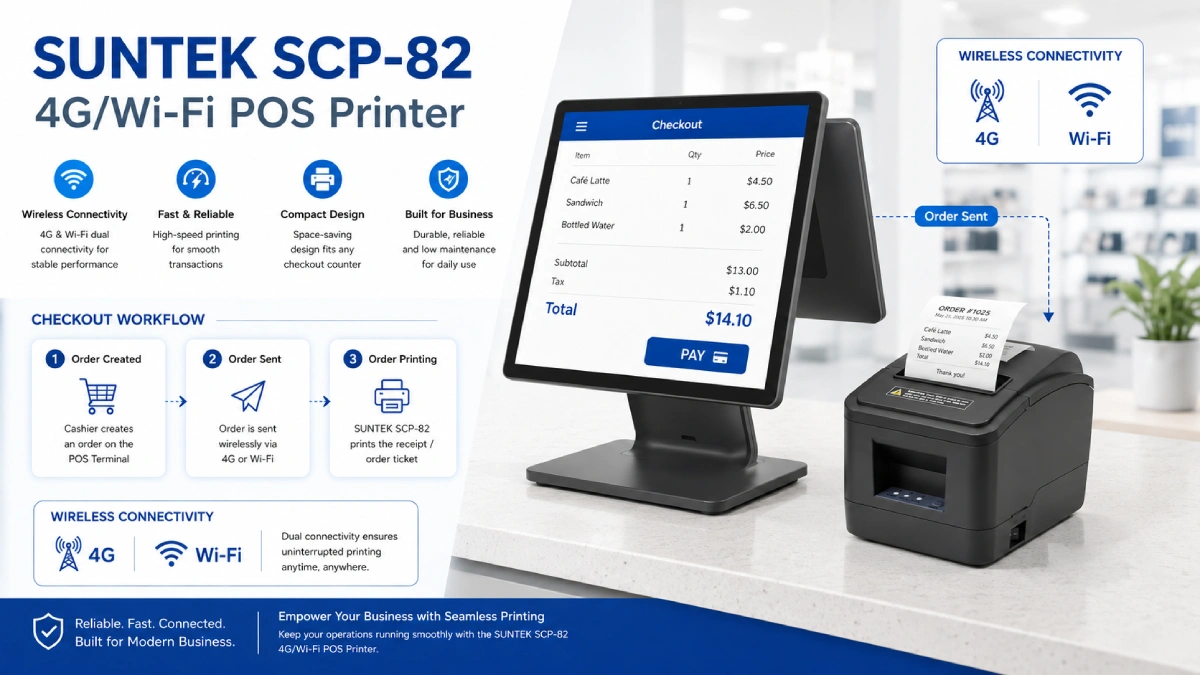
The SUNTEK SCP-82 4G/WiFi POS Printer is designed for POS-related printing in connected store environments.
It is suitable for businesses that need more flexible network printing than a basic receipt printer can provide.
Best For
POS system printing, retail checkout, restaurant order printing, kitchen order printing, takeaway order printing, store network printing, and connected commercial printing.
Product Positioning
SCP-82 is designed for commercial businesses that need a thermal printer with 4G or WiFi connectivity.
It supports POS-related printing tasks in checkout, kitchen, takeaway, and store network environments without limiting usage to receipt-only printing.
Key Advantages
SCP-82 supports 80mm thermal printing, 4G and WiFi connectivity, POS system integration, checkout printing, order printing, kitchen workflows, takeaway workflows, and connected store printing.
When to Choose SCP-82
Choose SCP-82 if your business needs a POS printer with flexible network connectivity.
It is a practical choice when printing tasks may come from POS systems, store workflows, or connected business terminals.
Receipt Printer vs Kitchen Printer vs POS Printer
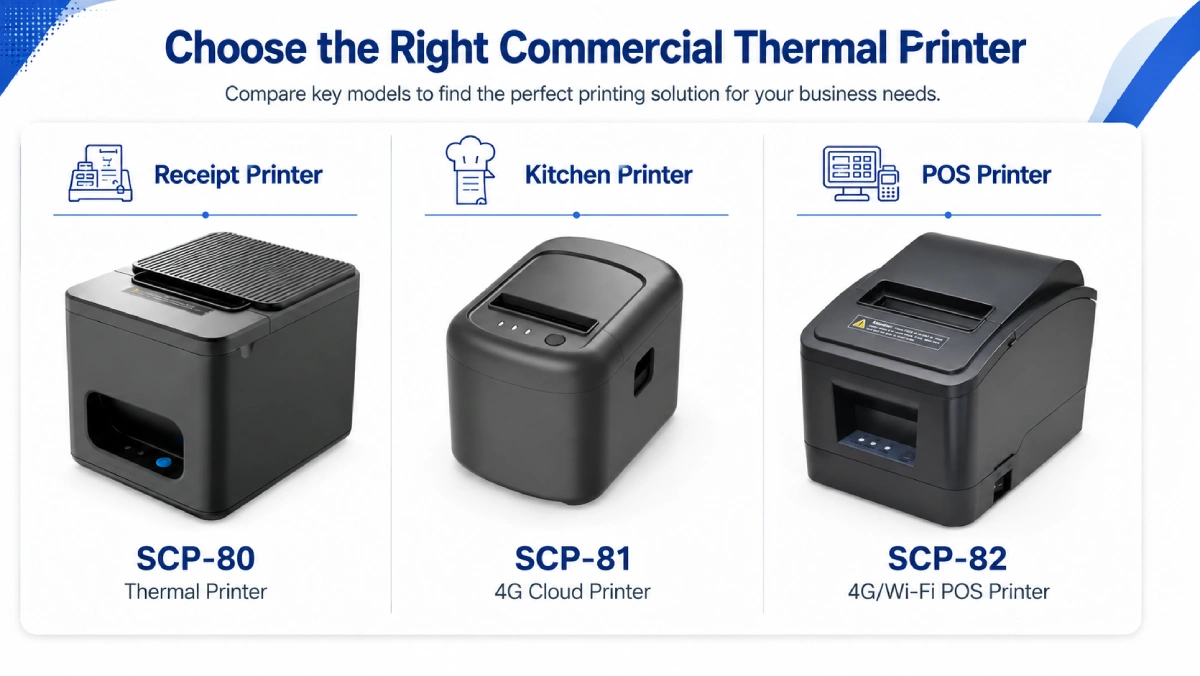
The three models are designed around different commercial printing workflows.
SCP-80 focuses on standard receipt printing, SCP-81 focuses on cloud and kitchen order printing, and SCP-82 focuses on connected POS printing.
SCP-80 vs SCP-81 vs SCP-82: Thermal Printer Comparison Table
| Feature | SCP-80 | SCP-81 | SCP-82 |
|---|---|---|---|
| Product Type | Thermal Printer | 4G Cloud Printer | 4G/WiFi POS Printer |
| Main Use | Receipt printing | Cloud order printing | POS and network printing |
| Paper Width | 80mm | 80mm | 80mm |
| Best Scenario | Retail checkout | Food delivery and kitchen orders | POS, kitchen, and store printing |
| Keyword Fit | receipt printer, thermal receipt printer | kitchen printer, cloud printer | POS printer, receipt machines |
| Connectivity Focus | Local connection | 4G / WiFi / Ethernet / cloud | 4G / WiFi |
| Order Source | Local POS or cash register | Cloud server or platform | POS system or store network |
| Installation | Desktop / wall-mounted | Horizontal / vertical / wall-mounted | Desktop / wall-mounted |
| Recommended Buyer | Retail stores and supermarkets | Restaurants and delivery platforms | POS solution providers and connected stores |
Which Thermal Printer Should You Choose?
Choose SCP-80 for Standard Receipt Printing
SCP-80 is the best choice if you need a practical receipt printer for daily checkout operations.
It is suitable for local printing workflows in supermarkets, pharmacies, convenience stores, and standard retail environments.
Choose SCP-81 for Cloud Orders and Kitchen Printing
SCP-81 is the best choice if your business needs a kitchen printer or cloud-connected order printer.
It is suitable for restaurants, food delivery operations, takeaway counters, and cloud kitchen workflows.
Choose SCP-82 for POS and Connected Store Printing
SCP-82 is the best choice if your business needs a thermal printer with 4G or WiFi connectivity for POS and connected printing.
It is suitable for checkout printing, kitchen order printing, takeaway order printing, and network-based store workflows.
How to Select the Right Thermal Printer for Your Business
When comparing receipt machines or thermal printers, buyers should evaluate five core factors.
1. Printing Scenario
A retail checkout counter usually needs a stable receipt printer.
A restaurant kitchen often needs a kitchen printer for order tickets.
A delivery business may need a cloud-connected printer for remote orders.
For receipts or order tickets that include barcodes or QR codes, businesses should also consider barcode readability and data standards. Global organizations such as GS1 standards provide reference frameworks for barcode and product identification systems.
2. Connectivity
Some businesses only need local connection.
Others need WiFi, 4G, Ethernet, or cloud communication.
The right printer should match the way orders are created and transmitted.
3. Installation Environment
Counter space matters in many commercial environments.
Wall-mounted installation can help optimize space in kitchens, checkout counters, and compact workstations.
4. Workflow Integration
If orders come from a local POS, SCP-80 is often enough.
If orders come from cloud platforms, SCP-81 is a better fit.
If printing is tied to POS systems or connected store networks, SCP-82 is more suitable.
5. Deployment Scale
Single-store deployment may prioritize simplicity and cost control.
Chain stores, restaurant groups, and integrated solution providers often care more about connectivity, scalability, and integration capability.
Final Recommendation
The SUNTEK thermal printer series is designed for different business workflows.
Choose SCP-80 if you need a reliable receipt printer for standard checkout and local receipt printing.
Choose SCP-81 if you need a 4G cloud printer or kitchen printer for food delivery, online order printing, and cloud-based order workflows.
Choose SCP-82 if you need a 4G/WiFi POS printer for POS-related printing, store connectivity, checkout operations, and network-based printing tasks.
To compare more commercial hardware options, visit the SUNTEK product list.
If you need OEM/ODM support, bulk deployment advice, or technical cooperation for your commercial printing project, Contact SUNTEK for more details.
FAQ
What is the difference between SCP-80, SCP-81, and SCP-82?
SCP-80 is a standard thermal printer for local receipt printing. SCP-81 is a 4G cloud printer for cloud orders and kitchen printing. SCP-82 is a 4G/WiFi POS printer for connected POS and store printing workflows.
Which SUNTEK model is best as a receipt printer?
SCP-80 is the best choice for standard receipt printing. It is suitable for checkout counters, supermarkets, pharmacies, and other local retail environments.
Which model is suitable as a kitchen printer?
SCP-81 is suitable as a kitchen printer because it supports cloud order printing and remote order workflows. It is a good fit for restaurants, cloud kitchens, and food delivery operations.
Which printer is best for POS system integration?
SCP-82 is suitable for POS system printing when 4G or WiFi connectivity is required. It can support checkout printing, store printing, and order printing in connected environments.
Are receipt machines and thermal printers the same?
Receipt machines usually refer to printers used to print receipts or order slips. In modern retail and restaurant environments, many receipt machines are thermal printers.
Do all three models support 80mm thermal printing?
Yes. SCP-80, SCP-81, and SCP-82 all support 80mm thermal printing for commercial applications.
相关新闻
-
FA10 10.1-Inch AI Facial Recognition Terminal for Smart Access
SUNTEK FA10 10.1-inch AI facial recognition terminal is designed for smart access control, visitor management, attendance, and self-service applicatio…
-
How to Choose the Right POS Terminal: SC1 vs SC2 vs SC6
Selecting the right POS terminal depends on your software requirements, hardware expectations and deployment environment. This guide compares SUNTEK S…
-
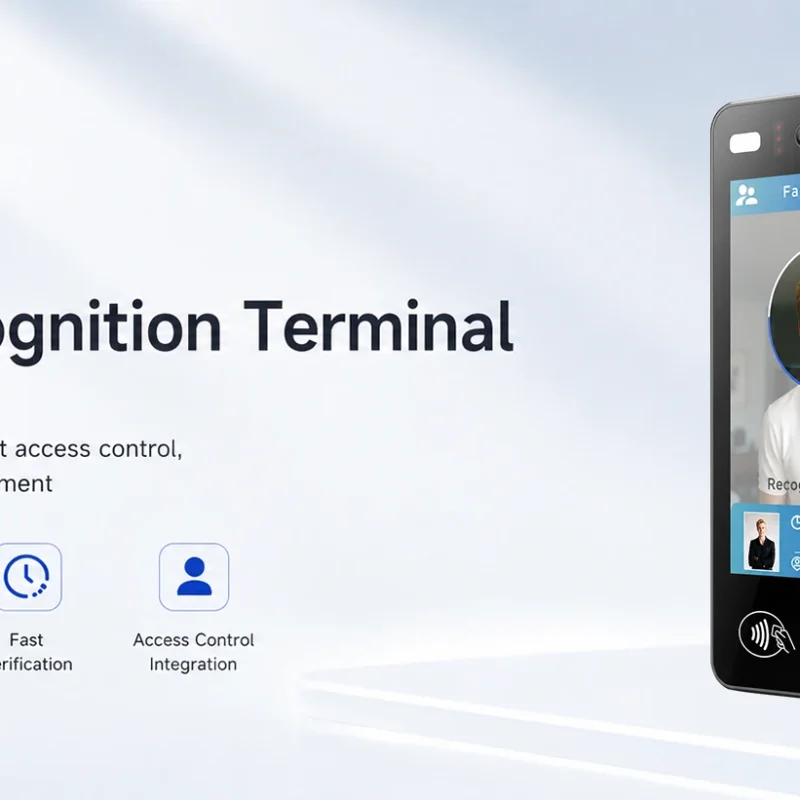
Updated FA8 Facial Recognition Terminal
SUNTEK has updated the FA8 8-inch Android facial recognition terminal with a more refined exterior design, a revised interface configuration, and stro…
-
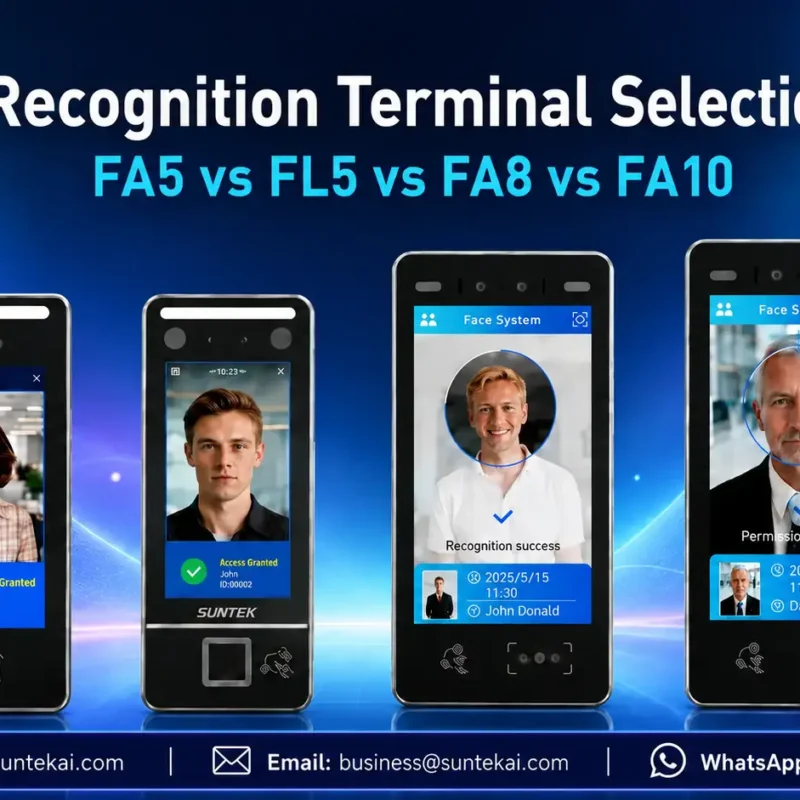
Facial Recognition Terminal Selection Guide: FA5 vs FL5 vs FA8 vs FA10
This guide compares SUNTEK FA5, FL5, FA8, and FA10 to help you choose the right facial recognition terminal for your project. Which SUNTEK Facial Reco…
-
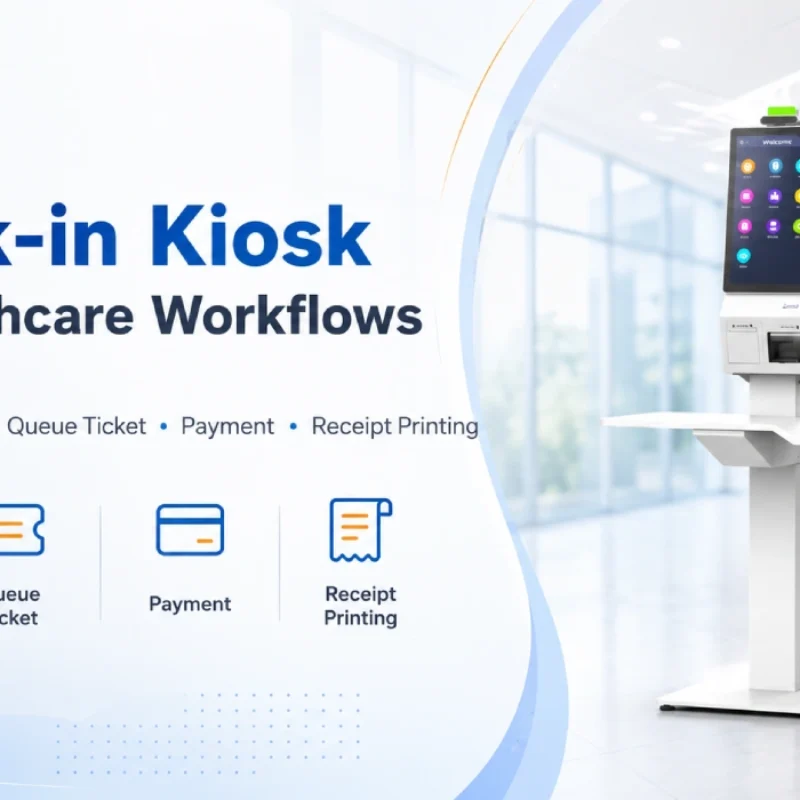
Check-In Kiosk Hardware for Healthcare Self-Service
A check-in kiosk helps healthcare facilities move repetitive front-desk tasks into a guided self-service registration workflow. This article explains how check-in kiosks support appointment confirmation, information entry, queue ticket printing, payment, receipt printing, and optional verification, while also outlining key hardware modules and deployment considerations for hospitals, clinics, and outpatient care centers.
-
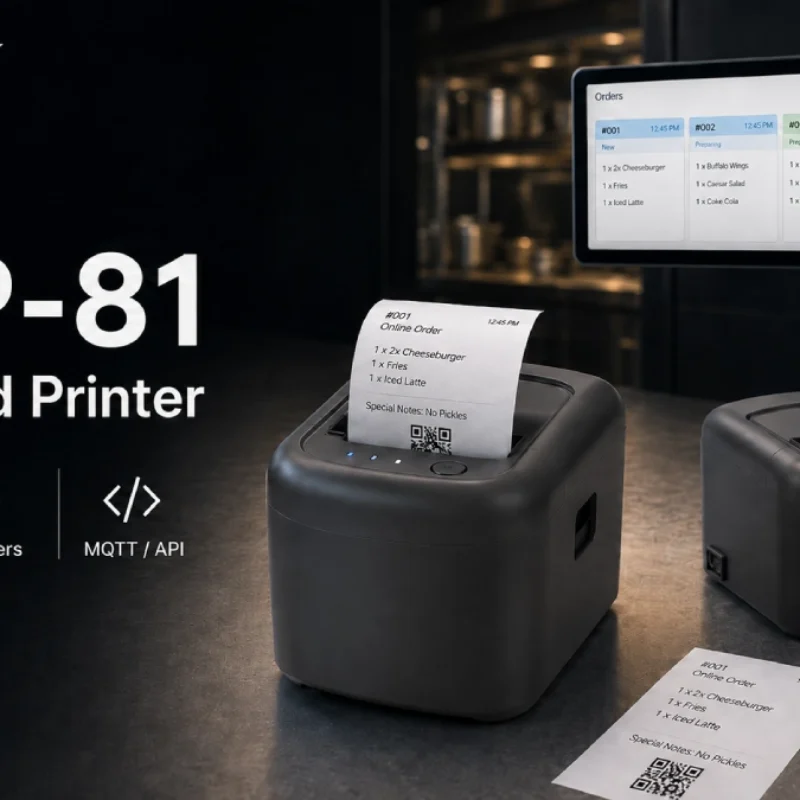
Cloud Printer for Online Food Orders: How Restaurants Keep Delivery Orders Moving
Online food orders are changing how restaurants manage kitchen, packing, and delivery workflows. This article explains how cloud printers and KDS hardware help restaurants print order tickets, improve kitchen visibility, reduce missed orders, and build a more reliable online food order workflow.
-
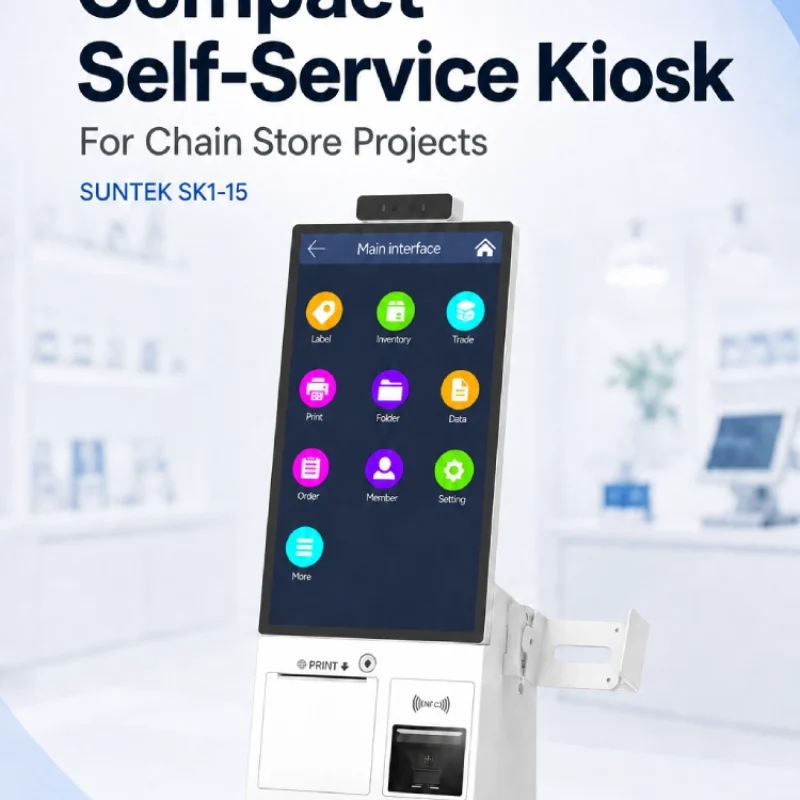
Compact Self-Service Kiosk for Chain Store Projects
SUNTEK SK1-15 is a compact self-service kiosk designed for chain store projects, solution providers, and system integrators. This article explains how SK1-15 supports POS holder installation, SoftPOS-ready NFC configurations, QR code scanning, magnetic stripe card reader options, face camera support, and external fingerprint module integration for front-counter service, payment, identification, and multi-store rollout workflows.
-
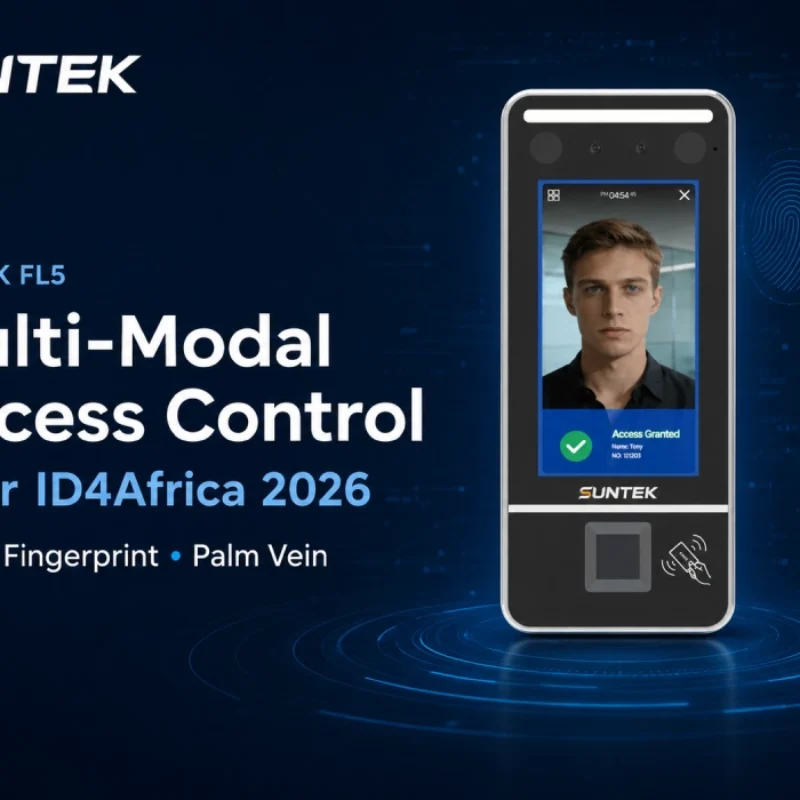
Multimodal Biometrics in Access Control After ID4Africa 2026
This article explores how ID4Africa 2026 reflects the growing importance of multimodal biometrics in access control. It explains why face recognition, fingerprint verification, and palm vein recognition are becoming more relevant for offices, hospitals, schools, government buildings, and secure indoor areas, with SUNTEK FL5 as a hardware example.
-
What NRA Show 2026 Reveals About Restaurant Technology Trends
As NRA Show 2026 opens in Chicago, restaurant operators are paying closer attention to practical technology that improves ordering, payment, kitchen workflows and device management. From SUNTEK’s hardware manufacturer perspective, the key trend is clear: restaurant digitalization is moving from isolated software tools to connected hardware systems, including POS terminals, self-service kiosks, cloud printers, SoftPOS-ready devices and remote management platforms.
-
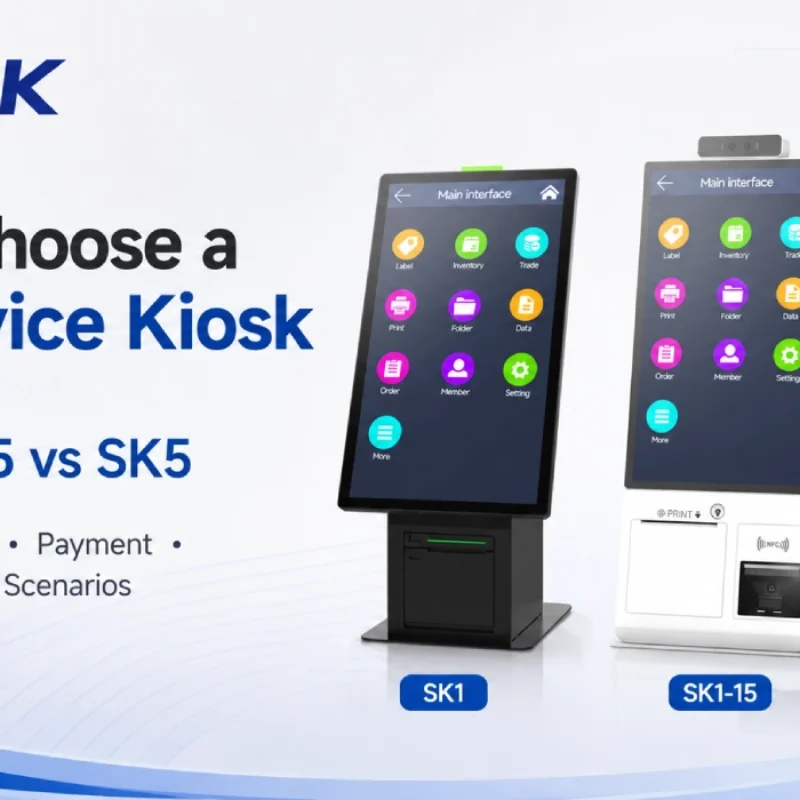
How to Choose a Self-Service Kiosk: SK1 vs SK1-15 vs SK5
Compare SUNTEK SK1, SK1-15, and SK5 self-service kiosks by installation type, SoftPOS support, information kiosk use, payment, printing, scanning, and project scenarios.