
How SUNTEK FA8 and FA10 Support Apartment Access Control and Visitor Check-In
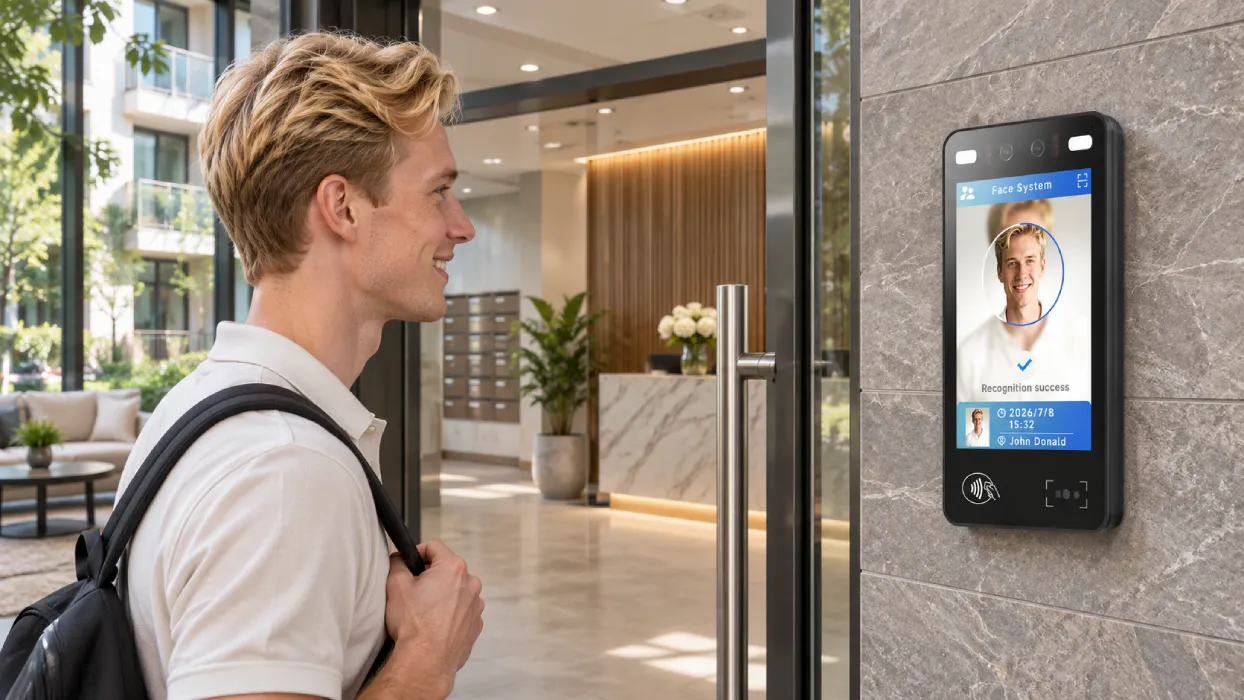
Facial recognition access control for apartments serves residents and visitors with different entry needs. Residents may use facial recognition or tap an NFC access card. Invited guests may present a QR code on a phone or on paper. Visitors arriving without a pass can request entry through a connected building intercom.
The SUNTEK FA8 facial recognition terminal and SUNTEK FA10 facial recognition terminal support multiple verification methods at apartment and gated community entrances. For property managers and system integrators, the first step is to map who needs access, which doors or gates they can use, and how long their permission lasts.
1. What Do Apartments and Gated Communities Need from Access Control?
A single apartment building may handle most arrivals at one lobby. A gated community may need to carry the same visitor approval across two checkpoints, from the community entrance to the destination building. That difference affects how the property registers visitors, issues passes and assigns access permissions.
| Requirement | Apartment Building | Gated Residential Community |
|---|---|---|
| Daily resident access | Assign access to the lobby, internal doors and permitted amenities. Update or revoke permissions when residents move. | Coordinate access across the community entrance, the resident’s building and designated shared facilities. |
| Pre-registered visitors | Link a guest’s registration to a resident or unit and issue a temporary pass for the designated entrance. | Authorize the guest for the community gate and the destination building within the same visit window, if the project requires both. |
| Walk-in visitors | Let visitors call the resident or concierge from the lobby and request entry. | Route the call to the resident, front desk or gatehouse according to the property’s approval process. |
| Deliveries and contractors | Direct deliveries to the lobby and assign scheduled contractors access to the relevant door. | Use a designated drop-off point or grant time-limited access to the building being serviced. |
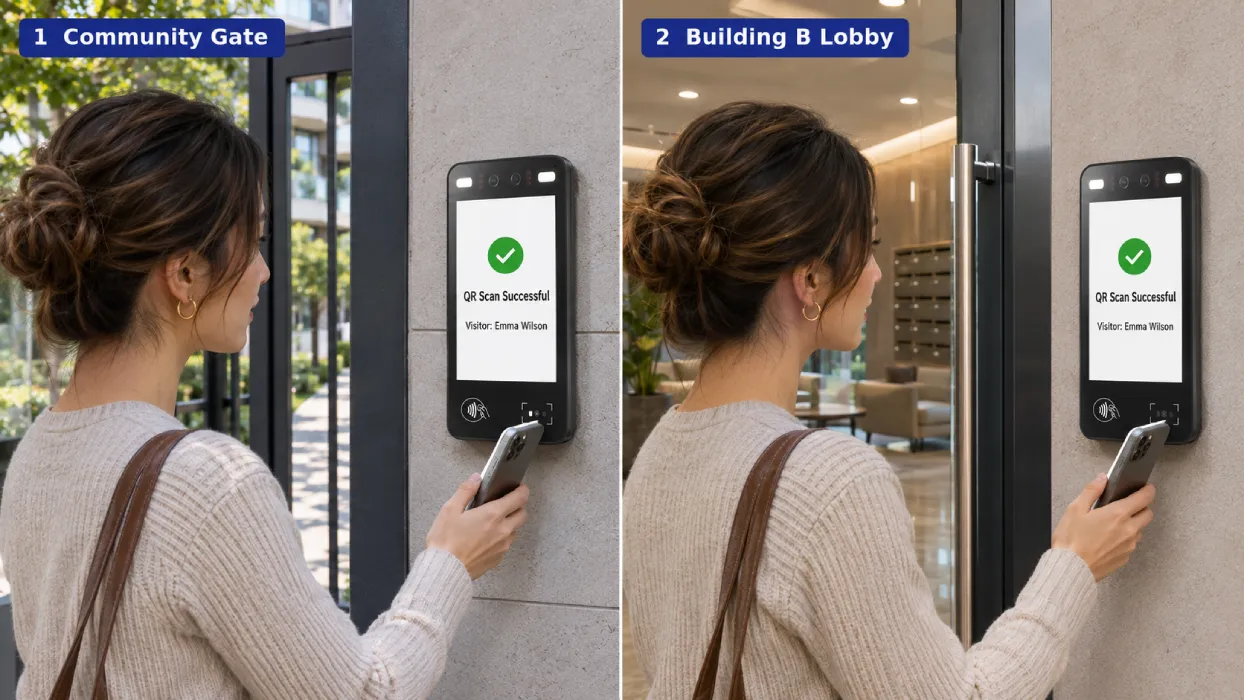
For example, a guest visiting Building B from 6 to 9 p.m. could receive a QR pass valid at both the community pedestrian gate and Building B’s lobby. At each checkpoint, the terminal reads the code and the access control system checks the location and time permissions. The pass expires at the end of the visit window.
2. What Hardware and Functions Should a Residential Access Terminal Have?
- Facial recognition with liveness detection. RGB and infrared cameras support face capture and liveness checks. Evaluate the workflow at the planned mounting height under the lighting residents will encounter, including backlighting near glass doors and evening conditions.
- NFC card reading. Residents can tap an issued card for daily entry or use it as an alternative to facial recognition. Check compatibility with the property’s existing cards.
- Mobile and printed QR code scanning. Test both pass formats with the selected device configuration. Include typical phone screen brightness, print quality and scanning distance in the pilot.
- Building intercom integration. For walk-in visitors, confirm how the call is initiated, who receives it and how the system releases the door after approval.
- Door and turnstile integration. Confirm how the terminal connects to the controller, where the system records entry events and how people can enter during a network outage. Check screen visibility, enclosure protection, mounting space and cable routing at each entrance.
3. How SUNTEK FA8 and FA10 Support Residential Entry
FA8 and FA10 combine facial recognition, NFC card reading and code scanning in a single terminal. Residents can verify by face or tap an issued card. Invited guests can scan a temporary QR pass, while walk-in visitors can request approval through the building’s intercom workflow.
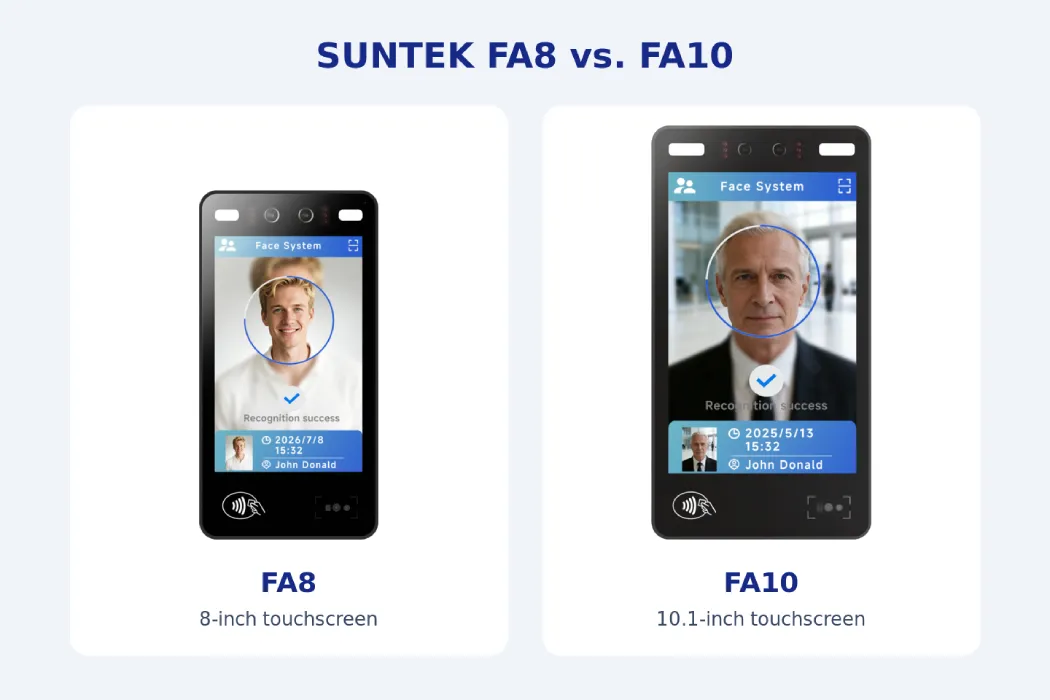
| Selection Factor | SUNTEK FA8 | SUNTEK FA10 |
|---|---|---|
| Display | 8-inch touchscreen for entrances where a smaller display suits the available mounting space. | 10.1-inch touchscreen for projects that prefer more screen space for entry instructions. |
| Face verification | Dual RGB and infrared cameras support facial recognition and liveness detection. | Dual RGB and infrared cameras support facial recognition and liveness detection. |
| NFC access cards | ISO 14443 Type A/B and MIFARE card support. | ISO 14443 Type A/B and MIFARE card support. |
| Visitor code scanning | QR code recognition. Validate mobile and printed passes with the project configuration. | Common 1D and 2D barcode scanning. Validate mobile and printed QR passes with the project configuration. |
| Building intercom | Intercom workflow depends on terminal configuration and building system integration. | Intercom workflow depends on terminal configuration and building system integration. |
| Turnstile mounting | Supported. Confirm bracket and controller compatibility. | Supported. Confirm bracket and controller compatibility. |
| Enclosure protection | IP65. Evaluate the complete installation for the site conditions. | IP65. Evaluate the complete installation for the site conditions. |
| AI hardware | 6 TOPS NPU. | 6 TOPS NPU. |
Wall, Turnstile and Pedestal Mounting Options
- Wall mounting. Install the terminal on a wall or pillar beside an apartment lobby door or building entrance. Position it so residents can face the camera and visitors can easily present a mobile or printed QR pass.
- Turnstile mounting. Both SUNTEK FA8 and FA10 support mounting on compatible pedestrian turnstiles at gated community entrances. Residents can verify by face or tap an NFC card, while visitors can scan a temporary QR pass. The access control system checks the permission and signals the turnstile to open. Confirm the mounting bracket and controller interface for the selected turnstile.
- Pedestal mounting. Use a freestanding pedestal beside a pedestrian gate or glass entrance where a suitable wall is unavailable. Confirm the pedestal configuration for the selected model and plan the terminal height, cable routing and clearance around the entrance.
Apartment building example. A wall-mounted FA8 can serve as the entry terminal beside a lobby door with limited wall space. Residents verify by face or tap an NFC card. Guests with a temporary pass scan their QR code, while walk-in visitors can request approval through the building intercom.
Gated community example. A community can mount an FA10 on a compatible pedestrian turnstile at the main entrance, where a larger screen gives visitors more room to read entry instructions. A wall-mounted FA8 can serve as the second verification point at Building B’s lobby. The access control system applies the visitor’s permissions at each checkpoint.
SUNTEK supplies the terminal hardware, SDK resources and hardware integration support. The property’s software manages visitor registration, pass issuance, permission expiry and entry records. The intercom and access control systems handle call routing and door release according to the project setup.
4. How On-Device AI Supports Future Residential Access Projects
Both FA8 and FA10 feature a 6 TOPS NPU and RGB and infrared cameras. Liveness detection helps assess whether a person is physically present, while face matching compares the captured face with an enrolled reference. The access control system then applies the property’s door and time rules.
A property can start with facial verification and NFC card access for residents, then add temporary QR passes or intercom approval as its visitor workflow develops. The terminals’ AI hardware gives integrators a basis for evaluating compatible verification features as they become available. For example, a project could pilot an updated liveness model at one entrance before expanding it to other buildings, subject to firmware, SDK and software compatibility.
相关新闻
-
Beyond the Checkout Counter: SUNTEK SK7 for Unattended Convenience Stores
Self-Service Checkout. Flexible Hardware. Connected Retail. From neighborhood convenience stores to workplace micro-markets, unattended retail require…
-
SUNTEK SK1-15 Is Now SK6 Lite: Product Model Update
SUNTEK’s SK1-15 self-service kiosk has been renamed SK6 Lite. This update applies to the model name only. The product’s hardware configuration and fun…
-
Introducing SUNTEK SK6: Compact Self-Service Kiosk
PRODUCT NEWS / SUNTEK SK6 Introducing SUNTEK SK6: Compact Self-Service Kiosk A Smaller Footprint. More Possibilities. Meet the new 15.6-inch kiosk des…
-
Scan, Tap, Enter: A Better Ticketing Experience with FA8
At a Glance One terminal. From park gates to every ride. SUNTEK FA8 supports amusement park ticket validation through paper and mobile ticket scanning…
-
Beyond Queue Tickets: SUNTEK SK7 for Smarter Public Service Kiosks
Beyond Ticket Dispensing. Built for Connected Public Services. A modern public service kiosk should do more than print queue tickets. As government of…
-
Ticket Validation & Access Control Solution for Tourist Attractions
Tourist attractions need to validate admission tickets, manage staff entry and control access to restricted areas. Each checkpoint has its own rules. …
-
Beyond Visitor Sign-In: AI-Accelerated Check-In Hardware with SUNTEK SK7
Beyond Visitor Sign-In. Built for Smarter Workplace Experiences. Enterprise visitor check-in is evolving beyond paper logbooks, reception desks, and b…
-
SK7: AI-Ready Modular Kiosk for Next-Gen Restaurant Self-Ordering
Beyond Self-Ordering. Built for Intelligent Dining.Restaurant self-ordering is entering a new era. As AI opens new possibilities for voice assistance,…
-
SUNTEK SM6 Launch: GMS-Certified Handheld POS
SUNTEK introduces the SM6 Handheld POS Terminal, a new-generation GMS Certified Handheld POS powered by Android 16. Featuring dual displays, integrate…
-
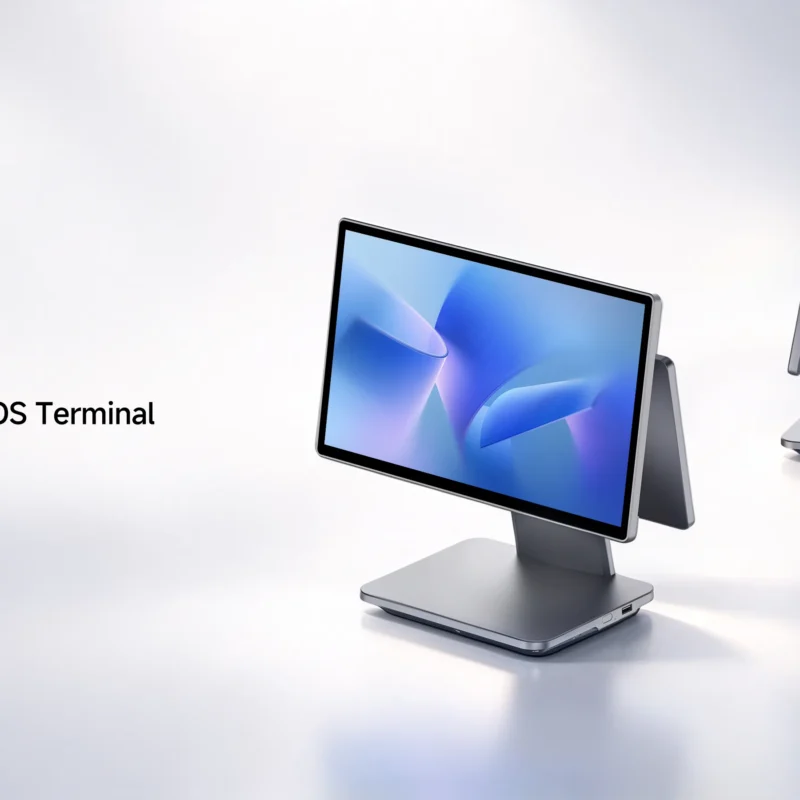
SUNTEK SC5 Launch | 15.6-inch Flagship Desktop POS with GMS
SUNTEK introduces SC5, its next-generation flagship desktop POS terminal, combining a compact, slim design with flexible displays and connectivity for…