
Beyond Queue Tickets: SUNTEK SK7 for Smarter Public Service Kiosks
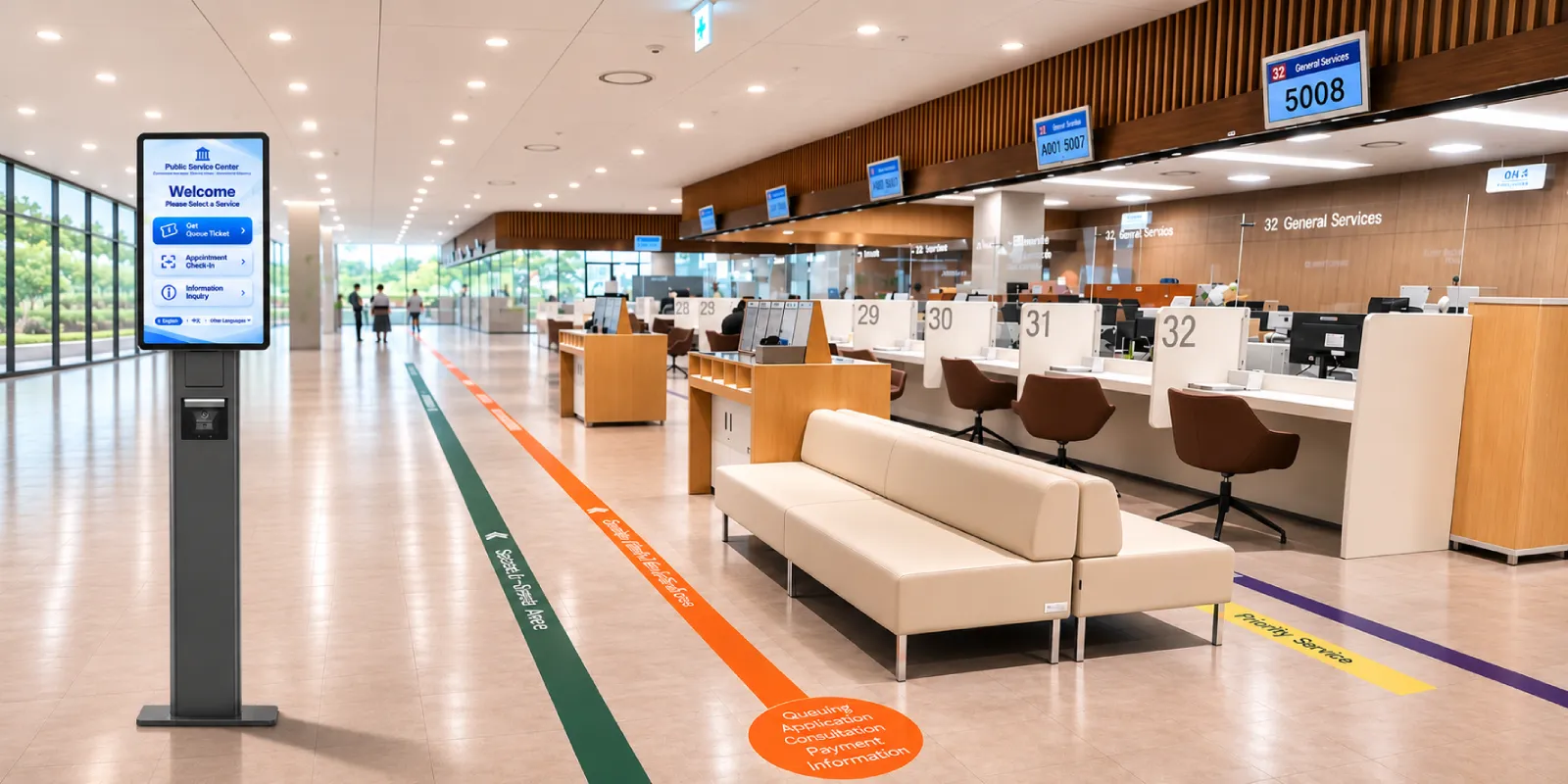
Beyond Ticket Dispensing. Built for Connected Public Services.
A modern public service kiosk should do more than print queue tickets. As government offices and service centers become increasingly digital, self-service terminals are evolving into interactive access points that connect appointment check-in, queue management, service information, and citizen assistance.
For queue management system (QMS) providers and public service technology integrators, the challenge is no longer simply finding a ticket dispenser. It is choosing hardware that can support different service workflows, integrate with existing systems, and accommodate future intelligent applications.
The SUNTEK SK7 modular self-service kiosk provides a configurable hardware platform for queue ticketing, information inquiry, and public service applications, combining integrated printing and scanning, modular peripherals, and dedicated AI computing capabilities on its Android version.
1. From Ticket Dispensing to Connected Queue Management
Traditional queue ticket machines focus on a straightforward task: allowing visitors to select a service and receive a numbered ticket.
Modern queue management involves a broader process. In a government service center, visitors may need to confirm an appointment, select an administrative service, receive a queue number, and proceed to the appropriate waiting area.
The self-service terminal becomes the first interaction point between the visitor and the queue management system.
With its integrated 1D/2D barcode scanner, touchscreen, and 80mm thermal printer, SK7 provides the hardware for these front-end interactions.
How SK7 Fits into a Queue Management Workflow
- Service Selection: Visitors choose the service they need through a customer-developed touchscreen application.
- Appointment Verification: Pre-registered visitors scan a QR code to retrieve appointment information.
- Queue Ticket Printing: The connected QMS assigns a queue number, which SK7 prints using its integrated thermal printer.
- Queue Calling: The QMS manages waiting sequences, counter assignments, calling displays, and audio announcements through connected systems.
- Service Completion: Counter staff complete the service workflow and update the relevant business system.
SK7 provides the ticketing and interaction hardware. Queue allocation, counter management, calling logic, and announcements are handled by the customer’s QMS software and connected equipment.
This distinction allows system integrators to use SK7 as a front-end ticket dispenser kiosk within an existing queue management architecture rather than replacing the entire system.
2. One Hardware Platform for Queue Ticketing and Information Services
Not every visitor entering a public service center needs a queue number. Some arrive to check required documents, locate a department, review application procedures, or find information about available services.
This creates an opportunity to use the same kiosk hardware platform for two distinct purposes.
Queue Ticket Kiosk
Configured with compatible QMS software, SK7 can support:
- Service category selection and queue ticket dispensing
- Appointment QR code scanning
- Queue number and service information printing
- Integration with customer queue management platforms
Information Kiosk
With an information inquiry application, SK7 can become an interactive public information terminal supporting:
- Government service guides and application procedures
- Required document checklists
- Office locations, service counters, and opening information
- Appointment instructions and service navigation
- Public notices and other customer-managed information
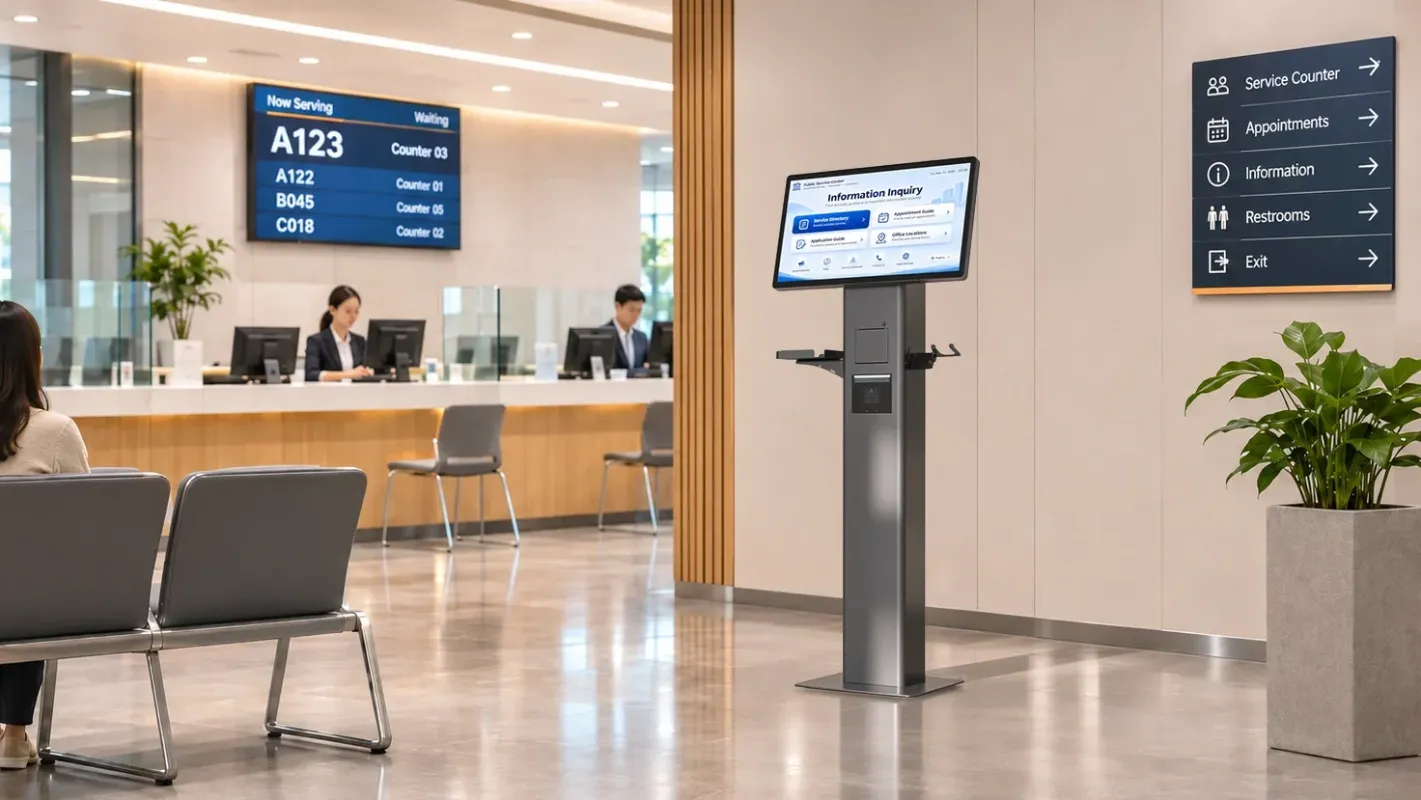
Two different service roles. One configurable hardware platform.
Depending on project requirements, software providers can deploy dedicated ticketing terminals, information kiosks, or combined applications using the SK7 hardware platform.
This flexibility is particularly valuable for integrators managing multiple service centers with different layouts, application requirements, and operating procedures.
3. Integrated Printing and Scanning for Public Service Workflows
Queue ticketing and public information applications need reliable interfaces for visitor input and transaction output. SUNTEK SK7 combines these capabilities in one commercial terminal.
SK7 Hardware Capabilities for Queue Ticketing and Information Services
| SK7 Hardware | Technical Capability | Public Service Application |
|---|---|---|
| 80mm Thermal Printer | Automatic cutter, up to 160mm/s | Queue tickets, appointment slips, service confirmations |
| Integrated 1D/2D Scanner | Barcode and QR code scanning | Appointment check-in, electronic reference codes |
| 21.5″/27″ FHD Touchscreen | 600-nit brightness, 10-point touch | Service selection, information inquiry, guided navigation |
| Three POGO Pin Interfaces | USB-based modular expansion | Optional NFC, camera, and compatible peripherals |
| Optional NFC Reader | Compatible contactless credential reading | Card-based identification or service interactions |
The integrated thermal printer uses a replaceable module, supporting easier maintenance and compatible project-specific customization.
For high-use public service locations, integrated scanning and printing can also simplify hardware planning by reducing the need for separate external devices.
However, ticket formats, service validation, QR code interpretation, and queue number generation remain functions of the connected software.
4. AI Computing for the Next Generation of Public Service Interaction
Public service kiosks are also evolving beyond fixed menus and predefined touchscreen workflows. Artificial intelligence creates opportunities for more natural communication, particularly when visitors are unfamiliar with service categories, application procedures, or administrative terminology.
The SUNTEK SK7 Android version features Android 14 and the Rockchip RK3576 octa-core processor with a dedicated 6 TOPS Neural Processing Unit (NPU).
This NPU provides hardware acceleration for compatible edge AI inference workloads, giving developers a computing foundation for intelligent public service applications.
Potential AI Applications
Multilingual Service Assistance
With compatible microphone hardware and AI software, developers can build applications that recognize speech, process supported languages, and guide visitors through service information.
AI-Assisted Service Navigation
Natural language processing applications may help visitors describe their needs and navigate to relevant service categories, information pages, or appointment procedures.
Visual and Identity-Related Applications
Optional camera and NFC modules can support compatible image capture, credential reading, and identity-related workflows when integrated with appropriate software.
Depending on the algorithm, model size, and system requirements, AI processing may use local inference, cloud services, or a hybrid approach.
AI computing does not replace public service systems. It creates new possibilities for how people interact with them.
SK7 supplies the AI-accelerated computing hardware and optional interaction peripherals. Speech recognition, conversational AI, document processing, identity verification, and public service logic must be developed or integrated by customers and their technology partners.
For government applications, AI-generated service guidance should use authoritative, maintained information sources and provide appropriate escalation paths. Automated responses should not be treated as official approval or administrative decisions.
5. Flexible Hardware for Different Public Service Environments
Public service environments vary in available space, visitor volume, operating systems, and service procedures.
SK7 provides a standard 21.5-inch FHD touchscreen and an optional 27-inch version, both featuring 600-nit brightness and 10-point touch interaction.
Portrait and landscape orientations, along with countertop and floor-standing installation, allow the hardware to adapt to different service areas.
SK7 is available in two computing configurations:
- Android 14: Rockchip RK3576 octa-core processor with 6 TOPS NPU acceleration for compatible edge AI applications.
- Windows: Configurable Intel processor options for projects requiring Windows-based queue management or information service software.
Its modular architecture supports compatible optional peripherals, including NFC readers, camera modules, MSR readers, and status indicators.
Potential Public Service Applications
- Government Service Centers: Administrative service selection, appointment check-in, and queue ticket dispensing.
- Banks and Financial Service Halls: Queue ticketing, service categorization, and customer information inquiry.
- Public Utility Offices: Service navigation and queue management for water, electricity, and other utility-related inquiries.
- Healthcare Service Centers: Appointment check-in, queue ticket printing, and department information access.
These application workflows depend on customer-developed software and the selected hardware configuration.
For projects requiring alternative kiosk sizes or deployment formats, explore the SUNTEK self-service kiosk product range.
6. A Hardware Platform for Queue Management and Information Service Providers
For QMS developers, government technology contractors, and system integrators, the value of a commercial kiosk goes beyond its individual components.
A configurable hardware platform can support different software environments, peripheral requirements, installation formats, and long-term project deployments.
SUNTEK SK7 brings together integrated ticket printing, QR code scanning, modular expansion, Android and Windows options, and AI inference acceleration on its Android configuration.
SUNTEK supports OEM/ODM projects with hardware configuration, compatible peripheral integration, mounting options, SDK resources, and hardware-related technical assistance.
Optional SUNTEK MDM capabilities are also available for compatible Android deployments.
SUNTEK provides the hardware platform, while queue management software, calling displays, voice announcements, public information databases, AI models, and administrative workflows are developed or integrated by customers and their technology partners.
This enables technology providers to build different public service applications around a configurable commercial kiosk platform.
Beyond Queue Tickets. Built for Smarter Public Services.
Public service kiosks should no longer be limited to a single transaction or fixed workflow.
Queue ticket dispensing, appointment check-in, information access, and future AI-assisted interactions all require reliable computing and flexible hardware integration.
SUNTEK SK7 provides a modular self-service hardware platform that connects today’s queue ticketing requirements with tomorrow’s intelligent public service applications.
Frequently Asked Questions
Can SUNTEK SK7 work with an existing queue management system?
Yes, subject to software and interface compatibility. SK7 provides touchscreen input, barcode scanning, and thermal ticket printing. Queue allocation, counter calling, and workflow management are handled by the customer’s QMS software and connected systems.
Can the same SK7 hardware be used as an information kiosk?
Yes. SK7 can host customer-developed information inquiry applications for service guides, appointment instructions, office directories, and public information access. Different applications and peripherals can be configured according to project requirements.
Does SUNTEK SK7 include AI assistance or queue calling software?
No. SK7 provides commercial self-service hardware, including a 6 TOPS NPU on its Android configuration for compatible AI inference workloads. AI assistance, queue management, voice announcements, and related application functions require customer-developed or third-party software integration.
Build Your Public Service Kiosk Solution with SUNTEK SK7
Developing a queue ticketing system, government information kiosk, or integrated public service solution?
SUNTEK works with queue management software providers, system integrators, and OEM/ODM partners to deliver configurable kiosk hardware for different project requirements.
Explore SUNTEK SK7 Hardware Features & Specifications →
Contact SUNTEK to discuss hardware configurations, peripheral integration, sample requirements, and OEM/ODM customization.
相关新闻
-
Beyond the Checkout Counter: SUNTEK SK7 for Unattended Convenience Stores
Self-Service Checkout. Flexible Hardware. Connected Retail. From neighborhood convenience stores to workplace micro-markets, unattended retail require…
-
SUNTEK SK1-15 Is Now SK6 Lite: Product Model Update
SUNTEK’s SK1-15 self-service kiosk has been renamed SK6 Lite. This update applies to the model name only. The product’s hardware configuration and fun…
-
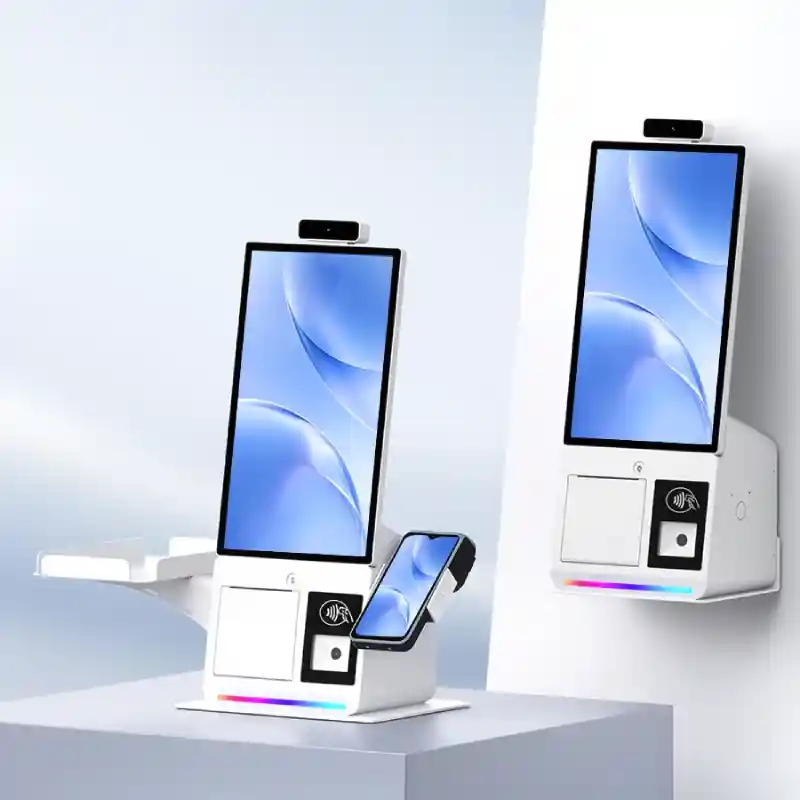
Introducing SUNTEK SK6: Compact Self-Service Kiosk
PRODUCT NEWS / SUNTEK SK6 Introducing SUNTEK SK6: Compact Self-Service Kiosk A Smaller Footprint. More Possibilities. Meet the new 15.6-inch kiosk des…
-
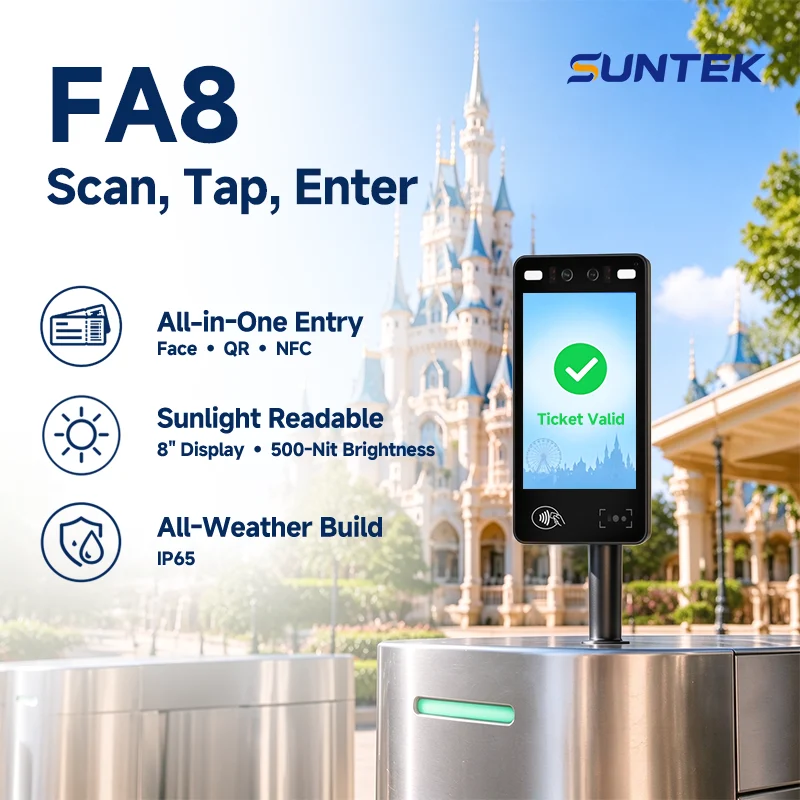
Scan, Tap, Enter: A Better Ticketing Experience with FA8
At a Glance One terminal. From park gates to every ride. SUNTEK FA8 supports amusement park ticket validation through paper and mobile ticket scanning…
-
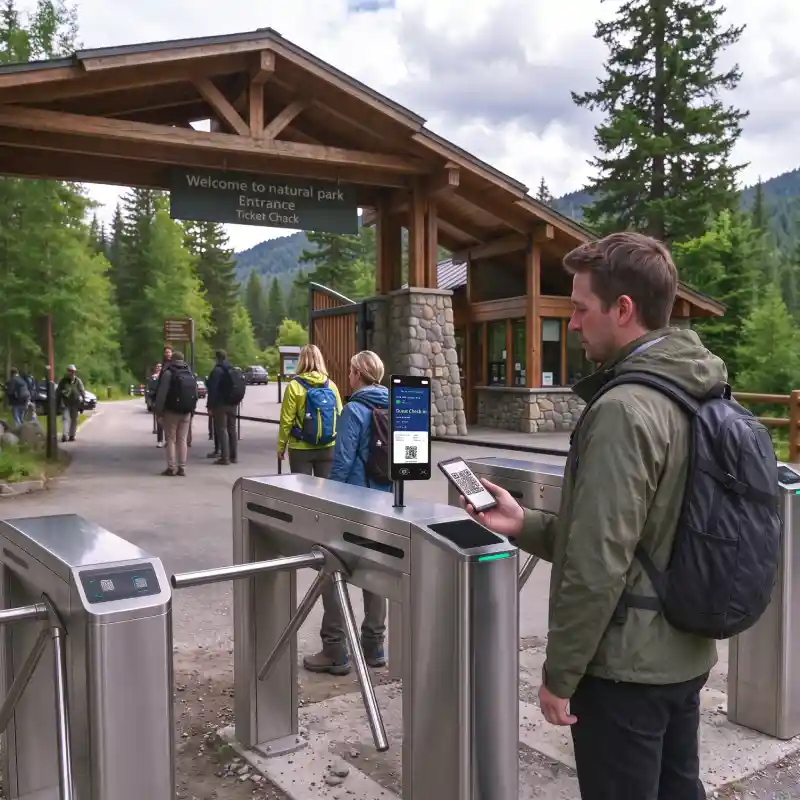
Ticket Validation & Access Control Solution for Tourist Attractions
Tourist attractions need to validate admission tickets, manage staff entry and control access to restricted areas. Each checkpoint has its own rules. …
-
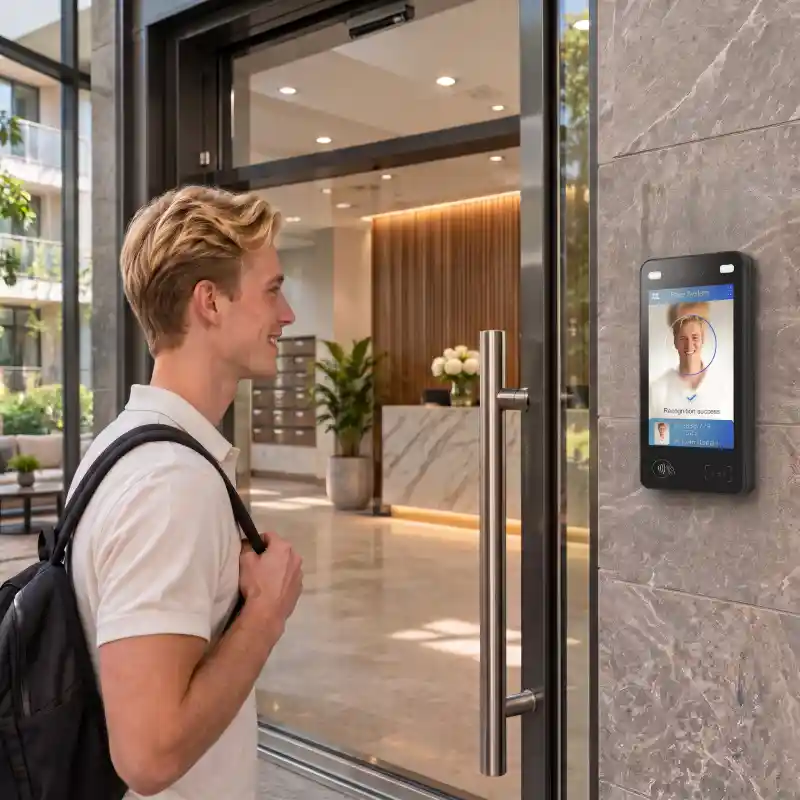
How SUNTEK FA8 and FA10 Support Apartment Access Control and Visitor Check-In
Facial recognition access control for apartments serves residents and visitors with different entry needs. Residents may use facial recognition or tap…
-
Beyond Visitor Sign-In: AI-Accelerated Check-In Hardware with SUNTEK SK7
Beyond Visitor Sign-In. Built for Smarter Workplace Experiences. Enterprise visitor check-in is evolving beyond paper logbooks, reception desks, and b…
-
SK7: AI-Ready Modular Kiosk for Next-Gen Restaurant Self-Ordering
Beyond Self-Ordering. Built for Intelligent Dining.Restaurant self-ordering is entering a new era. As AI opens new possibilities for voice assistance,…
-
SUNTEK SM6 Launch: GMS-Certified Handheld POS
SUNTEK introduces the SM6 Handheld POS Terminal, a new-generation GMS Certified Handheld POS powered by Android 16. Featuring dual displays, integrate…
-
SUNTEK SC5 Launch | 15.6-inch Flagship Desktop POS with GMS
SUNTEK introduces SC5, its next-generation flagship desktop POS terminal, combining a compact, slim design with flexible displays and connectivity for…