
Ticket Validation & Access Control Solution for Tourist Attractions
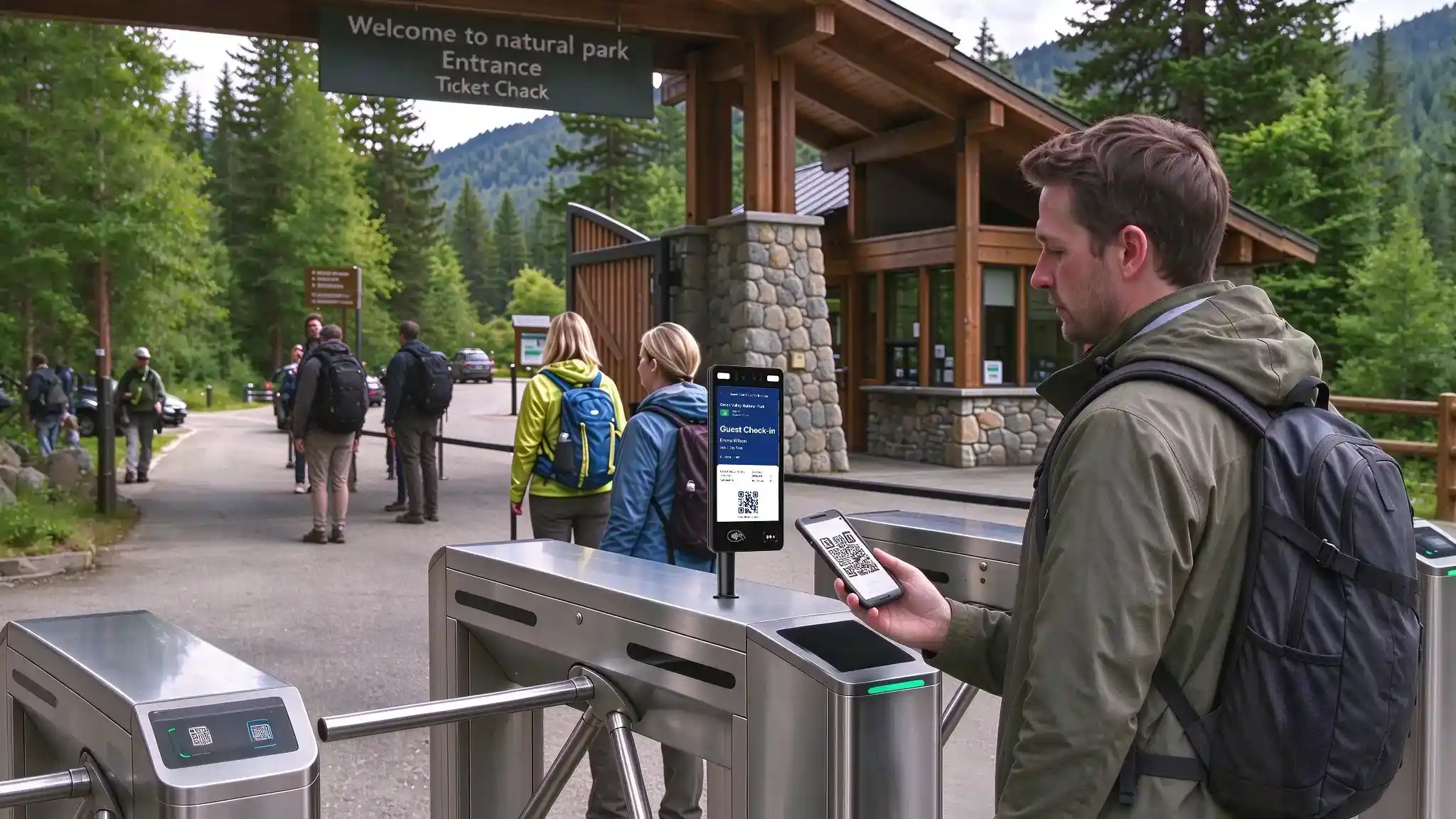
Tourist attractions need to validate admission tickets, manage staff entry and control access to restricted areas. Each checkpoint has its own rules. A visitor needs a valid ticket, an employee needs permission to use the staff entrance, and a maintenance technician may need access to an equipment room during an assigned time window.
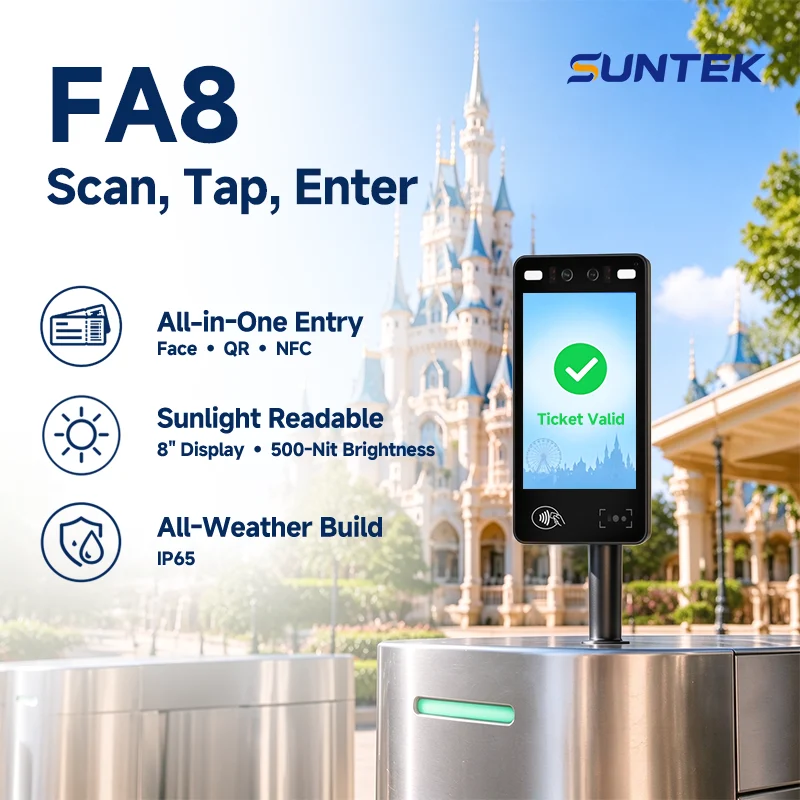
The SUNTEK FA8 and SUNTEK FA10 provide hardware for a ticket validation and access control solution for tourist attractions. Combining barcode scanning, facial recognition, NFC card reading and IP65 protection, they can serve visitor gates, staff lanes and controlled doors throughout a site.
What Do Tourist Attractions Need from Ticket Validation and Access Control?
A scenic attraction may have a main admission gate, separate staff entrances and restricted facilities within the grounds. The terminal verifies the presented credential, while the connected ticketing or access control system determines whether the person can pass.
| Checkpoint | Operational Requirement | Typical Verification Method |
|---|---|---|
| Visitor admission | Check ticket validity, visit date, admission time and usage status before allowing entry. | Mobile or printed ticket codes, or facial verification for enrolled visitors with linked admission rights. |
| Staff entrance | Verify employees and apply staff entry permissions. Record attendance events where required by the project. | Facial recognition or an issued NFC staff card. |
| Restricted areas | Limit access to offices, storage rooms and equipment areas by person, role and authorized time. | Facial recognition or NFC card verification linked to area-specific permissions. |
Clear feedback also matters at every checkpoint. Visitors need to know whether their ticket has been accepted or whether they should ask for assistance. Employees need a clear result when entering a staff-only area. The application can use the terminal screen to communicate these outcomes.
What Hardware Capabilities Does the Solution Need?
Mobile and Printed Ticket Scanning
Visitors may arrive with an electronic ticket on a phone or a printed ticket from a booking confirmation or ticket office. A terminal supporting common 1D and 2D barcodes gives integrators flexibility to work with these ticket formats.
A typical QR code ticket validation workflow follows four steps.
- The visitor presents the mobile or printed code to the scanner.
- The ticketing application checks the ticket’s validity, permitted entrance and remaining admission rights.
- The terminal displays the result, such as “Ticket Valid,” “Already Used” or “Please Contact Staff.”
- For an approved ticket, the connected controller releases the gate or turnstile and the ticketing system updates its usage status.
During pilot testing, include different phone screen brightness levels, typical printed tickets and the scanning distance expected at the entrance. Ticket expiry, duplicate-use prevention and reservation rules are configured in the customer’s ticketing system.
Facial Recognition and NFC for Registered Users
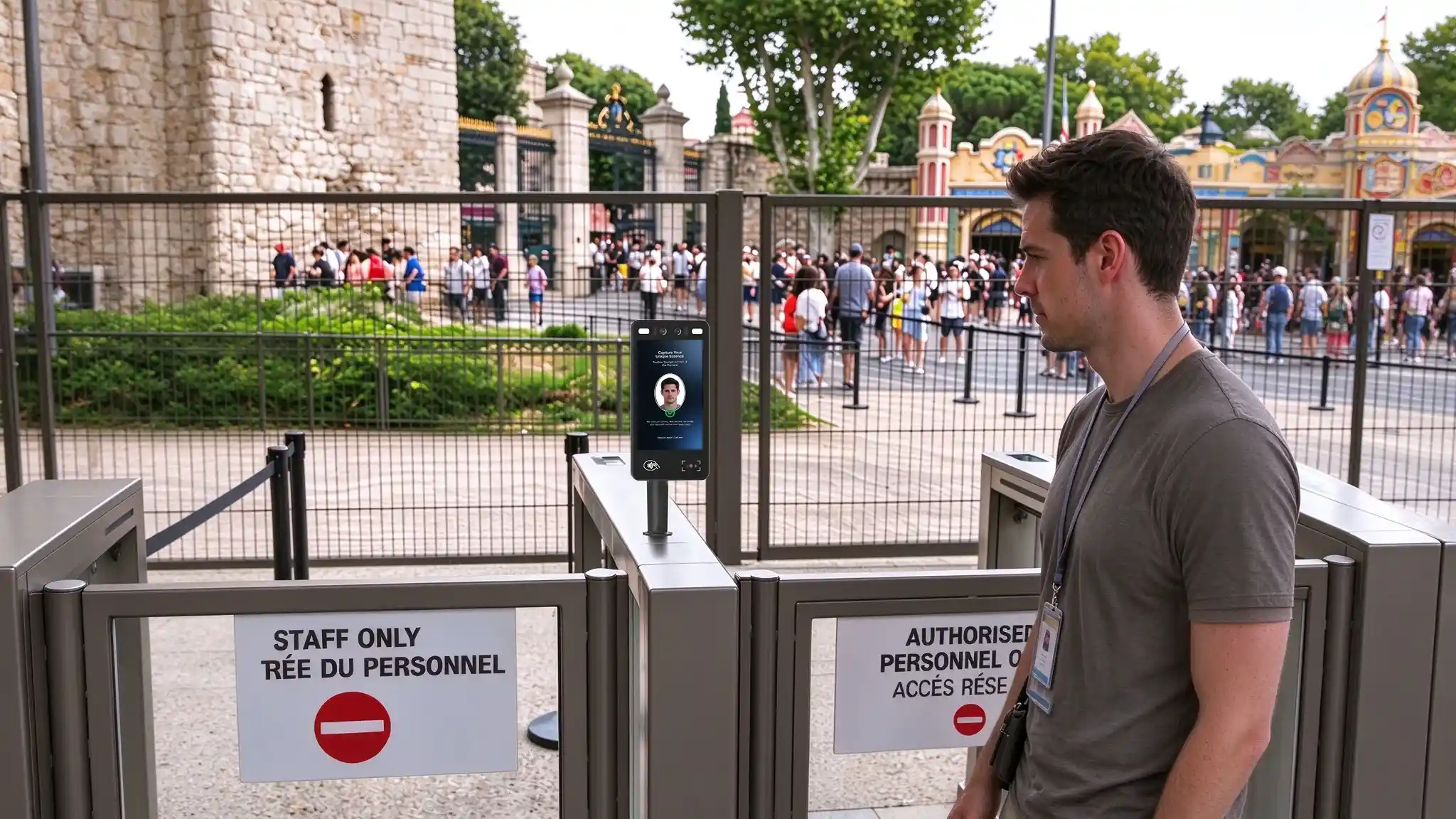
For annual pass holders or visitors who have enrolled and linked their face to admission rights, facial recognition can provide another way to enter. After identity verification, the ticketing platform checks whether the linked pass is valid for that entrance and visit.
The same hardware can support staff entry. Employees can verify by face or tap an NFC card, while the access control platform applies their assigned permissions. For example, a ticket office employee may access the staff entrance and office, while a maintenance technician receives additional permission for an equipment area.
Readable Screens and Protection for Entrance Installations
Entrance screens should present short instructions and unmistakable results. Large text, high-contrast layouts and simple status messages help visitors understand where to scan and whether they can proceed.
For outdoor and sheltered entrances, evaluate screen brightness alongside mounting direction, reflections and shade. IP65 protection is also relevant where terminals may encounter dust and rain. Confirm the complete installation, including cable entries, connections and operating temperature, against the site conditions.
How SUNTEK FA8 and FA10 Meet These Requirements
FA8 and FA10 combine ticket scanning and identity verification hardware in a single terminal. Both support common 1D and 2D barcodes, RGB and infrared facial verification, NFC cards and integration with compatible gate controllers.
| Hardware Feature | SUNTEK FA8 | SUNTEK FA10 |
|---|---|---|
| Display | 8-inch touchscreen, 800 × 1280 resolution, 500 nits typical brightness and 160° viewing angle. | 10.1-inch touchscreen with 800 × 1280 resolution, offering more screen space for ticket instructions and results. |
| Ticket scanning | Common 1D and 2D barcodes for compatible mobile and printed ticket workflows. | Common 1D and 2D barcodes for compatible mobile and printed ticket workflows. |
| Facial verification | Dual RGB + IR cameras, 2MP + 2MP, with liveness detection. | Dual RGB + IR cameras, 2MP + 2MP, with liveness detection. |
| Contactless cards | ISO/IEC 14443 Type A/B and MIFARE support. | ISO 14443 Type A/B and MIFARE support. |
| AI computing | 6 TOPS NPU for compatible AI workloads. | 6 TOPS NPU for compatible AI workloads. |
| Protection | IP65. | IP65. |
| Controller integration | Wiegand output, RS232, GPIO and relay interfaces. | Wiegand output, RS232, GPIO and relay interfaces. |
| Wall and turnstile mounting | Supported with suitable mounting accessories. | Supported with suitable mounting accessories. |
Choose FA8 where an 8-inch terminal suits the available mounting space. Its 500-nit display provides a defined brightness specification for evaluating the planned entrance layout.
Choose FA10 where the project prefers a larger 10.1-inch screen for entry instructions and visual feedback. Evaluate the display at the intended installation point under representative daylight conditions.
Turnstile, Pedestal and Wall Mounting Across the Site
Turnstile Mounting at Visitor and Staff Entrances
Both FA8 and FA10 support turnstile mounting. At the main visitor entrance, the terminal reads a ticket code or verifies an enrolled visitor. The connected system checks admission rights and authorizes the turnstile to open.
A separate staff lane can use the same terminal models with employee credentials and staff access rules. Confirm the mounting bracket, controller interface and passage feedback signals for the selected turnstile.
Pedestal Mounting at Independent Checkpoints
A freestanding pedestal can position the terminal beside an open pedestrian entrance, an assisted admission lane or a secondary checkpoint where a wall is unavailable. Match the pedestal and bracket to the selected model, and plan the scanner position, camera height and cable routing.
Wall Mounting at Restricted-Area Doors
Wall mounting suits office entrances, staff facilities, storage rooms and equipment-area doors. An employee verifies by face or NFC card, and the access control system checks permission for that specific door and time.
| Installation Point | Verification Workflow | Mounting Approach |
|---|---|---|
| Main admission gate | Scan visitor tickets or verify enrolled annual pass holders, then check admission rights. | FA8 or FA10 on compatible turnstiles. |
| Assisted admission lane | Verify credentials beside a wider gate with staff assistance when needed. | FA8 or FA10 on a project-matched pedestal. |
| Staff entrance | Check employee identity and staff entry permissions. | Turnstile or wall mounting, depending on the entrance. |
| Office or equipment room | Verify authorized employees and apply area-specific access rules. | Wall mounting beside the controlled door. |
AI Hardware and Integration for Future Expansion
RGB and infrared cameras provide the image inputs for facial verification and liveness detection. The 6 TOPS NPU in FA8 and FA10 offers computing resources for compatible AI models, giving integrators a platform for evaluating future verification features.
A project can begin with QR ticket validation at the main entrance, then introduce facial verification for enrolled annual pass holders or extend staff access control to additional areas. Algorithm updates and new AI functions depend on the selected firmware, SDK and application compatibility.
SUNTEK provides terminal hardware, SDK resources and hardware integration support. Customers and their software partners implement the ticketing application, staff management functions and authorization rules. During integration, define how ticket usage is synchronized across gates, how failed checks are handled and how each checkpoint operates when connectivity is interrupted.
Frequently Asked Questions
Can FA8 and FA10 scan mobile and printed tickets?
Both models support common 1D and 2D barcodes for compatible ticket validation applications. Validate the actual mobile and printed ticket formats with the selected configuration during pilot testing.
Can facial recognition be used for annual pass admission?
Yes. A customer-developed application can link an enrolled visitor’s identity to an annual pass. Facial verification establishes identity, and the ticketing system checks the linked admission rights.
Can the same models manage staff entry and restricted areas?
Yes. FA8 and FA10 can be deployed at staff entrances and controlled doors using facial recognition or NFC credentials. The connected platform assigns personnel permissions, records events and applies attendance rules where required.
Do FA8 and FA10 support turnstile installation?
Yes. Both models support turnstile mounting with suitable accessories. Confirm the bracket and controller interface for the selected gate. Wall mounting is also supported, and pedestal installations can be configured for project requirements.
Build Your Tourist Attraction Ticket Validation and Access Control Solution
Planning visitor ticket validation, staff access or restricted-area entry for a tourist attraction? SUNTEK works with ticketing software providers, system integrators and OEM/ODM partners to configure FA8 and FA10 hardware for different checkpoints.
Explore SUNTEK FA8 Features & Specifications →
Explore SUNTEK FA10 Features & Specifications →
Contact SUNTEK to discuss your ticket formats, entrance layout, mounting requirements, existing systems and expected terminal quantity.
相关新闻
-
Beyond the Checkout Counter: SUNTEK SK7 for Unattended Convenience Stores
Self-Service Checkout. Flexible Hardware. Connected Retail. From neighborhood convenience stores to workplace micro-markets, unattended retail require…
-
SUNTEK SK1-15 Is Now SK6 Lite: Product Model Update
SUNTEK’s SK1-15 self-service kiosk has been renamed SK6 Lite. This update applies to the model name only. The product’s hardware configuration and fun…
-
Introducing SUNTEK SK6: Compact Self-Service Kiosk
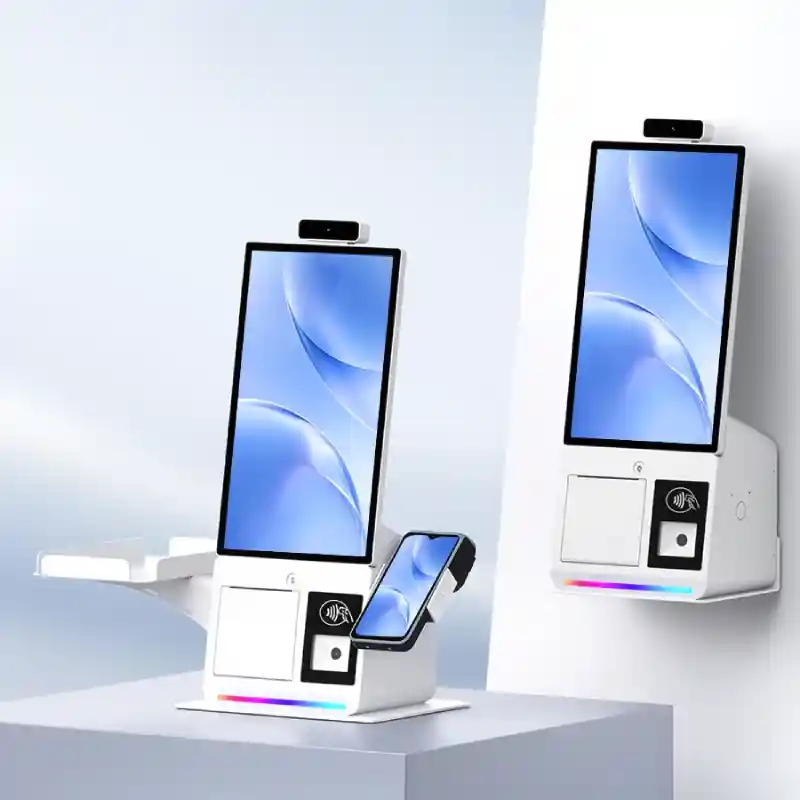
PRODUCT NEWS / SUNTEK SK6 Introducing SUNTEK SK6: Compact Self-Service Kiosk A Smaller Footprint. More Possibilities. Meet the new 15.6-inch kiosk des…
-
Scan, Tap, Enter: A Better Ticketing Experience with FA8
At a Glance One terminal. From park gates to every ride. SUNTEK FA8 supports amusement park ticket validation through paper and mobile ticket scanning…
-
Beyond Queue Tickets: SUNTEK SK7 for Smarter Public Service Kiosks
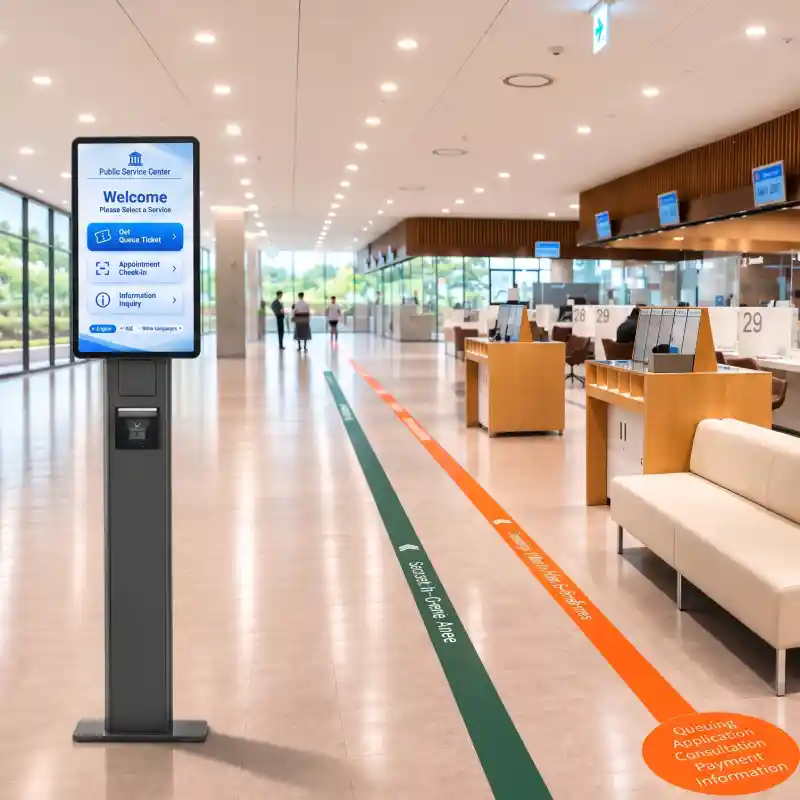
Beyond Ticket Dispensing. Built for Connected Public Services. A modern public service kiosk should do more than print queue tickets. As government of…
-
How SUNTEK FA8 and FA10 Support Apartment Access Control and Visitor Check-In
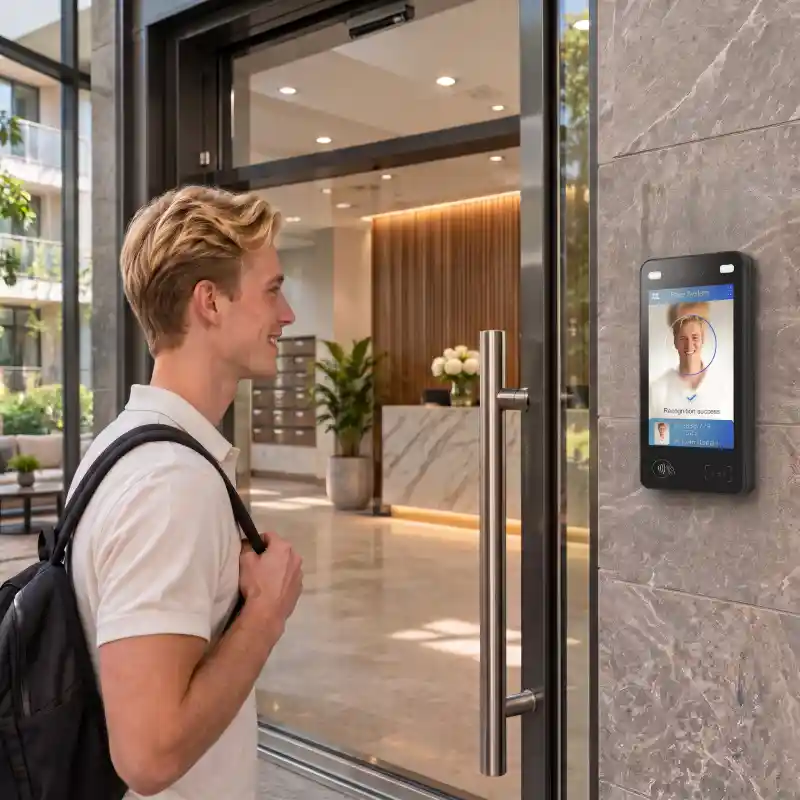
Facial recognition access control for apartments serves residents and visitors with different entry needs. Residents may use facial recognition or tap…
-
Beyond Visitor Sign-In: AI-Accelerated Check-In Hardware with SUNTEK SK7
Beyond Visitor Sign-In. Built for Smarter Workplace Experiences. Enterprise visitor check-in is evolving beyond paper logbooks, reception desks, and b…
-
SK7: AI-Ready Modular Kiosk for Next-Gen Restaurant Self-Ordering
Beyond Self-Ordering. Built for Intelligent Dining.Restaurant self-ordering is entering a new era. As AI opens new possibilities for voice assistance,…
-
SUNTEK SM6 Launch: GMS-Certified Handheld POS
SUNTEK introduces the SM6 Handheld POS Terminal, a new-generation GMS Certified Handheld POS powered by Android 16. Featuring dual displays, integrate…
-
SUNTEK SC5 Launch | 15.6-inch Flagship Desktop POS with GMS
SUNTEK introduces SC5, its next-generation flagship desktop POS terminal, combining a compact, slim design with flexible displays and connectivity for…