

SK7 OVERVIEW
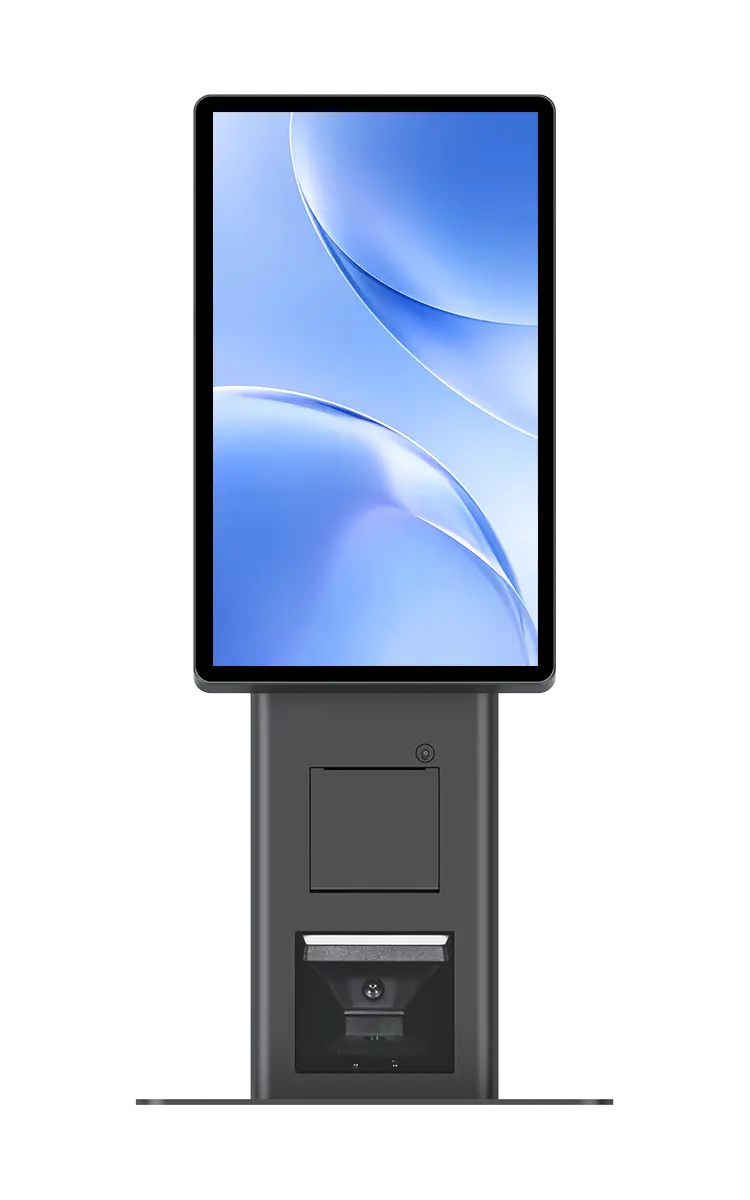
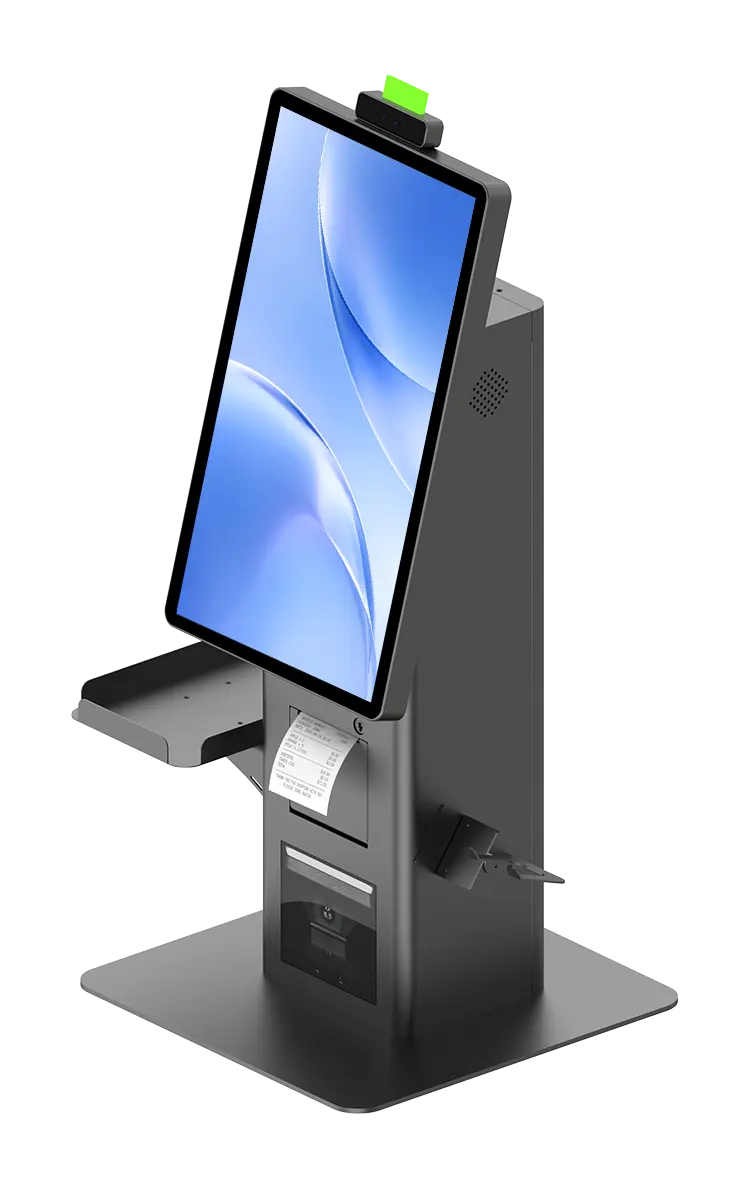
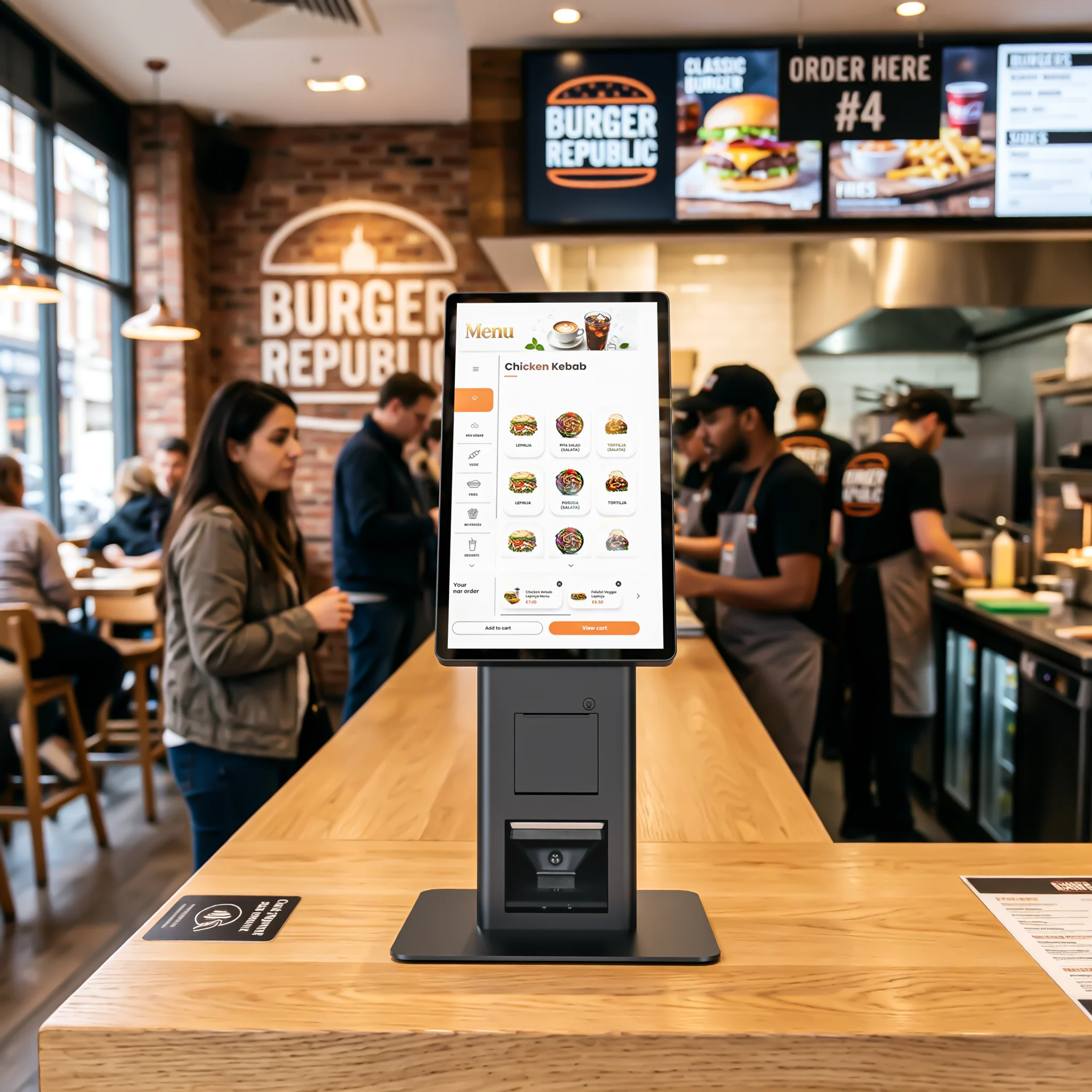
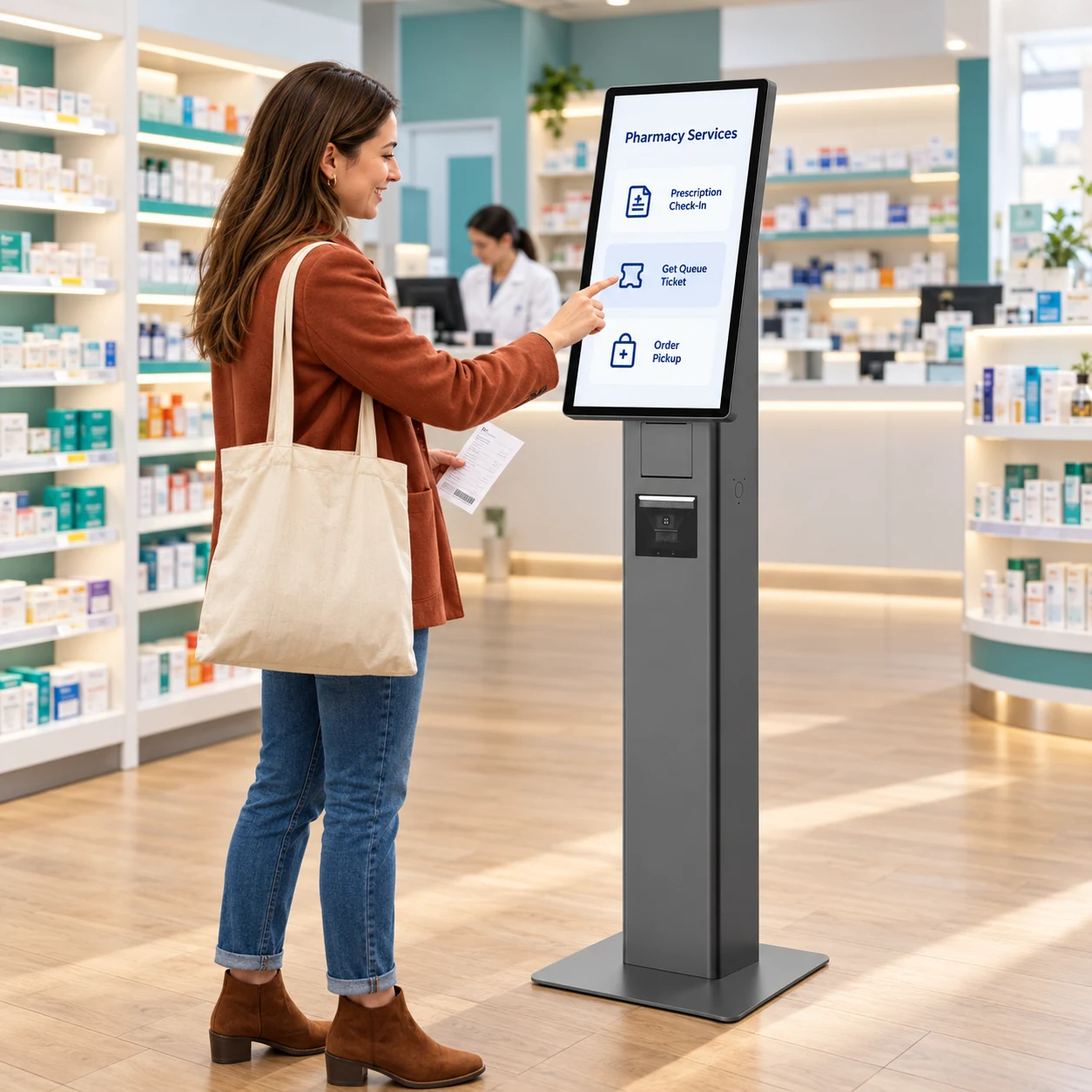
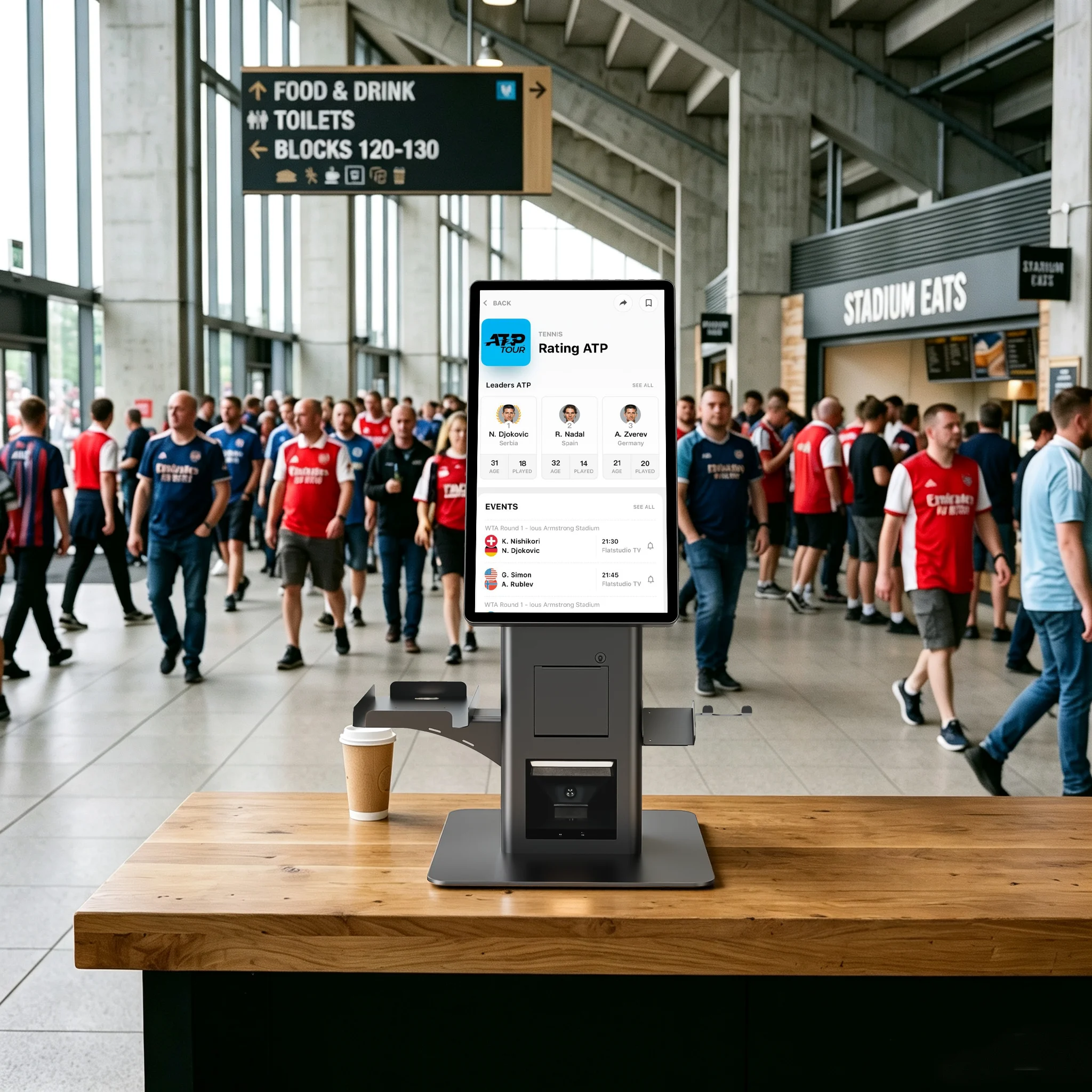
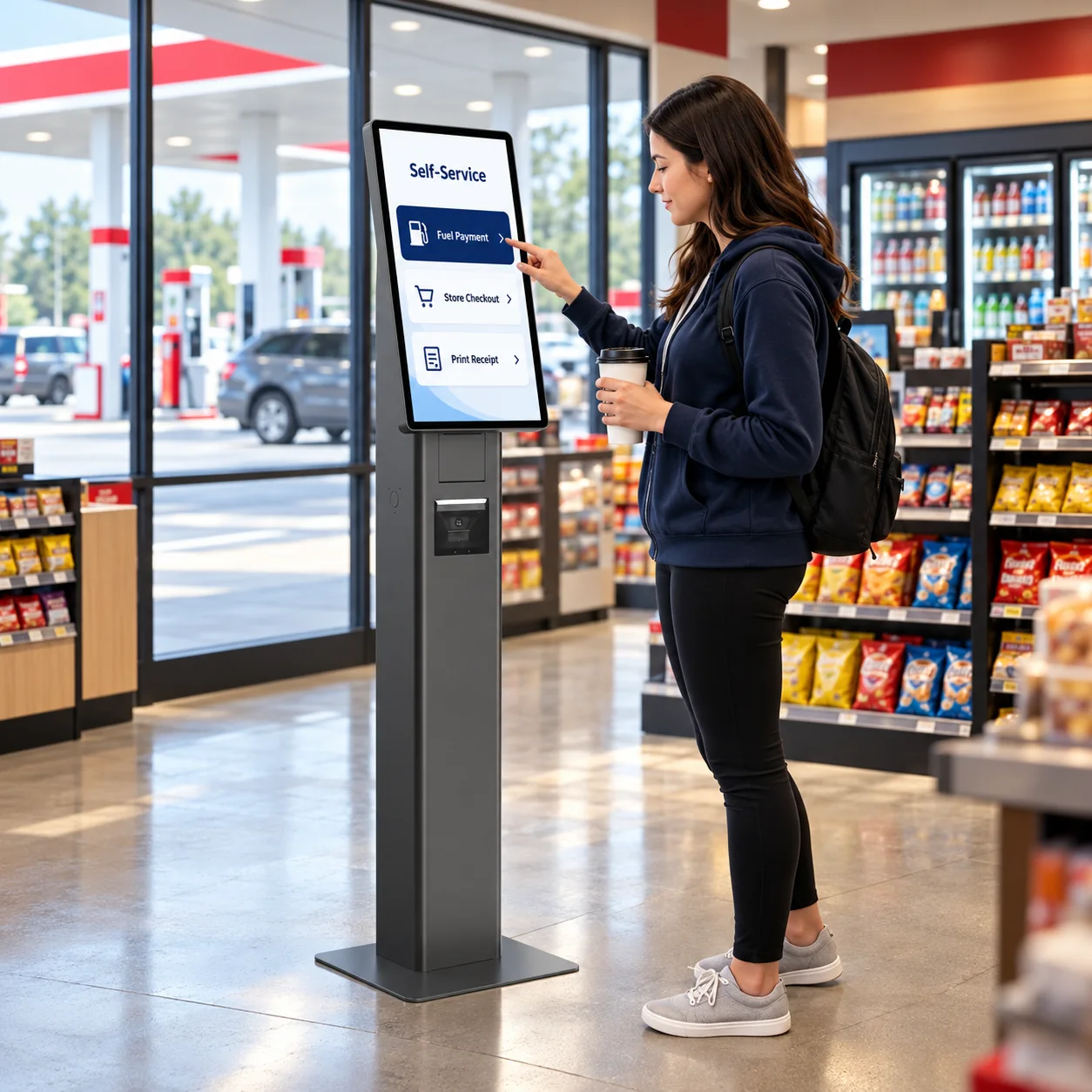
SUNTEK SK7 is a flagship modular self-service kiosk for software companies, system integrators and commercial deployments. Available with Android or Windows, it combines a standard 21.5-inch or optional 27-inch FHD touchscreen, integrated 1D/2D barcode scanning and an 80mm thermal printer with cutter.
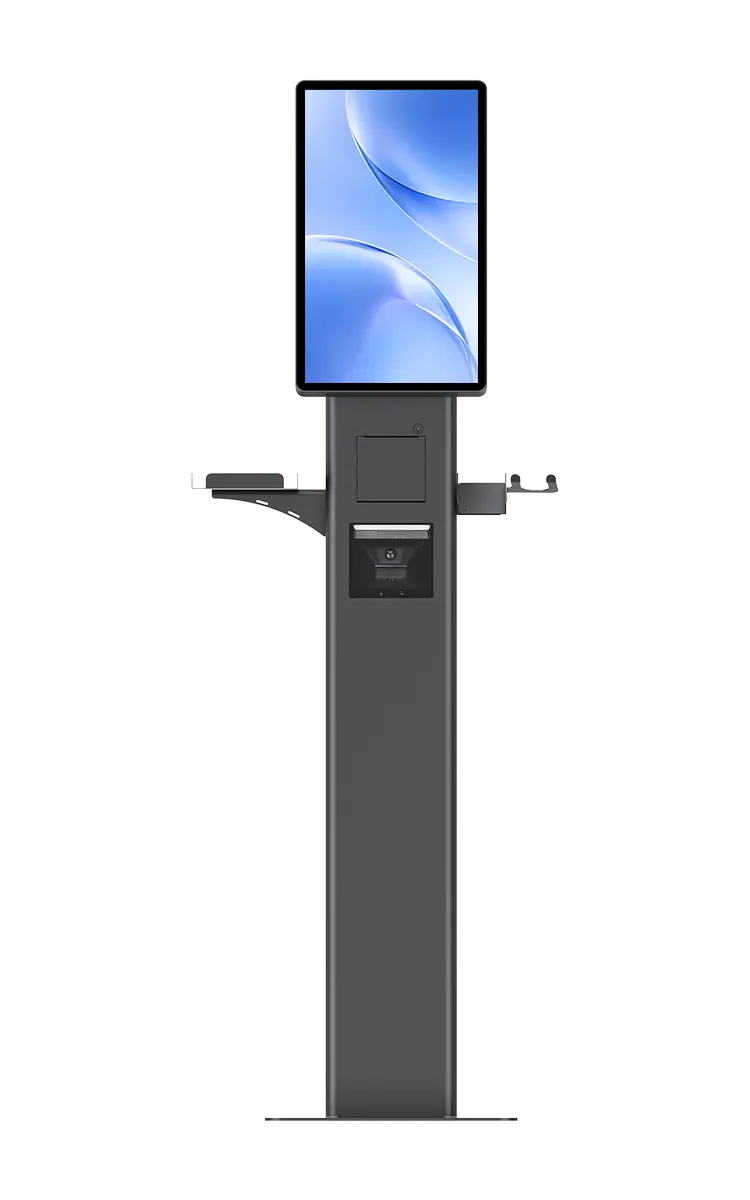
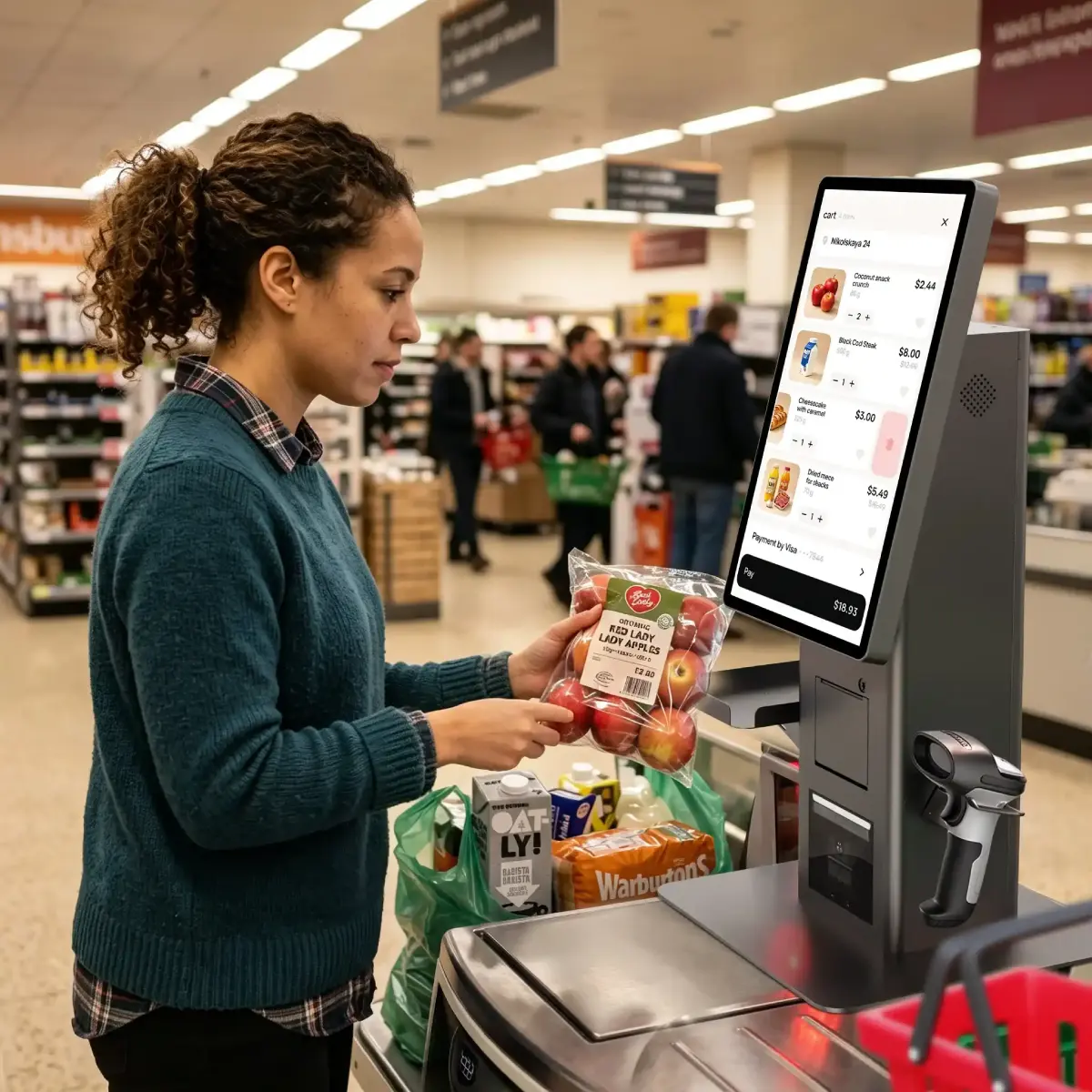
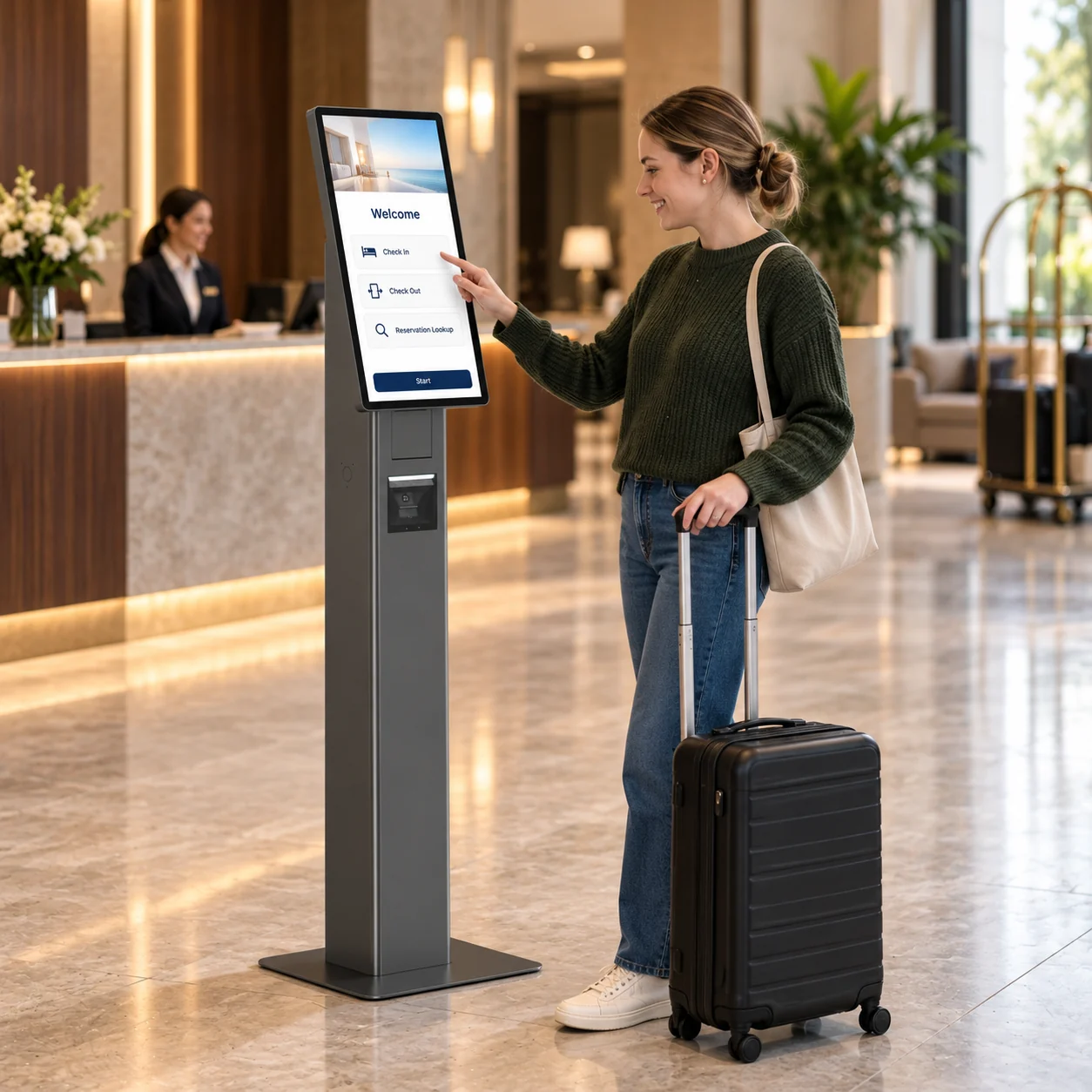
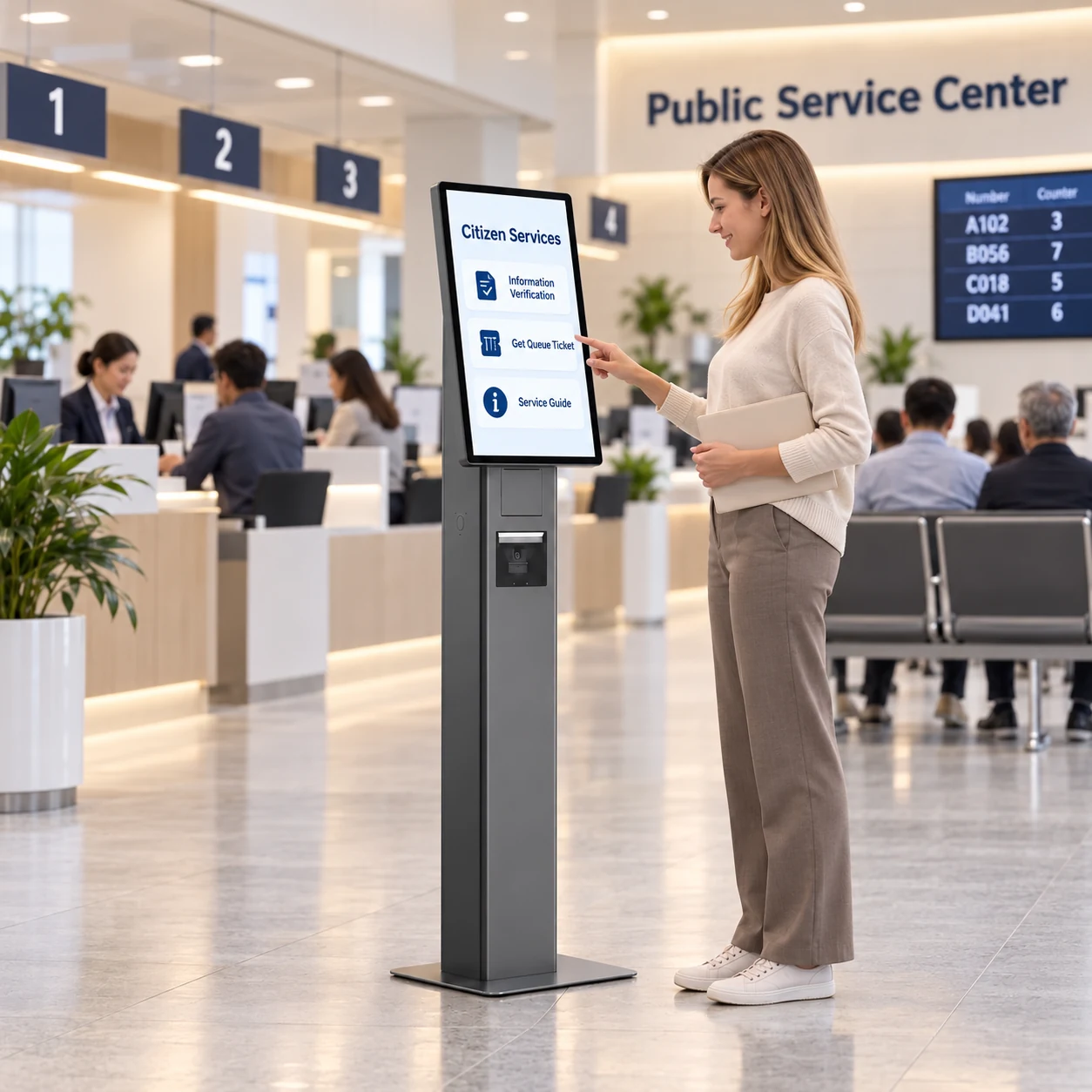
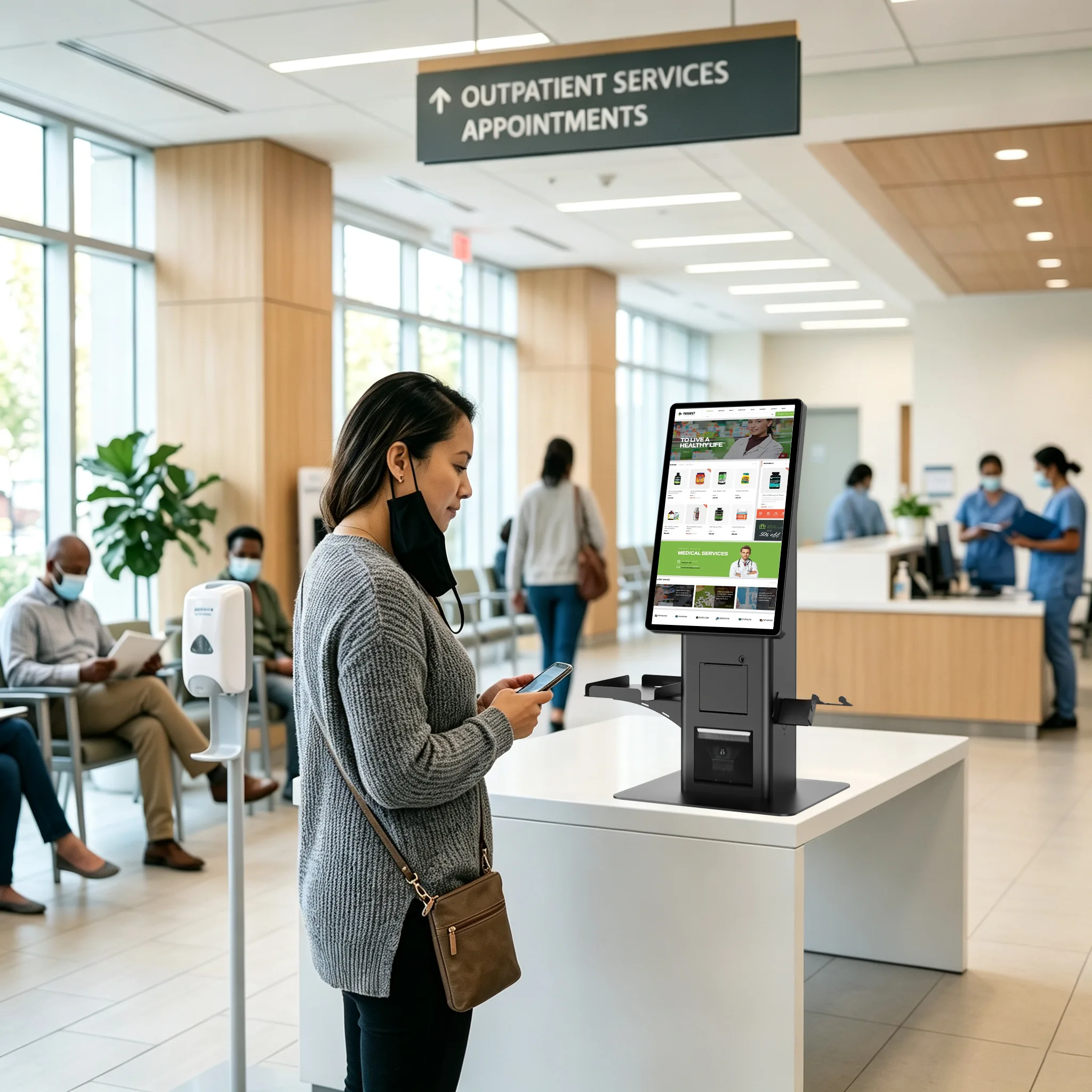
A replaceable printer module, three POGO pin expansion interfaces and portrait or landscape screen installation provide flexibility for maintenance, peripheral integration and deployment. Countertop and freestanding configurations support customer-developed ordering, checkout, registration and ticketing applications.
Choose the Platform That Fits Your Project
SK7 is available with Android or Windows, giving you the flexibility to match different operating system requirements and application deployment needs.


A 21.5″ standard or optional 27″ FHD touchscreen brings clear visuals and responsive interaction to self-service.
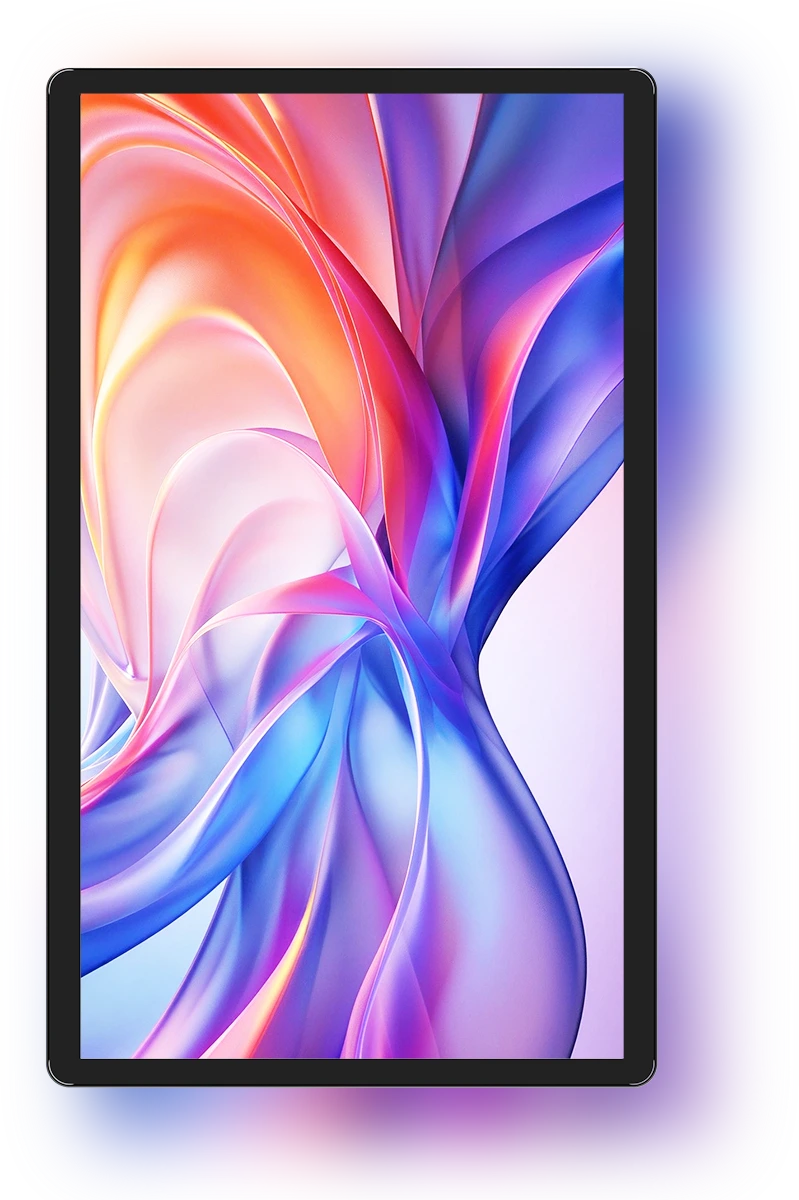
Clear visibility in bright indoor environments.
Wide viewing angles
Wet-hand & glove support
Helps resist water, oil, fingerprints & smudges
Scratch & wear resistance
21.5″ Standard 27″ Optional
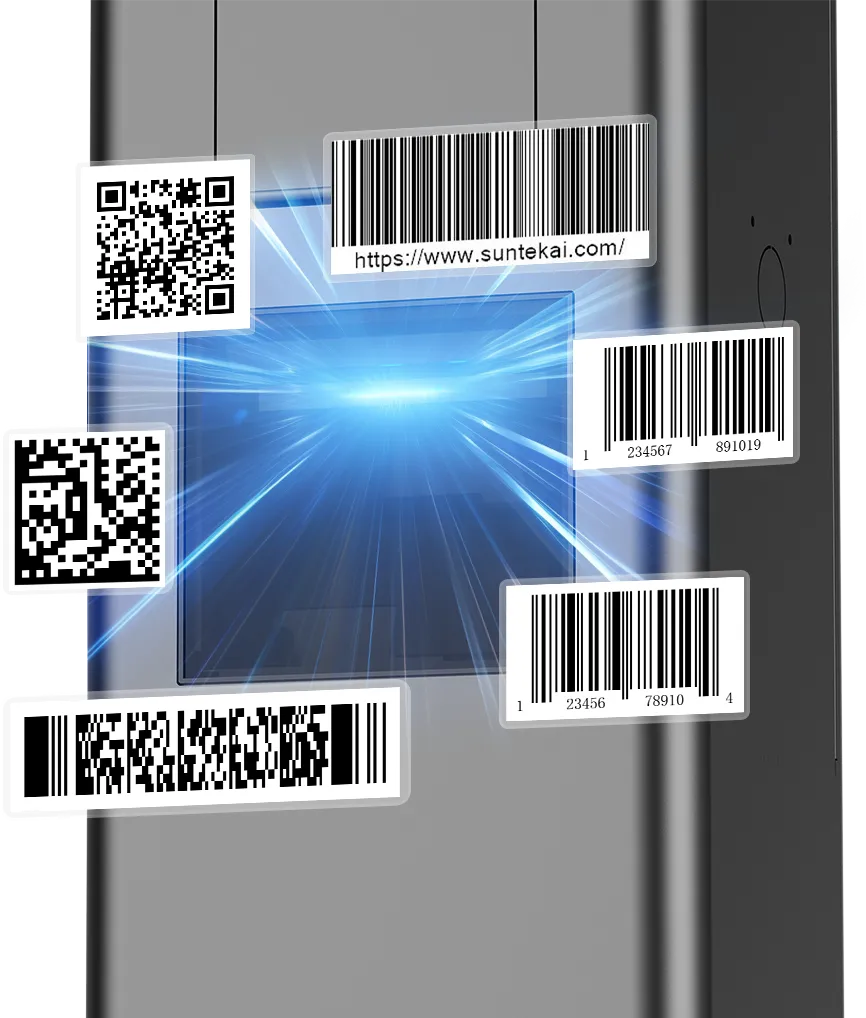
Reads moving barcodes to keep transactions flowing.
Captures printed barcodes and on-screen codes.
Flexible scanning with ±65° pitch and yaw tolerance.
Supports EAN/UPC, Code 128, GS1 DataBar, QR Code, Data Matrix and PDF417.
The built-in 203 DPI thermal printer delivers clear receipts and tickets, with front-opening access for quick paper reloading and a replaceable module for easy maintenance.
 60 / 80mm Paper Widths
 Automatic Cutter
 Up to 160mm/s
Flexible cutting for receipts and tickets.
Notifies the application when paper runs out.

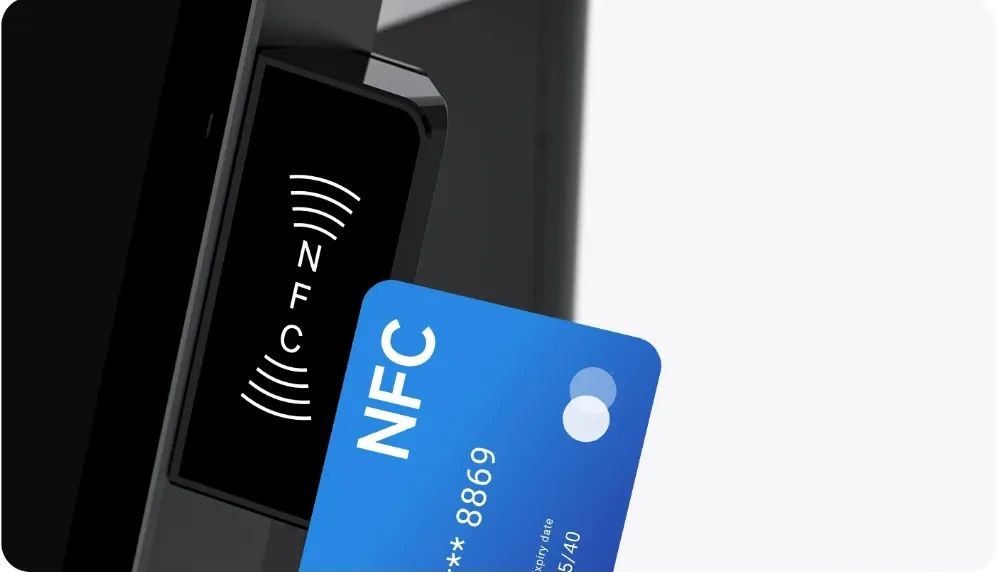
Three USB-based POGO pin interfaces support compatible expansion modules, including NFC readers, MSR readers, cameras, barcode scanners, fingerprint readers and more.
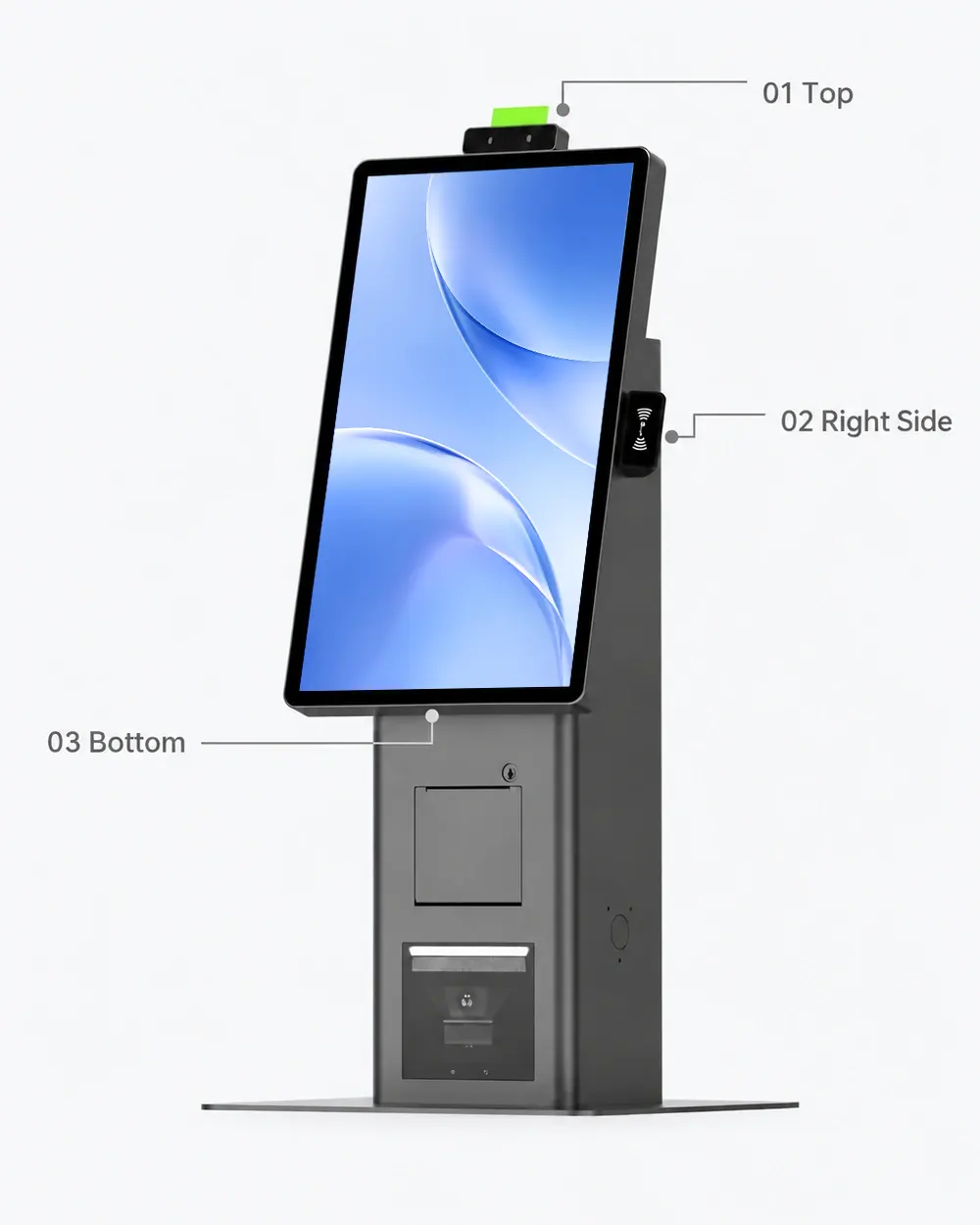
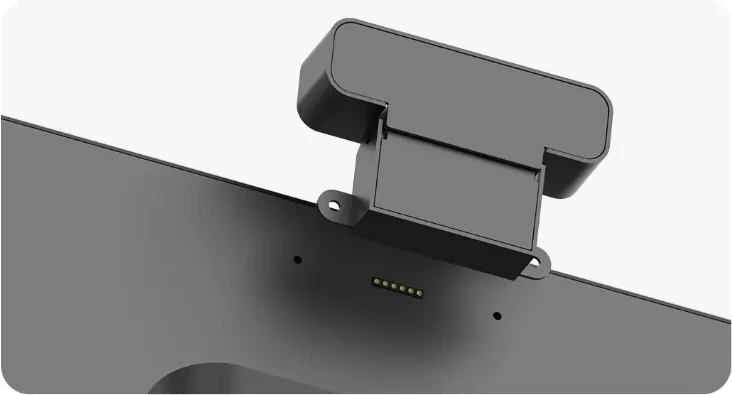
Modules connect through POGO pin contacts and are secured with screws, without disassembling the kiosk main body.
Add optional modules and mounting brackets according to your application, payment setup and service workflow.
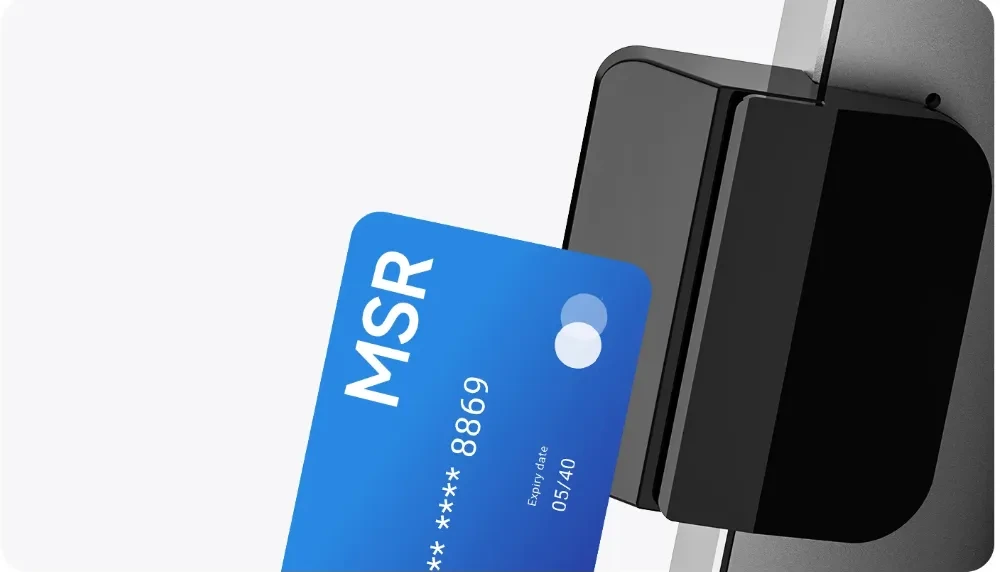
Magnetic Stripe Card Reading
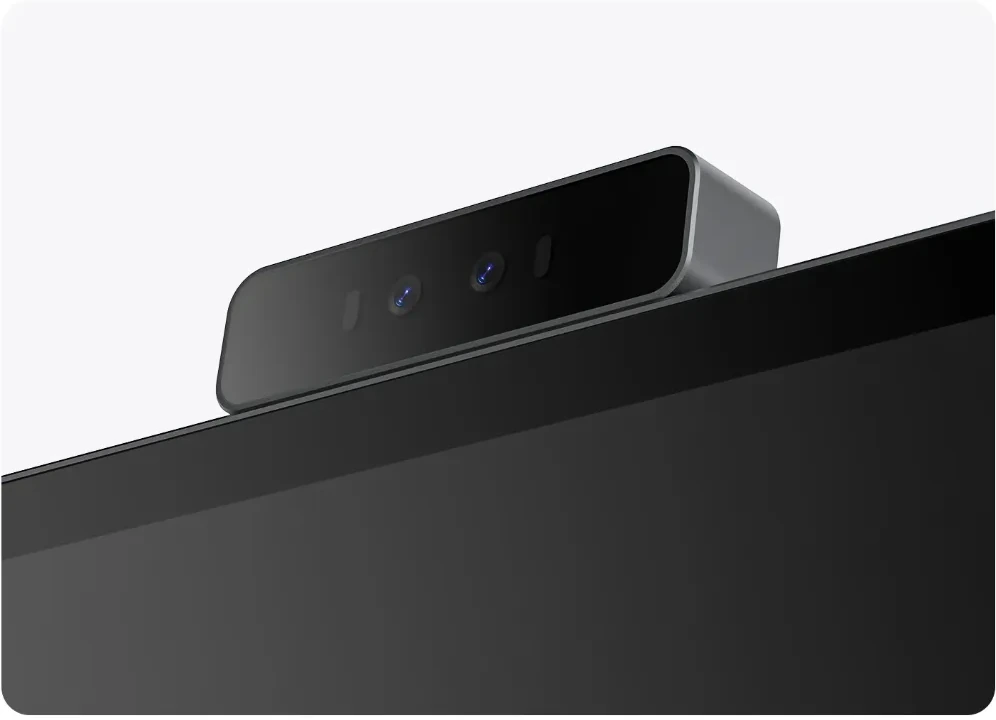
Monocular / Binocular
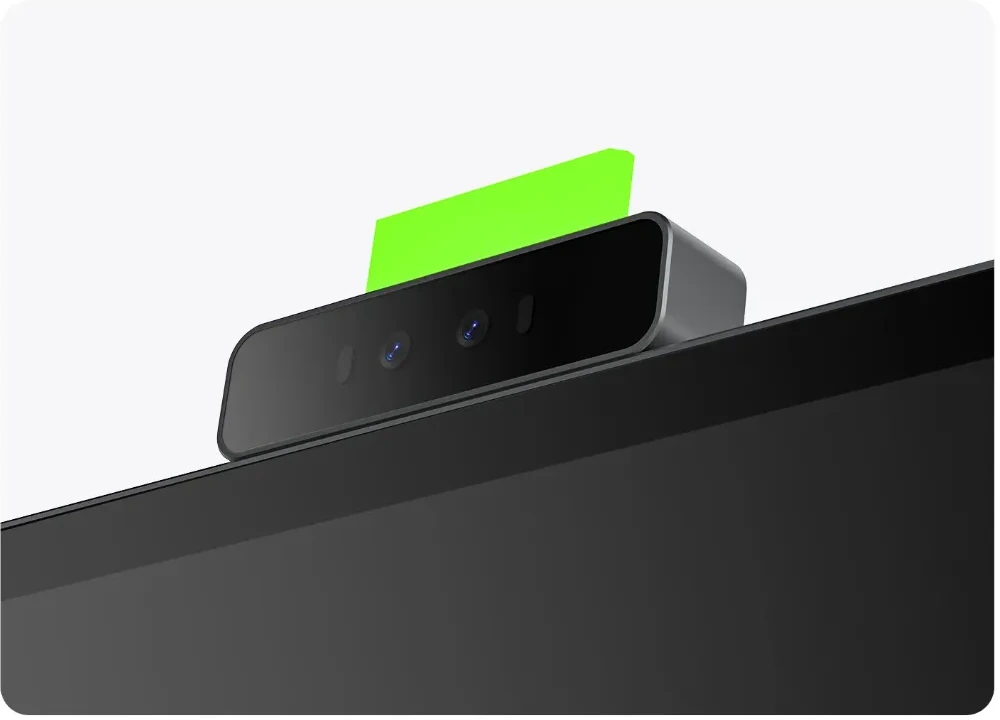
Visual Device Status Indication
Choose countertop or freestanding deployment, with portrait or landscape orientation to suit your space and application.
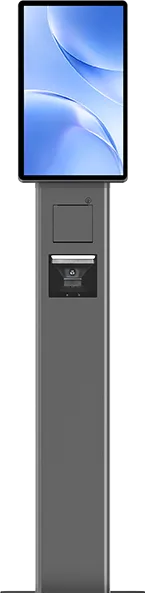
Ideal for vertically arranged menus and service interfaces.
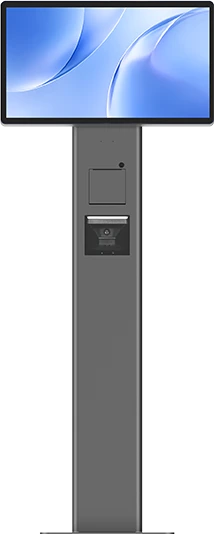
More room for horizontal application layouts.
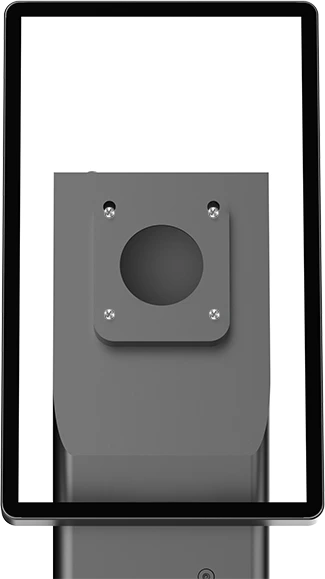
Standard mounting interface for flexible installation.
Maximum Stability for High-Impact Public Venues.
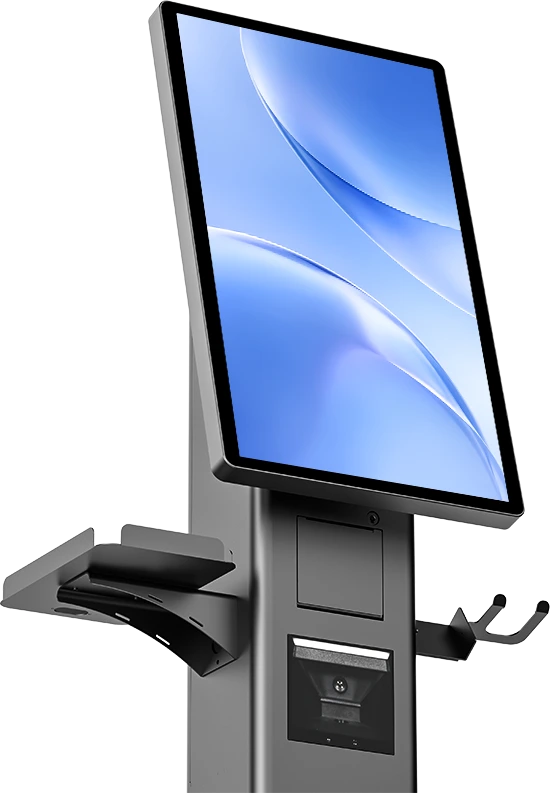
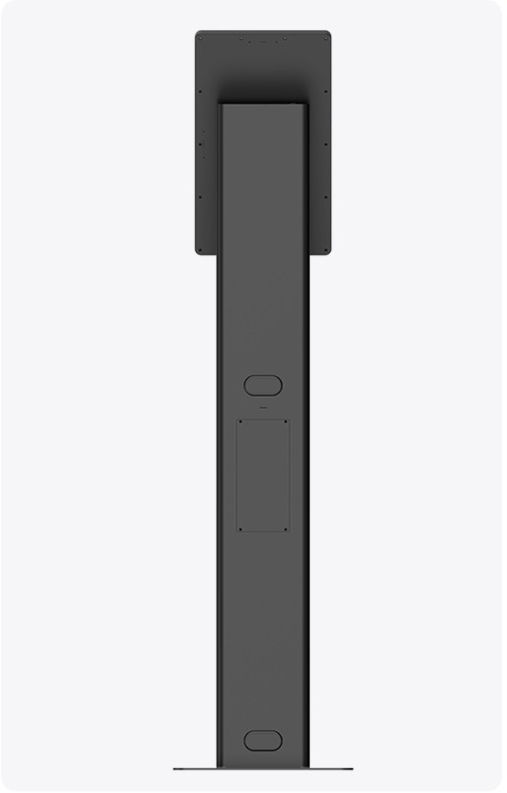
A durable metal body for demanding commercial environments.
Sturdy countertop and floor-standing supports help minimize movement during touch interaction.
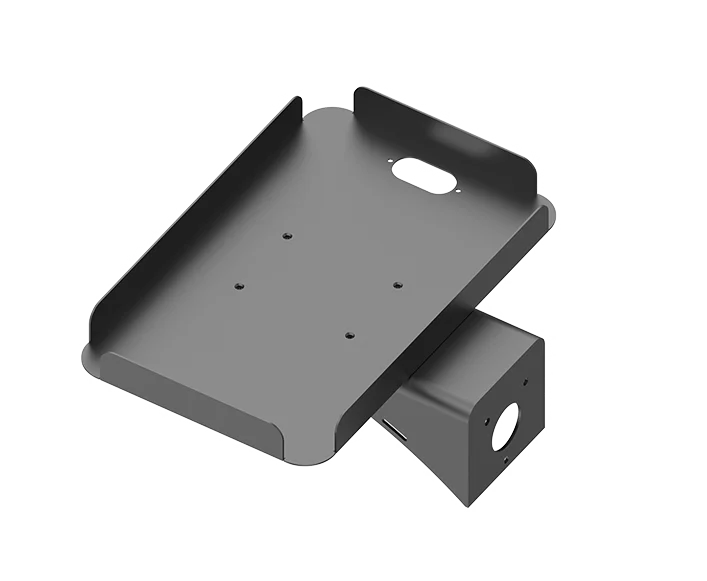
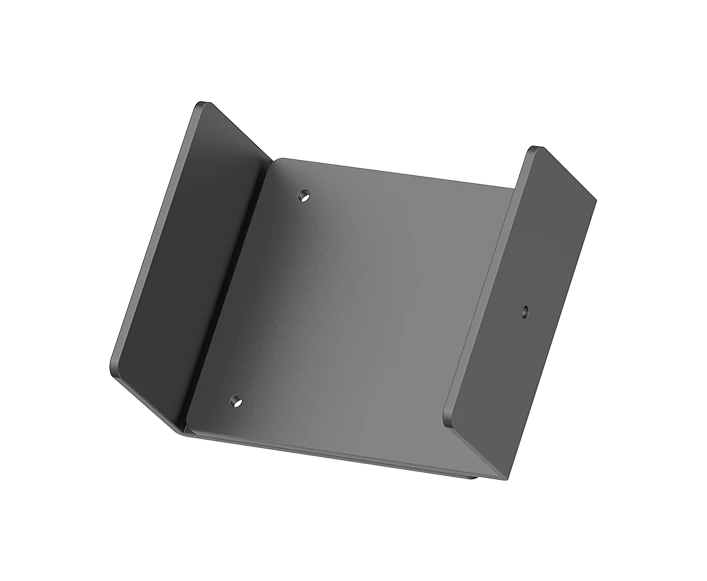
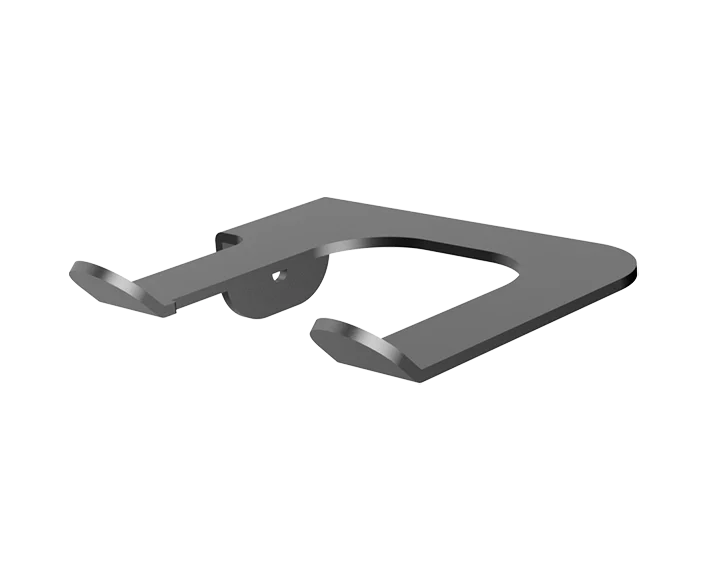
Custom mounting brackets simplify third-party peripheral integration for project-specific requirements.
4-MIC*
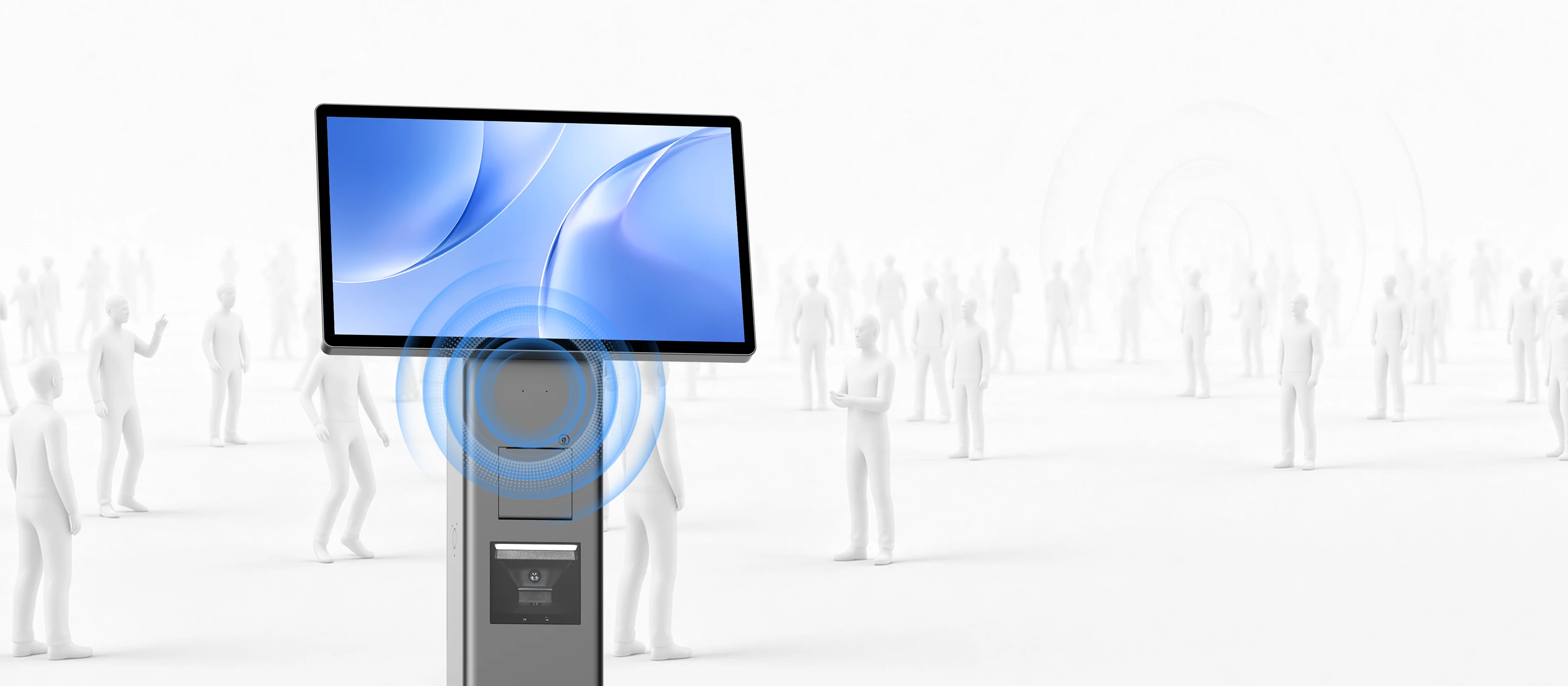
Optional Microphone Array
6m
Pickup Diameter
Dual-core DSP supports acoustic echo cancellation, noise suppression and automatic gain control for clearer voice capture.
30 dB Noise SuppressionClear audio capture for integration with compatible speech recognition applications.
65 dB SNR · 16 kHz Sampling*Dual-microphone array standard; four-microphone array optional. Audio specifications shown apply to the standard dual-microphone configuration.
The Android SK7 uses the RK3576 platform with a 6 TOPS NPU, providing a hardware foundation for compatible edge AI applications. Optional cameras and audio peripherals support project-specific development for product recognition, voice assistance and other intelligent self-service functions.






AI functions require compatible software, models and peripherals. Availability and performance depend on the selected configuration and application integration.

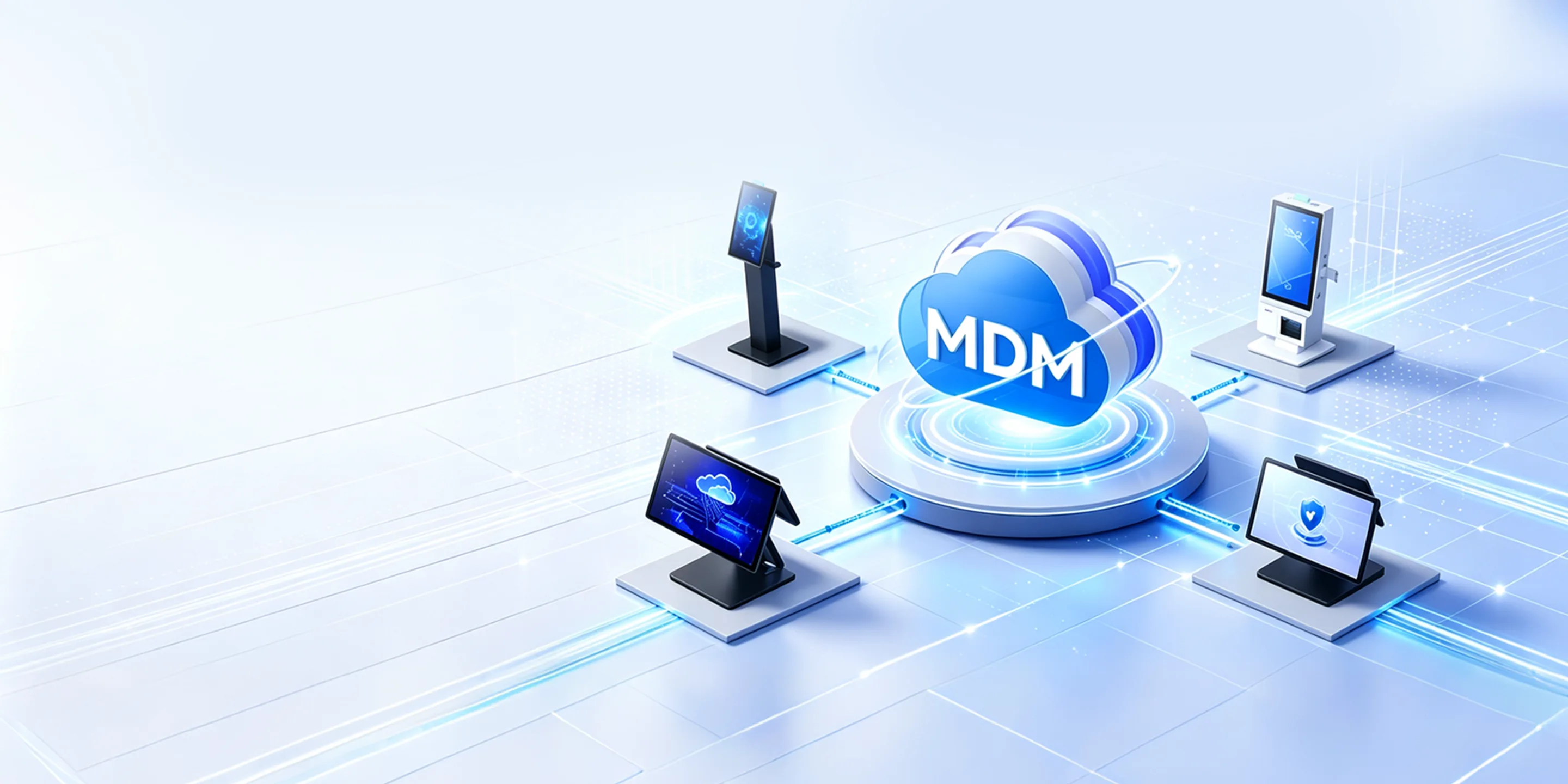
SUNTEK MDM
Monitor, configure, update and support SUNTEK Android devices from one centralized platform.
Remotely access and troubleshoot devices.
Configure device and Kiosk settings remotely.
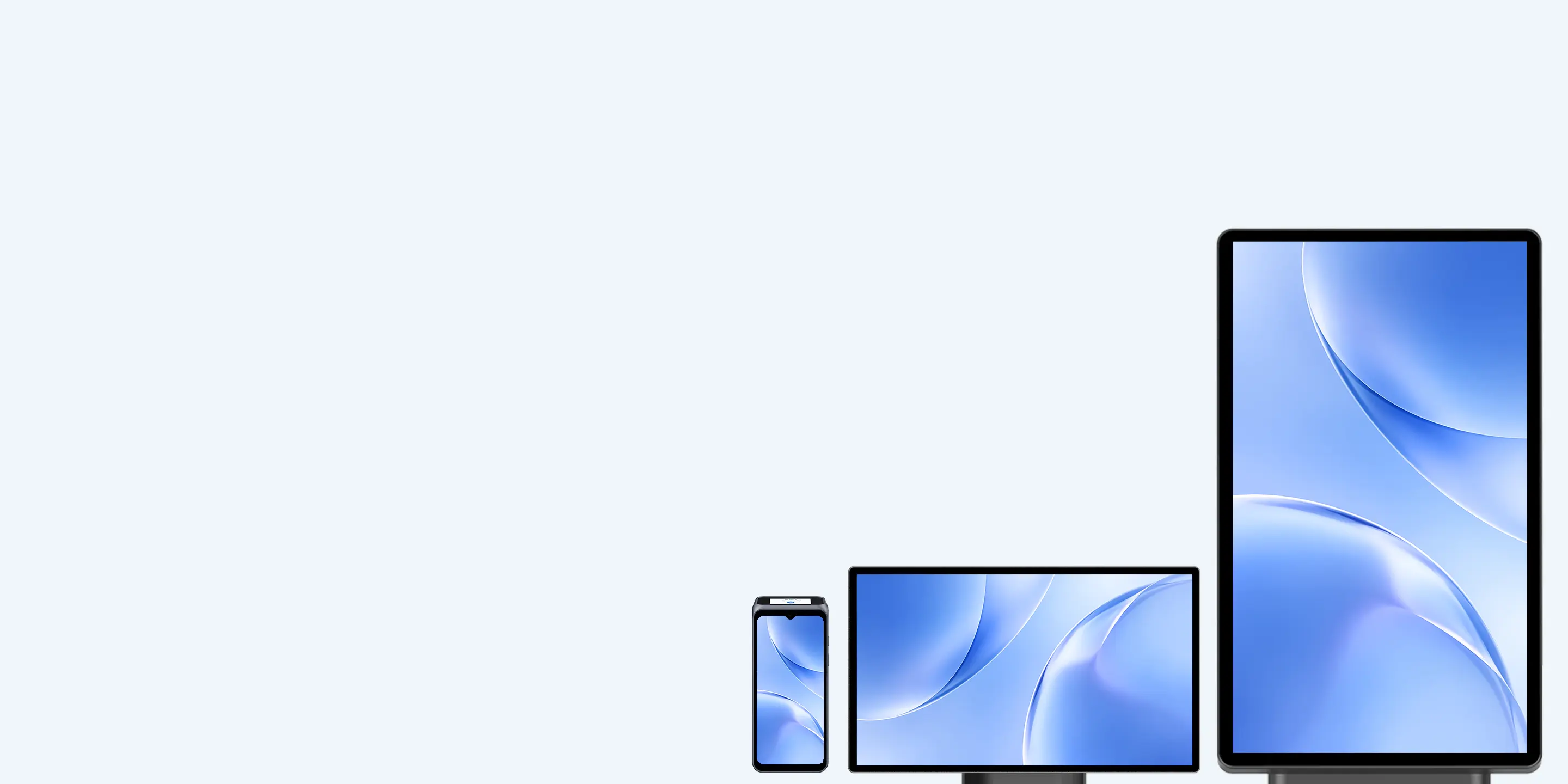
Monitor device status, network and system information.

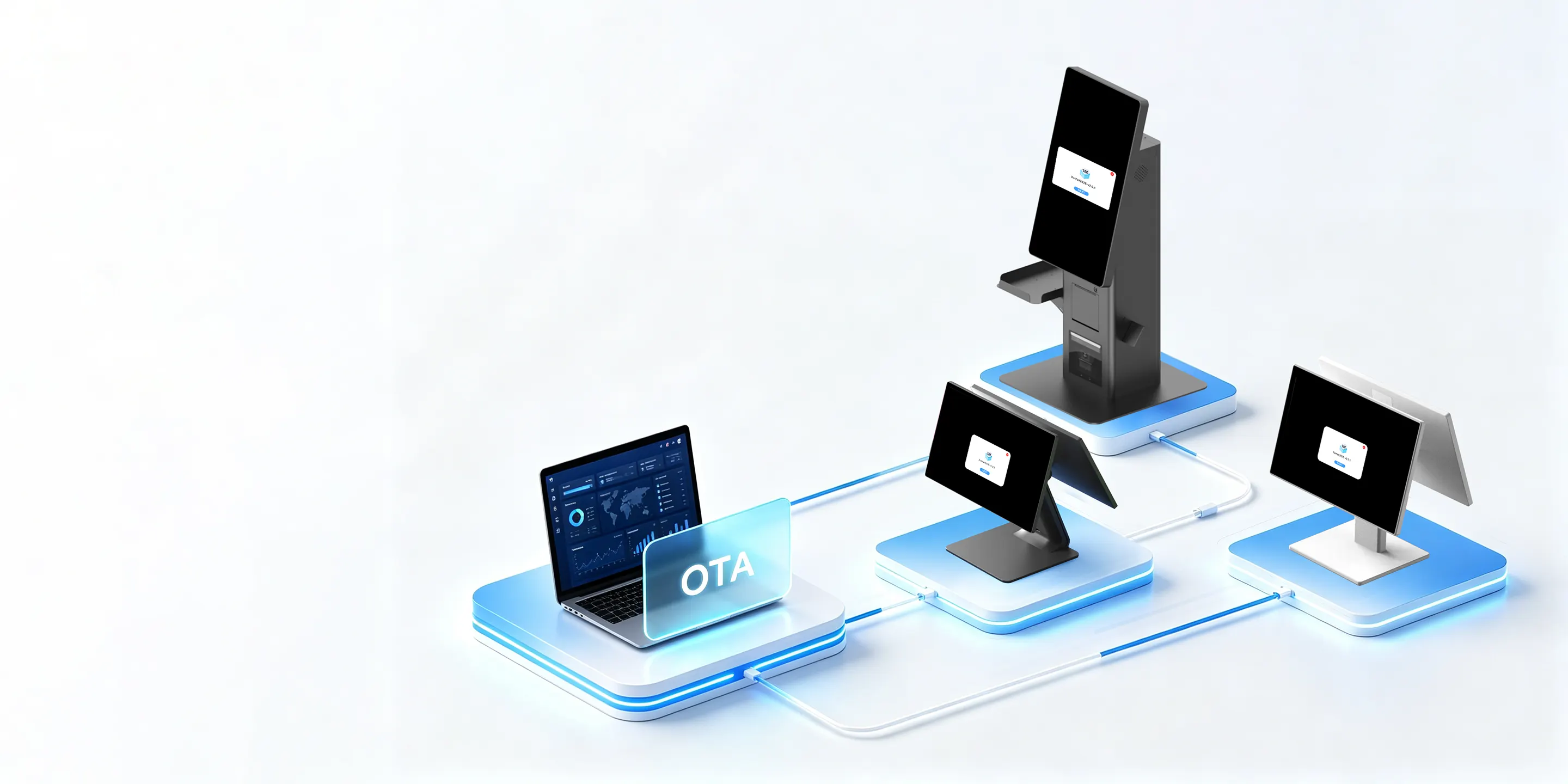
Deploy apps and firmware remotely.
SK7 combines a replaceable printer module with three USB-based POGO pin expansion interfaces. Compatible peripherals connect through POGO pin contacts and are secured with screws, allowing hardware configurations to be adapted to different projects.
Yes. SK7 includes an 80mm thermal printer with cutter, with print speeds up to 160mm/s, and an integrated 1D/2D barcode scanner. Application control of these components requires SDK integration.
Yes. Both countertop and freestanding configurations support portrait or landscape screen installation. The display uses a VESA 100 × 100 mounting interface. Application layouts must be configured for the selected orientation.
Compatible options include NFC readers, MSR readers, cameras, barcode scanners, fingerprint readers and status indicator lights. Printer, payment terminal and barcode scanner brackets are also available. Module selection and compatibility should be confirmed for each project.
SUNTEK supplies kiosk hardware, SDK support and integration documentation. Customers or their software partners develop the ordering, checkout, registration, ticketing and AI applications required for their projects.
Choose according to your application's operating system, driver and peripheral requirements. Android SK7 uses the RK3576 platform with a 6 TOPS NPU, while SK7W offers configurable Intel processors for Windows-based applications.
SUNTEK SK7 is available in Android and Windows, with 21.5-inch or optional 27-inch touch displays, integrated barcode scanning and thermal printing, and modular expansion for ordering, checkout and self-service applications.
Swipe horizontally to compare Android and Windows specifications.
| Item | SK7 Android Version | SK7W Windows Version |
|---|---|---|
| OS | Android 14 | Windows 10 |
| Processor | RK3576, Octa-Core 2.2GHz NPU: 6 TOPS |
Intel Core i5-4310 Intel J6412 Optional Intel Core i3 / i5 Optional |
| Memory | 4GB RAM + 32GB ROM 4GB RAM + 64GB ROM Optional 8GB RAM + 64GB ROM Optional 8GB RAM + 128GB ROM Optional |
4GB RAM + 128GB SSD 8GB RAM + 256GB SSD Optional 16GB RAM + 512GB SSD Optional |
| Display | 21.5-inch (1920×1080), 10-Point G+G Touch, 600 nits 27-inch (1920×1080), 10-Point G+G Touch, 600 nits Optional |
|
| Communications | Wi-Fi: Dual-band 2.4GHz / 5GHz, IEEE 802.11 a/b/g/n/ac Bluetooth: 5.4, BLE support Ethernet: 10 / 100 / 1000Mbps |
Ethernet: 10 / 100 / 1000Mbps Wi-Fi: Dual-band 2.4GHz / 5GHz, IEEE 802.11 a/b/g/n/ac Optional |
| Rich Ports | 7 × USB Type-A 1 × USB Type-B 1 × RJ45 1 × HDMI 1 × Audio 3 × POGO Pin (USB) 1 × DC |
7 × USB Type-A 1 × USB Type-B 1 × RJ45 1 × HDMI 1 × VGA 1 × Speaker 1 × Microphone 3 × POGO Pin (USB) 1 × DC |
| Barcode Scanner | Supports 1D / 2D barcode scanning | |
| Audio | Digital audio speaker Two-array microphone Optional Four-array microphone Optional |
|
| Printer | 80mm thermal printer with cutter, up to 160mm/s | |
| Optional Modules | NFC Reader Module Optional MSR Module Optional Camera Module Optional Status indicator Light Optional USB peripherals via POGO Pin expansion Optional |
|
| Peripheral Brackets | Printer Bracket Optional Payment Terminal Bracket Optional Barcode Scanner Bracket Optional |
|
| Accessories | Thermal Printer Optional Barcode Scanner Optional |
|
| Button | 1 × Power Button | |
| Input Voltage | AC 100–240V, 50 / 60Hz | |
| Power Supply | DC 12V / 5A | |
| Installation | Desktop Stand Optional Floor Stand Optional VESA 100 × 100 Mount Optional |
|
| Dimensions | Desktop: 230(L) × 330(W) × 730(H) mm Floor Stand: 270(L) × 330(W) × 1625(H) mm |
|
| Operating Environment | Operating temperature: −5°C to 45°C Operating humidity: 20%–80% |
|
| Storage Environment | Storage temperature: −10°C to 60°C Storage humidity: 20%–80% |
|
| MDM | Mobile Device Management Optional | — |
Three POGO Pin expansion interfaces are available for optional peripheral integration.
Optional indicates optional specifications. “—” indicates information not specified in the supplied specification sheet.
Note: The product specifications on this page are for reference only, and the actual product shall prevail.
SK7 combines a replaceable printer module with three USB-based POGO pin expansion interfaces. Compatible peripherals connect through POGO pin contacts and are secured with screws, allowing hardware configurations to be adapted to different projects.
Yes. SK7 includes an 80mm thermal printer with cutter, with print speeds up to 160mm/s, and an integrated 1D/2D barcode scanner. Application control of these components requires SDK integration.
Yes. Both countertop and freestanding configurations support portrait or landscape screen installation. The display uses a VESA 100 × 100 mounting interface. Application layouts must be configured for the selected orientation.
Compatible options include NFC readers, MSR readers, cameras, barcode scanners, fingerprint readers and status indicator lights. Printer, payment terminal and barcode scanner brackets are also available. Module selection and compatibility should be confirmed for each project.
SUNTEK supplies kiosk hardware, SDK support and integration documentation. Customers or their software partners develop the ordering, checkout, registration, ticketing and AI applications required for their projects.
Choose according to your application's operating system, driver and peripheral requirements. Android SK7 uses the RK3576 platform with a 6 TOPS NPU, while SK7W offers configurable Intel processors for Windows-based applications.
Discuss hardware configurations, peripheral integration, OEM/ODM customization and project pricing. A SUNTEK sales specialist will contact you within 24 hours.
Tell us your project requirements. A SUNTEK sales specialist will contact you within 24 hours.