SUNTEK KDS Hardware

Kitchen Display System Hardware for Restaurant Order Workflow

Commercial KDS hardware built for order display, kitchen coordination, and project-based restaurant system deployment.

KDS15 / KDS21 Android / Windows 15.6” / 21.5” Touchscreen Operation VESA Mounting
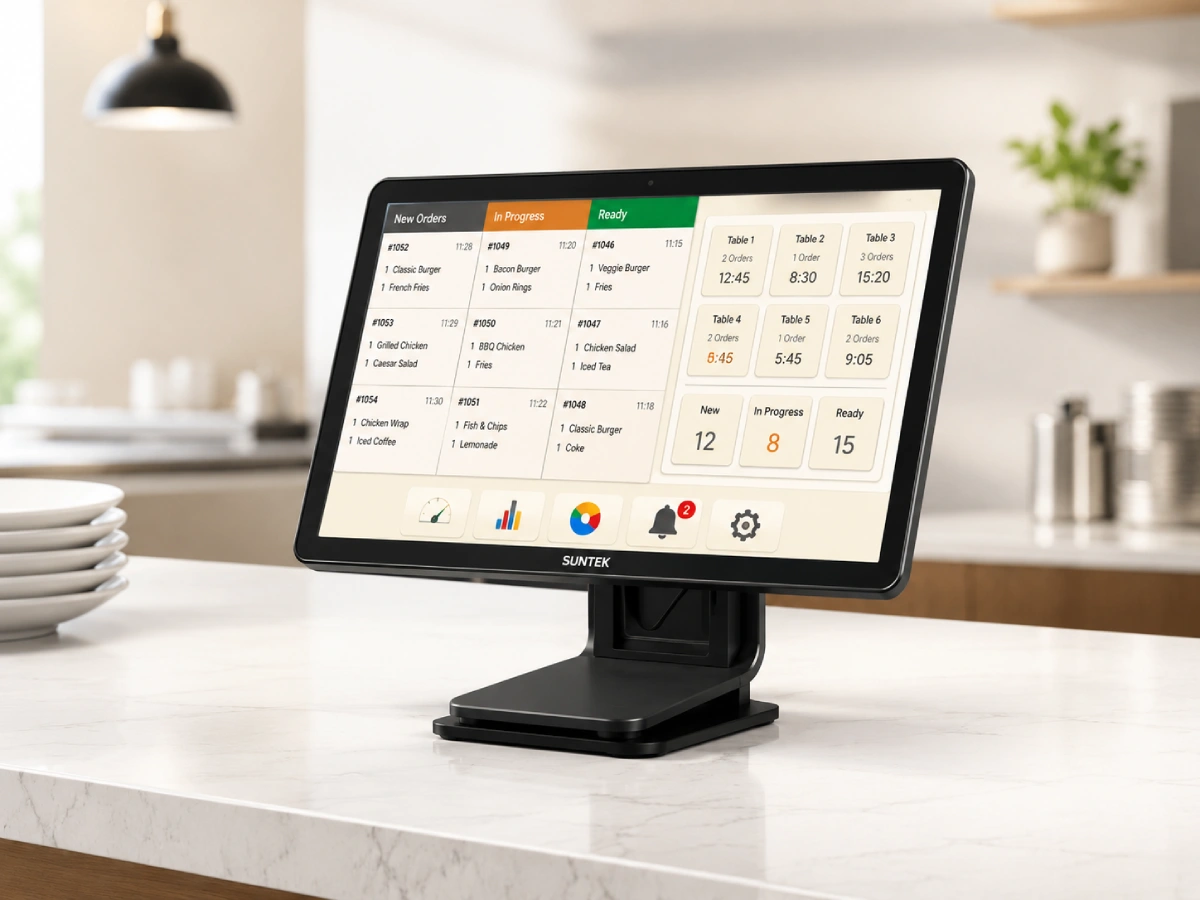
SUNTEK KDS kitchen display system hardware for restaurant order workflow and kitchen display deployment
Direct Answer

What Is a Kitchen Display System?

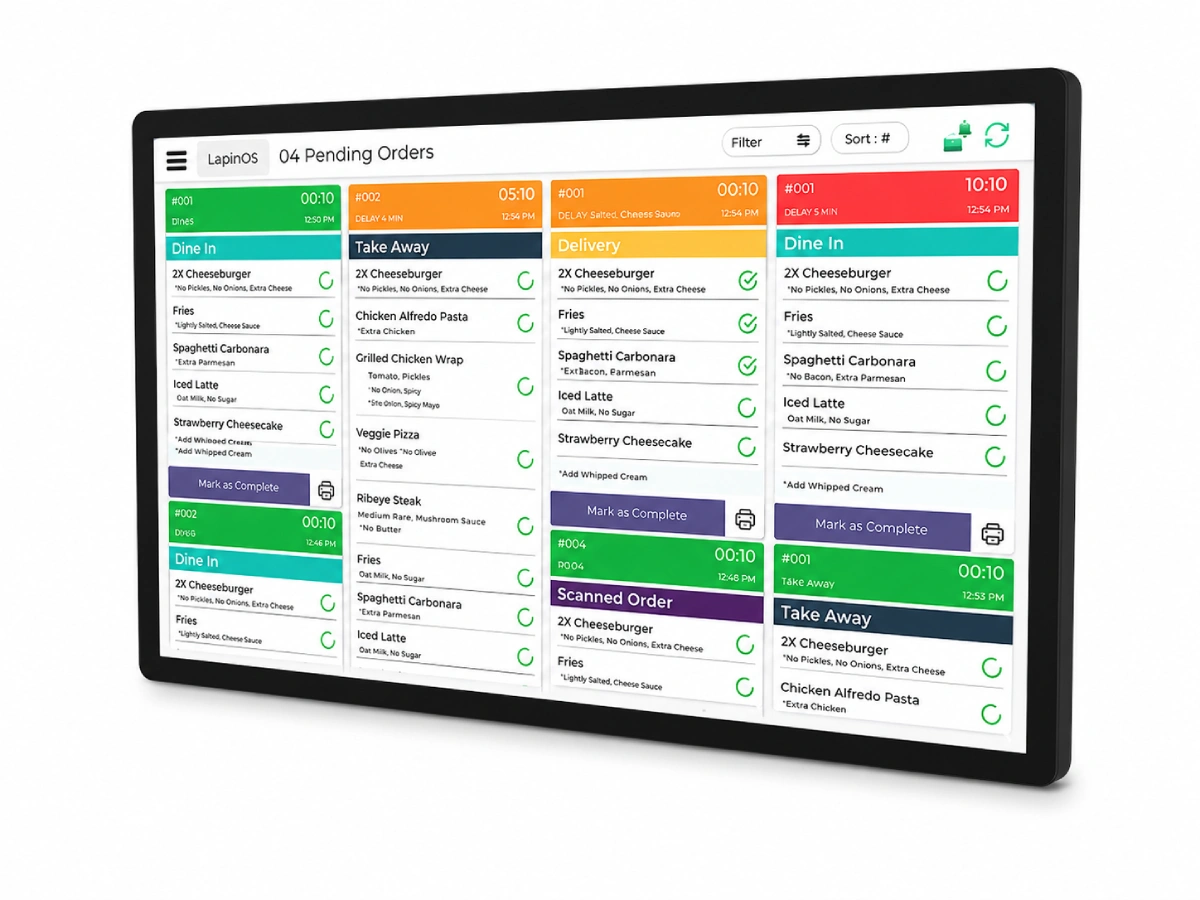
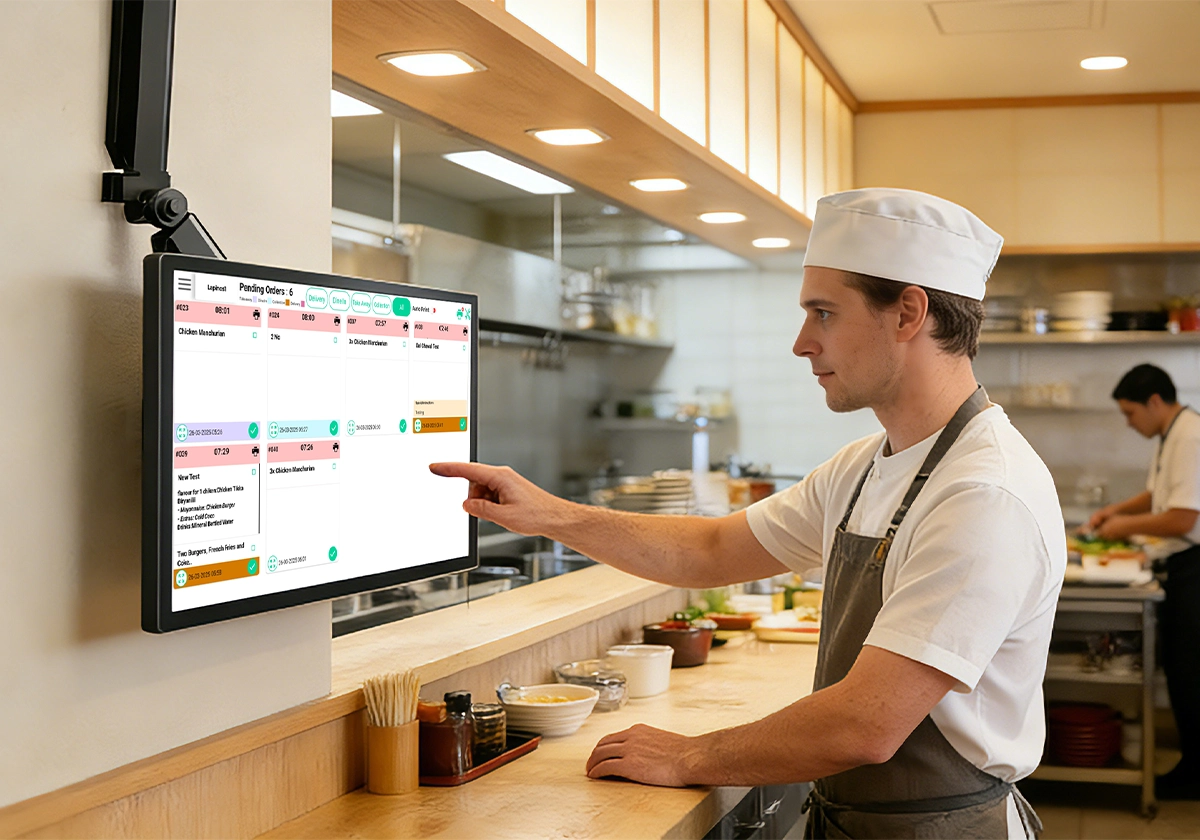
A kitchen display system is a digital order display device used in restaurant kitchens to replace or reduce paper tickets. It helps kitchen staff view incoming orders, manage preparation status, and coordinate food service more clearly.

SUNTEK KDS is available as KDS15 and KDS21, offering 15.6-inch and 21.5-inch kitchen display system hardware for restaurant order display, kitchen coordination, and project-based deployment.

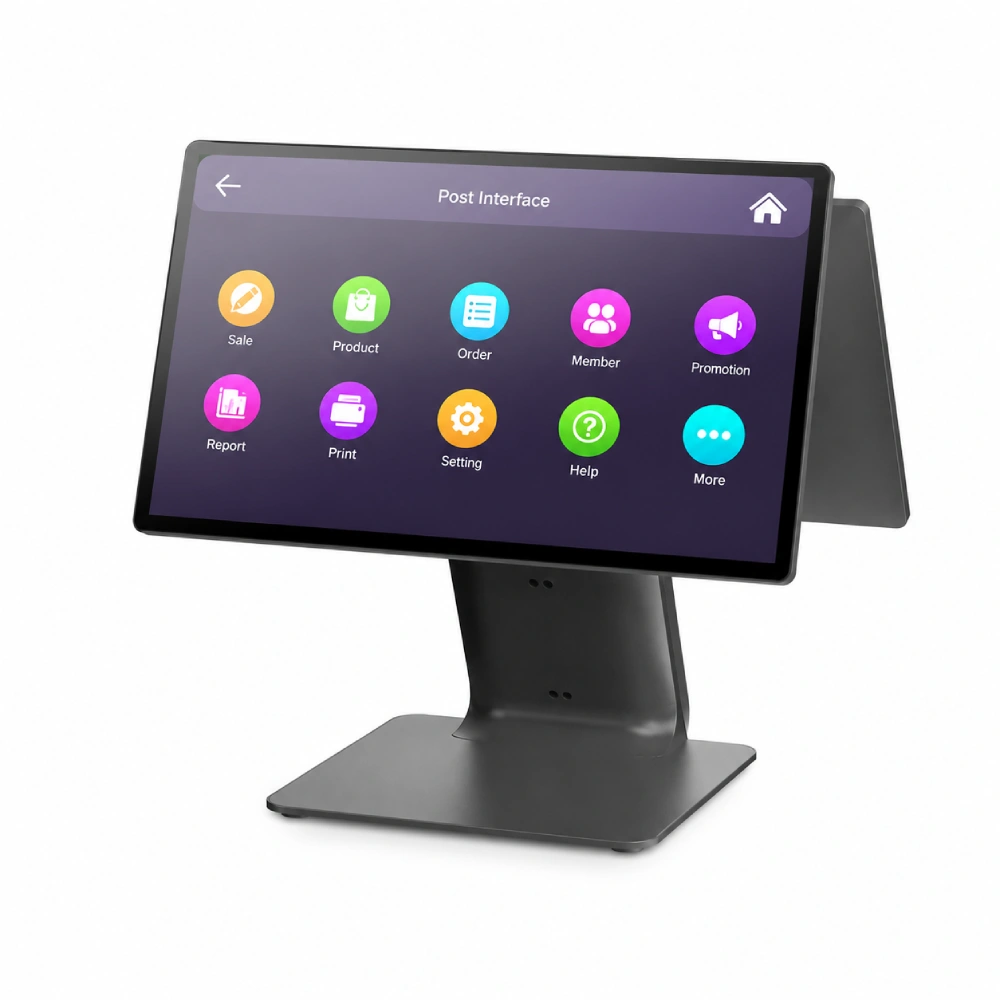
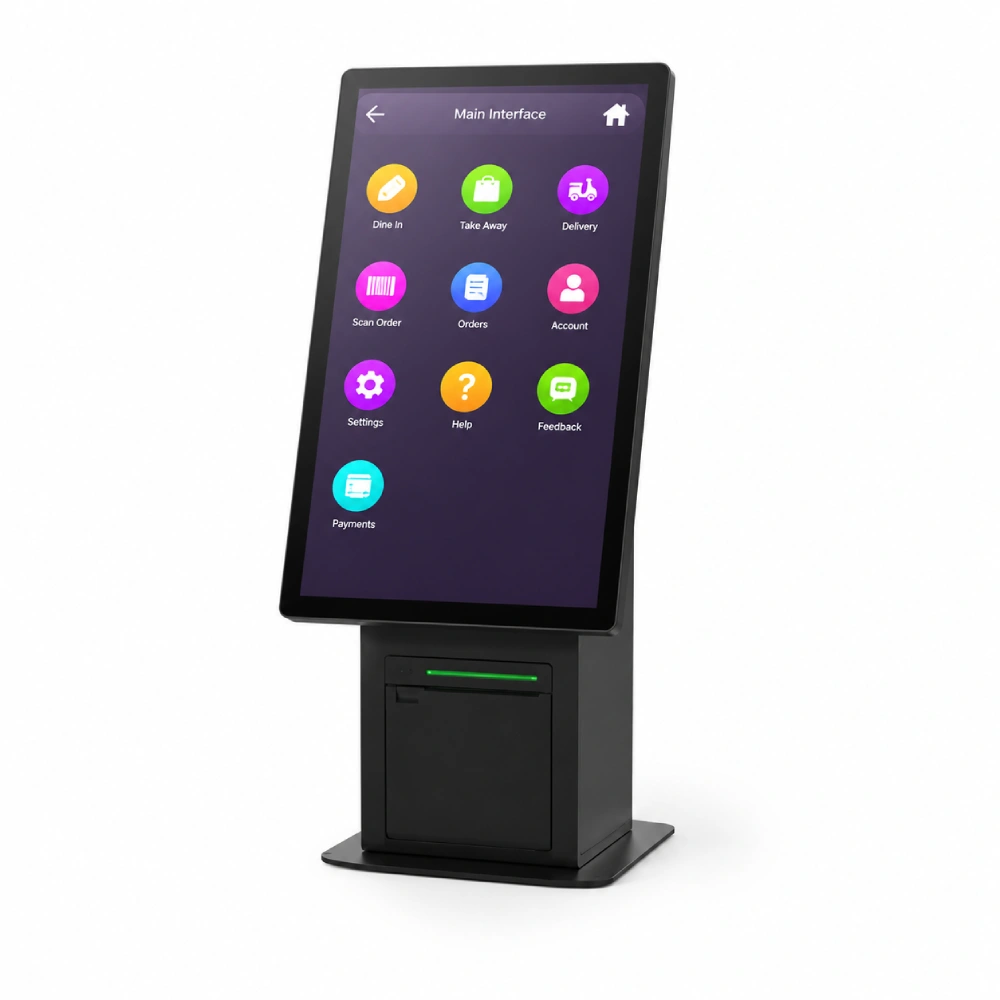
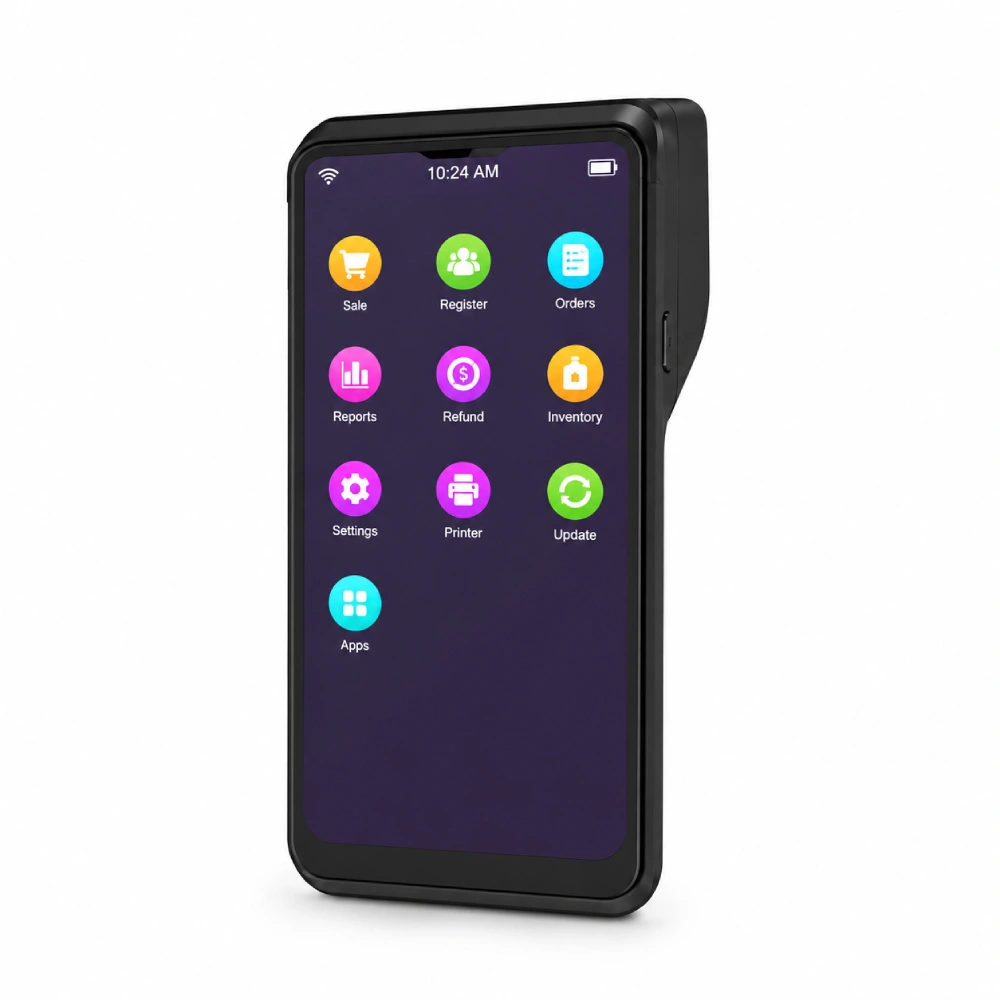
SUNTEK KDS provides the commercial hardware layer for this workflow. It can be deployed with Android or Windows systems and integrated with POS terminals, self-service kiosks, handheld POS devices, printers, MDM platforms, and edge AI box solutions based on project requirements.

01
Restaurant Order Display Shows orders in the kitchen so staff can check preparation tasks without relying only on printed tickets.
02
Kitchen Workflow Coordination Supports clearer communication between front counter, kitchen stations, takeaway orders, and service teams.
03
Project-Based Integration Works as part of a wider restaurant system with POS, kiosk, printer, handheld POS, MDM, and edge device deployment.

KDS15 and KDS21 Size Options for Restaurant Kitchen Display

SUNTEK KDS15 provides a 15.6-inch display option for compact kitchen stations, while SUNTEK KDS21 offers a 21.5-inch display for wider order visibility.

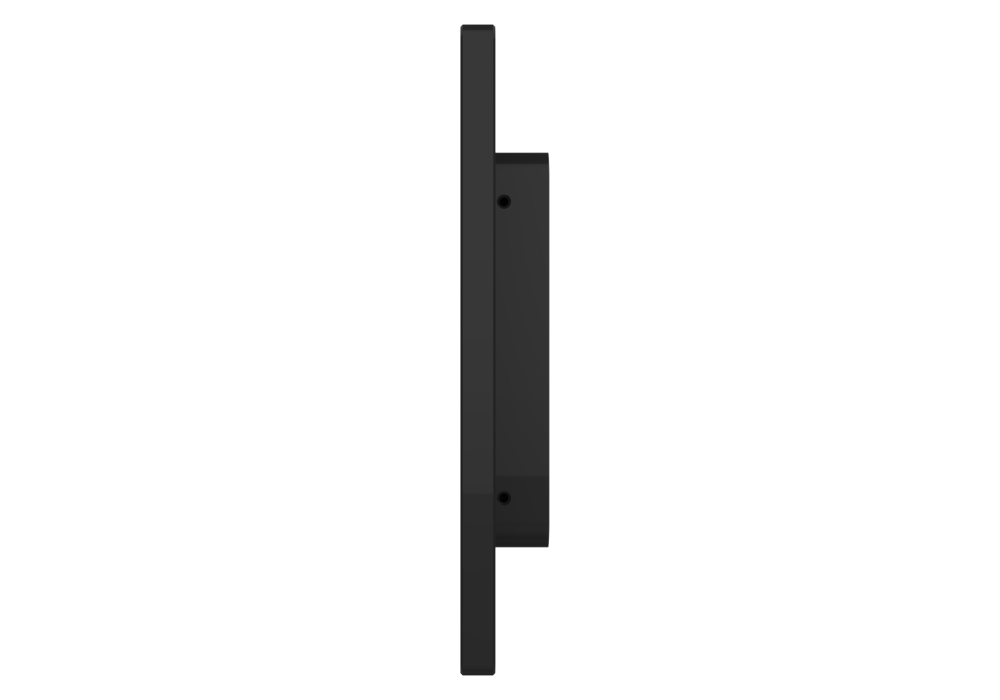
Its slim profile and clear rear structure support flexible installation for restaurant kitchen display projects.
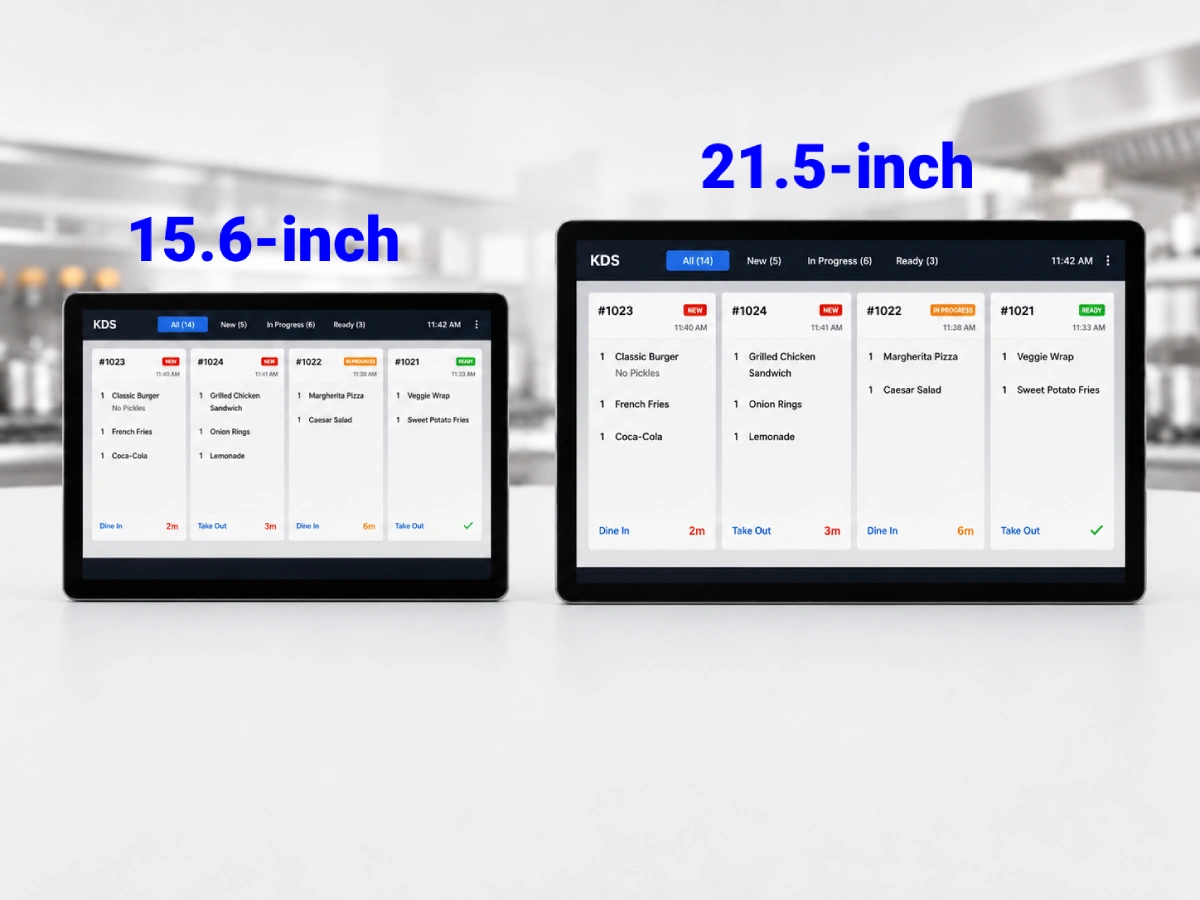
Two Size Options 15.6” for compact stations, 21.5” for wider order visibility.
Slim Side Profile Clean hardware form for kitchen counters, walls, or mounting arms.
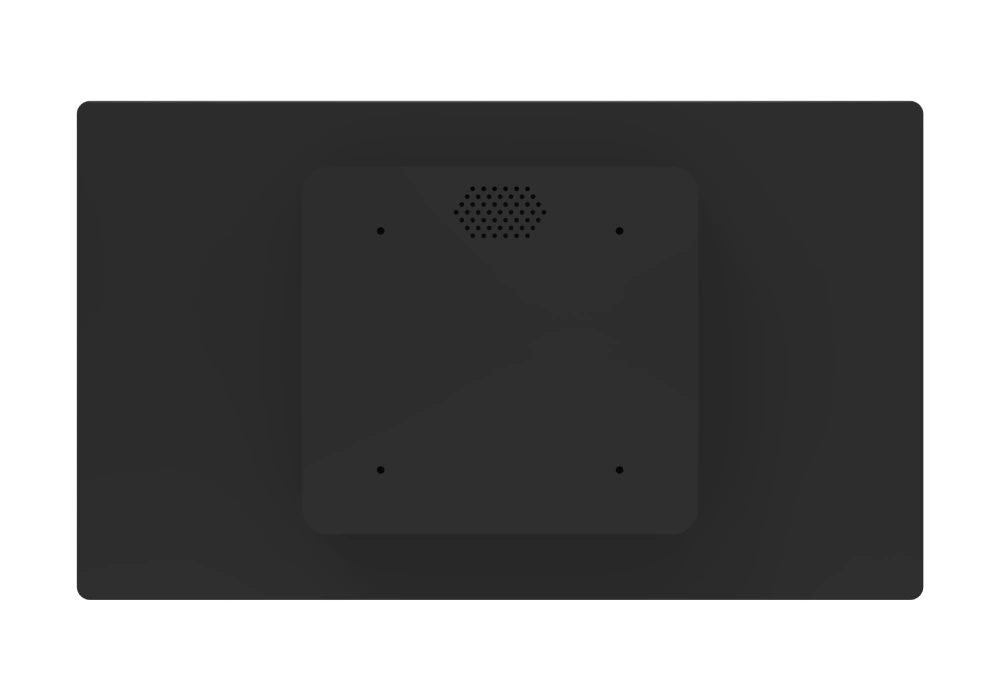
Back View Design Shows the rear structure for installation and hardware planning.
Commercial Deployment Suitable for restaurants, QSR, cafés, and takeaway kitchens.
SUNTEK KDS 15 inch and 21 inch kitchen display system size options for restaurant order display
SUNTEK KDS slim side profile for restaurant kitchen display system installation
SUNTEK KDS back view showing rear structure for kitchen display system mounting

8 Core Features for Restaurant KDS Deployment

SUNTEK KDS covers the key hardware, installation, workflow, and integration requirements for restaurant kitchen display system projects.
SUNTEK KDS display options for 15.6 inch and 21.5 inch kitchen display system hardware

Display Options

SUNTEK KDS Android and Windows system support for restaurant software deployment

Android & Windows

SUNTEK KDS touchscreen operation for kitchen order display and status updates

Touchscreen Operation

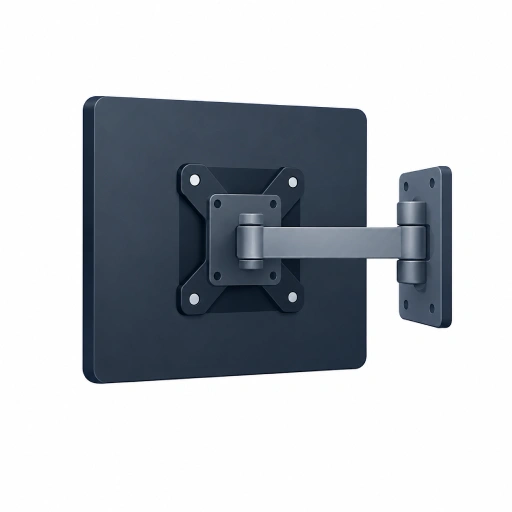
SUNTEK KDS VESA mounting support for wall counter and mounting arm installation

VESA Mounting

SUNTEK KDS kitchen workflow support for restaurant order preparation and service coordination

Kitchen Workflow

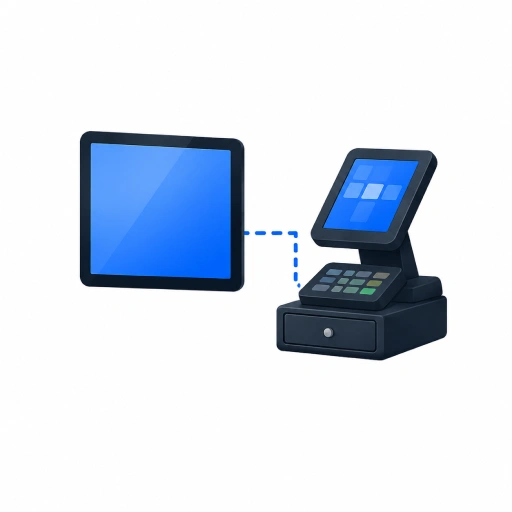
SUNTEK KDS POS integration for connected restaurant order management workflow

POS Integration

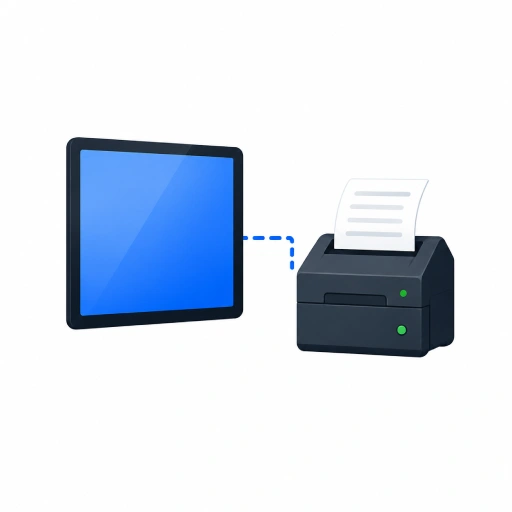
SUNTEK KDS printer integration for digital display and printed kitchen ticket workflows

Printer Integration

SUNTEK KDS project based integration with POS kiosk handheld POS MDM printer and restaurant systems

Project-Based Integration

Android and Windows KDS Hardware for Different Restaurant Projects

SUNTEK KDS supports Android and Windows system options, helping software providers and restaurant system integrators adapt the hardware to different deployment environments.

SUNTEK KDS Android OS system overview for restaurant kitchen display system deployment

Android KDS

Suitable for cloud KDS apps, restaurant SaaS platforms, lightweight deployment, and Android-based ordering systems.
System Flexibility Project-Based Deployment
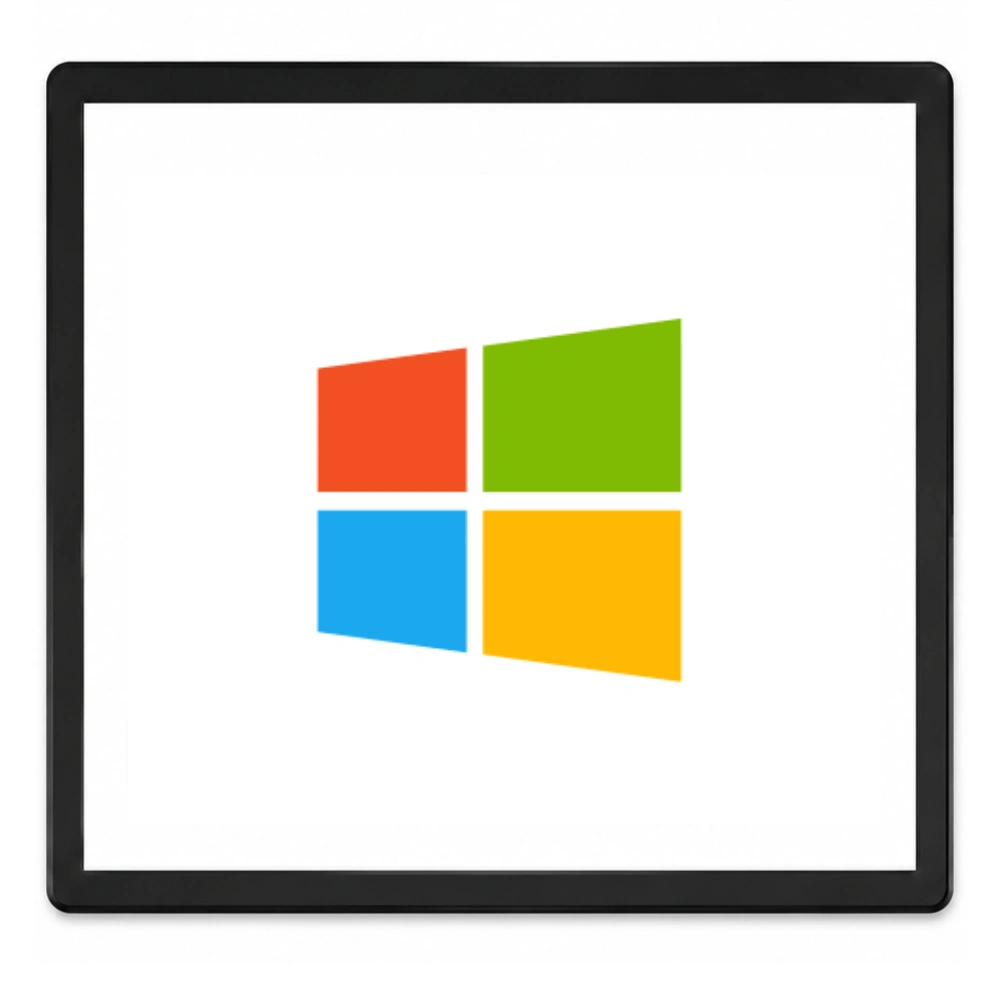
SUNTEK KDS Windows OS system overview for restaurant kitchen display system deployment

Windows KDS

Suitable for Windows POS software, legacy restaurant systems, local applications, and customized integration projects.

Connect Multiple Order Channels to Kitchen Preparation

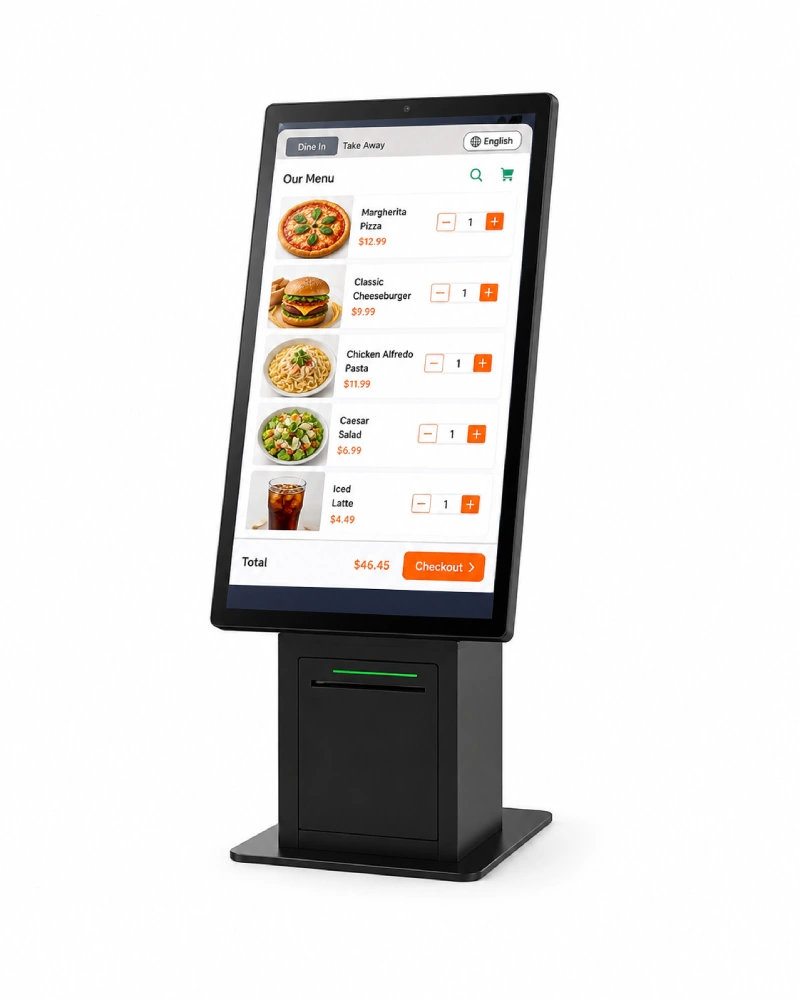
SUNTEK KDS helps restaurants collect orders from counter, kiosk, mobile POS, and online channels, then display them clearly for kitchen preparation and pickup workflows.
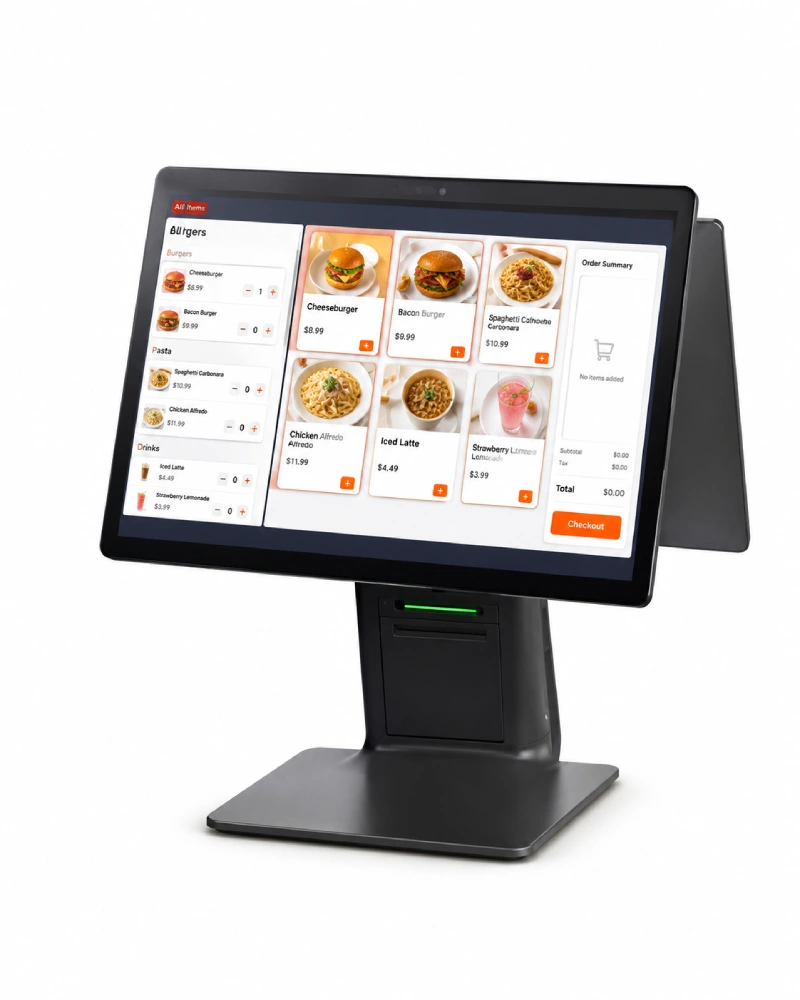
SUNTEK SC1 POS counter ordering connected to KDS kitchen workflow Counter Ordering
SUNTEK SK1 self service ordering kiosk connected to KDS kitchen workflow Self-Service Ordering
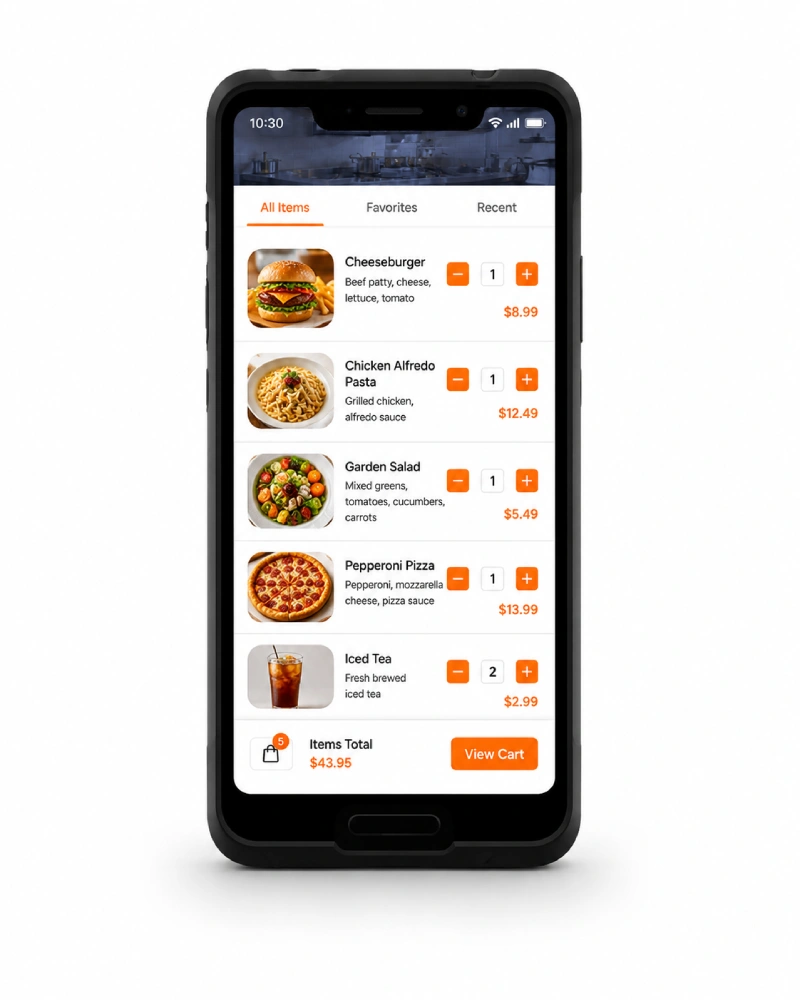
SUNTEK SM1 mobile POS ordering connected to KDS kitchen workflow Mobile Ordering
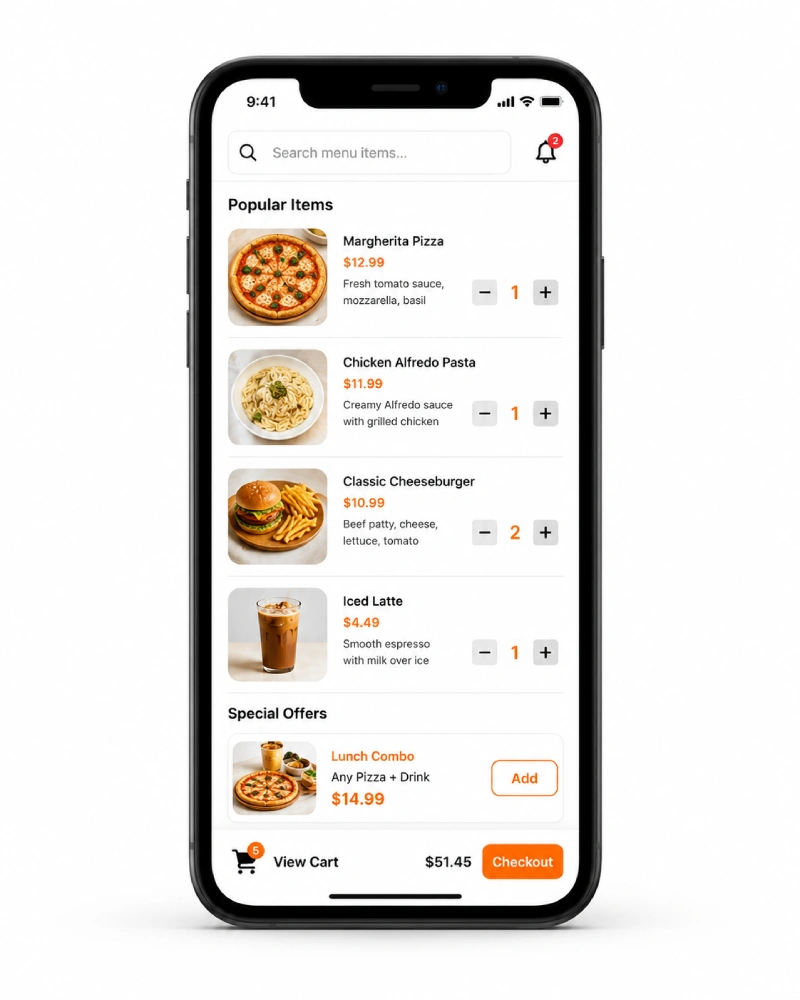
Online orders connected to SUNTEK KDS kitchen display workflow Online Orders
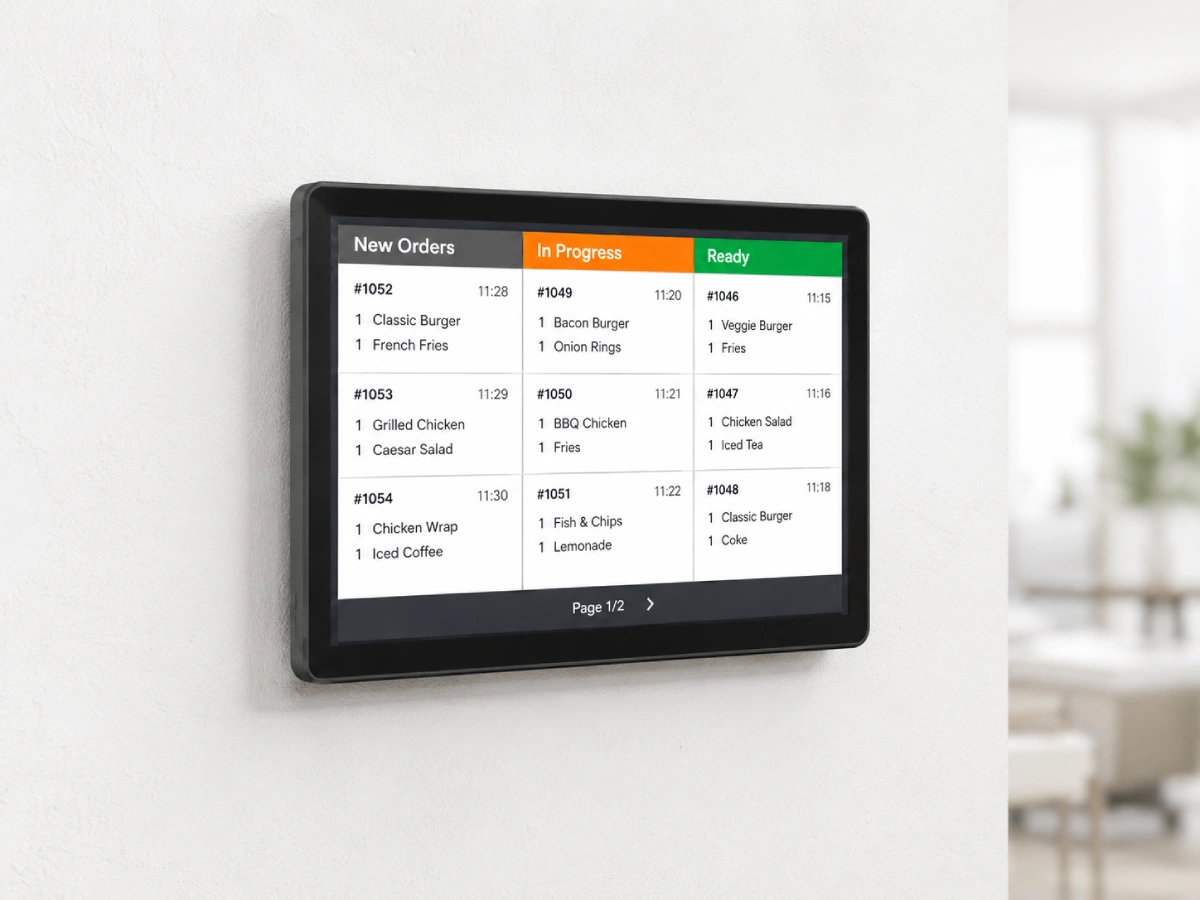
SUNTEK KDS SUNTEK KDS kitchen display system screen for restaurant order workflow

Kitchen Display System

Display incoming orders and support kitchen status handling.
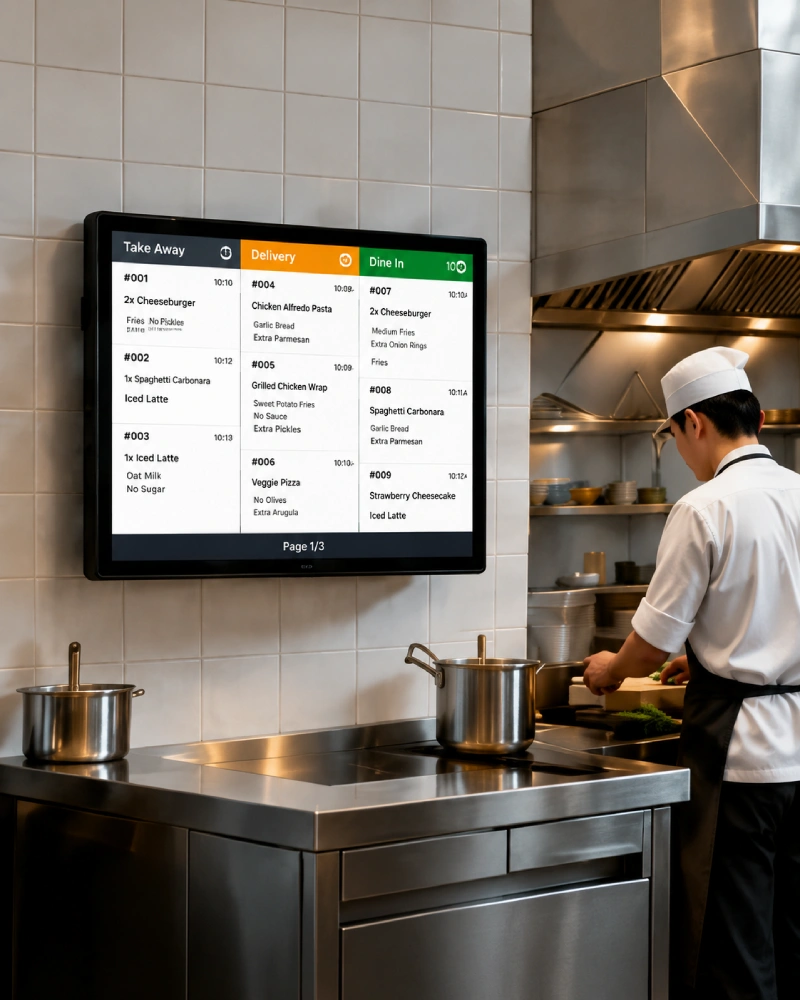
Kitchen preparation workflow supported by SUNTEK KDS display hardware
Kitchen Preparation Orders are organized for preparation teams.
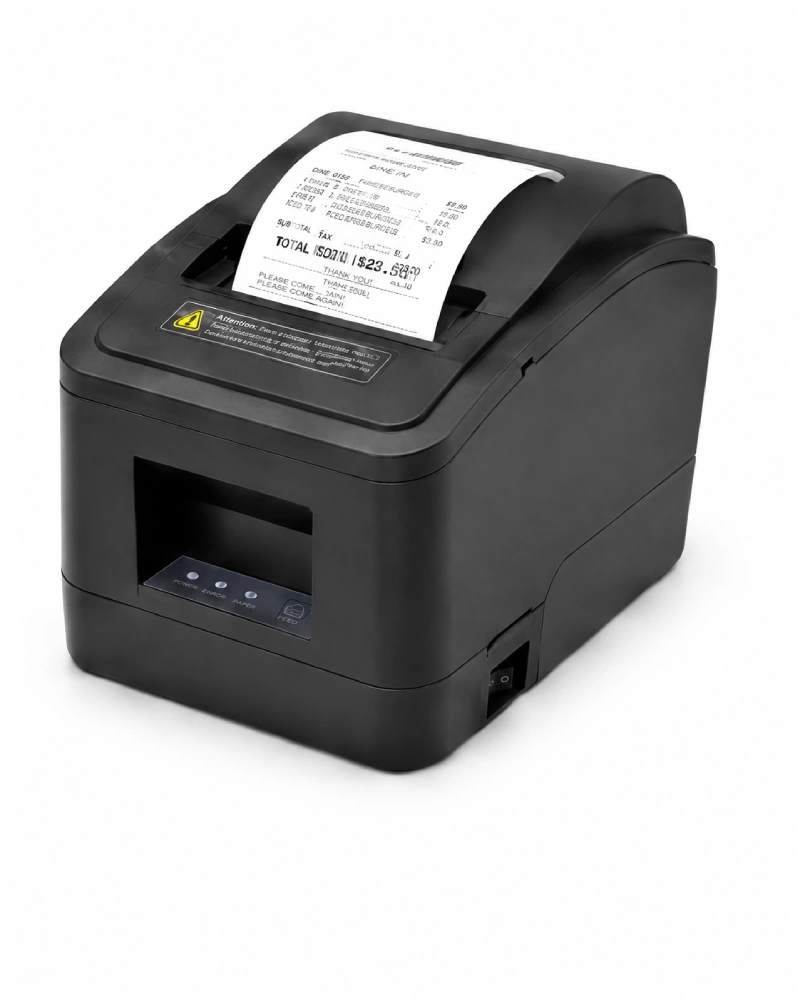
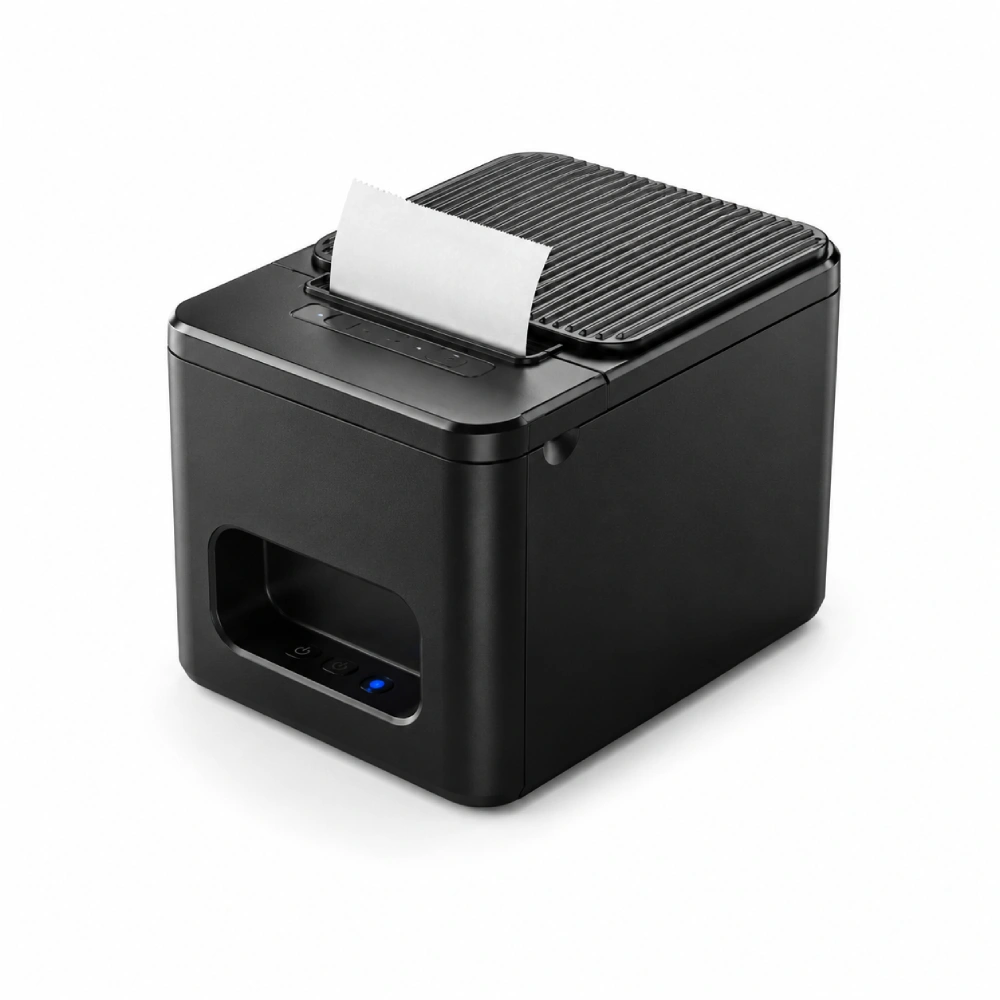
Thermal printer and pickup workflow connected with SUNTEK KDS
Printer & Pickup Supports printed tickets and pickup coordination.
One KDS workflow for multiple restaurant order channels. Suitable for counter ordering, self-service kiosks, handheld POS, online orders, kitchen preparation, and pickup scenarios.

Clear Display and Practical Operation for Kitchen Teams

SUNTEK KDS is designed for clear order viewing, direct touchscreen operation, reliable connectivity, and flexible installation in restaurant kitchen environments.

SUNTEK KDS Full HD display icon for clear restaurant order viewing

Full HD Display

Helps kitchen staff view orders, item details, and preparation status clearly.

SUNTEK KDS 10 point touchscreen operation icon for kitchen order management

10-Point Touchscreen

Supports direct order interaction and status updates on the kitchen display.

SUNTEK KDS realtime order sync icon for restaurant kitchen workflow

Realtime Order Sync

Helps keep order information aligned between front counter and kitchen teams.

SUNTEK KDS clear visual alerts icon for kitchen order status display

Clear Visual Alerts

Makes order status, preparation progress, and task priority easier to identify.
SUNTEK KDS WiFi and RJ45 connectivity icon for restaurant system deployment

WiFi / RJ45 Connectivity

Supports flexible network deployment for restaurant software and system projects.

SUNTEK KDS VESA mounting icon for wall counter and mounting arm installation

VESA Mounting

Allows installation on walls, counters, or mounting arms based on kitchen layout.

SUNTEK KDS reliable and durable hardware icon for restaurant kitchen deployment

Reliable Hardware

Built for commercial food service environments and daily kitchen operation.
SUNTEK KDS streamlined workflow icon for restaurant order display and preparation

Streamlined Workflow

Supports a clearer order flow from input channels to preparation and pickup.

Flexible Installation and I/O Options for Restaurant Deployment

SUNTEK KDS supports practical mounting methods and essential I/O ports, helping restaurants and system integrators adapt the hardware to different kitchen layouts and deployment requirements.
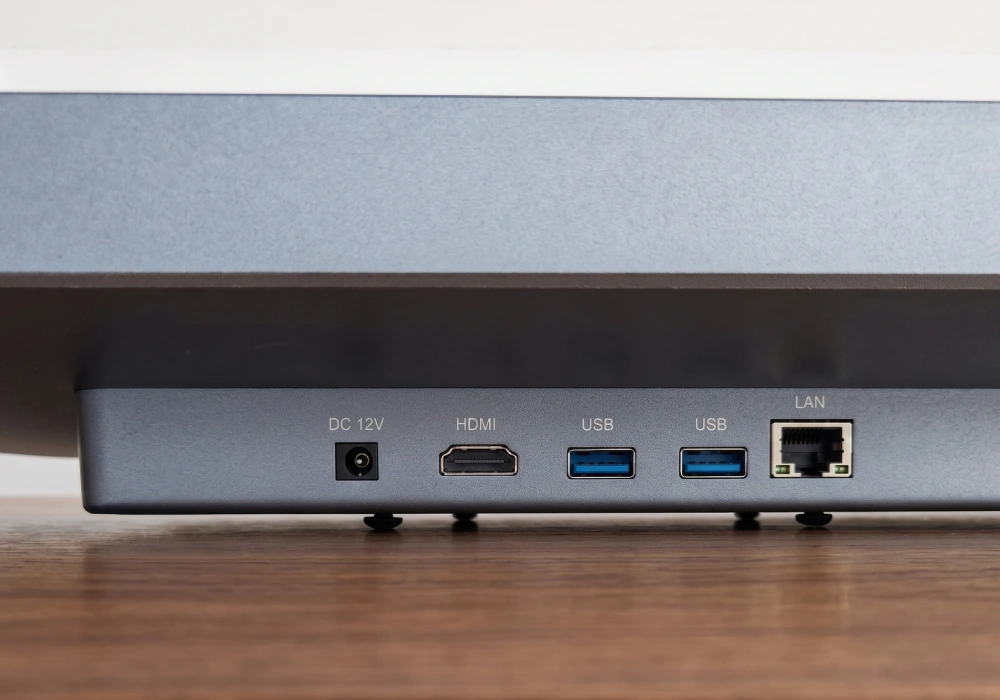

VESA Mounting Supports 70×70 and 100×100 VESA mounting for flexible installation.
Practical I/O Ports Includes DC, USB, and RJ45 ports for restaurant system deployment.
Windows Version Expansion Windows version can support HDMI, DB9, and audio options for project needs.
SUNTEK KDS rear view and I/O ports for restaurant kitchen display system deployment
SUNTEK KDS VESA mounting support for wall arm and counter installation VESA
SUNTEK KDS DC power port for restaurant kitchen display hardware DC
SUNTEK KDS USB port for restaurant system hardware integration USB
SUNTEK KDS RJ45 network port for wired restaurant system deployment RJ45
SUNTEK KDS Windows version icon for expanded I/O port options Windows Version
SUNTEK KDS HDMI port option for Windows version display integration HDMI
SUNTEK KDS DB9 port option for Windows version system integration DB9
SUNTEK KDS audio port option for Windows version restaurant deployment Audio
SUNTEK KDS wall mount installation for restaurant kitchen display deployment

Wall Mount

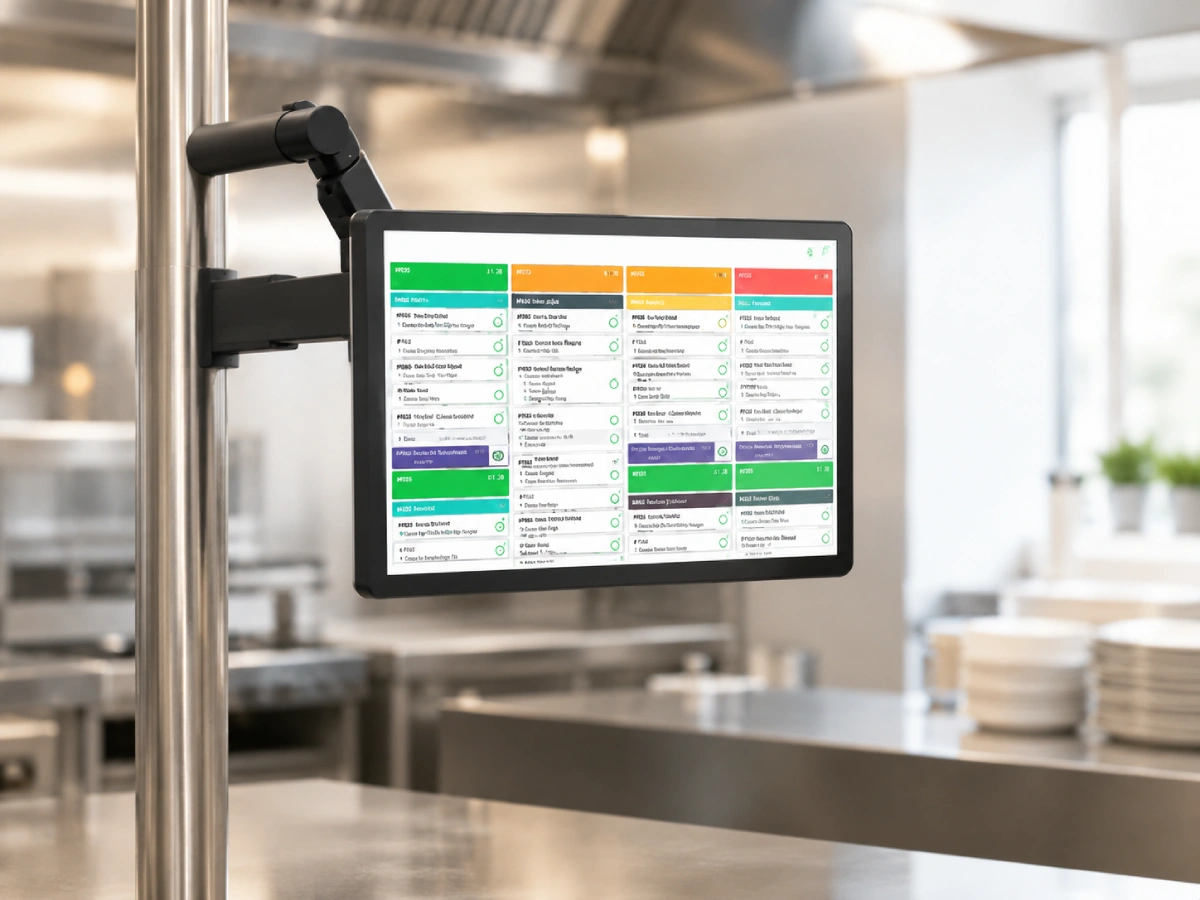
SUNTEK KDS arm mount installation for flexible restaurant kitchen display positioning

Arm Mount

SUNTEK KDS counter mount installation for restaurant ordering and kitchen workflow

Counter Mount

Need KDS Hardware for Your Restaurant Project?

Build Your Restaurant KDS Project with SUNTEK Hardware

Contact SUNTEK to discuss KDS15 and KDS21 hardware options, Android or Windows system requirements, installation methods, and project-based integration needs.

KDS Hardware for Restaurant System Integration Projects

SUNTEK KDS can work as part of a wider restaurant technology system, connecting order input devices, kitchen display workflows, printer-based pickup, and project-based software deployment.
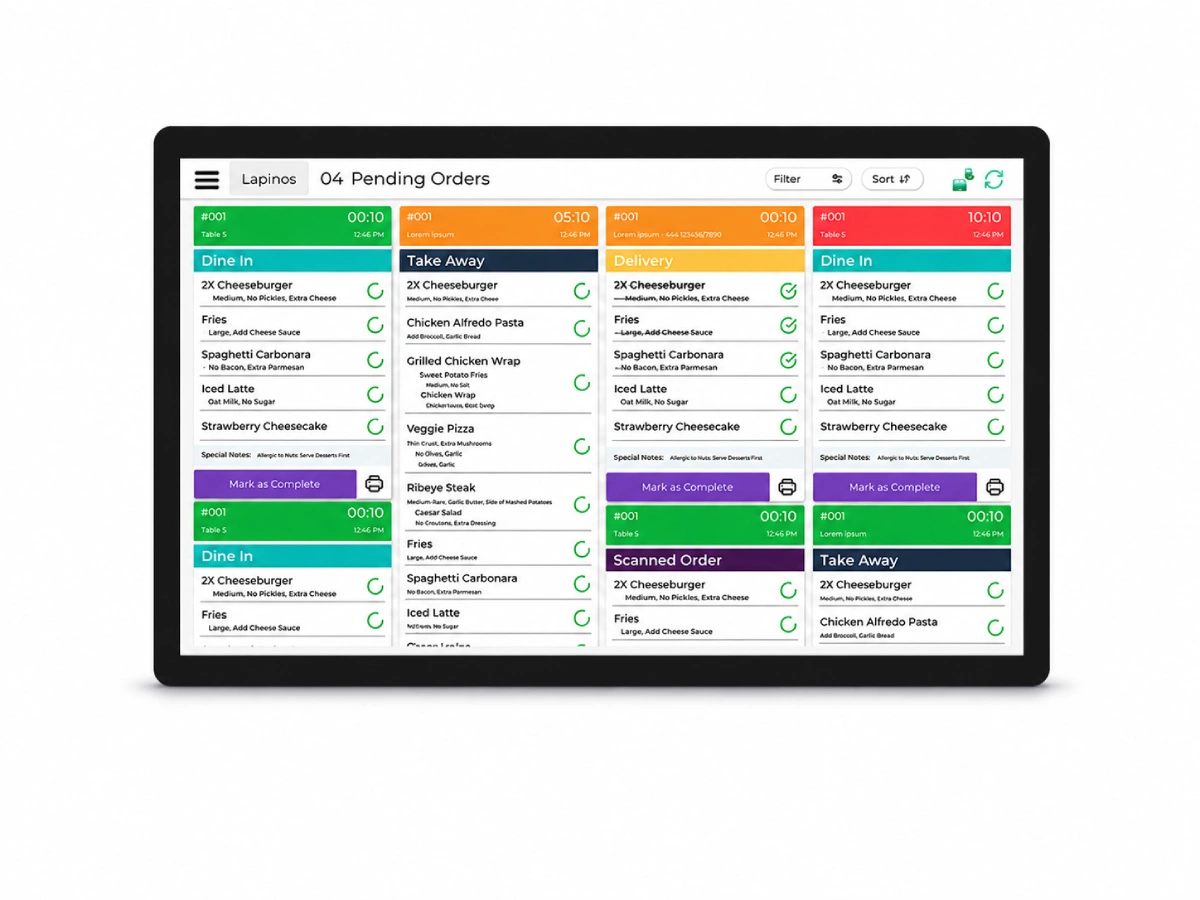
SUNTEK KDS kitchen display screen for project-based restaurant system integration

SUNTEK KDS Hardware

Project-Based Integration Connect restaurant hardware, software, and deployment workflows.
POS and Kiosk Integration Connect counter POS, self-service kiosks, and handheld POS devices into the kitchen order display workflow.
Printer and Pickup Workflow Support restaurants that need both digital kitchen display and printed tickets for preparation or pickup.
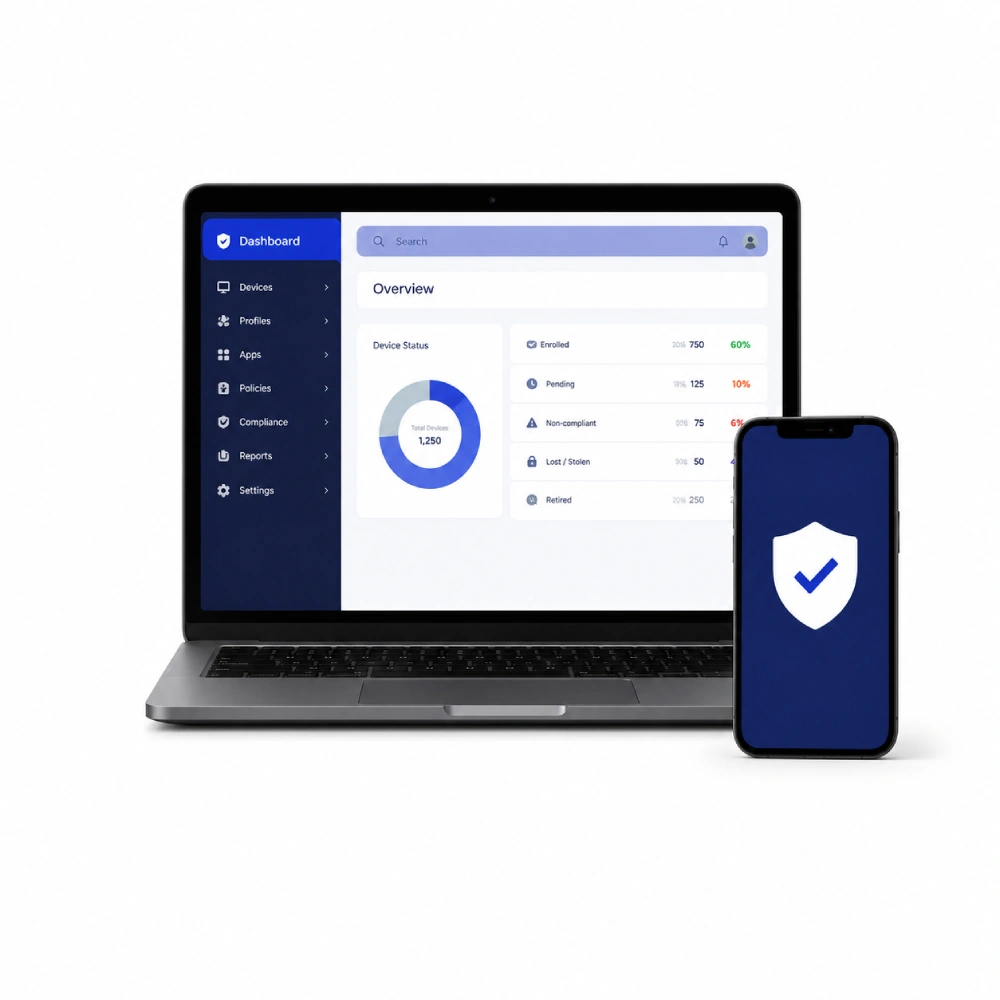
Software and Device Deployment Suitable for restaurant software projects, MDM management, and multi-store rollout requirements.

Kitchen Display System Hardware for Different Restaurant Operations

SUNTEK KDS supports restaurant kitchens that need clearer order display, preparation coordination, and workflow visibility across front counter, kitchen, pickup, and multi-store operations.
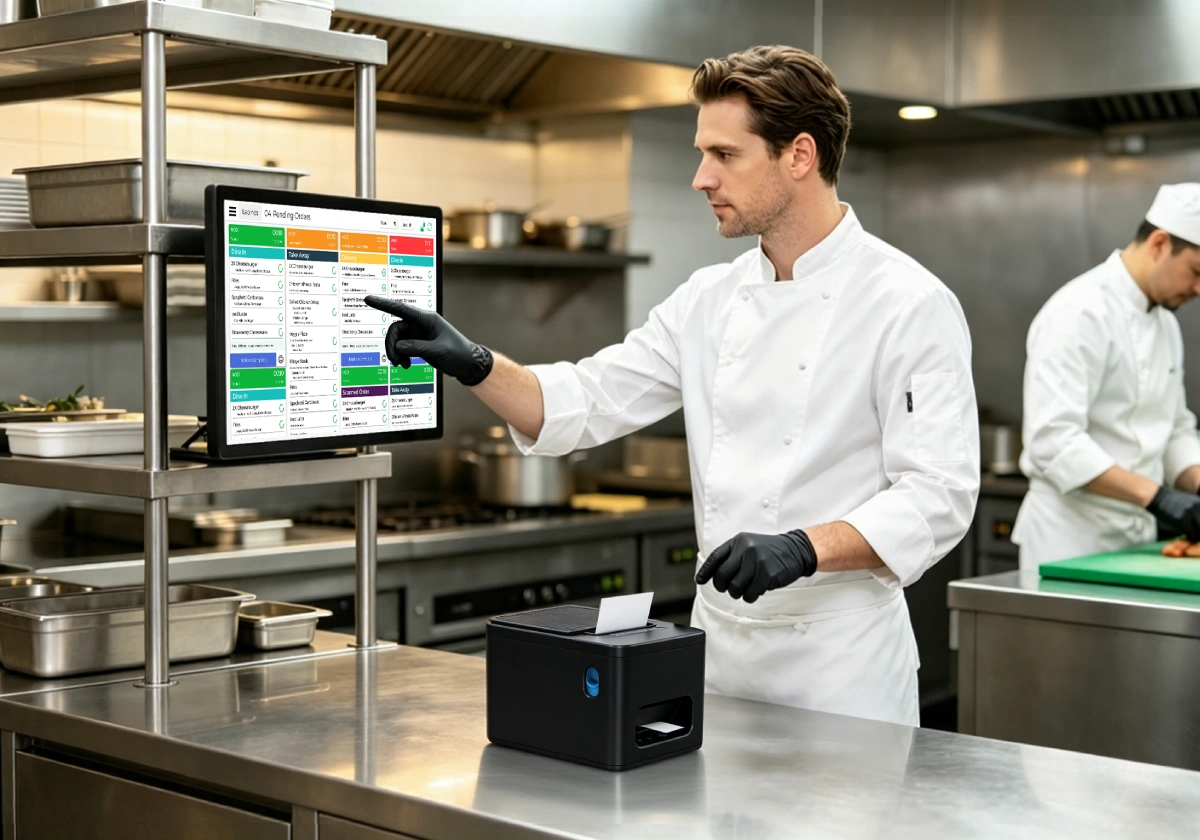
SUNTEK KDS commercial kitchen order management for quick-service restaurants and chain restaurant operations
01

QSR and Chain Restaurant Kitchens

Support fast order display and preparation coordination for quick-service restaurants, chain stores, and high-volume kitchens during busy service periods.
Quick-Service Restaurants Chain Restaurants High-Volume Kitchens
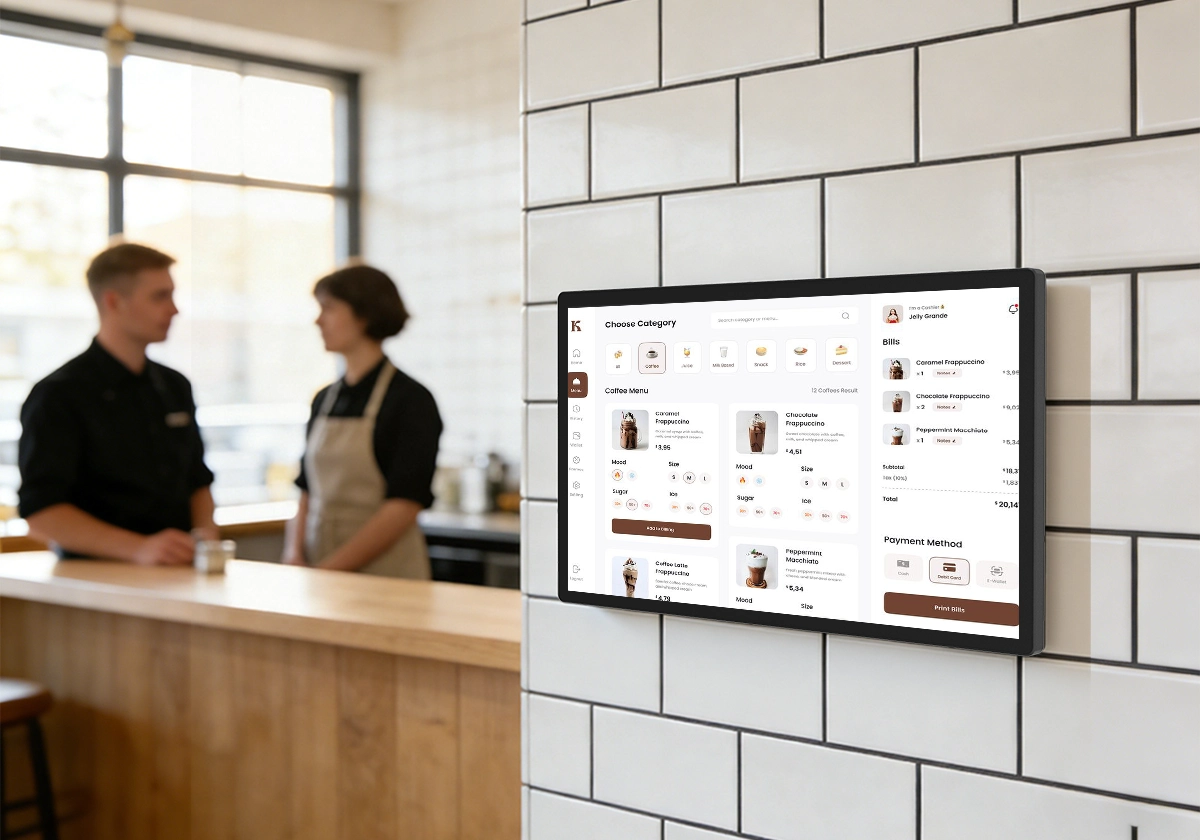
SUNTEK KDS restaurant front counter order display for cafes bakeries and service counter workflows
02

Cafés, Bakeries and Front Counter Service

Connect counter ordering and kitchen preparation for cafés, bakeries, and service-oriented restaurant workflows.
Cafés Bakeries Front Counter Ordering
SUNTEK KDS restaurant kitchen touchscreen operation for takeaway delivery and pickup workflows
03

Takeaway, Delivery and Pickup Kitchens

Help kitchen teams manage takeaway orders, delivery orders, pickup preparation, and touchscreen-based order status updates.

Takeaway Kitchens Delivery Orders Pickup Workflow
Additional Food Service Environments
Food Courts Hotel Kitchens Canteen Operations Staff Dining Commercial Kitchens Multi-Store Rollouts
Designed for B2B restaurant system deployment SUNTEK KDS is suitable for restaurant operators, POS software providers, system integrators, and commercial hardware projects that require reliable kitchen display hardware across different food service environments.

SUNTEK KDS15 and KDS21 Hardware Specifications

Compare SUNTEK KDS15 and KDS21 kitchen display system hardware specifications, including display size, system options, touchscreen, I/O ports, mounting, and deployment parameters.

Specification SUNTEK KDS15 15.6-inch Kitchen Display System SUNTEK KDS21 21.5-inch Kitchen Display System
Product Type Kitchen Display System Hardware Kitchen Display System Hardware
Display Size 15.6 inches 21.5 inches
Resolution 1920 × 1080 1920 × 1080
Aspect Ratio 16:9 16:9
Touch Screen 10-point G+G touch screen 10-point G+G touch screen
Operating System Android 14 / Windows 10 options Android 14 / Windows 10 options
Android Processor RK3576, Octa-core 2.2GHz RK3576, Octa-core 2.2GHz
Windows Processor Intel J6412, i3 or i5 optional Intel J6412, i3 or i5 optional
Memory Android: 4GB RAM + 64GB ROM
Windows: 4GB RAM + 128GB SSD / 8GB RAM + 256GB SSD / 16GB RAM + 512GB SSD options
Android: 4GB RAM + 64GB ROM
Windows: 4GB RAM + 128GB SSD / 8GB RAM + 256GB SSD / 16GB RAM + 512GB SSD options
Communications Wi-Fi dual-band 2.4GHz + 5GHz
Bluetooth 5.4
Ethernet 10M / 100M / 1000M
Wi-Fi dual-band 2.4GHz + 5GHz
Bluetooth 5.4
Ethernet 10M / 100M / 1000M
Standard I/O DC, USB, RJ45 DC, USB, RJ45
Windows I/O Options HDMI, DB9, Audio options HDMI, DB9, Audio options
VESA Mounting 70 × 70 mm / 100 × 100 mm 70 × 70 mm / 100 × 100 mm
Installation Methods Wall mount, arm mount, counter mount Wall mount, arm mount, counter mount
Product Dimension 367 × 216 × 41 mm, excluding wall-mounted bracket 509.4 × 300.9 × 44.5 mm
Viewing Angle 85° / 85° / 85° / 85° 89° / 89° / 89° / 89°
Brightness 250 cd/m² 250 cd/m²
Contrast Ratio 800:1 1000:1
Color Storm Gray Storm Gray
Speaker Built-in 4 × 3W Built-in 4 × 3W
Input Voltage DC 12V or POE optional DC 12V
Material Tempered glass panel, aluminum alloy front frame, spray-painted metal back cover Tempered glass panel, aluminum enclosure, anodized finish
Packing Dimension 310 × 520 × 100 mm ±5 mm 640 × 130 × 430 mm ±5 mm
Net / Gross Weight Net weight: 2kg; Gross weight: 2.9kg Please confirm by project configuration
Working Environment Temperature: 0°C – 40°C
Humidity: 20% – 80%
Temperature: 0°C – 40°C
Humidity: 20% – 80%
Storage Environment Temperature: -10°C – 50°C
Humidity: 20% – 80%
Temperature: -10°C – 50°C
Humidity: 20% – 80%
MDM Mobile Device Management optional Mobile Device Management optional
Note: Specifications are for reference only. Actual configuration may vary by operating system version, project requirement, and final product confirmation.

Frequently Asked Questions About SUNTEK KDS Hardware

Find answers to common questions about SUNTEK KDS15 and KDS21 kitchen display system hardware, system options, installation, integration, and restaurant deployment.

What is a kitchen display system hardware device?

A kitchen display system hardware device is a touchscreen display used in restaurant kitchens to show incoming orders, preparation status, and kitchen workflow information. SUNTEK KDS hardware is designed for restaurant order display, kitchen coordination, and project-based system deployment.

What is the difference between SUNTEK KDS15 and KDS21?

SUNTEK KDS15 is the 15.6-inch version for compact kitchen stations and space-limited restaurant layouts. SUNTEK KDS21 is the 21.5-inch version for kitchens that need wider order visibility, larger screen space, or higher-volume preparation workflows. Both models support Android and Windows system options.

Does SUNTEK KDS support Android and Windows?

Yes. SUNTEK KDS supports Android and Windows system options. Android is suitable for cloud KDS apps, SaaS platforms, and lightweight deployment, while Windows is suitable for Windows POS software, local applications, legacy systems, and customized integration projects.

Can SUNTEK KDS connect with POS, kiosk, handheld POS, and printers?

Yes. SUNTEK KDS can be used in restaurant system projects with counter POS terminals, self-service kiosks, handheld POS devices, online ordering channels, MDM platforms, and thermal printer workflows. Final integration depends on the project software and deployment requirements.

What installation methods and I/O ports does SUNTEK KDS support?

SUNTEK KDS supports wall mount, arm mount, and counter mount installation. It supports VESA 70 × 70 mm and 100 × 100 mm mounting. Standard I/O options include DC, USB, and RJ45, while the Windows version can support HDMI, DB9, and audio options depending on project configuration.

Which restaurant scenarios are suitable for SUNTEK KDS?

SUNTEK KDS is suitable for quick-service restaurants, chain restaurants, cafés, bakeries, takeaway kitchens, delivery kitchens, food courts, hotel kitchens, canteen operations, and other food service environments that need clearer kitchen order visibility.

Ready to Build Your KDS Project?

Contact SUNTEK for KDS15 and KDS21 Hardware Options

Discuss your restaurant KDS hardware requirements, Android or Windows system options, installation method, I/O configuration, and project-based integration needs with SUNTEK.

KDS15 / KDS21 Android / Windows POS & Kiosk Integration Printer Workflow Project Deployment
Email
返回顶部