
Multimodal Biometrics in Access Control After ID4Africa 2026
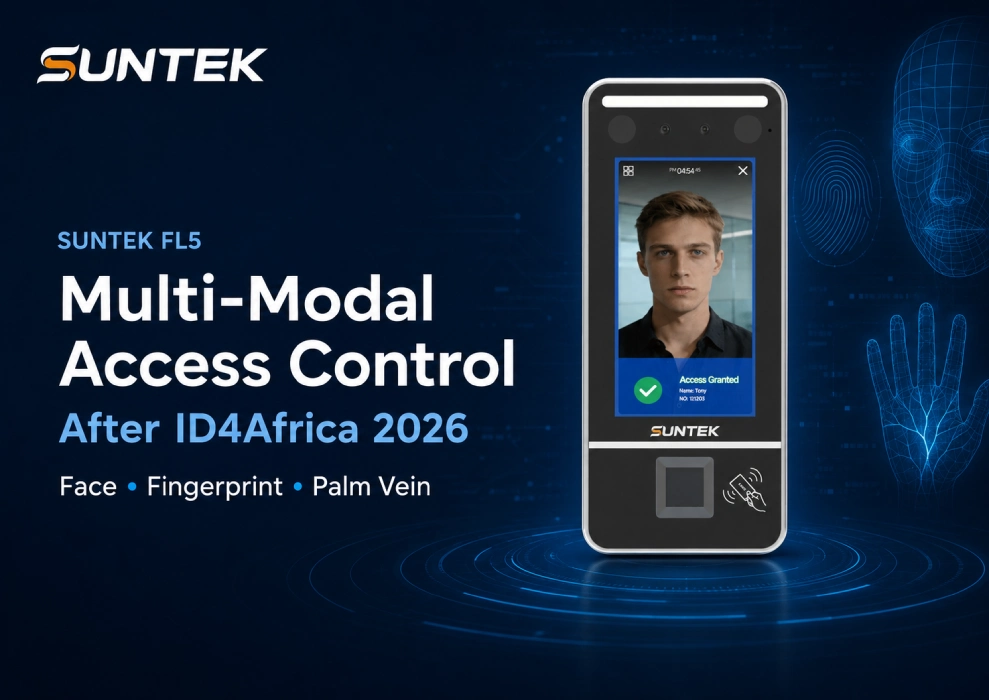
Direct Answer: ID4Africa 2026 reflects a broader shift in digital identity: identity systems are no longer only about enrollment or database building. They are becoming part of connected public and institutional ecosystems. For physical security and access control, this trend highlights why multimodal biometrics is becoming more relevant. Terminals such as SUNTEK FL5 can support face recognition, fingerprint verification, and palm vein recognition, helping integrators build access control workflows for different users, security levels, and indoor deployment scenarios.
Key Takeaways
- ID4Africa 2026 shows how digital identity is moving from standalone infrastructure toward broader digital public ecosystems.
- Access control is becoming part of the wider identity verification conversation, especially in offices, schools, hospitals, government buildings, and secure internal areas.
- Face recognition supports fast and contactless access, while fingerprint and palm vein verification add backup and higher-security options.
- Multimodal biometrics helps integrators adapt one access control terminal to different project requirements.
- SUNTEK FL5 can be used as a Linux-based hardware example for controlled indoor access and attendance projects.
ID4Africa 2026 Signals a Shift Toward Identity Ecosystems
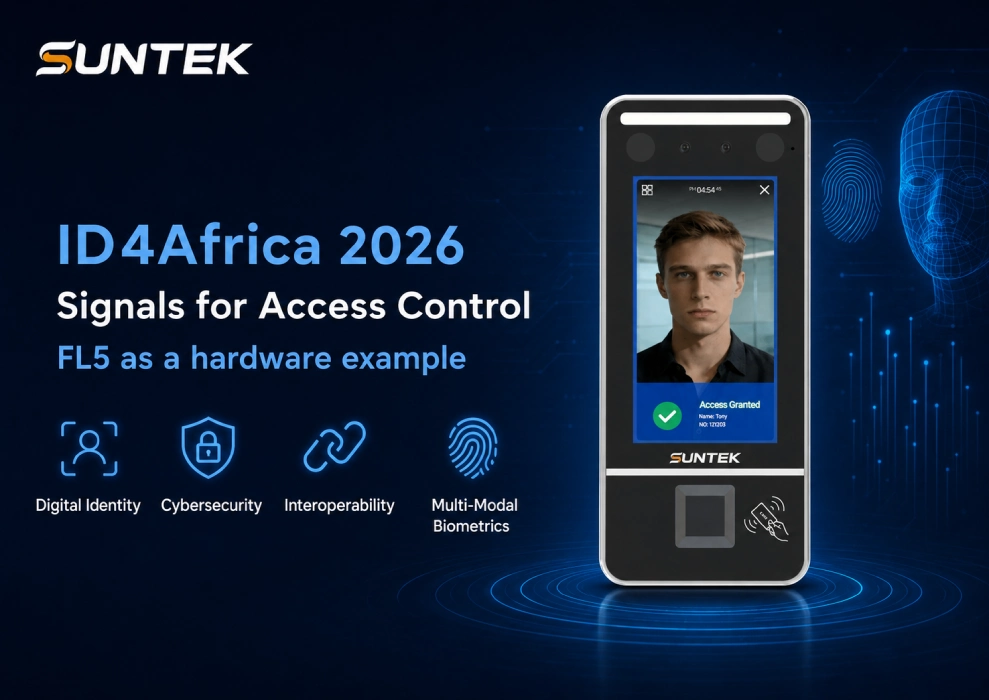
ID4Africa 2026 was held from May 12 to 15, 2026, in Abidjan, Côte d’Ivoire, under the theme Digital Identity: From DPI to Digital Public Ecosystems. The theme is important because it moves the discussion beyond basic digital identity infrastructure and toward long-term governance, interoperability, security, and service delivery.
For many countries and institutions, digital identity is no longer only about registering people. It is becoming a foundation for accessing public services, financial systems, healthcare, education, social protection, and institutional security. The official ID4Africa 2026 conference program also emphasizes trust, interoperability, and ecosystem-wide coordination as identity systems become more deeply embedded in public and institutional workflows.
Why Access Control Is Part of the Digital Identity Conversation
Access control used to be viewed mainly as a door-opening function. A user presented a card, entered a password, or passed a simple biometric check. Today, many organizations expect access control systems to do more. They need to verify who is entering, record access events, support different user groups, and connect with broader security or attendance workflows.
This is where digital identity and physical access control start to overlap. Whether the scenario is a hospital office, a school staff entrance, a government building, or a server room, the core question is no longer only Can the door open? The more important question is Can the system verify identity reliably and adapt to different levels of risk?
For hardware manufacturers and solution providers, this creates a clear direction. Access control terminals need to support more than one verification method, especially when projects involve different environments, user habits, or security requirements.
The Limitation of Single-Mode Verification
Face recognition is fast, contactless, and convenient. It is often the preferred method for daily access control and attendance because users do not need to carry cards or touch a device. However, real projects are rarely based on one perfect scenario.
Lighting conditions may vary. Some users may not be registered for facial recognition. Certain areas may require stronger identity assurance. Visitors, employees, contractors, and administrators may need different authentication rules. In some projects, a backup method is also important to avoid access disruption.
This does not reduce the value of face recognition. Instead, it shows why multimodal biometrics is becoming more practical for access control. A terminal that supports multiple methods can help integrators design more flexible workflows without changing hardware for every scenario.
Why Multimodal Biometrics Matters for Access Control
Multimodal biometrics combines more than one identity verification method in one terminal. In access control, this usually means that the same device can support different authentication methods based on user type, security level, or deployment environment.
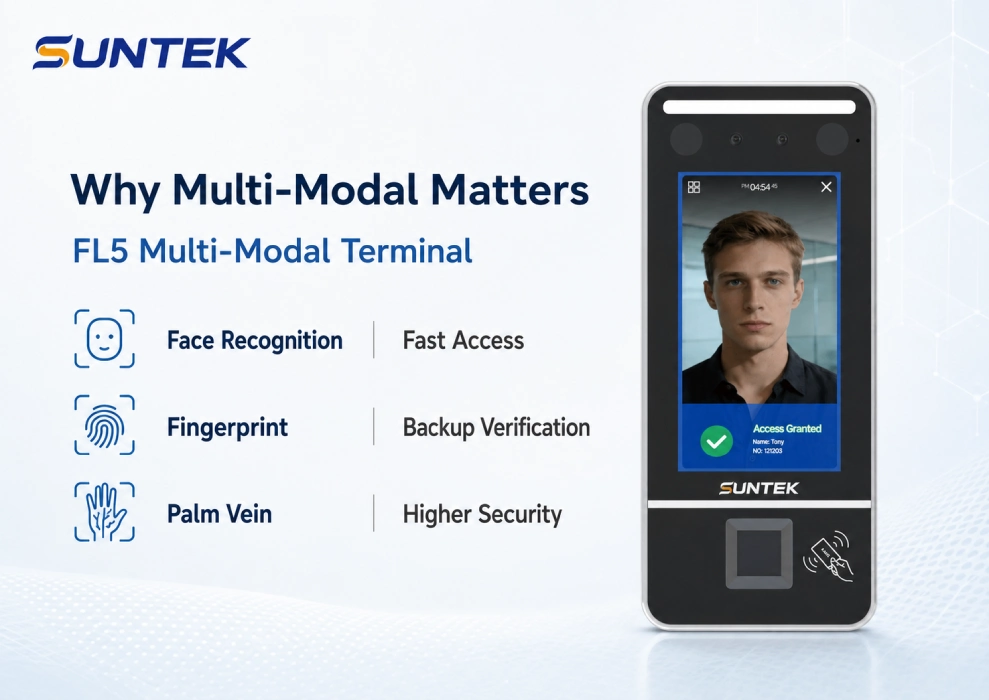
In the case of face, fingerprint, and palm vein verification, each method plays a different role.
Face recognition is suitable for fast, contactless daily access. It works well for offices, schools, and internal workplace entrances where user experience and speed matter.
Fingerprint verification remains familiar and practical. Many organizations already use fingerprint recognition for staff attendance, controlled access, and identity confirmation. It can also serve as a backup method when face recognition is not suitable.
Palm vein recognition adds another layer of biometric verification. Because palm vein patterns are based on internal vascular characteristics, they are often positioned for higher-security or more sensitive access scenarios. It can be used together with face or fingerprint verification instead of replacing them.
SUNTEK FL5 as a Hardware Example
SUNTEK FL5 Linux Face Recognition Terminal is designed for access control and attendance scenarios where stable identity verification is required. For projects that need more than face recognition, the FL5 PRO version supports multimodal verification, including face recognition, fingerprint, palm vein, NFC, and password authentication.
This makes FL5 suitable for integrators and solution providers who need one terminal platform for different project requirements. In a simple office entrance, face recognition may be enough. In a finance office, archive room, laboratory, or server room, fingerprint or palm vein verification may be added to increase identity assurance.
FL5 is also positioned as a Linux-based access control terminal. For many fixed-function access control projects, Linux terminals are valued for stable operation, lower system complexity, and easier long-term maintenance. This makes FL5 especially relevant for indoor access control, staff attendance, and secure room management.
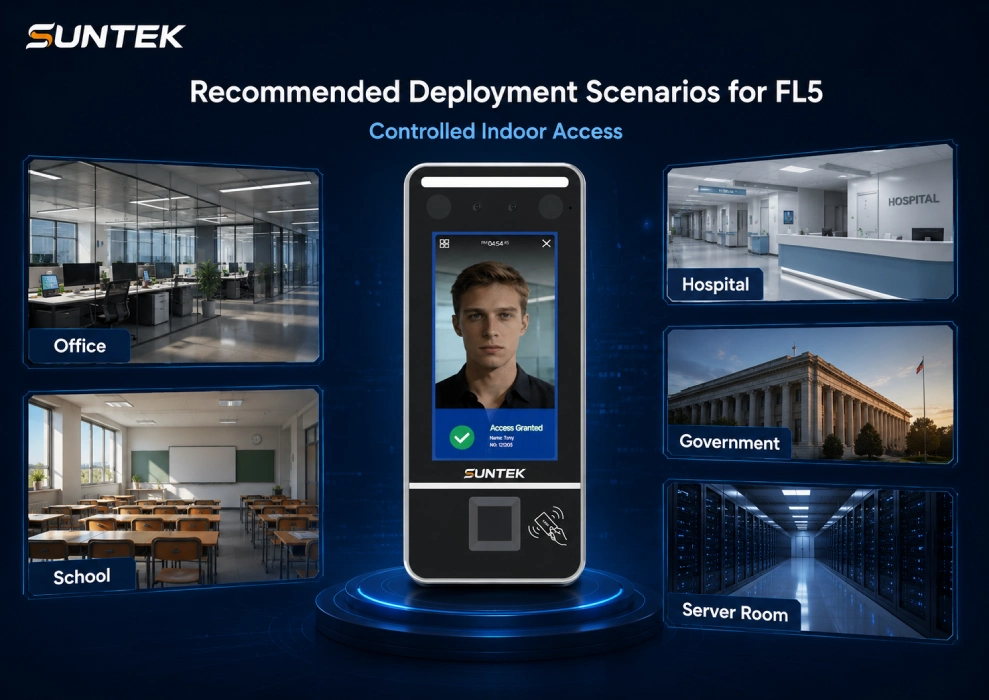
Recommended Deployment Scenarios for FL5
Multimodal biometrics is not limited to one industry. It is useful wherever users, security levels, and access rules vary by area.
Enterprise Offices
Offices can use face recognition for employee entry and attendance. For meeting rooms, finance offices, management areas, or restricted internal zones, fingerprint or palm vein verification can be added when stronger identity confirmation is required.
Hospitals and Clinics
Hospitals often contain areas that require controlled access, such as doctor offices, medicine storage rooms, records rooms, laboratories, and internal staff zones. Multimodal verification helps support different access levels without relying on one method only.
Schools and Campuses
Schools can apply biometric access control to staff entrances, dormitory management, laboratories, administrative offices, and equipment rooms. A flexible terminal helps schools manage different users and access rules more clearly.
Government Buildings
Government facilities often need traceable and reliable access management for offices, archive rooms, public service areas, and internal restricted zones. Multimodal terminals can support identity verification while keeping the workflow manageable for staff.
Server Rooms and Secure Areas
Server rooms, data centers, and IT equipment rooms often require stronger access control than normal office spaces. In these scenarios, face recognition can be combined with fingerprint or palm vein verification to support higher-security entry rules.
What Integrators Should Check Before Choosing a Multimodal Terminal
For integrators and solution providers, a biometric access control terminal should not be evaluated only by recognition speed or screen size. The more important question is whether the hardware can match the real deployment workflow.
- Does the project require face recognition only, or multimodal verification?
- Are fingerprint or palm vein modules needed for sensitive areas?
- Does the terminal need to connect with existing Wiegand, RS485, TCP/IP, or Wi-Fi infrastructure?
- Is local access record storage required for attendance, audit, or security review?
- Will different areas require different authentication levels?
- Is a 5-inch terminal enough, or should a 7-inch option be confirmed with the supplier?
- Does the project need future platform integration, software adaptation, or centralized device management?
These questions are especially important for projects where access control hardware needs to work with existing systems. SUNTEK also supports project-based hardware integration across access control and facial recognition terminal deployments. You can explore more related hardware options from SUNTEK facial recognition products.
Conclusion
ID4Africa 2026 shows that digital identity is moving toward more connected, secure, and interoperable ecosystems. This direction also matters for physical security. Access control is no longer only about opening doors. It is becoming part of a broader identity verification workflow.
Face recognition improves access speed and user experience. Fingerprint verification provides a familiar and practical backup. Palm vein recognition supports stronger identity assurance for sensitive areas. Together, these methods make multimodal biometrics more adaptable to real access control requirements.
For integrators, software partners, and security solution providers, SUNTEK FL5 offers a practical Linux-based terminal option for indoor access control, attendance, and secure area management. To confirm the suitable configuration, authentication module, and project requirements, contact SUNTEK for project support.
相关新闻
-
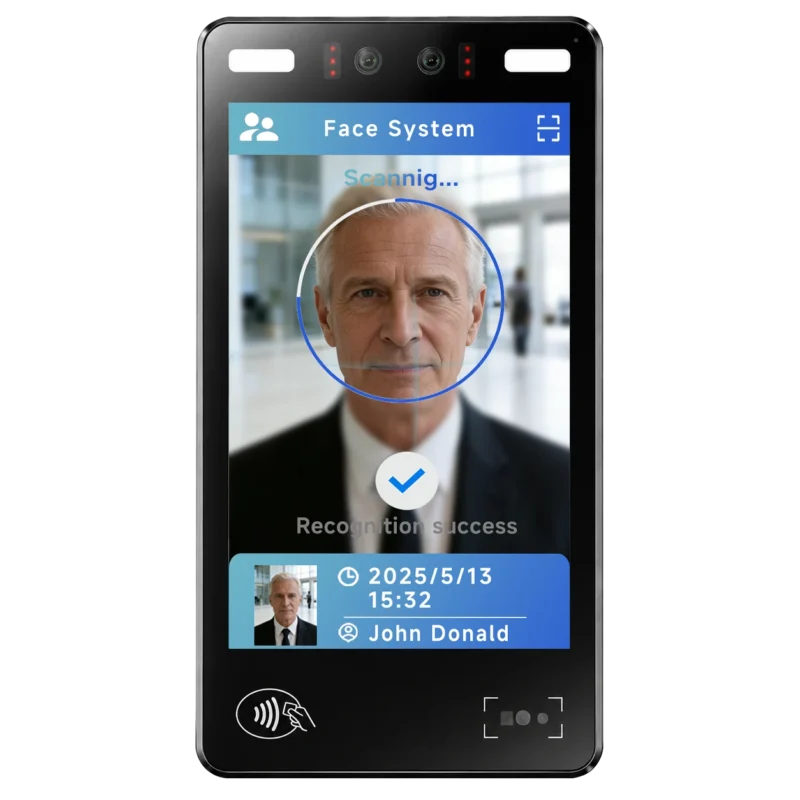
FA10 10.1-Inch AI Facial Recognition Terminal for Smart Access
SUNTEK FA10 10.1-inch AI facial recognition terminal is designed for smart access control, visitor management, attendance, and self-service applicatio…
-
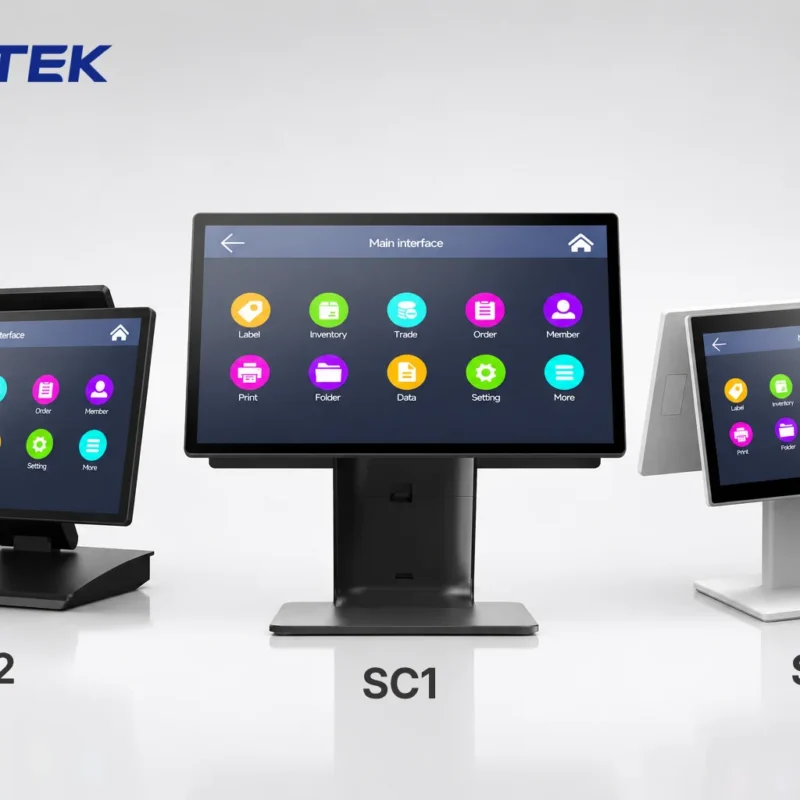
How to Choose the Right POS Terminal: SC1 vs SC2 vs SC6
Selecting the right POS terminal depends on your software requirements, hardware expectations and deployment environment. This guide compares SUNTEK S…
-
Updated FA8 Facial Recognition Terminal
SUNTEK has updated the FA8 8-inch Android facial recognition terminal with a more refined exterior design, a revised interface configuration, and stro…
-
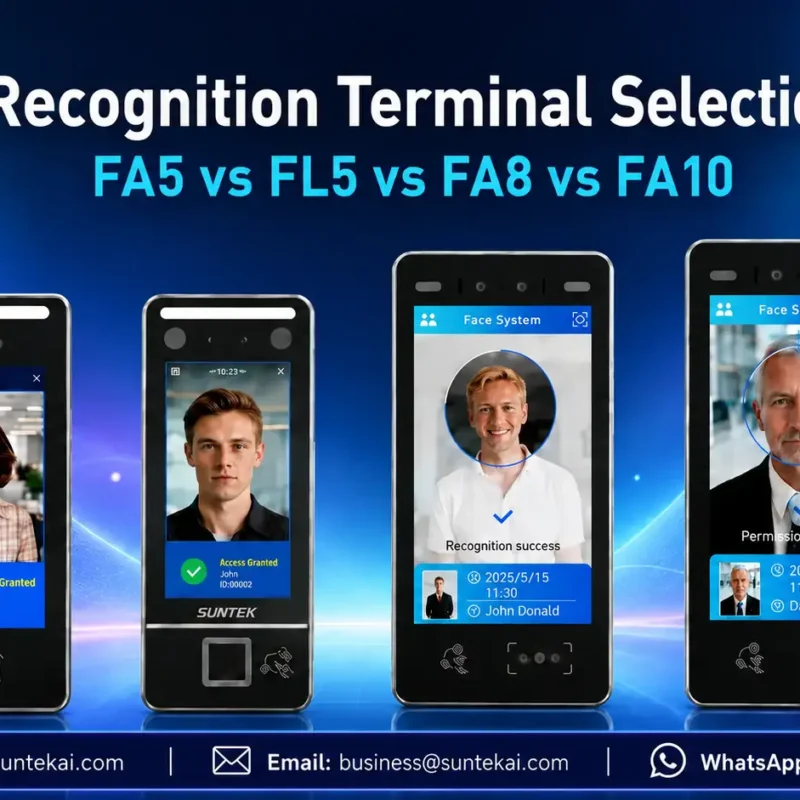
Facial Recognition Terminal Selection Guide: FA5 vs FL5 vs FA8 vs FA10
This guide compares SUNTEK FA5, FL5, FA8, and FA10 to help you choose the right facial recognition terminal for your project. Which SUNTEK Facial Reco…
-
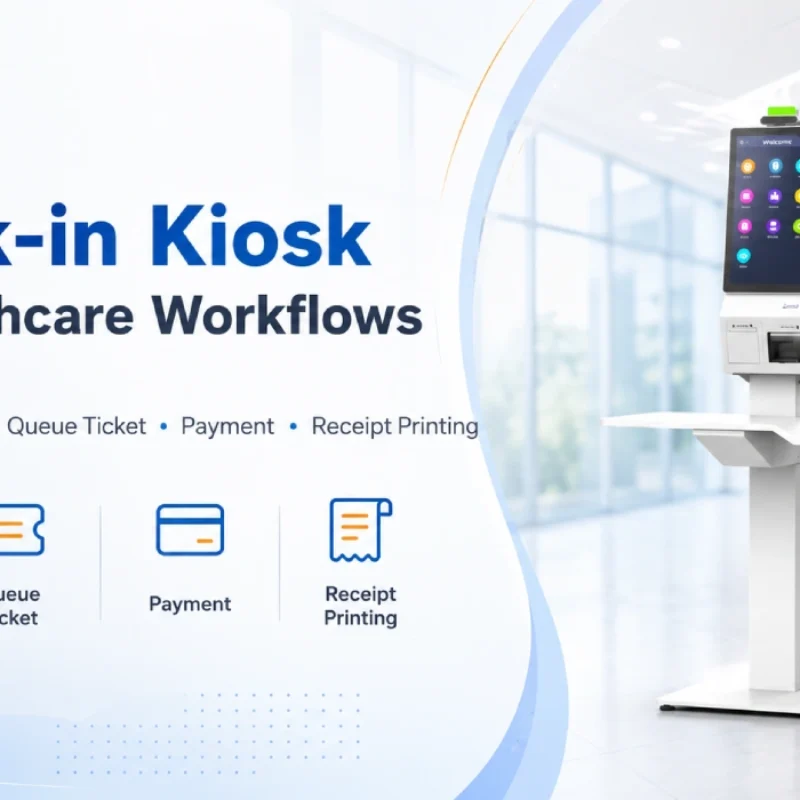
Check-In Kiosk Hardware for Healthcare Self-Service
A check-in kiosk helps healthcare facilities move repetitive front-desk tasks into a guided self-service registration workflow. This article explains how check-in kiosks support appointment confirmation, information entry, queue ticket printing, payment, receipt printing, and optional verification, while also outlining key hardware modules and deployment considerations for hospitals, clinics, and outpatient care centers.
-
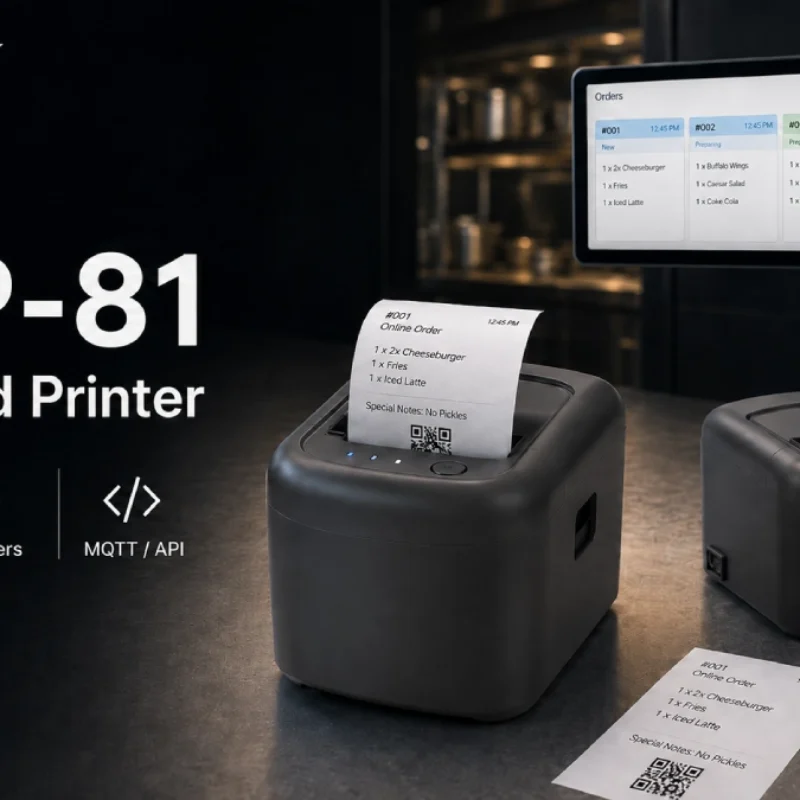
Cloud Printer for Online Food Orders: How Restaurants Keep Delivery Orders Moving
Online food orders are changing how restaurants manage kitchen, packing, and delivery workflows. This article explains how cloud printers and KDS hardware help restaurants print order tickets, improve kitchen visibility, reduce missed orders, and build a more reliable online food order workflow.
-
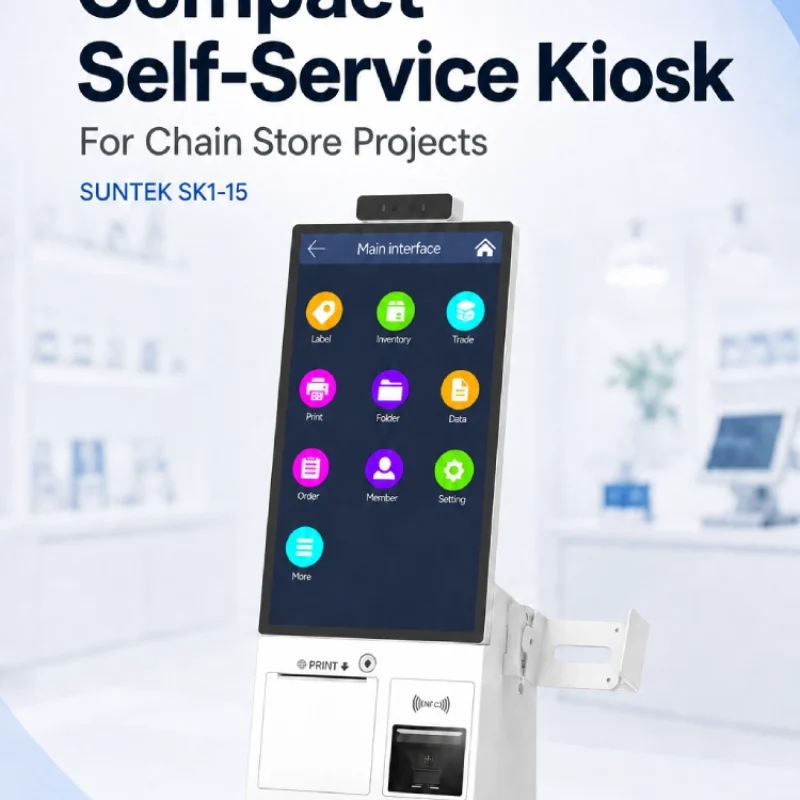
Compact Self-Service Kiosk for Chain Store Projects
SUNTEK SK1-15 is a compact self-service kiosk designed for chain store projects, solution providers, and system integrators. This article explains how SK1-15 supports POS holder installation, SoftPOS-ready NFC configurations, QR code scanning, magnetic stripe card reader options, face camera support, and external fingerprint module integration for front-counter service, payment, identification, and multi-store rollout workflows.
-
What NRA Show 2026 Reveals About Restaurant Technology Trends
As NRA Show 2026 opens in Chicago, restaurant operators are paying closer attention to practical technology that improves ordering, payment, kitchen workflows and device management. From SUNTEK’s hardware manufacturer perspective, the key trend is clear: restaurant digitalization is moving from isolated software tools to connected hardware systems, including POS terminals, self-service kiosks, cloud printers, SoftPOS-ready devices and remote management platforms.
-
How to Choose a Self-Service Kiosk: SK1 vs SK1-15 vs SK5
Compare SUNTEK SK1, SK1-15, and SK5 self-service kiosks by installation type, SoftPOS support, information kiosk use, payment, printing, scanning, and project scenarios.
-
How Can the SUNTEK SK1 Information Kiosk Machine Improve Government Self-Service?
The SUNTEK SK1 Information Kiosk Machine supports government self-service scenarios such as tax payment, bill payment, parking ticket payment, public service inquiry, NFC interaction, QR code payment, SoftPOS, mobile pay, receipt printing, and paperless confirmation. With Android 14, RK3576 hardware, under-screen NFC, optional printer configuration, and flexible deployment options, SK1 provides a modular kiosk hardware platform for public service centers and system integrators.