
Cloud Printer for Online Food Orders: How Restaurants Keep Delivery Orders Moving
Key Takeaways
- Online food orders are changing how restaurants manage kitchen and delivery workflows.
- A cloud printer connects online ordering platforms with physical order tickets.
- A KDS helps kitchen teams view, sort, and manage orders in real time.
- Restaurants may use both devices when they need screen-based preparation and printed order verification.
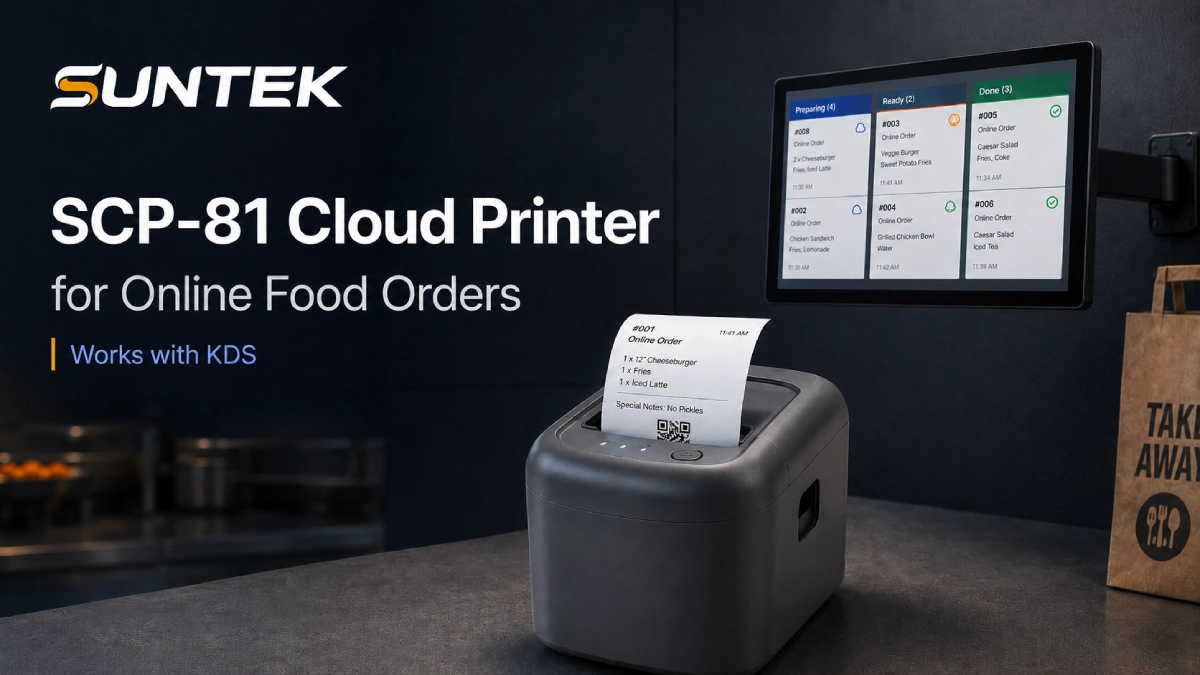
- SUNTEK SCP-81 is designed as a 4G cloud printer for online food order printing.
- SUNTEK KDS hardware supports restaurant kitchen coordination and order visibility.
Why Online Food Orders Need a More Reliable Hardware Workflow
Online food ordering is no longer limited to large restaurant chains. Small takeaway stores, cafés, cloud kitchens, food courts, quick-service restaurants, and delivery-focused outlets now receive orders from multiple digital channels.
These orders may come from delivery platforms, restaurant apps, QR ordering systems, self-service kiosks, online ordering websites, cloud POS platforms, or third-party aggregators.
The online food delivery market continues to expand. According to Precedence Research, the global online food delivery market is expected to keep growing over the next decade. Cloud kitchen growth is also connected to this shift, with market research from Mordor Intelligence showing continued demand for delivery-first foodservice models.
For restaurants, this growth creates a practical problem. Receiving an online order is only the first step. The order still needs to reach the right kitchen station, print clearly, move to packing, and be matched with the correct delivery rider or customer.
When this workflow is not organized, restaurants may face missed online orders, delayed kitchen preparation, duplicate tickets, unclear packing instructions, wrong pickup handovers, and poor communication between the front counter, kitchen, and delivery area.
This is why cloud printers and KDS hardware are becoming important parts of restaurant order infrastructure.
What Is a Cloud Printer for Online Food Orders?
A cloud printer for online food orders is a restaurant printer that receives print jobs from a cloud-based platform, POS backend, ordering system, or delivery software.
Unlike a traditional local printer that depends mainly on a direct cable or LAN connection to a POS terminal, a cloud printer supports network-based order printing. This makes it useful for restaurants that receive orders from multiple online channels or need flexible deployment across different store layouts.
In restaurant operations, a cloud printer can be used to print delivery order tickets, takeaway receipts, kitchen preparation tickets, packing labels, pickup verification tickets, and online order records.
For delivery-heavy restaurants, printed tickets remain useful. Kitchen staff, packing staff, and delivery handover teams often need a physical reference to check order details quickly.
How Cloud Printers Work in Restaurant Delivery Operations
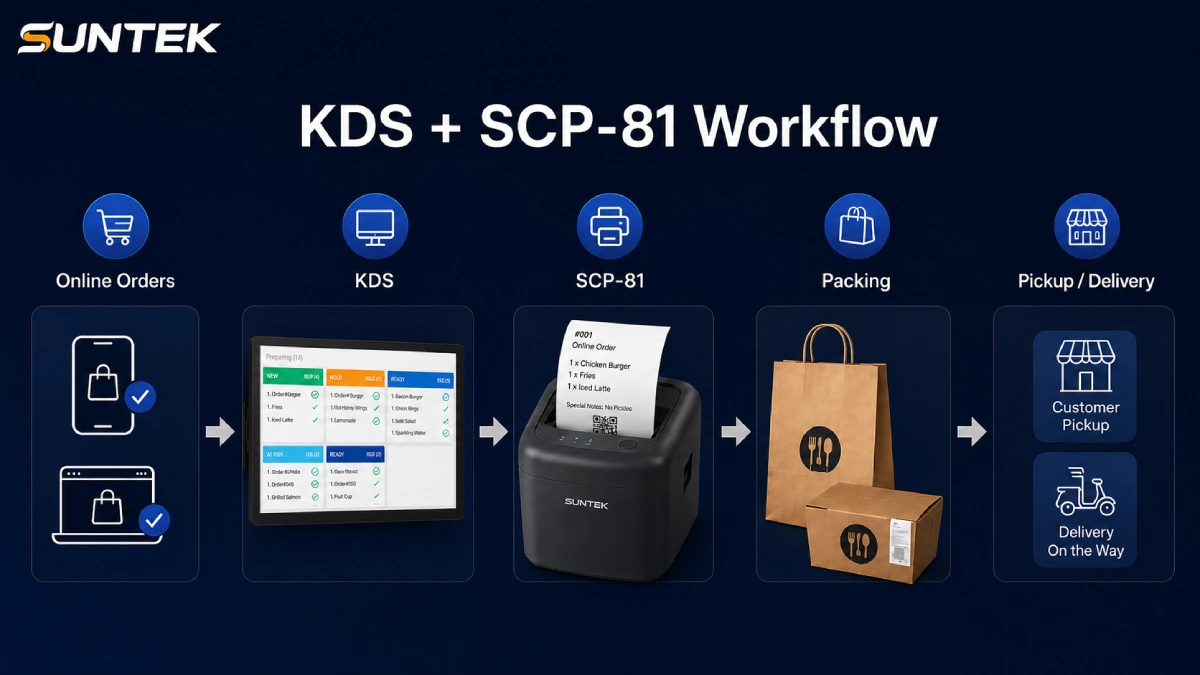
A typical online food order workflow may look like this:
- A customer places an order online.
- The order enters the restaurant’s ordering platform or POS system.
- The system sends the order to the cloud printer.
- The printer automatically prints the ticket.
- Kitchen staff prepare the food based on the order.
- Packing staff check the printed ticket before delivery.
- The order is handed to the customer, courier, or pickup area.
For a single-store restaurant, this helps reduce manual checking. For a cloud kitchen, it helps route orders from different platforms to the correct preparation area. For a chain restaurant, it supports more standardized order handling across multiple stores.
Cloud Printer vs. KDS: What Is the Difference?
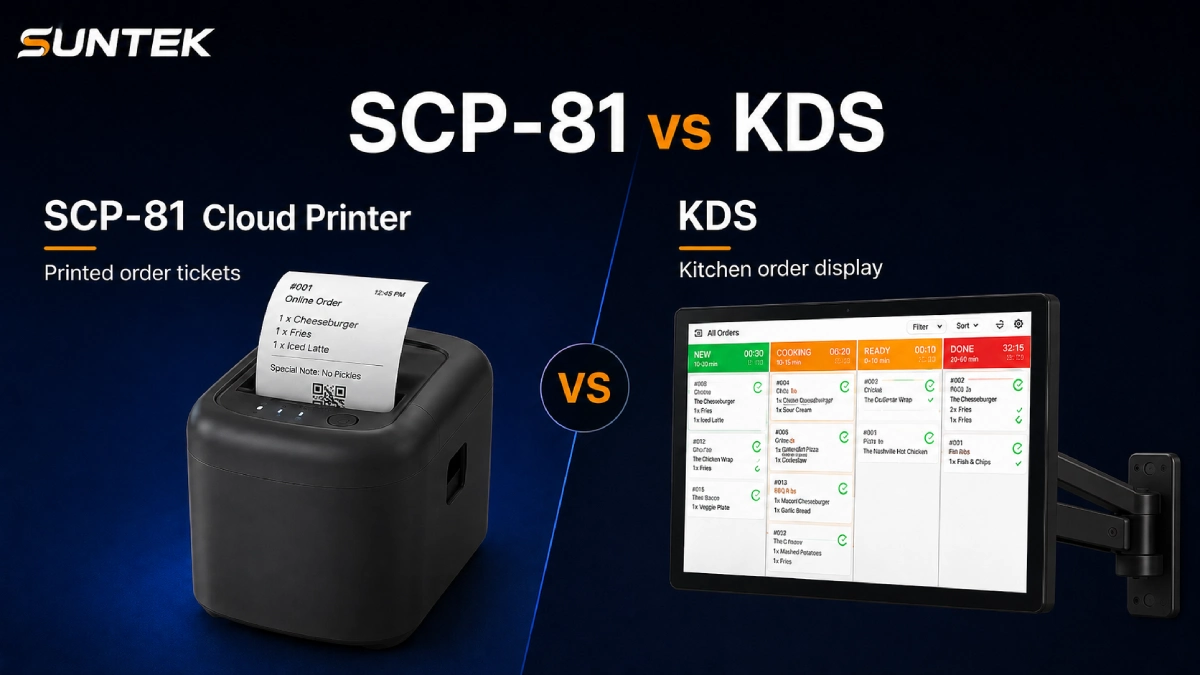
A cloud printer and a KDS are not the same device. They solve different parts of the restaurant workflow.
| Item | Cloud Printer | KDS |
|---|---|---|
| Main function | Prints physical order tickets | Displays and manages orders on screen |
| Best use | Delivery tickets, takeaway receipts, packing checks | Kitchen preparation, order sorting, status visibility |
| Output | Paper ticket | Digital screen |
| Common location | Counter, packing area, kitchen, pickup station | Kitchen station, prep line, expo area |
| Main value | Clear printed record | Real-time order visibility |
A KDS is commonly used to organize kitchen workflows and reduce the need for paper tickets in fast-paced environments. It helps kitchen teams see order status, manage preparation priorities, and coordinate food handover more clearly.
However, many restaurants still need printed tickets for packing and delivery verification. This is especially true for takeaway and delivery orders.
Why Restaurants May Need Both a Cloud Printer and a KDS
Some restaurants only need a printer. Some restaurants only need a KDS. But many delivery-heavy restaurants benefit from using both.
A KDS helps the kitchen team see orders in real time. It can help staff sort orders by time, station, item type, or preparation priority.
A cloud printer provides a physical ticket that can follow the order from kitchen to packing and pickup.
This combined workflow is useful when the restaurant receives orders from multiple platforms, the kitchen has several preparation stations, the packing area is separate from the cooking area, or delivery riders need clear pickup verification.
In this type of environment, the KDS supports preparation visibility, while the cloud printer supports ticket-based execution.
Key Hardware Features to Look For in a Restaurant Cloud Printer
When choosing a cloud printer for online food orders, restaurants and system integrators should evaluate more than print speed. A good restaurant cloud printer should support stable operation in real foodservice environments.
1. Network Flexibility
Online orders depend on network connectivity. A cloud printer should support stable communication between the ordering platform and the device. For delivery kiosks, small takeaway shops, food trucks, or temporary counters, 4G connectivity can provide more flexible deployment.
2. Platform Integration
A restaurant cloud printer should support integration with ordering platforms, POS systems, or cloud order systems. Important integration-related factors include API support, MQTT support, cloud platform compatibility, and order data transmission.
3. Clear Order Printing
Printed tickets should be easy to read during peak hours. Restaurants need clear item names, order numbers, pickup information, remarks, and platform source information.
4. Voice Prompt
A voice prompt can help staff notice incoming orders, especially in noisy kitchen or takeaway environments.
5. Auto Cutter
An auto cutter improves ticket handling and reduces manual tearing during busy periods.
6. Flexible Installation
Restaurants have different counter layouts. A printer that supports horizontal, vertical, or wall-mounted installation is easier to deploy in compact kitchens, pickup areas, and cloud kitchen stations.
Typical Use Cases for Cloud Order Printing
Takeaway Restaurants
Takeaway restaurants need fast order printing and clear pickup tickets. A cloud printer helps staff process online orders without constantly checking a computer screen.
Cloud Kitchens
Cloud kitchens often receive orders from multiple online channels. A cloud printer can route order tickets to the right preparation or packing station.
Quick-Service Restaurants
QSR stores need fast order handling during peak hours. A cloud printer can work with KDS hardware to support both preparation visibility and physical ticket tracking.
Cafés and Small Food Stores
Small stores may not need a complex kitchen system. A compact cloud printer can help receive and print orders from online platforms.
Chain Restaurants
Chain operators need standardized hardware that can be deployed across multiple stores. Cloud printing can support remote order workflows and easier platform integration.
SUNTEK Hardware Perspective: SCP-81 4G Cloud Printer and KDS
From a hardware manufacturer’s perspective, online food order workflows need stable, integration-ready devices. Restaurants do not only need to receive orders. They also need to print, display, prepare, pack, and hand over orders correctly.
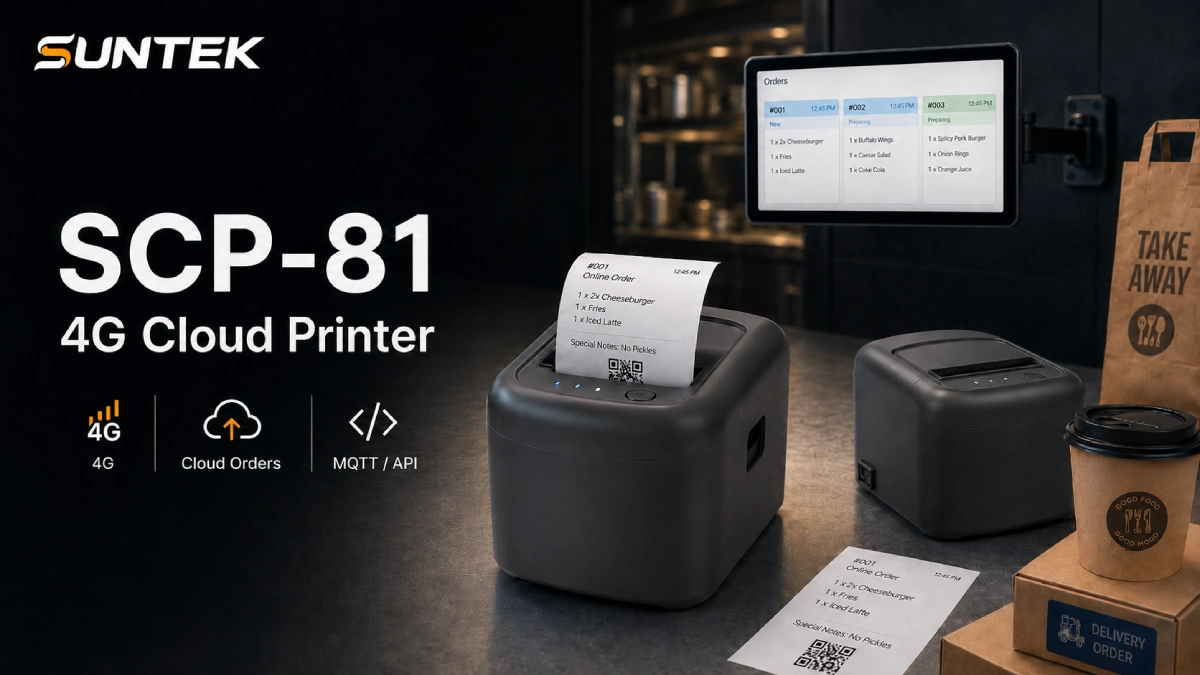
SUNTEK SCP-81 4G Cloud Printer is designed for online food order printing. It supports cloud order workflows, 4G networking, MQTT, API integration, platform integration, voice prompt, auto cutter, and multiple installation options, including horizontal, vertical, and wall-mounted deployment.
This makes SCP-81 suitable for online food order printing, delivery ticket printing, takeaway order printing, cloud kitchen ticket printing, remote restaurant order workflows, and platform-based order printing.
For restaurants that require real-time kitchen visibility, SUNTEK KDS hardware can be used to display incoming orders, support kitchen coordination, and improve back-of-house order handling.
In a delivery-heavy workflow, SCP-81 and KDS can work together. KDS helps kitchen teams view and manage preparation, while SCP-81 prints tickets for packing, pickup, delivery, and backup verification.
Restaurants, software providers, and system integrators can also explore SUNTEK’s broader restaurant accessories and order hardware for cloud printing, kitchen display, and project-based deployment needs.
How to Choose the Right Order Hardware for Your Restaurant Project
Restaurants and solution providers can choose hardware based on order volume, store format, and workflow complexity.
| Restaurant Type | Recommended Hardware Setup |
|---|---|
| Small takeaway store | Cloud printer |
| Café with online orders | Cloud printer |
| Cloud kitchen | Cloud printer + optional KDS |
| QSR store | KDS + cloud printer |
| Chain restaurant | KDS + cloud printer + platform integration |
| Delivery-focused outlet | 4G cloud printer + KDS for peak-hour handling |
The right choice depends on where the order needs to go after it is received.
If the restaurant mainly needs printed tickets, a cloud printer may be enough. If the kitchen needs real-time order visibility, a KDS is more suitable. If the restaurant needs both preparation visibility and printed order verification, using both devices is the better option.
Where This Fits in Restaurant Technology Trends
Cloud printing is part of a wider restaurant technology shift. Restaurants are adopting more connected devices for ordering, payment, preparation, and delivery handover.
For a broader view of how restaurant technology is evolving, you can also read SUNTEK’s analysis of NRA Show 2026 restaurant technology trends.
For projects that combine online ordering, kitchen display, ticket printing, and pickup workflows, buyers can review the SUNTEK Kitchen Display System and SUNTEK SCP-81 4G Cloud Printer product pages.
If the project also requires additional restaurant order hardware, printing accessories, or device expansion options, buyers can browse SUNTEK’s accessories and related hardware list.
FAQ
What is a cloud printer for online food orders?
A cloud printer for online food orders is a restaurant printer that receives order data from a cloud-based platform, online ordering system, or POS backend. It prints delivery tickets, takeaway receipts, kitchen tickets, and pickup information.
Why do restaurants use cloud printers?
Restaurants use cloud printers to reduce missed orders, speed up kitchen communication, and support online ordering workflows. They are especially useful for delivery restaurants, cloud kitchens, takeaway stores, and chain restaurants.
Is a cloud printer the same as a KDS?
No. A cloud printer prints physical tickets, while a KDS displays and manages orders on a screen. Many restaurants use both because they need digital kitchen visibility and printed tickets for packing or delivery handover.
Can cloud printers be used in cloud kitchens?
Yes. Cloud kitchens often receive orders from multiple platforms, so cloud printers can help route tickets to the right kitchen or packing station.
What features should a restaurant cloud printer have?
A restaurant cloud printer should support stable network connectivity, platform integration, clear printing, auto cutter, voice prompt, and flexible installation. For remote or flexible deployment, 4G connectivity can also be useful.
Why combine KDS and cloud printers?
KDS hardware helps kitchen teams manage orders visually, while cloud printers provide physical tickets for packing, pickup, and delivery verification. The combination is useful for restaurants with high online order volume.
Conclusion
Online food orders have changed the way restaurants operate. The challenge is no longer only about receiving orders. Restaurants must make sure every order reaches the right station, is prepared on time, packed correctly, and handed over accurately.
A cloud printer helps turn online orders into clear printed tickets. A KDS helps kitchen teams manage preparation on screen. For delivery-focused restaurants, cloud kitchens, QSR stores, and chain operators, the combination of cloud printing and kitchen display hardware can create a more reliable order workflow.
SUNTEK SCP-81 4G Cloud Printer and SUNTEK KDS hardware are designed for this type of restaurant technology environment, helping system integrators and foodservice operators build practical, scalable, and integration-ready order handling solutions.
To discuss restaurant order hardware, KDS deployment, or cloud printer integration, contact SUNTEK at [email protected].
相关新闻
-
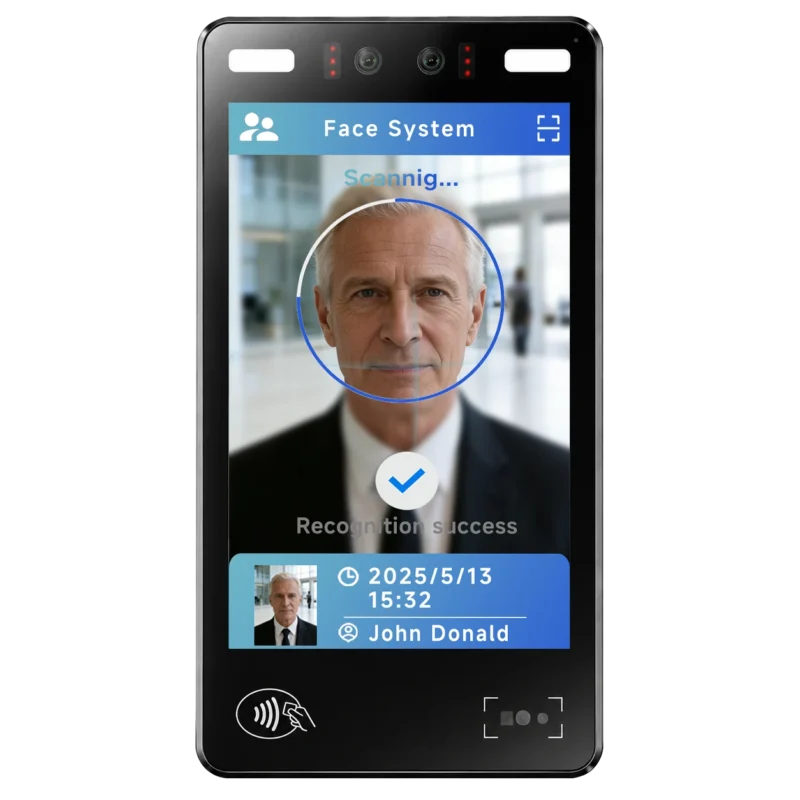
FA10 10.1-Inch AI Facial Recognition Terminal for Smart Access
SUNTEK FA10 10.1-inch AI facial recognition terminal is designed for smart access control, visitor management, attendance, and self-service applicatio…
-
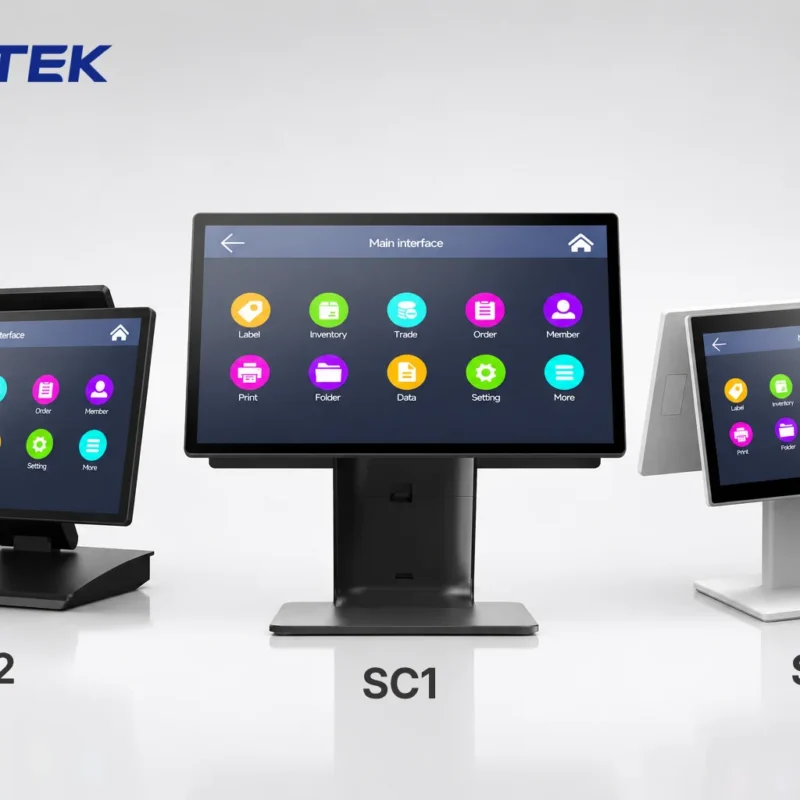
How to Choose the Right POS Terminal: SC1 vs SC2 vs SC6
Selecting the right POS terminal depends on your software requirements, hardware expectations and deployment environment. This guide compares SUNTEK S…
-
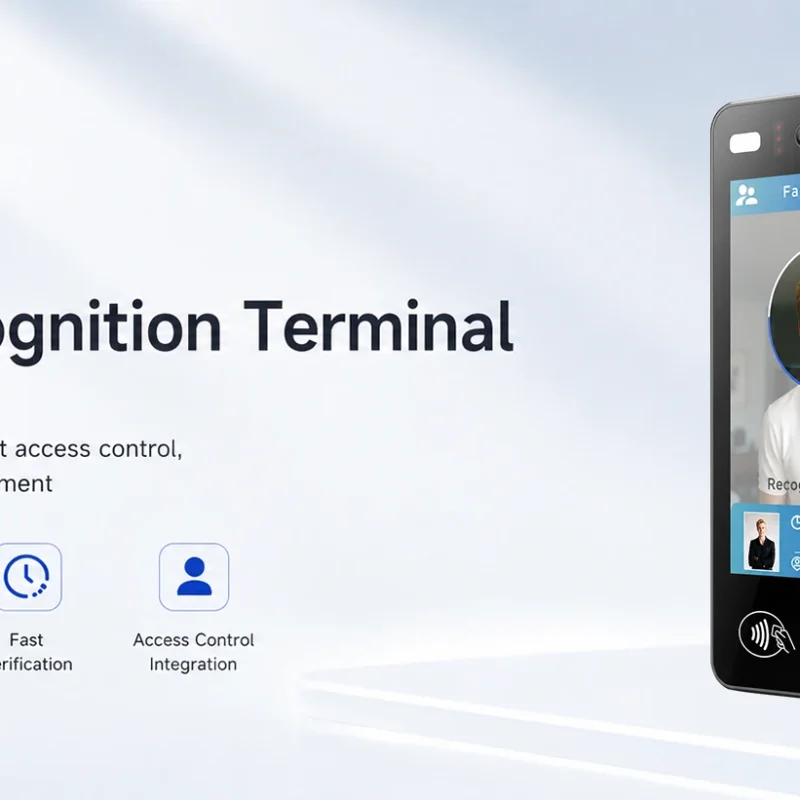
Updated FA8 Facial Recognition Terminal
SUNTEK has updated the FA8 8-inch Android facial recognition terminal with a more refined exterior design, a revised interface configuration, and stro…
-
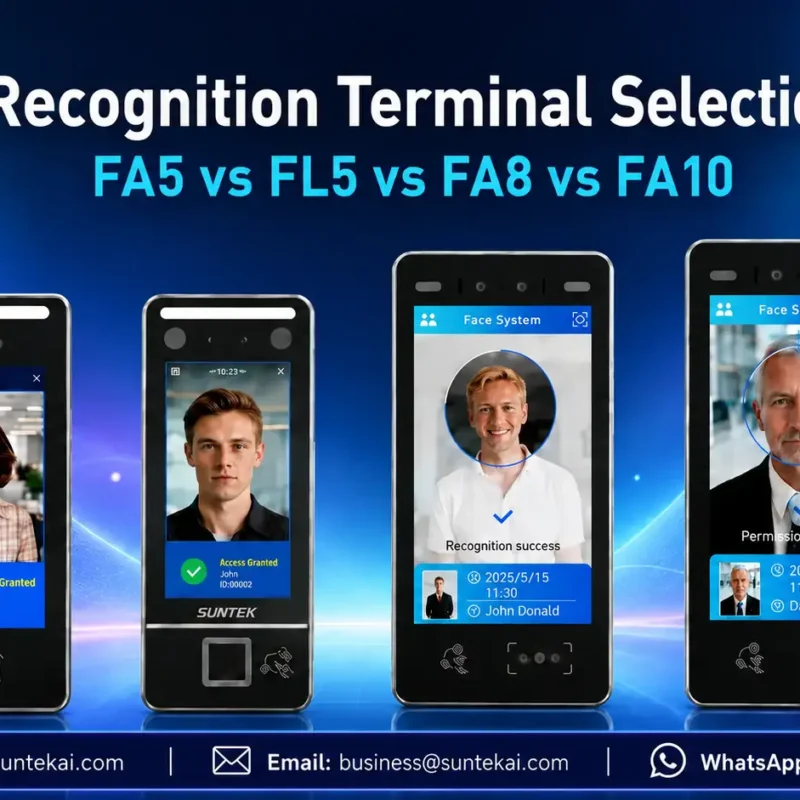
Facial Recognition Terminal Selection Guide: FA5 vs FL5 vs FA8 vs FA10
This guide compares SUNTEK FA5, FL5, FA8, and FA10 to help you choose the right facial recognition terminal for your project. Which SUNTEK Facial Reco…
-
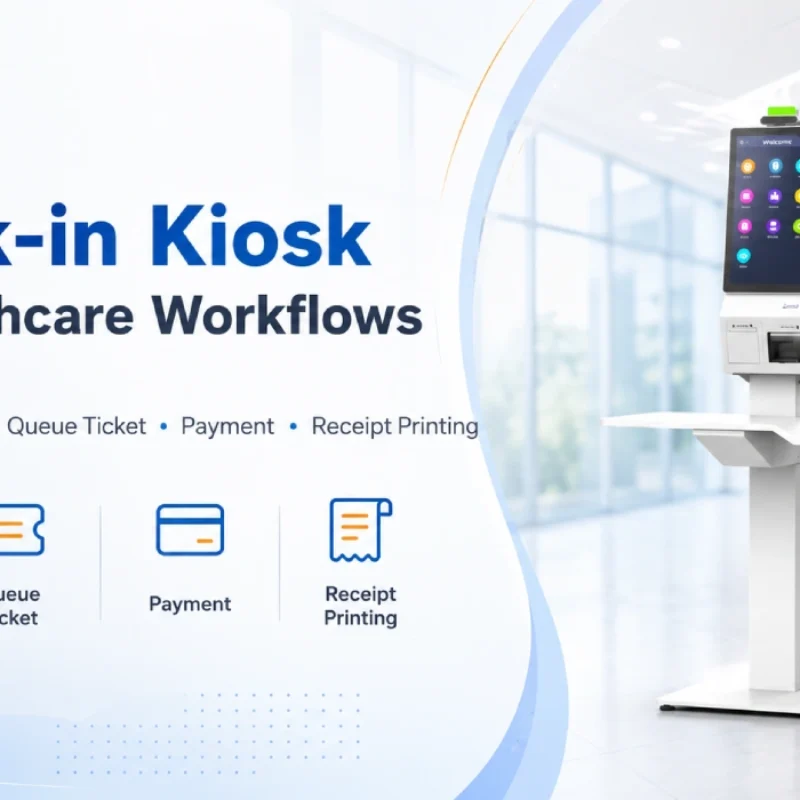
Check-In Kiosk Hardware for Healthcare Self-Service
A check-in kiosk helps healthcare facilities move repetitive front-desk tasks into a guided self-service registration workflow. This article explains how check-in kiosks support appointment confirmation, information entry, queue ticket printing, payment, receipt printing, and optional verification, while also outlining key hardware modules and deployment considerations for hospitals, clinics, and outpatient care centers.
-
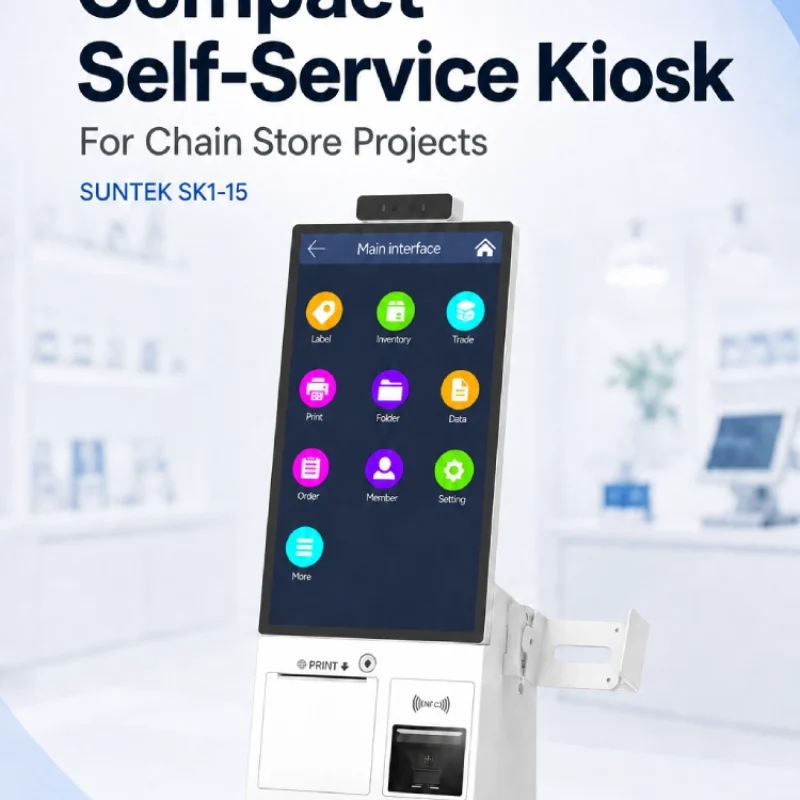
Compact Self-Service Kiosk for Chain Store Projects
SUNTEK SK1-15 is a compact self-service kiosk designed for chain store projects, solution providers, and system integrators. This article explains how SK1-15 supports POS holder installation, SoftPOS-ready NFC configurations, QR code scanning, magnetic stripe card reader options, face camera support, and external fingerprint module integration for front-counter service, payment, identification, and multi-store rollout workflows.
-
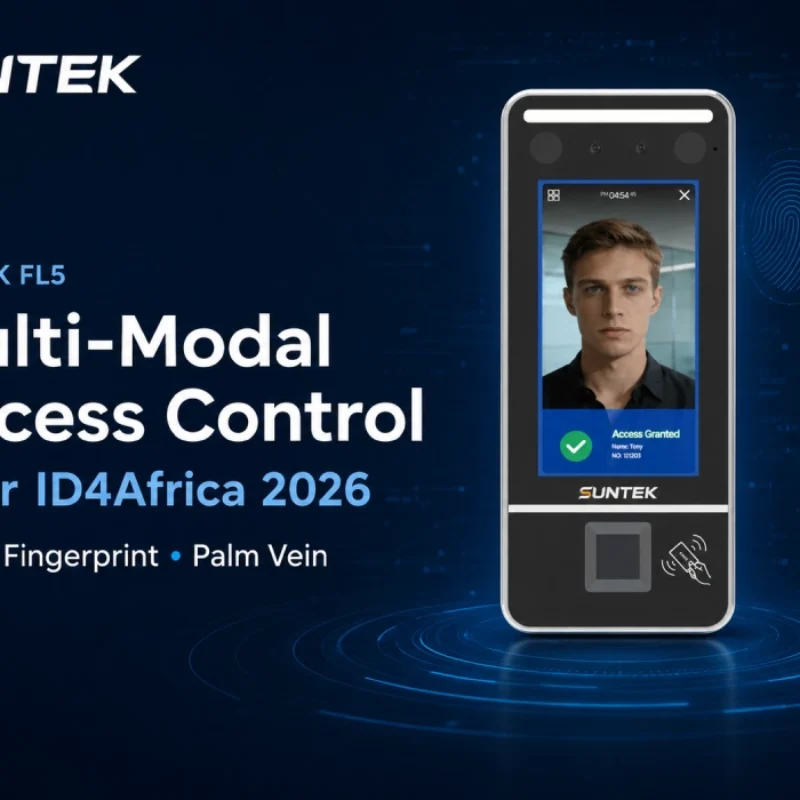
Multimodal Biometrics in Access Control After ID4Africa 2026
This article explores how ID4Africa 2026 reflects the growing importance of multimodal biometrics in access control. It explains why face recognition, fingerprint verification, and palm vein recognition are becoming more relevant for offices, hospitals, schools, government buildings, and secure indoor areas, with SUNTEK FL5 as a hardware example.
-
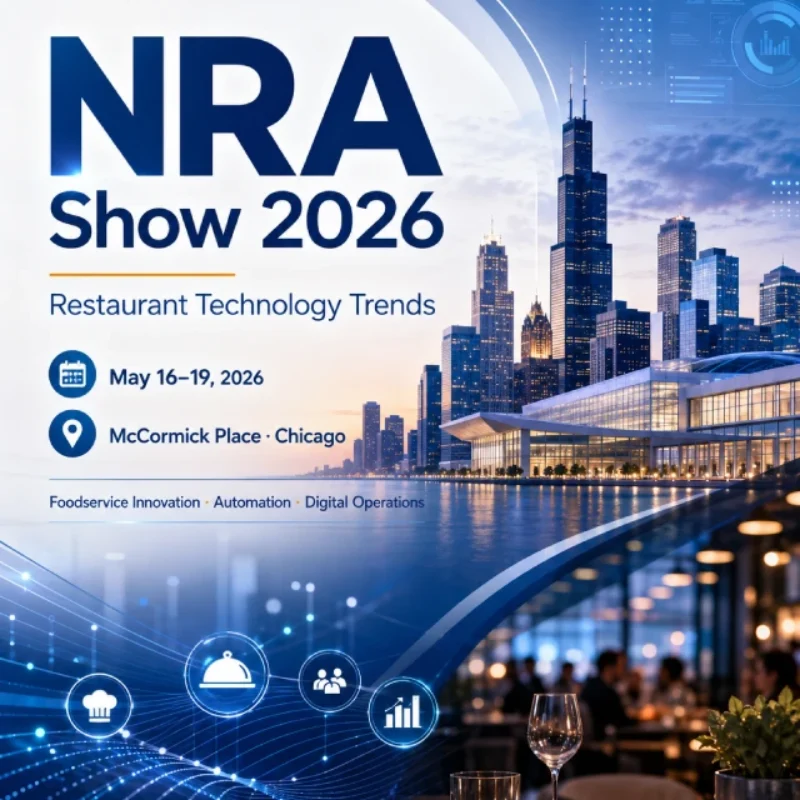
What NRA Show 2026 Reveals About Restaurant Technology Trends
As NRA Show 2026 opens in Chicago, restaurant operators are paying closer attention to practical technology that improves ordering, payment, kitchen workflows and device management. From SUNTEK’s hardware manufacturer perspective, the key trend is clear: restaurant digitalization is moving from isolated software tools to connected hardware systems, including POS terminals, self-service kiosks, cloud printers, SoftPOS-ready devices and remote management platforms.
-
How to Choose a Self-Service Kiosk: SK1 vs SK1-15 vs SK5
Compare SUNTEK SK1, SK1-15, and SK5 self-service kiosks by installation type, SoftPOS support, information kiosk use, payment, printing, scanning, and project scenarios.
-
How Can the SUNTEK SK1 Information Kiosk Machine Improve Government Self-Service?
The SUNTEK SK1 Information Kiosk Machine supports government self-service scenarios such as tax payment, bill payment, parking ticket payment, public service inquiry, NFC interaction, QR code payment, SoftPOS, mobile pay, receipt printing, and paperless confirmation. With Android 14, RK3576 hardware, under-screen NFC, optional printer configuration, and flexible deployment options, SK1 provides a modular kiosk hardware platform for public service centers and system integrators.