
How to Choose the Right POS Terminal: SC1 vs SC2 vs SC6
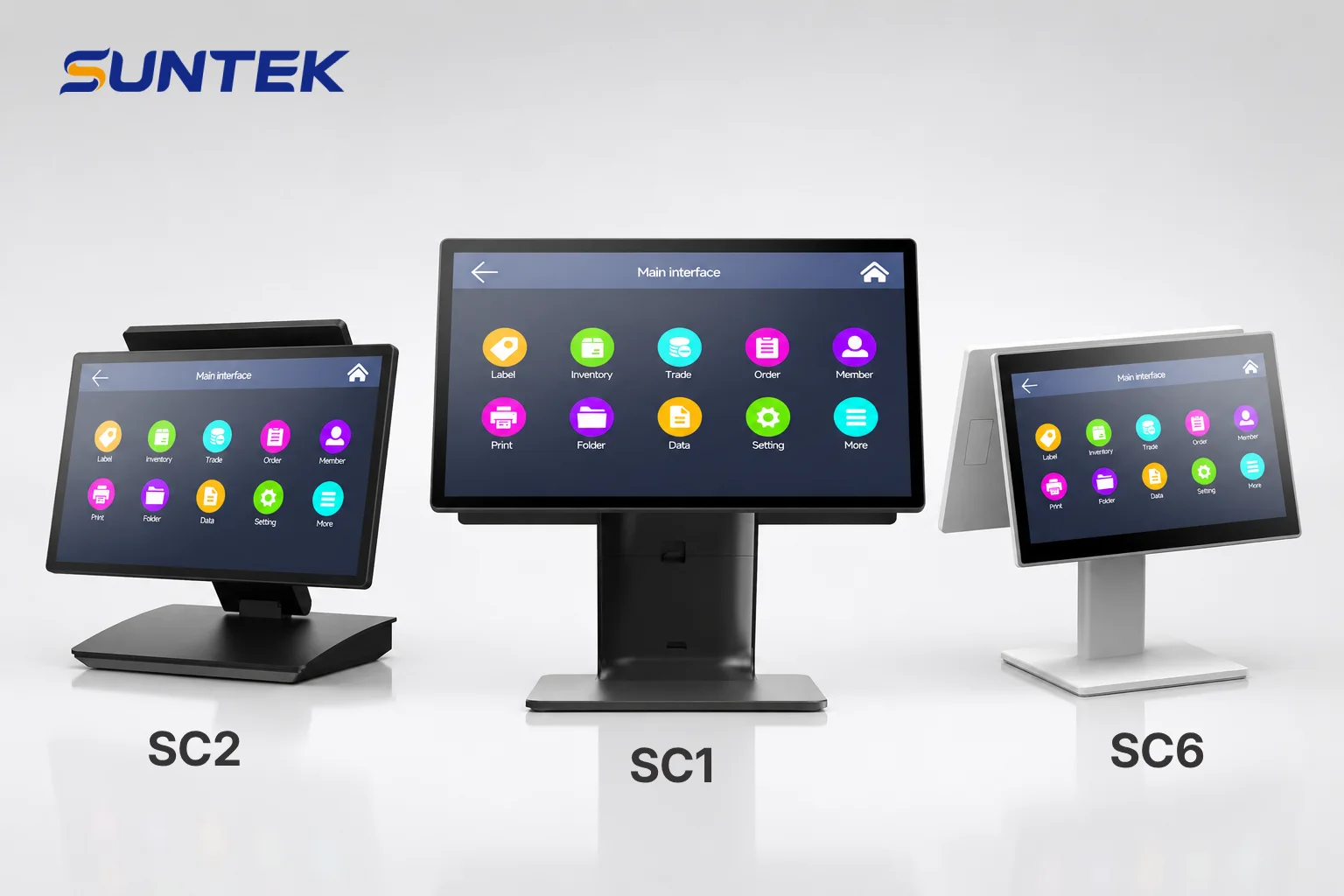
Selecting the right POS terminal depends on your software requirements, hardware expectations and deployment environment.
This guide compares SUNTEK SC1, SC2 and SC6 to help you understand the differences and choose the right POS solution for your project.
Understanding SUNTEK POS Terminal Options Before Making a Decision
SUNTEK POS terminal options are designed with different system configurations, hardware designs and deployment purposes, allowing businesses to select the right platform based on their software ecosystem and operational requirements.
SUNTEK provides three desktop POS terminal platforms for different commercial applications:
| Model | Positioning | System Focus | Best For |
|---|---|---|---|
SC1 Desktop POS Terminal |
Premium POS hardware platform | Android OS with GMS as primary option | Retail, restaurant, hospitality and premium checkout environments |
SC2 Foldable Cash Register POS |
Flexible checkout terminal | Android OS and Windows OS options | Retail counters, restaurants and flexible POS deployments |
SC6 POS System Hardware |
Cost-effective POS solution | Android OS as primary option | Small businesses and practical checkout projects |
Quick Recommendation: Which SUNTEK POS Terminal Should You Choose?
The right SUNTEK POS terminal depends on your business priorities, including software environment, display requirements, deployment flexibility and project budget.
| Your Requirement | Recommended Model |
|---|---|
| Premium appearance and professional checkout deployment | SC1 |
| Android POS hardware with GMS requirement | SC1 |
| Flexible checkout setup with detachable customer display | SC2 |
| Windows POS device compatibility | SC1 / SC2 |
| Cost-effective Android POS hardware deployment | SC6 |
| Barcode scanner, thermal printer and cash drawer integration | SC1 / SC2 / SC6 |
SC1 vs SC2 vs SC6: Key Differences at a Glance
The main differences between SC1, SC2 and SC6 are their product positioning, operating system focus, display flexibility and target deployment scenarios.
| Feature | SC1 | SC2 | SC6 |
|---|---|---|---|
| Position | Premium POS platform | Flexible POS platform | Cost-effective POS platform |
| Primary System Focus | Android OS | Android OS + Windows OS | Android OS |
| Windows OS Option | Available for specific projects | Available | Available for selected projects, confirm with SUNTEK |
| Dual Screen Support | Supported | Supported | Optional |
| Customer Display | 10.1-inch / 15.6-inch options | 10.1-inch detachable Type-C display | Optional secondary display |
| Best Fit | Premium commercial deployment | Flexible checkout environments | Practical and budget-focused projects |
Choosing SC1: When You Need a Premium Android POS Hardware Platform
SC1 is a premium desktop POS terminal mainly designed around Android OS deployment, offering professional appearance, flexible screen configurations and independent dual display capability for commercial POS applications.
SC1 is suitable for businesses that require a professional customer-facing checkout experience, including retail chains, restaurants, hospitality reception areas and service counters.
Key Advantages of SC1
- Android OS with GMS certification
- Premium desktop POS design for visible checkout environments
- Independent dual display support
- 10.1-inch and 15.6-inch customer display options
- SoftPOS-ready hardware configuration
- Support for POS peripherals such as scanners, printers and cash drawers
For detailed specifications and configuration options, visit the SUNTEK SC1 Desktop POS Terminal
page.
Choosing SC2: When Flexible Checkout Deployment Matters
SC2 is a flexible cash register POS terminal designed with Android OS and Windows OS options, a foldable stand and detachable customer display capability for different checkout environments.
SC2 is designed for businesses that need more flexibility in checkout layout, software selection and customer interaction.
Flexible Customer Display Design
SC2 supports an optional 10.1-inch secondary display connected through Type-C. The customer display can be used attached to the terminal or detached and placed separately on the counter according to deployment requirements.
When detached through Type-C connection, the secondary display functions as a customer-facing display and does not support touch interaction.
SC2 Deployment Advantages
- Android POS hardware and Windows POS device options
- Foldable structure for flexible counter installation
- Independent dual display capability
- Detachable customer display for separated placement
- Suitable for retail stores, restaurants and checkout counters
Learn more about the SUNTEK SC2 Foldable Cash Register POS.
Choosing SC6: When Cost-effective POS Deployment Is the Priority
SC6 is a cost-effective POS system mainly designed for Android OS deployment, providing practical hardware functionality for businesses that need reliable and affordable checkout solutions.
SC6 is suitable for businesses that require essential POS functions with efficient hardware investment, including small retail stores, cafés, convenience stores and standard checkout environments.
Key Advantages of SC6
- Android POS hardware solution for practical deployment
- Cost-effective hardware design for business projects
- Suitable for small businesses and volume deployment
- Support for essential POS peripherals including barcode scanners, thermal printers and cash drawers
- Windows OS configuration available for selected projects, subject to confirmation with SUNTEK
Explore more details about the SUNTEK SC6 POS System Hardware.
Dual Screen POS Terminal Options: Customer Display and Deployment Flexibility
A dual screen POS terminal allows the operator display and customer display to show different content, improving checkout efficiency and creating additional opportunities for customer interaction.
Both SUNTEK SC1 and SC2 support independent dual display configurations, allowing businesses to provide a better customer-facing checkout experience.
Independent Dual Display Applications
The main screen is typically used for cashier operations, order management and POS software interaction, while the customer display can present additional information during the checkout process.
- Order confirmation
- Price information
- Promotional content
- Advertising messages
- Membership information
This dual screen POS design helps businesses improve customer communication while creating additional opportunities for digital promotion at the checkout counter.
How to Choose the Right Customer Display Size
The suitable customer display size depends on the business environment, available counter space and the amount of customer-facing information that needs to be presented.
10.1-inch Customer Display
A 10.1-inch customer display is a practical choice for businesses that need customer-facing information while maintaining a reasonable project budget.
It is suitable for standard retail checkout counters, cafés, small restaurants and projects where installation space and cost efficiency are important.
Typical applications include:
- Order confirmation
- Price display
- Basic promotional information
15.6-inch Customer Display
A 15.6-inch customer display provides a larger viewing area for premium stores and businesses that want stronger visual communication with customers.
It is suitable for flagship stores, premium retail environments and high-end restaurants where advertising content, promotions and customer engagement are important.
Typical applications include:
- Large promotional content display
- Advertising messages
- Membership information
- Enhanced customer experience
Android POS Hardware vs Windows POS Device: How to Choose the Right Platform
Android POS hardware and Windows POS devices are designed for different software environments, and the right choice depends on your existing POS applications, management requirements and deployment goals.
Android POS Hardware
Android POS hardware is commonly used for cloud-based POS applications, mobile-friendly software platforms and businesses that require flexible application deployment.
SUNTEK Android POS terminals run on Android OS and support applications such as cloud POS software, SoftPOS solutions and Android-based management platforms.
SC1, SC2 and SC6 all support Android OS configurations, with SC1 and SC6 mainly positioned around Android OS deployment.
Windows POS Device
Windows POS devices are commonly selected by businesses that already use Windows-based POS software, enterprise applications or traditional desktop software systems.
SUNTEK SC2 provides both Android OS and Windows OS options, while SC1 and SC6 Windows OS configurations are available for selected projects depending on requirements.
Complete POS Hardware Ecosystem with SUNTEK Terminals
SUNTEK SC1, SC2 and SC6 POS terminals are designed to work with SUNTEK peripheral devices, providing a complete hardware ecosystem for checkout and payment applications.
A complete POS deployment often requires more than a terminal. Businesses can integrate additional hardware including:
-
- 1D & 2D Barcode scanners
- 80mm Thermal receipt printers
- Cash drawers
- Customer displays
- Payment terminals and other project-based peripherals
- 1D & 2D Barcode scanners
By combining POS terminals with compatible peripherals, SUNTEK helps businesses and system integrators build complete checkout hardware solutions.
Choosing the Right POS Terminal for Different Business Applications
The best POS terminal choice depends on the business environment where the hardware will be deployed, including customer flow, counter space, software requirements and operational processes.
Restaurant POS Hardware
Restaurants usually require POS terminals that support fast ordering, payment processing, customer interaction and peripheral integration.
SC1 and SC2 are suitable choices for restaurant POS hardware projects where professional appearance, dual display and flexible deployment are important.
Retail Store POS Hardware
Retail businesses often need reliable checkout hardware with barcode scanning, receipt printing and customer display capabilities.
SC2 and SC6 are suitable options for retail POS hardware deployments depending on the required flexibility and project budget.
Hospitality POS Terminal
Hospitality environments require professional-looking POS terminals for front desk operations, guest services and customer interaction.
SC1 is recommended for hospitality POS terminal applications that require premium appearance and flexible display configurations.
Small Business POS
Small businesses usually prioritize practical functions, reliable operation and cost-effective hardware deployment.
SC6 provides an affordable POS hardware option for businesses that need essential checkout functions.
Why Choose SUNTEK for POS Hardware Projects?
SUNTEK provides customizable POS hardware solutions that help businesses and system integrators deploy reliable terminals for different commercial environments.
With experience in commercial terminal development, SUNTEK supports:
- OEM and ODM customization
- SDK and integration support
- POS peripheral integration
- Complete hardware solution development
Learn more about SUNTEK’sdesktop POS terminal lineup and explore suitable hardware solutions for your project.
Frequently Asked Questions About SUNTEK POS Terminals
Which SUNTEK POS terminal is best for restaurants?
SC1 and SC2 are suitable for restaurant POS hardware projects. SC1 focuses on premium deployment with flexible display configurations, while SC2 provides additional flexibility through its foldable design and detachable customer display option.
What is the difference between SC1 and SC2?
SC1 focuses on premium Android POS hardware deployment with flexible display configurations, while SC2 provides Android OS and Windows OS options with a foldable design and detachable customer display capability.
Does SC2 support a detachable customer display?
Yes. SC2 supports an optional 10.1-inch Type-C connected customer display. The display can be detached and placed separately on the counter, but touch interaction is not supported in detached mode.
Which POS terminal is suitable for small businesses?
SC6 is designed for businesses that need practical and cost-effective POS hardware deployment with essential checkout functions.
Does SUNTEK support Android POS hardware and Windows POS devices?
Yes. SUNTEK provides Android POS hardware and Windows POS device options depending on product model and project requirements.
Can SUNTEK POS terminals connect with printers and barcode scanners?
Yes. SC1, SC2 and SC6 support integration with SUNTEK POS peripherals, including barcode scanners, thermal receipt printers, cash drawers and other project-based accessories.
Conclusion
Choosing the right POS terminal depends on your software environment, business requirements and deployment goals. SUNTEK SC1, SC2 and SC6 provide different hardware options for premium POS deployment, flexible checkout environments and cost-effective business projects.
Whether you need Android POS hardware, Windows POS device options, dual screen POS terminals or complete POS peripheral integration, SUNTEK can provide suitable hardware solutions for your project.
With industry experience since 2010, SUNTEK is a smart commercialterminal hardware manufacturer specializing in POS terminals,self-service kiosks, facial recognition terminals, AI Box, KDS andaccess control devices. With hardware solutions, cloud services, OEM/ODMcapabilities, SDK/API support and peripheral ecosystems, SUNTEK helpsbusinesses and system integrators deploy reliable commercial solutionsworldwide.
相关新闻
-
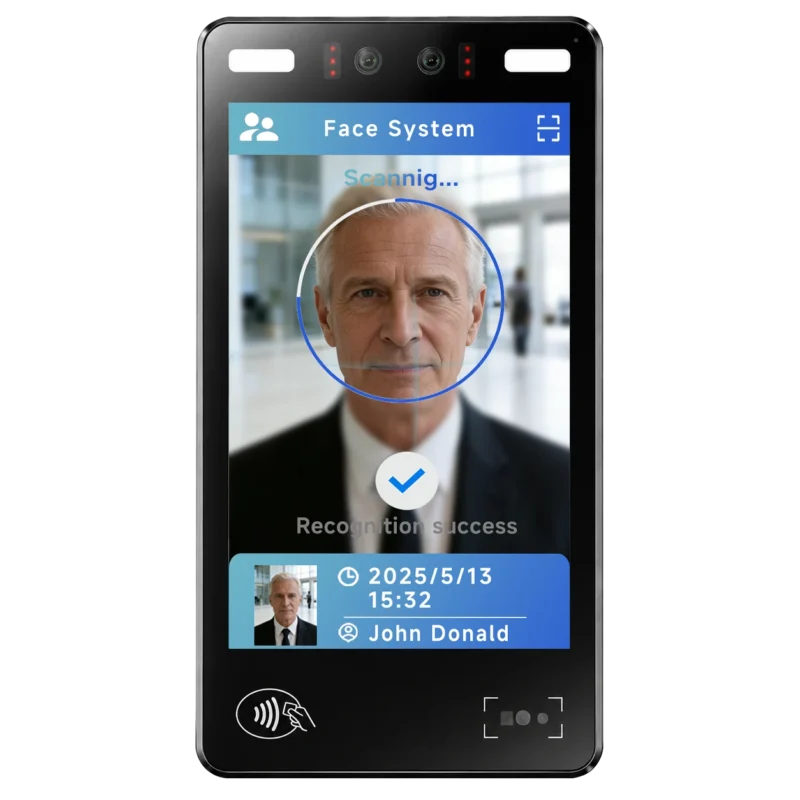
FA10 10.1-Inch AI Facial Recognition Terminal for Smart Access
SUNTEK FA10 10.1-inch AI facial recognition terminal is designed for smart access control, visitor management, attendance, and self-service applicatio…
-
Updated FA8 Facial Recognition Terminal
SUNTEK has updated the FA8 8-inch Android facial recognition terminal with a more refined exterior design, a revised interface configuration, and stro…
-
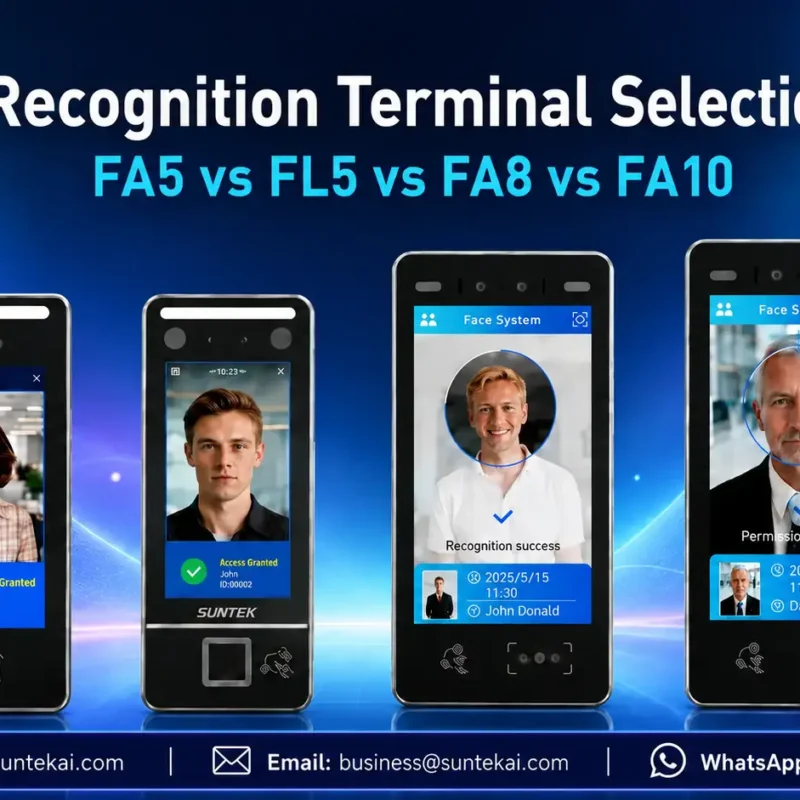
Facial Recognition Terminal Selection Guide: FA5 vs FL5 vs FA8 vs FA10
This guide compares SUNTEK FA5, FL5, FA8, and FA10 to help you choose the right facial recognition terminal for your project. Which SUNTEK Facial Reco…
-
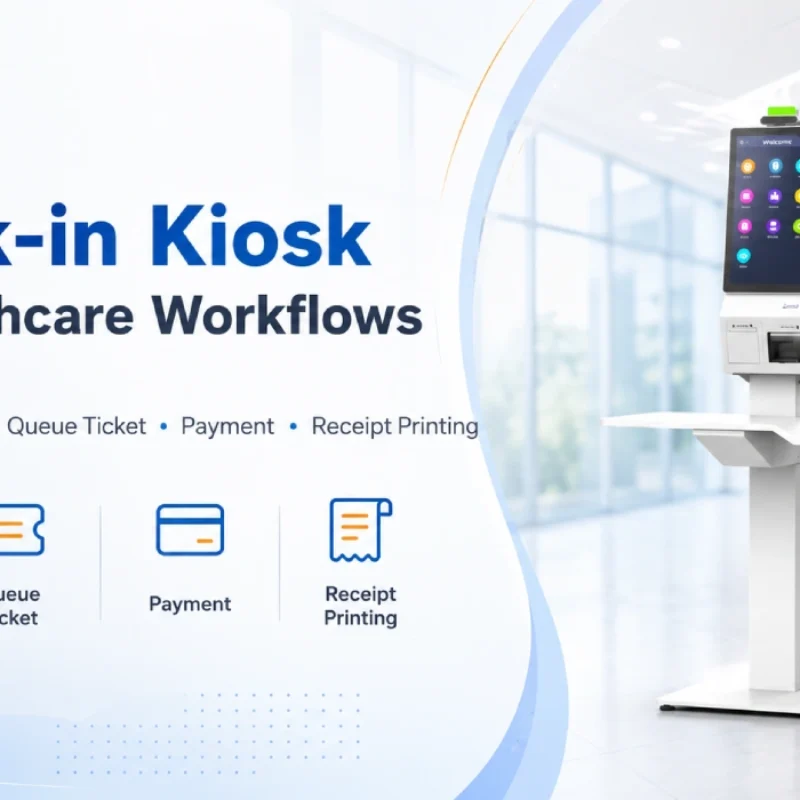
Check-In Kiosk Hardware for Healthcare Self-Service
A check-in kiosk helps healthcare facilities move repetitive front-desk tasks into a guided self-service registration workflow. This article explains how check-in kiosks support appointment confirmation, information entry, queue ticket printing, payment, receipt printing, and optional verification, while also outlining key hardware modules and deployment considerations for hospitals, clinics, and outpatient care centers.
-
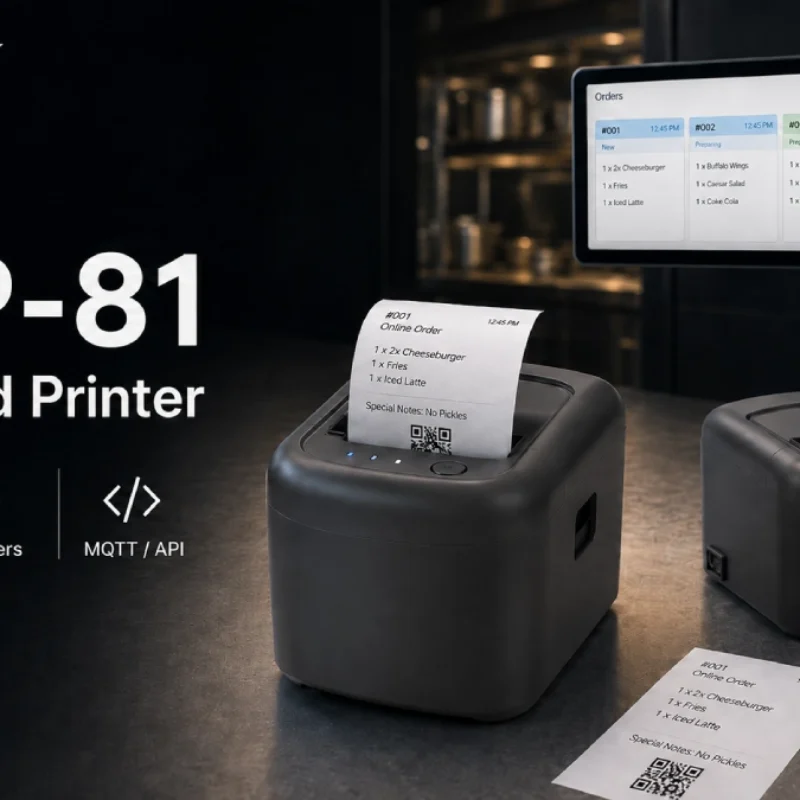
Cloud Printer for Online Food Orders: How Restaurants Keep Delivery Orders Moving
Online food orders are changing how restaurants manage kitchen, packing, and delivery workflows. This article explains how cloud printers and KDS hardware help restaurants print order tickets, improve kitchen visibility, reduce missed orders, and build a more reliable online food order workflow.
-
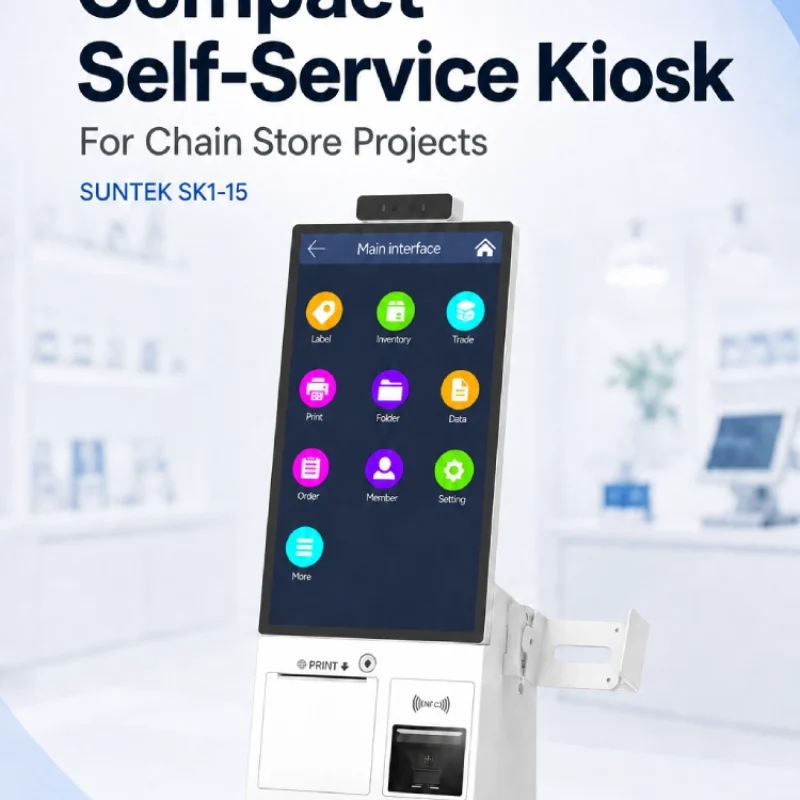
Compact Self-Service Kiosk for Chain Store Projects
SUNTEK SK1-15 is a compact self-service kiosk designed for chain store projects, solution providers, and system integrators. This article explains how SK1-15 supports POS holder installation, SoftPOS-ready NFC configurations, QR code scanning, magnetic stripe card reader options, face camera support, and external fingerprint module integration for front-counter service, payment, identification, and multi-store rollout workflows.
-
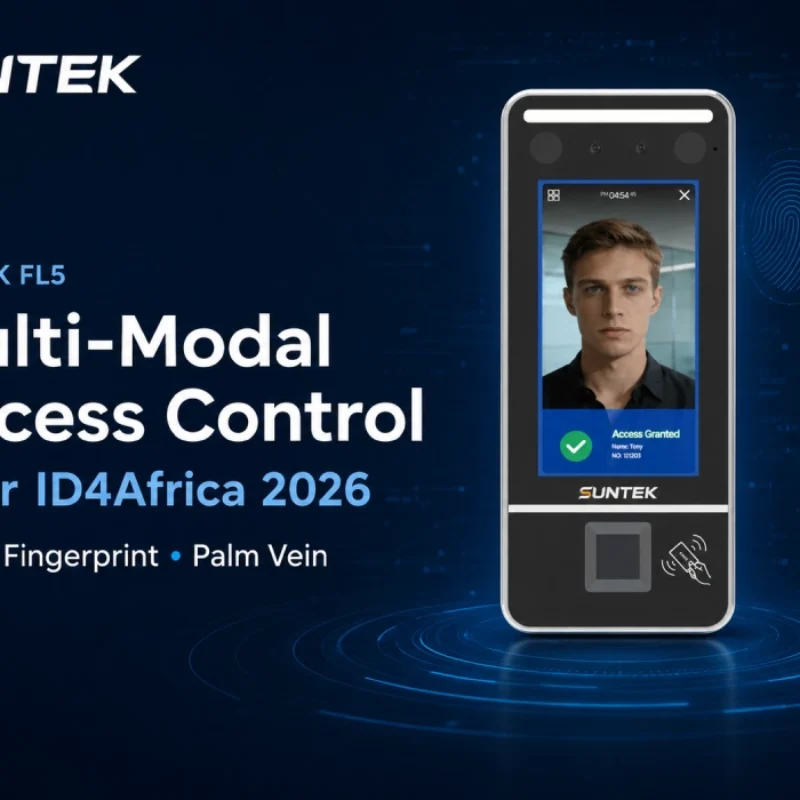
Multimodal Biometrics in Access Control After ID4Africa 2026
This article explores how ID4Africa 2026 reflects the growing importance of multimodal biometrics in access control. It explains why face recognition, fingerprint verification, and palm vein recognition are becoming more relevant for offices, hospitals, schools, government buildings, and secure indoor areas, with SUNTEK FL5 as a hardware example.
-

What NRA Show 2026 Reveals About Restaurant Technology Trends
As NRA Show 2026 opens in Chicago, restaurant operators are paying closer attention to practical technology that improves ordering, payment, kitchen workflows and device management. From SUNTEK’s hardware manufacturer perspective, the key trend is clear: restaurant digitalization is moving from isolated software tools to connected hardware systems, including POS terminals, self-service kiosks, cloud printers, SoftPOS-ready devices and remote management platforms.
-
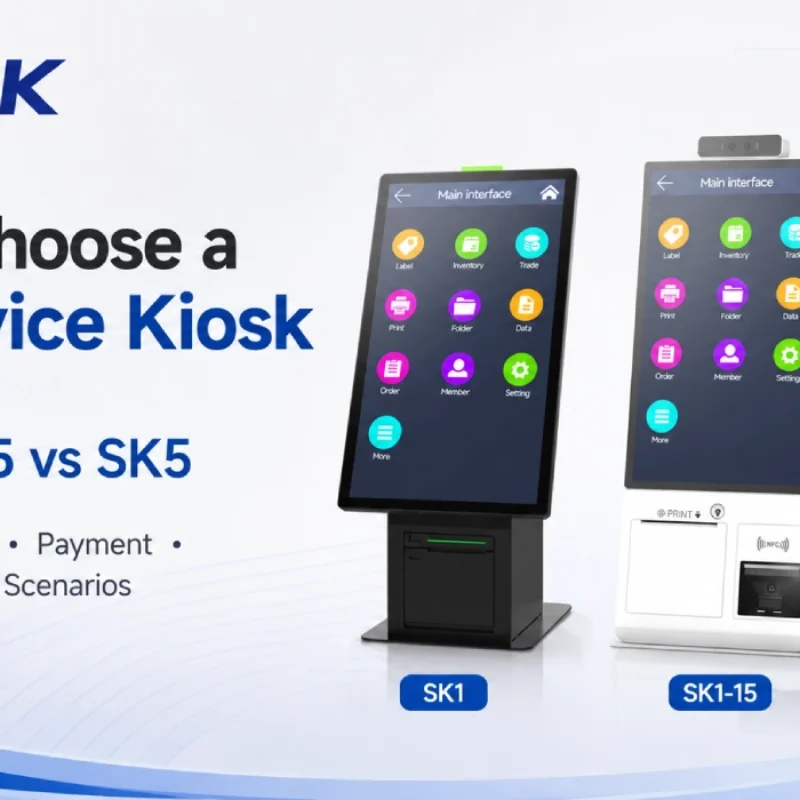
How to Choose a Self-Service Kiosk: SK1 vs SK1-15 vs SK5
Compare SUNTEK SK1, SK1-15, and SK5 self-service kiosks by installation type, SoftPOS support, information kiosk use, payment, printing, scanning, and project scenarios.
-
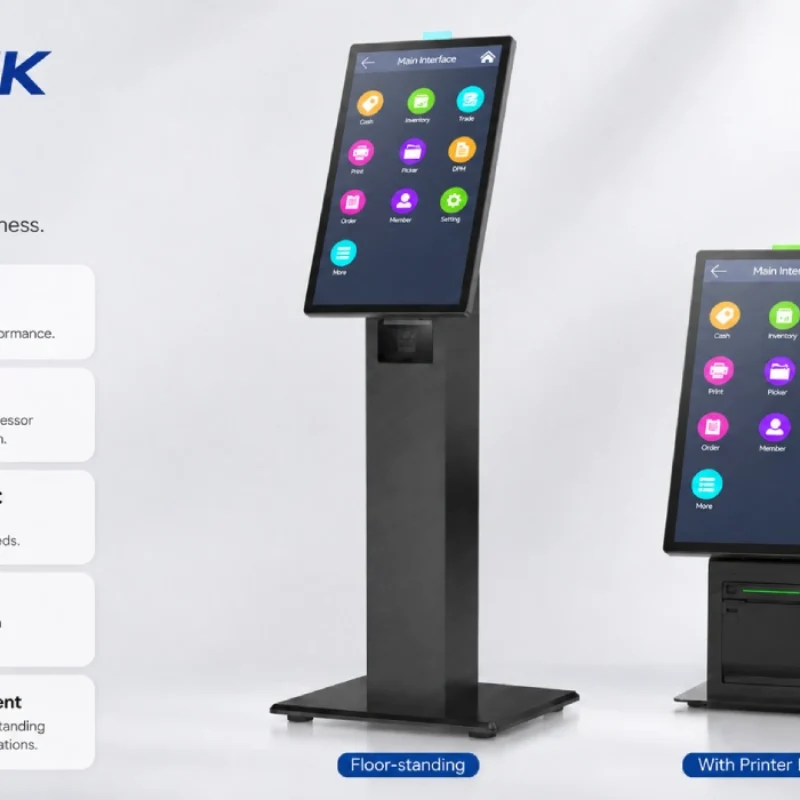
How Can the SUNTEK SK1 Information Kiosk Machine Improve Government Self-Service?
The SUNTEK SK1 Information Kiosk Machine supports government self-service scenarios such as tax payment, bill payment, parking ticket payment, public service inquiry, NFC interaction, QR code payment, SoftPOS, mobile pay, receipt printing, and paperless confirmation. With Android 14, RK3576 hardware, under-screen NFC, optional printer configuration, and flexible deployment options, SK1 provides a modular kiosk hardware platform for public service centers and system integrators.