
Commercial Grade POS hardware vs. Consumer Tablets: A TCO-Based Hardware Selection Guide
Executive Summary
During store expansion, proper Commercial grade POS hardware selection directly dictates your enterprise’s IT maintenance costs. While consumer tablets have a low initial procurement threshold, in high-pressure commercial environments (24/7 plugged-in, multi-peripheral connectivity), they easily expose fatal Tablet POS risks like battery swelling and port disconnections.
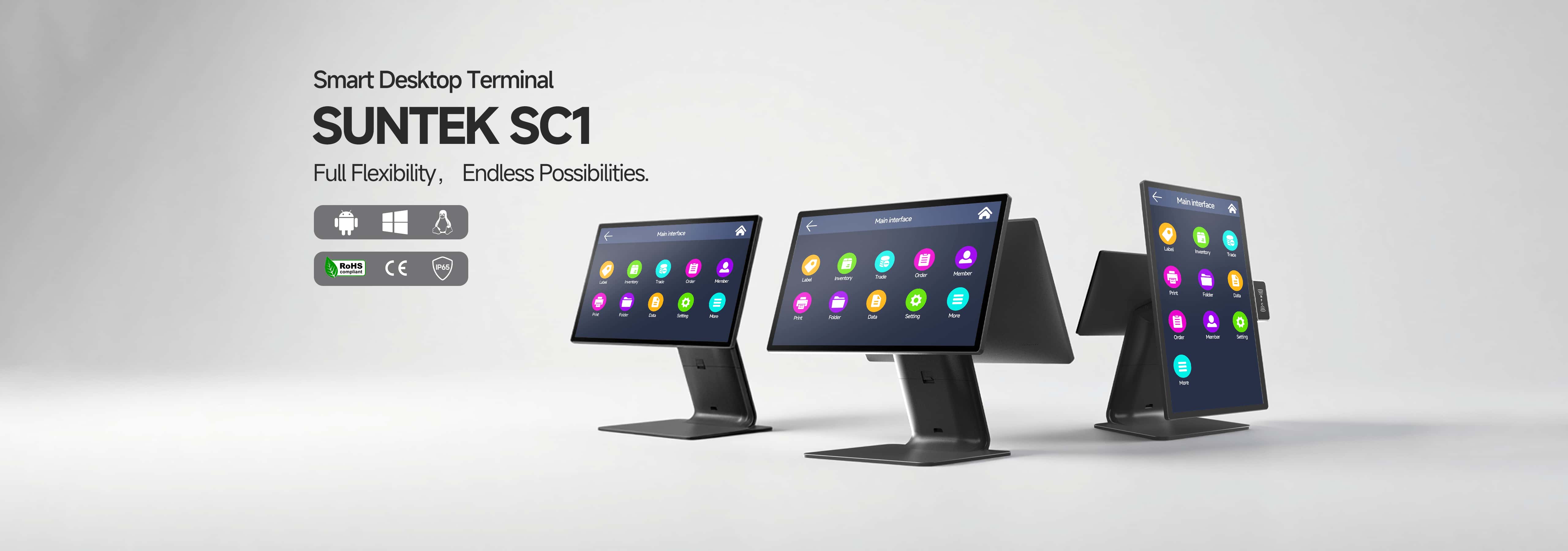
Using the SUNTEK SC1 as an example, this article objectively verifies through underlying physical engineering: abandoning consumer architectures and shifting entirely to Commercial grade POS hardware with direct motherboard power and native multi-interfaces is an inevitable financial decision to avoid store downtime and significantly optimize your POS hardware TCO.
Objective Engineering Facts and Physical Support
Before diving into the differences, we must clarify two core engineering principles that affect the long-term stability of commercial hardware:
- Power Supply and Thermodynamic Degradation: Consumer portable devices generally use lithium-ion batteries. In a checkout environment running 24/7 under high loads while continuously plugged in, the battery remains in a constant state of full charge. Physically, this accelerates the aging of the electrolyte, accompanied by risks of thermal runaway or battery swelling, posing significant Tablet POS risks.
- Bus Bandwidth and Physical Topology: Modern checkout counters need to simultaneously connect barcode scanners, receipt printers, and cash drawers. Relying on a single interface (such as a tablet’s Type-C) and third-party docking stations physically leads to severe voltage fluctuations and data bus bandwidth contention.
Objective Comparative Analysis: Finding the Hardware Base that Matches Your Business
Based on the objective engineering logic above, we can clearly see the fundamental divergence between Commercial grade POS hardware and consumer tablets.
- Lifecycle and Power Logic: Rejecting the Hidden Dangers of “Charge-Discharge Cycles”
- Limitations of Consumer Architecture: The mobile-first design philosophy dictates a reliance on batteries. Continuous “charging and discharging” significantly shortens the hardware lifecycle.
- Commercial Engineering Solution (Using SUNTEK SC1): The SC1 utilizes a direct AC power supply solution (DC 12V/3A) specifically designed for fixed scenarios. By completely removing the built-in lithium battery, it structurally eliminates safety hazards. Furthermore, the SC1 features a Premium Aluminum Build coated with an AF anti-fingerprint coating, significantly optimizing passive heat conduction efficiency.
- Peripheral Topology and Desktop Tidiness: Farewell to Fragile “Dongles”
- Limitations of Consumer Architecture: High reliance on third-party docking stations increases fragile physical connection nodes and clutters the checkout counter with messy cables.
- Commercial Engineering Solution (Using SUNTEK SC1): The SC1’s motherboard natively integrates a rich I/O matrix (including 3x USB 2.0, 1x USB 3.0/OTG, RJ45 Gigabit Ethernet, and RJ11 cash drawer port). All peripherals connect directly to the motherboard with independent power supply. More importantly, the SC1 innovatively adopts a Concealed Cable Design, fundamentally protecting cable interfaces from accidental pulling.
- Computing Redundancy and Future Expansion: From “Multimedia Rendering” to “Edge AI”
- Limitations of Consumer Architecture: Processor computing power mainly focuses on personal entertainment demands, often falling short when handling highly concurrent commercial data.
- Commercial Engineering Solution (Using SUNTEK SC1): The SC1 is equipped with an industrial-grade Rockchip octa-core 2.2GHz processor. More forward-looking is its built-in Edge AI Power with an NPU delivering up to 6 TOPS. Additionally, the device natively supports NFC and SoftPOS, providing seamless hardware support for omnichannel payments.
- Software Sovereignty and Ergonomics: Serving the End User
- Limitations of Consumer Architecture: Mandatory system updates often interrupt work during peak business hours, causing incompatibility in commercial software.
- Commercial Engineering Solution (Using SUNTEK SC1): SC1 provides a unified Suntek SDK, allowing ISVs to call underlying hardware interfaces with extreme ease. Paired with Suntek MDM (Mobile Device Management), IT departments can implement remote silent upgrades. Physically, the main screen supports Vertical Tilt Angle Adjustment, perfectly conforming to ergonomics.
Conclusion: A Pragmatic Choice Based on the TCO Perspective
During your Desktop POS selection process, shifting your gaze toward Commercial grade POS hardware is an inevitable financial decision for expanding brands. Choosing a smart terminal with profound engineering heritage like the SUNTEK SC1 will significantly lower your POS hardware TCO, building a highly stable and easily manageable business hub for your stores.
About the Author & SUNTEK
Taya | Marketing Director
As a seasoned expert in the global POS and retail hardware industry, Taya leads the marketing and strategic initiatives at SUNTEK. With a deep understanding of retail technology trends and omnichannel checkout solutions, she specializes in helping global ISVs and enterprise retailers navigate the complex world of OEM and ODM POS Terminal manufacturing to find their perfect hardware fit.
About SUNTEK

Driven by a core team with profound industry expertise dating back to 2010, SUNTEK is a premier global manufacturer of cutting-edge point-of-sale and smart hardware. Leveraging 16 years of deep-rooted OEM/ODM experience, our engineering DNA allows us to support clients comprehensively—from initial industrial design and PCBA development to tooling and mass production.
SUNTEK’s comprehensive product portfolio is built for the future of unified commerce. It ranges from high-performance Desktop POS, robust Cash Registers, and highly modular Self-Service Kiosks to agile Smart POS, Mobile POS, and Handheld POS devices. To further empower smart retail and transit ecosystems, we also engineer specialized Ticket Validators, biometric Face Recognition Terminals, and edge-computing AI Boxes.
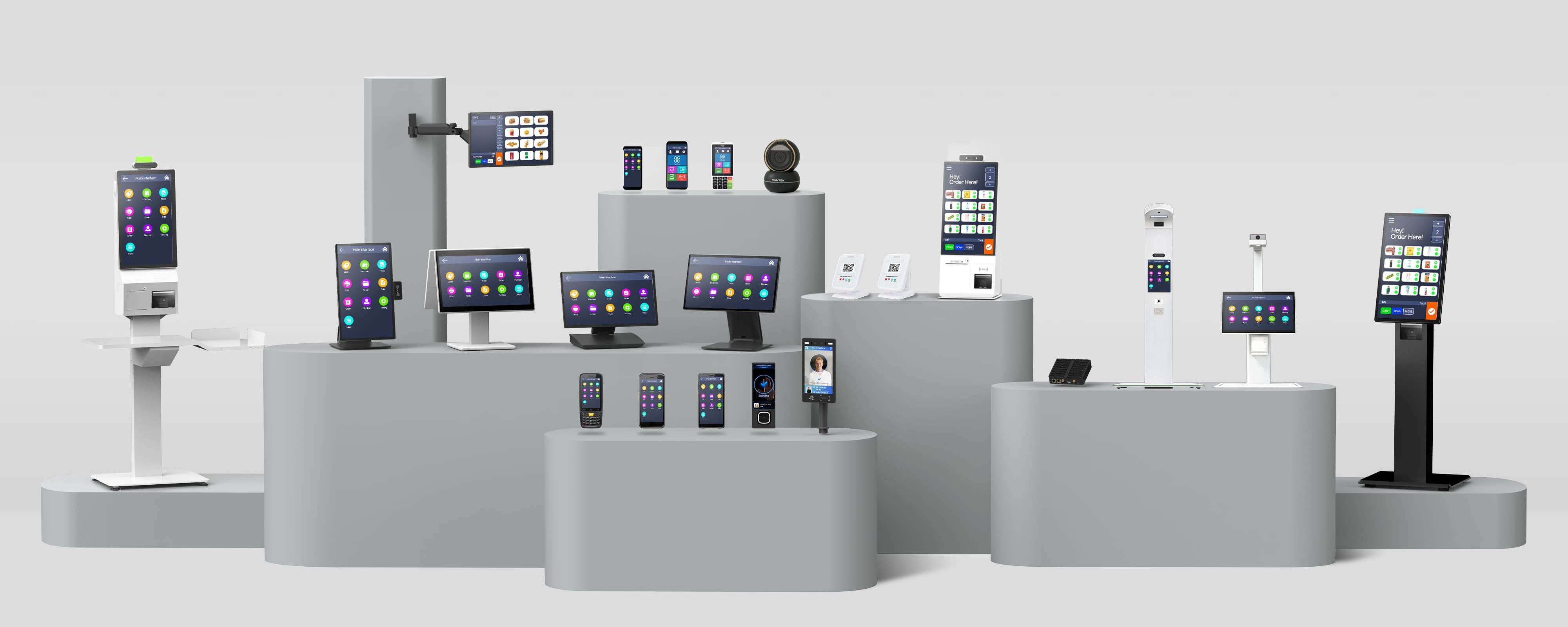
Equipped with advanced scanning engines, NFC, QR Payment, and facial recognition capabilities, our hardware is meticulously designed to seamlessly optimize non-financial transactions, access control, inventory management, and daily operations. Backed by rigorous in-house testing labs, robust supply chain resilience, and a veteran team that has weathered over a decade of industry evolution, SUNTEK empowers software vendors and operators to build reliable, scalable, and future-proof hardware platforms.
Looking for a battle-tested OEM/ODM partner driven by 16 years of industry excellence for your next hardware rollout? Connect with Taya and the SUNTEK team today to discuss your customized hardware strategy.
SUNTEK Technology
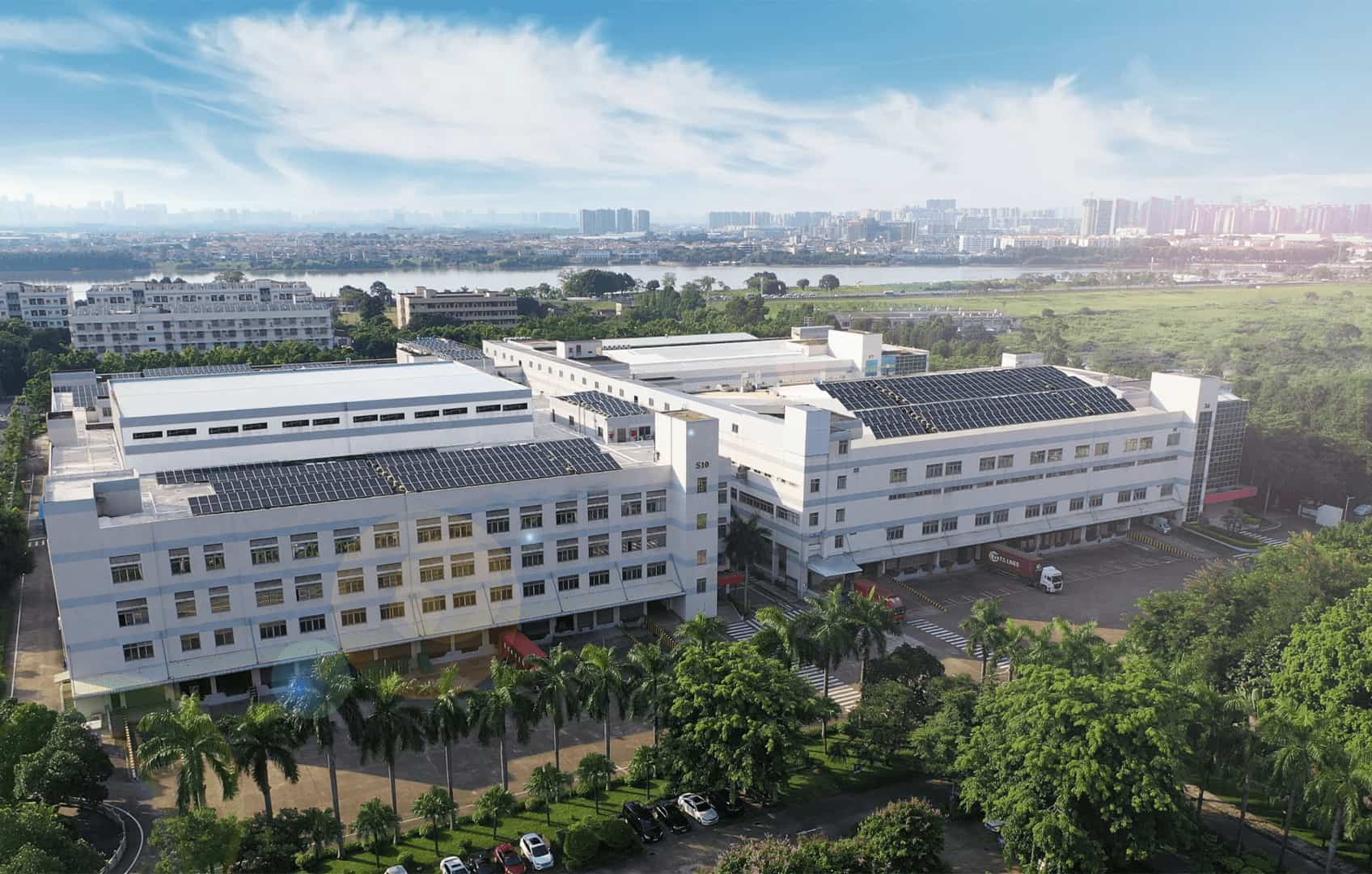
Since 2010, SUNTEK provides smart commercial terminals. Secure enterprise hardware for 80+ countries, 5M+ shipments, 1000+ employees.
相关新闻
-
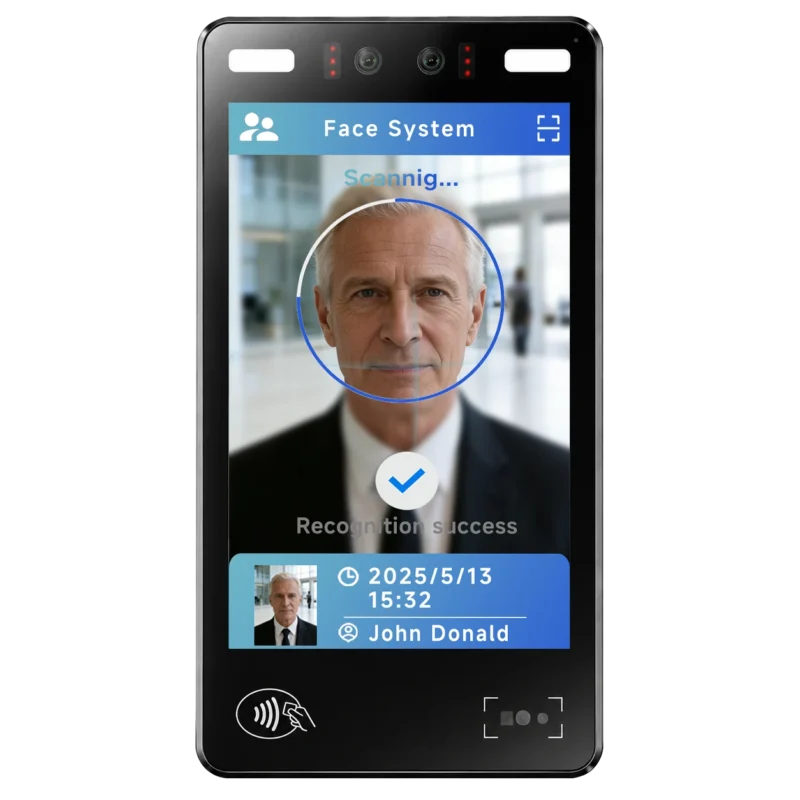
FA10 10.1-Inch AI Facial Recognition Terminal for Smart Access
SUNTEK FA10 10.1-inch AI facial recognition terminal is designed for smart access control, visitor management, attendance, and self-service applicatio…
-
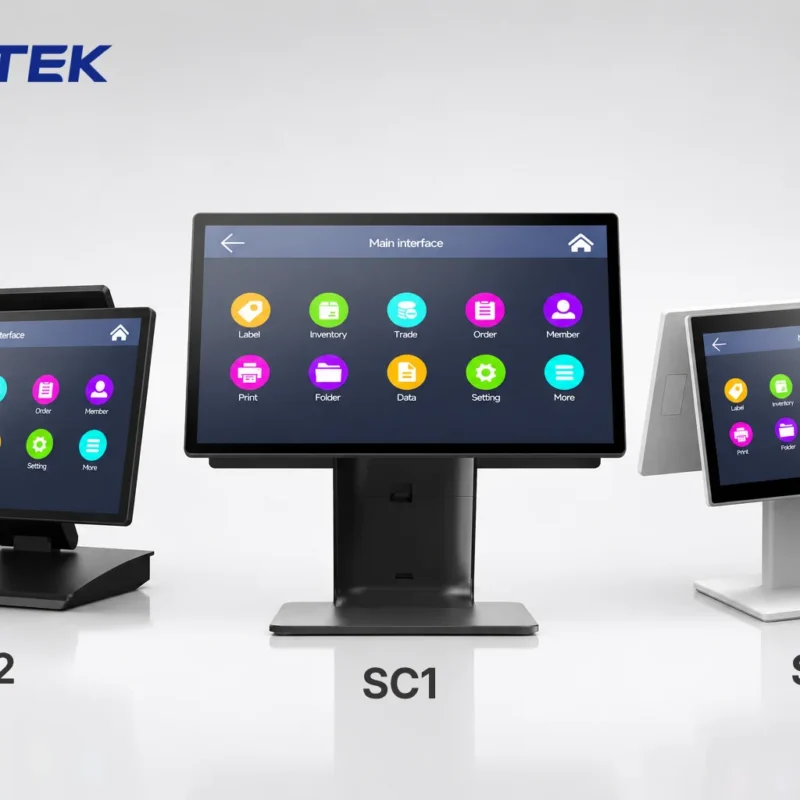
How to Choose the Right POS Terminal: SC1 vs SC2 vs SC6
Selecting the right POS terminal depends on your software requirements, hardware expectations and deployment environment. This guide compares SUNTEK S…
-
Updated FA8 Facial Recognition Terminal
SUNTEK has updated the FA8 8-inch Android facial recognition terminal with a more refined exterior design, a revised interface configuration, and stro…
-
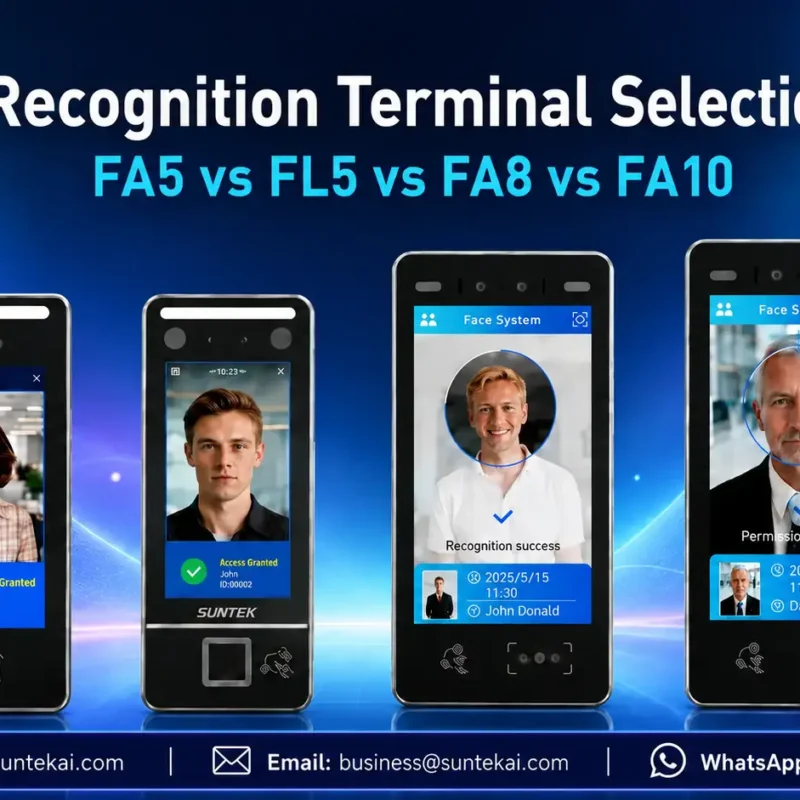
Facial Recognition Terminal Selection Guide: FA5 vs FL5 vs FA8 vs FA10
This guide compares SUNTEK FA5, FL5, FA8, and FA10 to help you choose the right facial recognition terminal for your project. Which SUNTEK Facial Reco…
-
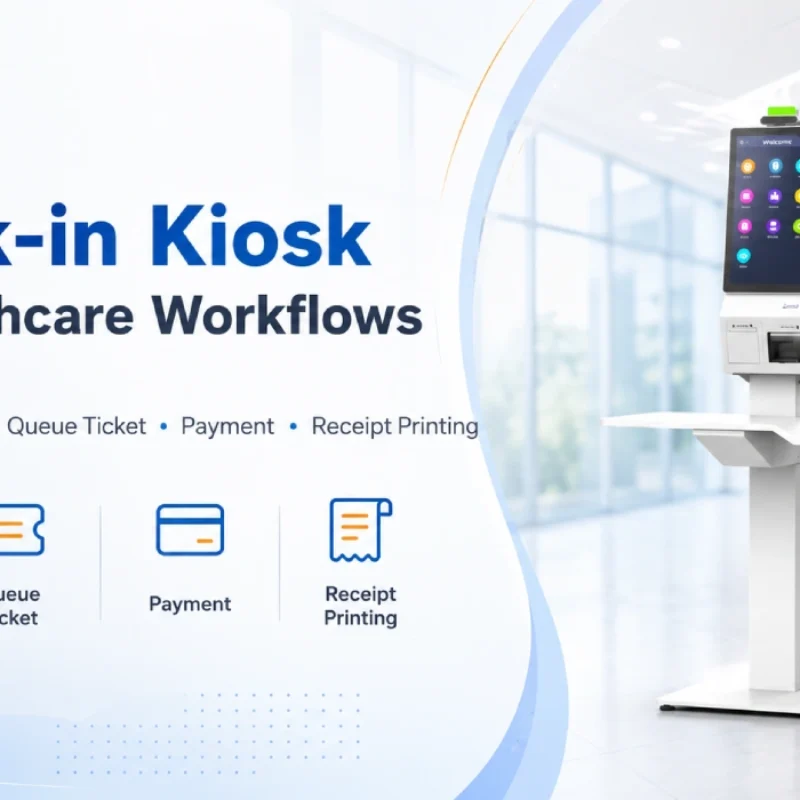
Check-In Kiosk Hardware for Healthcare Self-Service
A check-in kiosk helps healthcare facilities move repetitive front-desk tasks into a guided self-service registration workflow. This article explains how check-in kiosks support appointment confirmation, information entry, queue ticket printing, payment, receipt printing, and optional verification, while also outlining key hardware modules and deployment considerations for hospitals, clinics, and outpatient care centers.
-
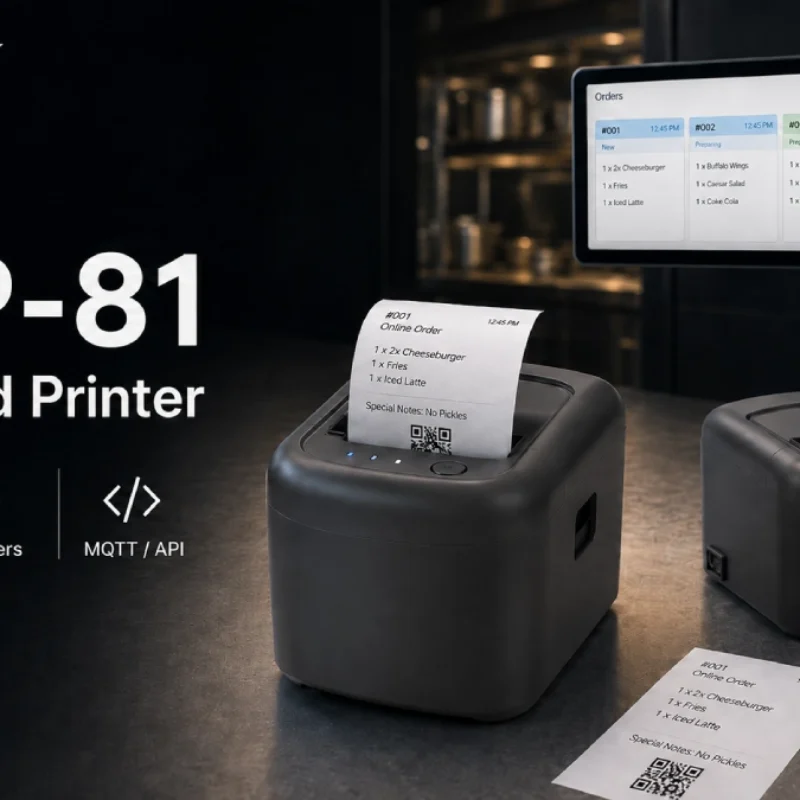
Cloud Printer for Online Food Orders: How Restaurants Keep Delivery Orders Moving
Online food orders are changing how restaurants manage kitchen, packing, and delivery workflows. This article explains how cloud printers and KDS hardware help restaurants print order tickets, improve kitchen visibility, reduce missed orders, and build a more reliable online food order workflow.
-
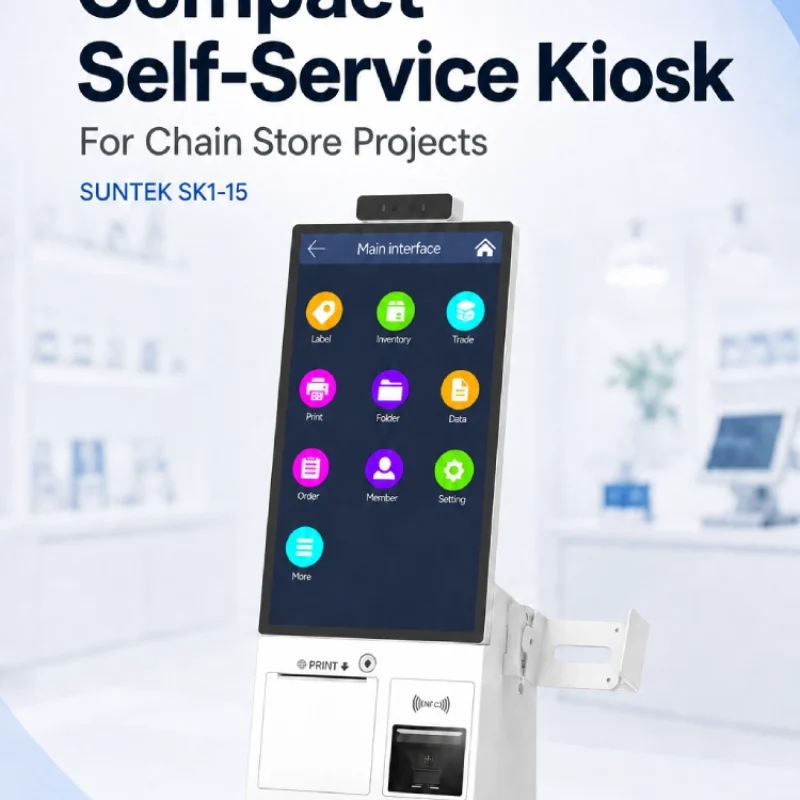
Compact Self-Service Kiosk for Chain Store Projects
SUNTEK SK1-15 is a compact self-service kiosk designed for chain store projects, solution providers, and system integrators. This article explains how SK1-15 supports POS holder installation, SoftPOS-ready NFC configurations, QR code scanning, magnetic stripe card reader options, face camera support, and external fingerprint module integration for front-counter service, payment, identification, and multi-store rollout workflows.
-
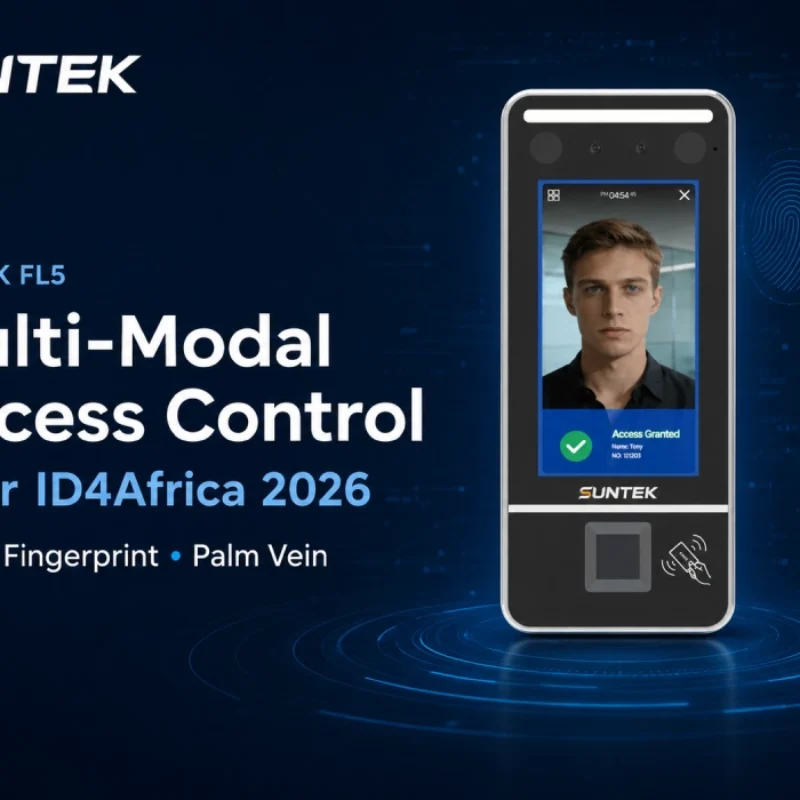
Multimodal Biometrics in Access Control After ID4Africa 2026
This article explores how ID4Africa 2026 reflects the growing importance of multimodal biometrics in access control. It explains why face recognition, fingerprint verification, and palm vein recognition are becoming more relevant for offices, hospitals, schools, government buildings, and secure indoor areas, with SUNTEK FL5 as a hardware example.
-

What NRA Show 2026 Reveals About Restaurant Technology Trends
As NRA Show 2026 opens in Chicago, restaurant operators are paying closer attention to practical technology that improves ordering, payment, kitchen workflows and device management. From SUNTEK’s hardware manufacturer perspective, the key trend is clear: restaurant digitalization is moving from isolated software tools to connected hardware systems, including POS terminals, self-service kiosks, cloud printers, SoftPOS-ready devices and remote management platforms.
-
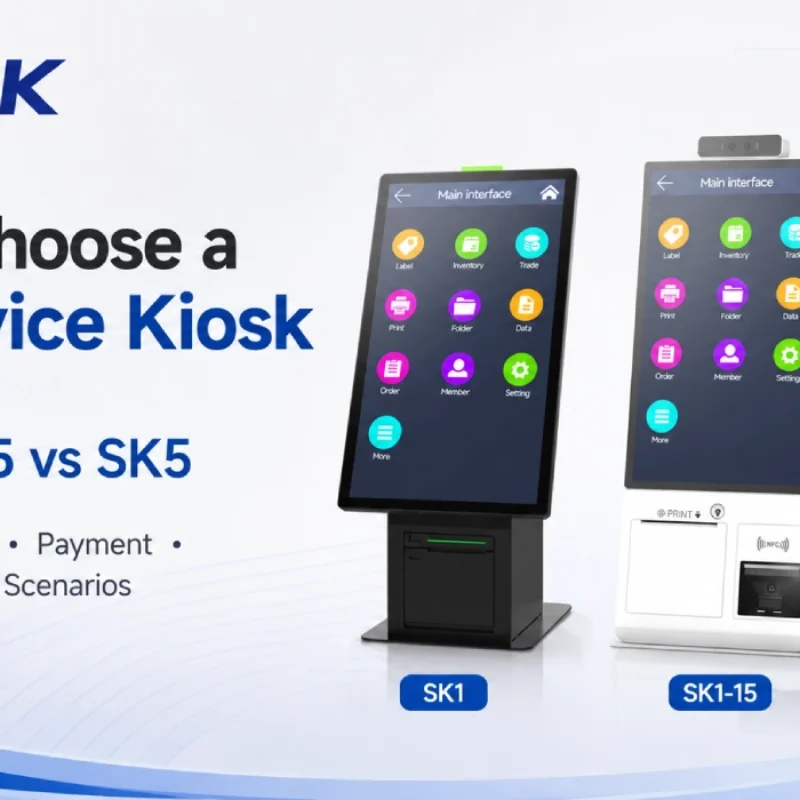
How to Choose a Self-Service Kiosk: SK1 vs SK1-15 vs SK5
Compare SUNTEK SK1, SK1-15, and SK5 self-service kiosks by installation type, SoftPOS support, information kiosk use, payment, printing, scanning, and project scenarios.