
The Ultimate Guide to Mini Self-Service Kiosks: Why ISVs Choose SUNTEK SK1-15
【Introduction 】
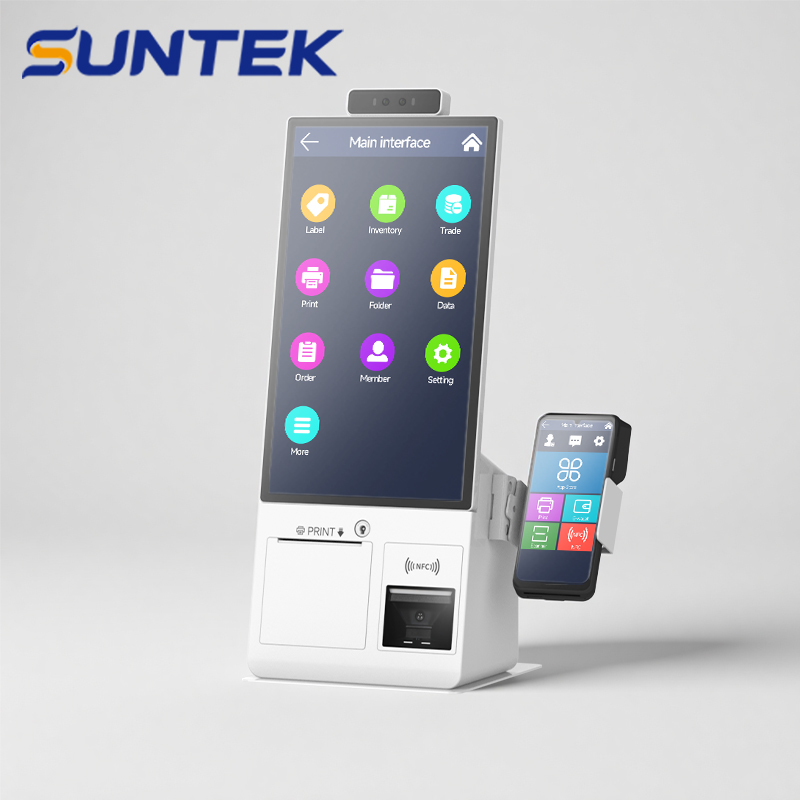
1. Break the Android-Only Barrier: True Windows & Android Options
2. “Bring Your Own Payment”: The Dedicated Terminal Holder
3. Modular Design & Uncompromising Connectivity
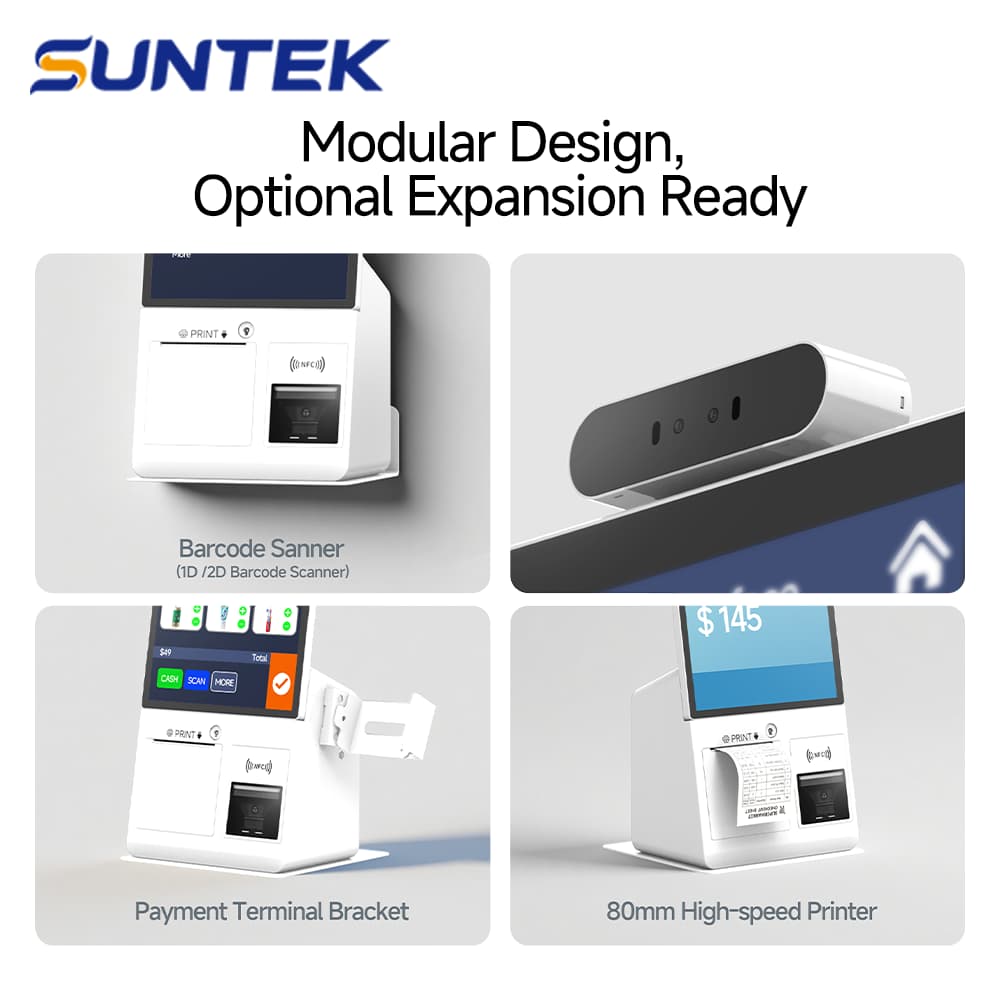
“Space-saving doesn’t have to mean compromising on computing power or payment flexibility. We designed the SK1-15 to be the ultimate chameleon—capable of running a Windows-based self-ticketing app in a cinema, or an Android self-ordering menu in a crowded fast-food chain, all while seamlessly holding the client’s preferred banking terminal.”—Colin Product Director at SUNTEK
4. Flexible Deployment, Your Space Your Way
The 𝗦𝗨𝗡𝗧𝗘𝗞 𝗦𝗞𝟭-𝟭𝟱 mini self-service kiosk breaks environmental constraints to fit seamlessly into any business space. To ensure perfect adaptability, it offers 𝘁𝗵𝗿𝗲𝗲 𝗳𝗹𝗲𝘅𝗶𝗯𝗹𝗲 𝗶𝗻𝘀𝘁𝗮𝗹𝗹𝗮𝘁𝗶𝗼𝗻 𝗺𝗼𝗱𝗲𝘀:
🖥️ 𝗗𝗲𝘀𝗸𝘁𝗼𝗽: Compact integration perfectly suited for reception and checkout counters.
🧱 𝗪𝗮𝗹𝗹-𝗺𝗼𝘂𝗻𝘁𝗲𝗱: Maximum space-saving design for high-traffic corridors and halls.
🏢 𝗙𝗹𝗼𝗼𝗿-𝘀𝘁𝗮𝗻𝗱𝗶𝗻𝗴: An independent interaction hub for open lobby environments.
Thanks to this unparalleled versatility, the 𝗦𝗞𝟭-𝟭𝟱 empowers digital transformation and drives immense value across diverse scenarios:
• 𝗦𝗺𝗮𝗿𝘁 𝗗𝗶𝗻𝗶𝗻𝗴: Enables quick self-ordering and instant receipt printing to optimize peak-hour kitchen workflows and reduce wait times.
• 𝗛𝗼𝘁𝗲𝗹 𝗖𝗵𝗲𝗰𝗸-𝗶𝗻: Automates guest registration, ID scanning, and room voucher printing for a frictionless, premium stay experience.
• 𝗚𝗼𝘃𝗲𝗿𝗻𝗺𝗲𝗻𝘁 & 𝗛𝗲𝗮𝗹𝘁𝗵𝗰𝗮𝗿𝗲: Streamlines secure identity verification, self-service document printing, and appointment check-ins to relieve the pressure on manual service windows.
• 𝗖𝗶𝗻𝗲𝗺𝗮𝘀 & 𝗘𝗻𝘁𝗲𝗿𝘁𝗮𝗶𝗻𝗺𝗲𝗻𝘁: Manages ticket collection and snack ordering seamlessly, minimizing lobby congestion and elevating the visitor experience.
Upgrade your business operations with smart, adaptable self-service technology.
【Conclusion】
相关新闻
-
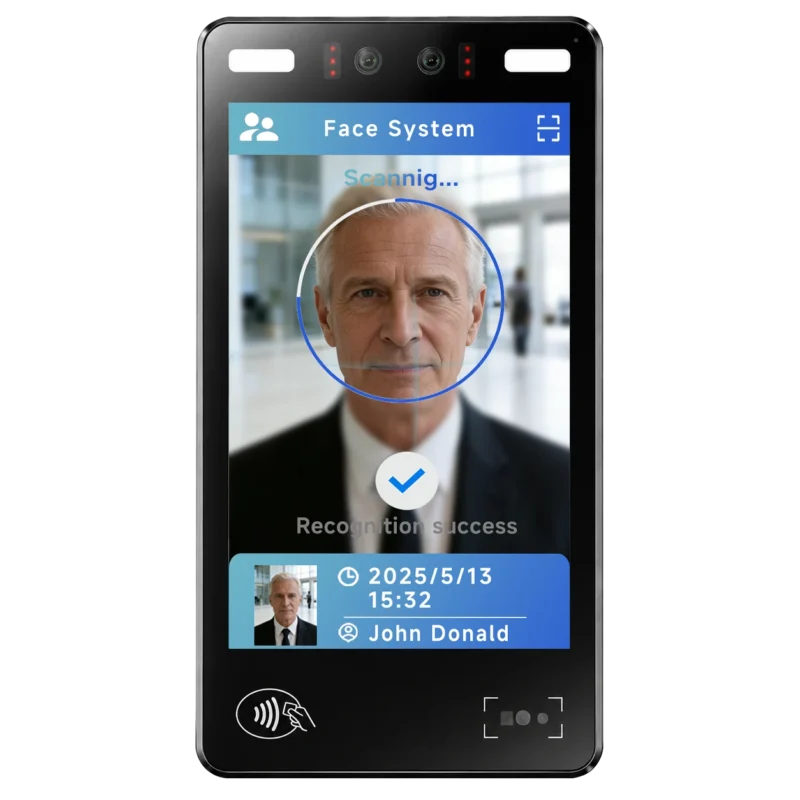
FA10 10.1-Inch AI Facial Recognition Terminal for Smart Access
SUNTEK FA10 10.1-inch AI facial recognition terminal is designed for smart access control, visitor management, attendance, and self-service applicatio…
-
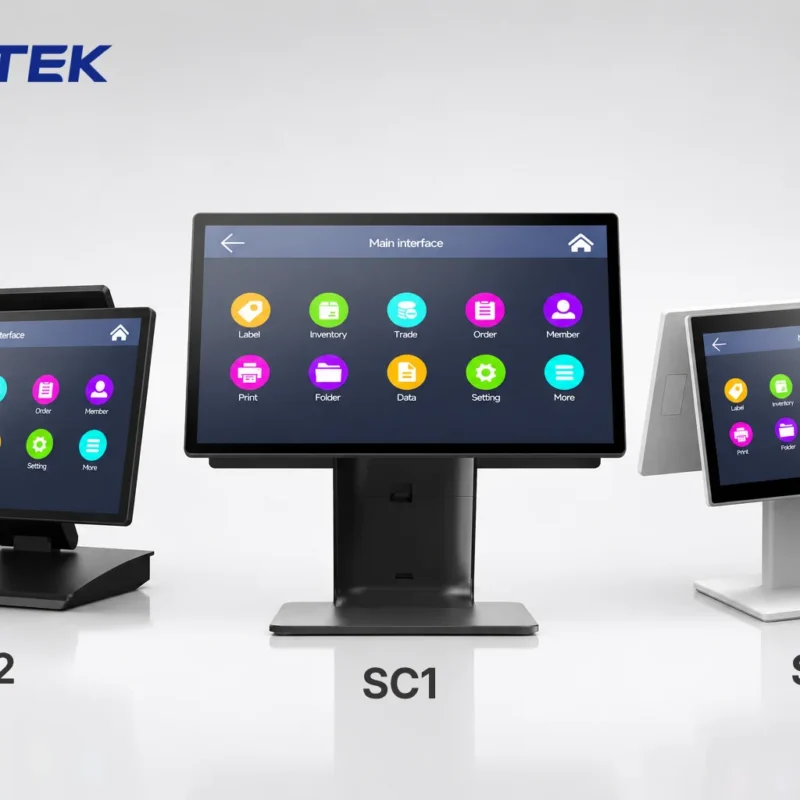
How to Choose the Right POS Terminal: SC1 vs SC2 vs SC6
Selecting the right POS terminal depends on your software requirements, hardware expectations and deployment environment. This guide compares SUNTEK S…
-
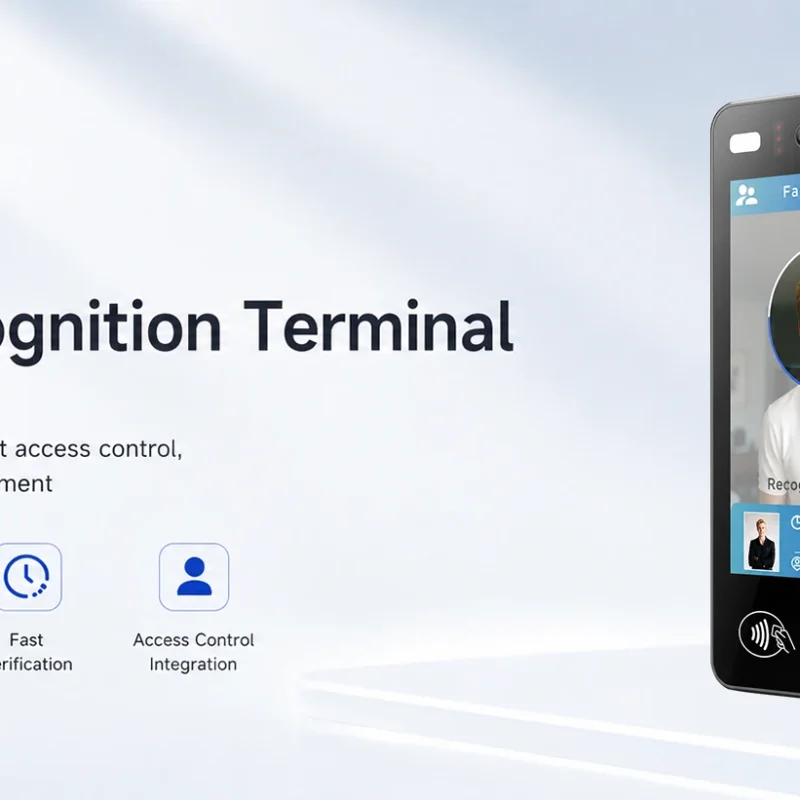
Updated FA8 Facial Recognition Terminal
SUNTEK has updated the FA8 8-inch Android facial recognition terminal with a more refined exterior design, a revised interface configuration, and stro…
-
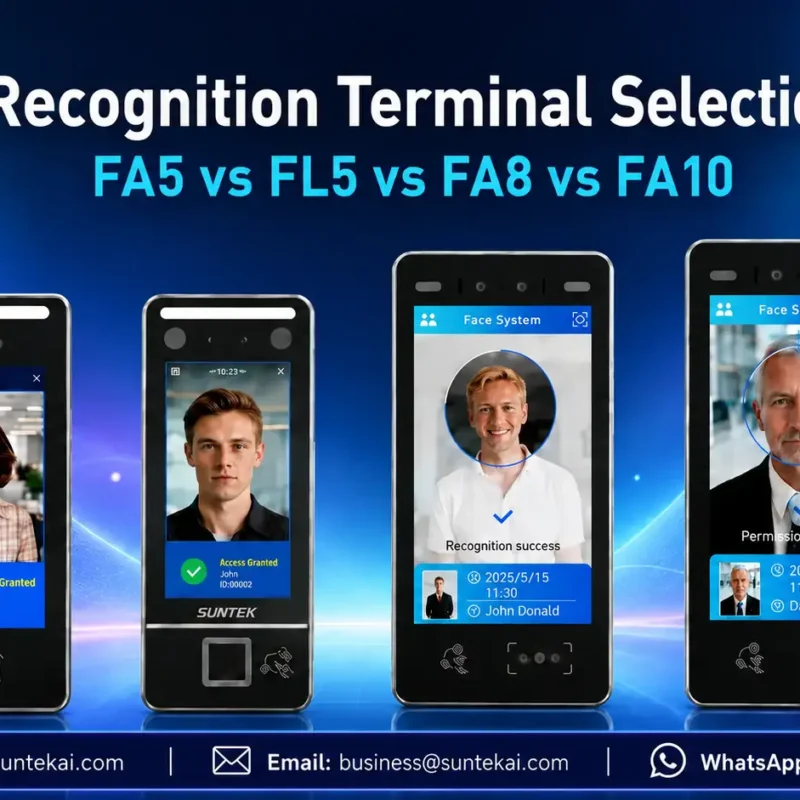
Facial Recognition Terminal Selection Guide: FA5 vs FL5 vs FA8 vs FA10
This guide compares SUNTEK FA5, FL5, FA8, and FA10 to help you choose the right facial recognition terminal for your project. Which SUNTEK Facial Reco…
-
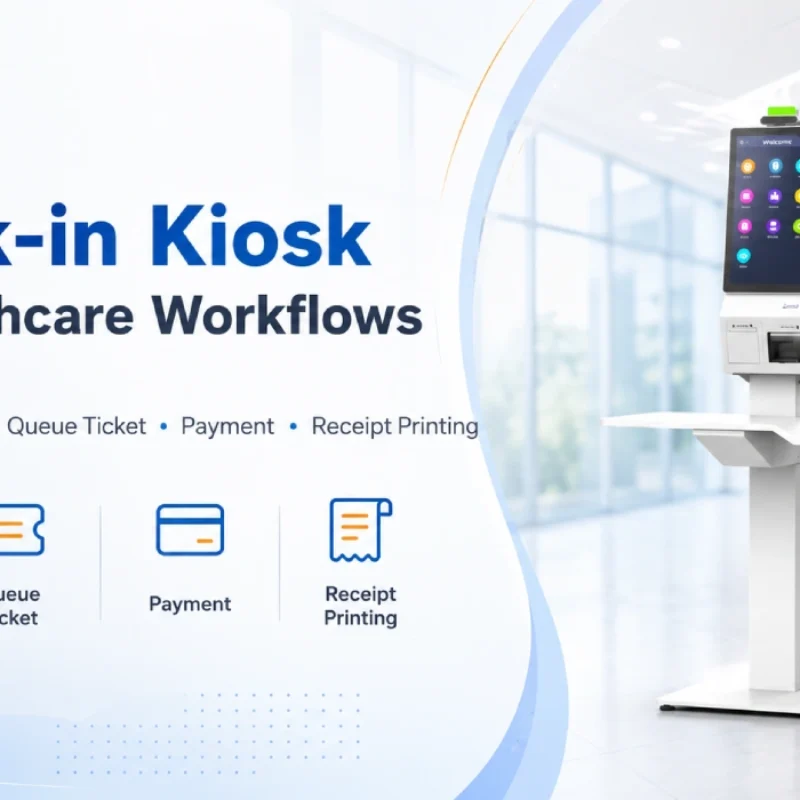
Check-In Kiosk Hardware for Healthcare Self-Service
A check-in kiosk helps healthcare facilities move repetitive front-desk tasks into a guided self-service registration workflow. This article explains how check-in kiosks support appointment confirmation, information entry, queue ticket printing, payment, receipt printing, and optional verification, while also outlining key hardware modules and deployment considerations for hospitals, clinics, and outpatient care centers.
-
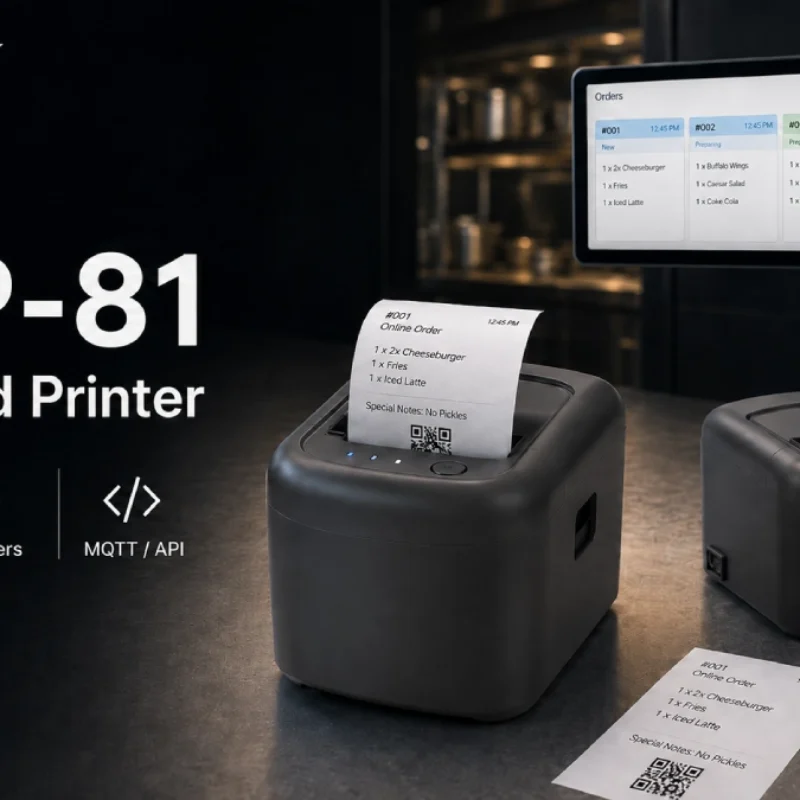
Cloud Printer for Online Food Orders: How Restaurants Keep Delivery Orders Moving
Online food orders are changing how restaurants manage kitchen, packing, and delivery workflows. This article explains how cloud printers and KDS hardware help restaurants print order tickets, improve kitchen visibility, reduce missed orders, and build a more reliable online food order workflow.
-
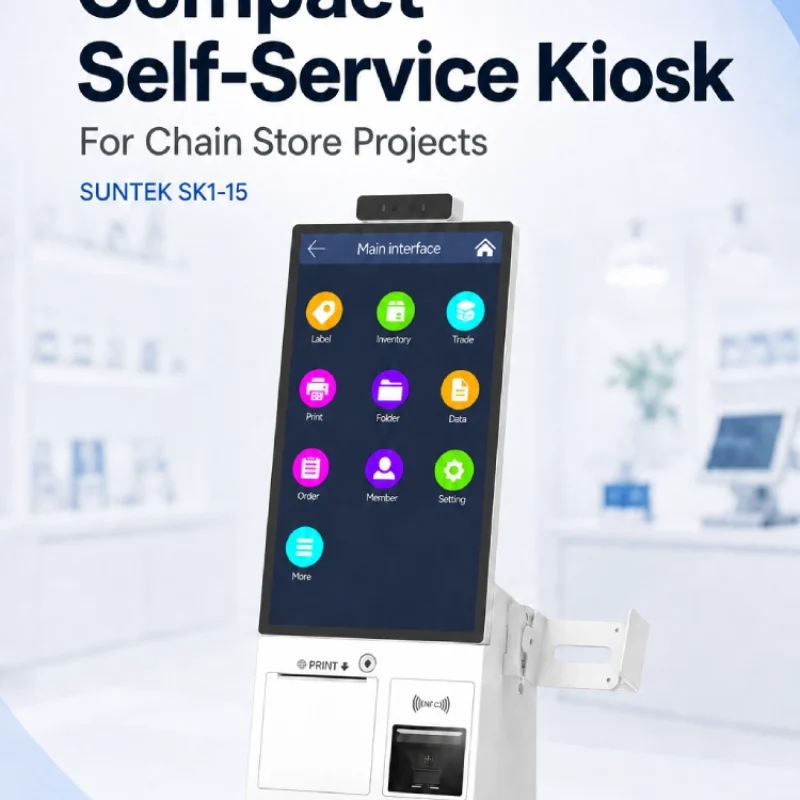
Compact Self-Service Kiosk for Chain Store Projects
SUNTEK SK1-15 is a compact self-service kiosk designed for chain store projects, solution providers, and system integrators. This article explains how SK1-15 supports POS holder installation, SoftPOS-ready NFC configurations, QR code scanning, magnetic stripe card reader options, face camera support, and external fingerprint module integration for front-counter service, payment, identification, and multi-store rollout workflows.
-
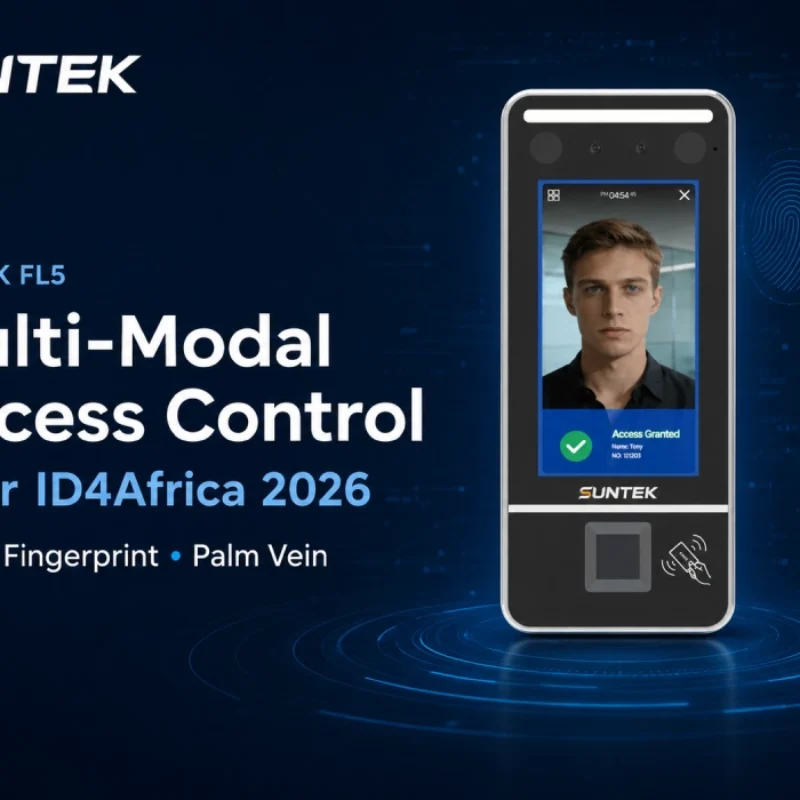
Multimodal Biometrics in Access Control After ID4Africa 2026
This article explores how ID4Africa 2026 reflects the growing importance of multimodal biometrics in access control. It explains why face recognition, fingerprint verification, and palm vein recognition are becoming more relevant for offices, hospitals, schools, government buildings, and secure indoor areas, with SUNTEK FL5 as a hardware example.
-

What NRA Show 2026 Reveals About Restaurant Technology Trends
As NRA Show 2026 opens in Chicago, restaurant operators are paying closer attention to practical technology that improves ordering, payment, kitchen workflows and device management. From SUNTEK’s hardware manufacturer perspective, the key trend is clear: restaurant digitalization is moving from isolated software tools to connected hardware systems, including POS terminals, self-service kiosks, cloud printers, SoftPOS-ready devices and remote management platforms.
-
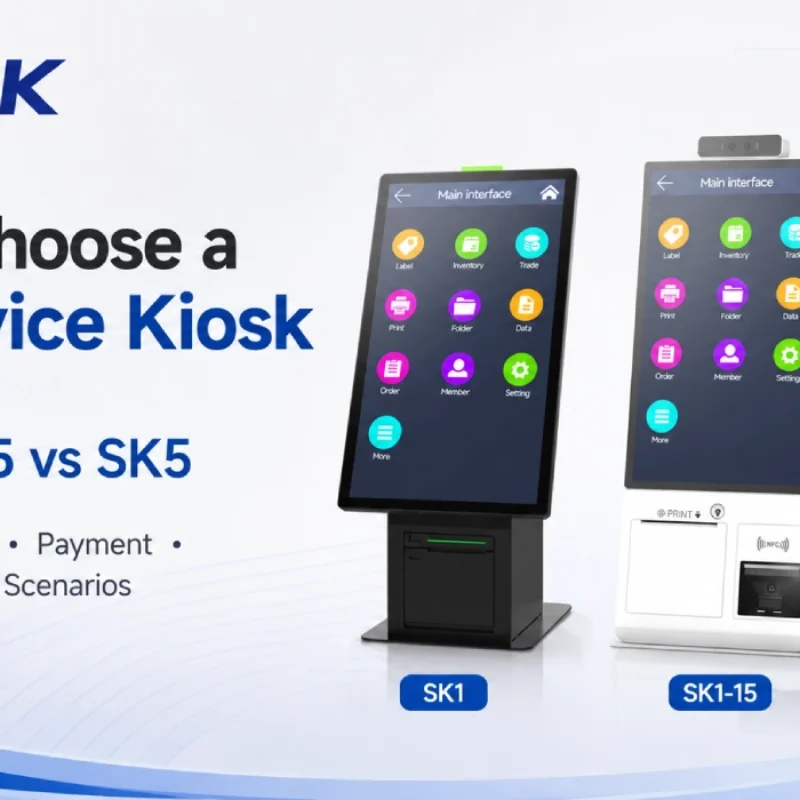
How to Choose a Self-Service Kiosk: SK1 vs SK1-15 vs SK5
Compare SUNTEK SK1, SK1-15, and SK5 self-service kiosks by installation type, SoftPOS support, information kiosk use, payment, printing, scanning, and project scenarios.