
AI Self-Service Kiosks in 2026: How Intelligent Hardware Is Reshaping Retail, QSR & Healthcare
Bottom line up front: The self-service kiosk is no longer just a touchscreen on a stand. By 2026, AI self-service kiosks are delivering more personalized recommendations, supporting multi-modal inputs such as voice, face, QR, and NFC, and enabling more local processing without full cloud dependency. As deployment demand continues to grow, operators are placing greater emphasis on hardware capability, integration flexibility, and long-term operating efficiency.
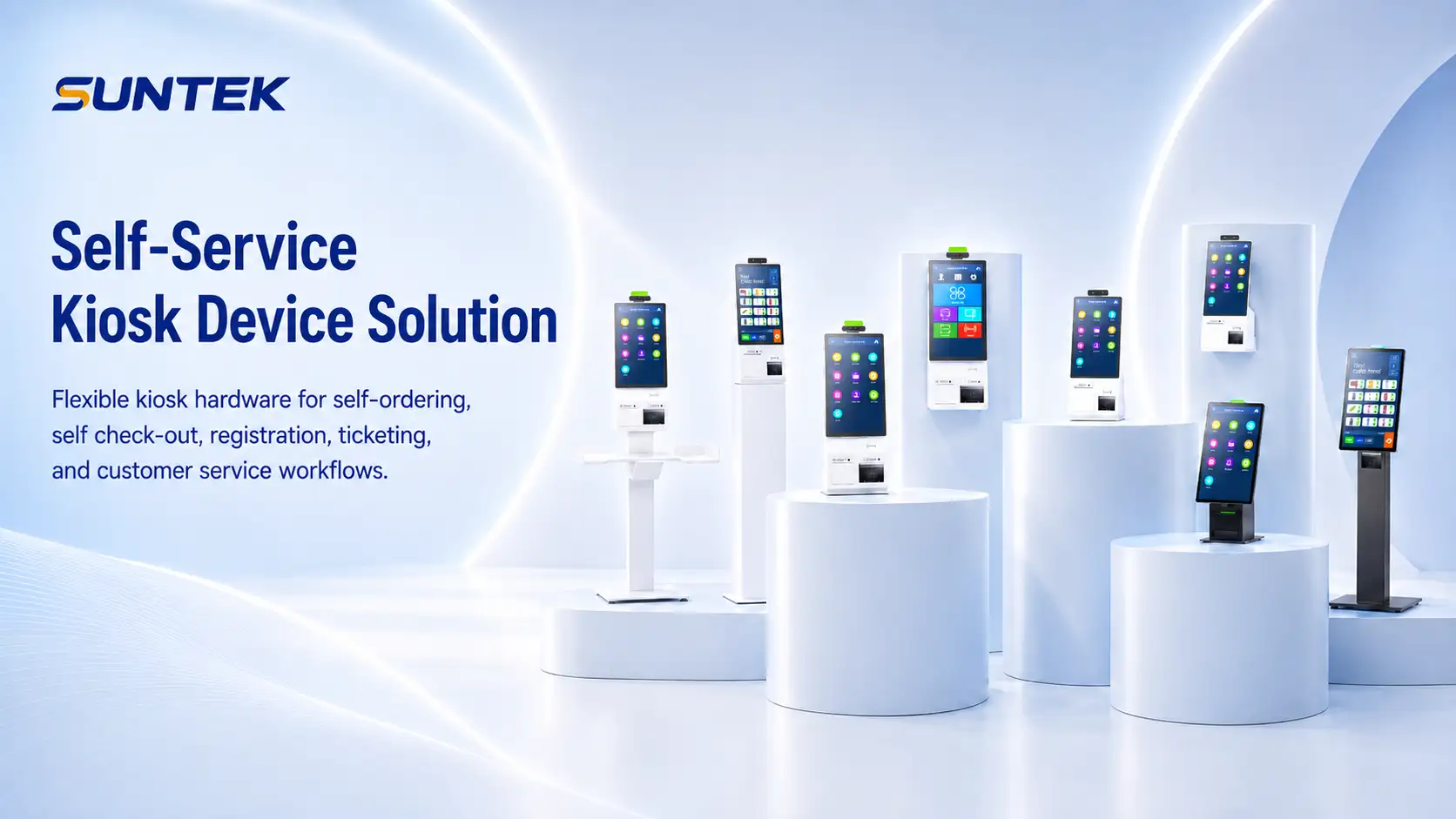
Table of Contents
- The Rise of the Intelligent Self-Service Kiosk Interface
- Key Industries Driving Kiosk Demand in 2026
- What to Look for in Kiosk Hardware Specs
- Data Privacy and Ethical AI in Self-Service
- People Also Ask: Top Kiosk Questions Answered
- What is an AI-powered self-service kiosk?
- What industries use kiosks the most?
- How much does a commercial kiosk cost?
- What is the difference between a kiosk and a POS terminal?
- How do you manage kiosks remotely?
- Are self-service kiosks replacing jobs?
- How SUNTEK SK Series Kiosks Are Built for the AI Era
1. The Rise of the Intelligent Self-Service Kiosk Interface
The touchscreen kiosk is evolving. Today’s commercial kiosks are moving beyond basic interaction and becoming more capable, more responsive, and more adaptable to complex deployment needs.
Modern kiosks in 2026 are increasingly expected to support:
- Natural language interaction: Responding to voice commands across multiple languages
- Computer vision support: Recognizing products, assisting verification, and enabling face-based sign-in in appropriate scenarios
- Personalized recommendations: Combining user behavior, inventory, and business rules to surface more relevant options
- Operational intelligence: Supporting maintenance alerts, monitoring, and data-driven service optimization
“Retailers who deploy AI will be on the front edge of redefining the industry, gaining a powerful advantage over the competition.”
— Dr. Jason Corso, CSO of Voxel51, University of Michigan, via Kiosk Marketplace
This shift is not simply about adding more features. It reflects a broader hardware change, where kiosks are increasingly expected to process more data locally, operate more independently, and integrate more selectively with cloud systems.
2. Key Industries Driving Kiosk Demand in 2026
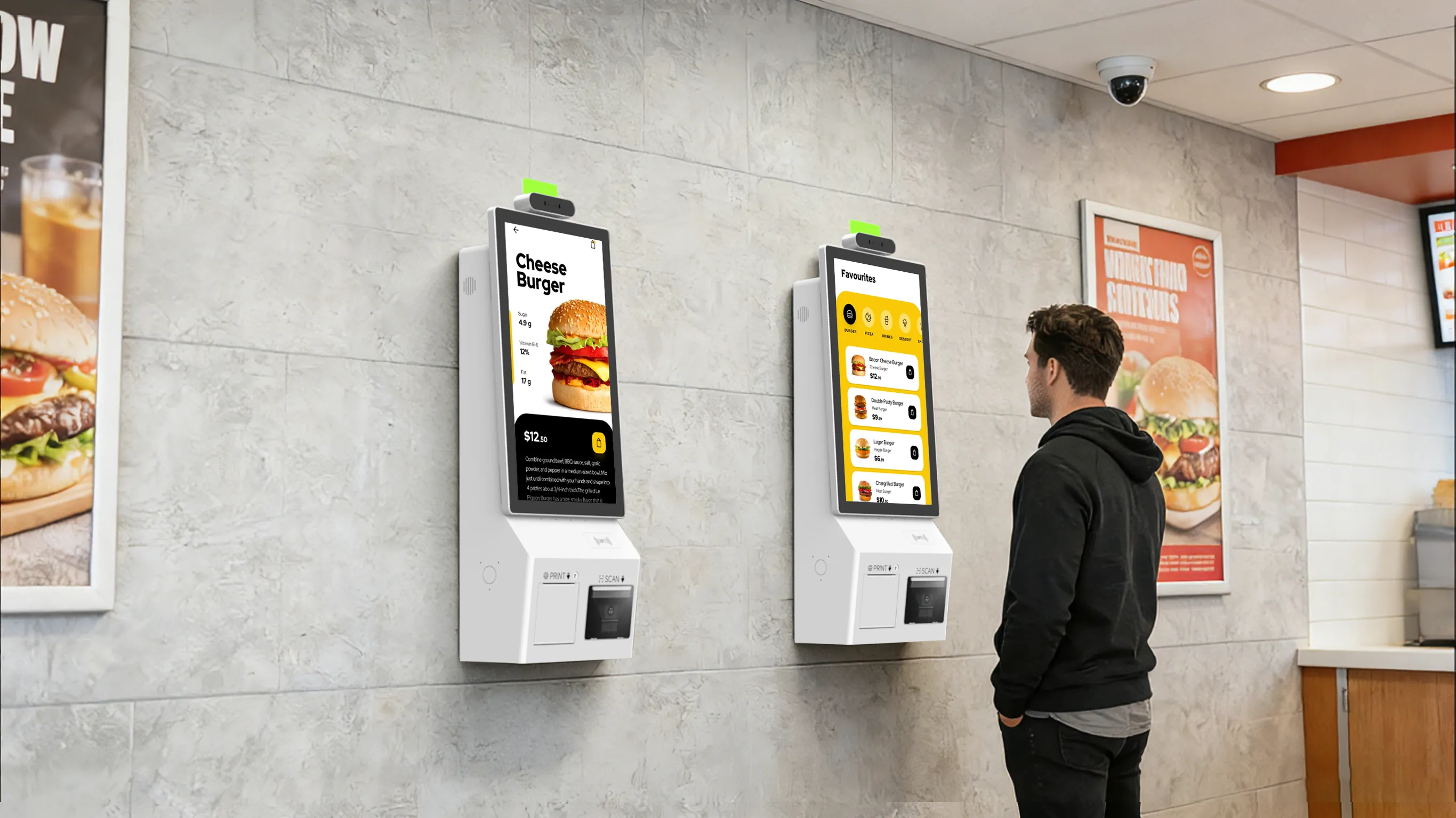
Quick Service Restaurants (QSR)
Self-ordering kiosks are now a common part of QSR operations in many markets. They help improve ordering efficiency, reduce queue pressure, and create more opportunities for upselling during the ordering process.
Retail and Self-Checkout
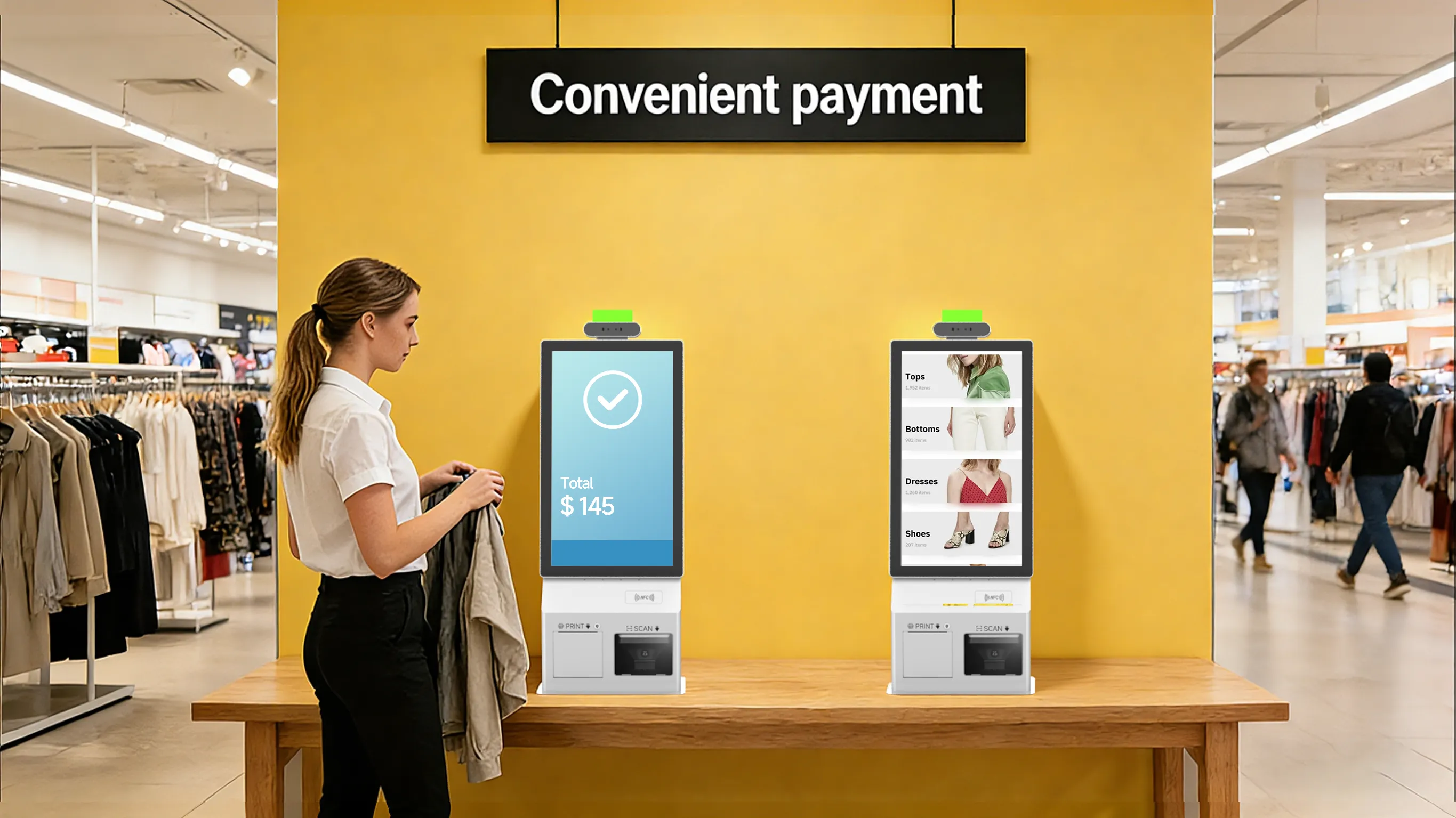
AI-powered self-checkout and product discovery kiosks help reduce checkout queues while giving operators more visibility into customer behavior. In retail, hardware reliability, peripheral integration, and remote management are becoming increasingly important for large-scale deployment.
Healthcare
Patient check-in kiosks can reduce front-desk pressure, improve data consistency, and support more efficient intake in clinics, pharmacies, and other high-volume healthcare environments.
Hospitality and Travel
Hotel self-check-in, ticketing, and wayfinding kiosks are now widely used to improve service efficiency and reduce repetitive manual tasks in guest-facing environments.
Education
Interactive learning kiosks, campus wayfinding terminals, and student service stations are becoming more common across universities, colleges, and vocational institutions, especially in large or multi-building campuses.
3. What to Look for in AI Self-Service Kiosk Hardware Specs
Buyers evaluating AI self-service kiosk hardware in 2026 should focus on practical deployment requirements rather than headline features alone.
- Processor: Octa-core ARM platforms can better support AI workloads and UI operation at the same time
- Operating system: Android 11 or Android 14 can offer lower deployment cost, a strong application ecosystem, and better MDM flexibility
- Display: A 15.6-inch FHD screen is a common and effective format for many commercial self-service deployments
- Connectivity: Wi-Fi 6 with optional 4G support helps maintain uptime in more varied environments
- Peripherals: NFC, QR, and barcode support help cover payment, loyalty, and verification needs
- Certifications: CE, FCC, and RoHS remain important for international deployment
- Mounting flexibility: VESA support improves adaptation across wall-mounted, countertop, and floor-standing use
- MDM support: Remote updates, monitoring, and maintenance help reduce total operating cost across larger fleets
SUNTEK SK1 and SK1-15 reflect this hardware direction. They are 15.6-inch single-screen Android kiosks built around RK3568 or RK3576 platforms, with Android 11 or Android 14, Wi-Fi 6, optional 4G, NFC, QR scanning, and CE/FCC/RoHS certification. Their single-screen structure helps keep cost per unit under control while maintaining the hardware capability needed for self-service, AI-related, and payment-focused use cases.
4. Data Privacy and Ethical AI in Self-Service
As AI capability expands, privacy and compliance requirements become more important. Kiosk operators increasingly need to consider:
- GDPR and regional biometric rules: Facial and personal data may be subject to stricter requirements in certain markets
- On-device versus cloud processing: Local processing can reduce latency and help limit unnecessary external data transfer
- Transparency: Users increasingly expect to understand when AI is active and what data is being used
- Consent and opt-in mechanisms: Personalization and biometric features require clearer consent design in many scenarios
Hardware that supports more local processing can provide a more practical path for operators that need stronger control over data flow and system responsiveness.
5. People Also Ask
Q: What is an AI self-service kiosk?
An AI-powered self-service kiosk is a standalone interactive terminal that uses technologies such as computer vision, natural language processing, and machine learning to support more intelligent and more responsive self-service experiences.
Q: What industries use self-service kiosks the most?
High-volume kiosk deployment is common in QSR, retail self-checkout, healthcare check-in, hospitality, transportation, and ticketing environments.
Q: How much does a commercial self-service kiosk cost?
Commercial kiosk hardware typically ranges from $800 to $5,000 or more, depending on screen size, enclosure design, peripherals, and deployment requirements. Android-based solutions can often provide a lower total cost of ownership in larger rollouts.
Q: What is the difference between a kiosk and a POS terminal?
A POS terminal is typically designed for cashier-assisted transactions. A kiosk is designed for customer self-service, with a larger screen, more public-facing durability, and a form factor better suited to unattended use.
Q: How do you manage kiosks remotely?
Commercial kiosks typically support MDM tools for remote configuration, software updates, monitoring, and troubleshooting. Android kiosks are widely used with enterprise MDM platforms.
Q: Are self-service kiosks replacing jobs?
In many deployments, kiosks are used to reduce repetitive workload and allow staff to focus more on customer support, service quality, and higher-value tasks.
6. How SUNTEK SK Series Kiosks Are Built for the AI Era
SUNTEK (Suntek Technology Co., Ltd.) has been designing and manufacturing commercial terminal hardware since 2010, with products deployed across more than 80 countries.
The SK series is SUNTEK’s self-service kiosk line, designed around single-screen architecture for cost-sensitive and scalable commercial deployment:
- SK1: 15.6-inch FHD single-screen kiosk, RK3568 quad-core or RK3576 octa-core, Android 11/14, Wi-Fi 6, optional 4G, NFC and QR scanner support, CE/FCC/RoHS
- SK1-15: 15.6-inch FHD single-screen kiosk, compact form factor, Android 14, Wi-Fi and 4G support, NFC and QR support, CE/FCC/RoHS, suitable for counter and wall-mounted deployment
- SK5: 21.5-inch or 15.6-inch options, floor-standing enclosure, suitable for higher-traffic retail and hospitality environments
All SK models support:
- Optional peripherals such as receipt printer, MSR card reader, fingerprint reader, and barcode scanner
- VESA 75×75 mm and 100×100 mm mounting
- MDM-compatible Android OS for remote fleet management
- On-device AI-related processing capability for core local functions
Explore SUNTEK kiosk solutions
Contact SUNTEK at [email protected]
SUNTEK (Suntek Technology Co., Ltd.) is a manufacturer of commercial terminal devices, with product lines covering Desktop POS, Self-Service Kiosks, Mobile POS, Face Recognition Terminals, and Edge AI Box products.
相关新闻
-
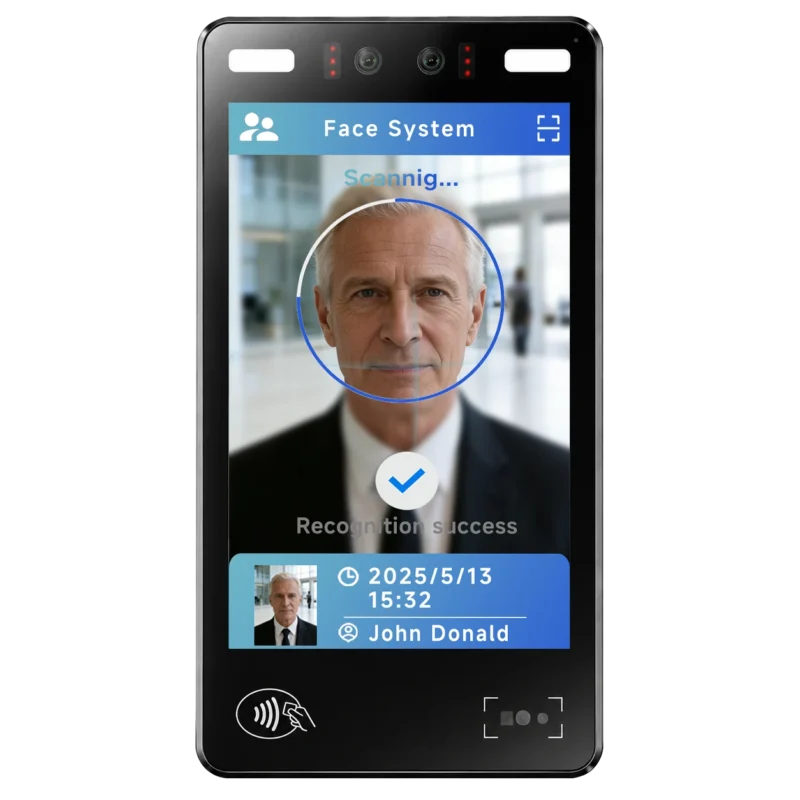
FA10 10.1-Inch AI Facial Recognition Terminal for Smart Access
SUNTEK FA10 10.1-inch AI facial recognition terminal is designed for smart access control, visitor management, attendance, and self-service applicatio…
-
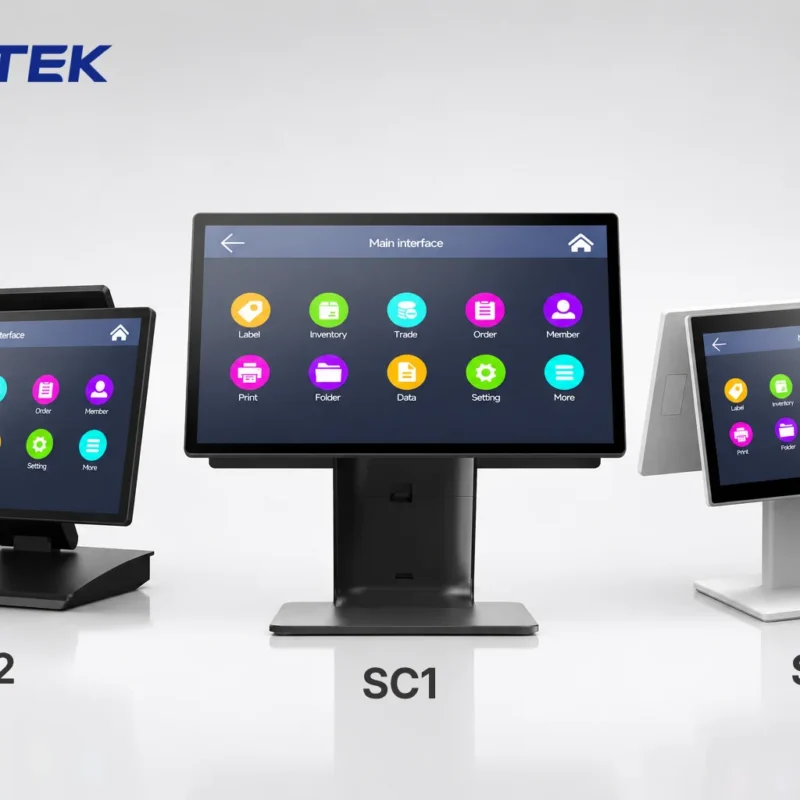
How to Choose the Right POS Terminal: SC1 vs SC2 vs SC6
Selecting the right POS terminal depends on your software requirements, hardware expectations and deployment environment. This guide compares SUNTEK S…
-
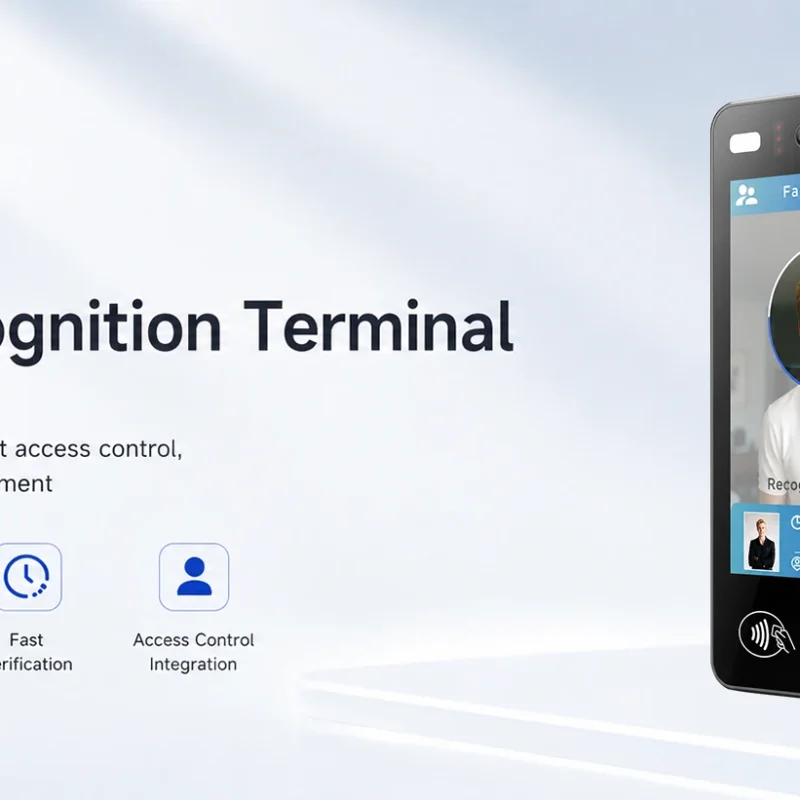
Updated FA8 Facial Recognition Terminal
SUNTEK has updated the FA8 8-inch Android facial recognition terminal with a more refined exterior design, a revised interface configuration, and stro…
-
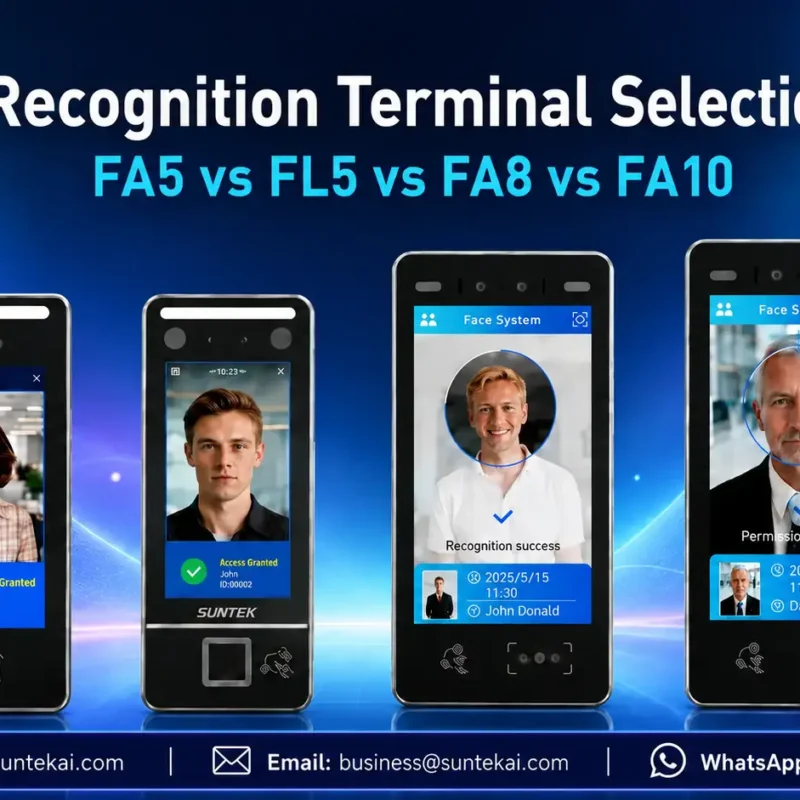
Facial Recognition Terminal Selection Guide: FA5 vs FL5 vs FA8 vs FA10
This guide compares SUNTEK FA5, FL5, FA8, and FA10 to help you choose the right facial recognition terminal for your project. Which SUNTEK Facial Reco…
-
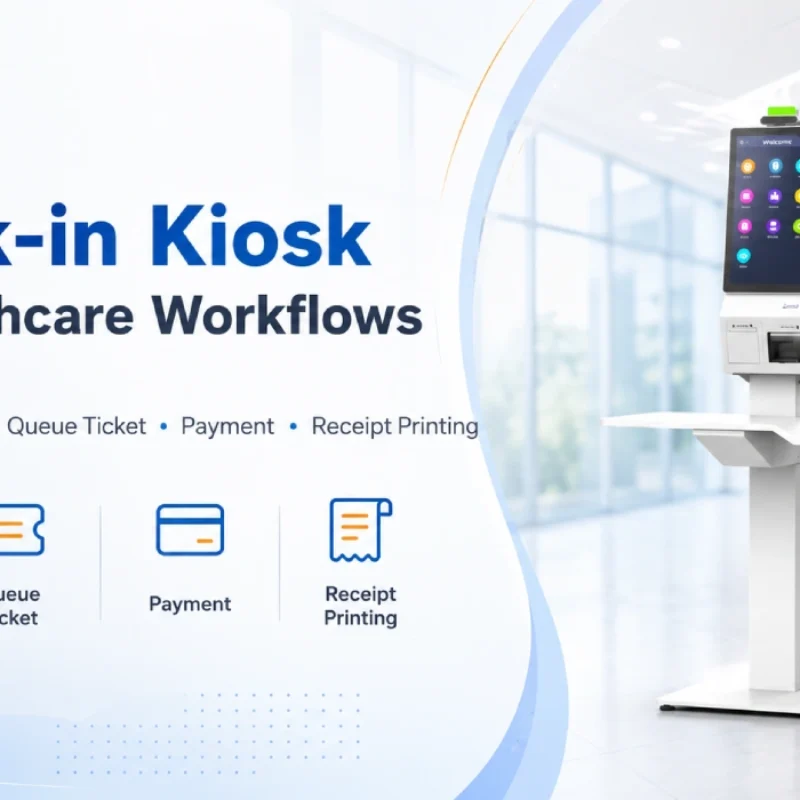
Check-In Kiosk Hardware for Healthcare Self-Service
A check-in kiosk helps healthcare facilities move repetitive front-desk tasks into a guided self-service registration workflow. This article explains how check-in kiosks support appointment confirmation, information entry, queue ticket printing, payment, receipt printing, and optional verification, while also outlining key hardware modules and deployment considerations for hospitals, clinics, and outpatient care centers.
-
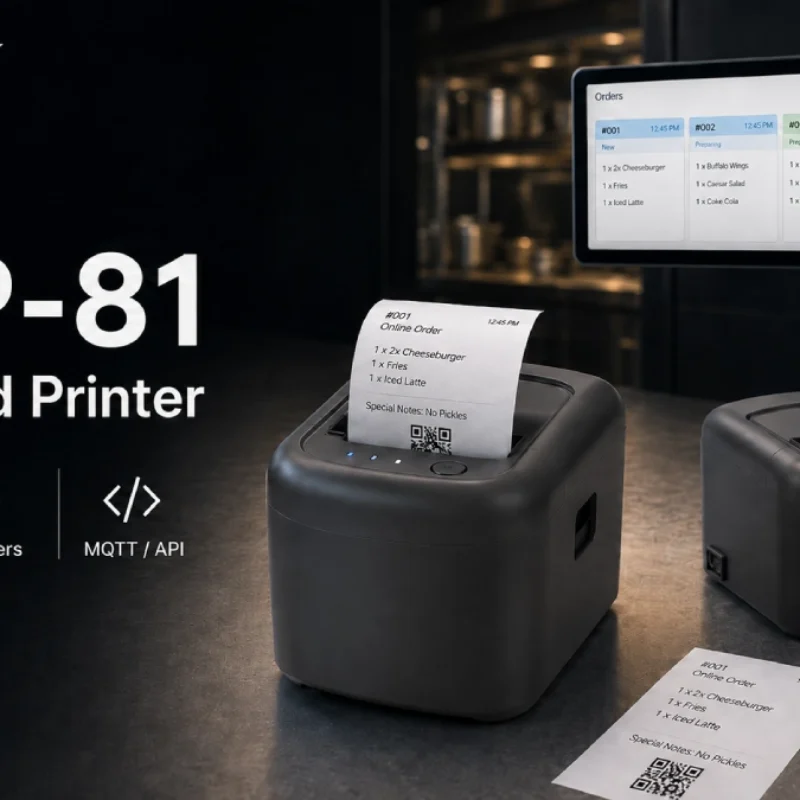
Cloud Printer for Online Food Orders: How Restaurants Keep Delivery Orders Moving
Online food orders are changing how restaurants manage kitchen, packing, and delivery workflows. This article explains how cloud printers and KDS hardware help restaurants print order tickets, improve kitchen visibility, reduce missed orders, and build a more reliable online food order workflow.
-
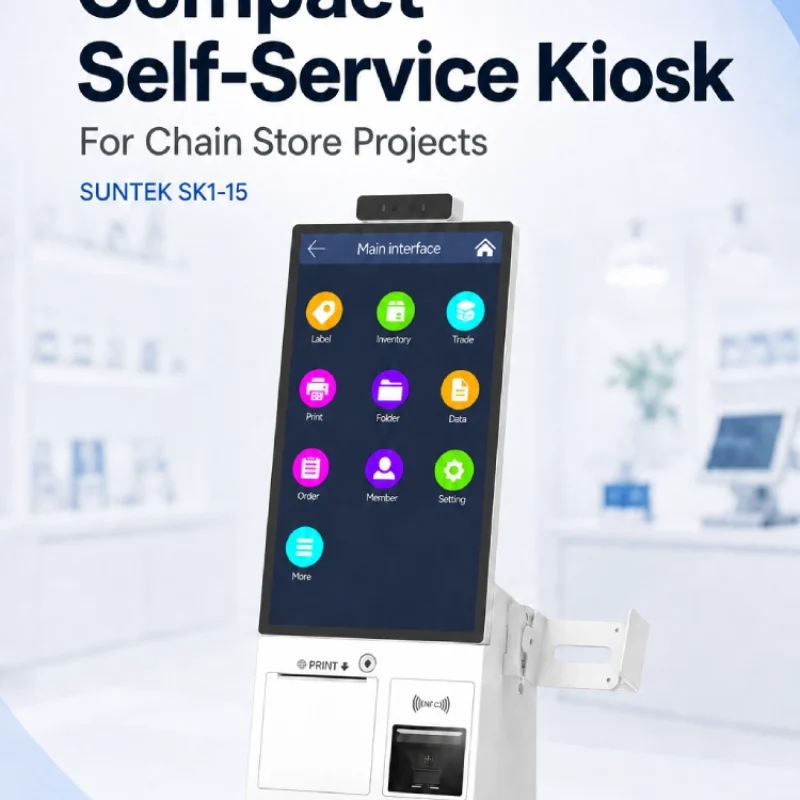
Compact Self-Service Kiosk for Chain Store Projects
SUNTEK SK1-15 is a compact self-service kiosk designed for chain store projects, solution providers, and system integrators. This article explains how SK1-15 supports POS holder installation, SoftPOS-ready NFC configurations, QR code scanning, magnetic stripe card reader options, face camera support, and external fingerprint module integration for front-counter service, payment, identification, and multi-store rollout workflows.
-
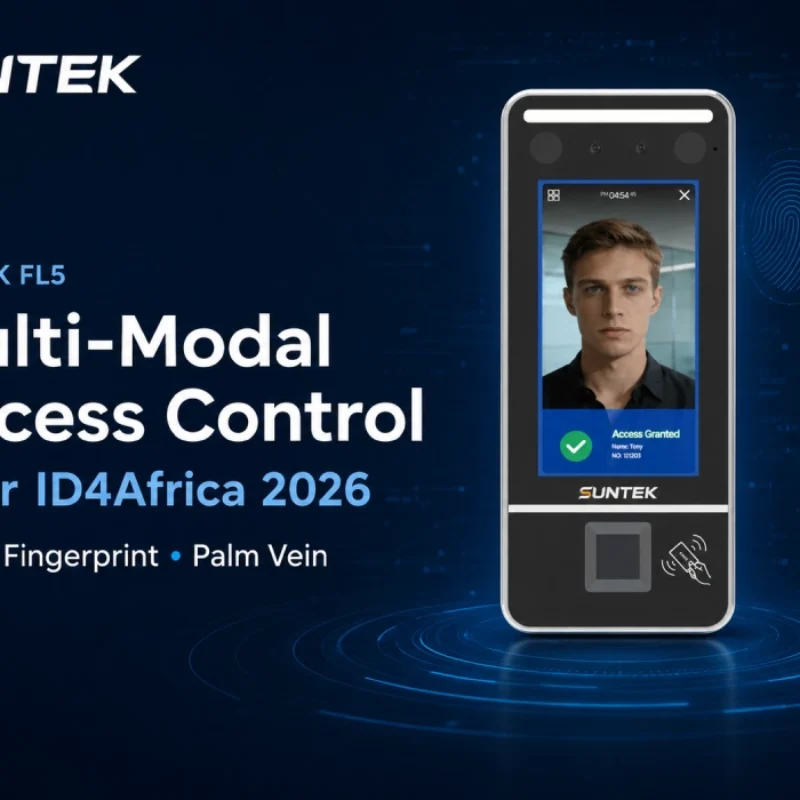
Multimodal Biometrics in Access Control After ID4Africa 2026
This article explores how ID4Africa 2026 reflects the growing importance of multimodal biometrics in access control. It explains why face recognition, fingerprint verification, and palm vein recognition are becoming more relevant for offices, hospitals, schools, government buildings, and secure indoor areas, with SUNTEK FL5 as a hardware example.
-

What NRA Show 2026 Reveals About Restaurant Technology Trends
As NRA Show 2026 opens in Chicago, restaurant operators are paying closer attention to practical technology that improves ordering, payment, kitchen workflows and device management. From SUNTEK’s hardware manufacturer perspective, the key trend is clear: restaurant digitalization is moving from isolated software tools to connected hardware systems, including POS terminals, self-service kiosks, cloud printers, SoftPOS-ready devices and remote management platforms.
-
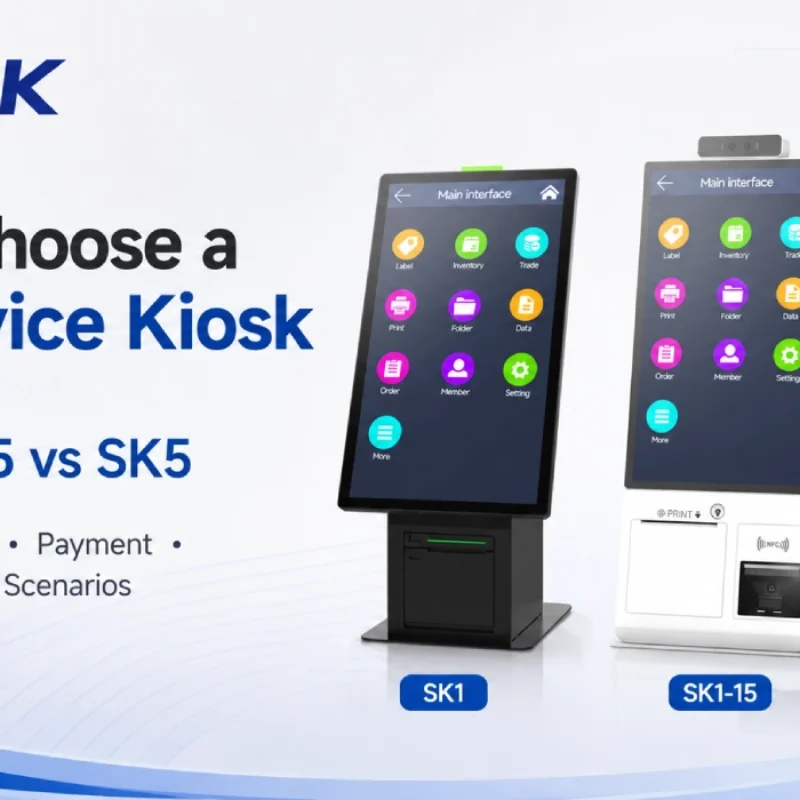
How to Choose a Self-Service Kiosk: SK1 vs SK1-15 vs SK5
Compare SUNTEK SK1, SK1-15, and SK5 self-service kiosks by installation type, SoftPOS support, information kiosk use, payment, printing, scanning, and project scenarios.