
How Does a QR Payment Device Prevent Fraud in High-Traffic Retail?
A QR payment device prevents fraud by using cloud-based verification, real-time push communication, and high-volume audio confirmation.
It does not rely on the user’s phone. It waits for a verified callback from the payment gateway.
Only confirmed transactions trigger the audio notification.
This ensures that every transaction is verified, confirmed, and clearly heard.
- Cloud verification improves transaction security
- Real-time push reduces confirmation delay
- High-volume audio prevents missed payments
- Standalone devices improve system stability
High-Traffic Retail Creates Verification Challenges
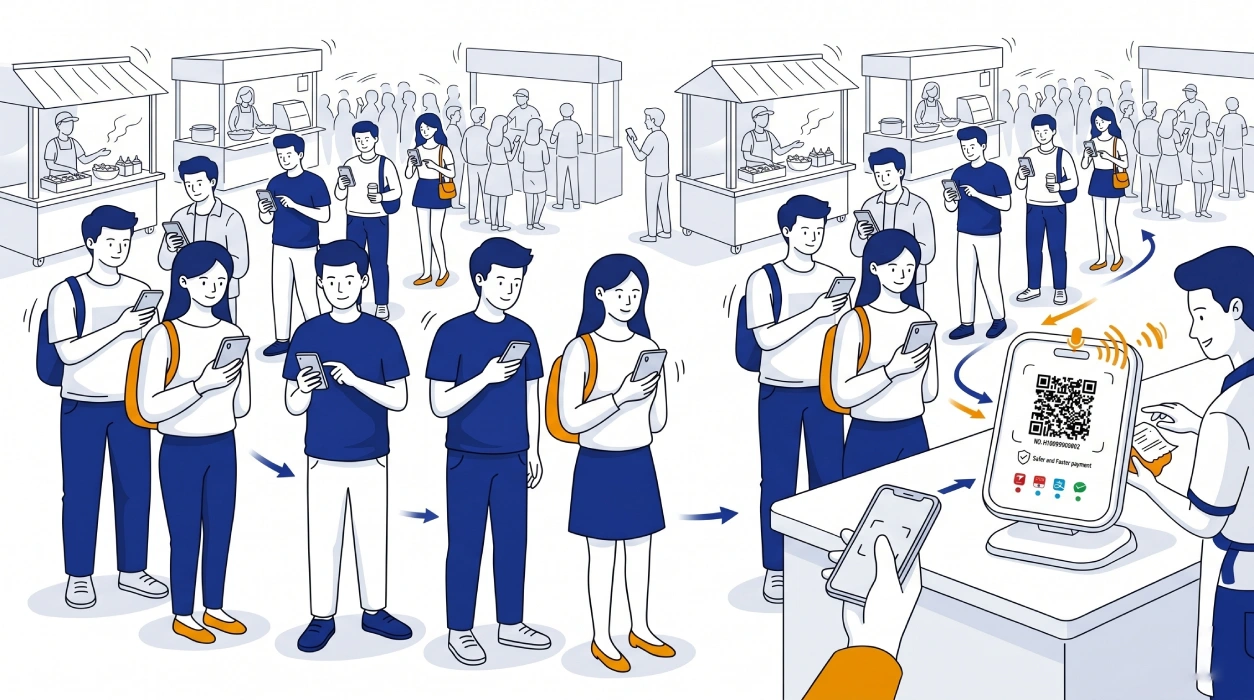
QR payments are widely used across Southeast Asia, Latin America, and South Asia. India’s UPI system, operated by India UPI payment system (NPCI), and Brazil’s PIX system from the Brazil PIX instant payment system have made real-time payments standard.
According to the World Bank financial inclusion data, digital payments continue to expand across emerging markets.
In real environments, the challenge is not payment acceptance. The challenge is confirmation.
- A single merchant may process 10–30 transactions per minute
- Multiple users scan simultaneously
- Confirmation must happen instantly
At the same time:
- Ambient noise reaches 85dB–95dB
- Merchants cannot verify each payment manually
- Network conditions may fluctuate
Definition: The higher the transaction density, the more critical automated confirmation becomes.
How QR Payment Verification Works
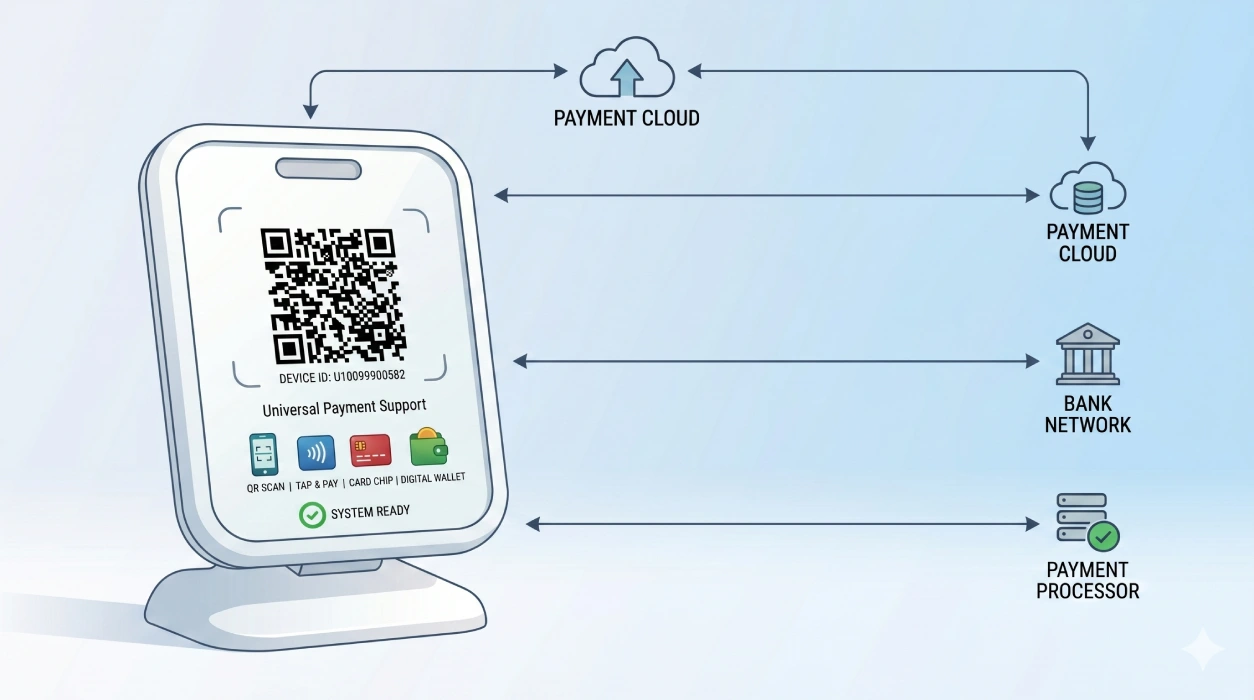
A reliable QR payment system depends on cloud-based confirmation.
Process:
User → Payment Gateway → Cloud Server → Device → Audio Confirmation
The device does not trust the user’s screen. It only reacts to backend confirmation.
QR Payment Device Performance Across Different Scenarios
Different environments create different requirements for payment confirmation systems.
Street Markets and Outdoor Stalls
Noise levels are high and network conditions are unstable.
Devices must provide strong audio output and reliable connectivity.
Food Courts and High-Traffic Dining Areas
Transaction frequency increases significantly during peak hours.
Fast confirmation is required to maintain checkout flow.
Transit and Temporary Retail Points
Infrastructure is limited and setups are temporary.
Devices must operate independently without relying on external systems.
Definition: Different environments require different performance priorities, but all depend on real-time verification.
Real-World Operational Challenges
In peak hours, transactions move quickly.
- Customer scans
- Shows payment screen
- Next customer steps in
This process usually takes 3–5 seconds.
If confirmation takes longer than 2 seconds, the merchant must rely on judgment, increasing the risk of payment fraud.
Definition: When system latency exceeds operational speed, human judgment replaces verification.
Technical Factors That Determine Reliability
1. Acoustic Engineering
Ambient noise ranges between 85–95dB.
Standard devices output around 80dB, which is not sufficient.
- 105dB audio output
- Frequency tuning (2kHz–4kHz)
Definition: A device must exceed ambient noise to be perceived.
2. Communication Protocol
MQTT is a lightweight protocol standardized by OASIS MQTT standard.
- Persistent connection
- Real-time push
- Sub-second response
Real-time push communication is commonly used in IoT payment device architecture.
Definition: Confirmation must be faster than user behavior.
3. Connectivity Stability
According to the GSMA Mobile Economy Report, mobile connectivity continues to expand in emerging markets.
Devices must remain stable in weak or fluctuating network environments.
4. Power Management
Devices operate continuously throughout the day.
Efficient power management ensures long operating time.
Key Metrics for Reliable QR Payment Devices
- Transaction confirmation latency < 200ms
- Audio output ≥ 100dB
- Independent connectivity (4G / IoT)
- Cloud-based verification
Definition: These metrics define readiness for high-traffic deployment.
Why Phone-Based Solutions Fail
- Battery dependency
- Bluetooth instability
- App-level interference
These issues reduce reliability in high-frequency environments.
Operational Value in Real Deployment
- Reduce fraud risk
- Improve checkout efficiency across AI-powered POS systems
- Eliminate manual verification
- Increase merchant confidence
Hardware Perspective
Different payment environments require different device strategies.
- Dedicated QR payment devices are designed for high-frequency transactions.
For example, QR payment device (SUNTEK PV1) focuses on speed and confirmation reliability. - Hybrid payment devices support multiple payment methods.
Solutions such as cloud sound box (SUNTEK PV2) provide greater flexibility across different retail scenarios.
To understand how these devices work in real-world deployments, see this cloud sound box guide.
Definition: Dedicated devices maximize efficiency, while hybrid devices increase flexibility.
This is not about choosing a product, but understanding device roles in different environments.
How to Evaluate a QR Payment Device
- Does it rely on cloud verification?
- Is confirmation real-time?
- Is audio output sufficient?
- Is connectivity independent?
FAQ
Q1: Why not use a phone and speaker?
A: Phone-based setups are unstable and introduce delays.
Q2: How does a device prevent fake payments?
A: It only reacts to cloud-verified transaction callbacks.
Q3: Can it work in noisy environments?
A: Yes. High-volume audio ensures confirmation is clearly heard.
Q4: What is a cloud sound box?
A: It is a payment confirmation device that uses cloud-based verification and voice broadcast.
Explore SUNTEK QR Payment Solutions
Looking to deploy reliable QR payment devices?
相关新闻
-
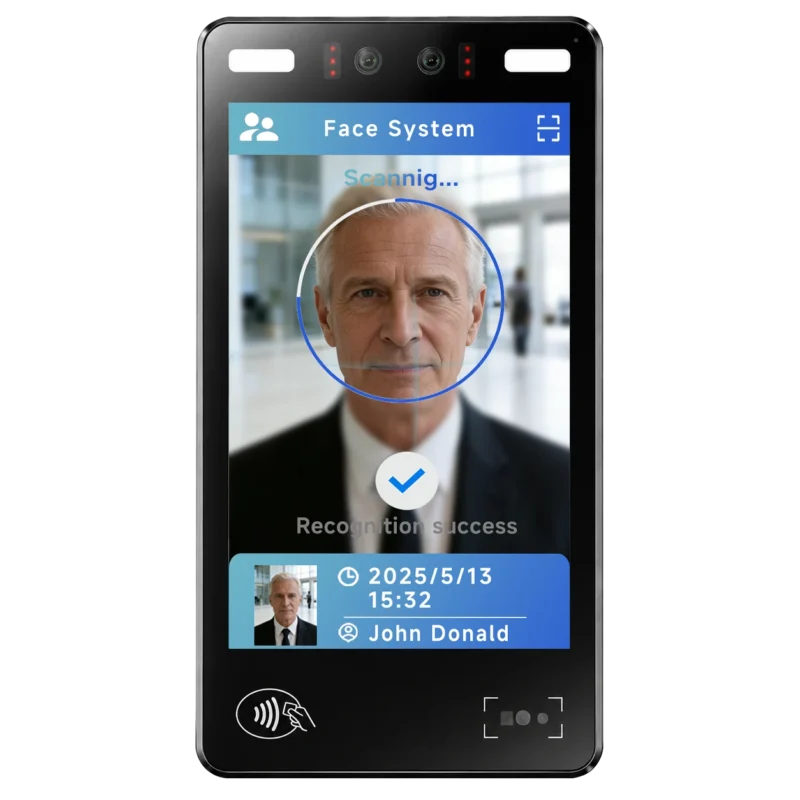
FA10 10.1-Inch AI Facial Recognition Terminal for Smart Access
SUNTEK FA10 10.1-inch AI facial recognition terminal is designed for smart access control, visitor management, attendance, and self-service applicatio…
-
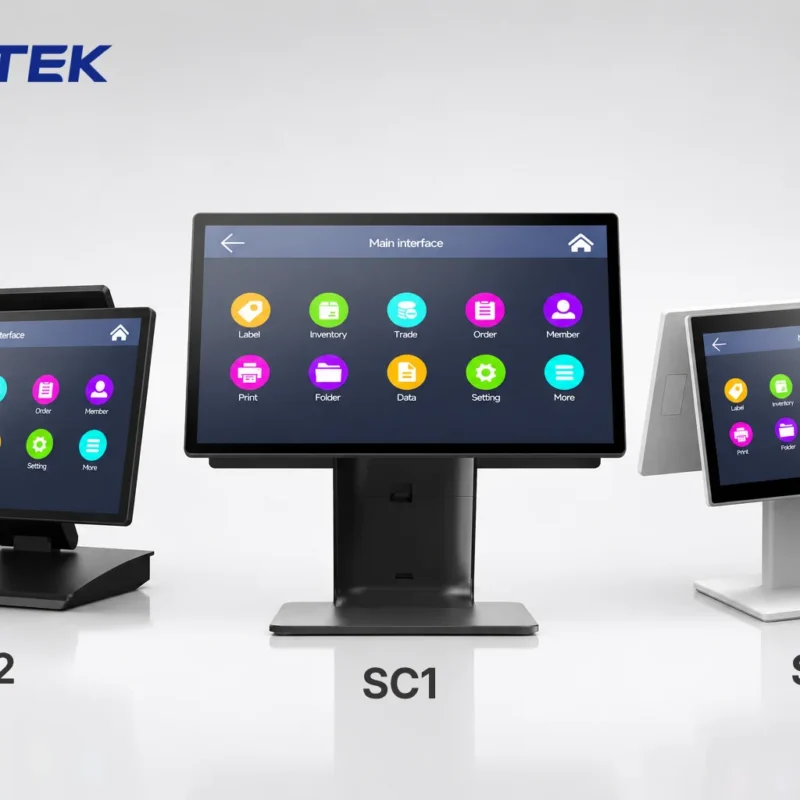
How to Choose the Right POS Terminal: SC1 vs SC2 vs SC6
Selecting the right POS terminal depends on your software requirements, hardware expectations and deployment environment. This guide compares SUNTEK S…
-
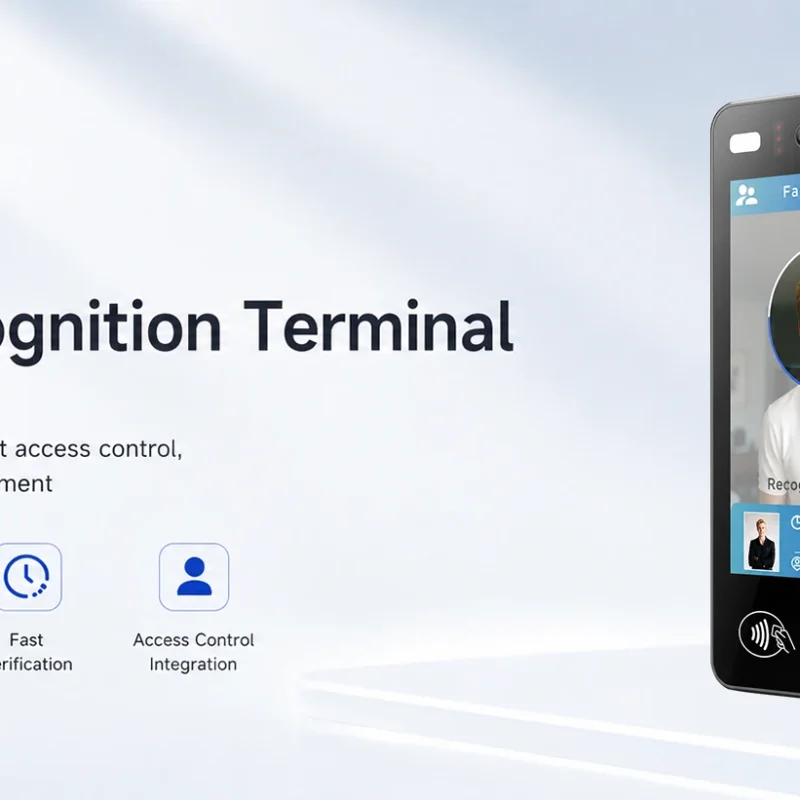
Updated FA8 Facial Recognition Terminal
SUNTEK has updated the FA8 8-inch Android facial recognition terminal with a more refined exterior design, a revised interface configuration, and stro…
-
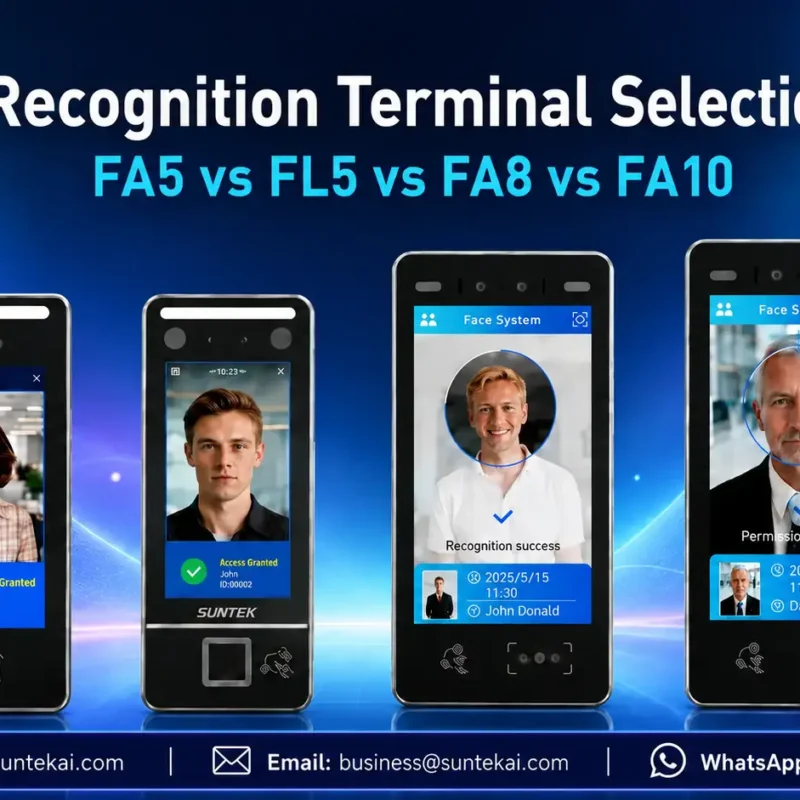
Facial Recognition Terminal Selection Guide: FA5 vs FL5 vs FA8 vs FA10
This guide compares SUNTEK FA5, FL5, FA8, and FA10 to help you choose the right facial recognition terminal for your project. Which SUNTEK Facial Reco…
-
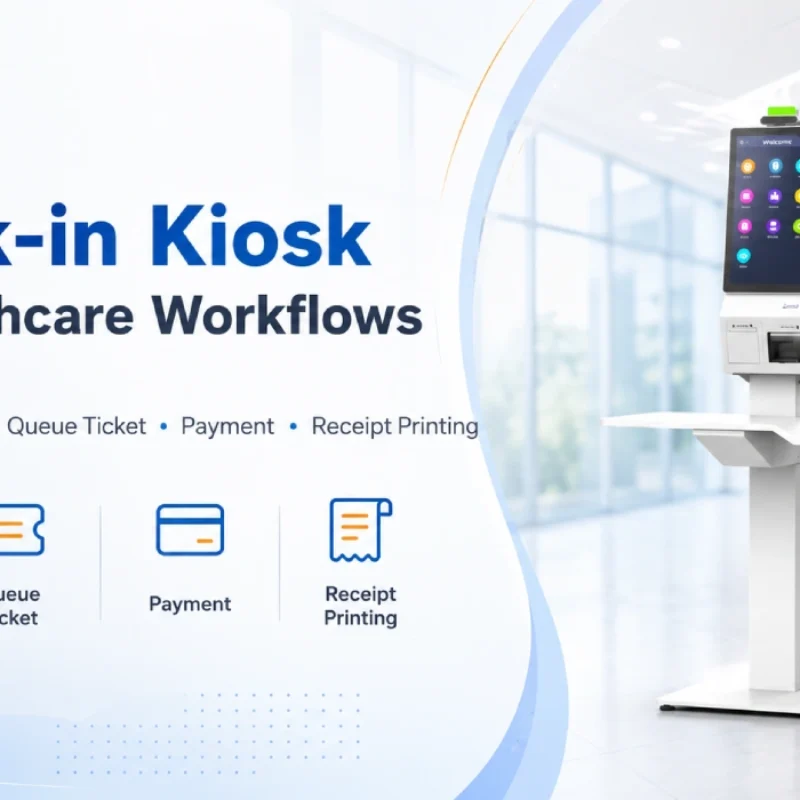
Check-In Kiosk Hardware for Healthcare Self-Service
A check-in kiosk helps healthcare facilities move repetitive front-desk tasks into a guided self-service registration workflow. This article explains how check-in kiosks support appointment confirmation, information entry, queue ticket printing, payment, receipt printing, and optional verification, while also outlining key hardware modules and deployment considerations for hospitals, clinics, and outpatient care centers.
-
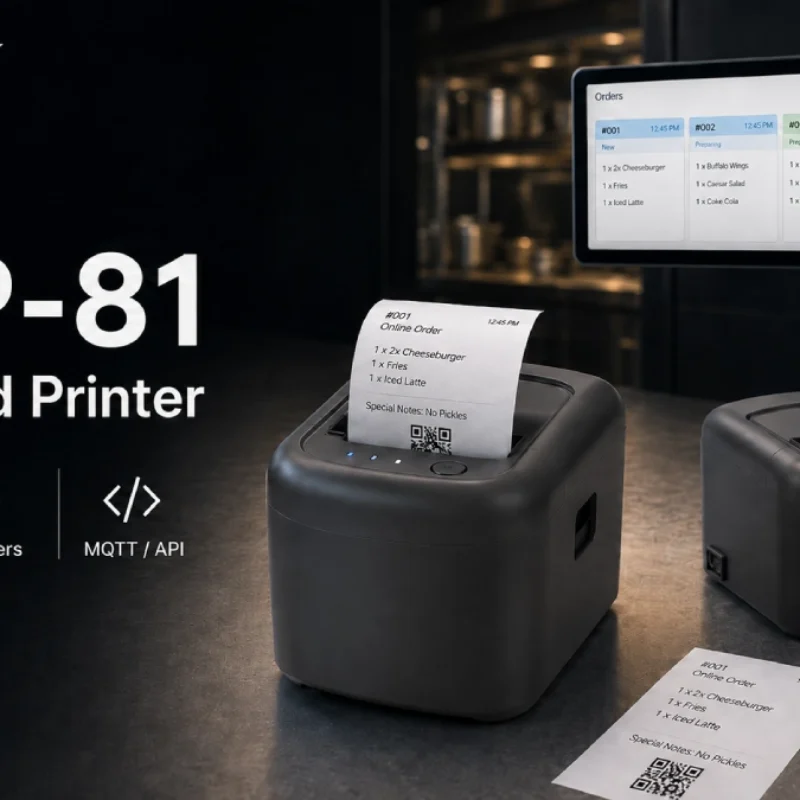
Cloud Printer for Online Food Orders: How Restaurants Keep Delivery Orders Moving
Online food orders are changing how restaurants manage kitchen, packing, and delivery workflows. This article explains how cloud printers and KDS hardware help restaurants print order tickets, improve kitchen visibility, reduce missed orders, and build a more reliable online food order workflow.
-
Compact Self-Service Kiosk for Chain Store Projects
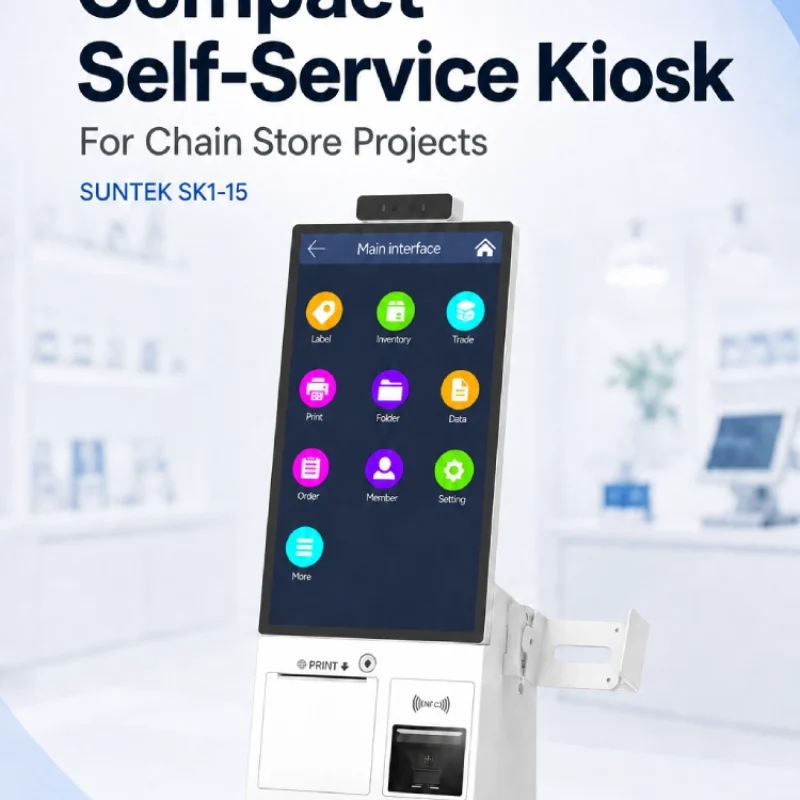
SUNTEK SK1-15 is a compact self-service kiosk designed for chain store projects, solution providers, and system integrators. This article explains how SK1-15 supports POS holder installation, SoftPOS-ready NFC configurations, QR code scanning, magnetic stripe card reader options, face camera support, and external fingerprint module integration for front-counter service, payment, identification, and multi-store rollout workflows.
-
Multimodal Biometrics in Access Control After ID4Africa 2026
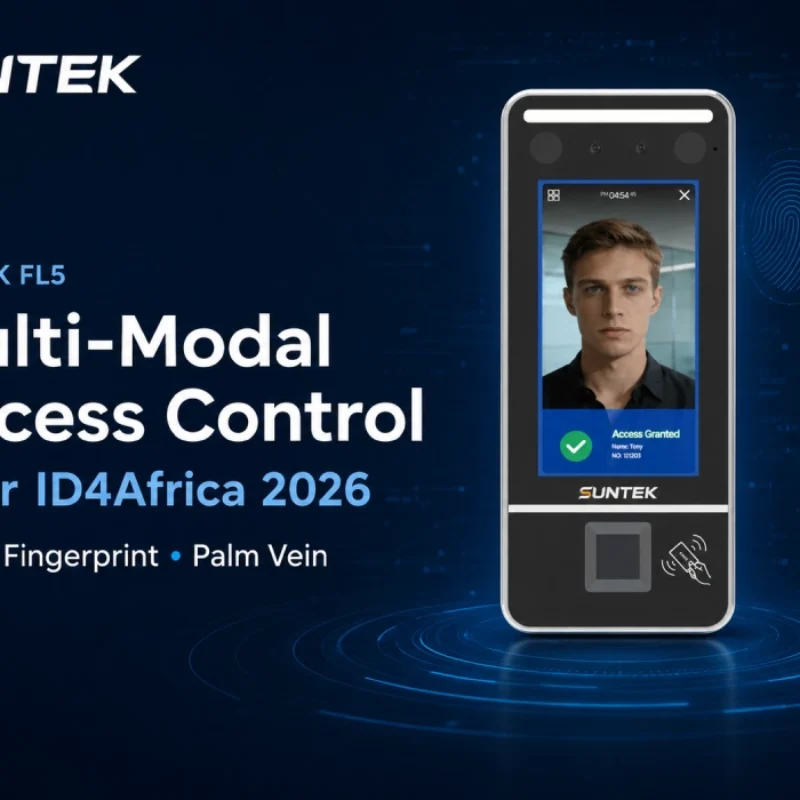
This article explores how ID4Africa 2026 reflects the growing importance of multimodal biometrics in access control. It explains why face recognition, fingerprint verification, and palm vein recognition are becoming more relevant for offices, hospitals, schools, government buildings, and secure indoor areas, with SUNTEK FL5 as a hardware example.
-

What NRA Show 2026 Reveals About Restaurant Technology Trends
As NRA Show 2026 opens in Chicago, restaurant operators are paying closer attention to practical technology that improves ordering, payment, kitchen workflows and device management. From SUNTEK’s hardware manufacturer perspective, the key trend is clear: restaurant digitalization is moving from isolated software tools to connected hardware systems, including POS terminals, self-service kiosks, cloud printers, SoftPOS-ready devices and remote management platforms.
-
How to Choose a Self-Service Kiosk: SK1 vs SK1-15 vs SK5
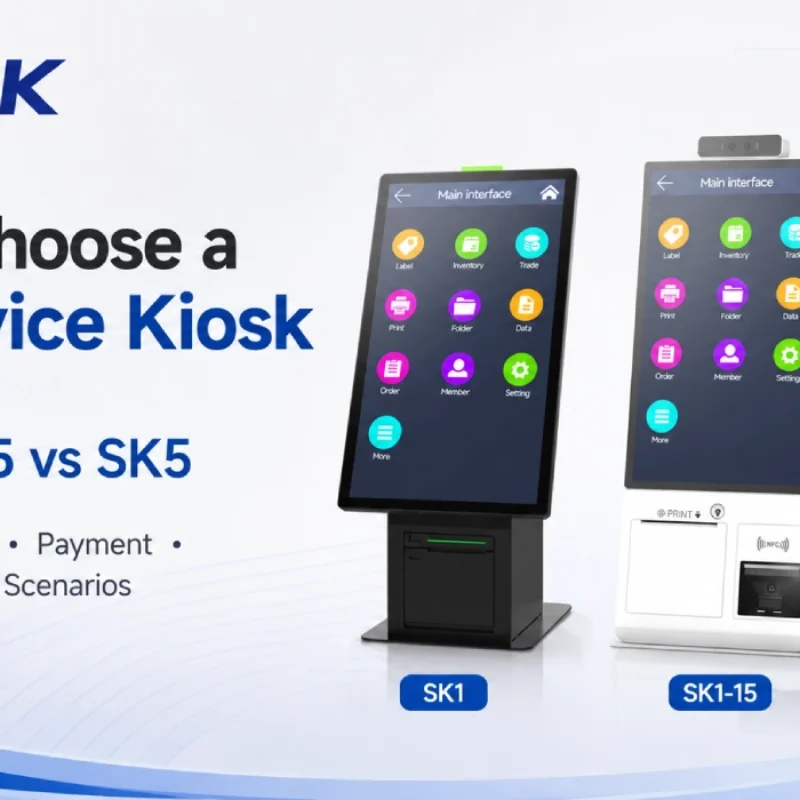
Compare SUNTEK SK1, SK1-15, and SK5 self-service kiosks by installation type, SoftPOS support, information kiosk use, payment, printing, scanning, and project scenarios.