
Fast Food Self-Service Kiosk Experience and Deployment Guide
In fast-food environments such as Subway, a fast food self-service kiosk is not just an ordering device. It is part of a complete workflow that includes ordering, payment, order dispatch, kitchen preparation, and pickup. A real in-store ordering experience shows that kiosk deployment should be planned as a full system, not as a single hardware installation.
What a Fast Food Self-Service Kiosk Experience Reveals
Self-service kiosks have become a common setup in fast food stores across Europe, especially in standardized chain operations such as Subway. This article is based on a real in-store self-ordering experience and uses that workflow to examine how fast food self-service kiosks operate in practice.
From the first interaction on the screen to kitchen preparation and final pickup, the full process shows that kiosk deployment is closely tied to operational flow, not just front-end ordering.
Step-by-Step Fast Food Self-Service Kiosk Workflow
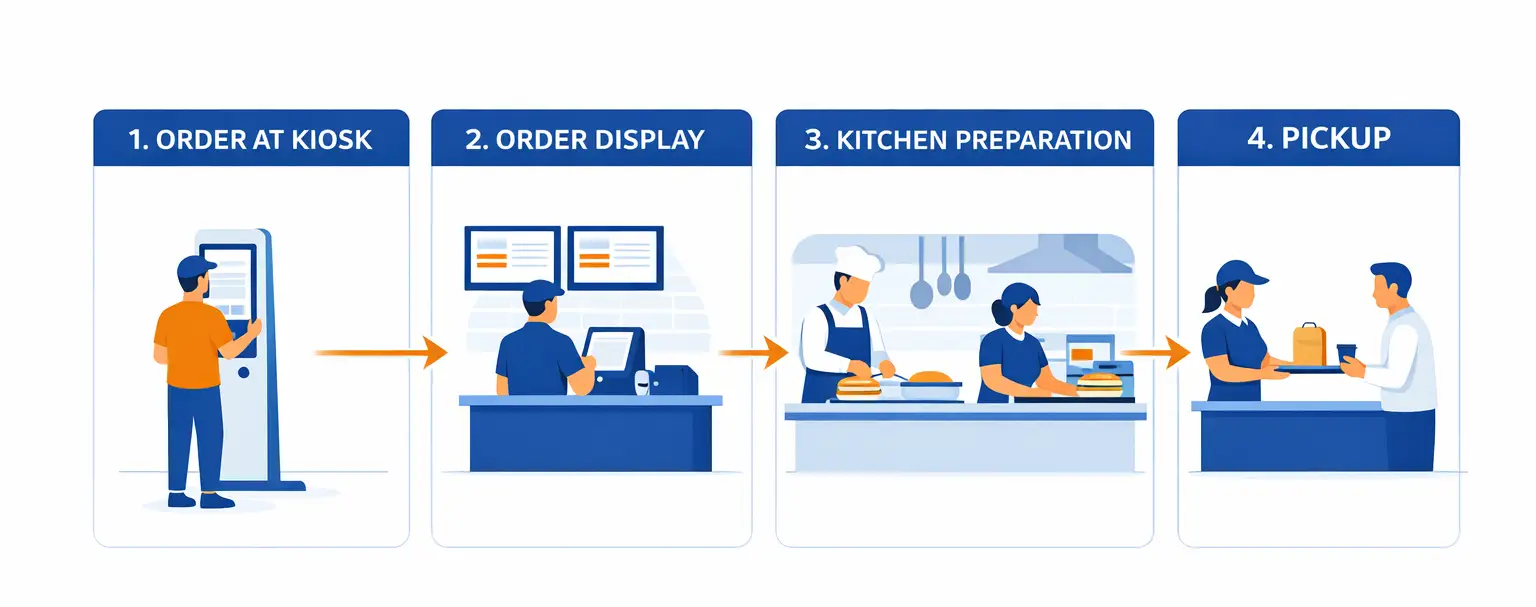
Step 1: Order Type Selection
Users start by choosing dine-in or takeaway. This step is simple, but it sets the pace for the entire experience. Fast response and clear feedback are essential.
Step 2: Menu Browsing
Users browse categories and explore menu items. At this stage, they spend time comparing options. If the layout is crowded or the screen is too small, it slows down decision-making.
Step 3: Product Selection
Users select a base item such as a meal or combo. This step is usually quick and straightforward.
Step 4: Order Customization
Users continue building their order by selecting options, adding extras, and adjusting preferences. This is the longest and most interaction-heavy part of the process, requiring clear display and smooth touch response.
Step 5: Order Review
Before payment, users review their order. At this stage, clarity is more important than speed to ensure accuracy.
Step 6: Payment
Users complete payment through QR, NFC, or card. The payment process must be stable and reliable.
Step 7: Order Sent to Display System
After payment, the order is sent to front counter displays or the kitchen display system. The workflow now moves beyond the kiosk itself.
Step 8: Kitchen Preparation
Kitchen staff receive and process orders. This requires clear display and stable synchronization between systems.
Step 9: Pickup
Customers collect their order based on screen instructions or call numbers. Clear order status helps reduce uncertainty during waiting.
Why Self-Service Kiosks Improve Efficiency in Fast Food Stores
A fast food self-service kiosk improves efficiency by shifting ordering tasks from staff to the system. This reduces cashier workload, increases capacity during peak hours, and shortens customer waiting time.
However, kiosks do not simply replace staff. They transfer the ordering process into a connected system. If deployment is not properly planned, issues such as slow ordering, kitchen delays, or queue buildup may occur.
Key Deployment Considerations for Fast Food Self-Service Kiosks
1. Kiosk Quantity
The number of kiosks should match peak-hour traffic to avoid new queues forming at the ordering area.
- Small stores: 1–2 units
- Medium stores: 2–4 units
- High-traffic stores: 4+ units
2. Screen Size
A 15.6-inch display is the mainstream choice for fast food self-service kiosks.
A mini self-service kiosk with a 15.6-inch screen provides enough space for menu browsing, order customization, and payment, without excessive scrolling.
3. Installation Method
Kiosk placement should follow store layout and customer flow. Common options include floor-standing kiosks at entrances and wall-mounted units in space-limited areas.
4. Payment Setup
Recommended payment methods include QR, NFC, and card payment. Integrated payment at the kiosk reduces reliance on cashier counters.
5. System Stability
Stable operation during peak hours is essential. This includes real-time synchronization, reliable connectivity, and continuous system performance.
How to Build a Complete Fast Food Kiosk System
A complete system should include more than just kiosks. It should also integrate:
- Front counter order display screens
- Kitchen display system (KDS)
- Real-time order synchronization
- Stable full-process connectivity
Without these components, the kiosk becomes an isolated ordering point rather than part of a complete operational system.
Why Fast Food Self-Service Kiosks Are a Long-Term Trend
In fast food environments, self-service is becoming a standard part of store operations. The real value comes from aligning kiosk deployment with actual workflow, not just installing devices.
To better understand broader kiosk solutions and system planning approaches, see our
restaurant self-service kiosk guide.
Stores that focus only on hardware may still face operational challenges, while those that build a complete system are more likely to improve efficiency and customer flow.
Conclusion
A fast food self-service kiosk is not a standalone device. It is part of a complete operational system. Choosing the right self-ordering kiosk hardware is essential to ensure smooth ordering, kitchen processing, and pickup.
A real Subway-style ordering experience shows that effective deployment depends on understanding the full workflow. When kiosks, display systems, kitchen processes, and store layout are planned together, self-service becomes a practical efficiency tool for fast food operations.
相关新闻
-
FA10 10.1-Inch AI Facial Recognition Terminal for Smart Access
SUNTEK FA10 10.1-inch AI facial recognition terminal is designed for smart access control, visitor management, attendance, and self-service applicatio…
-
How to Choose the Right POS Terminal: SC1 vs SC2 vs SC6
Selecting the right POS terminal depends on your software requirements, hardware expectations and deployment environment. This guide compares SUNTEK S…
-
Updated FA8 Facial Recognition Terminal
SUNTEK has updated the FA8 8-inch Android facial recognition terminal with a more refined exterior design, a revised interface configuration, and stro…
-
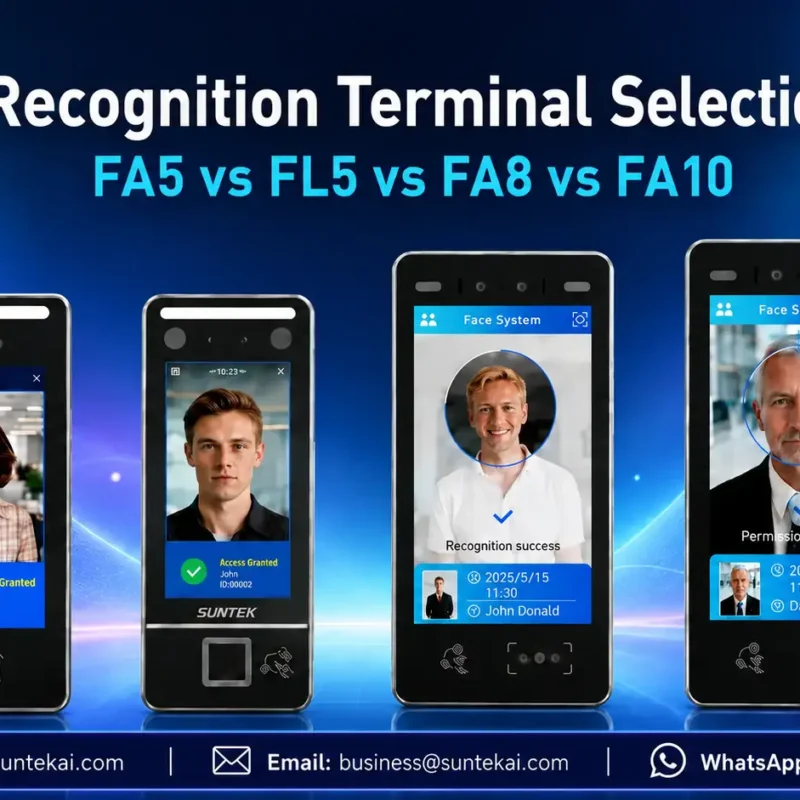
Facial Recognition Terminal Selection Guide: FA5 vs FL5 vs FA8 vs FA10
This guide compares SUNTEK FA5, FL5, FA8, and FA10 to help you choose the right facial recognition terminal for your project. Which SUNTEK Facial Reco…
-
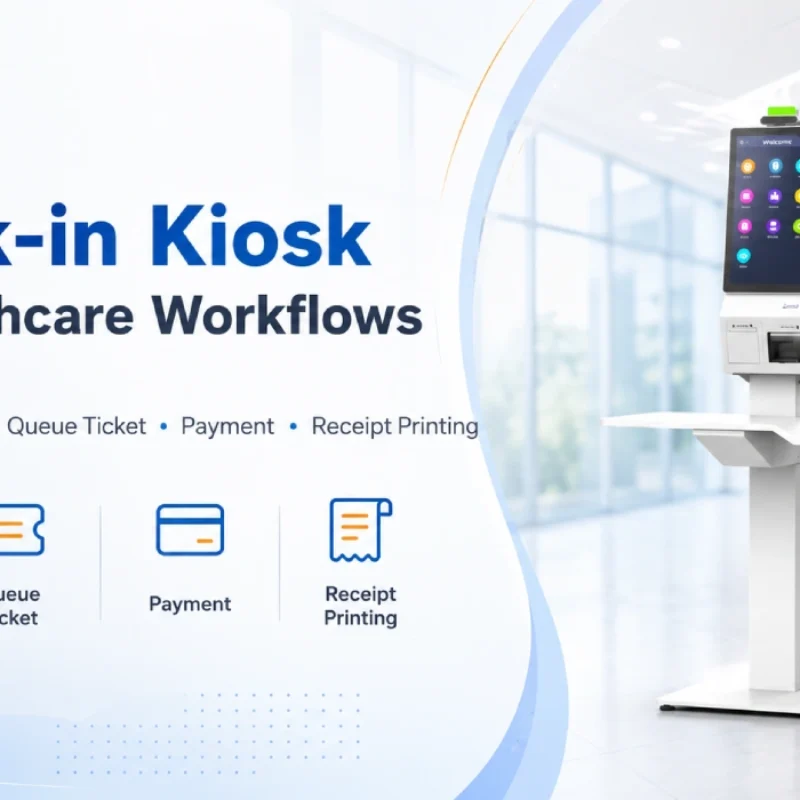
Check-In Kiosk Hardware for Healthcare Self-Service
A check-in kiosk helps healthcare facilities move repetitive front-desk tasks into a guided self-service registration workflow. This article explains how check-in kiosks support appointment confirmation, information entry, queue ticket printing, payment, receipt printing, and optional verification, while also outlining key hardware modules and deployment considerations for hospitals, clinics, and outpatient care centers.
-
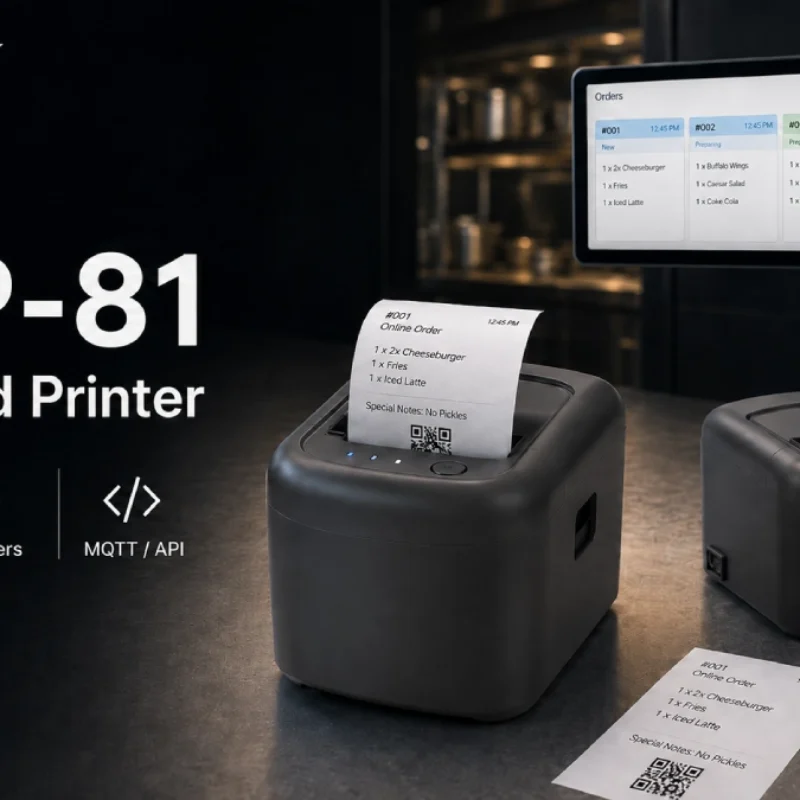
Cloud Printer for Online Food Orders: How Restaurants Keep Delivery Orders Moving
Online food orders are changing how restaurants manage kitchen, packing, and delivery workflows. This article explains how cloud printers and KDS hardware help restaurants print order tickets, improve kitchen visibility, reduce missed orders, and build a more reliable online food order workflow.
-
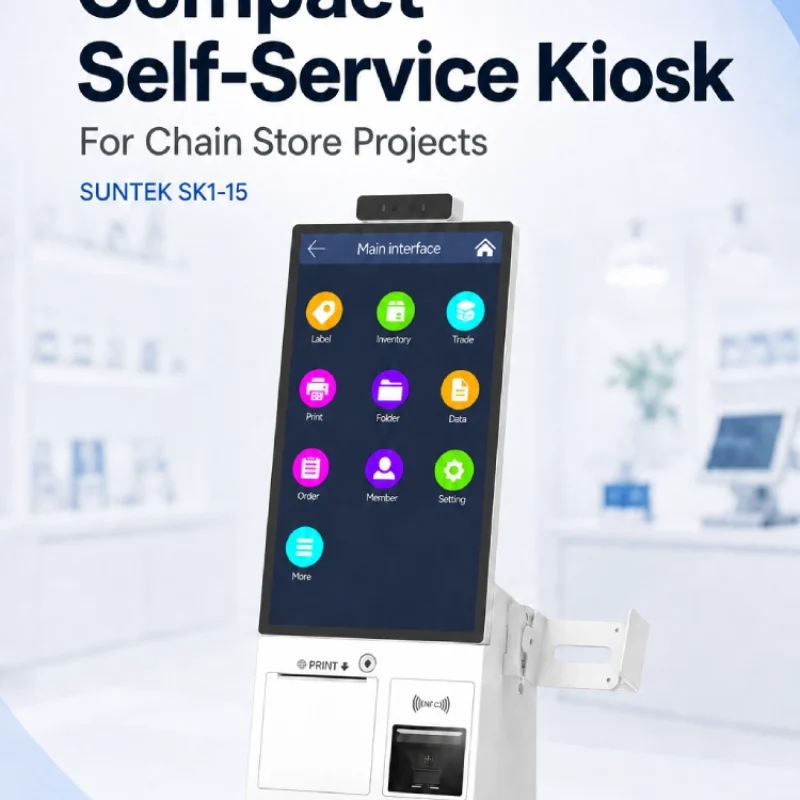
Compact Self-Service Kiosk for Chain Store Projects
SUNTEK SK1-15 is a compact self-service kiosk designed for chain store projects, solution providers, and system integrators. This article explains how SK1-15 supports POS holder installation, SoftPOS-ready NFC configurations, QR code scanning, magnetic stripe card reader options, face camera support, and external fingerprint module integration for front-counter service, payment, identification, and multi-store rollout workflows.
-

Multimodal Biometrics in Access Control After ID4Africa 2026
This article explores how ID4Africa 2026 reflects the growing importance of multimodal biometrics in access control. It explains why face recognition, fingerprint verification, and palm vein recognition are becoming more relevant for offices, hospitals, schools, government buildings, and secure indoor areas, with SUNTEK FL5 as a hardware example.
-

What NRA Show 2026 Reveals About Restaurant Technology Trends
As NRA Show 2026 opens in Chicago, restaurant operators are paying closer attention to practical technology that improves ordering, payment, kitchen workflows and device management. From SUNTEK’s hardware manufacturer perspective, the key trend is clear: restaurant digitalization is moving from isolated software tools to connected hardware systems, including POS terminals, self-service kiosks, cloud printers, SoftPOS-ready devices and remote management platforms.
-
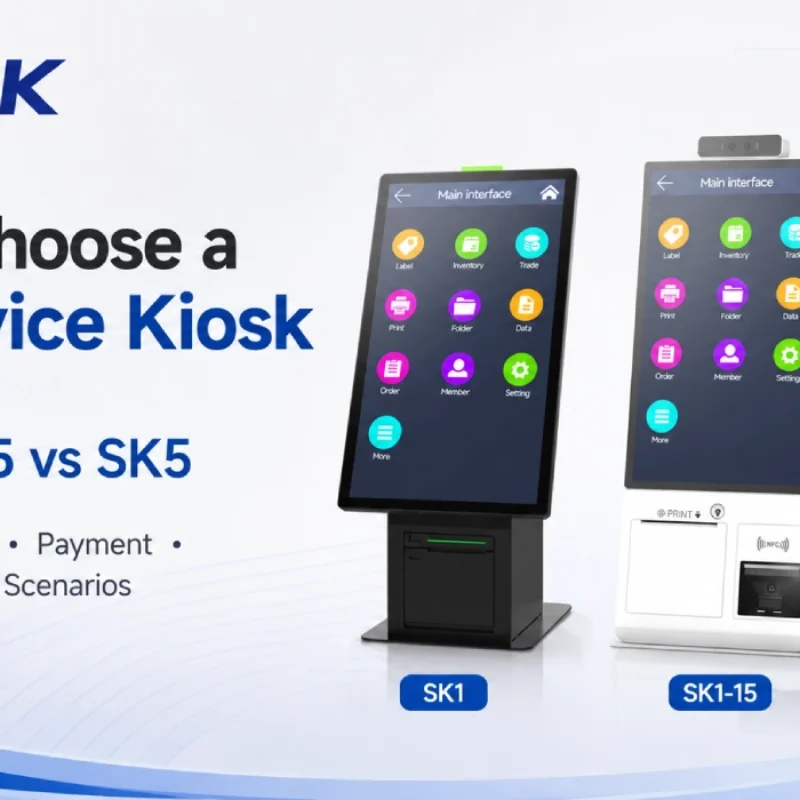
How to Choose a Self-Service Kiosk: SK1 vs SK1-15 vs SK5
Compare SUNTEK SK1, SK1-15, and SK5 self-service kiosks by installation type, SoftPOS support, information kiosk use, payment, printing, scanning, and project scenarios.