
How Self-Service Kiosks Help Restaurants Handle Peak Ordering Pressure in 2026
Introduction
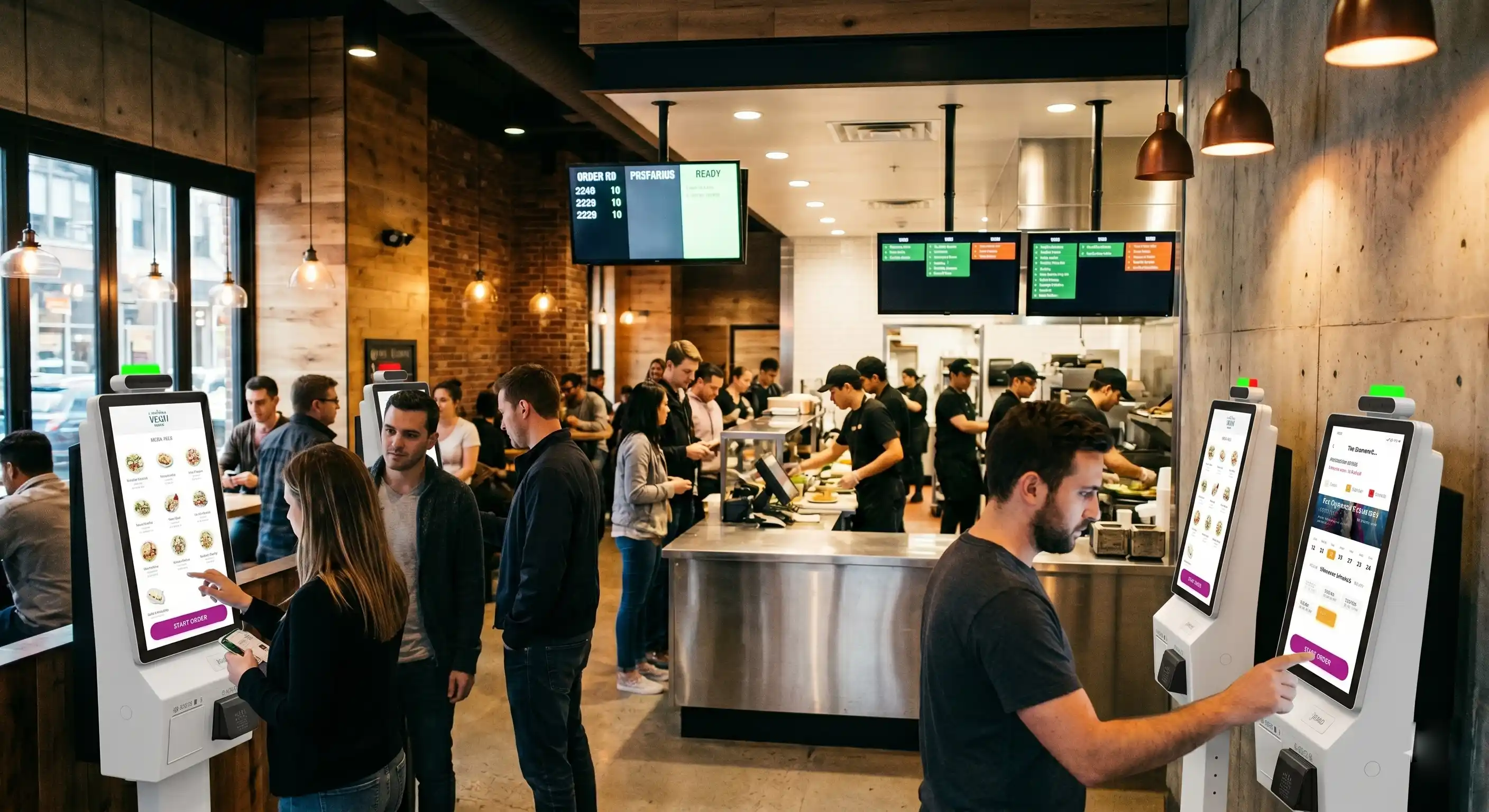
Restaurant self-service kiosk solutions are becoming a standard approach for handling peak ordering pressure in modern food service environments. Their value goes beyond enabling multiple customers to order at the same time. By connecting with kitchen systems and front-end display screens, kiosks help synchronize ordering, preparation, and pickup into one coordinated workflow, effectively reducing pressure during peak hours.
Key Takeaways
- Self-service kiosks have evolved from optional tools to standard infrastructure in high-demand environments
- Parallel ordering capacity is more critical than single-point cashier efficiency
- Real performance depends on stable integration with kitchen and display systems
- Kiosk selection should focus on reliability, payment capability, and system compatibility rather than feature count
How Does the Ordering Process Work Through a Kiosk?
A restaurant kiosk usually works through a fixed front-end workflow:
- The customer browses menu categories and selects items
- Product options are modified
- The customer reviews the cart and confirms the order
- Payment is completed
- Order information is transmitted to the POS or kitchen system
- A receipt or pickup number is generated
- The order is transmitted in real time to the kitchen display system (KDS) or POS
- Kitchen staff receive the order and begin preparation
- The system continuously updates the order status
- A front-end display screen shows order progress or pickup status
This creates a connected workflow from ordering to preparation and pickup.
In high-volume scenarios, ordering speed alone is not enough. If kitchen response or order visibility is not synchronized, customer waiting and confusion still occur.
What Is a Self-Service Kiosk in a Restaurant Setting?
In restaurant use, a self-service kiosk is not just a touchscreen display. It is a commercial front-end ordering device designed to connect customer selection, payment, and order transmission into one continuous process.
It is usually installed near the entrance, waiting area, or ordering zone, where customers can interact with the menu before reaching the counter. A typical device may include a touchscreen, payment module, scanner, printer, and communication capability for integration with POS or kitchen systems.
From an operational perspective, the kiosk becomes part of the ordering infrastructure of the store. It is not an isolated device. It must work as a stable interface between the customer and the restaurant’s existing systems. That is why, for restaurants, the question is usually not whether a kiosk can display a menu, but whether it can continue to function smoothly during repeated daily use and fit into the restaurant’s actual ordering workflow.
Why Do Restaurants Use Self-Service Kiosks?
A restaurant self-service kiosk helps distribute ordering demand more efficiently during peak hours. In many quick-service stores, several operational problems tend to appear at the same time during peak periods:
- customers arrive in waves rather than evenly throughout the day
- menu decision time becomes longer when options increase
- one or two cashiers can only process orders sequentially
- repetitive front-desk tasks take staff away from food preparation or delivery
- manual ordering errors become more likely when staff are under pressure
Under these conditions, the kiosk is used to offload repetitive ordering tasks from the counter. It helps the restaurant increase the number of customers who can place orders within the same period of time, while allowing staff to focus on preparation, pickup coordination, and exception handling.
This is why the value of a kiosk is best understood not as “labor replacement,” but as front-end order distribution. Its role is to make the ordering process less dependent on a single service point.
Global Adoption of Self-Service Kiosks
Self-service kiosks are not limited to a single region.
In Western markets, global brands such as McDonald’s, Burger King, and KFC have already integrated kiosk ordering systems as part of their standard store operations.
At the same time, adoption varies across independent restaurants and emerging markets. In some regions, deployment is influenced by payment infrastructure, system integration capability, and cost sensitivity.
This means kiosks are not absent in overseas markets, but unevenly distributed depending on operational conditions.
Where Do Kiosks Create the Most Value in Daily Operations?
The value of a restaurant kiosk is usually most visible in environments with three characteristics:
High Order Density Within Short Time Windows
Some stores may operate steadily for most of the day but experience sharp order concentration during lunch, dinner, or event-driven peaks. In these moments, the store does not necessarily need more menu content or more kiosk features. It needs a more efficient way to process customer intent quickly.
A kiosk helps by increasing the number of active ordering points without requiring the same increase in front-desk manpower.
Fast Turnover and Short Customer Dwell Time
In fast food and quick-service scenarios, customers generally expect to complete ordering in a short interaction cycle. If they spend too long figuring out the screen, waiting for response, or retrying payment, the kiosk no longer improves flow. It becomes another waiting point.
This means the kiosk must be designed for fast input, fast response, and low-friction payment completion.
Repetitive Ordering Tasks at the Counter
In many stores, staff spend a large amount of time answering the same menu questions, repeating combo explanations, confirming standard modifications, or guiding customers through simple purchase steps. Kiosks help standardize these repetitive interactions. When AI-assisted functions are added, they can further support this process by helping customers complete simple actions more quickly.
What Problems Do Restaurant Kiosks Commonly Face in Real Use?
This is where many articles stay too superficial. In actual restaurant deployment, the challenge is usually not whether the kiosk can be installed. The challenge is whether it can remain stable after weeks and months of continuous use.
Common issues include:
Touch Interaction Slows Down During Long Operating Hours
A kiosk may feel responsive during testing or low-volume demonstration, but actual restaurant use is repetitive and continuous. Hundreds of interactions in one day can expose response lag, mis-touch issues, or degraded interface smoothness.
Payment Becomes the Weakest Point in the Workflow
A restaurant can tolerate slightly slower browsing more easily than failed payment completion. If the customer reaches the last step and the payment process is delayed, interrupted, or unclear, the entire ordering sequence is disrupted. This is why payment stability is often more important than many front-end visual features.
Printing and Scanning Failures Accumulate Under Repetition
Receipt printing and code scanning are often treated as secondary functions, but in practice they are high-frequency operational components. A printer that slows down after repeated use, or a scanner that requires multiple attempts, can quickly affect store throughput during rush periods.
System Integration Gaps Create Hidden Friction
Even when the device itself runs properly, inefficiency can still come from weak coordination with POS, kitchen display, payment gateways, or third-party ordering logic. A kiosk does not create value by existing alone. It creates value by fitting into the restaurant’s full transaction path.
The biggest deployment risk is often not “whether the kiosk has enough features,” but whether all essential functions can continue working together consistently during real business hours.
What Hardware Capabilities Matter Most for Restaurant Use?
Choosing a reliable restaurant self-service kiosk is critical for maintaining stable operations in high-frequency environments. For restaurant operators and project teams, feature lists are less useful than operational fit. What matters most is whether the hardware is suitable for repeated commercial use.
Important considerations include:
Fast and Consistent Touch Response
The screen is the primary interaction point. In restaurant settings, response speed affects both customer confidence and queue flow.
Stable Payment Integration
The device must support the required payment methods of the target market and maintain smooth payment completion under repeated use.
Reliable Printing and Scanning
These are not optional conveniences in many restaurant environments. They are part of the actual transaction process.
Continuous Operation Capability
A kiosk used in a restaurant must work for long daily operating hours without frequent restart, overheating, or noticeable performance decline.
Integration Readiness
The device should be suitable for connection with POS, kitchen display systems, loyalty tools, or other service logic depending on project requirements.
For a hardware manufacturer, this is where product value should be communicated clearly: not as a promise of complete restaurant system delivery, but as a device platform designed to support high-frequency business workflows.
How Is AI Being Used in Restaurant Kiosks?
AI is increasingly discussed in the kiosk industry, but in restaurant use it should be understood as an enhancement layer, not the foundation of the system.
The core job of the kiosk is still the same: display the menu clearly, support quick selection, complete payment smoothly, and send the order correctly. AI becomes relevant when restaurants want to reduce friction in customer interaction beyond the basic workflow.
In restaurant environments, AI-assisted functions may be used in several practical ways:
Voice-Assisted Ordering
This can help reduce navigation steps for customers who prefer speaking over manually tapping through multiple menu layers.
Recommendation Support
Instead of passively displaying a menu, the system can suggest popular combinations, related items, or upgrade options to shorten customer decision time.
AI-Based Question Handling
For common questions such as item differences, meal combinations, or basic ordering guidance, AI-assisted interaction can reduce repetitive explanation work at the counter.
More Natural Self-Service Interaction
When integrated properly, AI can make the kiosk feel less like a static machine and more like a guided ordering interface.
That said, AI functions should usually be considered only after the core ordering system is already stable. If payment, printing, scanning, and order transmission are not reliable, adding AI will not solve the fundamental operational problem. It may only add complexity.
For this reason, AI should be presented as a useful extension of self-service capability, not as a substitute for solid hardware performance and system integration.
How Should Restaurants Evaluate a Kiosk Before Deployment?
Before selecting a kiosk, restaurants and project teams should look beyond product appearance or generic feature claims. The more practical questions are:
- How many orders must be handled per hour during peak periods?
- How many self-service points are needed to reduce counter pressure?
- Which payment methods are essential in the target market?
- Does the device need a printer, scanner, or both?
- How will it connect with POS, kitchen display, or ordering systems?
- Can the device maintain stable performance during long daily use?
- Will AI-assisted functions actually reduce friction, or are they being added before the basic workflow is optimized?
The right kiosk is not the one with the longest specification sheet. It is the one that matches the real operational rhythm of the restaurant and can support stable front-end ordering under daily commercial use.
Quick Answers
What is the main purpose of a restaurant kiosk?
To handle ordering and payment efficiently during peak periods.
What causes kiosk failures?
Unstable payment, printing, scanning, or weak system integration.
Do restaurants need AI from the beginning?
No, AI is more useful after core systems are stable.
What should be evaluated before deployment?
Order volume, payment needs, integration, and stability.
Conclusion
In restaurant environments, self-service kiosks are used to manage front-end ordering pressure, support faster customer interaction, and reduce dependence on a single cashier-based workflow. Their value becomes most visible in stores where order demand rises sharply within short periods and operational continuity matters more than isolated feature demonstrations.
As AI-assisted functions become more common, kiosks can also support more guided and efficient self-service interaction. But in practical deployment, the foundation remains the same: stable hardware, reliable payment and peripheral performance, and smooth integration with the restaurant’s existing systems.
For this reason, restaurant kiosk evaluation should begin with operational reality, not marketing language. The device must first work reliably as part of the business process. Advanced functions, including AI-assisted interaction, create value only when that foundation is already in place.
相关新闻
-
FA10 10.1-Inch AI Facial Recognition Terminal for Smart Access
SUNTEK FA10 10.1-inch AI facial recognition terminal is designed for smart access control, visitor management, attendance, and self-service applicatio…
-
How to Choose the Right POS Terminal: SC1 vs SC2 vs SC6
Selecting the right POS terminal depends on your software requirements, hardware expectations and deployment environment. This guide compares SUNTEK S…
-
Updated FA8 Facial Recognition Terminal
SUNTEK has updated the FA8 8-inch Android facial recognition terminal with a more refined exterior design, a revised interface configuration, and stro…
-
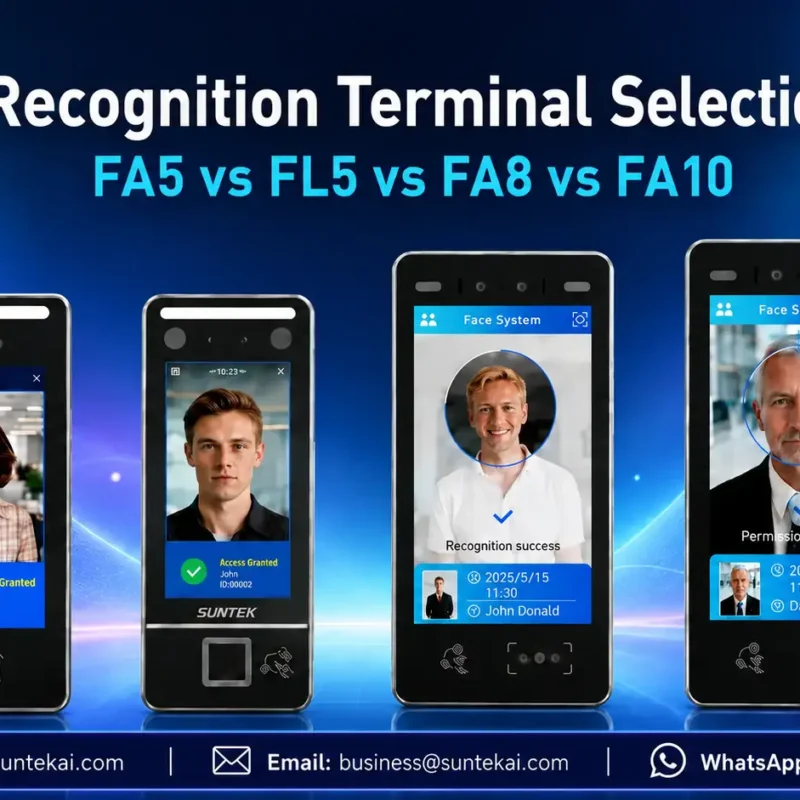
Facial Recognition Terminal Selection Guide: FA5 vs FL5 vs FA8 vs FA10
This guide compares SUNTEK FA5, FL5, FA8, and FA10 to help you choose the right facial recognition terminal for your project. Which SUNTEK Facial Reco…
-
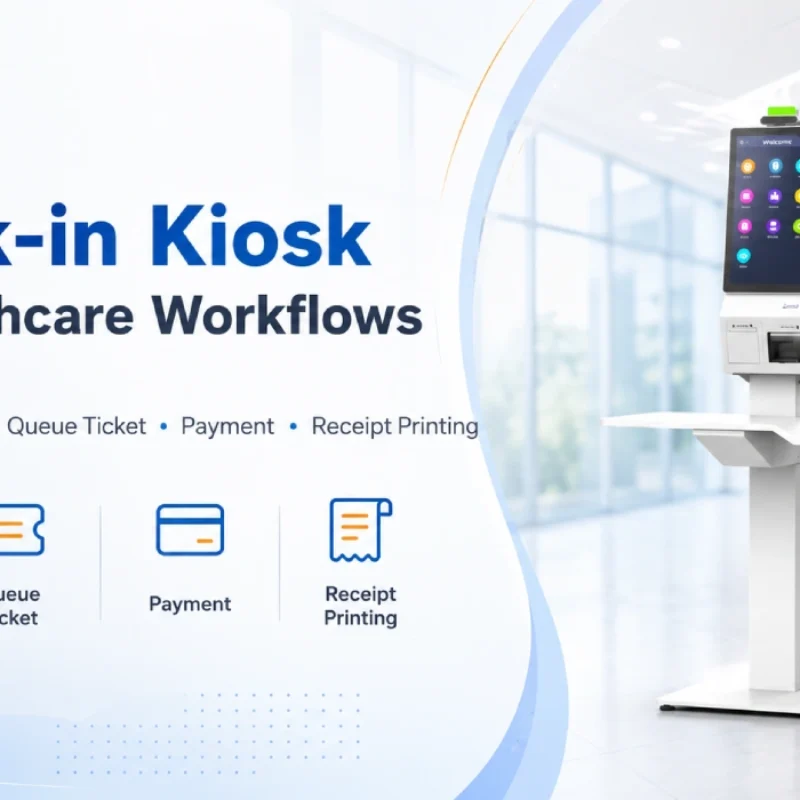
Check-In Kiosk Hardware for Healthcare Self-Service
A check-in kiosk helps healthcare facilities move repetitive front-desk tasks into a guided self-service registration workflow. This article explains how check-in kiosks support appointment confirmation, information entry, queue ticket printing, payment, receipt printing, and optional verification, while also outlining key hardware modules and deployment considerations for hospitals, clinics, and outpatient care centers.
-
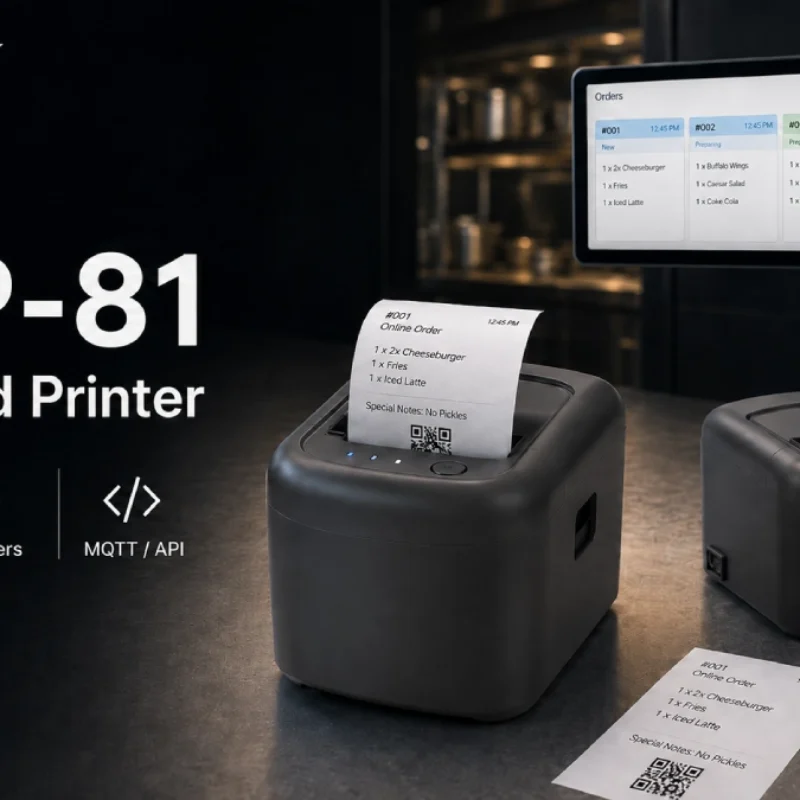
Cloud Printer for Online Food Orders: How Restaurants Keep Delivery Orders Moving
Online food orders are changing how restaurants manage kitchen, packing, and delivery workflows. This article explains how cloud printers and KDS hardware help restaurants print order tickets, improve kitchen visibility, reduce missed orders, and build a more reliable online food order workflow.
-
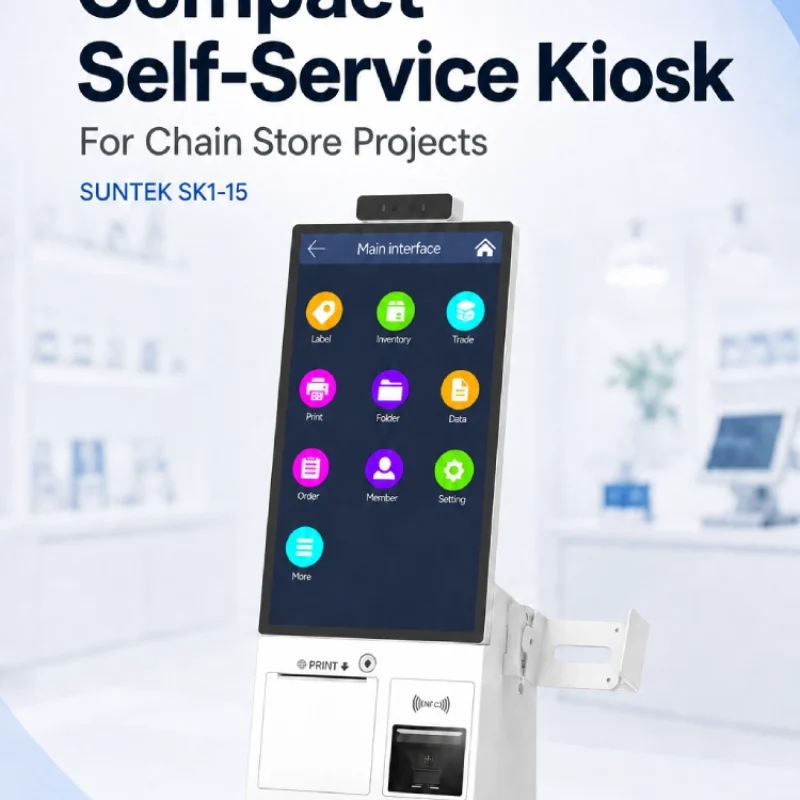
Compact Self-Service Kiosk for Chain Store Projects
SUNTEK SK1-15 is a compact self-service kiosk designed for chain store projects, solution providers, and system integrators. This article explains how SK1-15 supports POS holder installation, SoftPOS-ready NFC configurations, QR code scanning, magnetic stripe card reader options, face camera support, and external fingerprint module integration for front-counter service, payment, identification, and multi-store rollout workflows.
-

Multimodal Biometrics in Access Control After ID4Africa 2026
This article explores how ID4Africa 2026 reflects the growing importance of multimodal biometrics in access control. It explains why face recognition, fingerprint verification, and palm vein recognition are becoming more relevant for offices, hospitals, schools, government buildings, and secure indoor areas, with SUNTEK FL5 as a hardware example.
-

What NRA Show 2026 Reveals About Restaurant Technology Trends
As NRA Show 2026 opens in Chicago, restaurant operators are paying closer attention to practical technology that improves ordering, payment, kitchen workflows and device management. From SUNTEK’s hardware manufacturer perspective, the key trend is clear: restaurant digitalization is moving from isolated software tools to connected hardware systems, including POS terminals, self-service kiosks, cloud printers, SoftPOS-ready devices and remote management platforms.
-
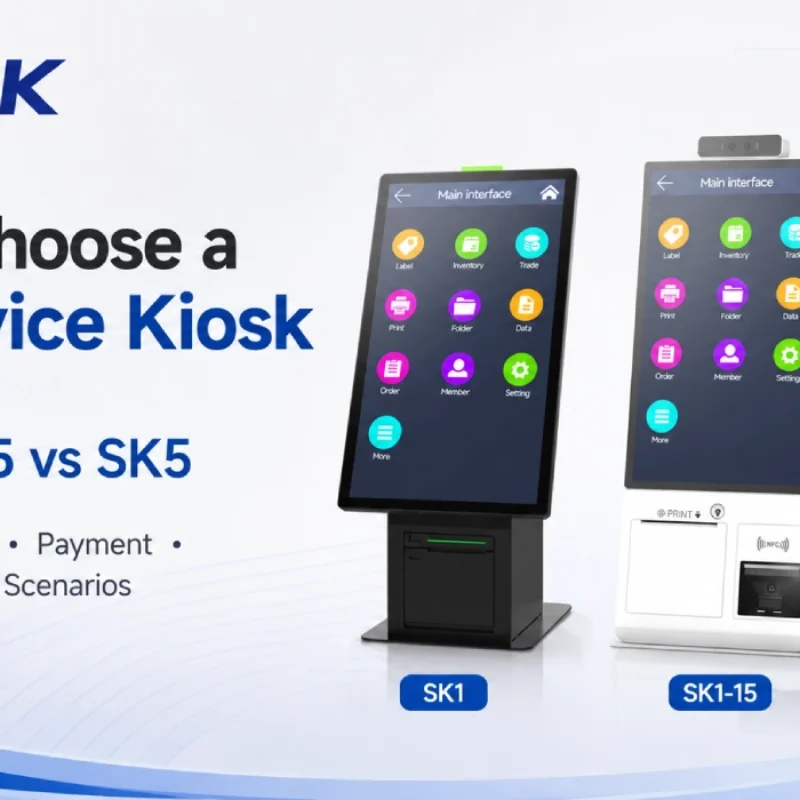
How to Choose a Self-Service Kiosk: SK1 vs SK1-15 vs SK5
Compare SUNTEK SK1, SK1-15, and SK5 self-service kiosks by installation type, SoftPOS support, information kiosk use, payment, printing, scanning, and project scenarios.