
How Does Facial Recognition Access Control Improve Enterprise Security
Indoor Facial Recognition Access Control Systems
In indoor access control, facial recognition is not typically introduced as a replacement for existing systems. Instead, it is added to improve efficiency at controlled entry points while keeping existing verification methods available.
For most organizations, the goal is not to rely on a single method, but to maintain stable entry control under different conditions by combining facial recognition with card or QR-based verification.
Indoor Access Control Scenarios
Office Entrances
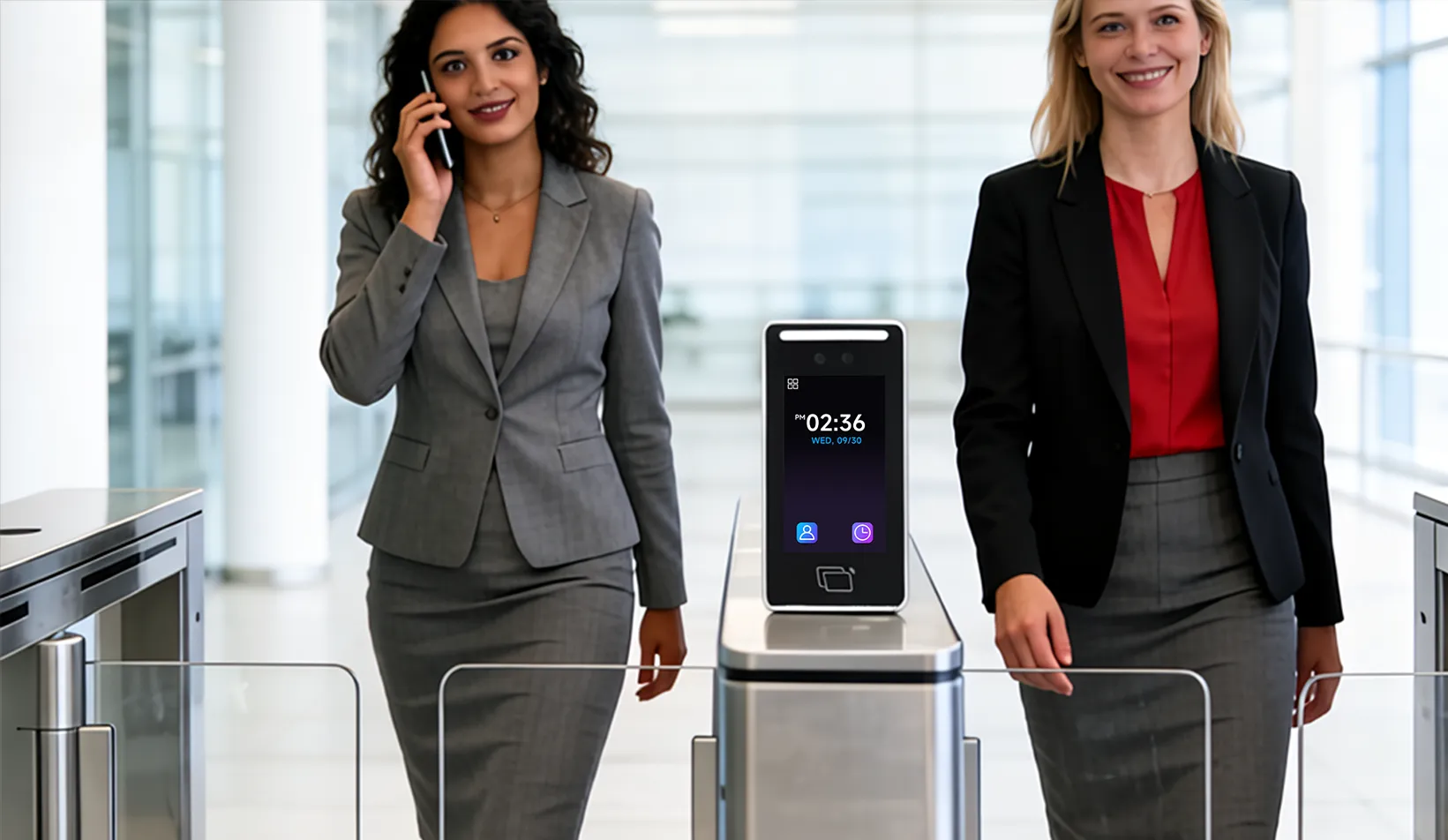
At office entry points, access control must handle frequent daily usage without slowing down movement. Facial recognition helps reduce interaction, while card-based access is often retained to ensure continuity when recognition cannot be completed.
Meeting Rooms and Controlled Areas
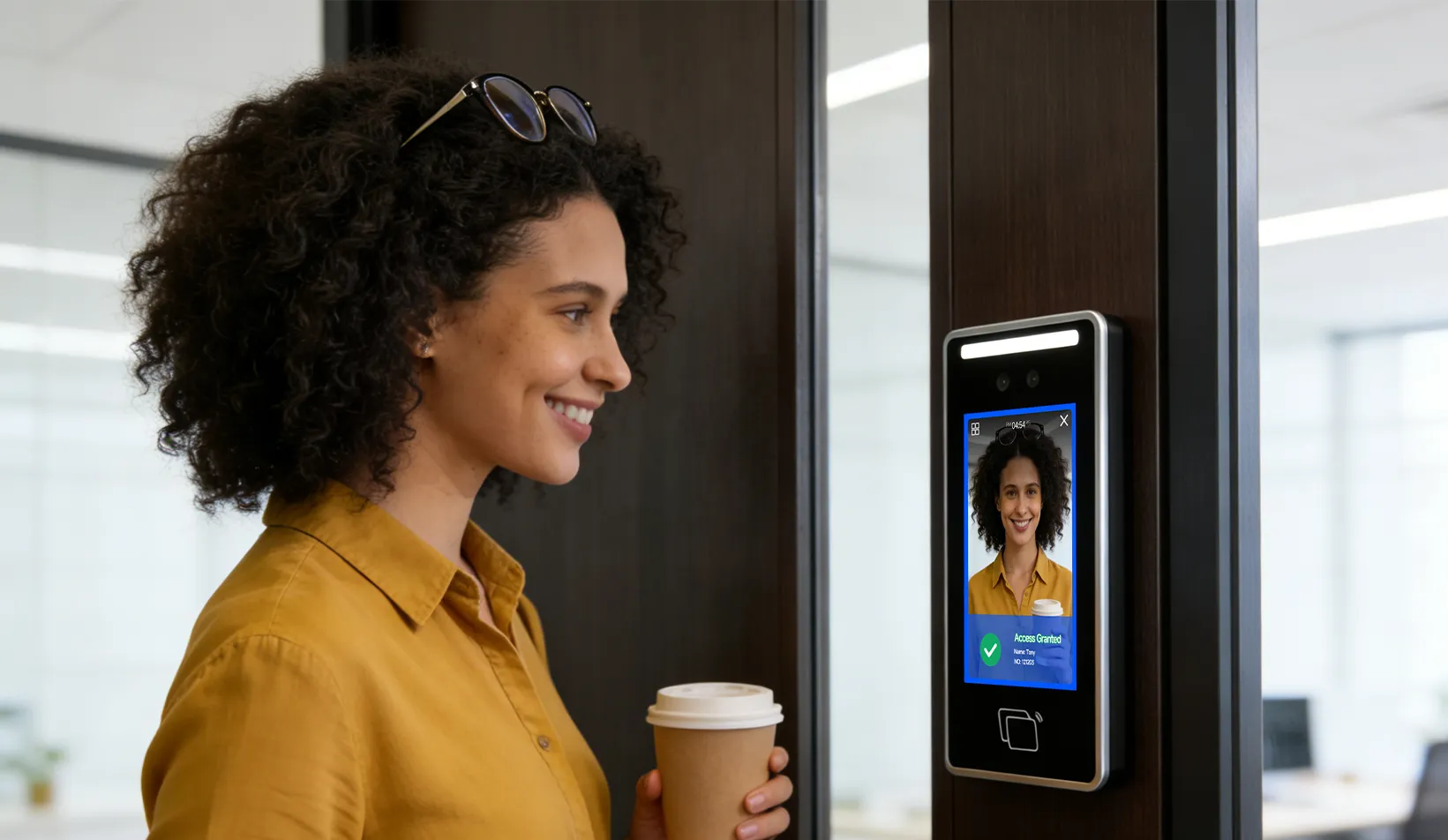
In meeting rooms, archive rooms, and other controlled spaces, access control is used to restrict entry to authorized personnel. Wall-mounted devices are typically installed at door-level entry points, providing a compact and stable solution for indoor access management.
Server Rooms and Secure Spaces
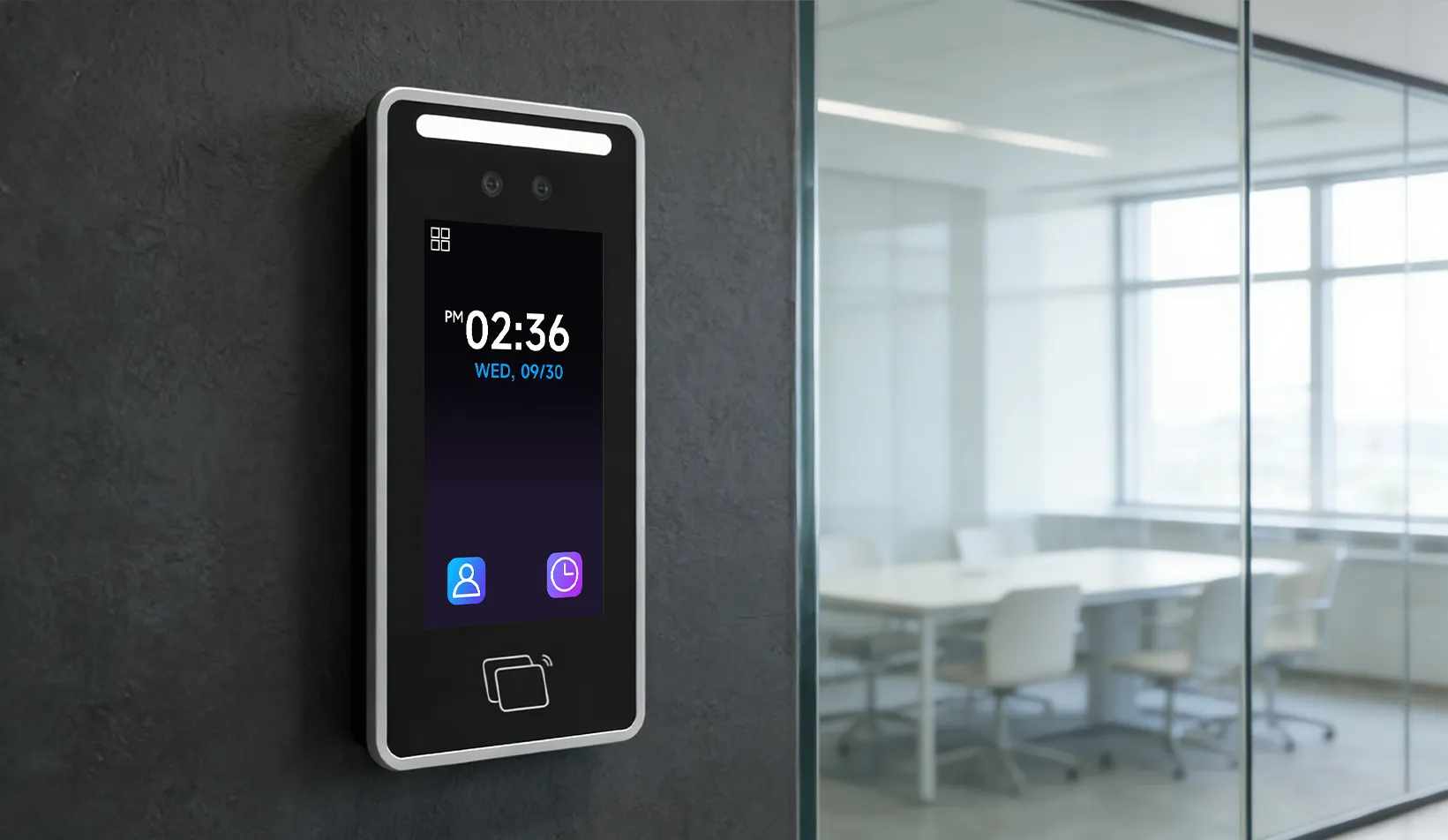
For server rooms and restricted areas, access control focuses on accountability rather than throughput. Facial recognition is often combined with card-based permissions to ensure that access can be assigned, tracked, and audited.
Common Concerns in Access Control Deployment
Recognition Accuracy and Reliability
In practice, facial recognition performance is influenced by multiple factors. Changes in lighting, camera positioning, or user appearance can affect recognition results.
This includes everyday situations such as wearing glasses or masks, as well as longer-term changes such as aging, hairstyle changes, or cosmetic procedures.
Because of this, systems are rarely designed to depend entirely on facial recognition. Instead, they are expected to handle situations where recognition does not work as intended.
Flexibility in Identity and Access
Access control in enterprise environments is not always strictly tied to one individual. In day-to-day operation, access may need to be adjusted or reassigned.
For example, temporary access may be granted to visitors or contractors, or permissions may change during shift rotations.
If access control relies only on fixed identity matching, these situations can interrupt normal operation. Systems therefore need to accommodate these variations without adding complexity.
Handling Exceptions in Daily Operation
Although access control systems are primarily designed for employee management and limited visitor access, certain exceptions are unavoidable in daily operation.
Situations such as unregistered visitors, temporary access requests, or shared responsibilities occur regularly. These cannot always be predefined in advance.
If the system relies only on facial recognition with strict identity binding, these situations may lead to access disruptions.
As a result, systems are designed to allow alternative verification methods such as cards or QR codes when needed.
Multi-Method Verification as a Device Capability
Key capabilities include:
- Seamless switching between verification methods
- Stable operation when facial recognition is affected
- Support for different user types and access needs
Hardware Perspective
Indoor access control depends heavily on long-term device stability rather than isolated recognition performance.
Wall-mounted terminals are commonly used at indoor entry points where space is limited and installation must remain simple.
When facial recognition works, entry is immediate. When it does not, alternative methods must be available without delay.
Devices are typically designed as multi-modal systems, integrating facial recognition, card reading, and QR scanning into a single unit.
How to Choose a Facial Recognition Access Control System
Multi-Method Support
Choose devices that support more than one verification method within the same terminal.
Fit for Indoor Deployment
Ensure the device performs reliably under varying indoor lighting conditions.
Stability in Daily Operation
Focus on consistent performance during continuous use.
Integration Capability
The system should integrate with existing access control systems.
Application in Indoor Access Points
For indoor access control scenarios such as offices, meeting rooms, and server rooms, wall-mounted facial recognition terminals are commonly used.
These devices are designed for such environments, while a hybrid verification case also shows how combining facial recognition with card or QR-based verification can improve stability and flexibility in access workflows.
Conclusion
Indoor access control is not defined by a single verification method. It depends on how different methods work together to maintain stable and predictable operation.
Facial recognition improves efficiency, but it is the combination with other methods that ensures reliability in everyday use.
相关新闻
-
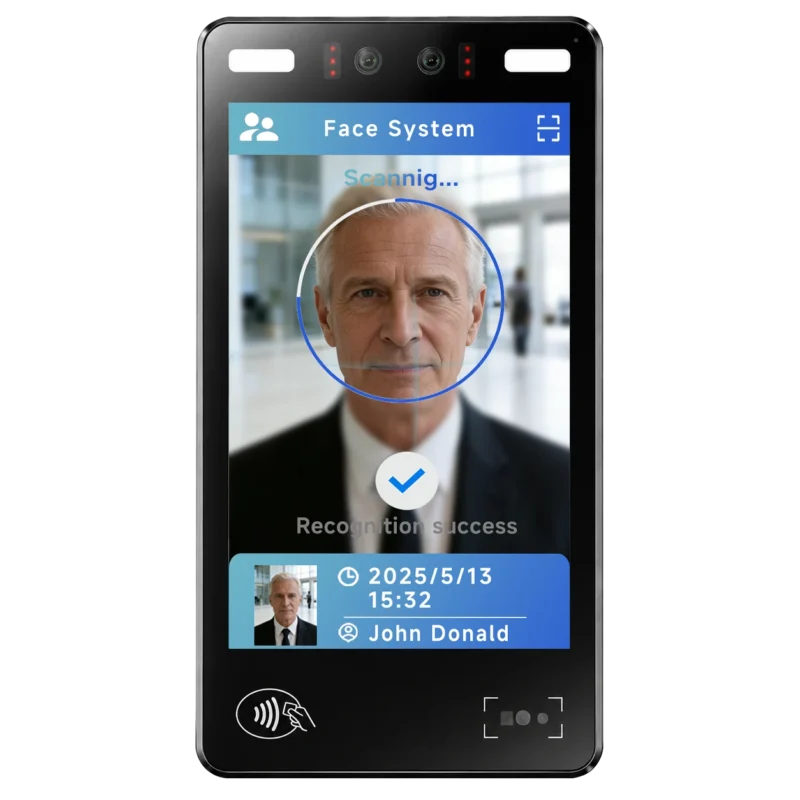
FA10 10.1-Inch AI Facial Recognition Terminal for Smart Access
SUNTEK FA10 10.1-inch AI facial recognition terminal is designed for smart access control, visitor management, attendance, and self-service applicatio…
-
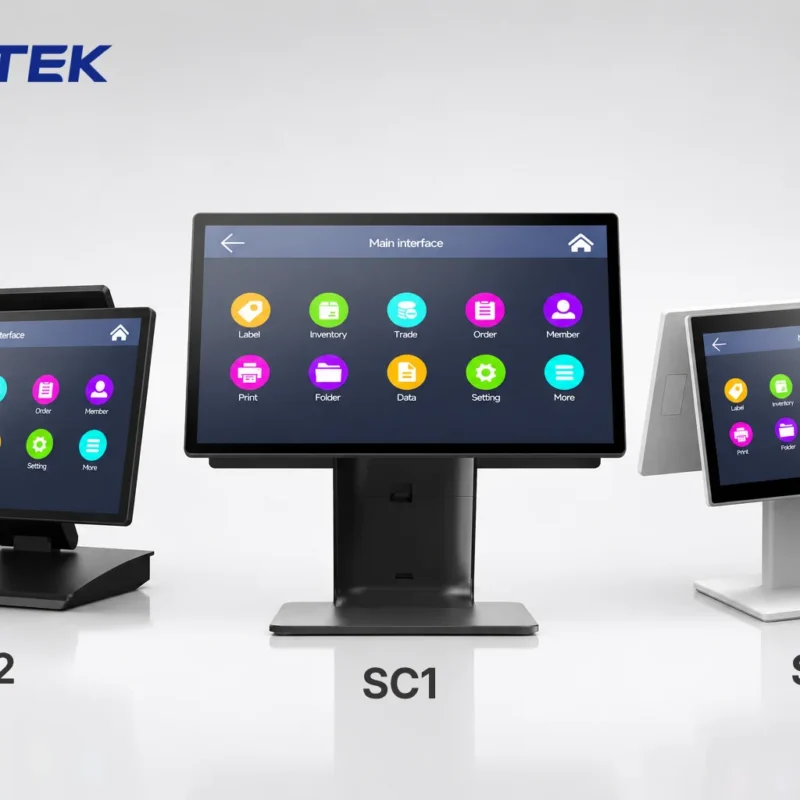
How to Choose the Right POS Terminal: SC1 vs SC2 vs SC6
Selecting the right POS terminal depends on your software requirements, hardware expectations and deployment environment. This guide compares SUNTEK S…
-
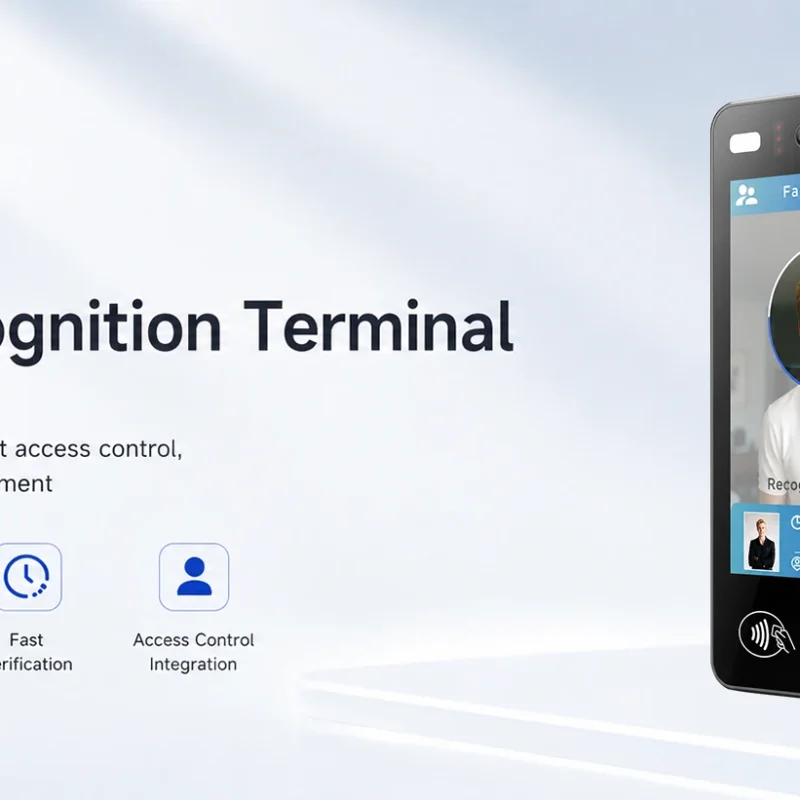
Updated FA8 Facial Recognition Terminal
SUNTEK has updated the FA8 8-inch Android facial recognition terminal with a more refined exterior design, a revised interface configuration, and stro…
-
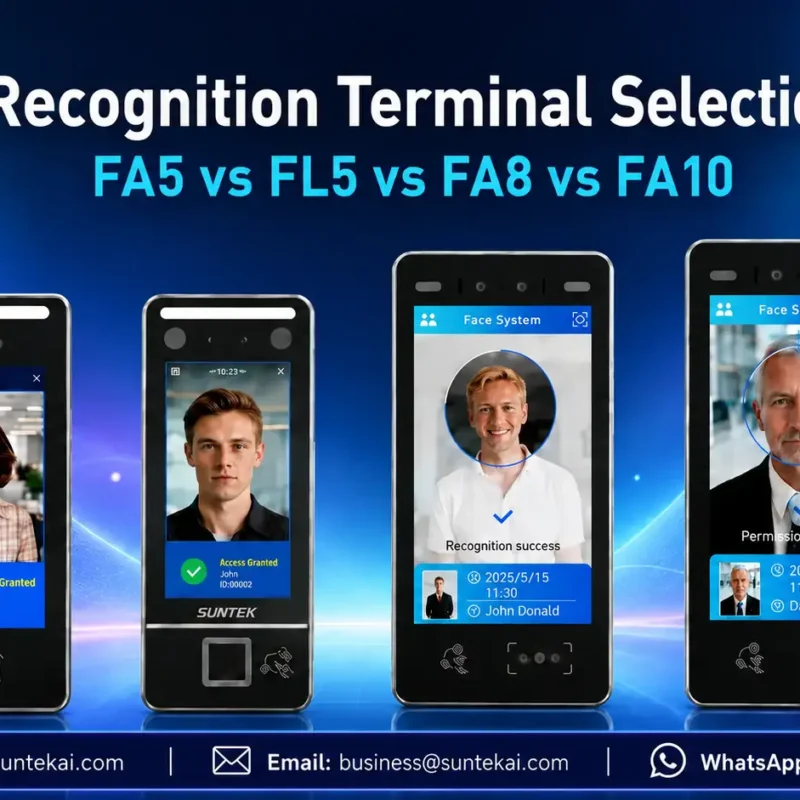
Facial Recognition Terminal Selection Guide: FA5 vs FL5 vs FA8 vs FA10
This guide compares SUNTEK FA5, FL5, FA8, and FA10 to help you choose the right facial recognition terminal for your project. Which SUNTEK Facial Reco…
-
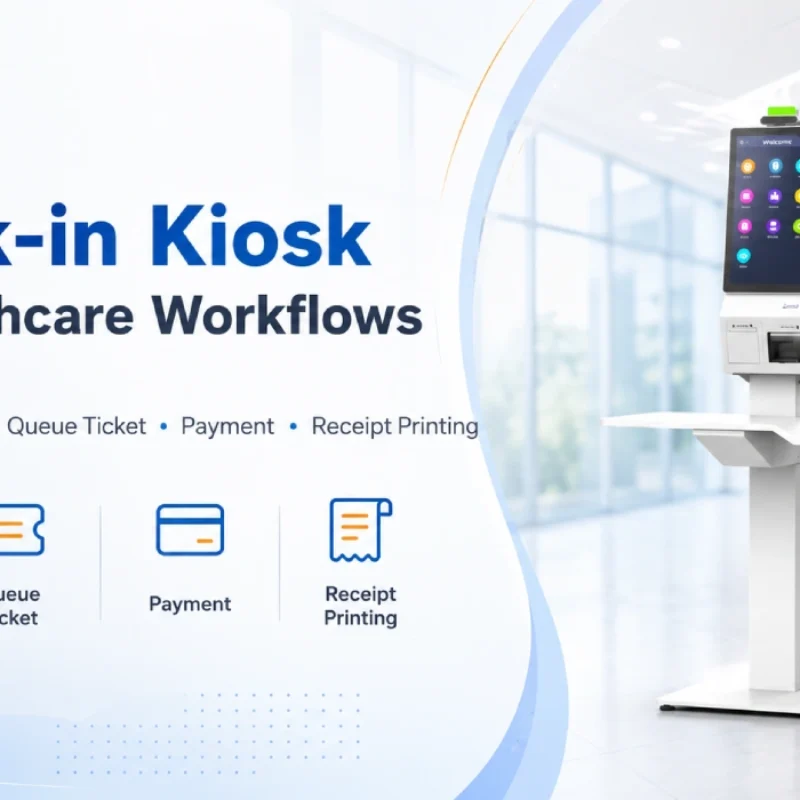
Check-In Kiosk Hardware for Healthcare Self-Service
A check-in kiosk helps healthcare facilities move repetitive front-desk tasks into a guided self-service registration workflow. This article explains how check-in kiosks support appointment confirmation, information entry, queue ticket printing, payment, receipt printing, and optional verification, while also outlining key hardware modules and deployment considerations for hospitals, clinics, and outpatient care centers.
-
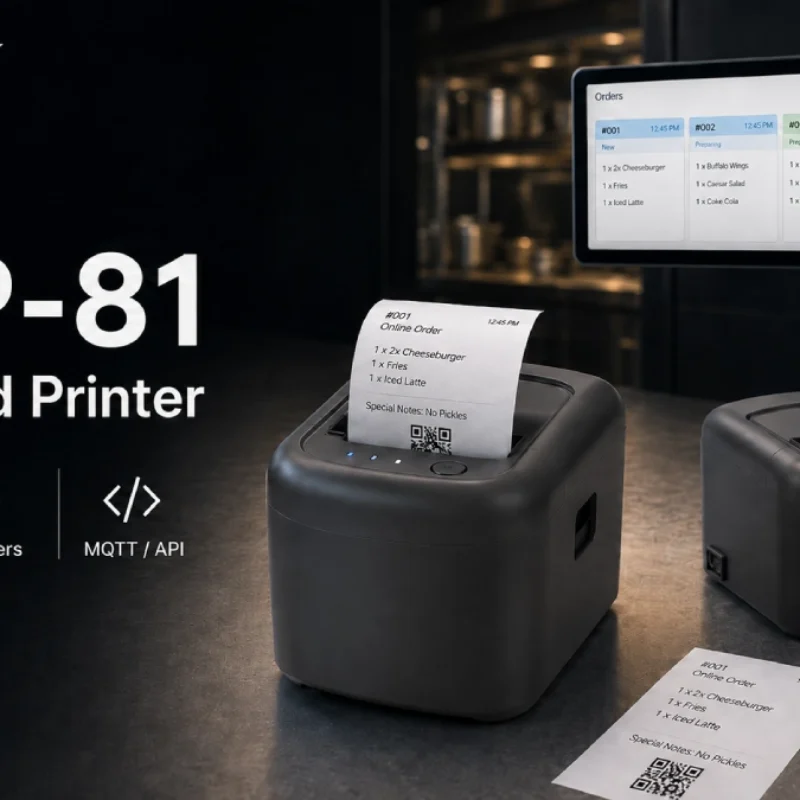
Cloud Printer for Online Food Orders: How Restaurants Keep Delivery Orders Moving
Online food orders are changing how restaurants manage kitchen, packing, and delivery workflows. This article explains how cloud printers and KDS hardware help restaurants print order tickets, improve kitchen visibility, reduce missed orders, and build a more reliable online food order workflow.
-
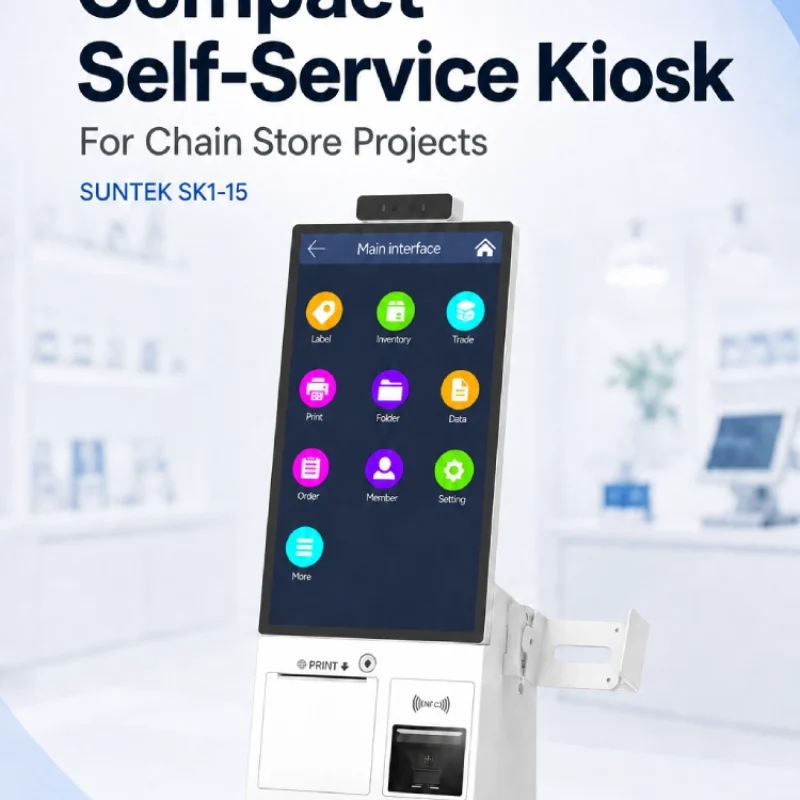
Compact Self-Service Kiosk for Chain Store Projects
SUNTEK SK1-15 is a compact self-service kiosk designed for chain store projects, solution providers, and system integrators. This article explains how SK1-15 supports POS holder installation, SoftPOS-ready NFC configurations, QR code scanning, magnetic stripe card reader options, face camera support, and external fingerprint module integration for front-counter service, payment, identification, and multi-store rollout workflows.
-
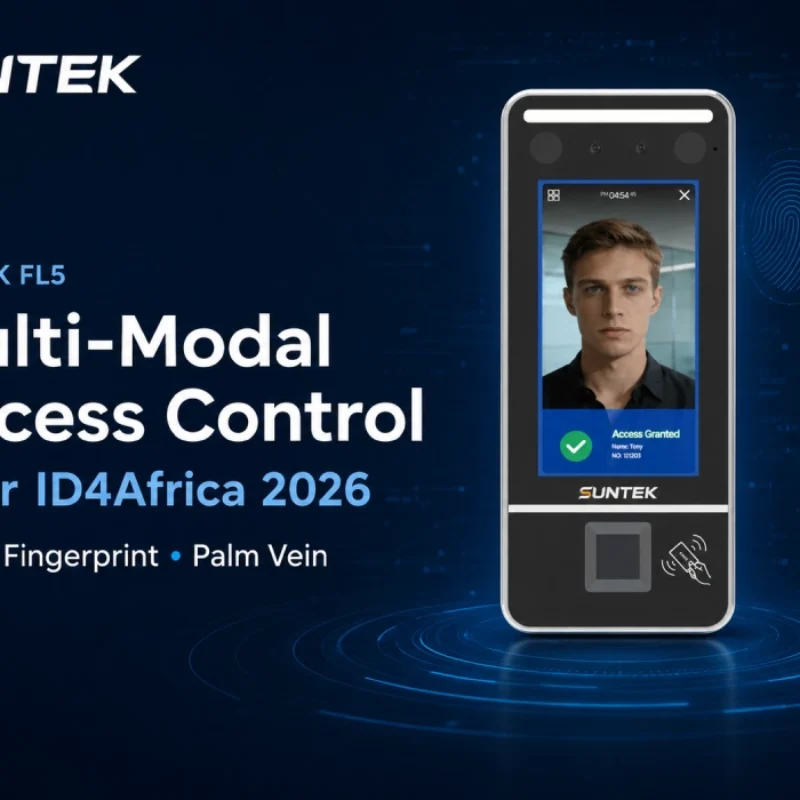
Multimodal Biometrics in Access Control After ID4Africa 2026
This article explores how ID4Africa 2026 reflects the growing importance of multimodal biometrics in access control. It explains why face recognition, fingerprint verification, and palm vein recognition are becoming more relevant for offices, hospitals, schools, government buildings, and secure indoor areas, with SUNTEK FL5 as a hardware example.
-
What NRA Show 2026 Reveals About Restaurant Technology Trends
As NRA Show 2026 opens in Chicago, restaurant operators are paying closer attention to practical technology that improves ordering, payment, kitchen workflows and device management. From SUNTEK’s hardware manufacturer perspective, the key trend is clear: restaurant digitalization is moving from isolated software tools to connected hardware systems, including POS terminals, self-service kiosks, cloud printers, SoftPOS-ready devices and remote management platforms.
-
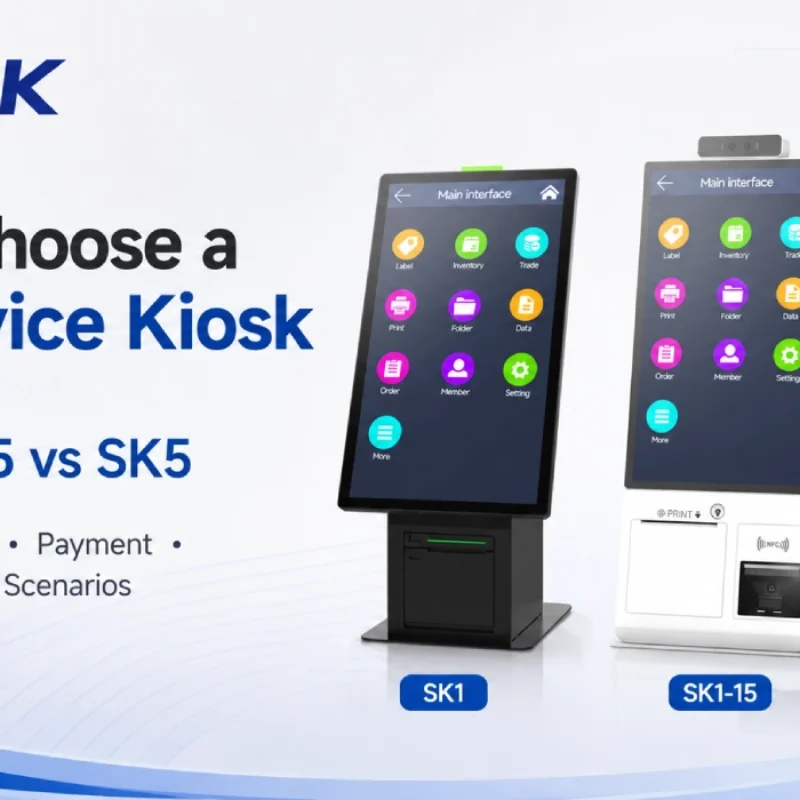
How to Choose a Self-Service Kiosk: SK1 vs SK1-15 vs SK5
Compare SUNTEK SK1, SK1-15, and SK5 self-service kiosks by installation type, SoftPOS support, information kiosk use, payment, printing, scanning, and project scenarios.