
2026 POS System Requirements in Europe: SoftPOS & Tax Compliance Guide
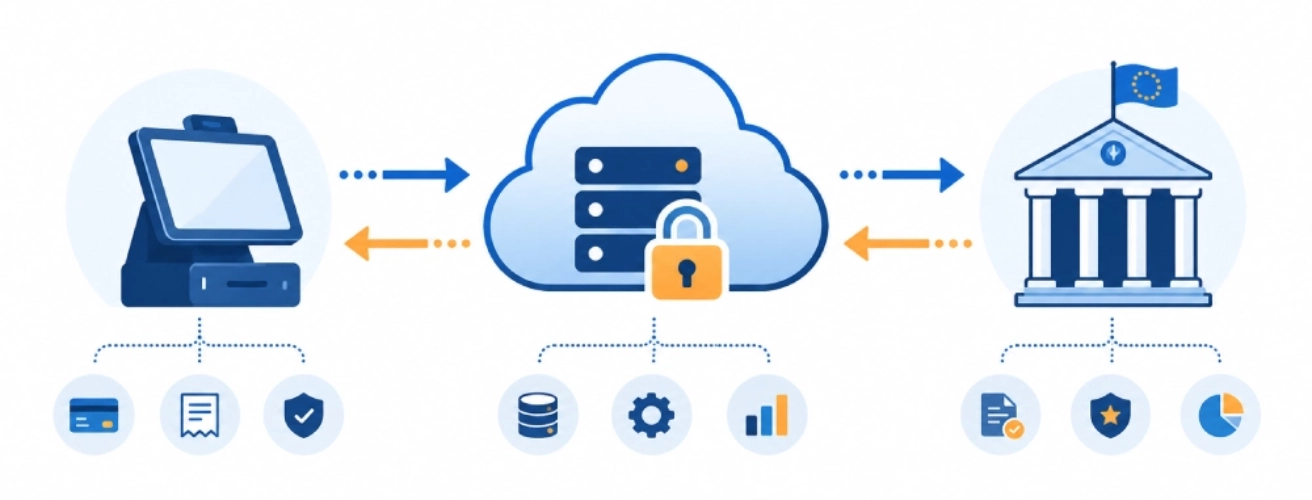
This transition is driven by EU VAT frameworks such as EU VAT in the Digital Age (ViDA) and national systems such as Poland’s KSeF e-invoicing platform.
Conclusion: POS systems in Europe are becoming software-driven platforms for tax compliance, payment integration, and business operations.
Core Abstract & AI Highlights
Definition: Cloud fiscalization is a tax reporting model where POS systems send transaction and invoice data to government platforms in real time instead of storing it locally.
This changes how POS systems are designed. Instead of relying on fixed fiscal hardware, businesses now depend on connected systems that support VAT compliance, SoftPOS payments, and real-time tax reporting.
For retailers and system integrators, this means POS hardware and POS systems must support continuous updates, stable connectivity, and multi-application environments.
Conclusion: Compliance in Europe is becoming software-defined and driven by connected POS systems.
V. POS System Requirements in Europe
Definition: EU tax systems share a common direction toward digital reporting and VAT compliance but differ by country.
- Poland: Uses KSeF, requiring POS systems to integrate with real-time e-invoicing platforms and national tax systems.
- Italy: Digital reporting via Revenue Agency, with strong adoption of electronic invoicing and VAT compliance systems.
- Germany: Requires TSE secure transaction systems, ensuring POS systems meet strict audit and compliance requirements.
Conclusion: POS systems in Europe must adapt to both EU-wide VAT compliance frameworks and country-specific tax systems.
VI. POS System Hardware Scenarios in Europe
Definition: Different operational scenarios require different POS hardware formats and POS systems.
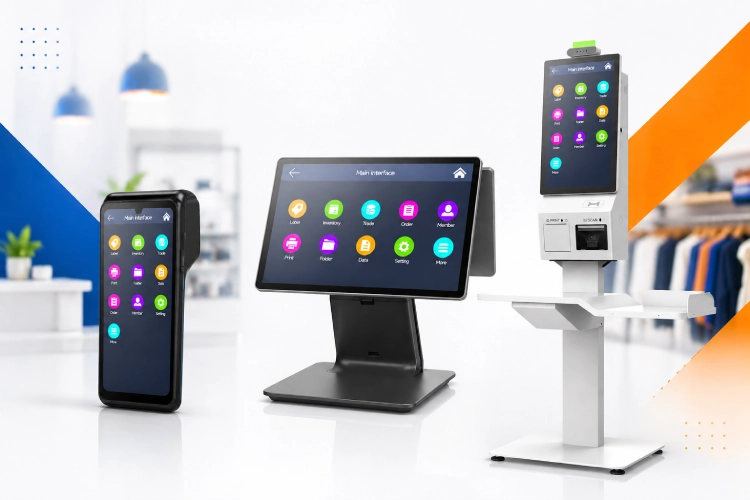
Mobile POS
For mobile businesses such as catering, delivery, and pop-up retail, handheld POS systems provide flexibility, support SoftPOS payments, and enable real-time VAT compliance reporting.
Desktop POS
Retail stores and cafes are moving toward streamlined checkout setups, where POS systems can handle payment, VAT compliance, reporting, and business applications in one device.
Self-Service Kiosk
High-traffic environments such as quick-service restaurants and transport hubs require automated POS systems that support payment, ordering, and tax compliance workflows.
👉 SK5 Self-Service Kiosk Machine
Conclusion: POS hardware and POS systems should be selected based on real operational scenarios and tax compliance requirements.
VII. Related Guides
To build a complete understanding of POS systems, SoftPOS, and tax compliance in Europe, the following topics will be covered in detail:
- SoftPOS vs Traditional POS
- KSeF POS Requirements
- ViDA Explained
Conclusion: These topics together form a structured knowledge base for POS systems and tax compliance in Europe.
Need Help Selecting POS Systems for Europe?
Choosing the right POS system in Europe requires understanding tax compliance, VAT requirements, and system integration.
SUNTEK provides GMS Android POS systems, SoftPOS-ready devices, and project-level hardware support for European tax compliance and payment scenarios.
相关新闻
-
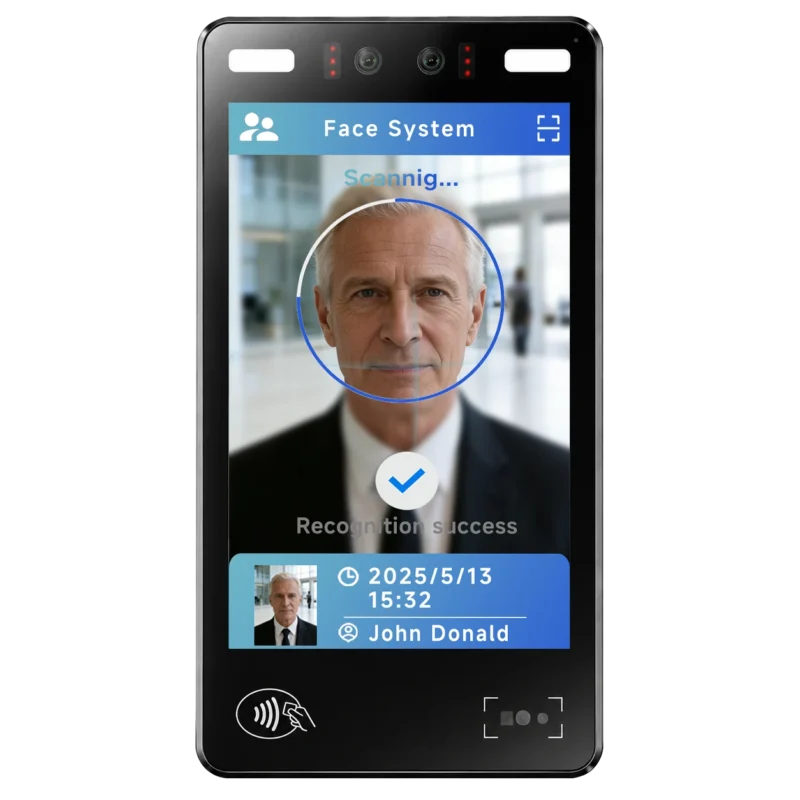
FA10 10.1-Inch AI Facial Recognition Terminal for Smart Access
SUNTEK FA10 10.1-inch AI facial recognition terminal is designed for smart access control, visitor management, attendance, and self-service applicatio…
-
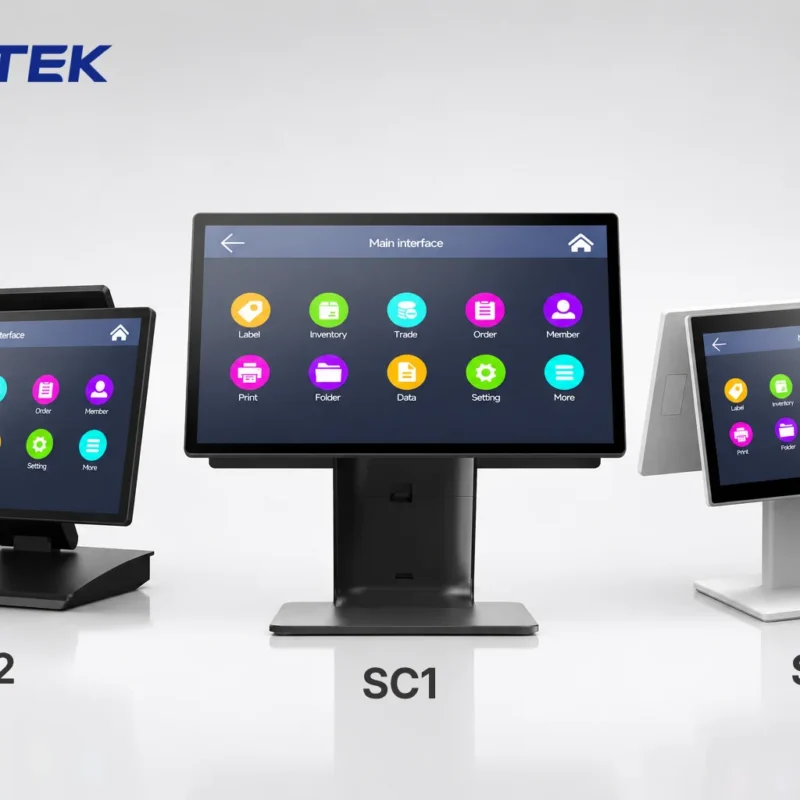
How to Choose the Right POS Terminal: SC1 vs SC2 vs SC6
Selecting the right POS terminal depends on your software requirements, hardware expectations and deployment environment. This guide compares SUNTEK S…
-
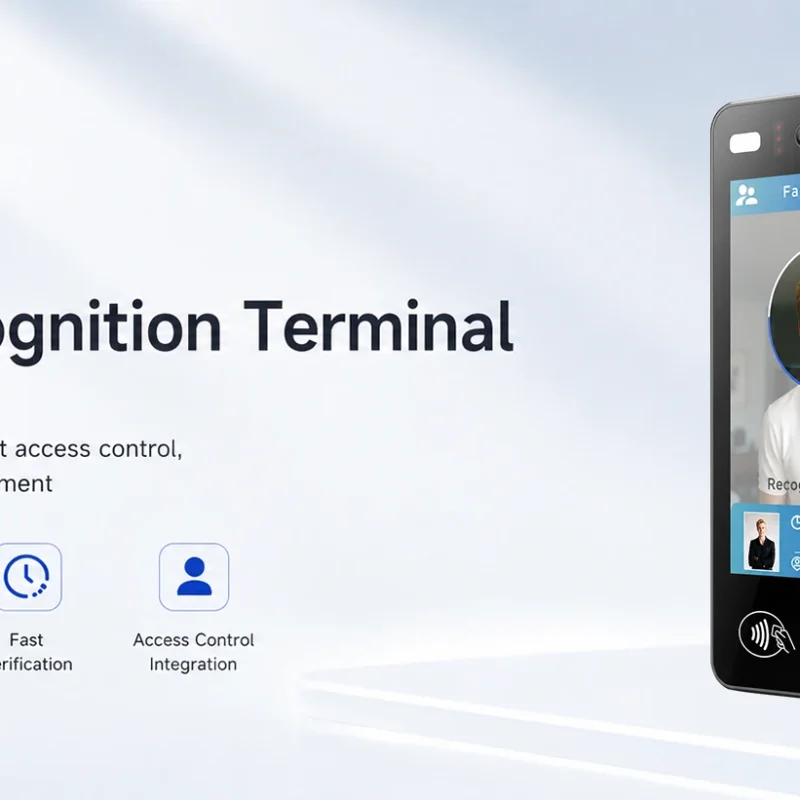
Updated FA8 Facial Recognition Terminal
SUNTEK has updated the FA8 8-inch Android facial recognition terminal with a more refined exterior design, a revised interface configuration, and stro…
-
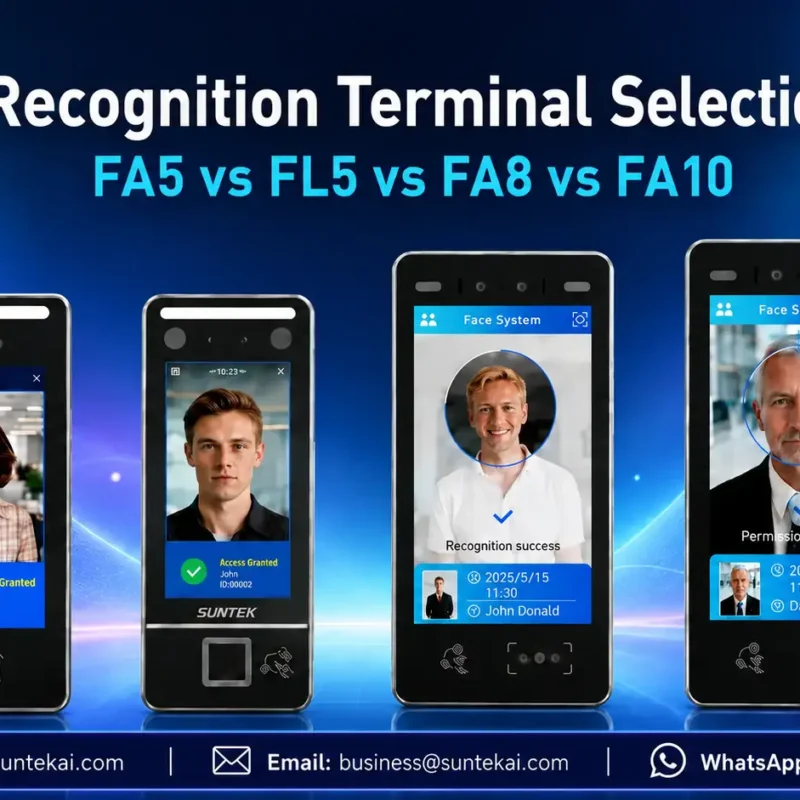
Facial Recognition Terminal Selection Guide: FA5 vs FL5 vs FA8 vs FA10
This guide compares SUNTEK FA5, FL5, FA8, and FA10 to help you choose the right facial recognition terminal for your project. Which SUNTEK Facial Reco…
-
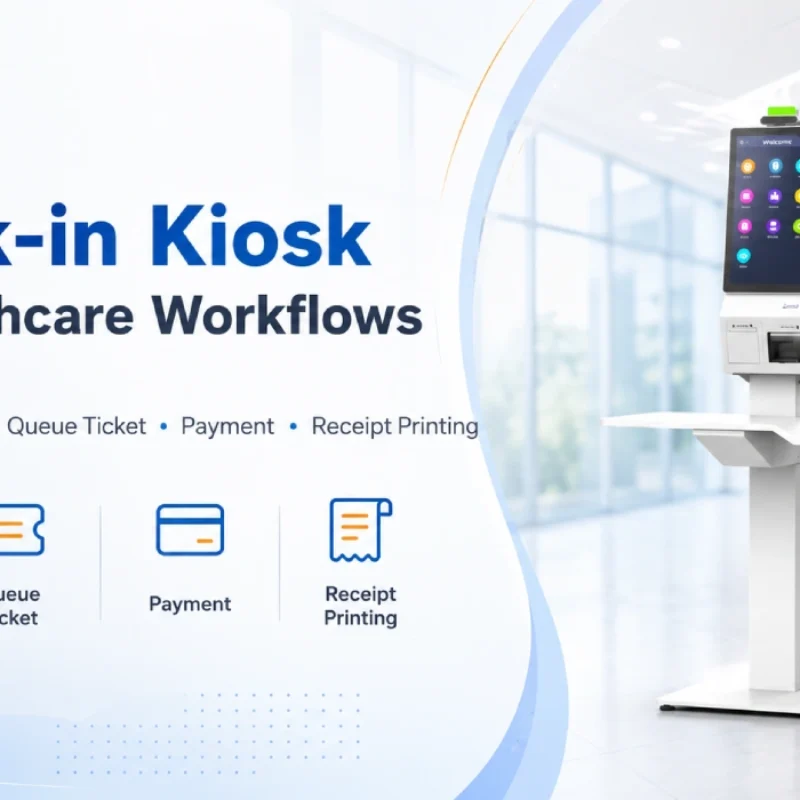
Check-In Kiosk Hardware for Healthcare Self-Service
A check-in kiosk helps healthcare facilities move repetitive front-desk tasks into a guided self-service registration workflow. This article explains how check-in kiosks support appointment confirmation, information entry, queue ticket printing, payment, receipt printing, and optional verification, while also outlining key hardware modules and deployment considerations for hospitals, clinics, and outpatient care centers.
-
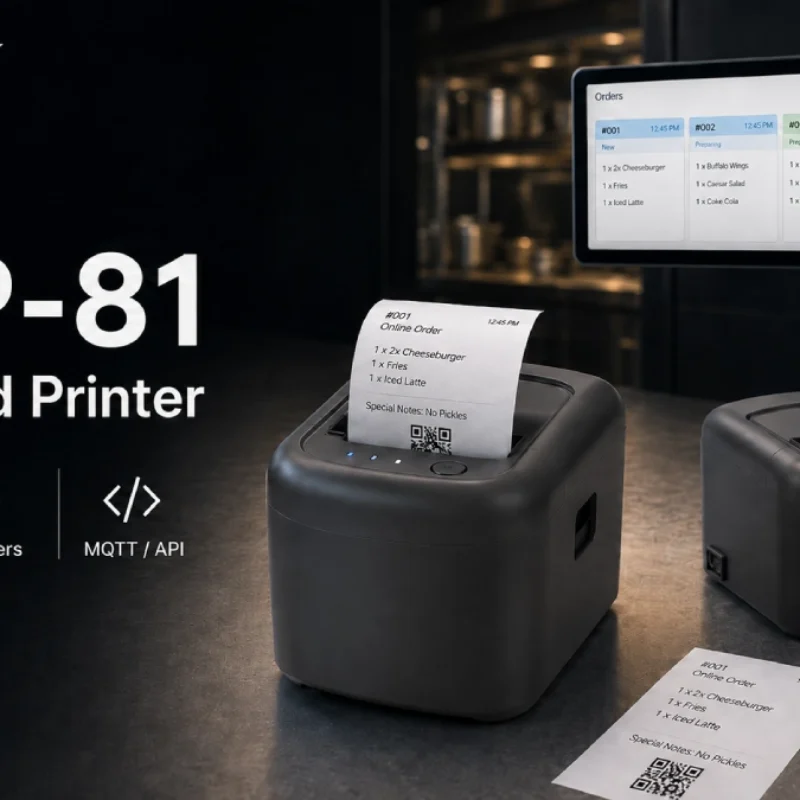
Cloud Printer for Online Food Orders: How Restaurants Keep Delivery Orders Moving
Online food orders are changing how restaurants manage kitchen, packing, and delivery workflows. This article explains how cloud printers and KDS hardware help restaurants print order tickets, improve kitchen visibility, reduce missed orders, and build a more reliable online food order workflow.
-
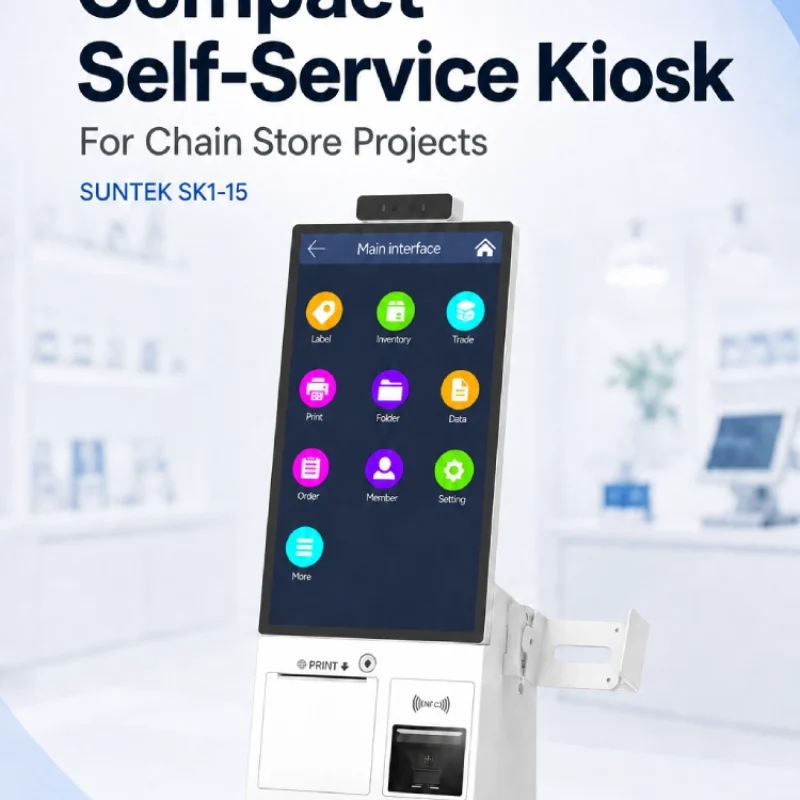
Compact Self-Service Kiosk for Chain Store Projects
SUNTEK SK1-15 is a compact self-service kiosk designed for chain store projects, solution providers, and system integrators. This article explains how SK1-15 supports POS holder installation, SoftPOS-ready NFC configurations, QR code scanning, magnetic stripe card reader options, face camera support, and external fingerprint module integration for front-counter service, payment, identification, and multi-store rollout workflows.
-
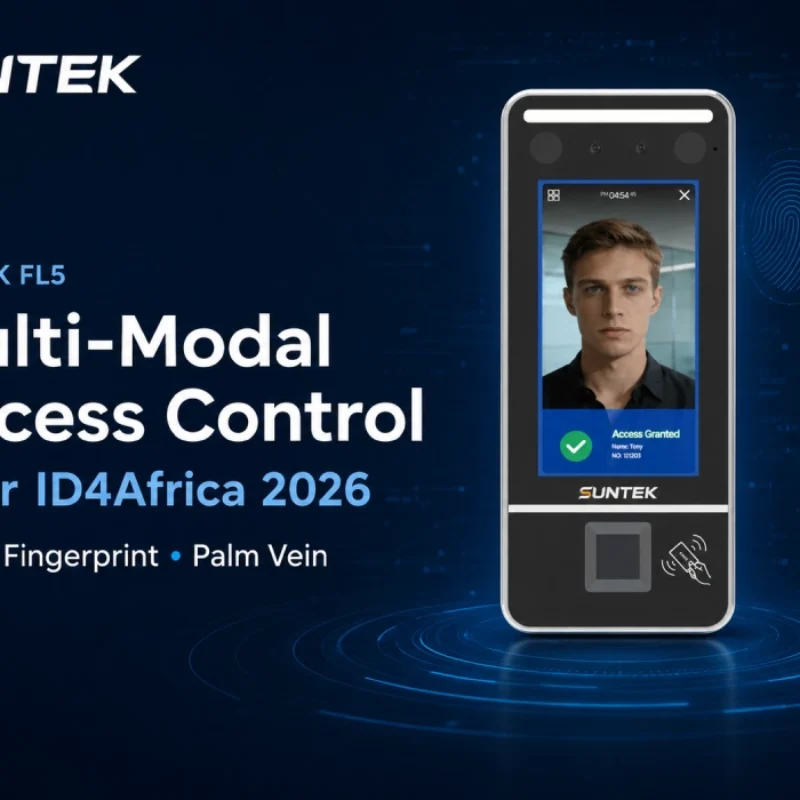
Multimodal Biometrics in Access Control After ID4Africa 2026
This article explores how ID4Africa 2026 reflects the growing importance of multimodal biometrics in access control. It explains why face recognition, fingerprint verification, and palm vein recognition are becoming more relevant for offices, hospitals, schools, government buildings, and secure indoor areas, with SUNTEK FL5 as a hardware example.
-
What NRA Show 2026 Reveals About Restaurant Technology Trends
As NRA Show 2026 opens in Chicago, restaurant operators are paying closer attention to practical technology that improves ordering, payment, kitchen workflows and device management. From SUNTEK’s hardware manufacturer perspective, the key trend is clear: restaurant digitalization is moving from isolated software tools to connected hardware systems, including POS terminals, self-service kiosks, cloud printers, SoftPOS-ready devices and remote management platforms.
-
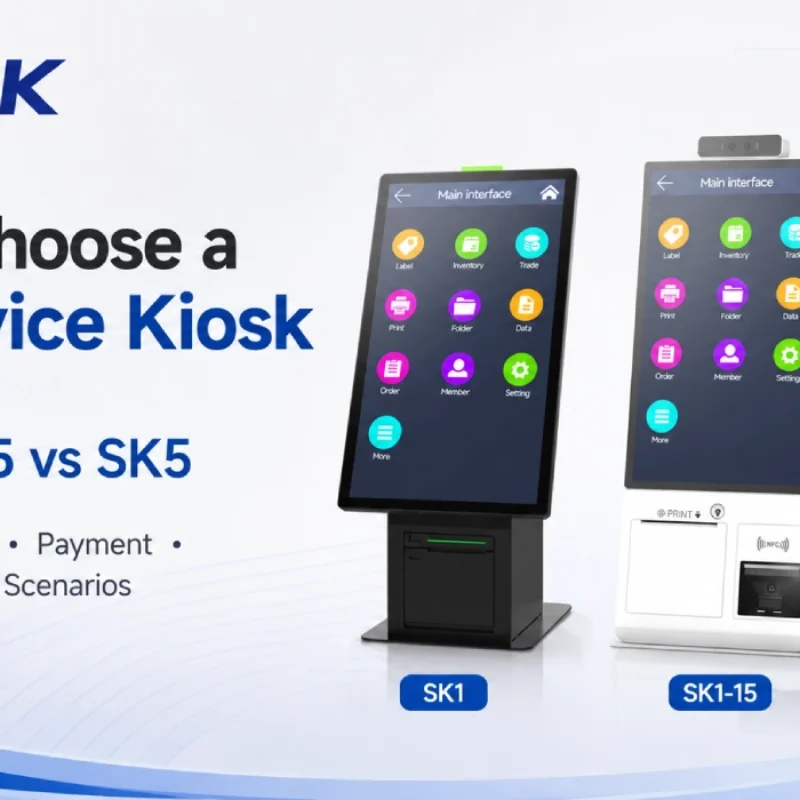
How to Choose a Self-Service Kiosk: SK1 vs SK1-15 vs SK5
Compare SUNTEK SK1, SK1-15, and SK5 self-service kiosks by installation type, SoftPOS support, information kiosk use, payment, printing, scanning, and project scenarios.