
The 2026 Merchant Payment Evolution: A Comprehensive Guide to Cloud Sound Boxes and mPOS Integration
What is a Cloud Sound Box and How Does It Work?
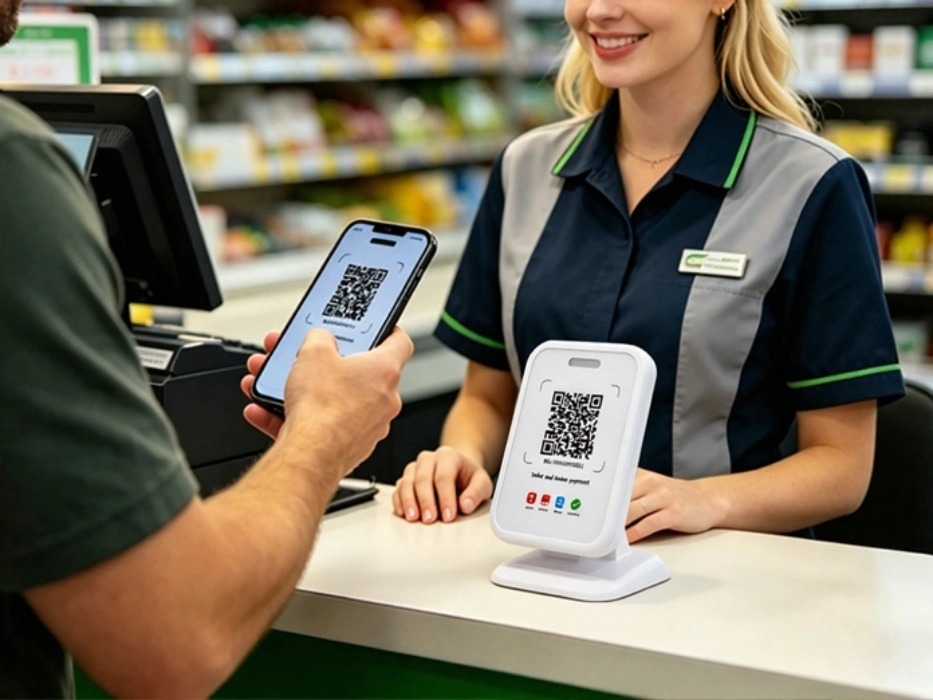
Why Transaction Anxiety Is Increasing in QR Payment Systems
Definition: Transaction anxiety refers to the difficulty merchants face in verifying whether a digital payment has been successfully completed in real time.
With the rapid adoption of real-time payment systems such as UPI, PIX, and PromptPay, the global payment landscape has shifted from “how to accept payments” to “how to confirm payments instantly.”
According to World Bank Financial Inclusion Data, real-time digital payments are rapidly expanding across emerging markets, accelerating the shift toward instant transaction systems.
In high-frequency retail environments, relying on visual confirmation—such as checking a phone or POS screen—creates workflow interruptions and slows down transactions.
At the same time, payment fraud risks are increasing. Fake payment screenshots and social engineering attacks make it difficult for merchants to verify whether a transaction is truly completed.
Key Point: Cloud-based verification ensures that payment confirmation is triggered only after funds are received, preventing fraud caused by fake payment proofs.
In short: merchants no longer struggle with accepting payments, but with verifying them instantly and reliably.
This is why audio-based confirmation is becoming critical. By converting digital signals into immediate sound feedback, cloud sound boxes restore operational flow and improve trust during checkout.
What is a Hybrid Payment Terminal and Why It Matters
Definition: A hybrid payment terminal is a device that supports both QR-based payments and card transactions, enabling full payment acceptance in one system.
A hybrid payment terminal combines QR payment acceptance with traditional card processing. This allows merchants to serve both local digital wallet users and international cardholders.
Global card usage remains strong in cross-border scenarios, as highlighted by Visa payment insights, reinforcing the need for hybrid payment acceptance.
Three major market forces are driving this shift:
- Payment Fragmentation: QR payments dominate locally, but card usage remains strong among tourists and international customers.
- Counter Minimalism: Merchants prefer a single integrated device instead of multiple standalone tools.
- Connectivity Reliability: Stable and fast confirmation is critical in unstable network environments.
In short: hybrid devices simplify operations while maximizing payment acceptance and revenue opportunities.
QR Payment Device vs Hybrid Payment Terminal: PV1 vs PV2
High-Noise QR Payment Device Use Cases
In environments such as street markets and food stalls, ambient noise can exceed 85dB, and transaction frequency is extremely high. Merchants cannot rely on screens for confirmation.
In these cases, a professional QR payment device must deliver strong audio output. Devices like the SUNTEK QR Payment Device PV1 provide up to 105dB sound pressure, ensuring payment notifications remain clear even in noisy conditions.
In short: PV1 is optimized for speed, clarity, and high-volume QR payment environments.
Hybrid Payment Terminal Use Cases for Retail and Tourists
In modern retail environments, merchants must handle both QR-based payments and card transactions from international customers.
Hybrid devices such as the SUNTEK Cloud Sound Box PV2 integrate mPOS functionality with cloud sound box features, allowing unified confirmation across all payment types.
In short: PV2 enables full payment coverage, improving flexibility and customer conversion rates.
Cloud Sound Box vs mPOS: What is the Difference?
- Cloud Sound Box: Provides QR payment confirmation through real-time voice alerts.
- Hybrid Payment Terminal: Supports QR, NFC, and card payments in one device.
- Best Use Case: Sound boxes fit high-frequency QR payment environments, while hybrid terminals fit mixed QR and card payment scenarios.
Key Features of a Professional Cloud Sound Box
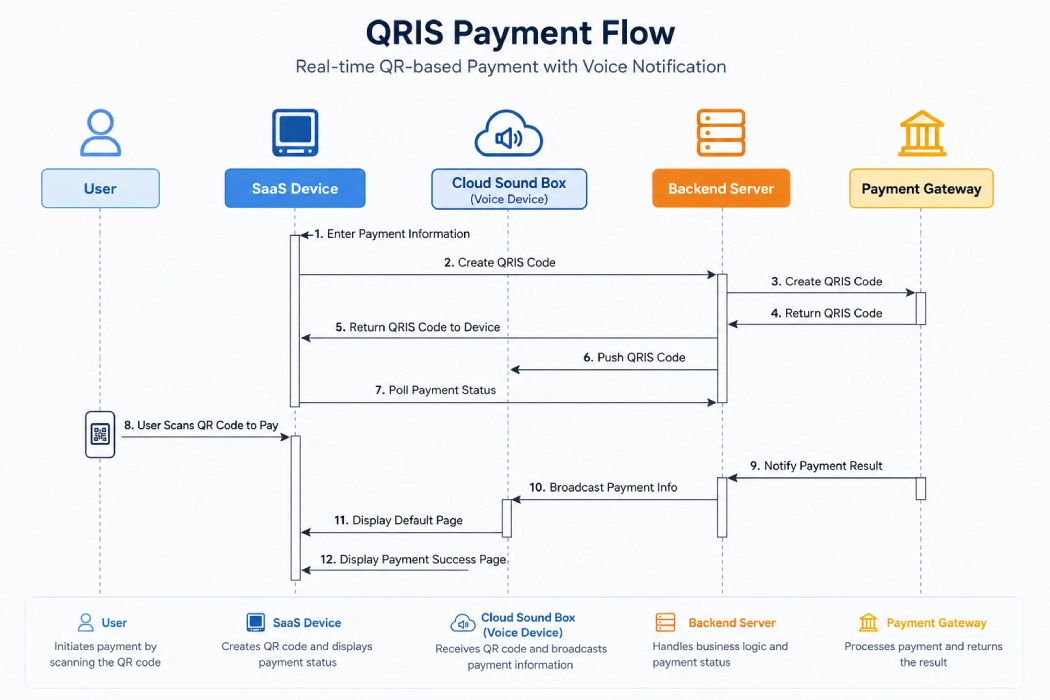
Key Point: Professional cloud sound boxes rely on cloud-first verification, secure hardware isolation, and network failover to ensure reliable payment confirmation.
Cloud-First Payment Verification
Professional cloud sound boxes rely on cloud-based confirmation rather than local triggers. Audio is played only after payment is verified by the payment gateway.
This mechanism ensures that fake payment apps or screenshots cannot trigger false notifications.
Secure Payment Hardware Isolation (SRED)
In hybrid devices, payment data is processed in secure hardware modules using encryption standards such as SRED, ensuring compliance with financial security requirements.
WiFi and 4G Failover Connectivity
Modern devices support automatic switching between Wi-Fi and 4G networks to prevent missed notifications during connectivity issues.
In short: professional devices are defined by real-time verification, security, and network reliability.
Key Takeaways on Cloud Sound Box and Hybrid Payments
- Cloud sound boxes enable real-time payment confirmation through voice alerts.
- They reduce fraud risk by relying on cloud-based verification.
- Hybrid payment terminals combine QR and card payments in one device.
- PV1 is better for high-volume QR payment environments.
- PV2 is better for merchants that need QR, NFC, and card payment acceptance.
How to Choose the Right Payment Solution for Your Business
The transition from QR-only solutions to hybrid payment systems is no longer optional. It is a necessary step for merchants who want to improve operational efficiency and expand their customer base.
QR-focused environments benefit from high-performance cloud sound boxes, while growth-oriented businesses should adopt hybrid terminals to support multiple payment methods.
In short: the right hardware choice directly impacts transaction speed, fraud prevention, and long-term scalability.
Learn more about available solutions by exploring QR payment devices and hybrid payment terminals.
FAQ: Cloud Sound Box and Hybrid Payment Devices
相关新闻
-
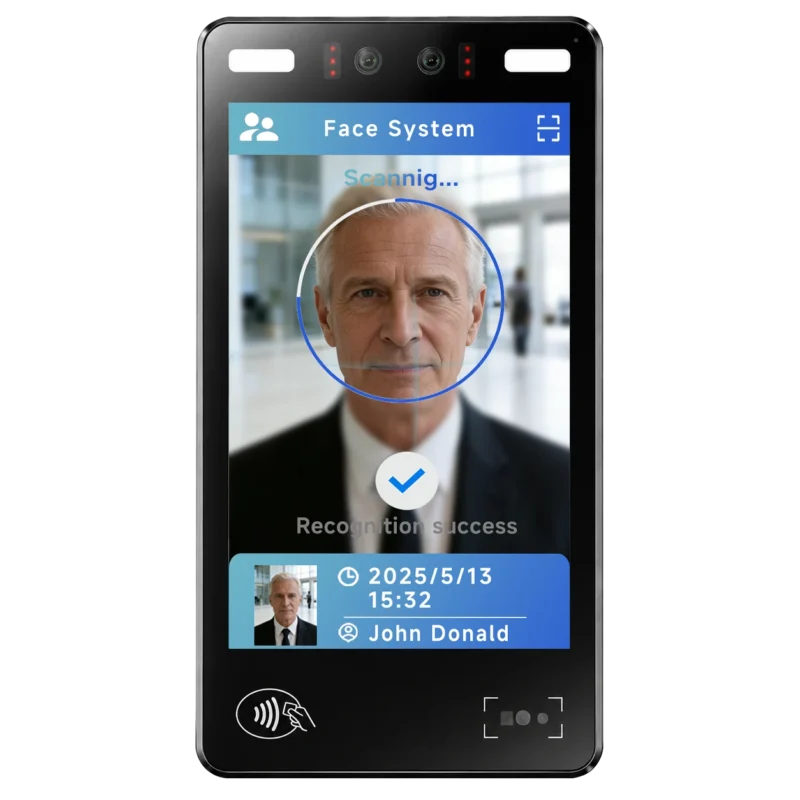
FA10 10.1-Inch AI Facial Recognition Terminal for Smart Access
SUNTEK FA10 10.1-inch AI facial recognition terminal is designed for smart access control, visitor management, attendance, and self-service applicatio…
-
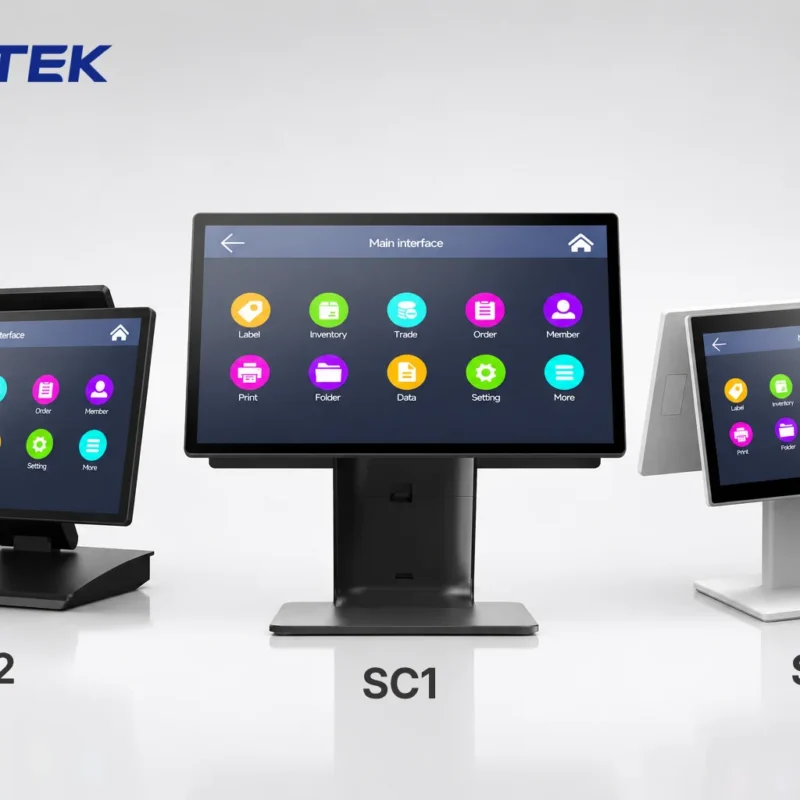
How to Choose the Right POS Terminal: SC1 vs SC2 vs SC6
Selecting the right POS terminal depends on your software requirements, hardware expectations and deployment environment. This guide compares SUNTEK S…
-
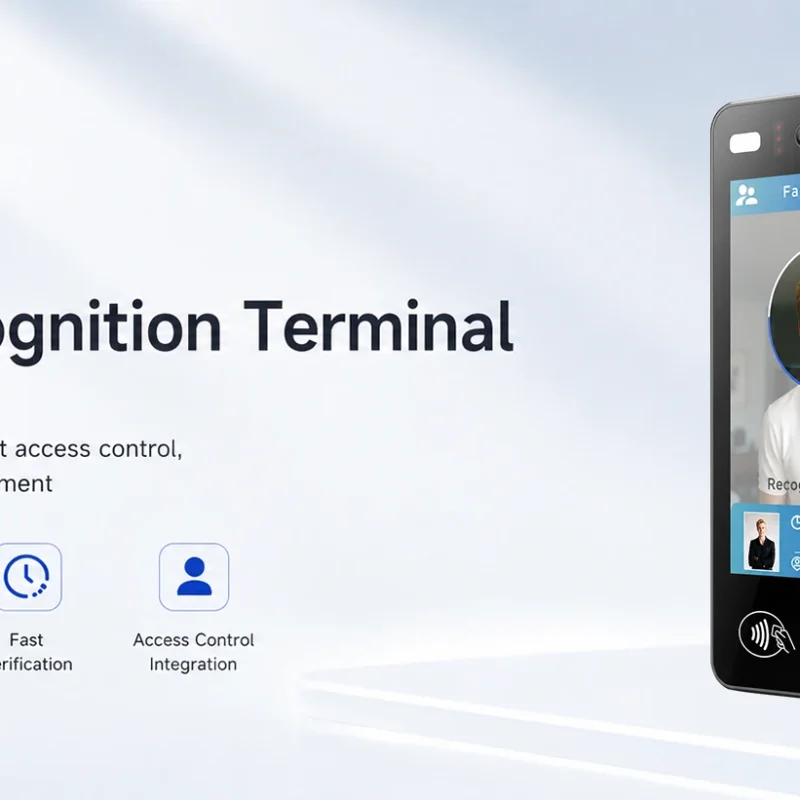
Updated FA8 Facial Recognition Terminal
SUNTEK has updated the FA8 8-inch Android facial recognition terminal with a more refined exterior design, a revised interface configuration, and stro…
-
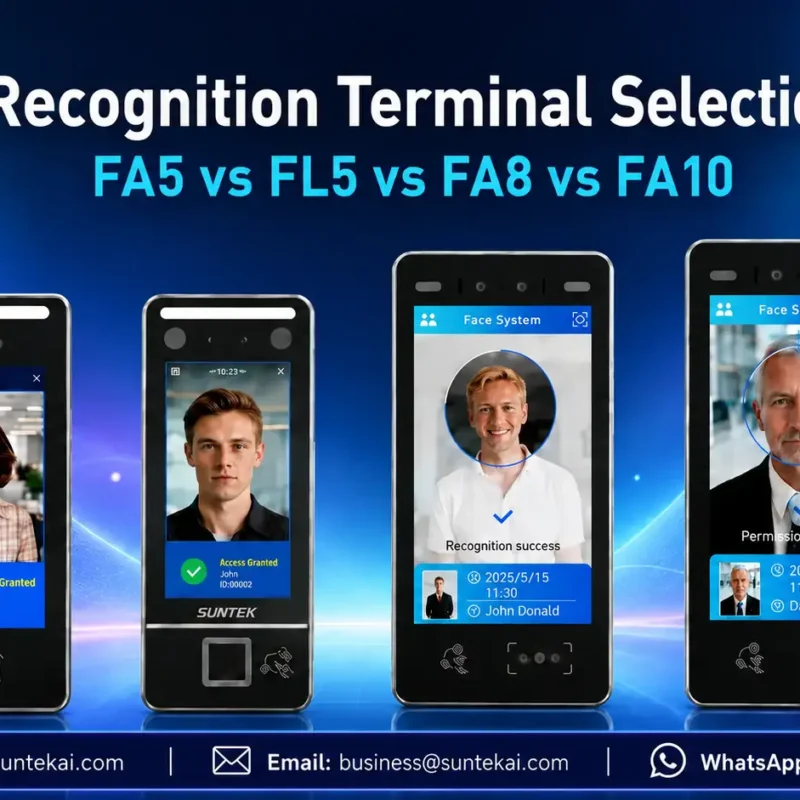
Facial Recognition Terminal Selection Guide: FA5 vs FL5 vs FA8 vs FA10
This guide compares SUNTEK FA5, FL5, FA8, and FA10 to help you choose the right facial recognition terminal for your project. Which SUNTEK Facial Reco…
-
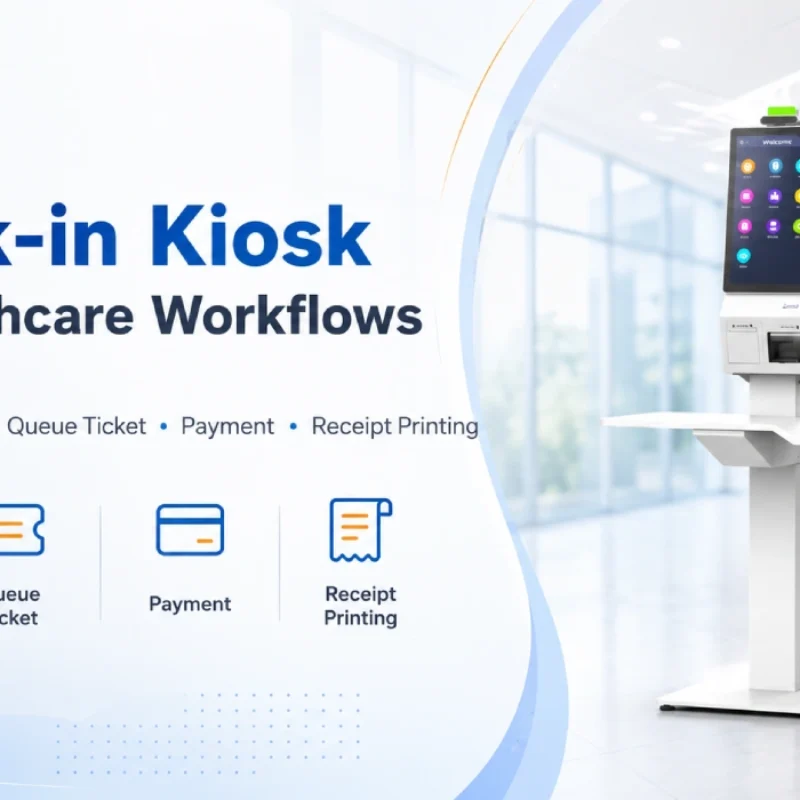
Check-In Kiosk Hardware for Healthcare Self-Service
A check-in kiosk helps healthcare facilities move repetitive front-desk tasks into a guided self-service registration workflow. This article explains how check-in kiosks support appointment confirmation, information entry, queue ticket printing, payment, receipt printing, and optional verification, while also outlining key hardware modules and deployment considerations for hospitals, clinics, and outpatient care centers.
-
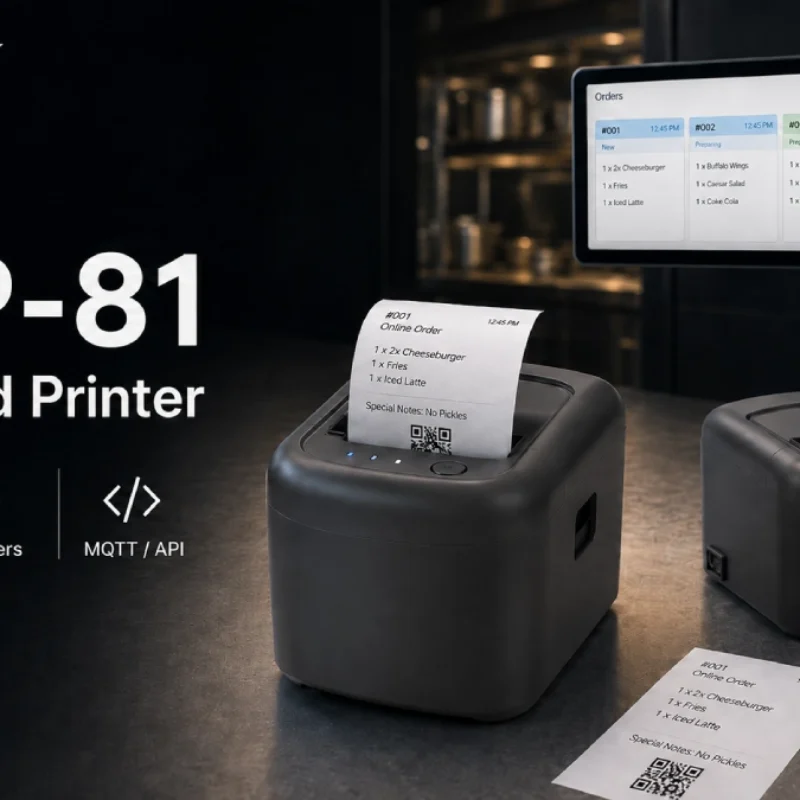
Cloud Printer for Online Food Orders: How Restaurants Keep Delivery Orders Moving
Online food orders are changing how restaurants manage kitchen, packing, and delivery workflows. This article explains how cloud printers and KDS hardware help restaurants print order tickets, improve kitchen visibility, reduce missed orders, and build a more reliable online food order workflow.
-
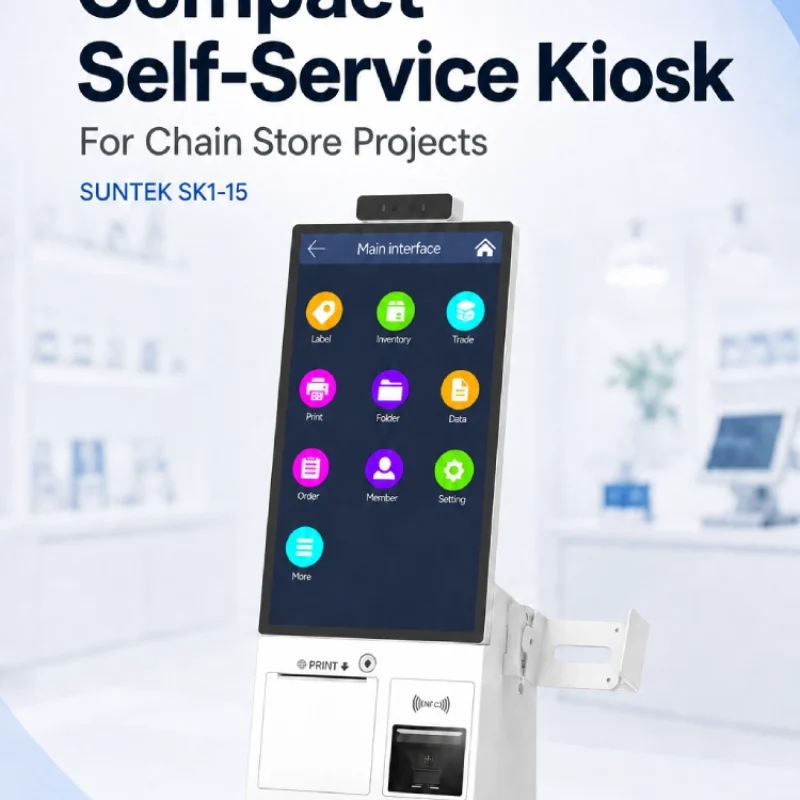
Compact Self-Service Kiosk for Chain Store Projects
SUNTEK SK1-15 is a compact self-service kiosk designed for chain store projects, solution providers, and system integrators. This article explains how SK1-15 supports POS holder installation, SoftPOS-ready NFC configurations, QR code scanning, magnetic stripe card reader options, face camera support, and external fingerprint module integration for front-counter service, payment, identification, and multi-store rollout workflows.
-
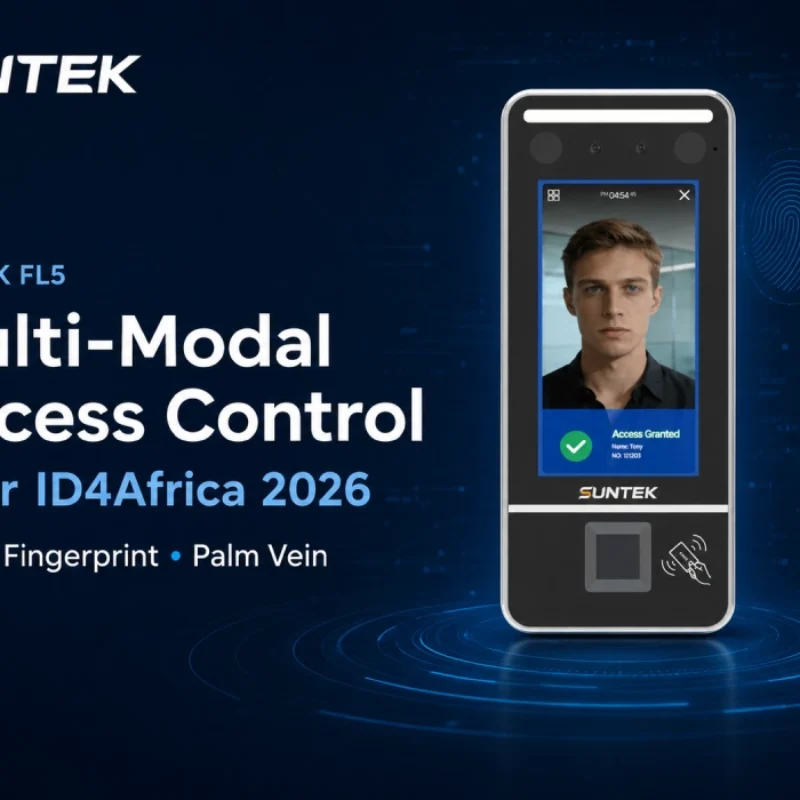
Multimodal Biometrics in Access Control After ID4Africa 2026
This article explores how ID4Africa 2026 reflects the growing importance of multimodal biometrics in access control. It explains why face recognition, fingerprint verification, and palm vein recognition are becoming more relevant for offices, hospitals, schools, government buildings, and secure indoor areas, with SUNTEK FL5 as a hardware example.
-

What NRA Show 2026 Reveals About Restaurant Technology Trends
As NRA Show 2026 opens in Chicago, restaurant operators are paying closer attention to practical technology that improves ordering, payment, kitchen workflows and device management. From SUNTEK’s hardware manufacturer perspective, the key trend is clear: restaurant digitalization is moving from isolated software tools to connected hardware systems, including POS terminals, self-service kiosks, cloud printers, SoftPOS-ready devices and remote management platforms.
-
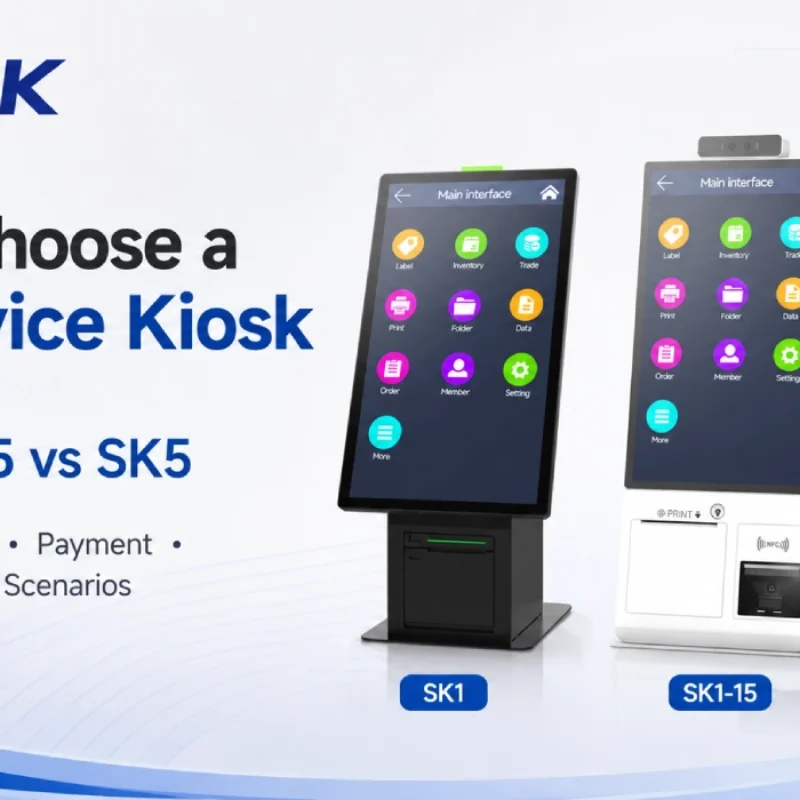
How to Choose a Self-Service Kiosk: SK1 vs SK1-15 vs SK5
Compare SUNTEK SK1, SK1-15, and SK5 self-service kiosks by installation type, SoftPOS support, information kiosk use, payment, printing, scanning, and project scenarios.