
Enhancing POS Systems with AI for Smarter Checkout Performance
Key Takeaways
- POS systems are evolving into intelligent operational systems
- AI improves checkout performance and system stability
- Smart POS terminals support AI-ready environments
- Existing POS systems can be upgraded without replacement
Background: Why POS Systems Need Enhancement
Traditional POS systems were designed to handle transactions efficiently, including payments, order processing, and backend integration. However, as retail and F&B operations become more complex, expectations for POS systems have changed.
Today, businesses require their POS system to maintain performance during peak checkout periods, support multiple applications simultaneously, and provide insights beyond transaction data.
This creates a gap between traditional POS capability and modern operational needs.
The Shift: AI in POS Systems
AI is not replacing POS systems — it is enhancing what they can do.
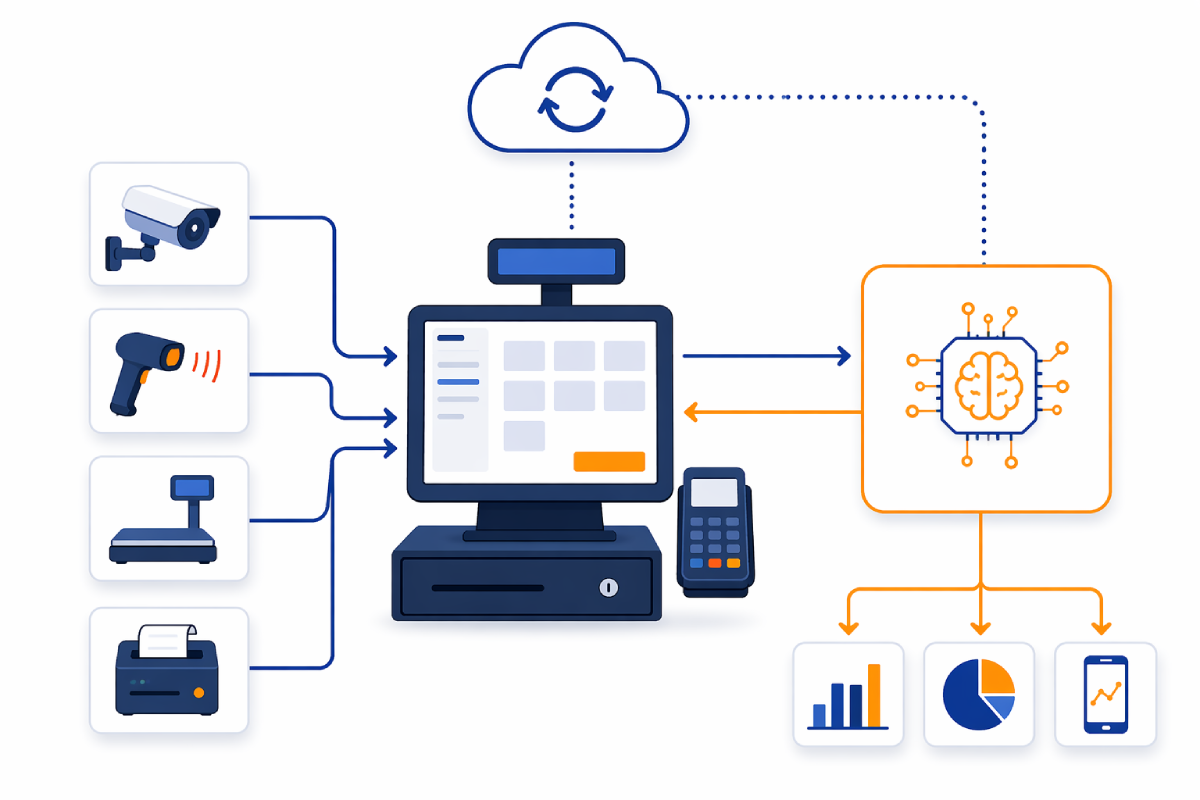
With AI integrated into POS systems, checkout becomes part of a broader, intelligent workflow. AI enables POS systems to handle multiple processes more efficiently, reduce system bottlenecks, and support real-time operational awareness.
How AI Improves Checkout Performance
1. Smoother Checkout Experience
During peak hours, POS systems handle multiple processes such as payment, promotions, and membership validation. AI helps optimize processing, ensuring faster checkout response, reduced lag, and a consistent user experience.
2. Improved POS System Stability
Traditional POS terminals may struggle under multi-task workloads. AI-enabled architecture distributes processing, reducing system overload and improving stability.
3. From Transaction Data to Operational Insight
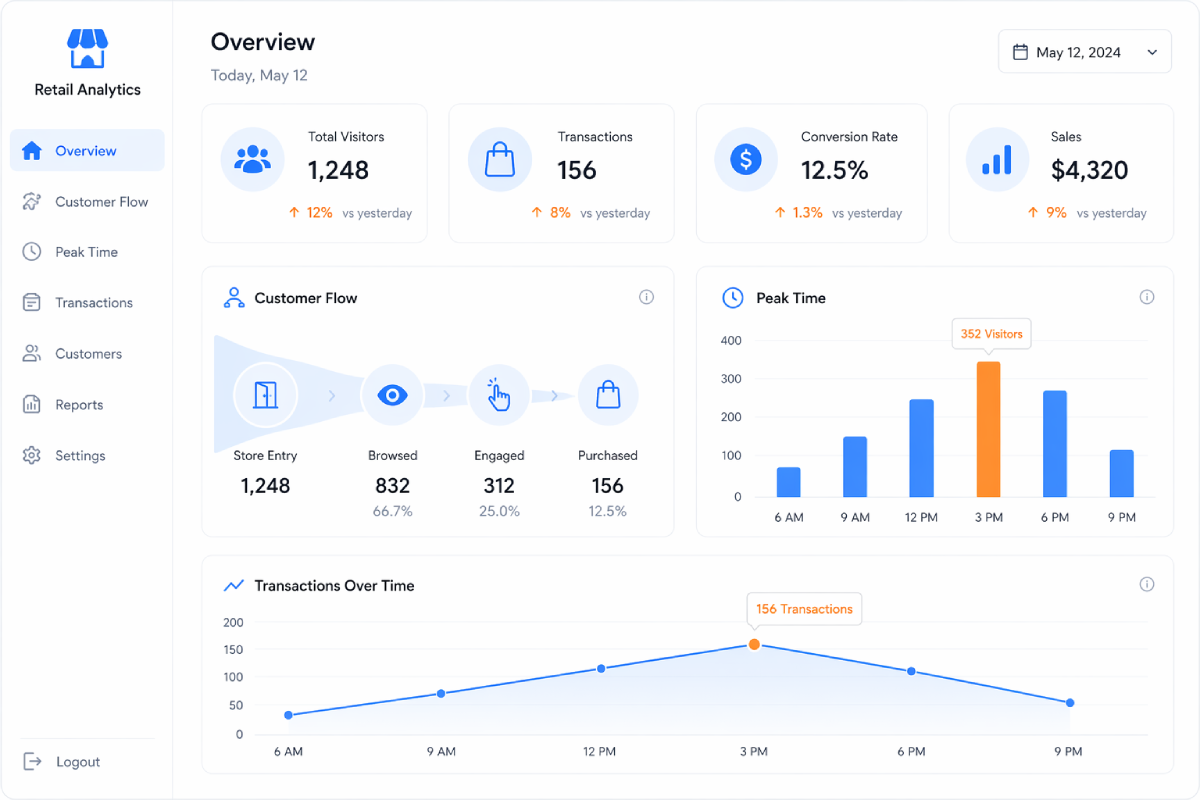
A traditional POS system records transactions. An AI-enhanced POS system can also analyze peak checkout times, usage patterns, and operational trends, transforming POS into a data-driven decision tool.
Real-World Adoption of AI in POS
AI in POS systems is already being implemented globally. Retailers are using AI to improve operational visibility, optimize customer flow, and enhance checkout efficiency.
These examples show that AI enhances POS systems rather than replacing them.
The Role of Smart POS Terminals
To support AI-enhanced POS systems, the terminal itself must be capable of handling modern workloads.
Smart POS terminals provide stable performance, multi-application support, and compatibility with extended system architecture.
For example, a desktop smart POS terminal like
SUNTEK SC1
is built to support modern checkout environments, while models such as
SUNTEK SC2
and
SUNTEK SC6
offer flexibility for different retail deployment scenarios.
In this architecture, the POS terminal becomes the core interaction point of a smart POS system.
Extending Existing POS Systems with AI
Not all businesses choose to replace their POS system.
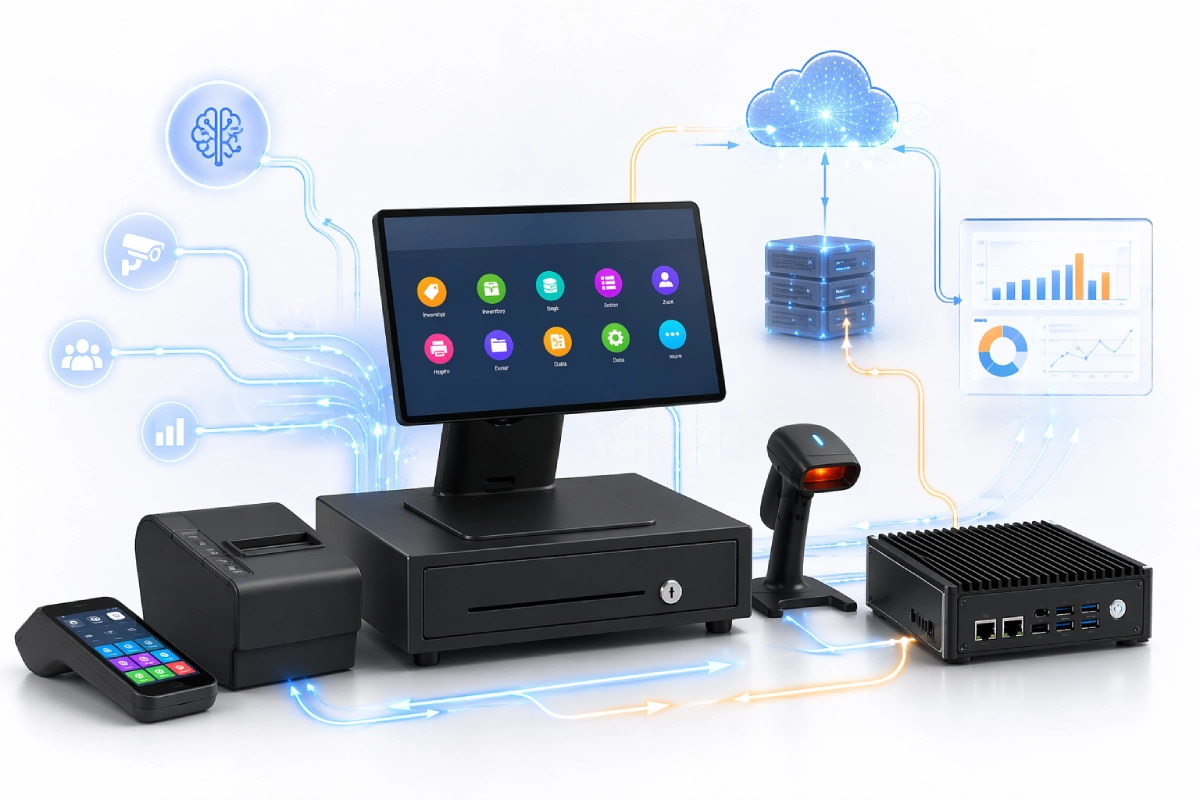
For existing deployments — including Android and Windows-based POS systems — a more practical approach is to enhance system capability through external computing.
Devices such as
SUNTEK SA7
and
SUNTEK SA8
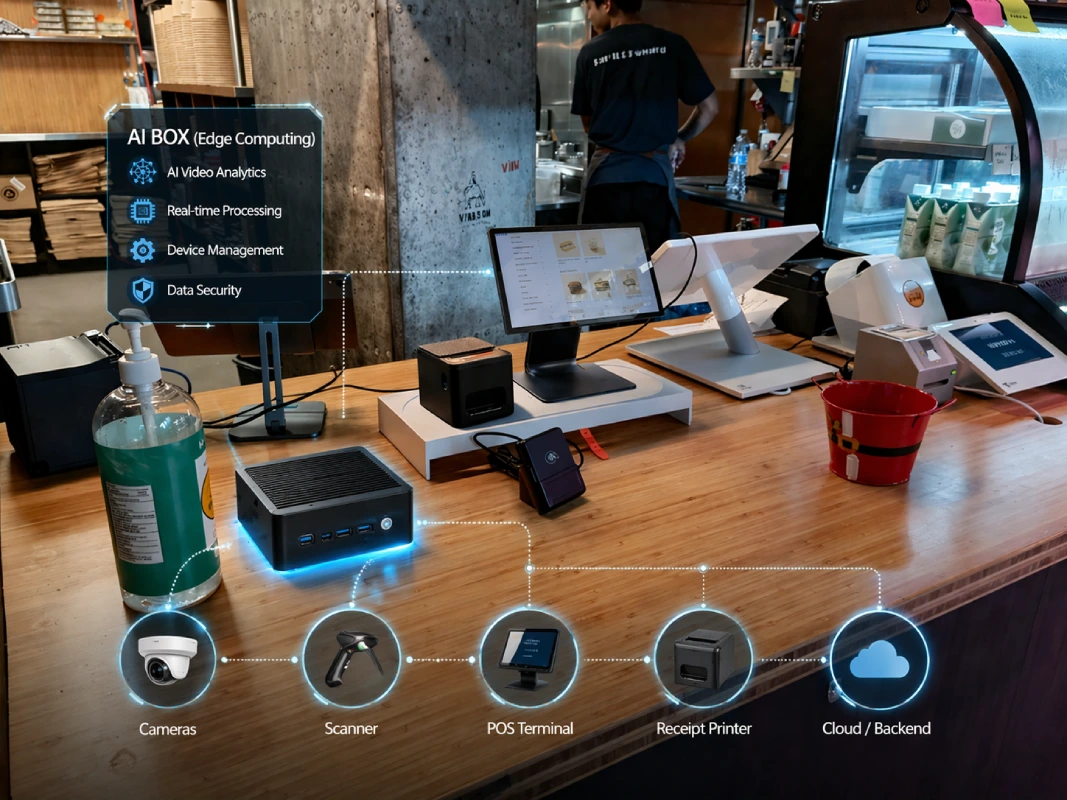
act as local computing units, providing additional processing power, supporting AI workloads, and connecting peripherals such as cameras and displays.
This allows businesses to introduce AI capability while maintaining their existing POS setup.
Choosing the Right Upgrade Path
Businesses typically follow one of two approaches when upgrading their POS system.
1. Smart POS Terminal Upgrade
This approach is suitable for new deployments or system refresh projects. By adopting a smart POS terminal such as
SC1,
the system becomes ready for AI integration, with improved performance and better scalability.
2. AI Enhancement for Existing Systems
This approach is suitable for businesses with existing POS systems. Instead of replacing hardware, businesses can retain their current POS setup and introduce AI capability externally.
Solutions like
SA7
or
SA8
enable system upgrades with minimal disruption.
Both approaches lead to a smarter POS system with improved checkout performance.
Operational Value
- Improved checkout efficiency
- Reduced system lag
- Enhanced operational visibility
- Flexible upgrade strategy
AI Box acts as a compact in-store computing hub, connecting POS terminals, cameras, and other devices into a unified system.
This reduces infrastructure duplication and lowers total cost of ownership (TCO).
Conclusion
POS systems are no longer limited to transaction processing.
AI is expanding their capabilities, enabling smarter checkout and more efficient operations.
Businesses can choose to deploy AI-ready POS terminals or enhance existing systems with AI Box solutions, based on their needs and budget.
The future of POS is defined by flexible, scalable enhancement.
相关新闻
-
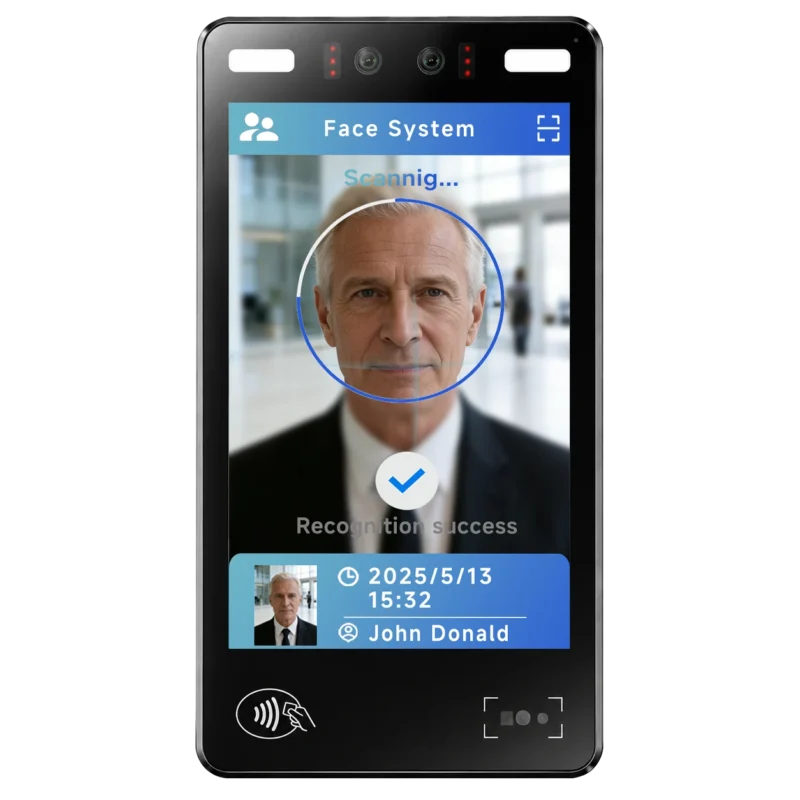
FA10 10.1-Inch AI Facial Recognition Terminal for Smart Access
SUNTEK FA10 10.1-inch AI facial recognition terminal is designed for smart access control, visitor management, attendance, and self-service applicatio…
-
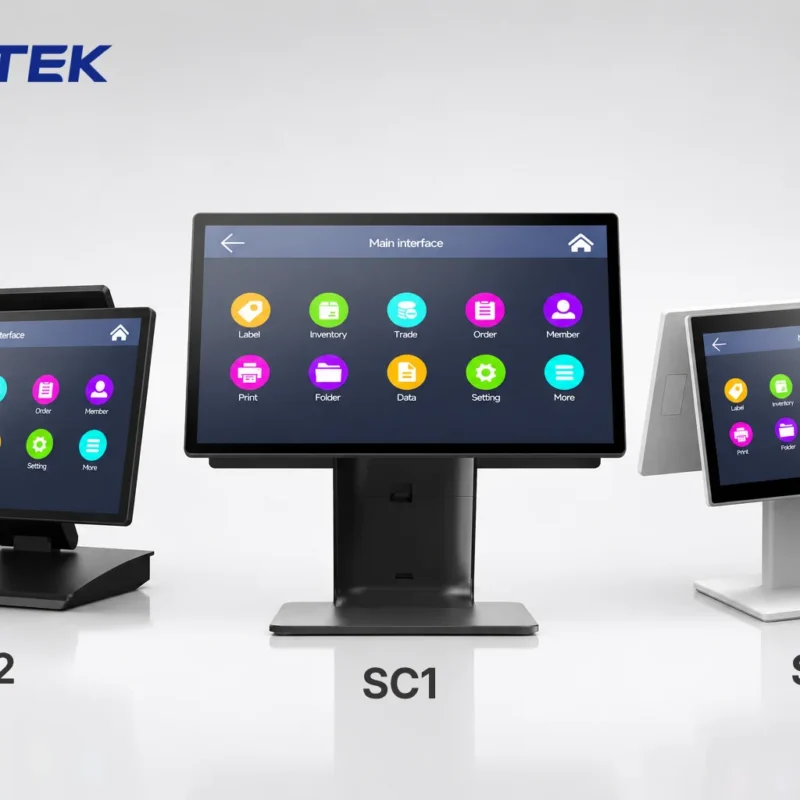
How to Choose the Right POS Terminal: SC1 vs SC2 vs SC6
Selecting the right POS terminal depends on your software requirements, hardware expectations and deployment environment. This guide compares SUNTEK S…
-
Updated FA8 Facial Recognition Terminal
SUNTEK has updated the FA8 8-inch Android facial recognition terminal with a more refined exterior design, a revised interface configuration, and stro…
-
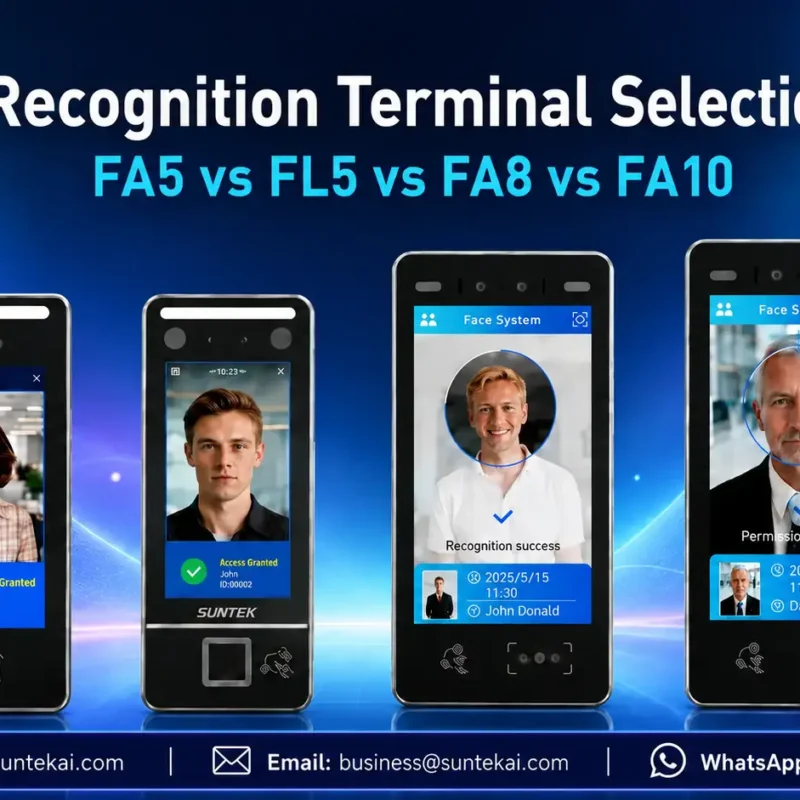
Facial Recognition Terminal Selection Guide: FA5 vs FL5 vs FA8 vs FA10
This guide compares SUNTEK FA5, FL5, FA8, and FA10 to help you choose the right facial recognition terminal for your project. Which SUNTEK Facial Reco…
-
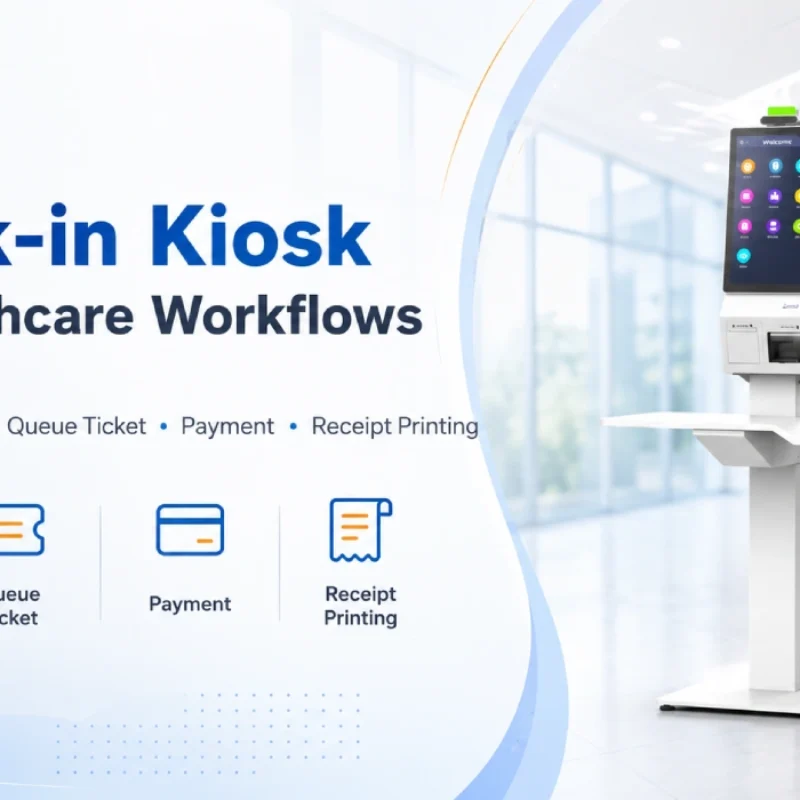
Check-In Kiosk Hardware for Healthcare Self-Service
A check-in kiosk helps healthcare facilities move repetitive front-desk tasks into a guided self-service registration workflow. This article explains how check-in kiosks support appointment confirmation, information entry, queue ticket printing, payment, receipt printing, and optional verification, while also outlining key hardware modules and deployment considerations for hospitals, clinics, and outpatient care centers.
-
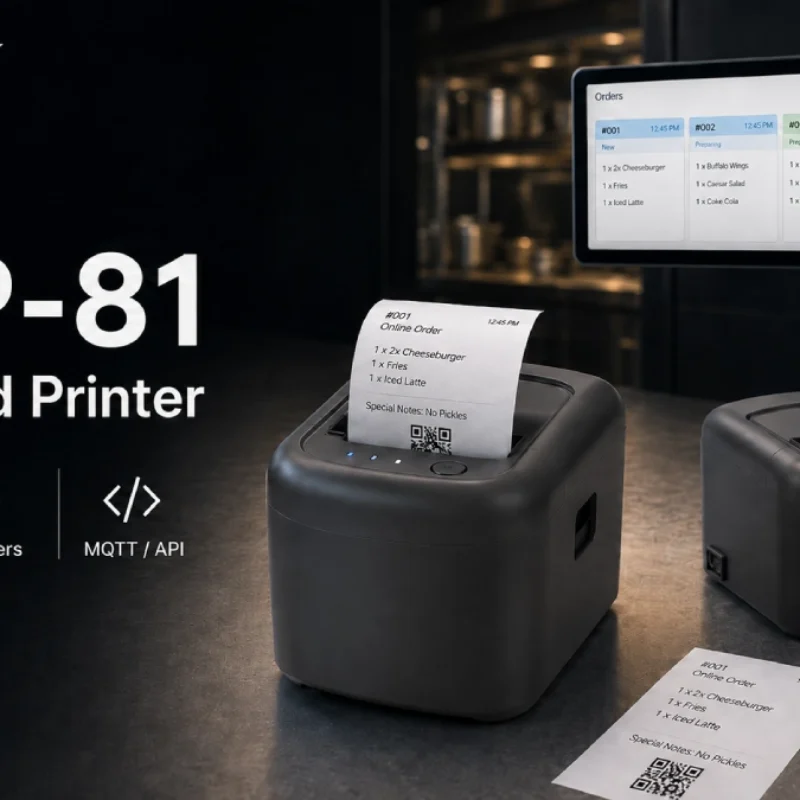
Cloud Printer for Online Food Orders: How Restaurants Keep Delivery Orders Moving
Online food orders are changing how restaurants manage kitchen, packing, and delivery workflows. This article explains how cloud printers and KDS hardware help restaurants print order tickets, improve kitchen visibility, reduce missed orders, and build a more reliable online food order workflow.
-
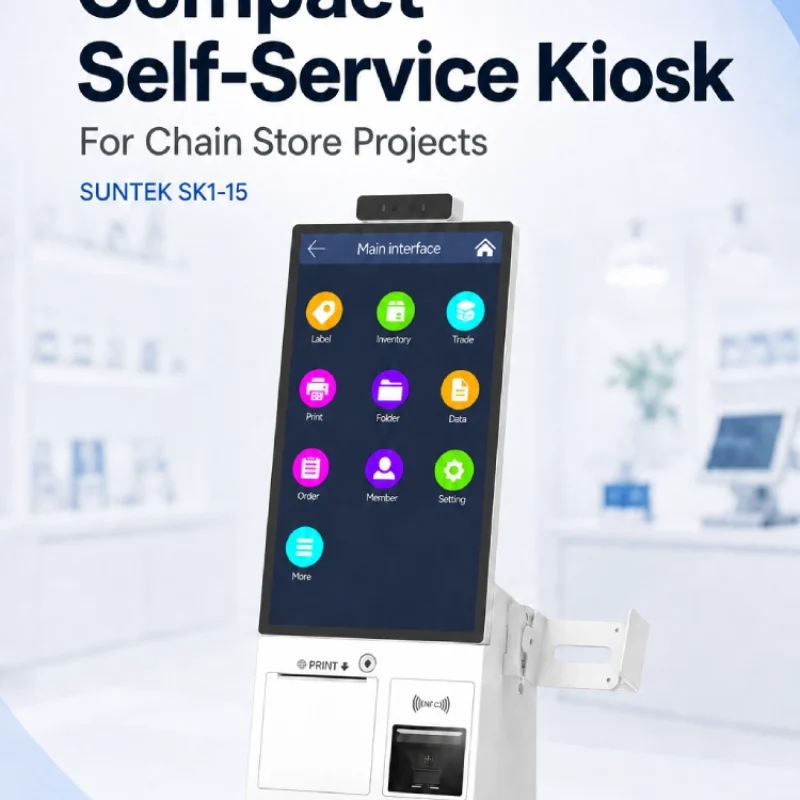
Compact Self-Service Kiosk for Chain Store Projects
SUNTEK SK1-15 is a compact self-service kiosk designed for chain store projects, solution providers, and system integrators. This article explains how SK1-15 supports POS holder installation, SoftPOS-ready NFC configurations, QR code scanning, magnetic stripe card reader options, face camera support, and external fingerprint module integration for front-counter service, payment, identification, and multi-store rollout workflows.
-
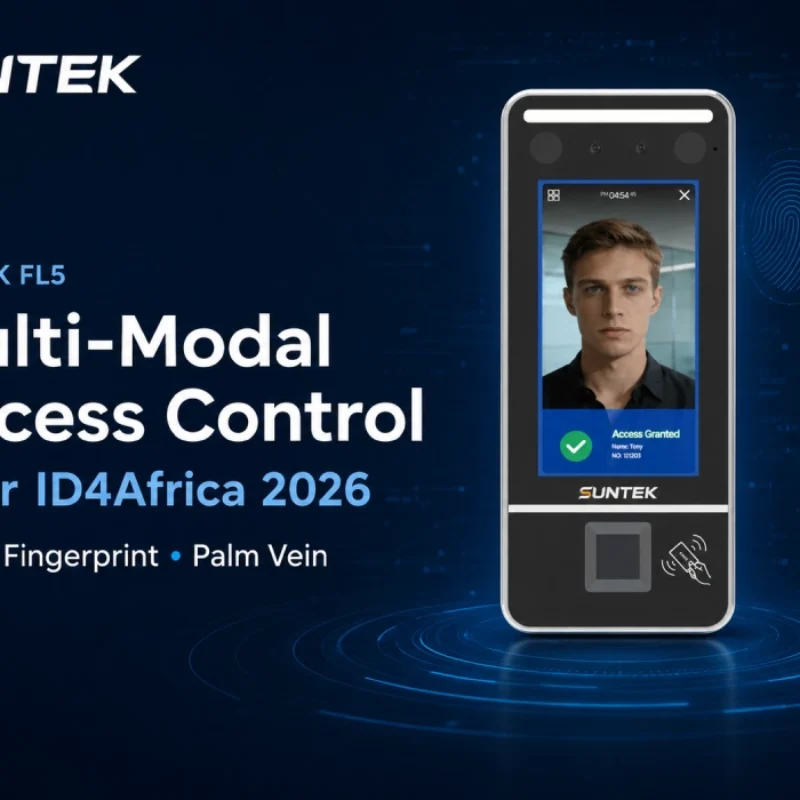
Multimodal Biometrics in Access Control After ID4Africa 2026
This article explores how ID4Africa 2026 reflects the growing importance of multimodal biometrics in access control. It explains why face recognition, fingerprint verification, and palm vein recognition are becoming more relevant for offices, hospitals, schools, government buildings, and secure indoor areas, with SUNTEK FL5 as a hardware example.
-

What NRA Show 2026 Reveals About Restaurant Technology Trends
As NRA Show 2026 opens in Chicago, restaurant operators are paying closer attention to practical technology that improves ordering, payment, kitchen workflows and device management. From SUNTEK’s hardware manufacturer perspective, the key trend is clear: restaurant digitalization is moving from isolated software tools to connected hardware systems, including POS terminals, self-service kiosks, cloud printers, SoftPOS-ready devices and remote management platforms.
-
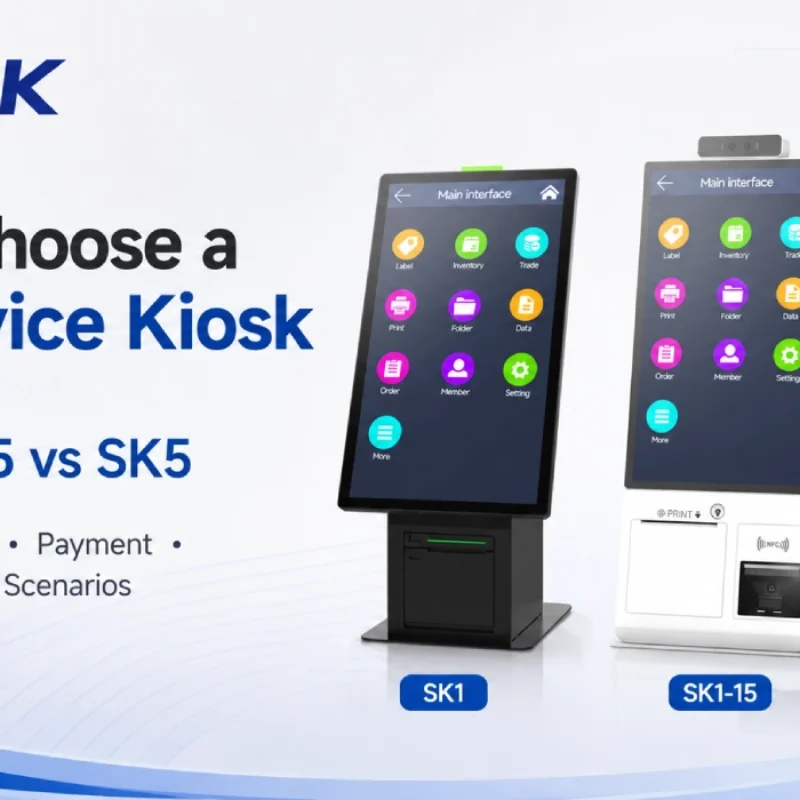
How to Choose a Self-Service Kiosk: SK1 vs SK1-15 vs SK5
Compare SUNTEK SK1, SK1-15, and SK5 self-service kiosks by installation type, SoftPOS support, information kiosk use, payment, printing, scanning, and project scenarios.