
Order Up! How Self-Service Kiosks Streamline Operations in a Quick Service Restaurant (QSR)
How Self-Service Kiosks Streamline Operations in a Quick Service Restaurant (QSR)? The quick service restaurant (QSR) industry is built on a simple promise: to serve customers good food, fast. In this high-volume, fast-paced environment, the order counter is the epicenter of the operation. It’s where customer satisfaction is won or lost in a matter of minutes. However, traditional ordering processes are increasingly showing their strain. Long lines during peak hours, the potential for human error in order taking, and immense pressure on cashiers can lead to operational bottlenecks and a diminished customer experience. So, how can a QSR, whether it’s a global chain or a local coffee shop, solve these issues to boost efficiency and sales? The answer is the self service kiosk.
The Problem: Pressure at the Counter
For any QSR, from a bustling restaurant to a trendy food truck or bakery, the traditional cashier-led ordering process is fraught with challenges that directly impact the bottom line.
- Order Inaccuracy: In a noisy and hurried environment, miscommunication between the customer and the cashier is common. A “no onions” becomes “extra onions,” a regular drink becomes a large. These mistakes lead to food waste, increased costs, and, most importantly, customer frustration. Correcting an order takes time and slows down the entire line.
- Long Queues and Wait Times: During the lunch or dinner rush, even the most efficient cashier can only serve one customer at a time. This inevitably leads to long queues, which can deter potential customers who are short on time. A long line is a clear signal of a long wait, causing many to simply walk away.
- Inconsistent Upselling: While staff are often trained to upsell (“Would you like to add fries to that?”), the reality is that during a rush, this critical sales-boosting activity is often forgotten. The pressure to keep the line moving means cashiers miss opportunities to increase the average check size.
- Labor Inefficiency: Dedicating multiple staff members to the order counter simply to take orders and process payments is not the most efficient use of a QSR’s labor budget. These employees could be better utilized in food preparation, quality control, or ensuring the dining area is clean and welcoming.
The Solution: The Smart and Efficient Self-Service Kiosk
A self-service kiosk addresses every one of these pain points head-on. By shifting the ordering process from the cashier to the customer, kiosks create a more efficient, accurate, and profitable operation. They are no longer a novelty; they are an essential tool for any modern food and beverage business.
Here’s how a self-service kiosk or payment kiosk can revolutionize a QSR:
- Guaranteed Order Accuracy: With a kiosk, the customer is in complete control. They use a large, visual, and intuitive touch screen to browse the menu and build their order exactly as they want it. They can easily add or remove ingredients and double-check their order before confirming. This eliminates communication errors and ensures the kitchen receives a perfectly accurate ticket every time.
- Increased Average Check Size: A kiosk is the ultimate upsell tool. It is programmed to automatically and intelligently prompt customers with appealing add-ons and combo deals at the point of decision. “Would you like to make that a large for just $0.50?” or “Add a cookie for $1.00?” These prompts are graphically rich and presented without any social pressure, leading to a consistent and significant increase in average ticket size—often by 15-20%.
- Reduced Wait Times: A single cashier can be replaced by a bank of three or four kiosks. This dramatically increases the number of customers who can place orders simultaneously, effectively “busting the queue.” Customers move from the door to ordering in seconds, which drastically reduces perceived and actual wait times, leading to higher customer satisfaction.
- Labor Optimization: By automating the ordering process, kiosks allow QSR managers to reallocate their staff to more value-added roles. Former cashiers can be retrained to expedite orders, assist customers in the dining area, or ensure the highest standards of food quality. This leads to a smoother overall operation and a better-utilized workforce.
SUNTEk’s Role: The Power Behind Performance
For the software companies and integrators developing the next generation of QSR management systems, the choice of hardware is critical. A consumer-grade tablet is simply not built to withstand the demands of a high-traffic restaurant environment. Suntek provides the solution through our OEM/ODM customization services.
We specialize in creating robust, purpose-built desktop POS terminals, kiosks, and payment kiosk hardware designed specifically for the QSR and hospitality industries. Our hardware is engineered for durability, with screens that can handle millions of touches and enclosures that are resistant to grease and easy to clean. We work with our partners to ensure seamless integration of essential components like barcode scanners for loyalty programs, NFC/EMV readers for secure contactless payments, and printers for receipts.
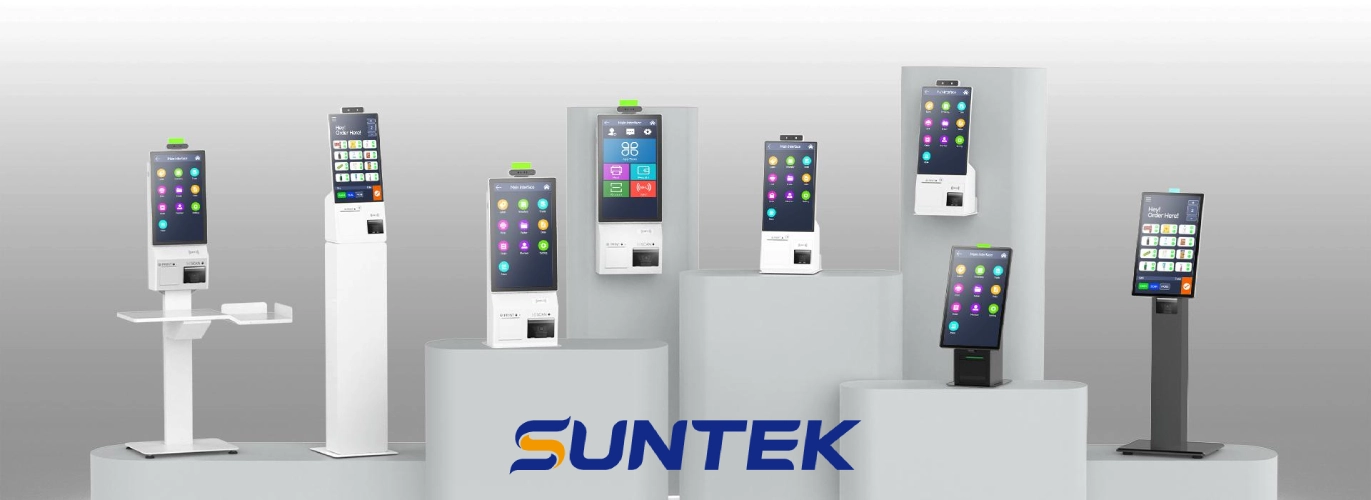
SUNTEK self-service hardware, including flagship models SK1-15 and SK5, are built for multi-scenario self-service. They feature modular design, high adaptability and strong durability. They are widely used in retail, supermarkets, medical care, hotels, catering and other fields.
The products support Windows, Android and Linux systems. Display sizes cover 10.1, 15.6, 21.5, 23.8 and 27 inches. Some models can be fitted with Intel 8th generation processors. You can set horizontal or vertical screen flexibly.
They have various connection ways. They support Wi-Fi 802.11, Bluetooth 4.0 and Ethernet. All devices come with SUNTEK MDM management system. It enables remote content deployment and device management. It boosts operation and maintenance efficiency effectively.
The products are designed for high-traffic and high-frequency public use. The body is dust-proof and splash-proof. All core products have a 1-year standard warranty. They meet commercial-grade durability standards.
Whether you are designing a countertop ordering system for a small business like a brewery taproom or a full-sized freestanding kiosk for a major fast-food chain, Suntek has the engineering expertise and manufacturing capability to deliver a hardware solution that is reliable, scalable, and perfectly aligned with your brand and software. We provide the dependable foundation so you can deliver a flawless user experience.
In the competitive QSR landscape, speed, accuracy, and efficiency are paramount. Self-service kiosks are a proven technology for achieving all three, driving both customer satisfaction and revenue growth. For the innovators building these systems, Suntek is the trusted hardware partner, committed to engineering the performance and reliability needed to succeed.
相关新闻
-
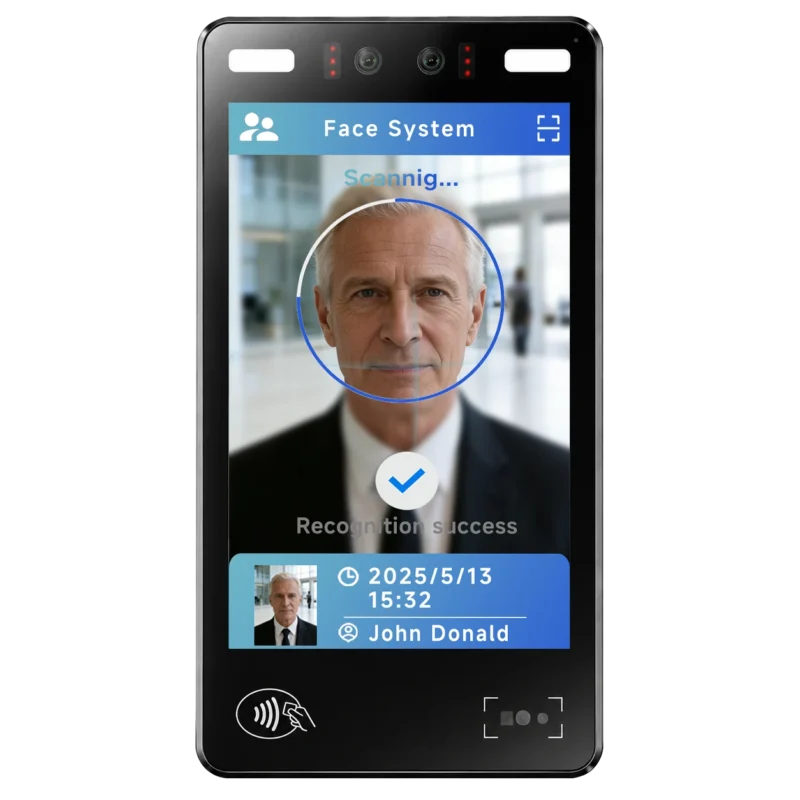
FA10 10.1-Inch AI Facial Recognition Terminal for Smart Access
SUNTEK FA10 10.1-inch AI facial recognition terminal is designed for smart access control, visitor management, attendance, and self-service applicatio…
-
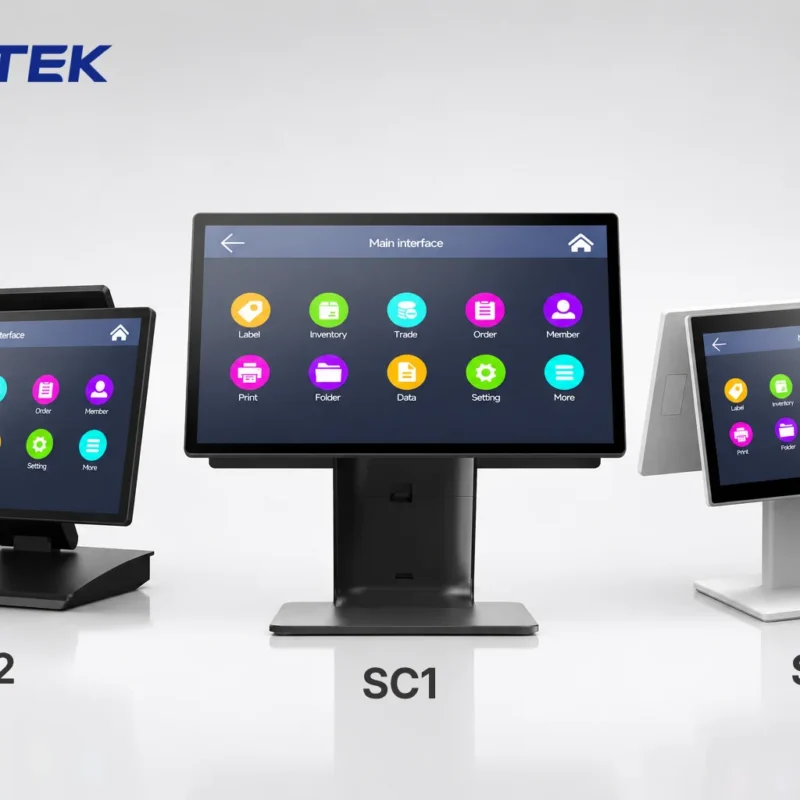
How to Choose the Right POS Terminal: SC1 vs SC2 vs SC6
Selecting the right POS terminal depends on your software requirements, hardware expectations and deployment environment. This guide compares SUNTEK S…
-
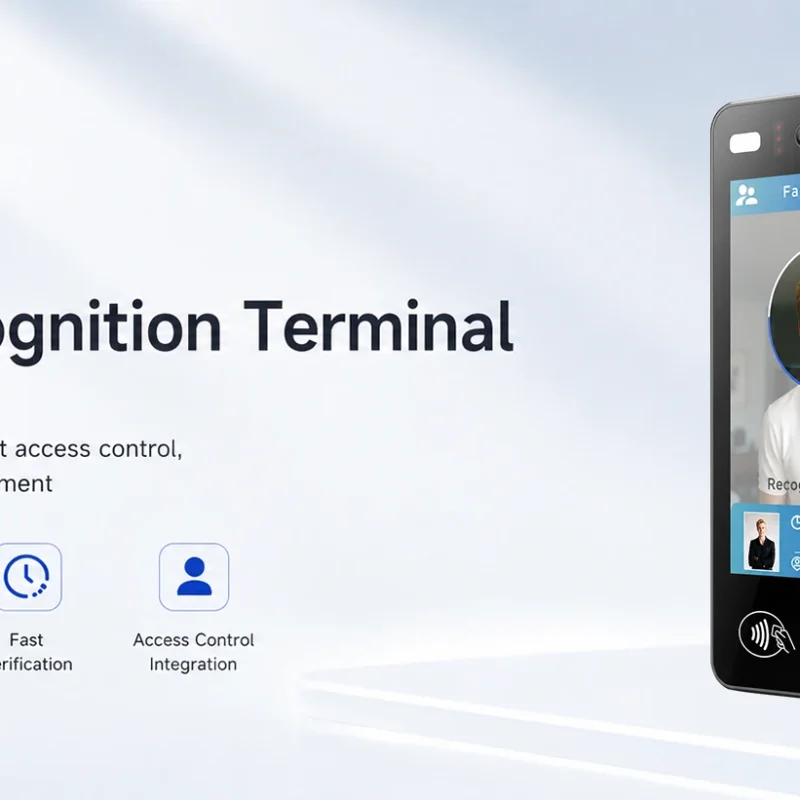
Updated FA8 Facial Recognition Terminal
SUNTEK has updated the FA8 8-inch Android facial recognition terminal with a more refined exterior design, a revised interface configuration, and stro…
-
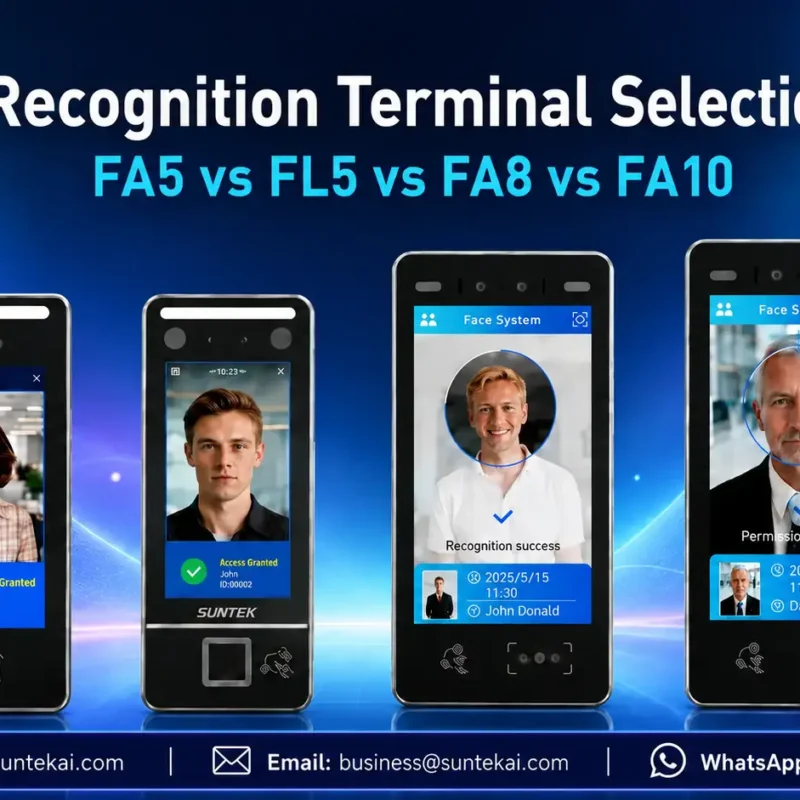
Facial Recognition Terminal Selection Guide: FA5 vs FL5 vs FA8 vs FA10
This guide compares SUNTEK FA5, FL5, FA8, and FA10 to help you choose the right facial recognition terminal for your project. Which SUNTEK Facial Reco…
-
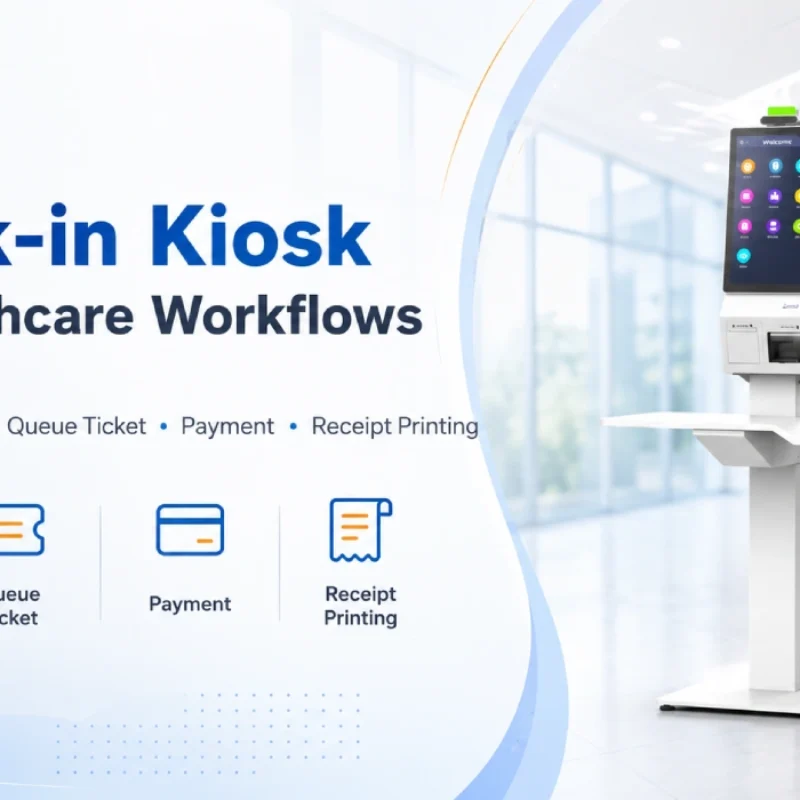
Check-In Kiosk Hardware for Healthcare Self-Service
A check-in kiosk helps healthcare facilities move repetitive front-desk tasks into a guided self-service registration workflow. This article explains how check-in kiosks support appointment confirmation, information entry, queue ticket printing, payment, receipt printing, and optional verification, while also outlining key hardware modules and deployment considerations for hospitals, clinics, and outpatient care centers.
-
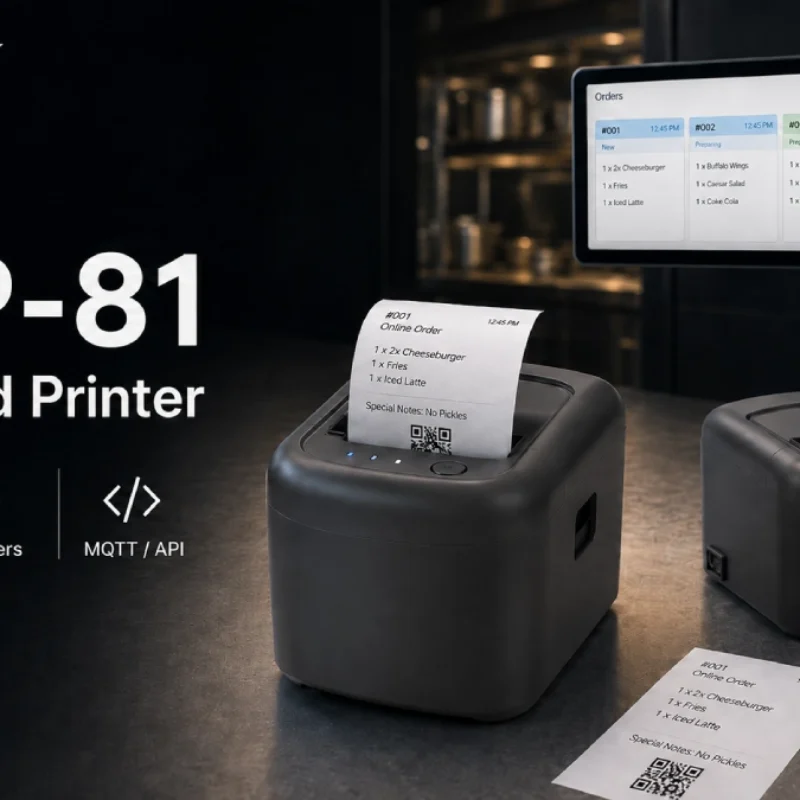
Cloud Printer for Online Food Orders: How Restaurants Keep Delivery Orders Moving
Online food orders are changing how restaurants manage kitchen, packing, and delivery workflows. This article explains how cloud printers and KDS hardware help restaurants print order tickets, improve kitchen visibility, reduce missed orders, and build a more reliable online food order workflow.
-
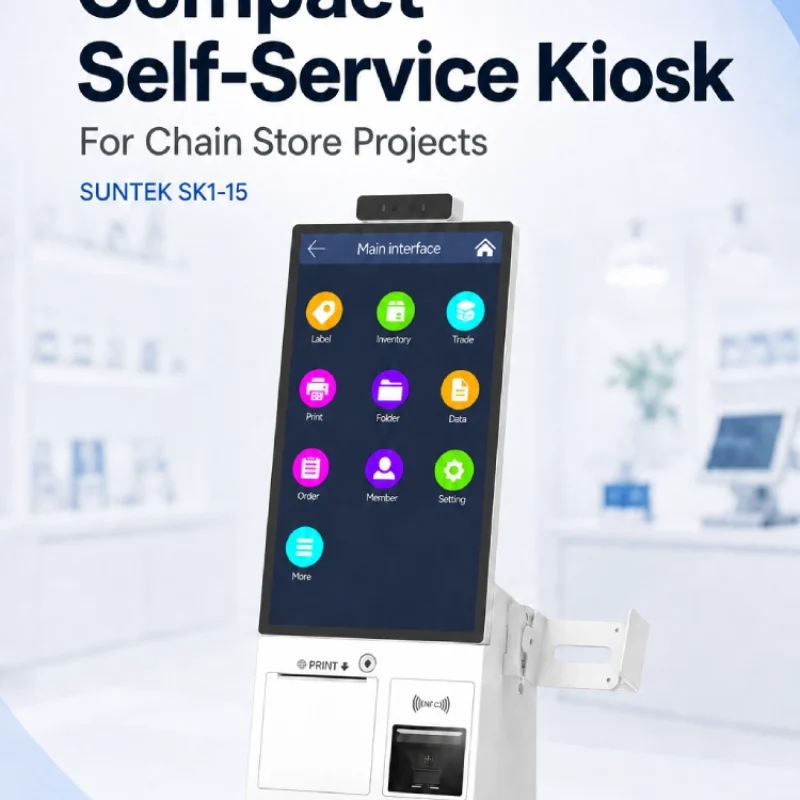
Compact Self-Service Kiosk for Chain Store Projects
SUNTEK SK1-15 is a compact self-service kiosk designed for chain store projects, solution providers, and system integrators. This article explains how SK1-15 supports POS holder installation, SoftPOS-ready NFC configurations, QR code scanning, magnetic stripe card reader options, face camera support, and external fingerprint module integration for front-counter service, payment, identification, and multi-store rollout workflows.
-
Multimodal Biometrics in Access Control After ID4Africa 2026
This article explores how ID4Africa 2026 reflects the growing importance of multimodal biometrics in access control. It explains why face recognition, fingerprint verification, and palm vein recognition are becoming more relevant for offices, hospitals, schools, government buildings, and secure indoor areas, with SUNTEK FL5 as a hardware example.
-

What NRA Show 2026 Reveals About Restaurant Technology Trends
As NRA Show 2026 opens in Chicago, restaurant operators are paying closer attention to practical technology that improves ordering, payment, kitchen workflows and device management. From SUNTEK’s hardware manufacturer perspective, the key trend is clear: restaurant digitalization is moving from isolated software tools to connected hardware systems, including POS terminals, self-service kiosks, cloud printers, SoftPOS-ready devices and remote management platforms.
-
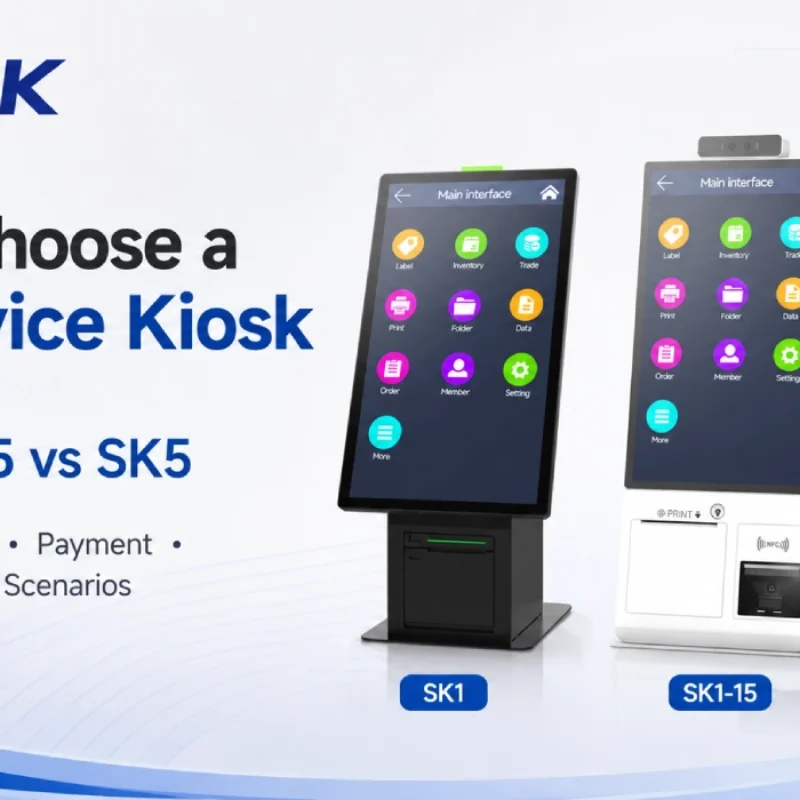
How to Choose a Self-Service Kiosk: SK1 vs SK1-15 vs SK5
Compare SUNTEK SK1, SK1-15, and SK5 self-service kiosks by installation type, SoftPOS support, information kiosk use, payment, printing, scanning, and project scenarios.