
How to Choose an POS Terminal for Retail: A 2026 Buyer’s Guide
As an industry expert, I have compiled this comprehensive guide to help you navigate the complexities of selecting the optimal point-of-sale hardware, understanding the strategic nuances of OEM/ODM manufacturing, and rigorously screening potential hardware partners.
The retail landscape in 2026 demands more than just a place to swipe a card. Unified commerce, edge computing, and real-time inventory synchronization have transformed the humble POS Terminal into an intricate IoT command center. For Independent Software Vendors (ISVs), Payment Service Providers (PSPs), and enterprise retailers, procuring the right hardware is no longer a transactional decision—it is a foundational ecosystem strategy.
Part 1: Decoding the Modern POS Terminal Ecosystem
Before engaging with manufacturers, hardware buyers must align form factors with their specific operational workflows. The modern retail environment requires a hybrid approach.
1. The Command Center: Desktop POS & Cash Register
High-volume checkout zones require relentless reliability, immense processing power, and extensive peripheral connectivity.
- Desktop POS: The modern desktop POS is an edge-computing hub. When evaluating these units, prioritize multi-core processors capable of running AI-driven loss prevention software directly on the device. Essential hardware criteria include rich I/O ports (Powered USB, Type-C, RJ45) and seamless dual-screen support for dynamic customer-facing displays.
- Cash Register: The evolution of the traditional cash register focuses on consolidated footprints and hybrid cloud-offline capabilities. Buyers should demand industrial-grade durability, IP-rated spill resistance, and a guaranteed product lifecycle of 5 to 7 years.
2. Agile and Omnipresent: Smart POS, Mobile POS & Handheld POS
To eliminate queue abandonment and empower store associates, checkout must happen wherever the customer stands.
Smart POS: As the most ubiquitous form factor, a top-tier Smart POS must feature a dual-track architecture. It must flawlessly handle Financial Payments (MSR, EMV, PIN-pad) and Non-Financial/Mobile Payments, including high-sensitivity NFC modules for transit cards and dynamic QR Payment aggregation for global digital wallets.
Mobile & Handheld POS: A true enterprise handheld device must feature a dedicated, high-speed 2D scan engine capable of reading damaged barcodes in low light. true enterprise handheld pos or mobile pos must feature a dedicated, high-speed 2D scan engine capable of reading damaged barcodes in low light. Hot-swappable batteries and ruggedized drop-test ratings are non-negotiable for inventory and line-busting tasks.
Part 2: The Strategic Shift – Navigating OEM and ODM for POS
When off-the-shelf hardware compromises your software’s user experience, engaging an OEM or ODM becomes necessary.
The Baseline: OEM vs. ODM
- OEM (White-Labeling): You leverage the manufacturer’s existing, certified hardware molds. Customizations include corporate color injection and silk-screened logos. It offers a faster time-to-market and lower Minimum Order Quantities (MOQs).
- ODM (Ground-Up Engineering): You co-develop the hardware from the PCBA level up, allowing for proprietary form factors and specific sensor integrations. It requires significant R&D but creates a massive competitive moat.
The 3 Pillars of a Successful Hardware Project
- OS-Level Control (MDM & Kiosk Mode): Your OEM partner must provide deep firmware access, enabling seamless Mobile Device Management (MDM) integration. You need the ability to lock the hardware into Kiosk Mode and push silent Over-The-Air (OTA) updates.
- Modular Architecture & Hardware Scalability: A successful ODM project must be future-proof. Your manufacturing partner should employ a modular PCBA design strategy. Whether your software ecosystem requires integrating a 3D depth-sensing camera for a Face Recognition Terminal, a specialized RFID module for a Ticket Validator, or industrial I/O ports for an AI Box, the underlying hardware architecture must support seamless peripheral expansion without requiring a costly and time-consuming motherboard redesign.
- SDK/API Architecture: Ensure the manufacturer provides comprehensive, well-documented SDKs. Your developers must be able to cleanly trigger hardware interrupts and access secure elements without firmware bottlenecks.
Part 3: Vendor Screening & Selection Matrix
Screening out “trading companies” from genuine engineering powerhouses is vital. Use this structured matrix:
| Evaluation Vector | Key Inquiry | Expert Red Flags & Advice |
| R&D and Engineering | Do they design their own mainboards and optimize the Android kernel in-house? | Red Flag: Outsourced PCBA design leads to catastrophic delays in bug fixing. |
| Supply Chain Resilience | What is the lead time for critical components? | Expert Advice: Demand a transparent Bill of Materials (BOM) strategy. |
| In-House Testing Labs | Do they possess in-house hardware testing labs? | Expert Advice: In-house testing shaves months off the product development and certification timeline. |
About the Author & SUNTEK
Taya | Marketing Director
As a seasoned expert in the global POS and retail hardware industry, Taya leads the marketing and strategic initiatives at SUNTEK. With a deep understanding of retail technology trends and omnichannel checkout solutions, she specializes in helping global ISVs and enterprise retailers navigate the complex world of OEM and ODM POS Terminal manufacturing to find their perfect hardware fit.
About SUNTEK

Driven by a core team with profound industry expertise dating back to 2010, SUNTEK is a premier global manufacturer of cutting-edge point-of-sale and smart hardware. Leveraging 16 years of deep-rooted OEM/ODM experience, our engineering DNA allows us to support clients comprehensively—from initial industrial design and PCBA development to tooling and mass production.
SUNTEK’s comprehensive product portfolio is built for the future of unified commerce. It ranges from high-performance Desktop POS, robust Cash Registers, and highly modular Self-Service Kiosks to agile Smart POS, Mobile POS, and Handheld POS devices. To further empower smart retail and transit ecosystems, we also engineer specialized Ticket Validators, biometric Face Recognition Terminals, and edge-computing AI Boxes.
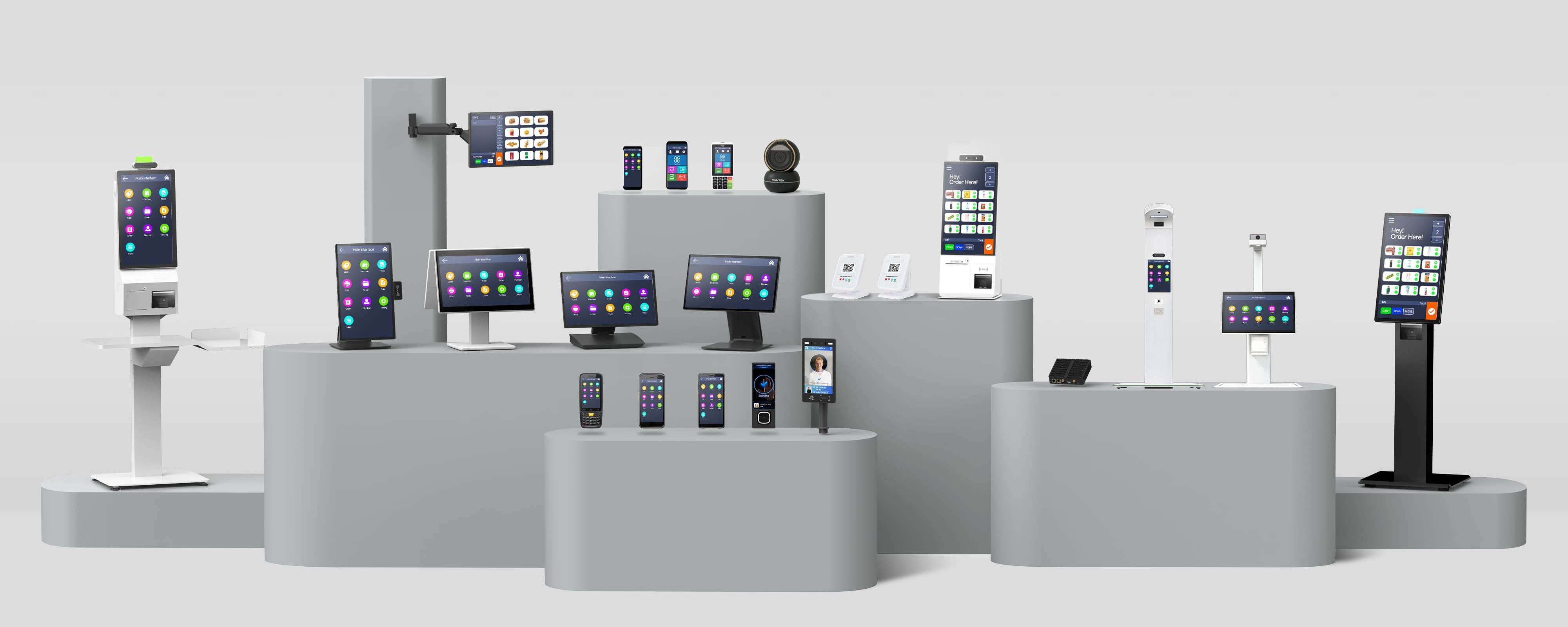
Equipped with advanced scanning engines, NFC, QR Payment, and facial recognition capabilities, our hardware is meticulously designed to seamlessly optimize non-financial transactions, access control, inventory management, and daily operations. Backed by rigorous in-house testing labs, robust supply chain resilience, and a veteran team that has weathered over a decade of industry evolution, SUNTEK empowers software vendors and operators to build reliable, scalable, and future-proof hardware platforms.
Looking for a battle-tested OEM/ODM partner driven by 16 years of industry excellence for your next hardware rollout? Connect with Taya and the SUNTEK team today to discuss your customized hardware strategy.
相关新闻
-
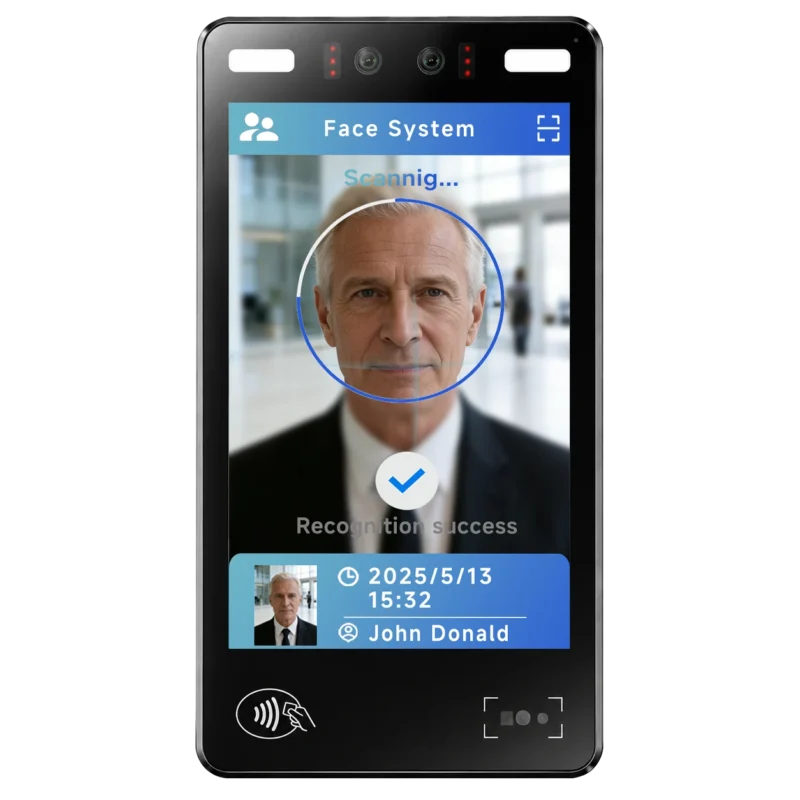
FA10 10.1-Inch AI Facial Recognition Terminal for Smart Access
SUNTEK FA10 10.1-inch AI facial recognition terminal is designed for smart access control, visitor management, attendance, and self-service applicatio…
-
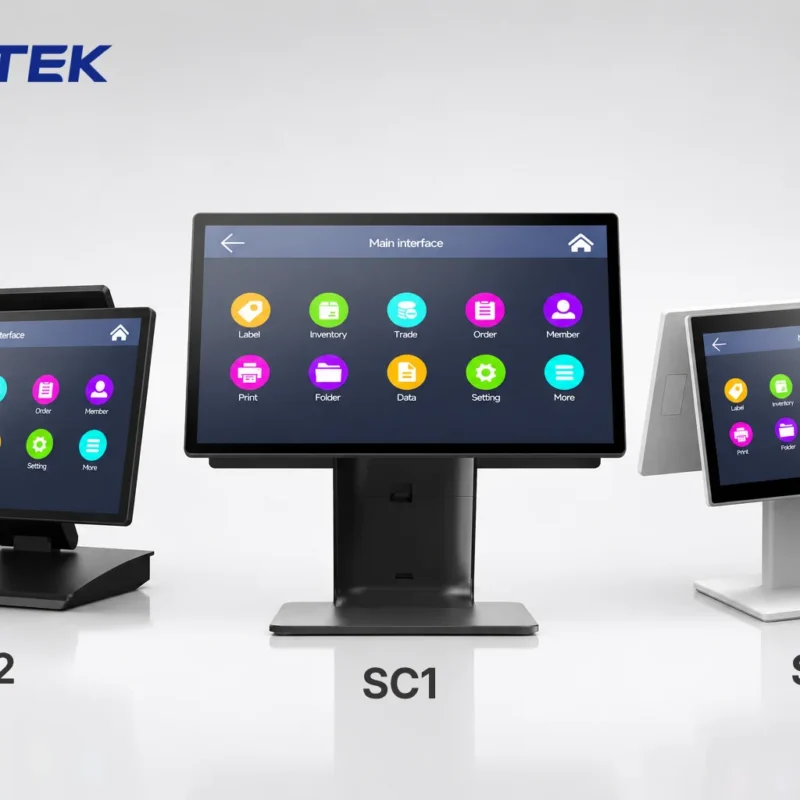
How to Choose the Right POS Terminal: SC1 vs SC2 vs SC6
Selecting the right POS terminal depends on your software requirements, hardware expectations and deployment environment. This guide compares SUNTEK S…
-
Updated FA8 Facial Recognition Terminal
SUNTEK has updated the FA8 8-inch Android facial recognition terminal with a more refined exterior design, a revised interface configuration, and stro…
-

Facial Recognition Terminal Selection Guide: FA5 vs FL5 vs FA8 vs FA10
This guide compares SUNTEK FA5, FL5, FA8, and FA10 to help you choose the right facial recognition terminal for your project. Which SUNTEK Facial Reco…
-
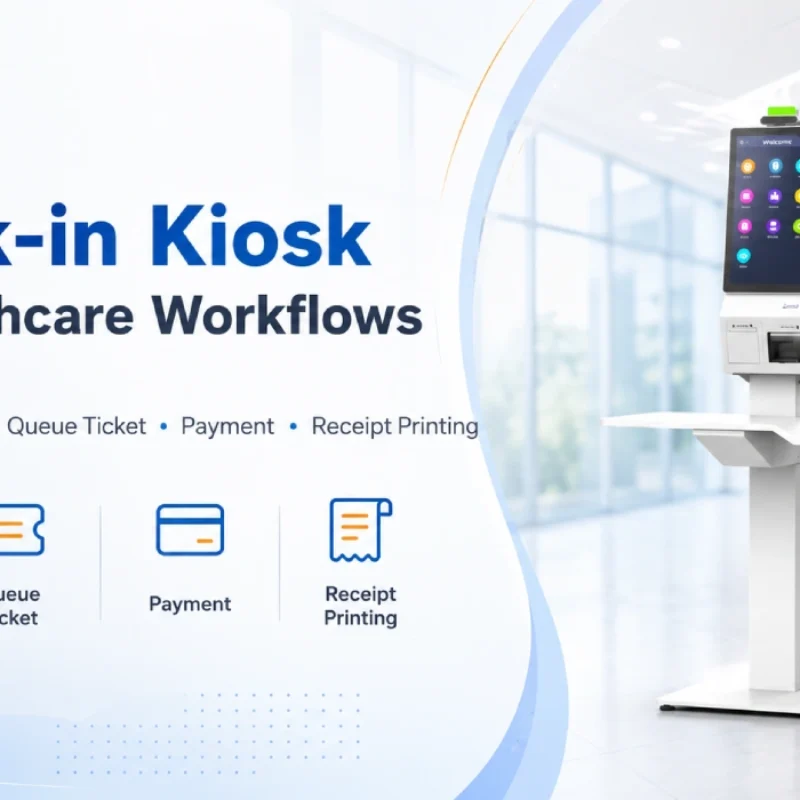
Check-In Kiosk Hardware for Healthcare Self-Service
A check-in kiosk helps healthcare facilities move repetitive front-desk tasks into a guided self-service registration workflow. This article explains how check-in kiosks support appointment confirmation, information entry, queue ticket printing, payment, receipt printing, and optional verification, while also outlining key hardware modules and deployment considerations for hospitals, clinics, and outpatient care centers.
-
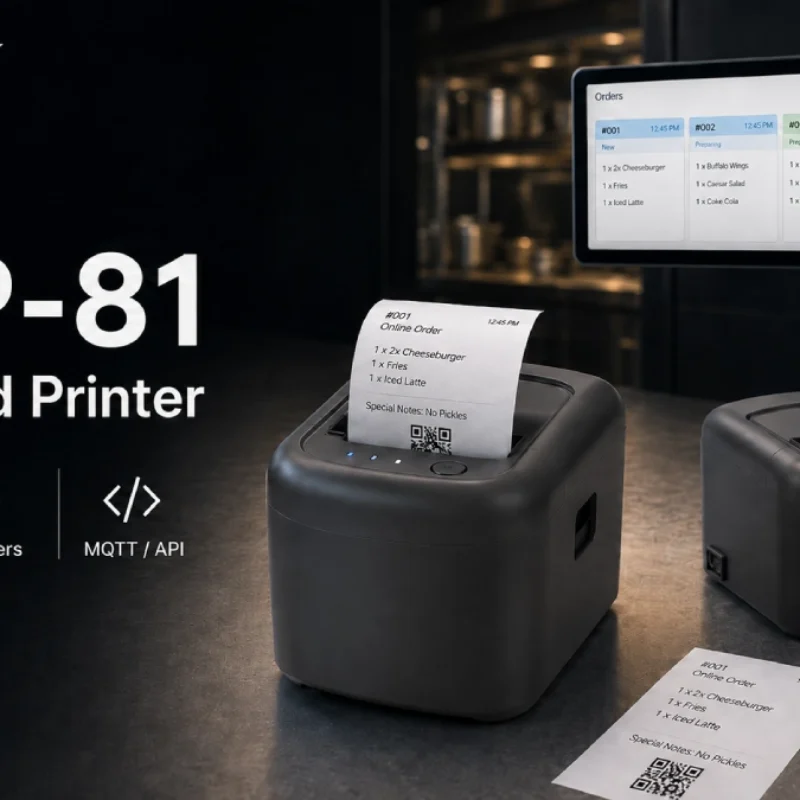
Cloud Printer for Online Food Orders: How Restaurants Keep Delivery Orders Moving
Online food orders are changing how restaurants manage kitchen, packing, and delivery workflows. This article explains how cloud printers and KDS hardware help restaurants print order tickets, improve kitchen visibility, reduce missed orders, and build a more reliable online food order workflow.
-
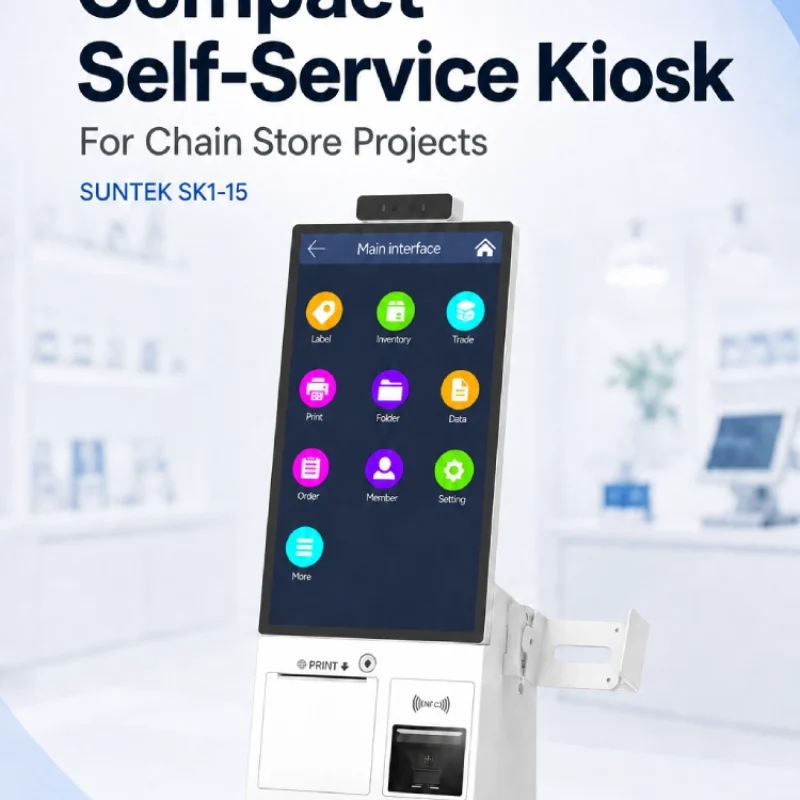
Compact Self-Service Kiosk for Chain Store Projects
SUNTEK SK1-15 is a compact self-service kiosk designed for chain store projects, solution providers, and system integrators. This article explains how SK1-15 supports POS holder installation, SoftPOS-ready NFC configurations, QR code scanning, magnetic stripe card reader options, face camera support, and external fingerprint module integration for front-counter service, payment, identification, and multi-store rollout workflows.
-
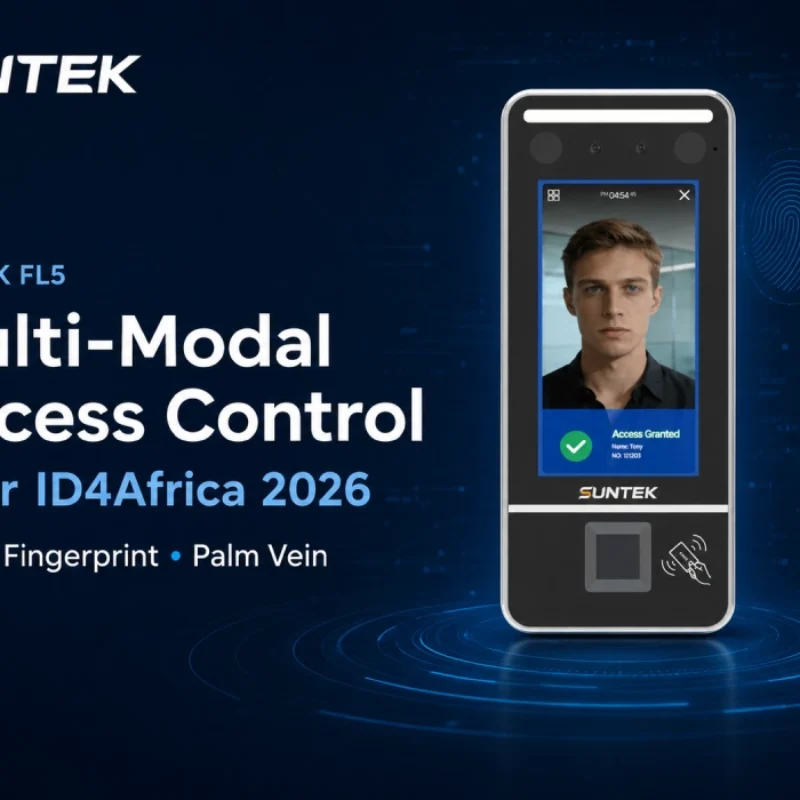
Multimodal Biometrics in Access Control After ID4Africa 2026
This article explores how ID4Africa 2026 reflects the growing importance of multimodal biometrics in access control. It explains why face recognition, fingerprint verification, and palm vein recognition are becoming more relevant for offices, hospitals, schools, government buildings, and secure indoor areas, with SUNTEK FL5 as a hardware example.
-

What NRA Show 2026 Reveals About Restaurant Technology Trends
As NRA Show 2026 opens in Chicago, restaurant operators are paying closer attention to practical technology that improves ordering, payment, kitchen workflows and device management. From SUNTEK’s hardware manufacturer perspective, the key trend is clear: restaurant digitalization is moving from isolated software tools to connected hardware systems, including POS terminals, self-service kiosks, cloud printers, SoftPOS-ready devices and remote management platforms.
-
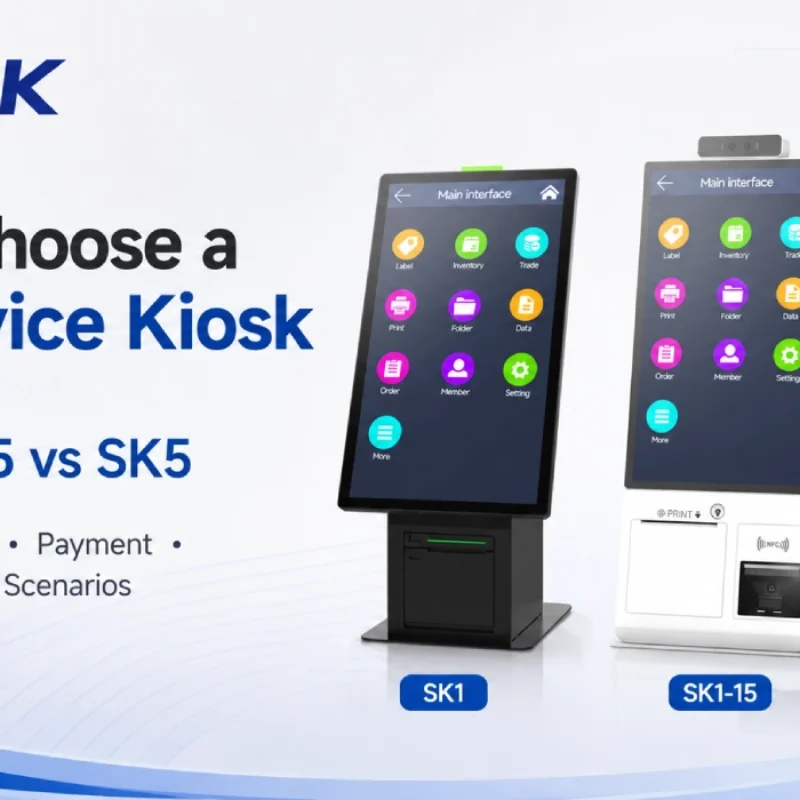
How to Choose a Self-Service Kiosk: SK1 vs SK1-15 vs SK5
Compare SUNTEK SK1, SK1-15, and SK5 self-service kiosks by installation type, SoftPOS support, information kiosk use, payment, printing, scanning, and project scenarios.