
Small Space, Smarter Service: How Compact Self-Service Kiosks Fit Modern Businesses
APPLICATION INSIGHTS / COMPACT SELF-SERVICE
Small Space, Smarter Service:
How Compact Self-Service Kiosks Fit Modern Businesses
For cafés, retail counters and clinic reception areas, a countertop self-service kiosk can support everyday customer interactions without taking over valuable floor space. The right setup keeps ordering, check-in and verification close to where service happens.
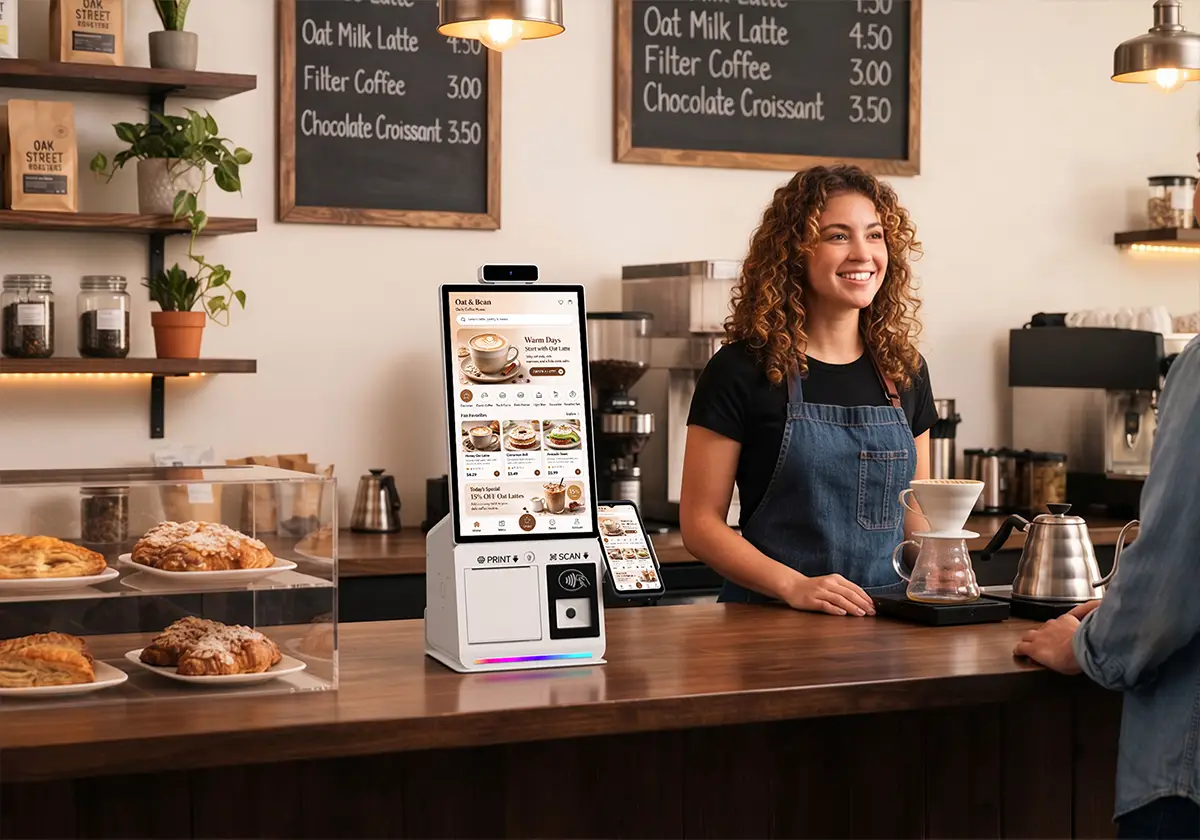
In commercial spaces where every square meter matters, choosing a countertop self-service kiosk is not simply a question of buying a touchscreen. The real challenge is fitting the right customer journey into the space available—without adding a separate printer, scanner and collection of cables to an already busy counter.
That is where a compact, counter-friendly self-service kiosk becomes useful. Instead of occupying a large floor area, an integrated terminal can provide a dedicated place for ordering, checking in, scanning a code or printing a ticket. The best configuration depends on what customers actually need to do.
01 / THE SPACE CHALLENGE
Less counter space. No less capability.
The objective is not to make every customer interaction unattended. It is to move suitable, repeatable tasks to a convenient self-service point while keeping staff available for more complex requests.
02 / EVERYDAY APPLICATIONS
Four small spaces. Four different service journeys.
The physical footprint may be similar, but the customer task changes from one business to the next.
01 / CAFÉS & BAKERIES
Self-ordering at the counter
Browse menu → Place order → Print collection slip
A customer explores drinks or pastries on screen, confirms an order using the café’s application and receives a printed order or collection slip. A compact terminal can sit near the pickup zone without requiring a full-sized freestanding kiosk. Payment, where needed, must be configured through a compatible payment solution.
02 / CONVENIENCE & SPECIALTY RETAIL
Product lookup and assisted checkout
Scan item → Check details → Print receipt
For shops that cannot dedicate an aisle to a large kiosk, a counter-mounted station can support product information, QR membership interactions and transaction-related printing. Actual checkout and payments depend on the retailer’s application and approved integrations.
03 / CLINICS & HEALTH SERVICES
Appointment check-in without a large kiosk
Find appointment → Confirm visit → Print queue number
A patient-facing station can support appointment confirmation, QR-code check-in and queue ticket printing through an integrated healthcare application. The device provides a physical touchpoint while the healthcare provider manages patient records, privacy and workflow rules.
04 / HOTEL & OFFICE RECEPTION
Visitor confirmation at the front desk
Find booking → Verify QR code → Issue confirmation
At a compact front desk or lobby entrance, a kiosk can support reservation lookup, visitor registration or code verification. For access-control projects, connection to door controllers and credential systems requires project-specific software and hardware integration.
03 / THE HARDWARE CONNECTION
Why SUNTEK SK6 fits countertop self-service applications.
The SUNTEK SK6 is a compact countertop self-service kiosk that brings a 15.6-inch Full HD touchscreen, built-in 1D/2D scanning and an integrated 80mm thermal printer into one counter-friendly hardware platform. It supports desktop and wall-mounted installation, helping project teams choose a practical position for the customer interaction point.
For software compatibility, SK6 offers Android 16 with GMS and optional Windows configurations. Its value in a small space is the ability to combine essential interaction hardware in one configurable terminal.
MODULAR HARDWARE EXPANSION
Two POGO PIN interfaces. More ways to configure SK6.
In addition to its built-in scanner and printer, SK6 features two POGO PIN interfaces designed for modular peripheral expansion. Depending on the project, compatible options may include card readers, fingerprint readers, cameras and status indicator lights.
Module availability, electrical compatibility, firmware and SDK integration should be confirmed for each project; application functions are provided through compatible customer or third-party software.
04 / PROJECT CHECKLIST
Before choosing a kiosk, ask these questions.
A compact design is only a good fit when the installation, peripherals and application journey work together.
01
Where will customers stand and interact?
Check counter depth, reach, queue position, screen viewing angle, accessibility and space for collecting receipts.
02
Which customer actions require hardware?
Identify whether each flow needs touch input, barcode or QR scanning, printing, an external payment terminal or a compatible POGO PIN expansion module.
03
Who owns the application and integrations?
Confirm Android or Windows compatibility, SDK requirements, network access, payment provider, data protection responsibilities and device maintenance plans before rollout.
05 / INTEGRATION REALITY
One terminal. Different software experiences.
A café ordering flow and a clinic check-in flow may use similar hardware, but they are not the same software product. SUNTEK focuses on commercial hardware, OEM/ODM configurations and SDK/integration support. Customers or their software partners provide the ordering, registration, verification and other application logic.
SUNTEK hardware
Touchscreen, built-in scanner, thermal printer, OS options, supported interfaces, optional peripherals and hardware integration guidance.
Customer / partner software
Menus, orders, inventory, appointments, access permissions, payment processing, business rules and service records.
For a broader deployment perspective, visit the SUNTEK Self-Service Kiosk Solution page.
06 / COMMON QUESTIONS
Countertop self-service kiosk FAQs
Can a countertop self-service kiosk support café ordering?
Yes. With compatible ordering software, a kiosk such as SK6 can support menu interaction, order submission and printed order slips. Payment features require appropriate integration.
Does SK6 include self-ordering or check-in software?
No complete business application is included by default. SUNTEK supplies hardware and SDK/integration support; customers deploy their own or third-party software.
Is a compact kiosk suitable for multi-location projects?
It can be, provided each location’s mounting, connectivity, software and service requirements are validated. Compatible Android SK6 deployments can also use SUNTEK MDM for device management.
Smarter self-service starts with the right fit.
A practical self-service project begins with the customer’s task and the space available—not the screen size alone. For cafés, smaller shops, clinics and reception desks, a compact integrated terminal can create a useful new point of interaction without demanding a large dedicated installation area.
With integrated scanning and printing, a compact 15.6-inch format, flexible software platform options and two POGO PIN interfaces for compatible modules, SUNTEK SK6 offers a countertop self-service kiosk hardware foundation for businesses and solution providers building these experiences.
相关新闻
-
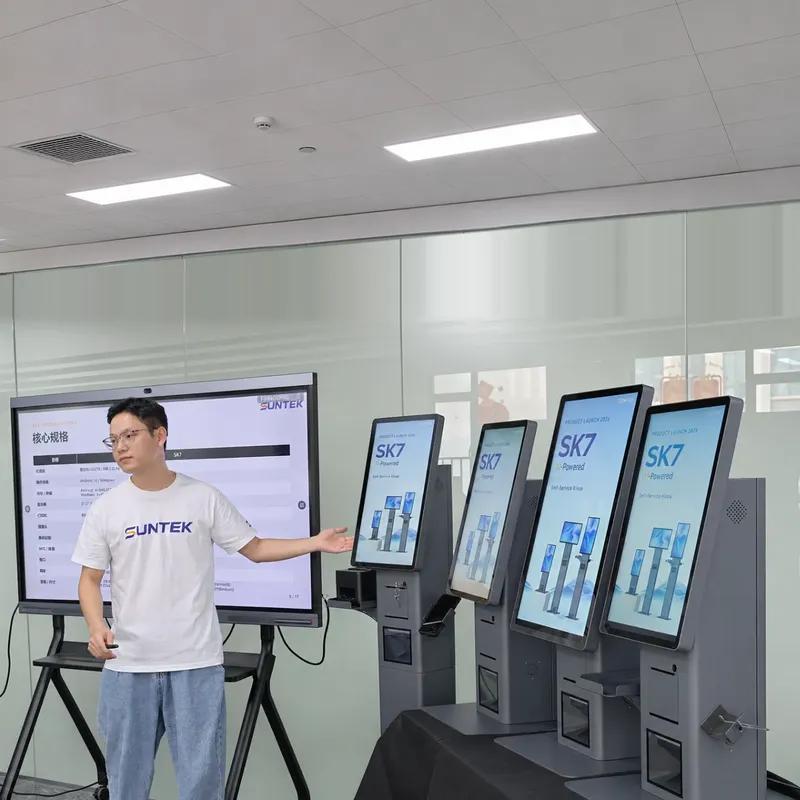
Meet the SUNTEK SK7 Self-Service Kiosk Family | Live Product Demo
The SUNTEK SK7 Self-Service Kiosk Family took the stage at our latest product sharing session, where the team demonstrated how its modular hardware su…
-
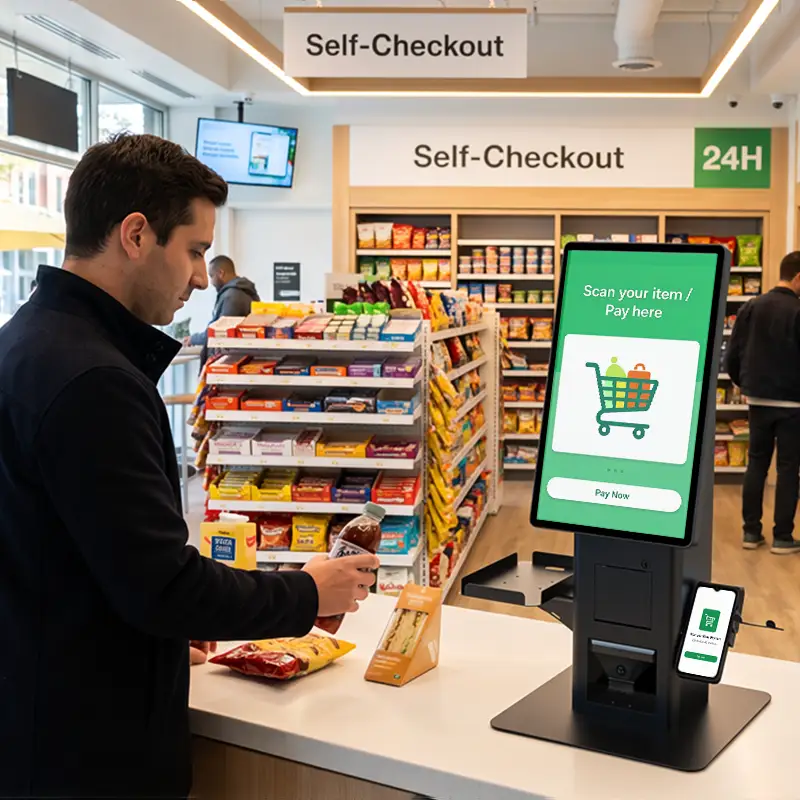
Beyond the Checkout Counter: SUNTEK SK7 for Unattended Convenience Stores
Self-Service Checkout. Flexible Hardware. Connected Retail. From neighborhood convenience stores to workplace micro-markets, unattended retail require…
-
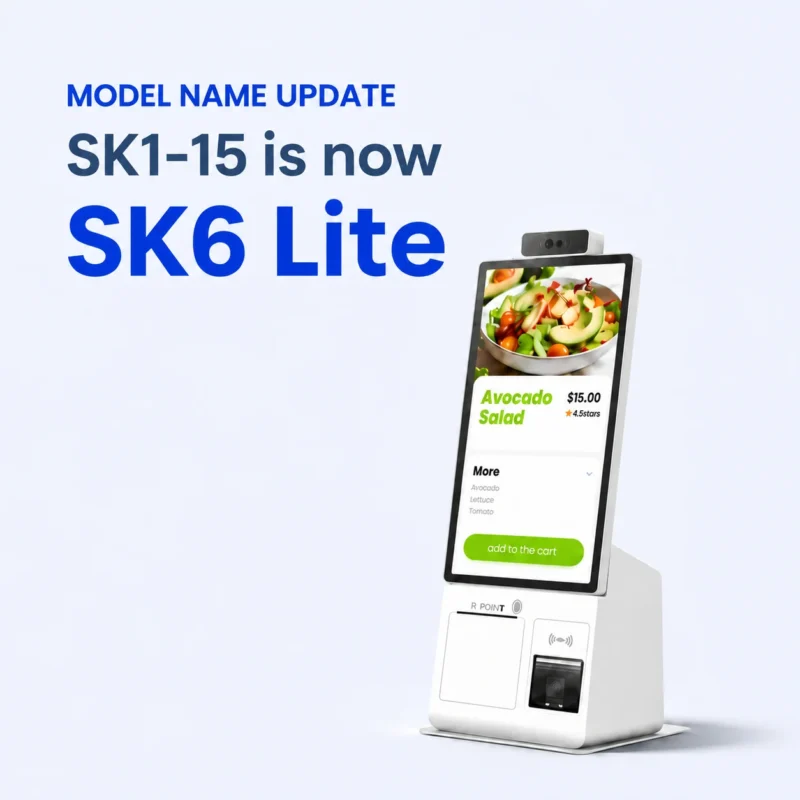
SUNTEK SK1-15 Is Now SK6 Lite: Product Model Update
SUNTEK’s SK1-15 self-service kiosk has been renamed SK6 Lite. This update applies to the model name only. The product’s hardware configuration and fun…
-
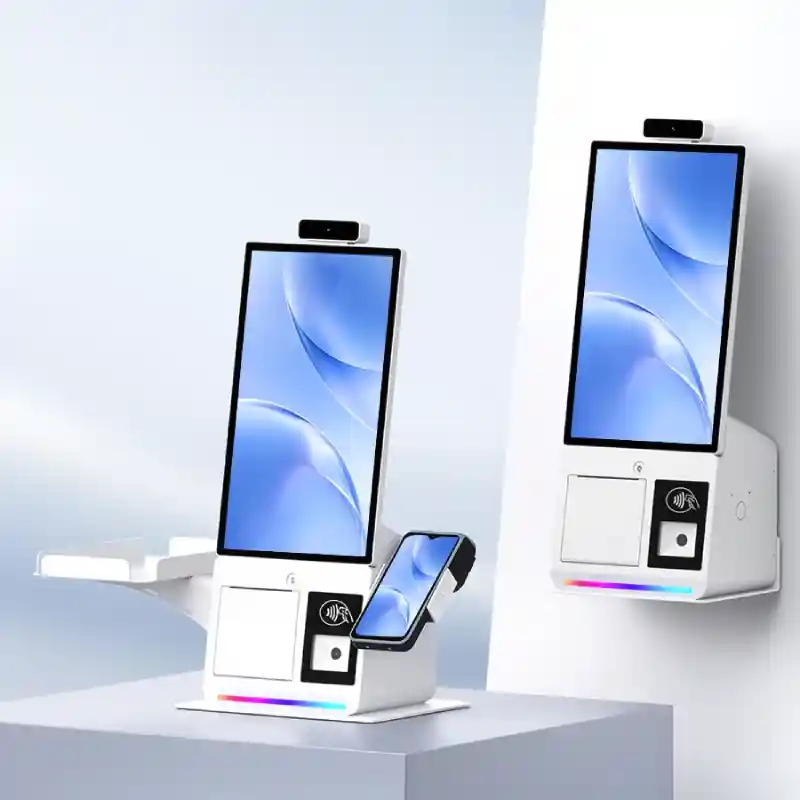
Introducing SUNTEK SK6: Compact Self-Service Kiosk
PRODUCT NEWS / SUNTEK SK6 Introducing SUNTEK SK6: Compact Self-Service Kiosk A Smaller Footprint. More Possibilities. Meet the new 15.6-inch kiosk des…
-
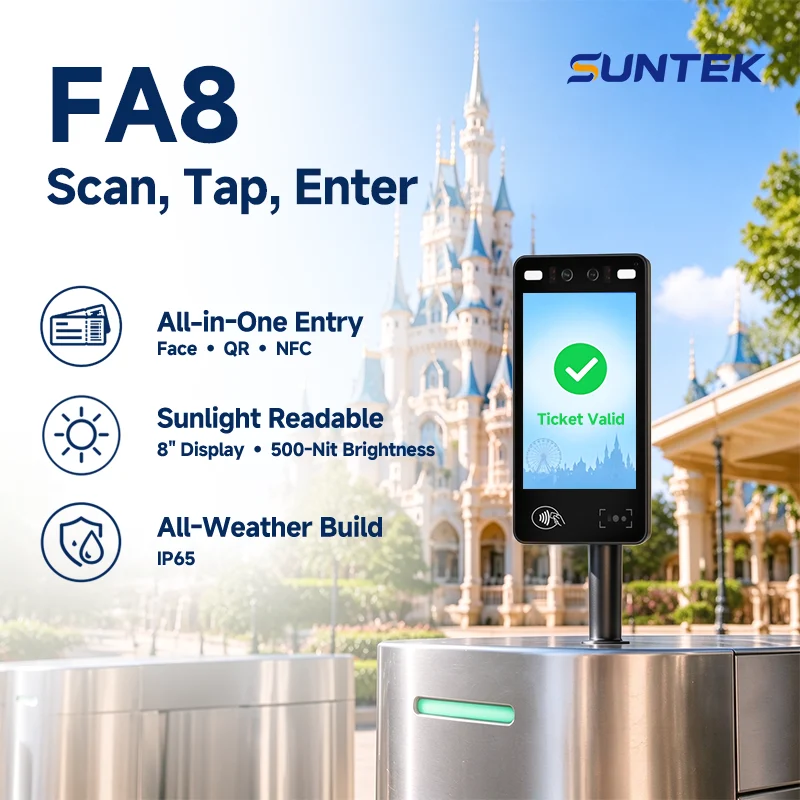
Scan, Tap, Enter: A Better Ticketing Experience with FA8
At a Glance One terminal. From park gates to every ride. SUNTEK FA8 supports amusement park ticket validation through paper and mobile ticket scanning…
-
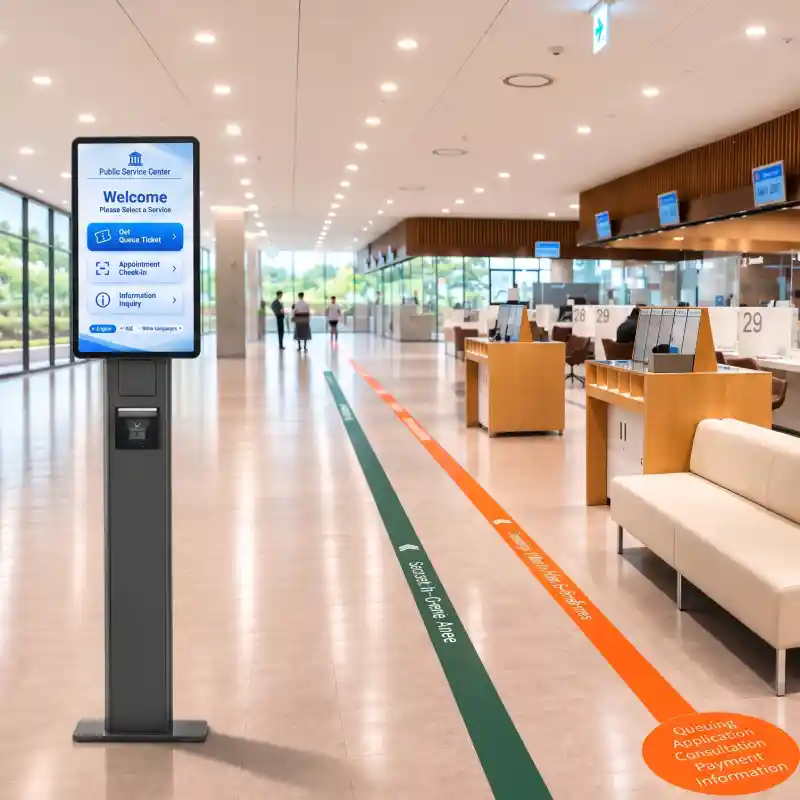
Beyond Queue Tickets: SUNTEK SK7 for Smarter Public Service Kiosks
Beyond Ticket Dispensing. Built for Connected Public Services. A modern public service kiosk should do more than print queue tickets. As government of…
-
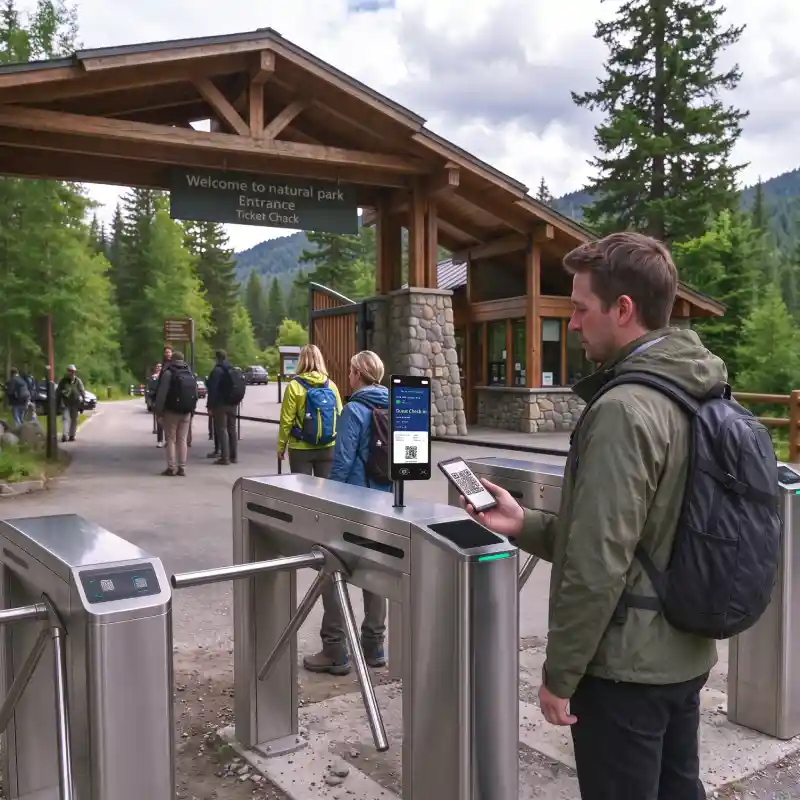
Ticket Validation & Access Control Solution for Tourist Attractions
Tourist attractions need to validate admission tickets, manage staff entry and control access to restricted areas. Each checkpoint has its own rules. …
-
How SUNTEK FA8 and FA10 Support Apartment Access Control and Visitor Check-In
Facial recognition access control for apartments serves residents and visitors with different entry needs. Residents may use facial recognition or tap…
-
Beyond Visitor Sign-In: AI-Accelerated Check-In Hardware with SUNTEK SK7
Beyond Visitor Sign-In. Built for Smarter Workplace Experiences. Enterprise visitor check-in is evolving beyond paper logbooks, reception desks, and b…
-
SK7: AI-Ready Modular Kiosk for Next-Gen Restaurant Self-Ordering
Beyond Self-Ordering. Built for Intelligent Dining.Restaurant self-ordering is entering a new era. As AI opens new possibilities for voice assistance,…